Help Center
Getting Started
Core Features
Settings
Payments & Analytics
Team & Scheduling
Integrations
White-Label
Settings
Two-factor authentication
A code from an authenticator app as well as your password when you sign in.
Two-factor authentication asks for a six-digit code from an app on your phone as well as your password. Somebody who learns your password still cannot get in. It is set per person, not per workspace: click your avatar at the top right, choose Profile, and scroll to Two-factor authentication.
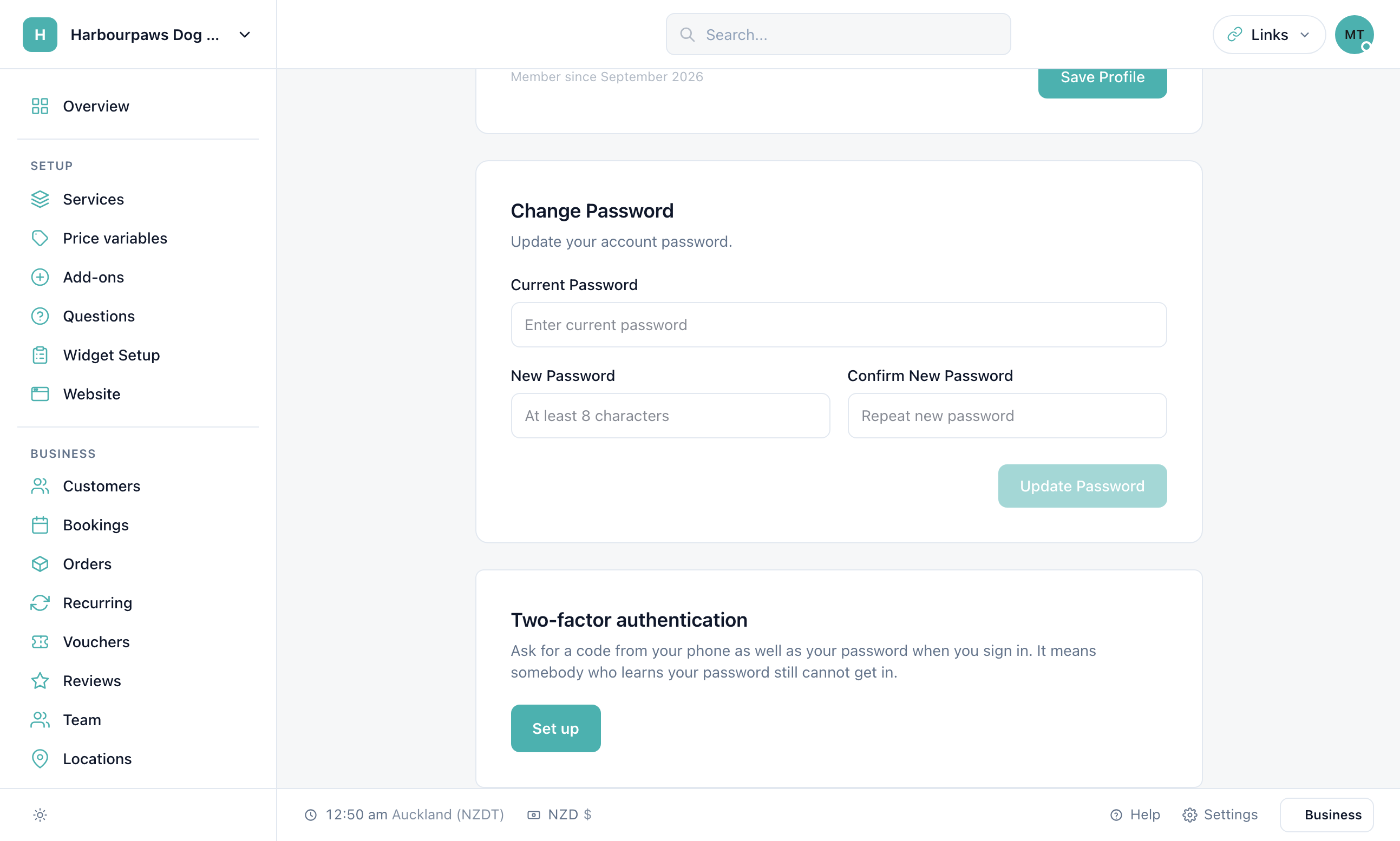
Turning it on
Click Set up
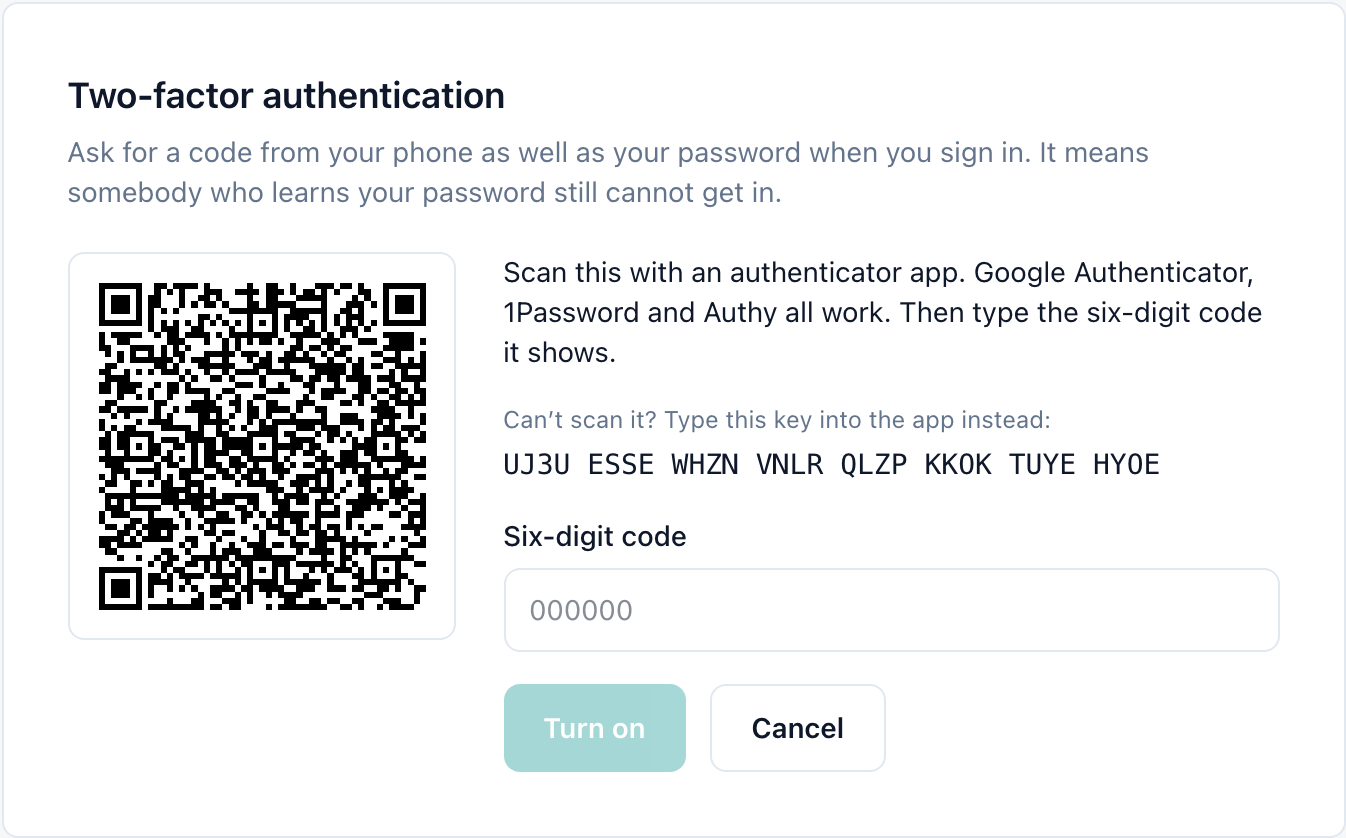
A QR code appears, with a key you can type instead if the camera will not focus or the app is on the same device.
Scan it with an authenticator app
Google Authenticator, 1Password and Authy all work. The app starts showing a six-digit code that changes every thirty seconds.
Type the code and click Turn on
The code proves the app is set up correctly before anything changes.
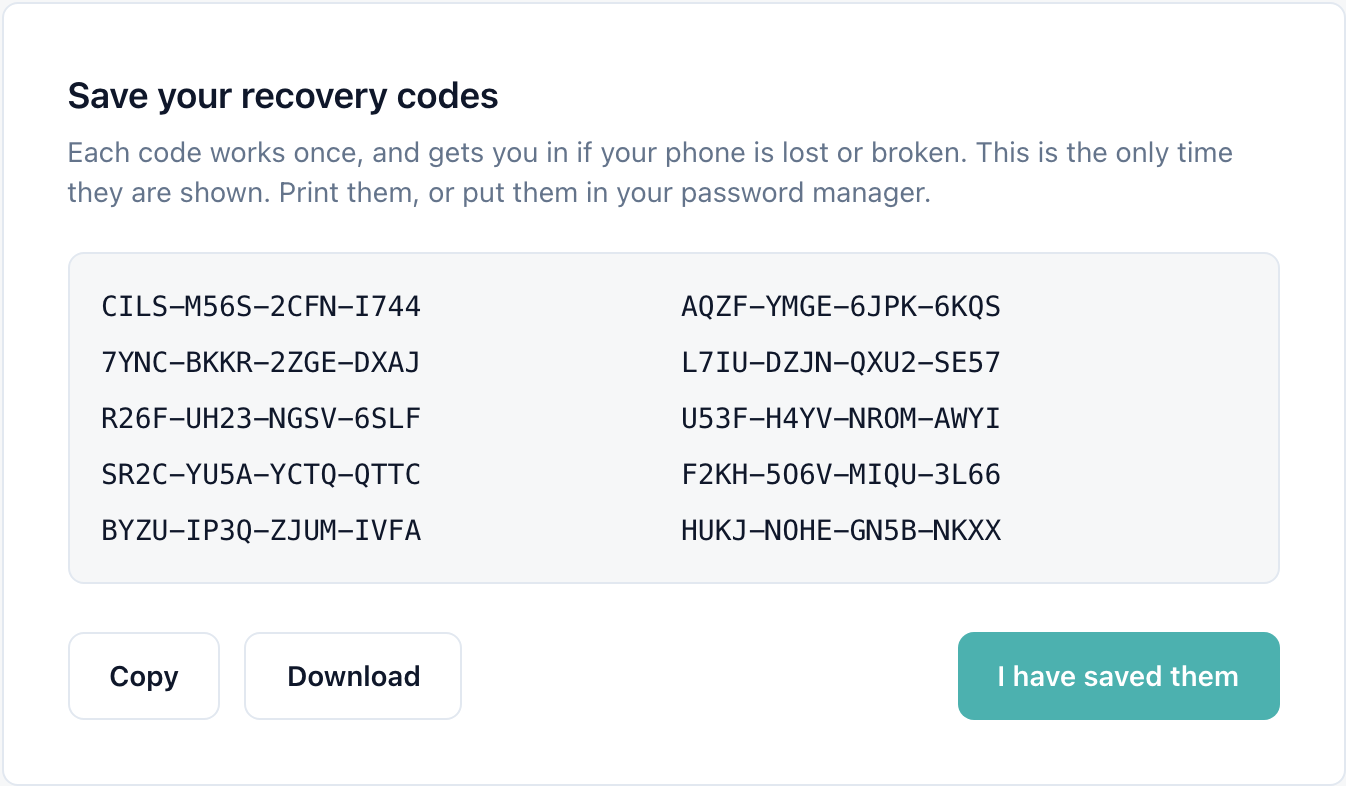
Save your recovery codes
Ten codes appear once. Copy or download them, keep them somewhere safe, then click I have saved them.
Signing in afterwards
After your password (or Google sign-in) you are asked for the code from your app. Tick Trust this device for 30 days on a computer that is yours, and that browser will not ask again for a month. Changing your password or turning two-factor off and on again ends that trust.
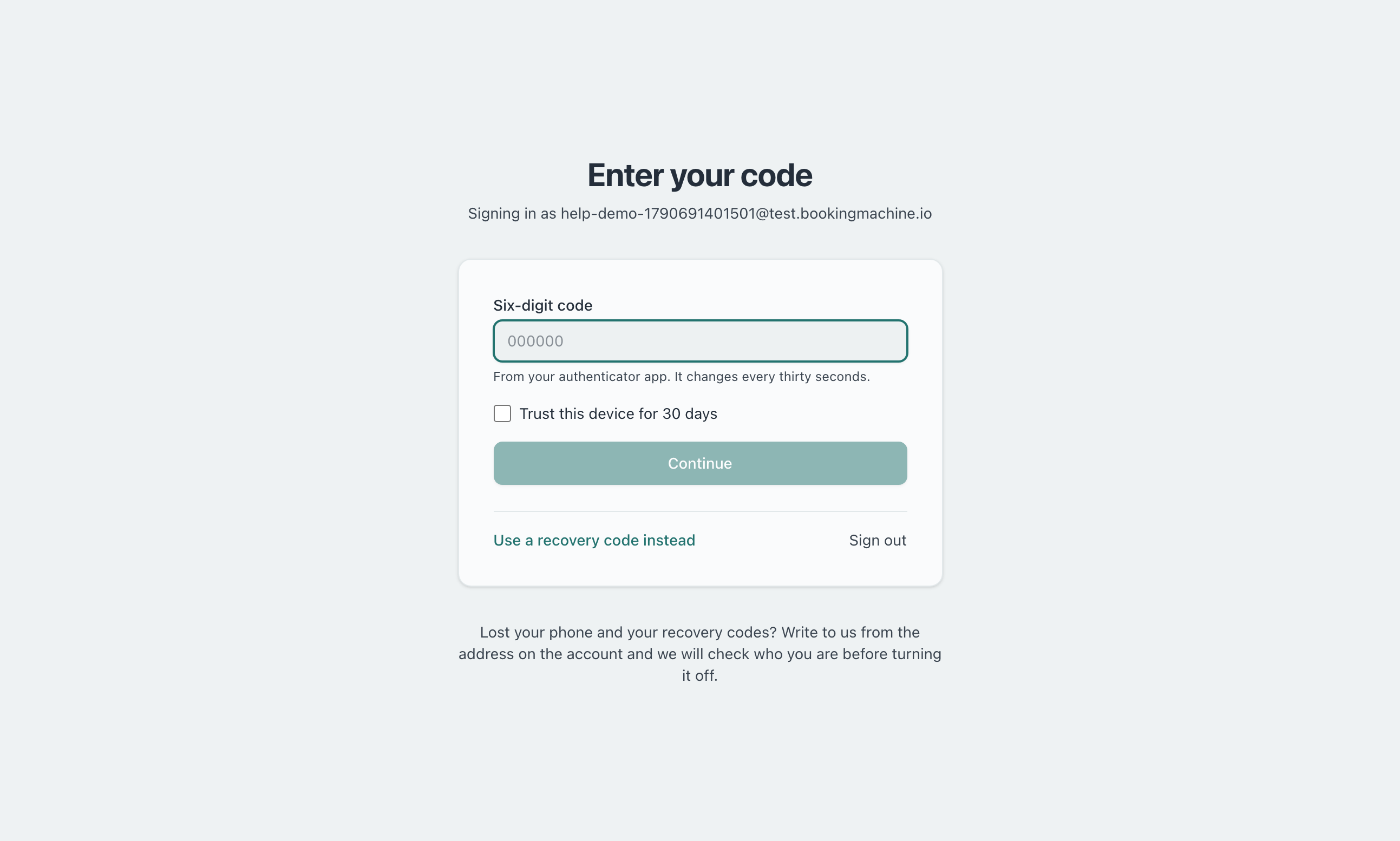
No phone to hand? Click Use a recovery code instead and type one of the codes you saved. It is used up once it has let you in.
Recovery codes and turning it off
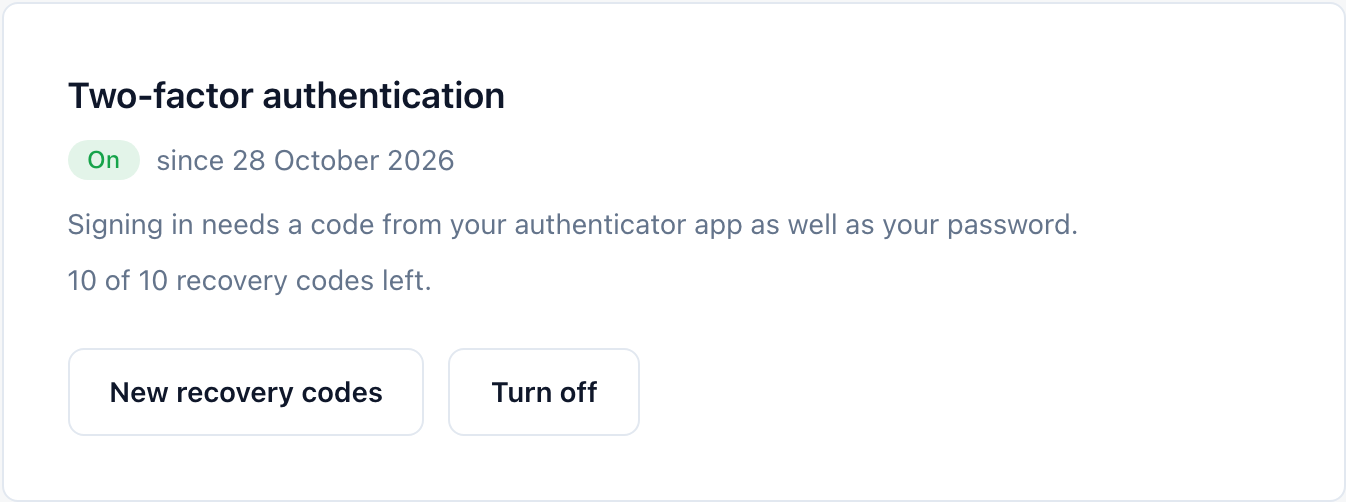
Once it is on, the card shows when it was turned on and how many recovery codes are left. New recovery codes replaces the set you have; the old ones stop working. Turn off goes back to a password alone. Both ask for your password (where the account has one) and a current code or a recovery code.
Lost your phone?
Sign in with one of your recovery codes, then on your profile click Turn off and set it up again on the new phone.
Lost the recovery codes as well? Write to us from the email address on the account. We check who you are before turning it off.
Still have questions? Contact support