Tutoring Booking Software That Fills Your Sessions Automatically
Let students and parents book sessions, set up a regular lesson, and pay upfront. Share your booking link, embed it on your website, or use your free tutor profile page.
Tutoring booking software lets parents and students pick a subject and level, see the price per lesson or per block, choose a weekly slot and pay online, with no account to create. BookingMachine handles recurring lessons, online and in-person pricing, packages, invoices and review requests, and sends payments to your own Stripe account.
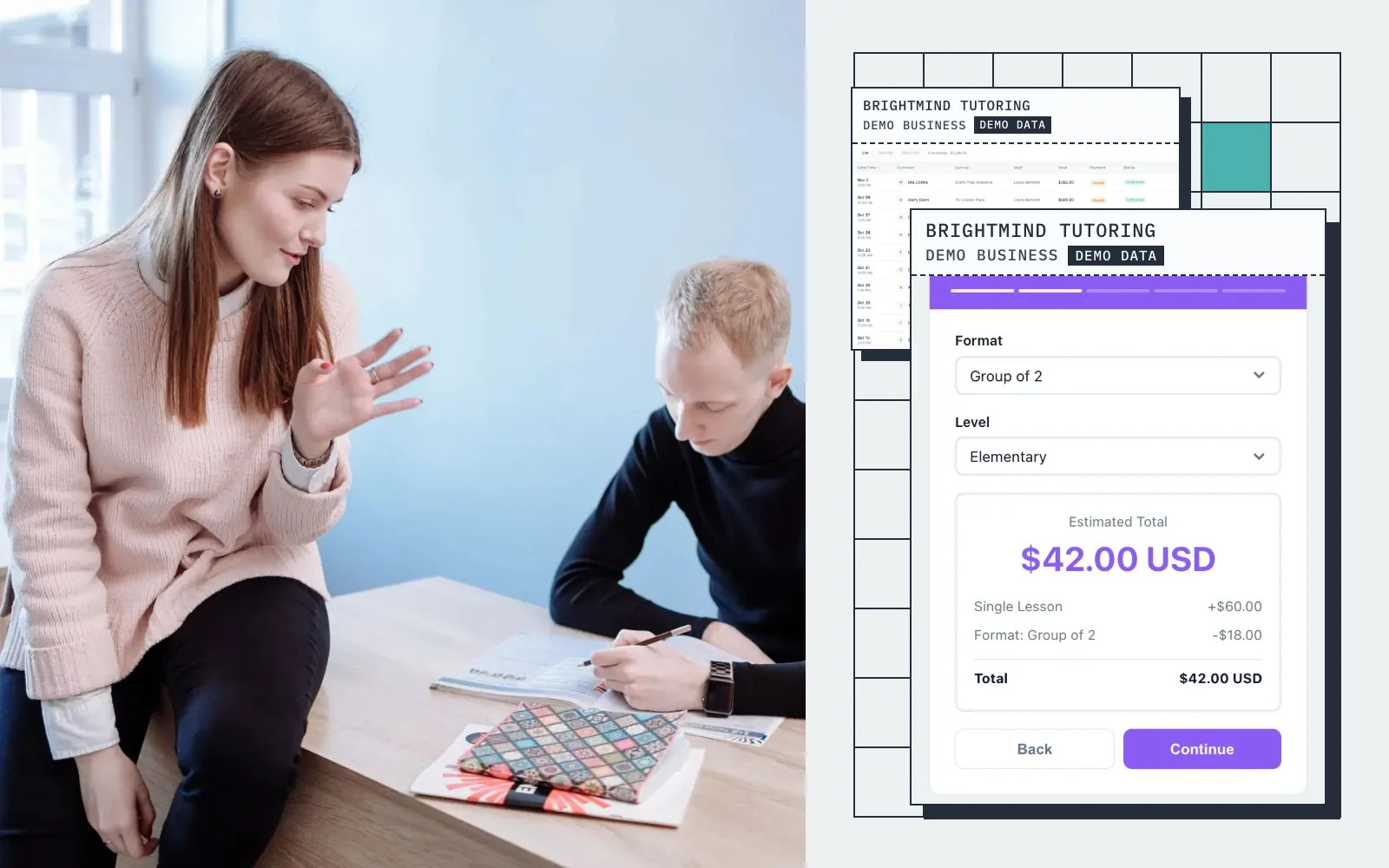
Live demo · BrightMind Tutoring
Try the booking form
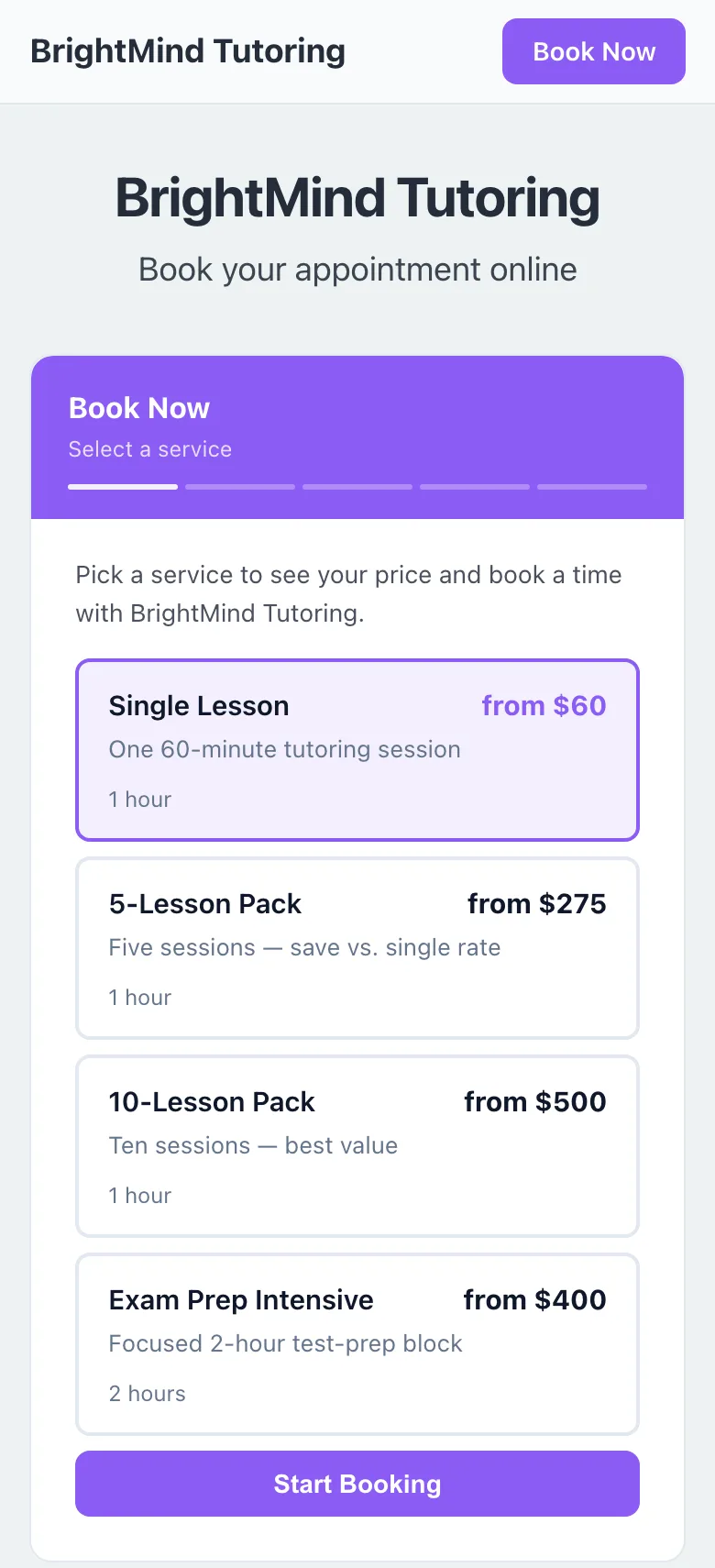
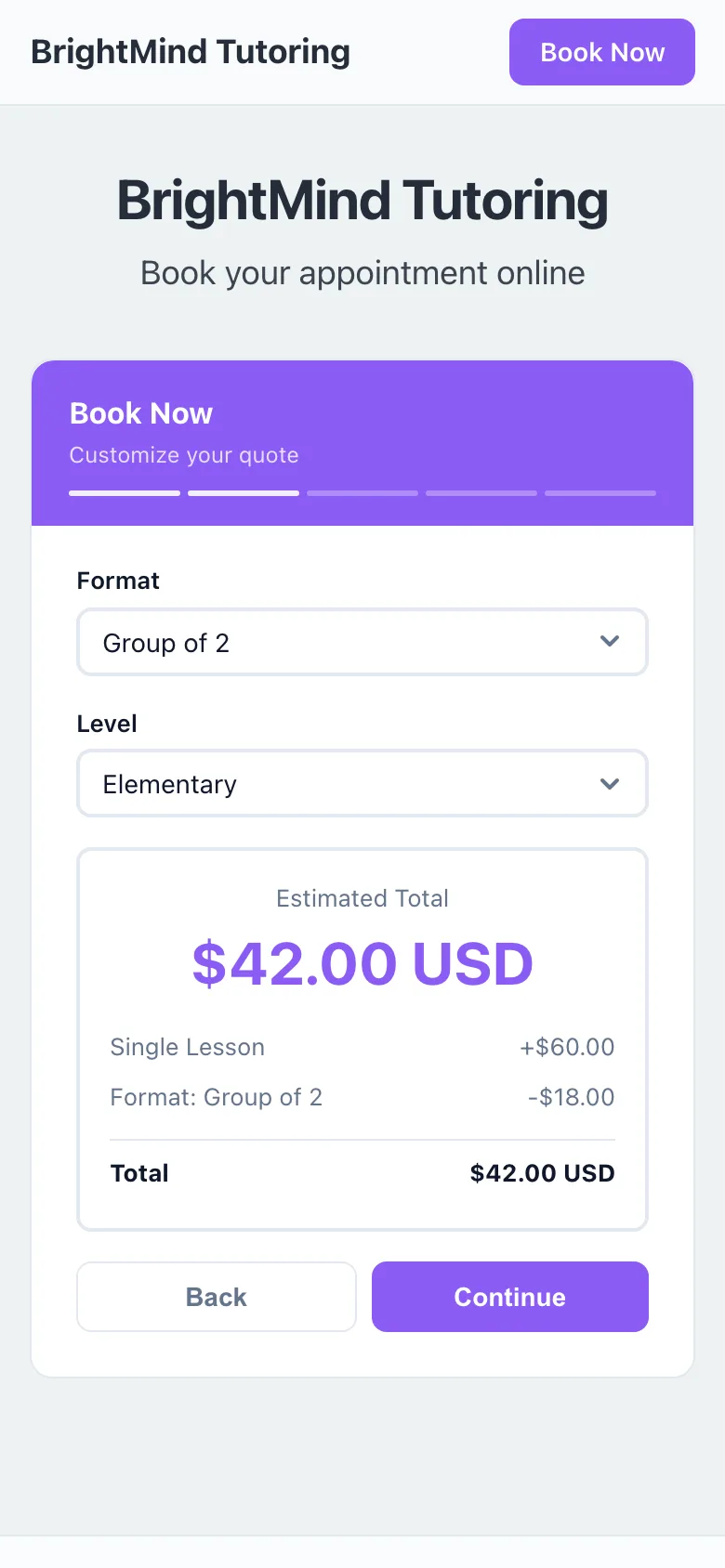
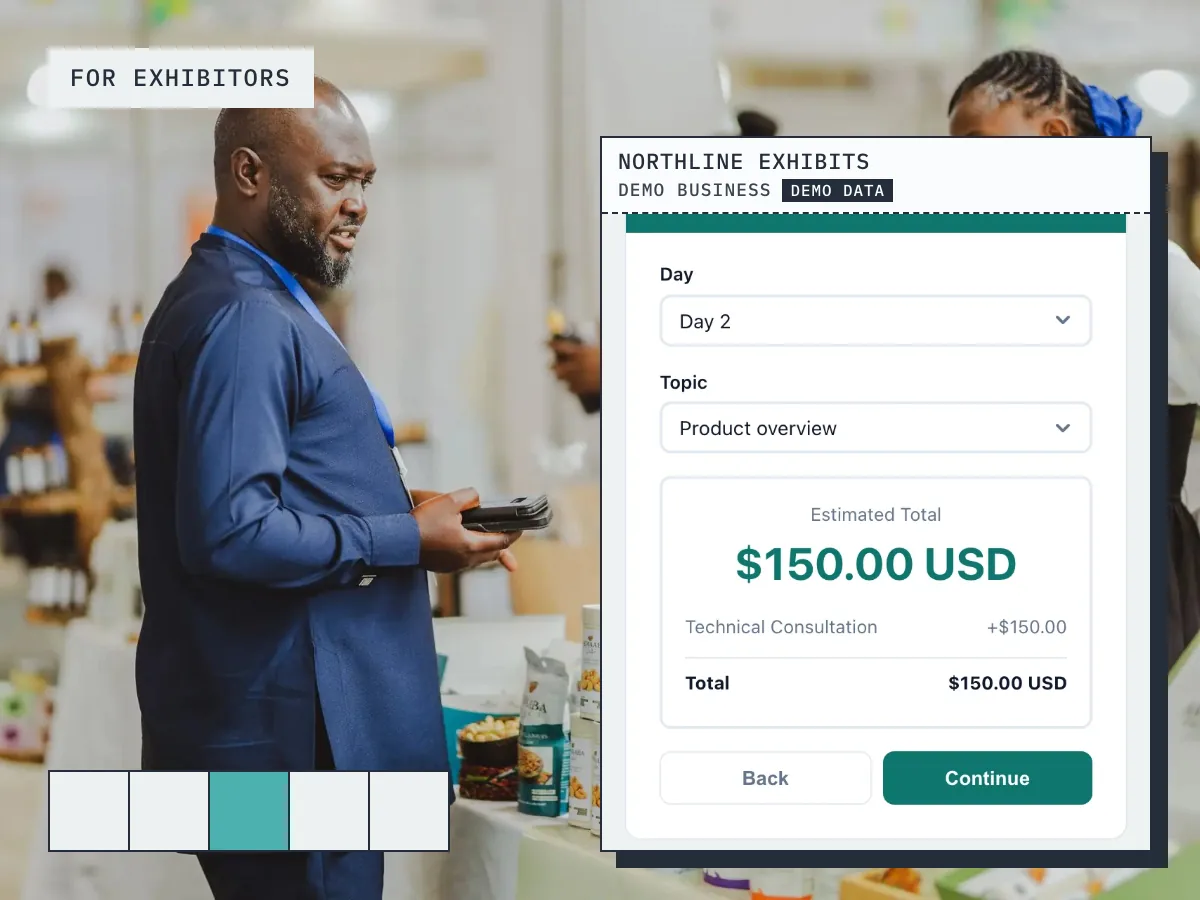
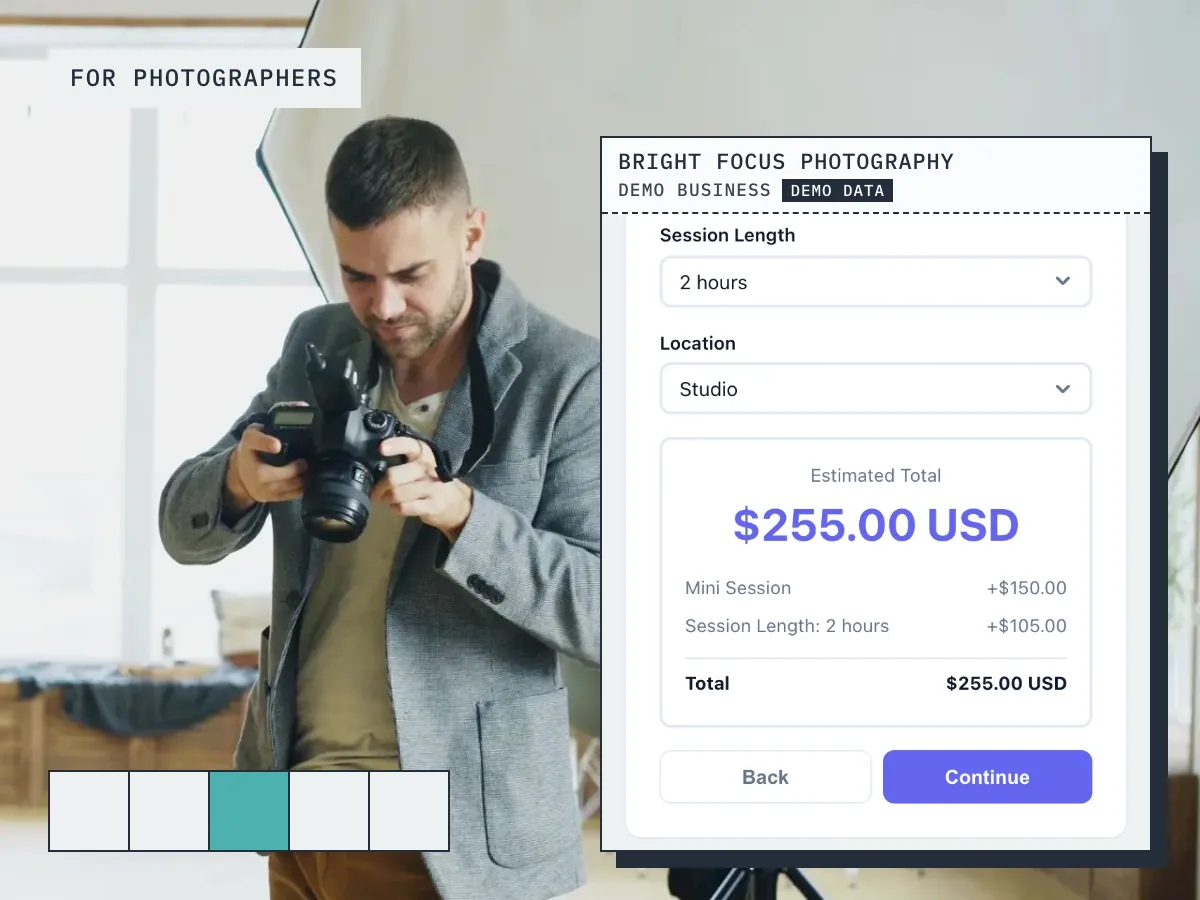
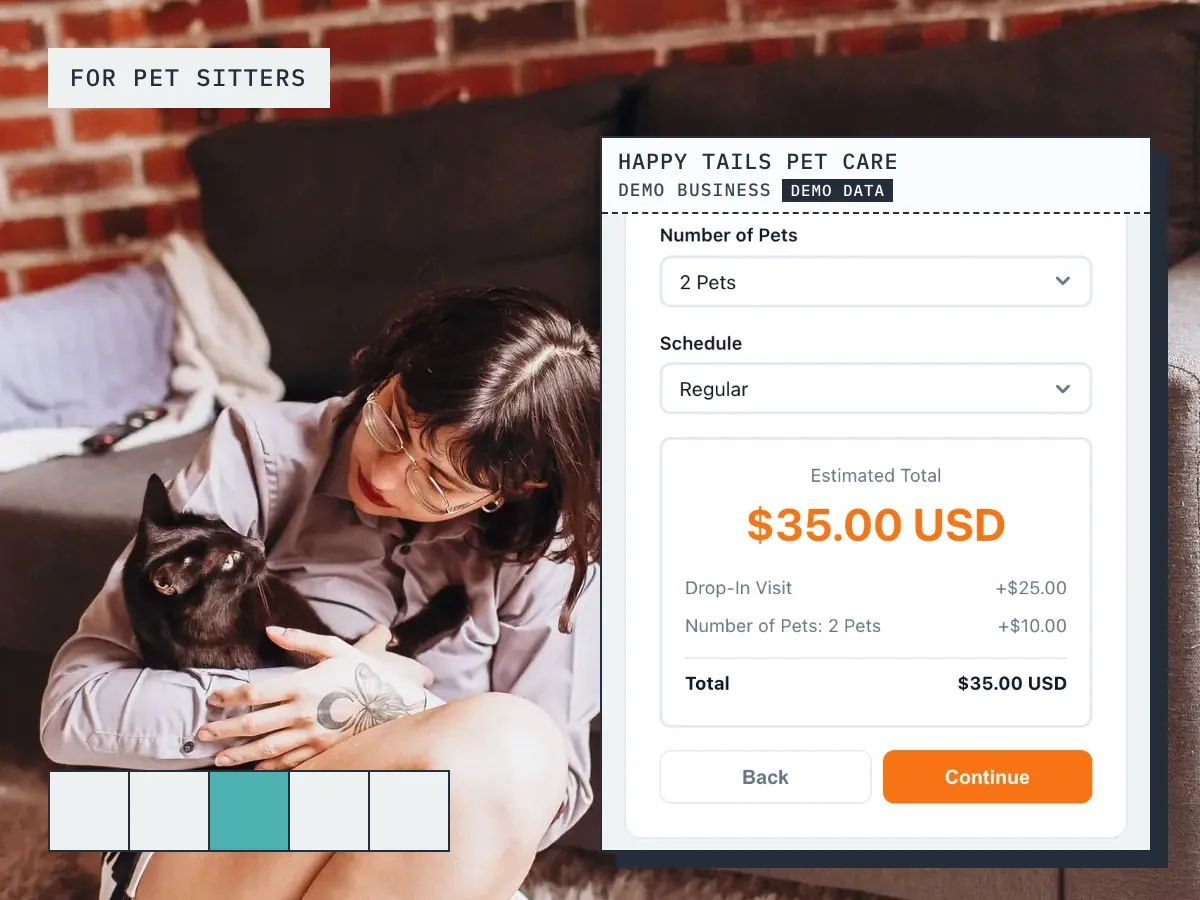
This is what your customers see: pick a service, get an instant quote, and book in seconds.
Screens
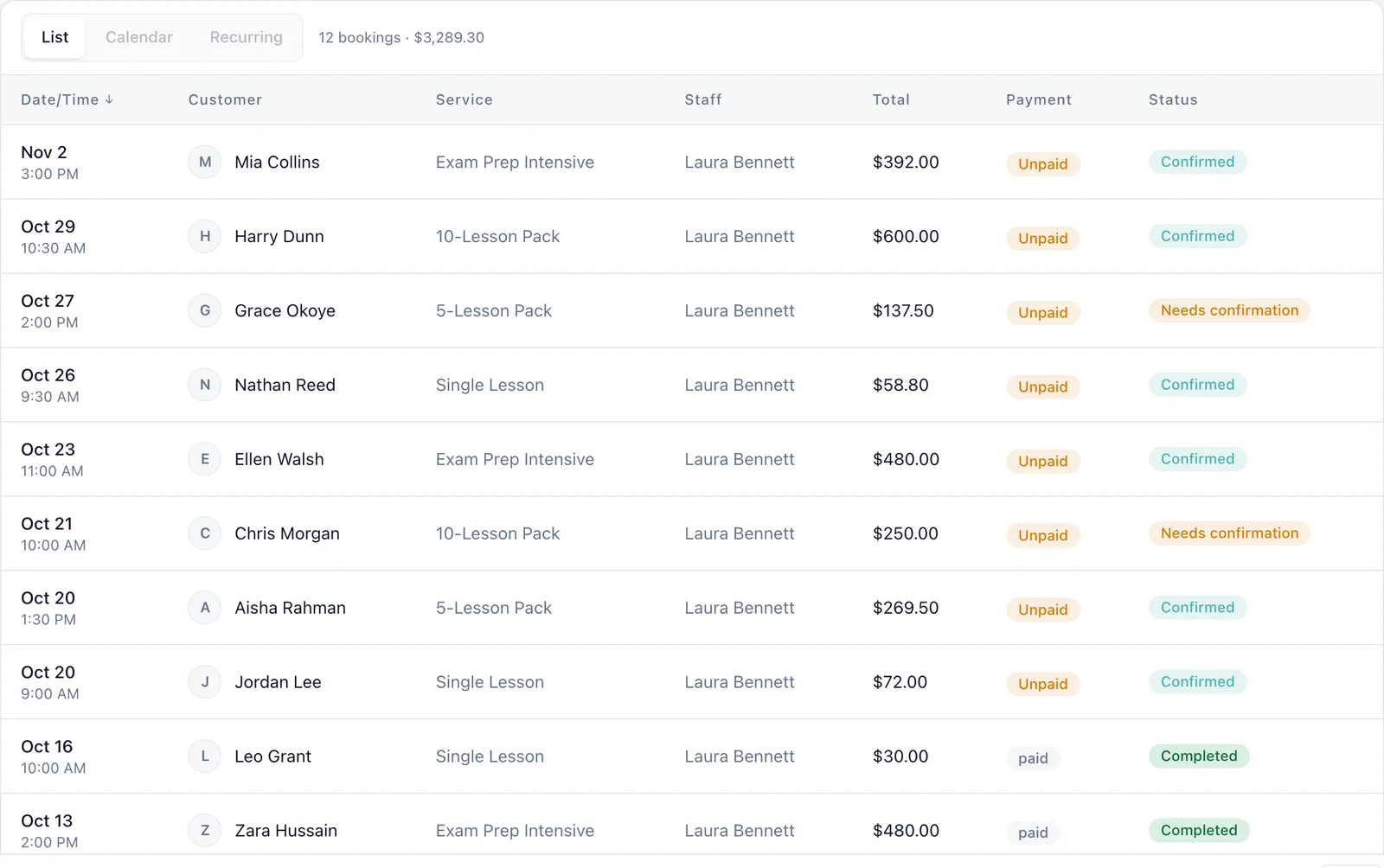
Real screens from a demo tutoring business
Captured from a working demo account: what your customer sees on their phone, and what you see in the dashboard.
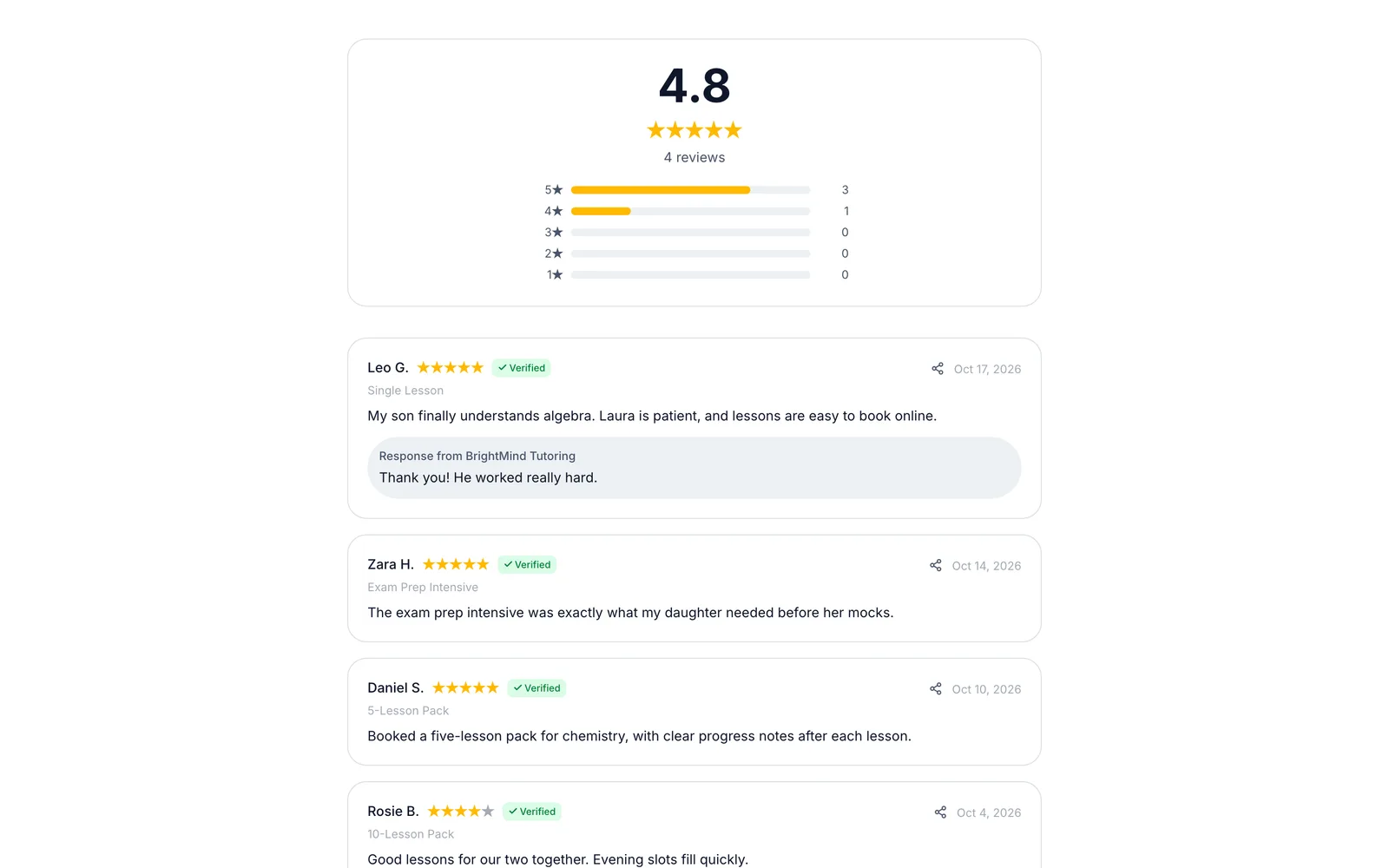
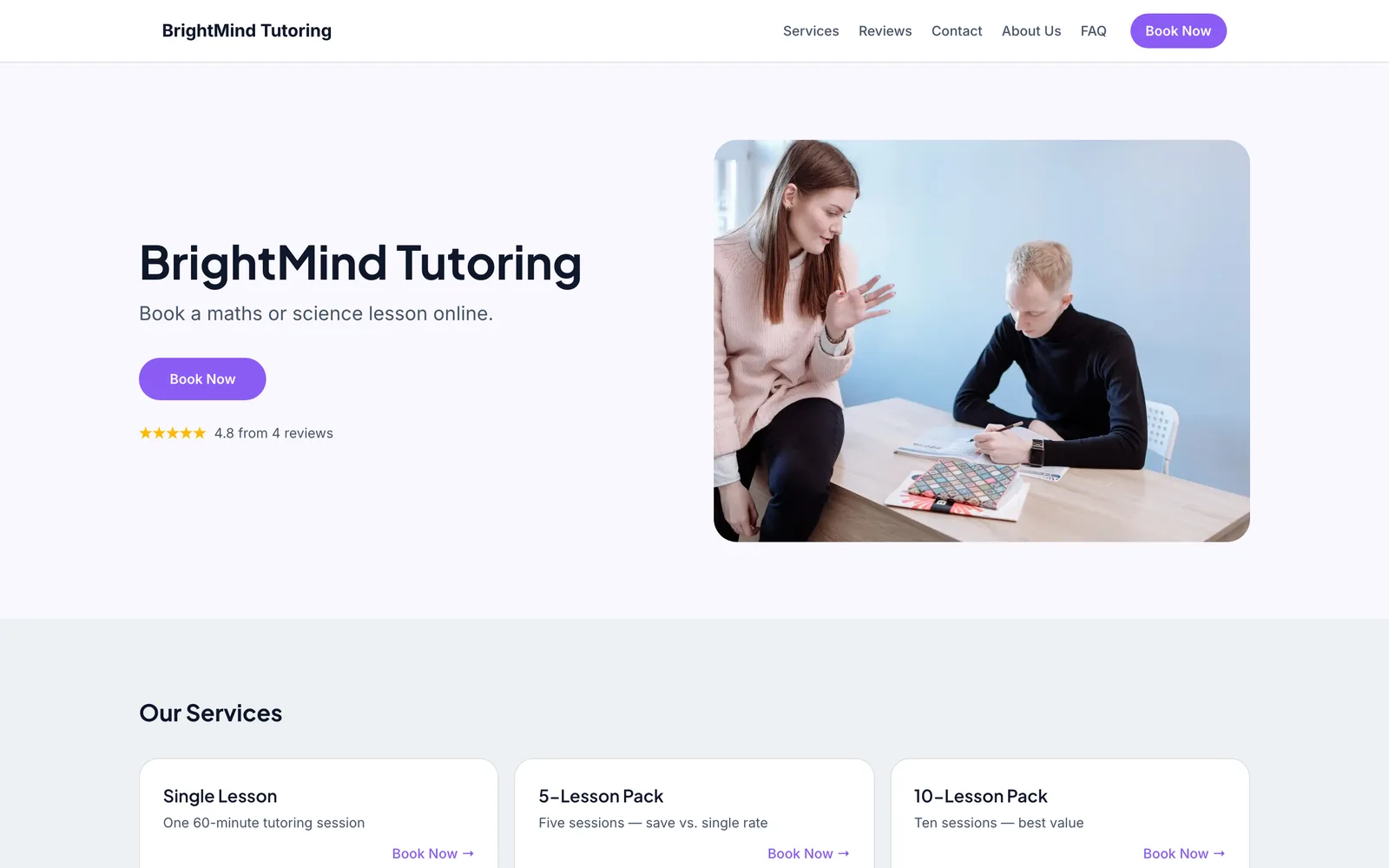
Embed on your site
Embed the booking widget on your tutoring website so parents book sessions anytime.
Share a booking link
Share your booking link with schools, parent groups, or on social media for instant bookings.
Free website
Your free website is a professional tutor site with your subjects, rates and availability, and booking built in.
Auto-collect reviews
After every session block, auto-collect parent testimonials and student success stories.
Sound familiar?
These are the problems that cost you time, money, and clients every week.
Parents email you, you reply with your availability, they take 3 days to respond, and the slot is gone.
Your booking page shows real-time availability. Parents pick a slot and book instantly — no email chains.
Students cancel last minute because there is no financial consequence.
When parents pay upfront, cancellations and no-shows drop dramatically.
You have helped dozens of students improve their grades, but you have no written testimonials to show for it.
Auto-collect parent reviews after every tutoring block. Testimonials about grade improvements drive new referrals.
Core advantages
Why tutoring businesses choose BookingMachine
Subject & Level Pricing
Charge different rates for different subjects and levels — SAT prep costs more than general math tutoring. The widget handles it automatically.
Paying Upfront Means Commitment
Take payment when the lesson is booked. When parents invest upfront, students show up consistently and get better results.
Parent Testimonials on Autopilot
After a tutoring block ends, auto-send a review request. Parent testimonials about grade improvements are your most powerful referral tool.
Features
Everything tutors need, in one place
Subject-Based Pricing
Set different rates for math, science, SAT prep, college essays, coding, music, or any subject you teach.
Regular Lessons
Offer a trial lesson, single lessons, or a regular weekly slot with a discount. Parents book and pay in one flow.
Group vs. Private
Offer small group sessions at a lower rate and private 1-on-1 sessions at a premium. Set capacity limits for groups.
Availability by Day
Set different available hours for each day — after-school slots on weekdays, longer blocks on weekends.
Student Profiles
Track each student's grade level, subjects, learning goals, and session notes. Provide personalized instruction.
Parent & Student Access
Parents book and pay. Students see upcoming sessions. Everyone stays informed through automated emails.
Free website
A website made for tutors
Every account comes with a bookable website built from your services, prices and reviews. The Simple template was designed for tutors: one calm column of words, a serif headline and a Book button wherever you look.
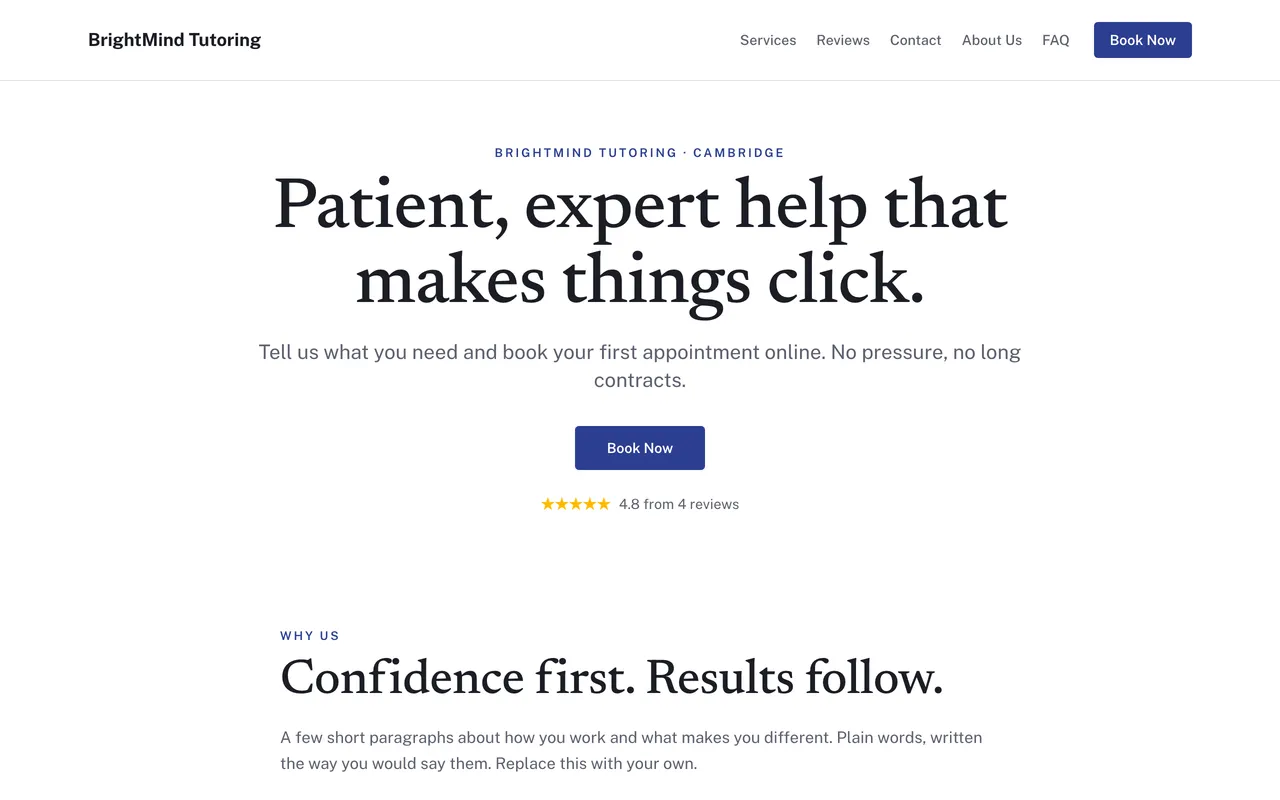
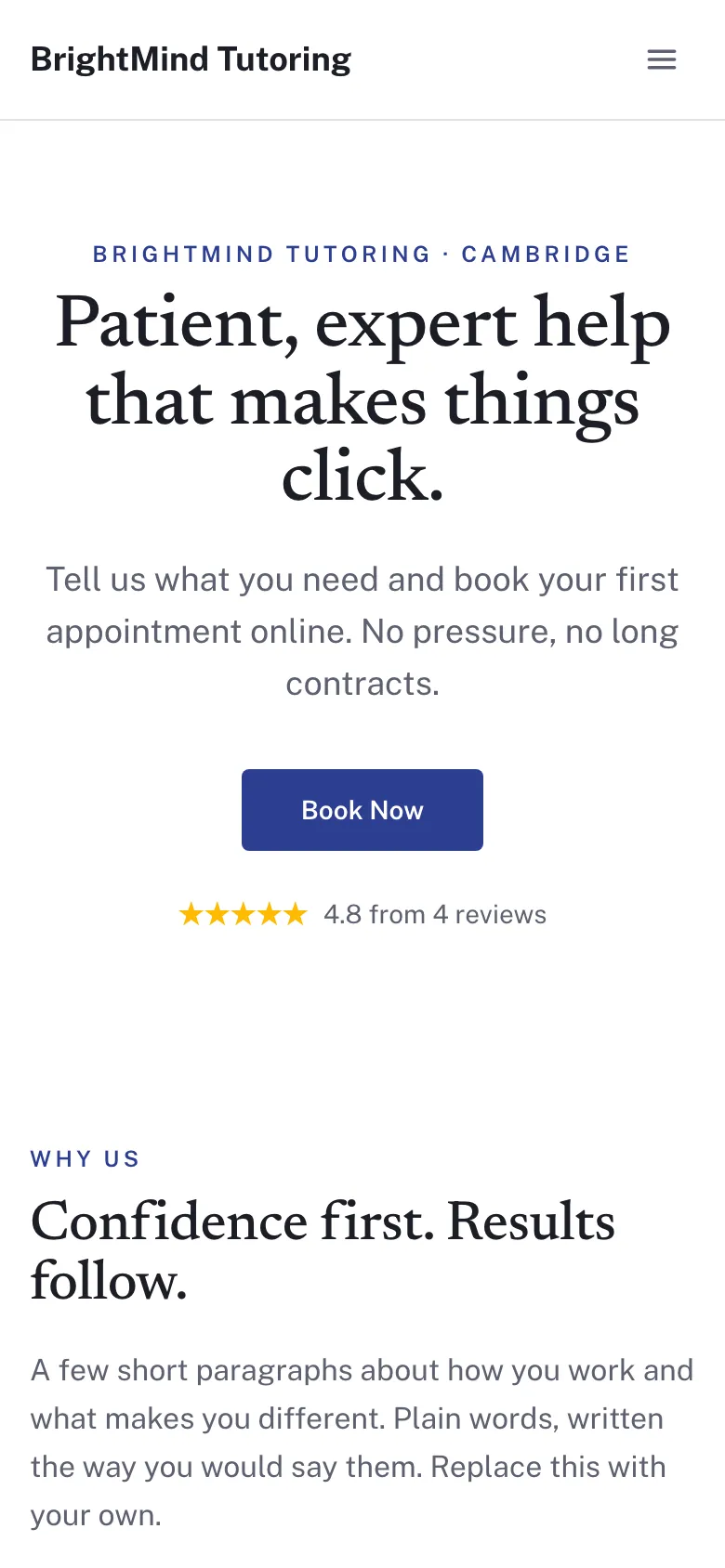
Simple
One calm column of words, a serif headline and a Book button wherever you look.
Pricing engine
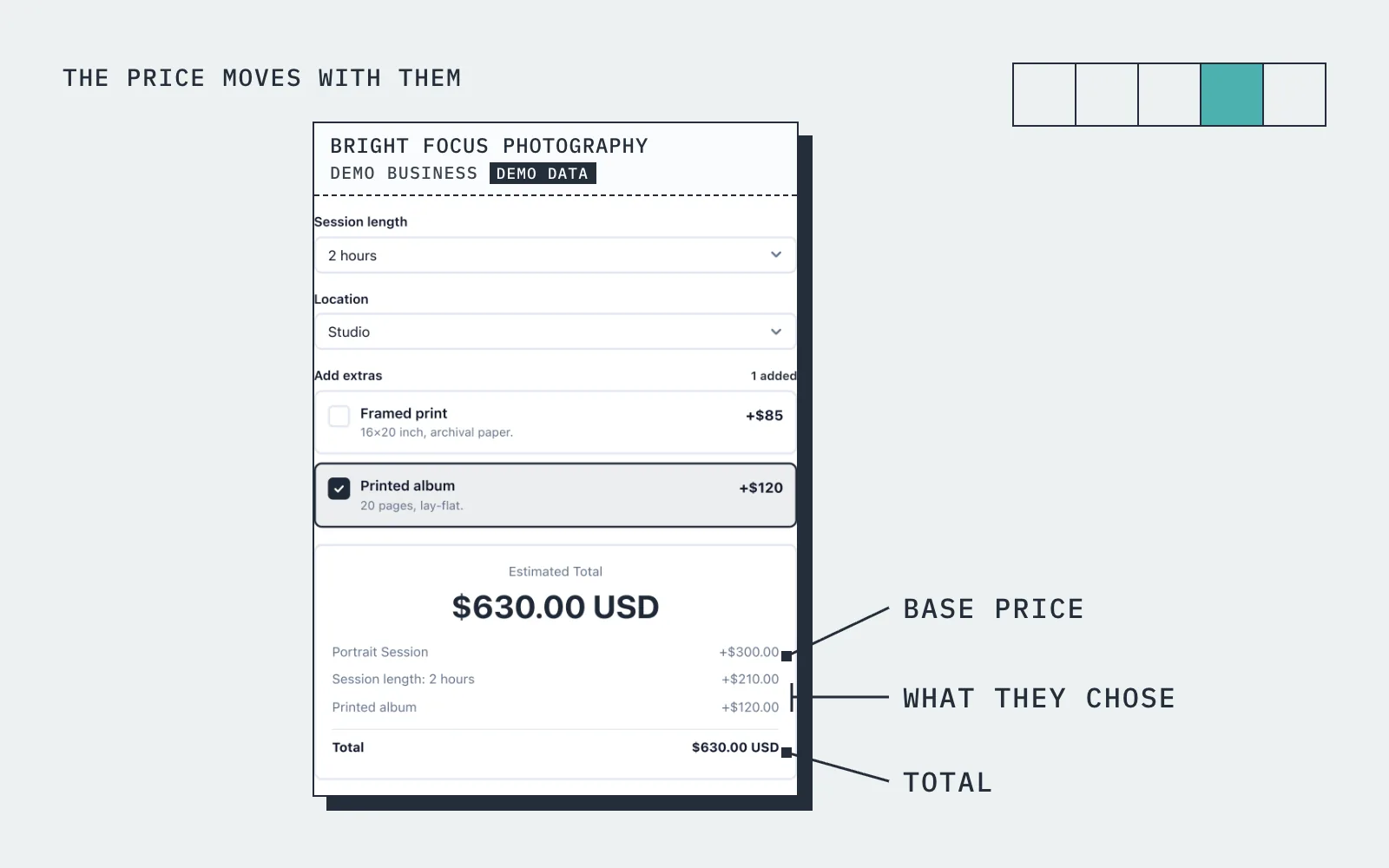
The price moves with what they choose
A parent selects "SAT Prep - 10 Sessions", picks "Private 1-on-1", and chooses Saturday mornings. The widget shows $900 — paid upfront with Stripe.
How it works
Up and running in three steps
Start free
No card needed. Add your business name and you are in.
Add your services and prices
Set what you sell, what changes the price, and your hours.
Share it and get booked
Share your link, embed it on your site, or publish your free website.
Guide
Tutoring booking: what to know
Pricing by subject, level and lesson length
Tutors rarely have one price. GCSE maths and A level further maths are different lessons, an hour and ninety minutes are different lessons, and a pair of siblings is different again. A tutoring booking system has to carry that without a price list the length of a prospectus. In BookingMachine each lesson type is a service with its own duration and base price, and price variables adjust it for level, length, group size and location.
The parent or student picks the subject, the level and the options, and sees the price change as they do. Because the lesson has a duration, a ninety minute slot blocks ninety minutes and a slot that is taken is never offered twice. The form carries your colours and logo, and every booking arrives in your dashboard and inbox with the options chosen.
Recurring weekly slots
Most tutoring is the same student at the same time every week for a term, and session scheduling software should treat that as one booking, not thirty. BookingMachine supports recurring bookings, so a Thursday at five becomes a standing lesson in your diary without being rebooked each week. A recurring discount through the pricing rules is a simple way to reward families who commit to the term.
Standing lessons also keep your availability accurate. A new family looking for an after-school slot only sees the times that are genuinely free, because the regulars are already in the diary. You set your hours, block the school holidays, and if you teach at more than one place, each location has its own hours.
Online or in person: one booking form for both
Many tutors now offer both online lessons and lessons at the student's home or a library, usually at different prices. Rather than two systems or two price lists, use a price variable for the lesson location. The parent picks online or in person and the price adjusts, with travel covered for in-person lessons. The booking records which one they chose, so you know whether to open a video call or get in the car.
If you only teach online, the booking link does all the work: share it on your tutoring profile, your social accounts or by message, and the student books from anywhere. If you have a website, the form embeds on it with one line of code. If you do not, your free website gives you a multi-page site with your subjects, rates and reviews and the booking form built in.
Can I take payment upfront, or a deposit?
Yes. For each lesson type you decide whether the family pays in full when they book, pays a deposit, or pays after the lesson. The card payment is taken at booking and goes to your own Stripe account. Online payments are on the paid plans and need an approved payments application, which we review before switching them on.
Blocks of lessons are usually paid upfront, and selling a block of ten as its own service with a package discount is the simplest way to do it. For families who pay after each lesson or at the end of the month, you can send an invoice from the dashboard once the lesson is marked complete, so the billing and the diary live in the same place.
No accounts for parents, and free for tutors to start
Parents and students never create an account. They open your link, pick the subject and the options, see the price, choose a time and pay if payments are on. They get a confirmation by email and you get the booking. After a lesson is marked complete they are asked for a review, which for a tutor is the recommendation that brings the next family.
The free plan has no card and covers your lesson types and prices, the booking link, the form for your website, your free website and review requests. Payments and deposits are on the paid plans. Set up your subjects and your weekly hours for free, take some bookings, and turn payments on when you want to sell blocks online.
Pricing
Simple, transparent pricing
Start free. Upgrade when you are ready.
Free
Get started for free
No card needed
- 25 bookings a month
- 1 team member
- 1 location
- Quotes and invoices
- Booking form, booking page and free website
- 3 website pages
Pro
Most popularTurn your website into a booking machine
or $18/mo billed yearly
- Everything in Free
- Unlimited bookings
- 4 team members
- 2 locations
- Online payments, deposits and no-show fees
- Repeat bookings
- Discount codes
- Google Calendar, two-way
- Every website template and your own domain
- 20 website pages
- Auto-assign jobs, customers choose a person
- Priority support
Business
For teams and multi-premises
or $34/mo billed yearly
- Everything in Pro
- 15 team members
- 6 locations
- Unlimited website pages
30-day money-back guarantee. No questions asked.
FAQ
Tutoring booking software FAQ
Can I charge different rates for different subjects?
Yes. Set unique pricing for every subject — general homework help, advanced math, SAT prep, college essays, and more.
Can parents book a regular weekly lesson?
Yes. Parents can subscribe to a weekly, biweekly or monthly lesson, with a discount you set. The lessons are booked automatically on schedule.
Can I offer both group and private sessions?
Yes. Set different services for group (with capacity limits) and private sessions. Different pricing for each.
How do parent testimonials work?
After a tutoring block ends (you define the trigger), BookingMachine emails the parent a review request. They share their experience and student progress.
Can parents manage their student's bookings?
Yes. Parents can view upcoming sessions, reschedule within your policy window, and book more lessons.
Is there a free plan?
Yes. The free plan covers a limited number of bookings each month, with quotes, invoices and a hosted booking page. Online payments and deposits are on the paid plans. The pricing page has the current limits.
From the blog
Guides for tutors
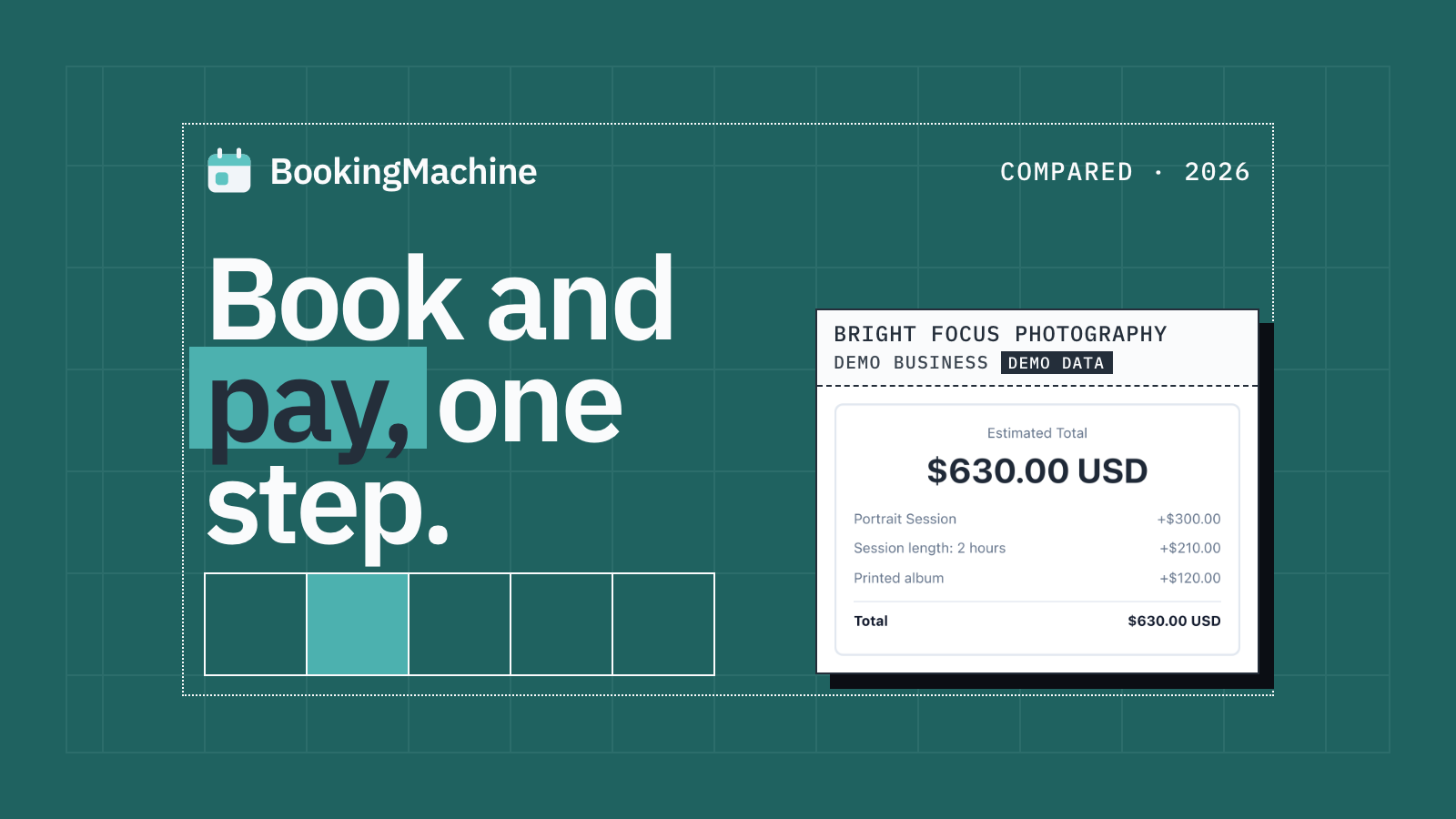
The Best Appointment Booking and Payment Systems for Service Businesses (2026)
Compare the best appointment booking and payment systems for service businesses. Take deposits, reduce no-shows and automate reviews. Updated 2026.
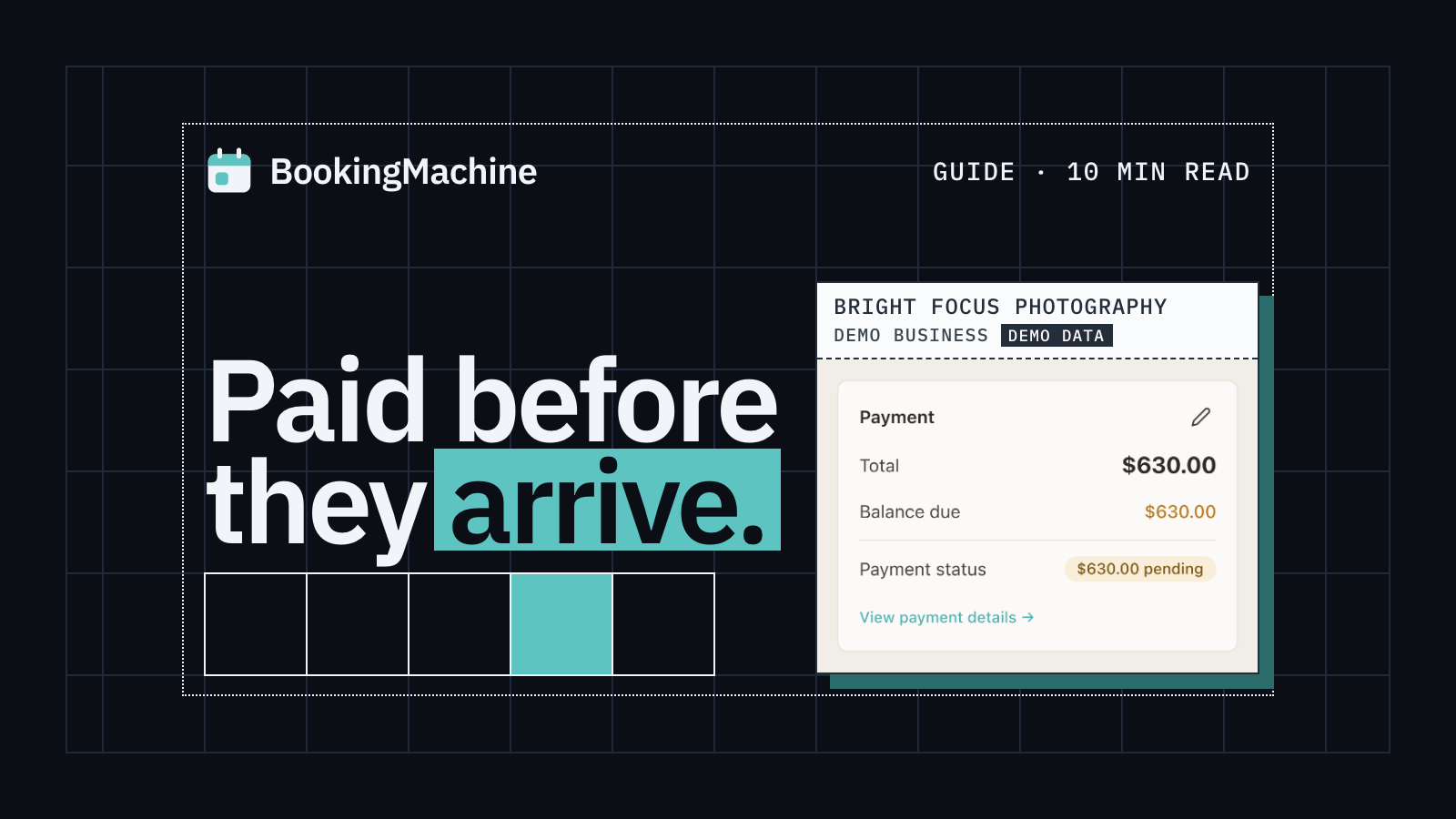
Online Booking System with Deposit: The Complete Guide for Service Businesses
Take deposits at the time of booking, cut no-shows and protect your revenue. The complete guide to choosing a booking system with deposit for service businesses.
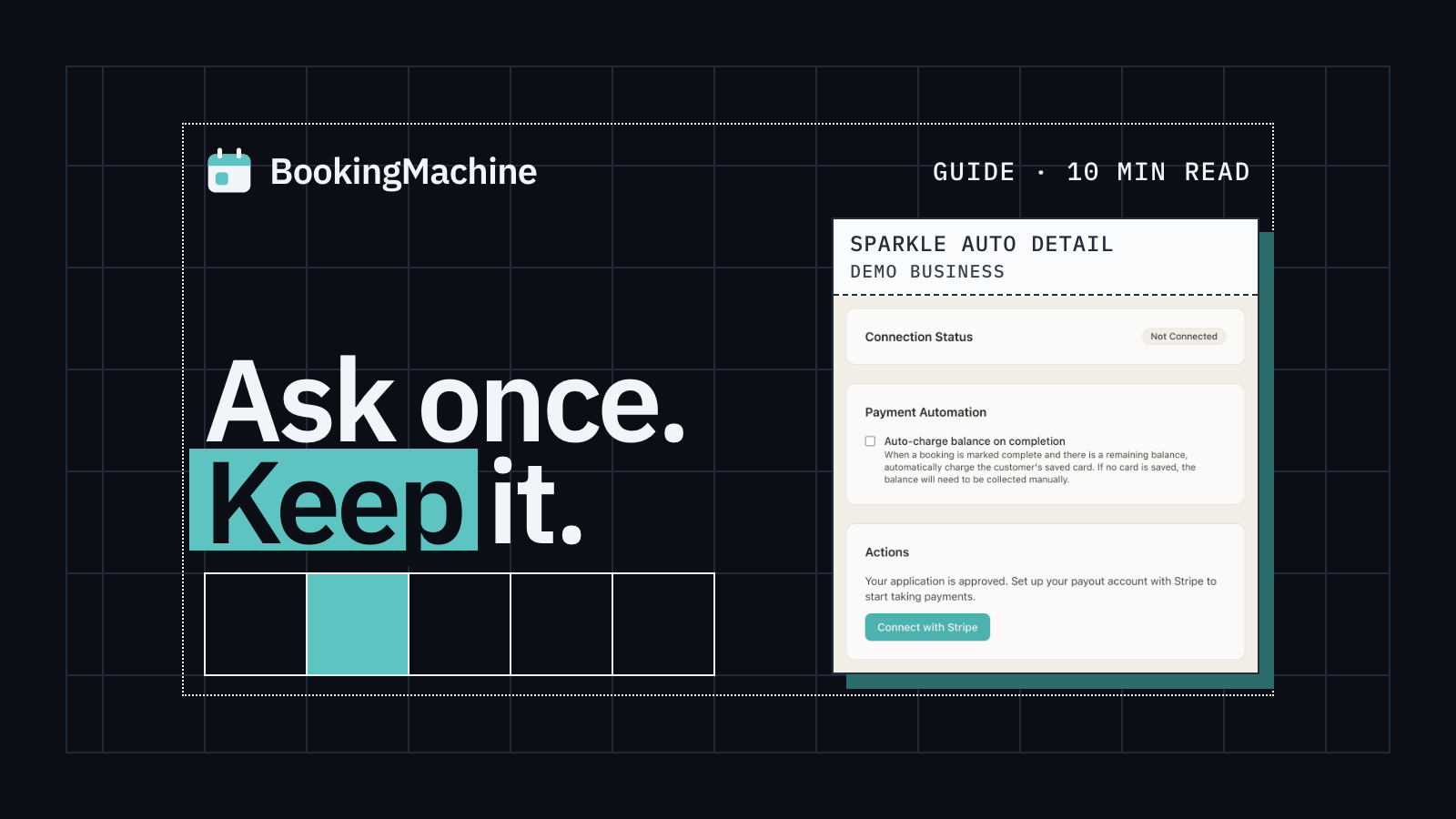
How to Collect Deposits and Set Up a Booking Deposit Policy for Your Service Business
Learn how to ask for a deposit, design a fair cancellation policy, and collect payments at booking. Practical guide for salons, trades, cleaners and freelancers.
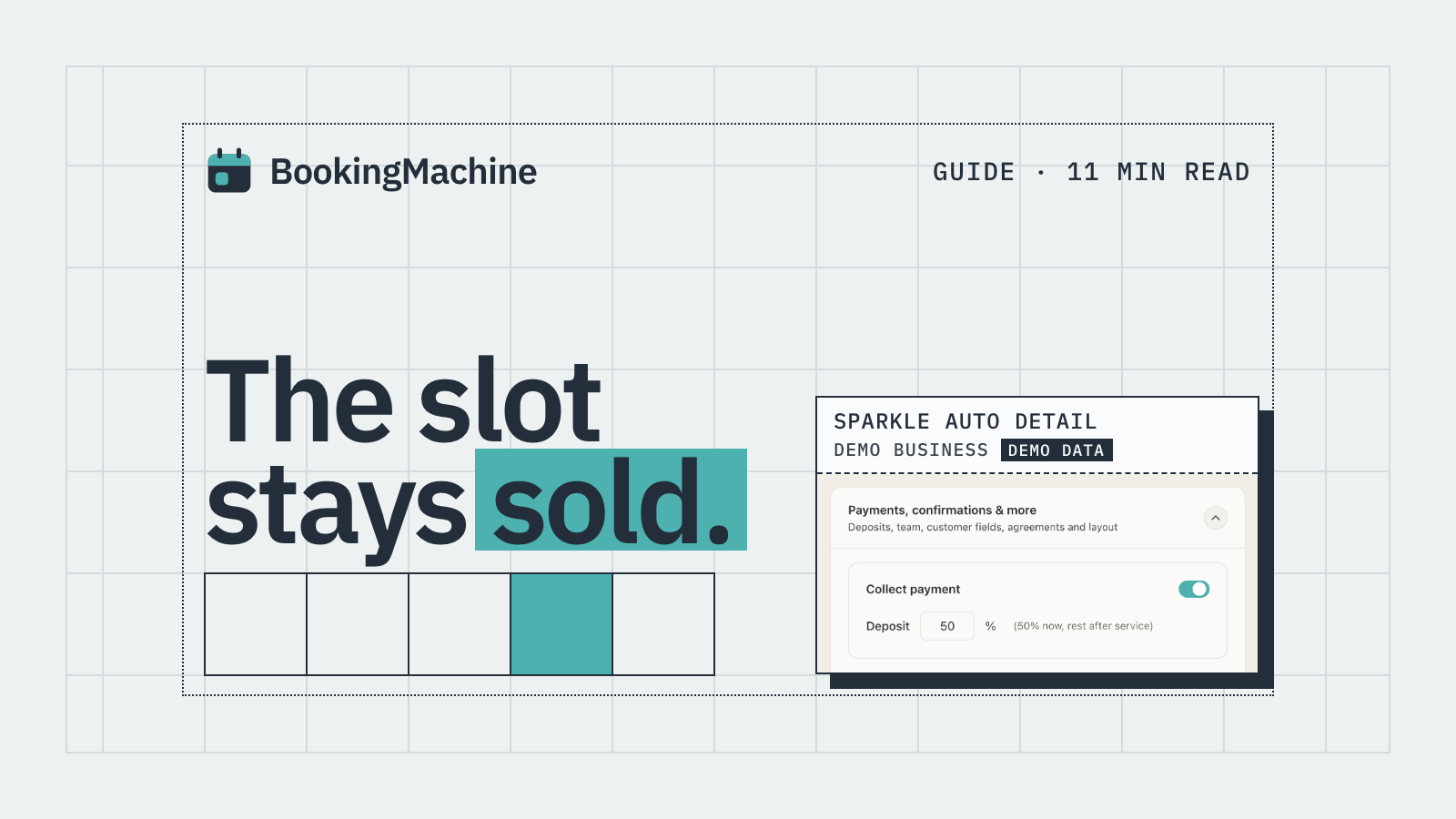
No-Show & Cancellation Policy Enforcement for Service Businesses
Stop losing money to no-shows and last-minute cancellations. A practical guide to writing, charging and enforcing cancellation policies for service businesses.
Free tools
Free tools for tutors
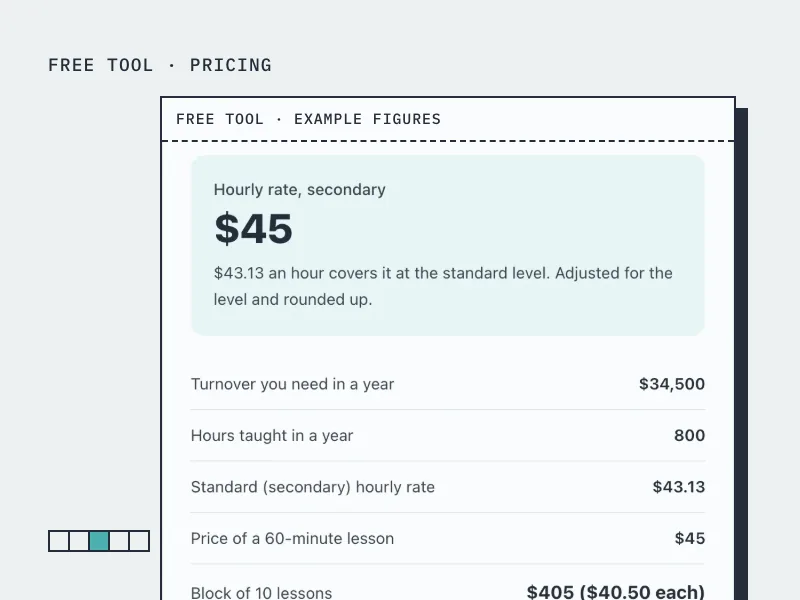
Tutoring Rate Calculator
Set an hourly tutoring rate from the income you want, your prep time and the level you teach.
Open the tool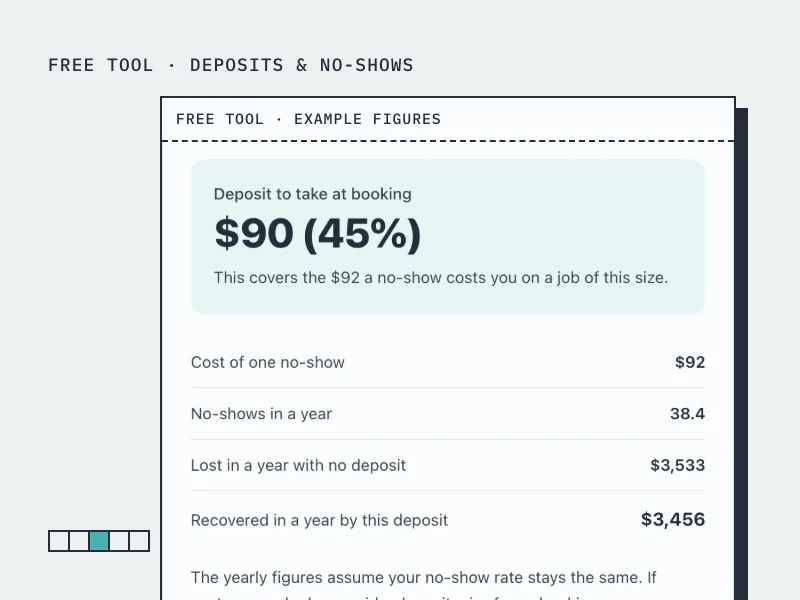
Deposit Calculator
Work out how much deposit to take on a booking, from what a no-show actually costs you.
Open the tool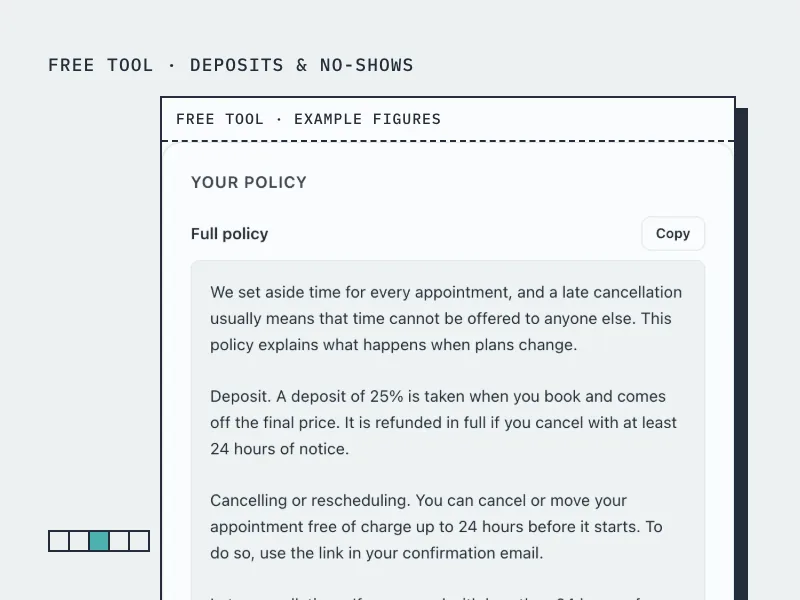
Cancellation Policy Generator
Build a cancellation and no-show policy in your own terms, ready to paste onto your booking page.
Open the toolBookingMachine works for other industries too
See all industries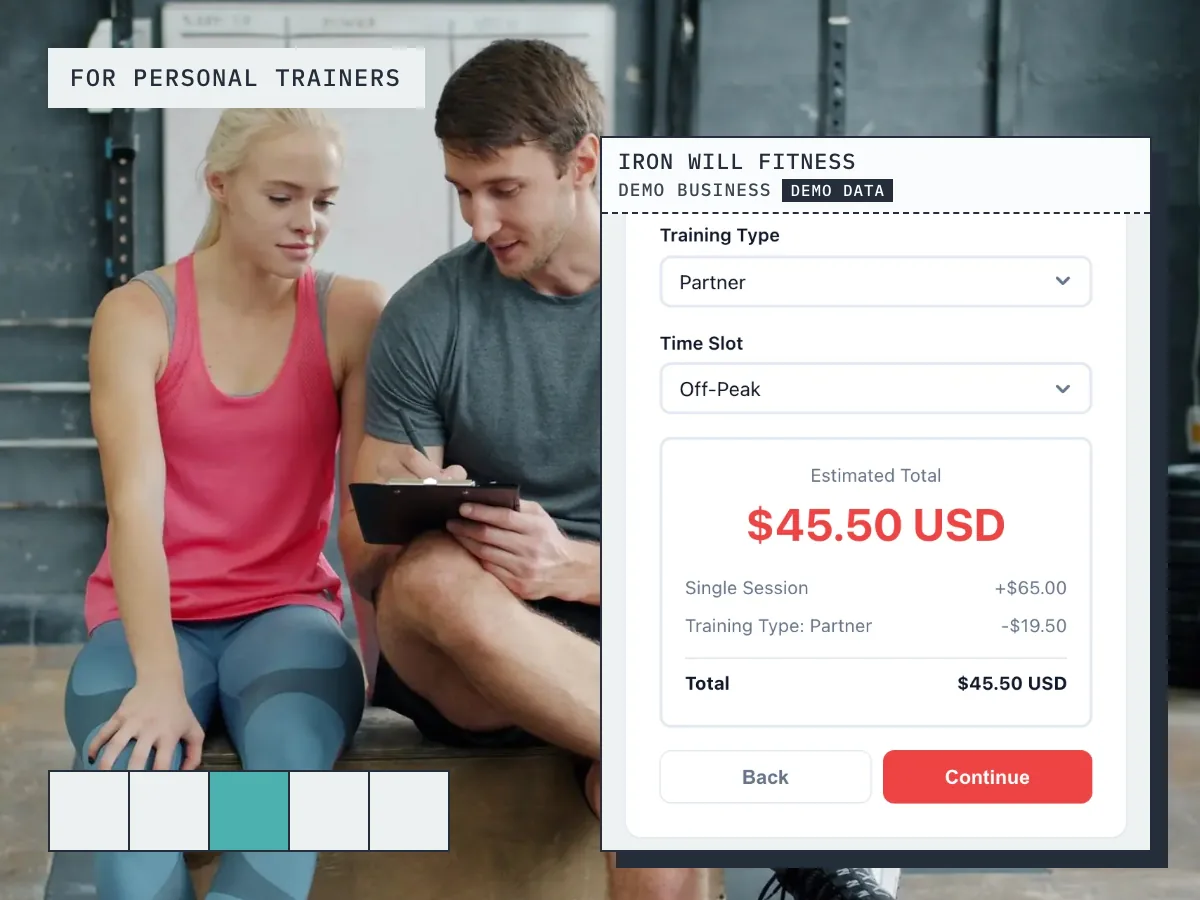
Ready to grow your business?
Start free, add your services and prices, and share your booking link today.