Landscaping Quote Software That Wins More Jobs
Let property owners get instant estimates based on lot size, service type, and extras. Collect deposits online and auto-gather reviews with project photos.
Landscaping booking software lets property owners price a lawn or garden service from lot size and frequency, pick a date and pay a deposit online. BookingMachine handles one-off projects and recurring maintenance, quotes a customer can accept, crews across more than one location, and review requests with project photos after the job is marked complete.
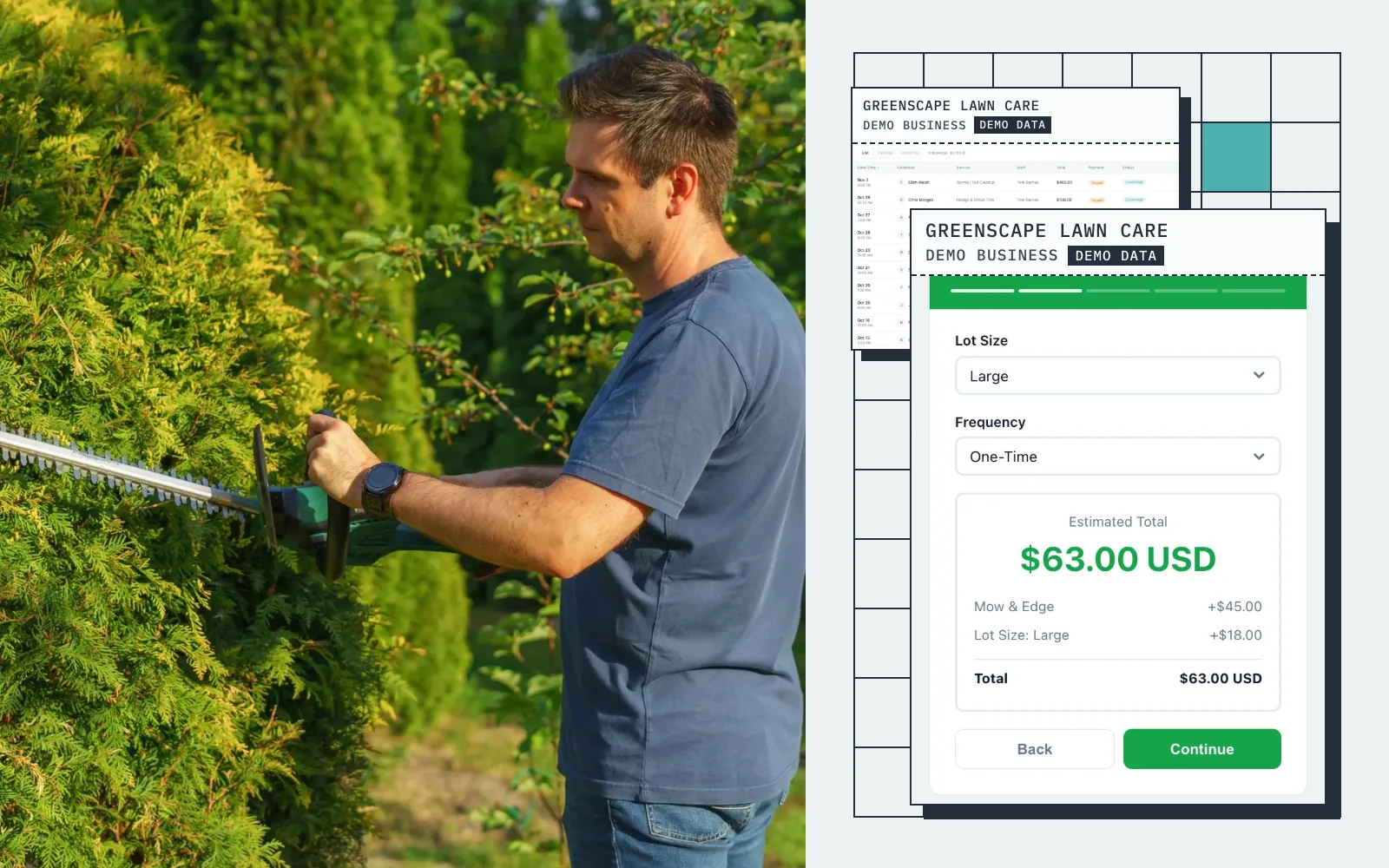
Live demo · GreenScape Lawn Care
Try the booking form
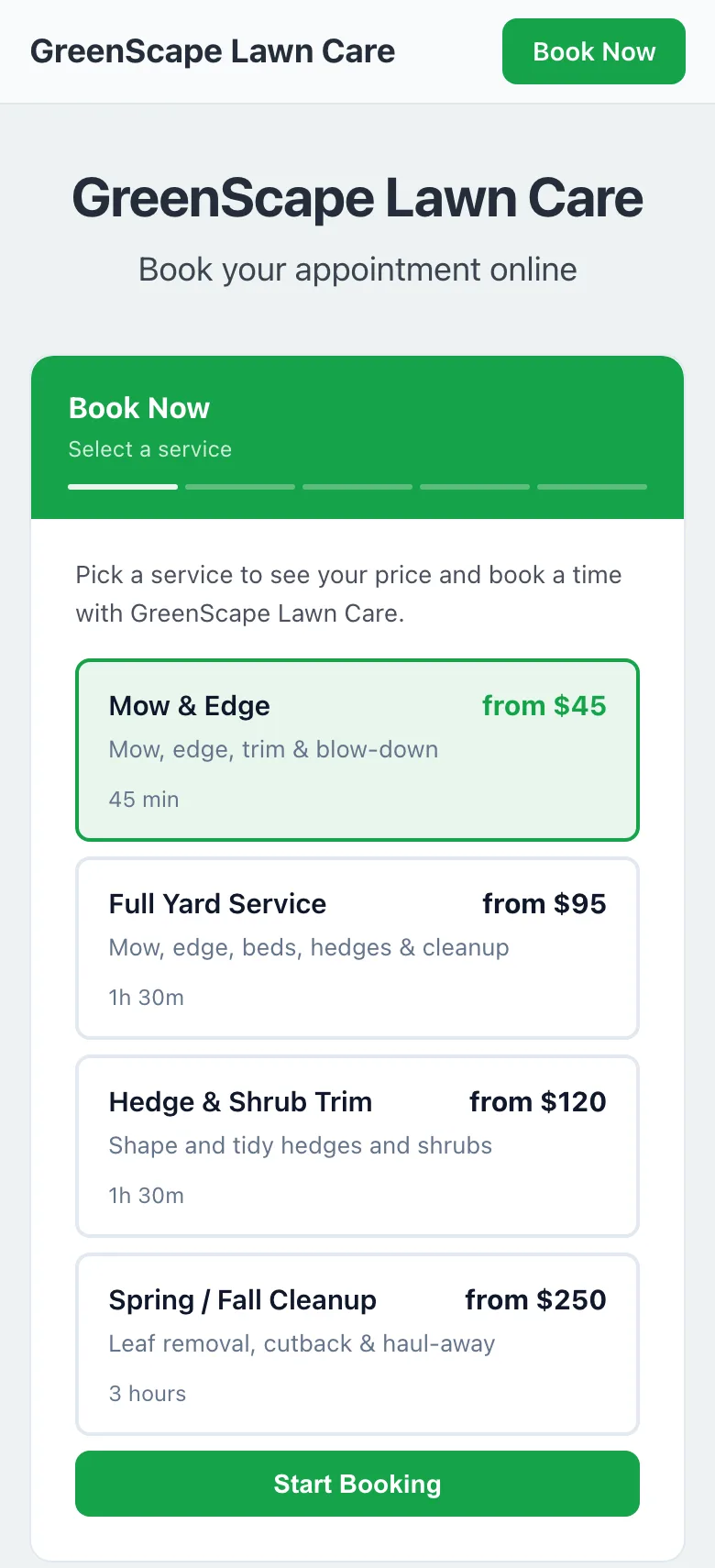
This is what your customers see: pick a service, get an instant quote, and book in seconds.
Screens
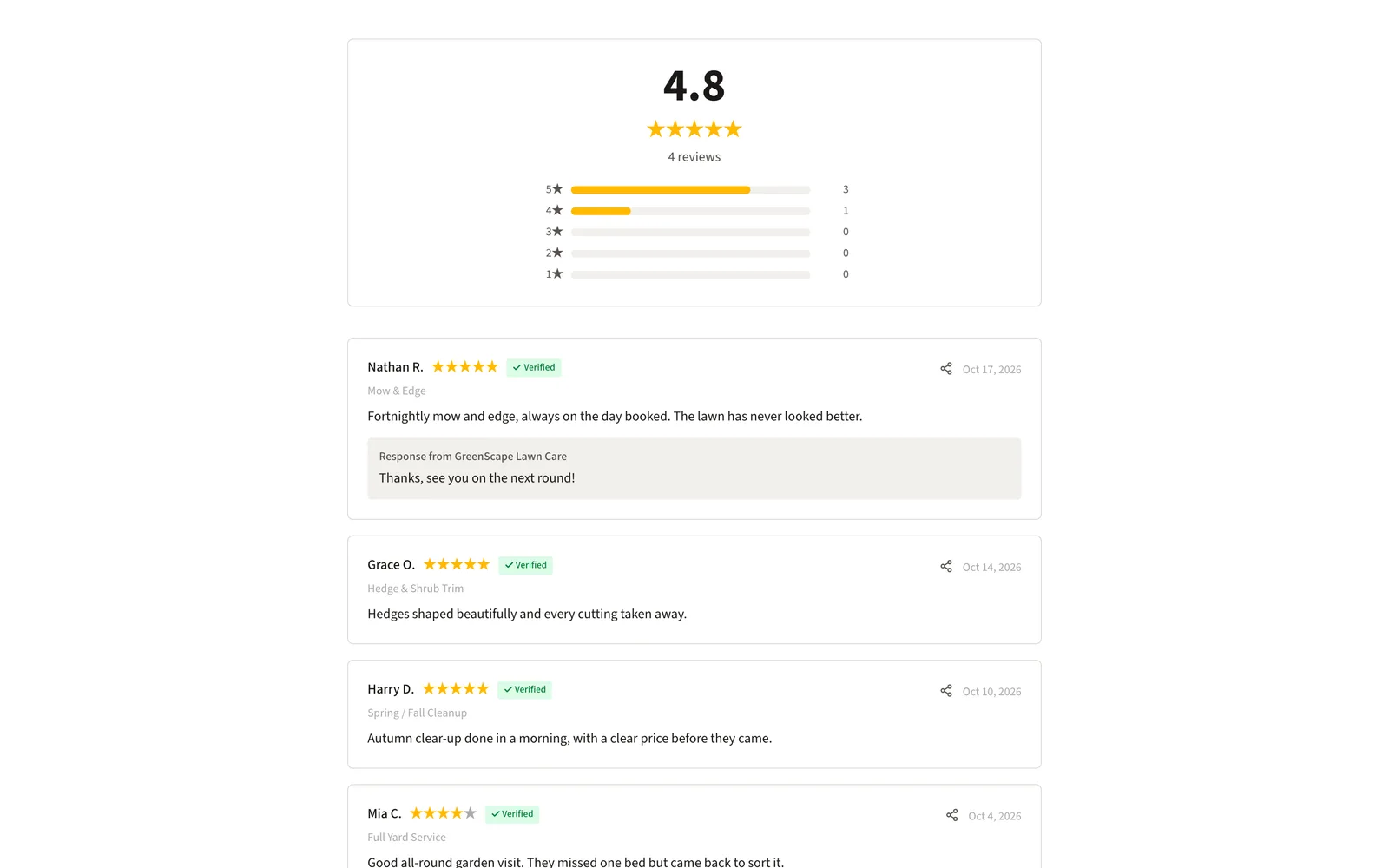
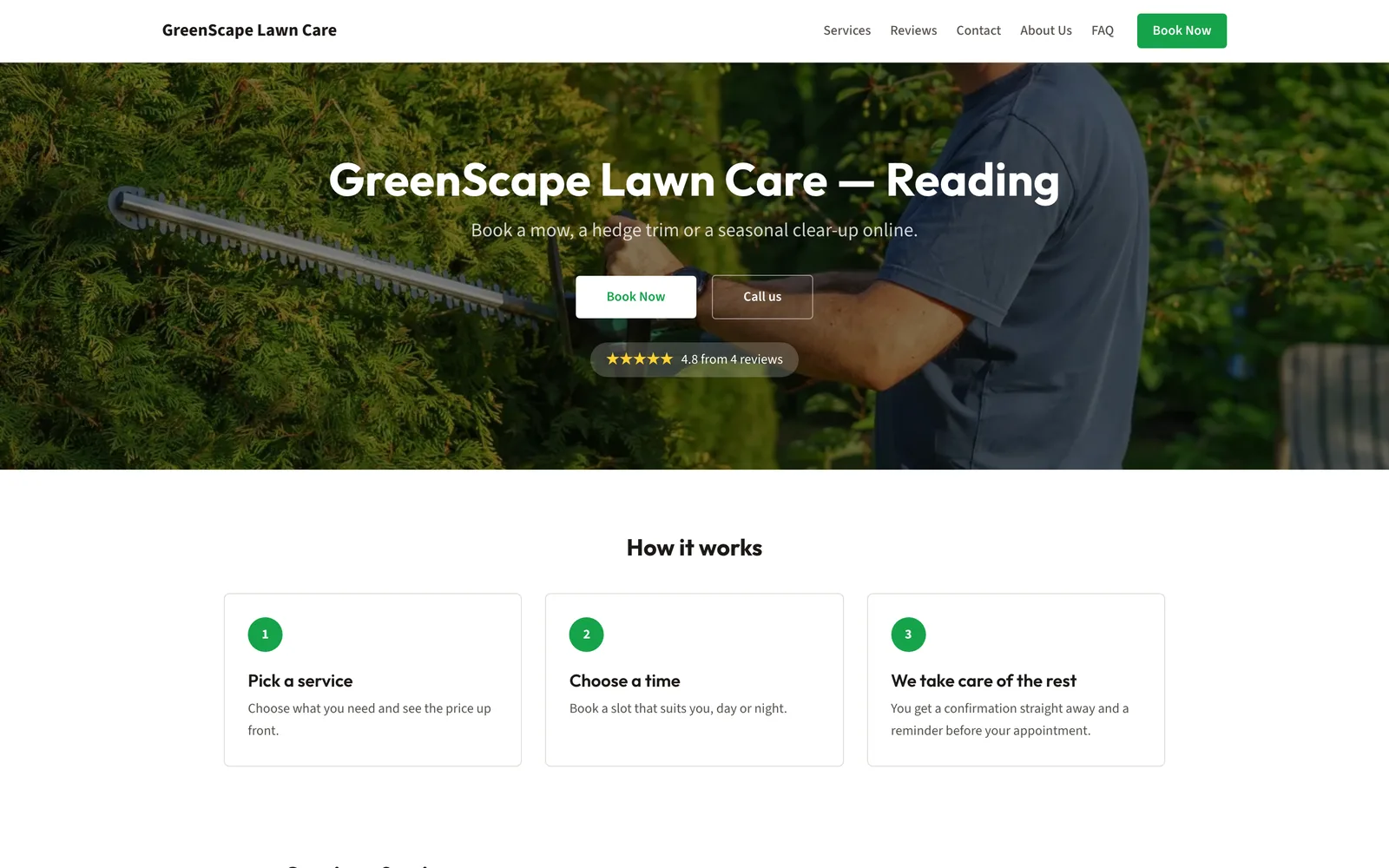
Real screens from a demo landscaping business
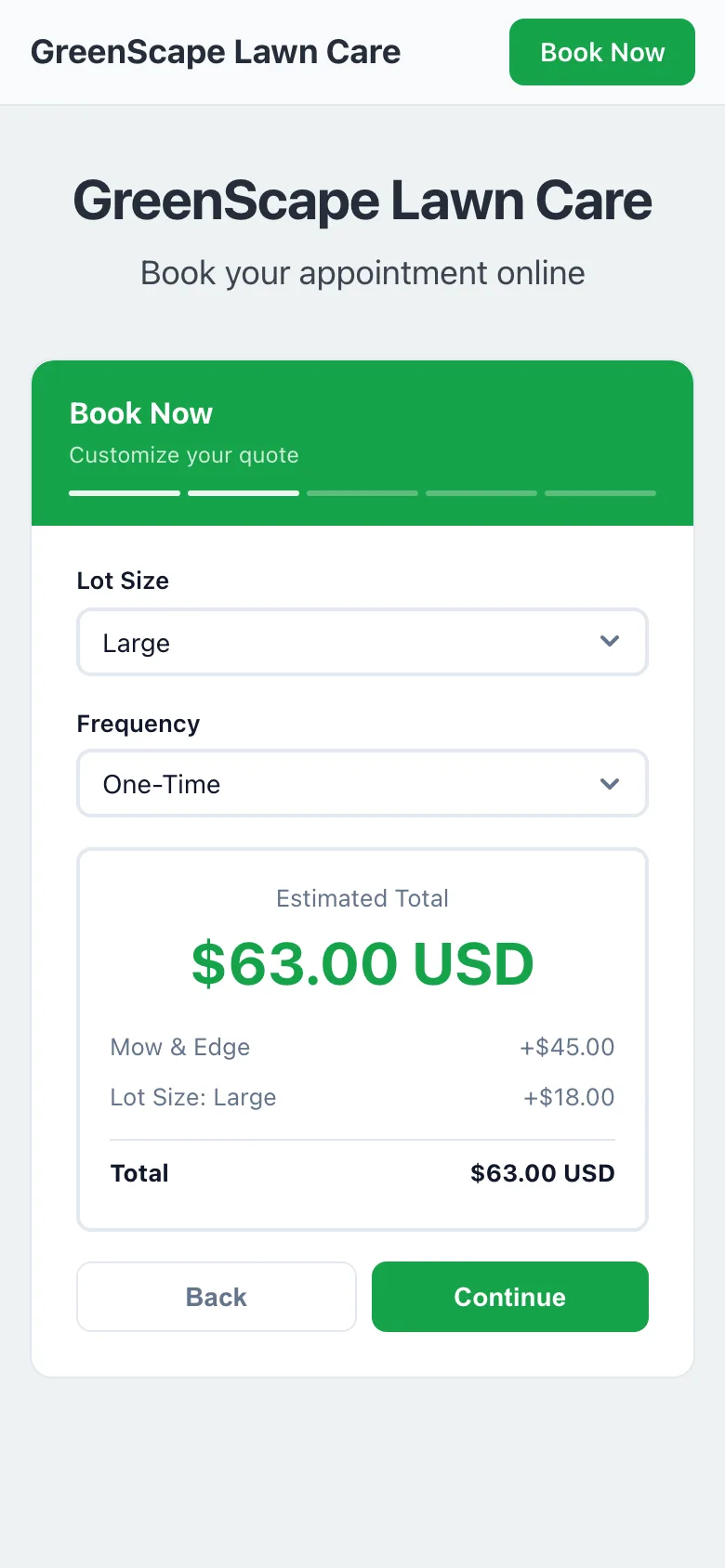
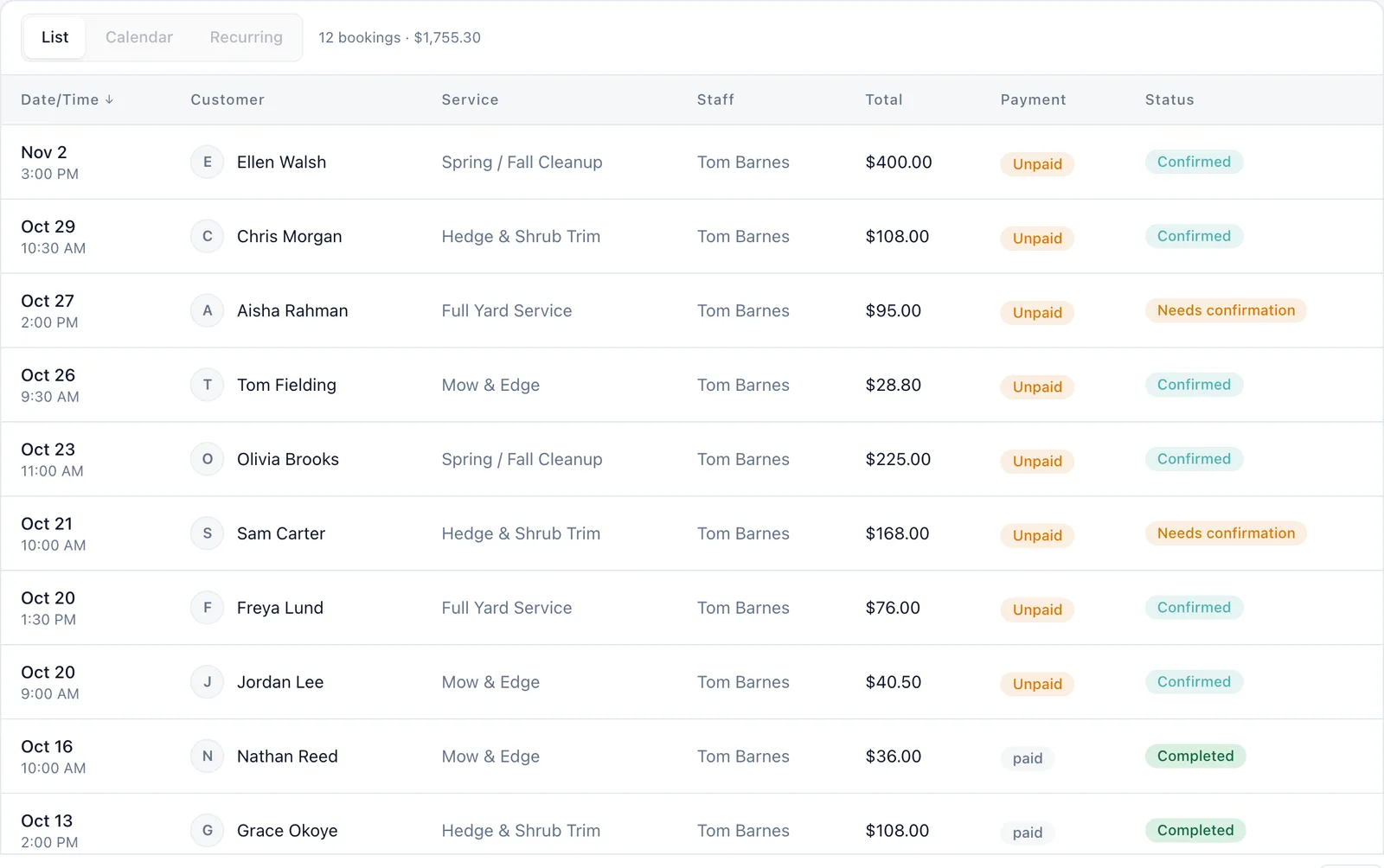
Captured from a working demo account: what your customer sees on their phone, and what you see in the dashboard.
Embed on your site
Embed the quote widget on your landscaping website so visitors get instant estimates.
Share a booking link
Share your booking link on Nextdoor, Angi, or your Google Business listing.
Free website
Your free website showcases your services and lets property owners book online.
Auto-collect reviews
After every project, auto-collect reviews with before-and-after yard photos.
Sound familiar?
These are the problems that cost you time, money, and clients every week.
Homeowners call for a quote, you give a range, and they shop you against five other companies.
An instant, detailed quote with specific pricing shows professionalism and builds trust upfront.
You schedule a crew and the homeowner cancels the night before.
A deposit at booking creates financial commitment. Last-minute cancellations become rare.
Your best work is sitting in yards across town, but nobody sees it online.
Auto-collect project photo reviews after every job. Your online reputation grows with every completed project.
Core advantages
Why landscaping businesses choose BookingMachine
Quote by Lot Size
Small yard, quarter acre, half acre, full acre — set pricing that scales with the property. Homeowners see a real estimate, not a vague range.
Deposits Secure Jobs
Landscaping projects require planning and crew allocation. A deposit ensures the client is serious before you block time on your schedule.
Project Photo Reviews
Before-and-after photos of a transformed yard are the most powerful marketing you can have. Auto-collect them after every completed project.
Features
Everything landscapers need, in one place
Lot-Size Pricing
Set pricing tiers by property size, terrain type, and current condition. The widget calculates instantly.
Service Categories
Mowing, edging, mulching, planting, hardscaping, irrigation — organize your services into clear categories.
Seasonal Add-Ons
Fall cleanup, spring prep, snow removal, aeration — offer seasonal services that boost off-season revenue.
Crew Management
Assign jobs to crews, manage schedules, and prevent overlapping bookings across your team.
Recurring Maintenance
Weekly mowing, monthly maintenance, seasonal programs — set up recurring bookings with automatic scheduling.
Quote to Invoice
Convert accepted quotes into bookings and auto-generate invoices on completion. Seamless from estimate to payment.
Free website
A website made for landscapers
Every account comes with a bookable website built from your services, prices and reviews. The Outdoor template was designed for landscapers: a full-screen photo under a see-through header, then your best before-and-afters.
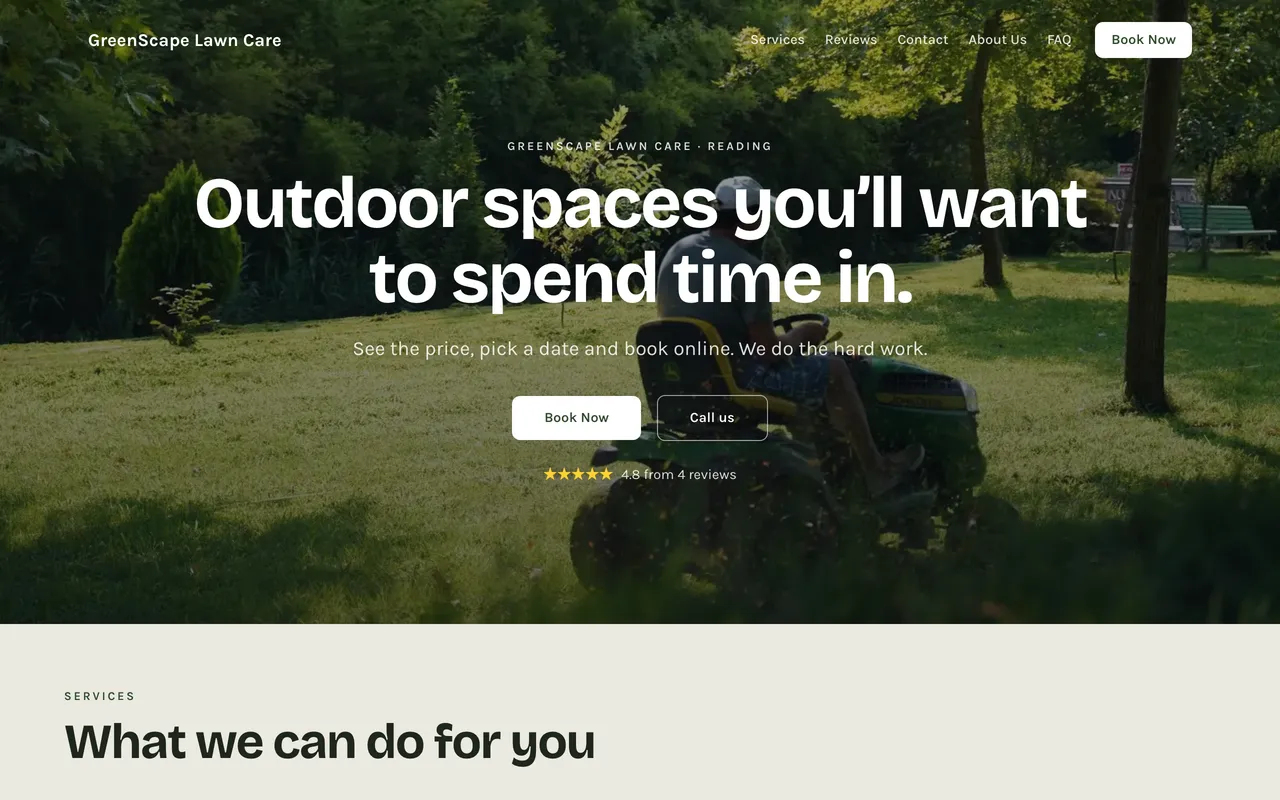

Outdoor
A full-screen photo under a see-through header, then your best before-and-afters.
Pricing engine
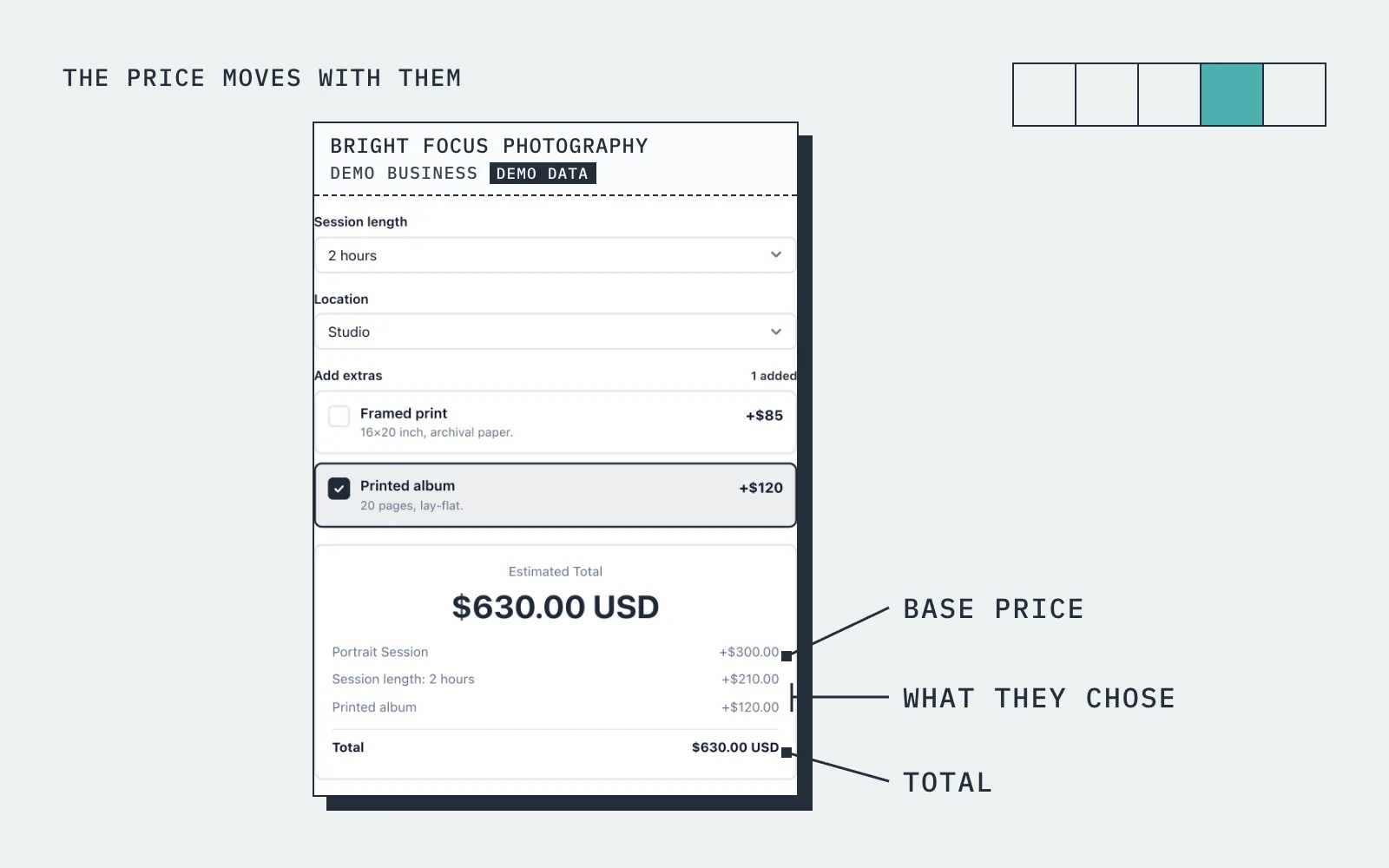
The price moves with what they choose
A homeowner selects "Full Lawn Maintenance", picks "Half Acre", adds "hedge trimming" and "mulch beds". The widget shows $225/visit.
How it works
Up and running in three steps
Start free
No card needed. Add your business name and you are in.
Add your services and prices
Set what you sell, what changes the price, and your hours.
Share it and get booked
Share your link, embed it on your site, or publish your free website.
Guide
Landscaping booking: what to know
Instant quotes by lot size, or a quote visit for bigger projects
Lawn care and routine maintenance can be priced from the property: lot size, how often, whether edging and clearing are included. Set a base price per service and add price variables for size band, frequency and extras, and the owner sees the price change as they pick. That turns the first phone call into a booking, and it lets you quote accurately at eight at night when nobody is answering the phone.
Design work, planting schemes and hard landscaping need a look first. List a site visit as a bookable service, or let the owner describe the project and send a quote they can accept online. The accepted quote becomes a dated job in the same diary as the weekly mowing, so you have two routes in and one place to look.
Recurring maintenance and seasonal pricing
Maintenance contracts are the steady part of a landscaping business, and the booking system should handle them as one arrangement rather than a new booking every fortnight. BookingMachine supports recurring bookings, so a fortnightly cut is set up once and appears on schedule, and a recurring discount through the pricing rules rewards the owners who commit for the season.
The work is seasonal and the price can be too. A price variable for the time of year lets you charge a spring clean-up rate or a winter tidy rate without rewriting the price list. Each customer has a record with their bookings, notes and tags, so you can see who is on a contract, who is new and who has not booked since last autumn.
Can I take a deposit for landscaping work?
Yes. For each service you decide whether the owner pays a deposit, pays in full at booking, or pays after the work. The card payment is taken when they book and goes to your own Stripe account. Online payments are on the paid plans and need an approved payments application, which we review before switching them on.
A deposit matters most on project work, where you are buying plants and materials before you start. Taking a percentage at booking means the materials are covered if the owner changes their mind, and a late cancellation does not leave a crew idle for the day. Once a job is marked complete you can invoice the balance from the same place, and a no-show fee is available for the appointments where nobody is home to let the crew in.
Scheduling crews and locations
With more than one crew, the question is who is where on which day. BookingMachine lets you add team members and more than one location, each with their own hours, so the diary shows your real capacity. A job blocks the time it needs, a slot that is taken is not offered again, and the crew can see their day in the dashboard without anyone forwarding messages.
The owner sees none of that. They see a price, the dates that are free and a form that asks for what you need, such as gate access, pets and where to park the truck. The booking arrives in your dashboard and your inbox with those answers attached, and each owner has a customer record that keeps their jobs and notes together for the next visit.
Reviews with project photos, no customer accounts, free to start
After a job is marked complete, the owner is emailed a review request and can add photos or video. For a landscaper that is the finished garden beside the owner's words, on your reviews page and embeddable on your website. Owners never create an account to book: they open your link or your site, pick the service, see the price, choose a date, pay if payments are on, and get a confirmation by email.
Embed the form on your website with one line of code, share the link on Google and Facebook, or use your free website, a multi-page site with templates, your services and prices and the booking form built in. The free plan has no card; deposits and online payments are on the paid plans.
Pricing
Simple, transparent pricing
Start free. Upgrade when you are ready.
Free
Get started for free
- 25 bookings/mo
- 1 team member
- 1 location
- Free website
- 102 MB photo storage
Pro
Turn your website into a booking machine
or $18/mo billed annually (save $72/yr)
- Unlimited bookings
- 4 team members
- 2 locations
- Online payments (Stripe)
- Voucher / discount codes
- Analytics dashboard
- Google Calendar sync
- Premium website
- Dedicated account manager
- 1 GB photo storage
Business
For teams and multi-premises
or $34/mo billed annually (save $180/yr)
- Unlimited bookings
- 15 team members
- 6 locations
- Online payments (Stripe)
- Voucher / discount codes
- Analytics dashboard
- Google Calendar sync
- Premium website
- Dedicated account manager
- 10 GB photo storage
30-day money-back guarantee. No questions asked.
FAQ
Landscaping booking software FAQ
Can I price landscaping jobs by lot size?
Yes. Create pricing tiers for small yards, quarter acre, half acre, and larger. Add condition-based multipliers for overgrown or neglected properties.
Can I offer recurring lawn maintenance plans?
Absolutely. Set up weekly, biweekly, or monthly recurring bookings with discounts for ongoing service agreements.
How do I manage multiple crews?
Add team members, set availability for each crew, and assign jobs. BookingMachine prevents scheduling conflicts automatically.
Can I collect deposits on large projects?
Yes. Set any deposit percentage. For big landscape installations, many businesses require 30-50% upfront.
Do reviews include project photos?
Yes. Review requests prompt clients to upload before-and-after photos. These visual testimonials are your best sales tool.
Is there a free plan?
Yes. The free plan covers a limited number of bookings each month, with quotes, invoices and a hosted booking page. Online payments and deposits are on the paid plans. The pricing page has the current limits.
From the blog
Guides for landscapers
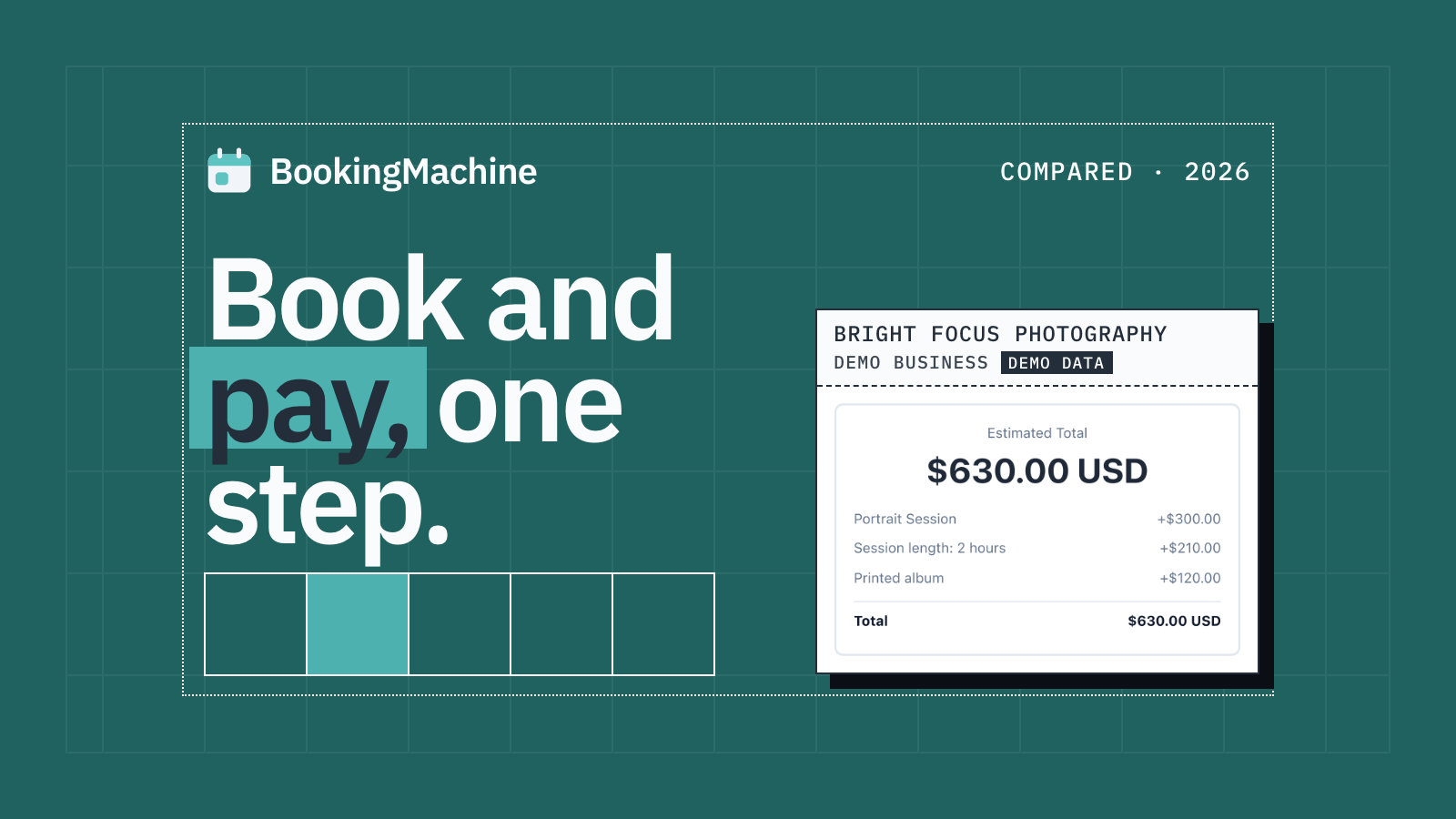
The Best Appointment Booking and Payment Systems for Service Businesses (2026)
Compare the best appointment booking and payment systems for service businesses. Take deposits, reduce no-shows and automate reviews. Updated 2026.
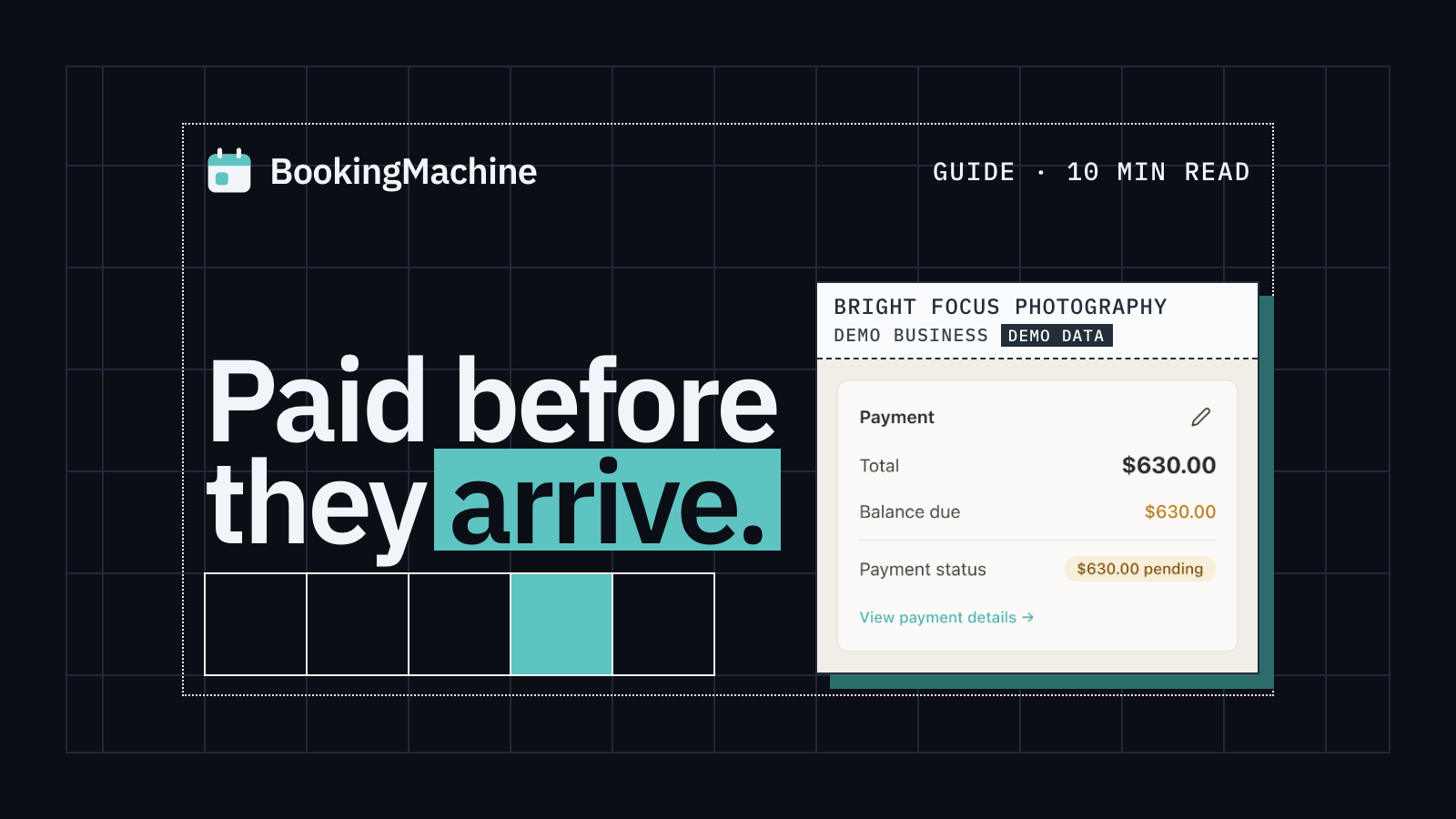
Online Booking System with Deposit: The Complete Guide for Service Businesses
Take deposits at the time of booking, cut no-shows and protect your revenue. The complete guide to choosing a booking system with deposit for service businesses.
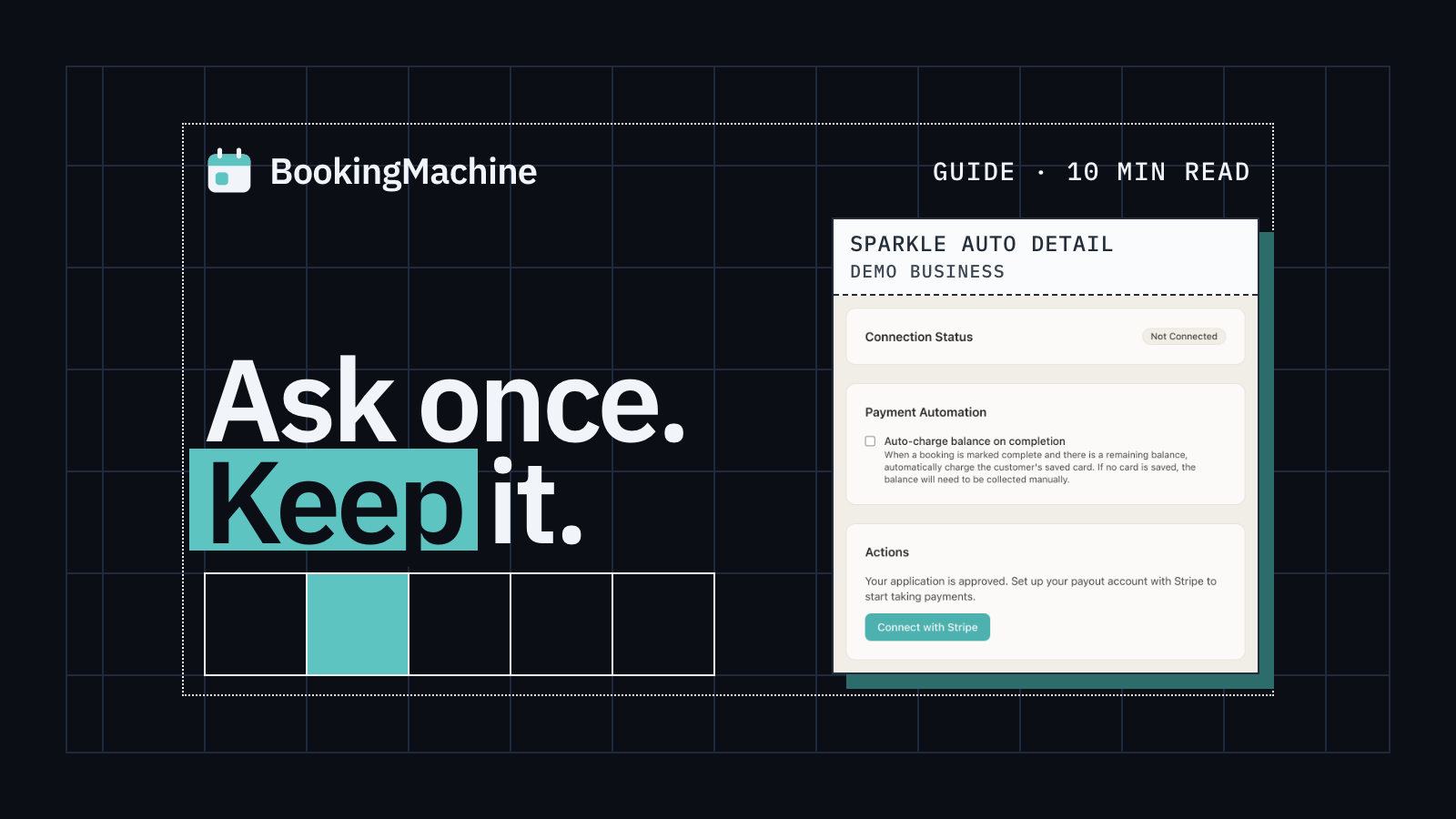
How to Collect Deposits and Set Up a Booking Deposit Policy for Your Service Business
Learn how to ask for a deposit, design a fair cancellation policy, and collect payments at booking. Practical guide for salons, trades, cleaners and freelancers.
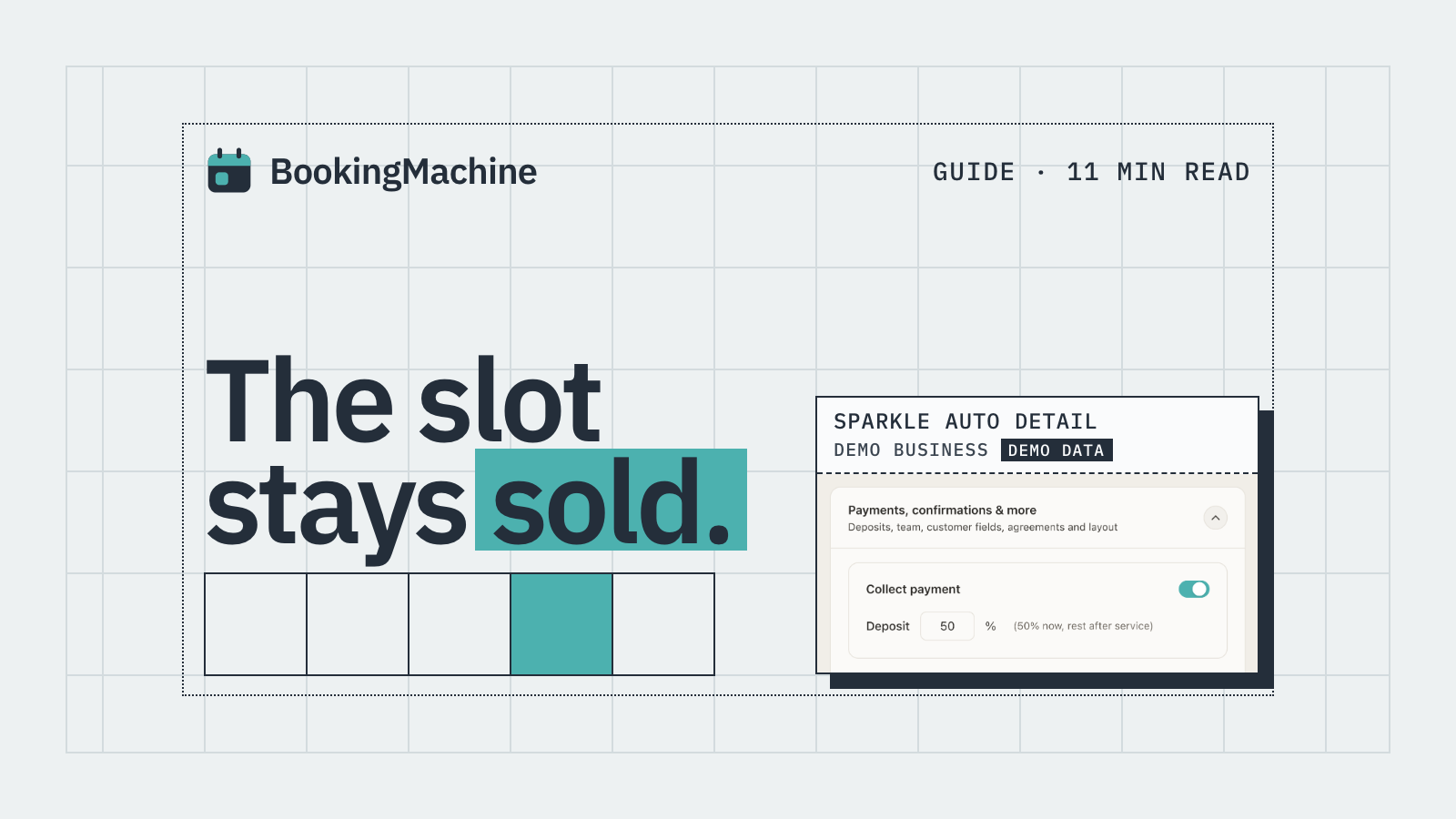
No-Show & Cancellation Policy Enforcement for Service Businesses
Stop losing money to no-shows and last-minute cancellations. A practical guide to writing, charging and enforcing cancellation policies for service businesses.
Free tools
Free tools for landscapers
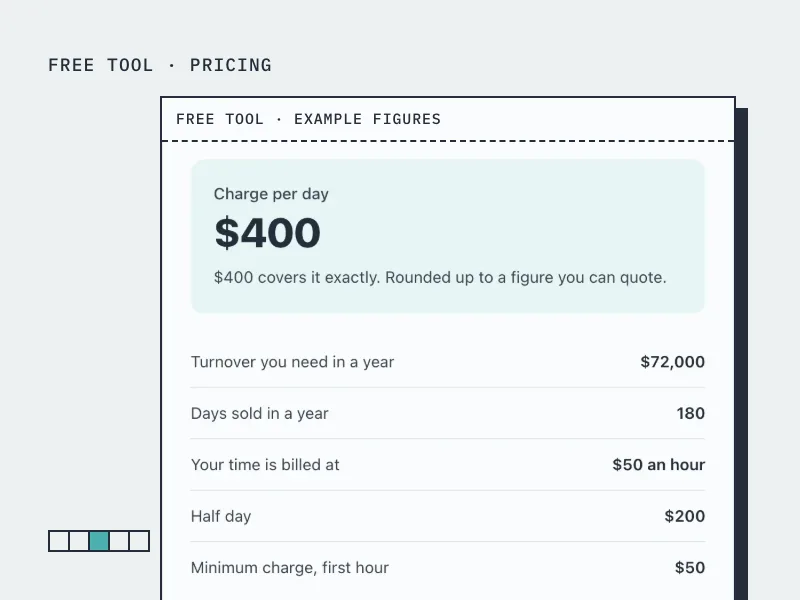
Day Rate Calculator for Tradespeople
Work out your day rate, hourly rate and minimum charge from the income you want and your running costs.
Open the tool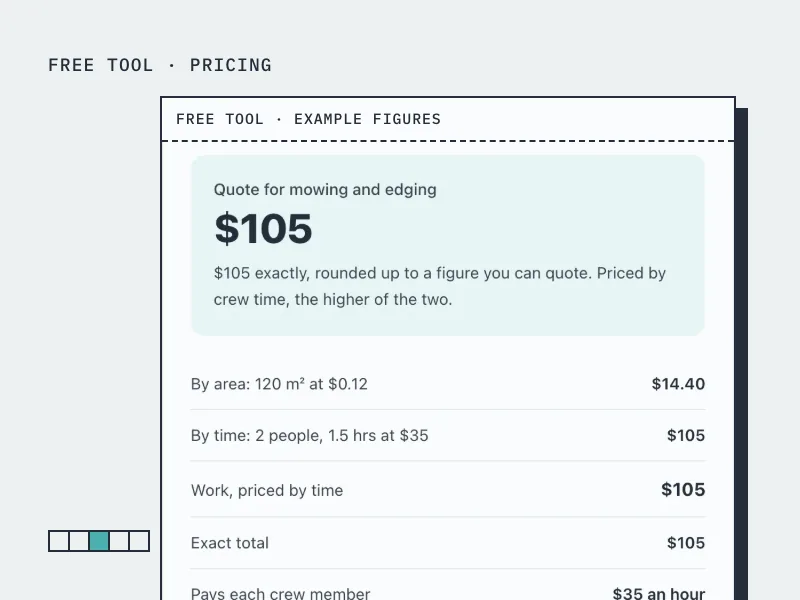
Landscaping Quote Calculator
Quote a landscaping or outdoor cleaning job by area and by crew time, with materials and disposal.
Open the tool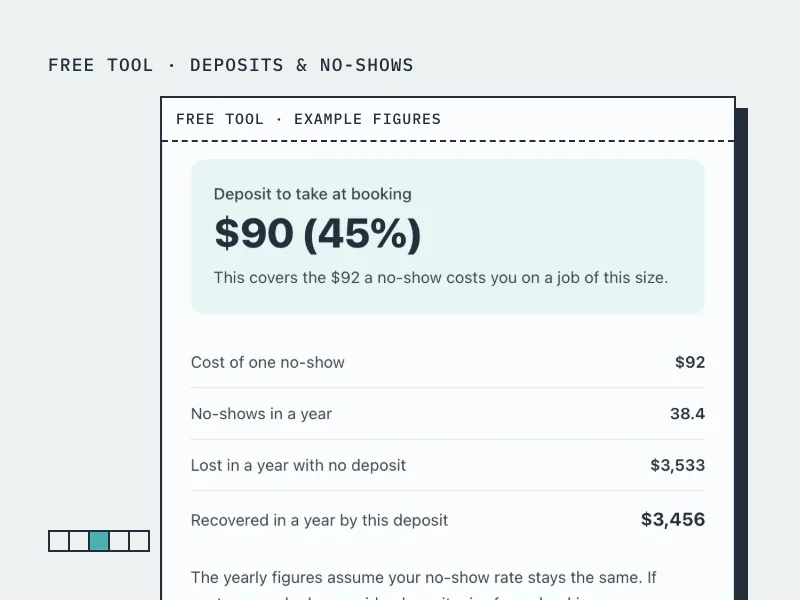
Deposit Calculator
Work out how much deposit to take on a booking, from what a no-show actually costs you.
Open the tool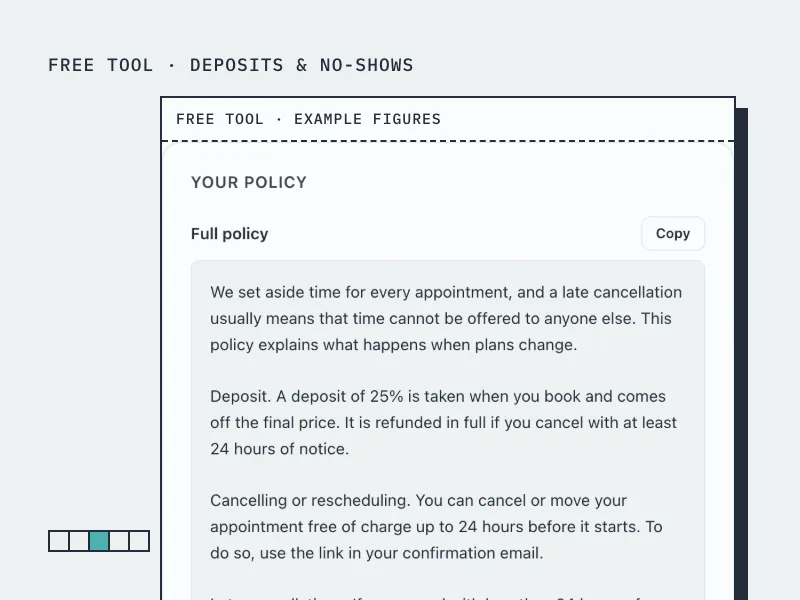
Cancellation Policy Generator
Build a cancellation and no-show policy in your own terms, ready to paste onto your booking page.
Open the toolBookingMachine works for other industries too
See all industries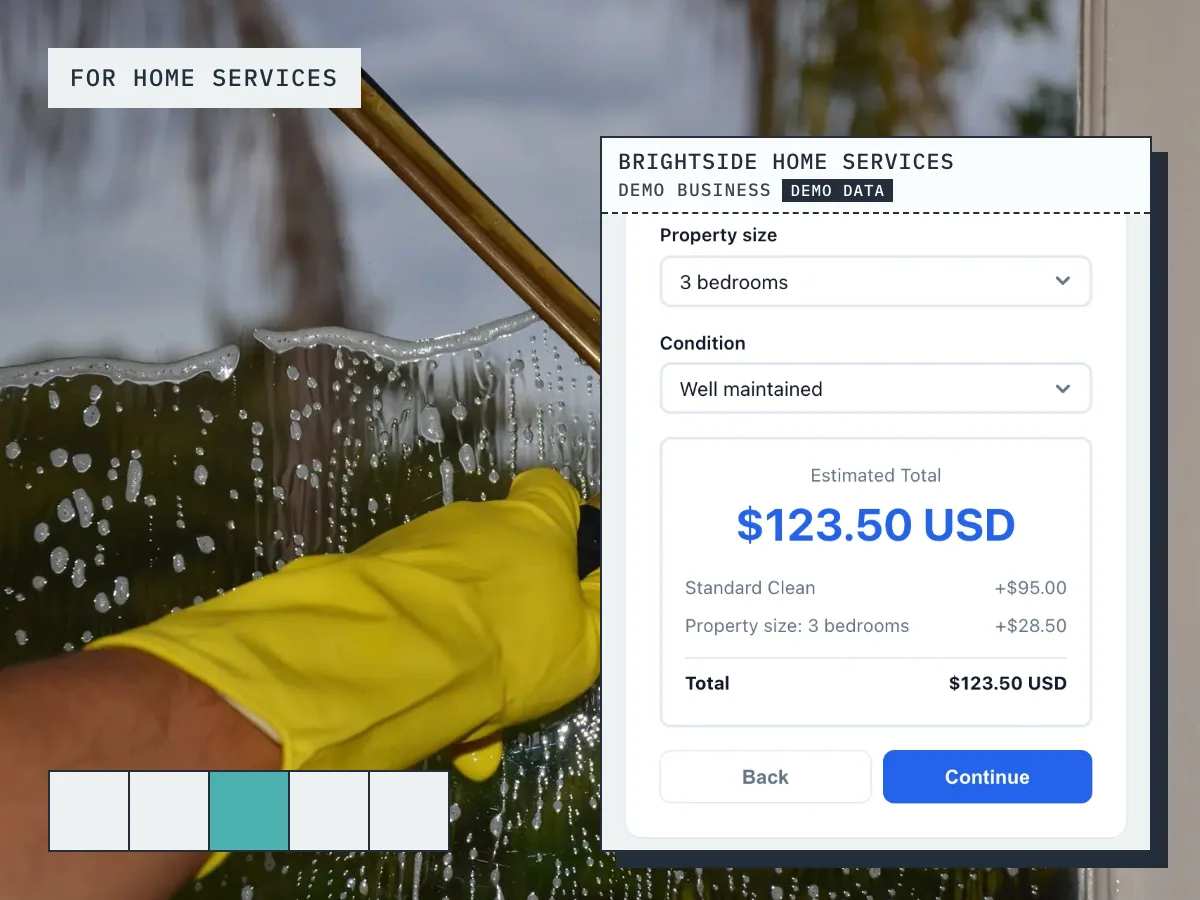
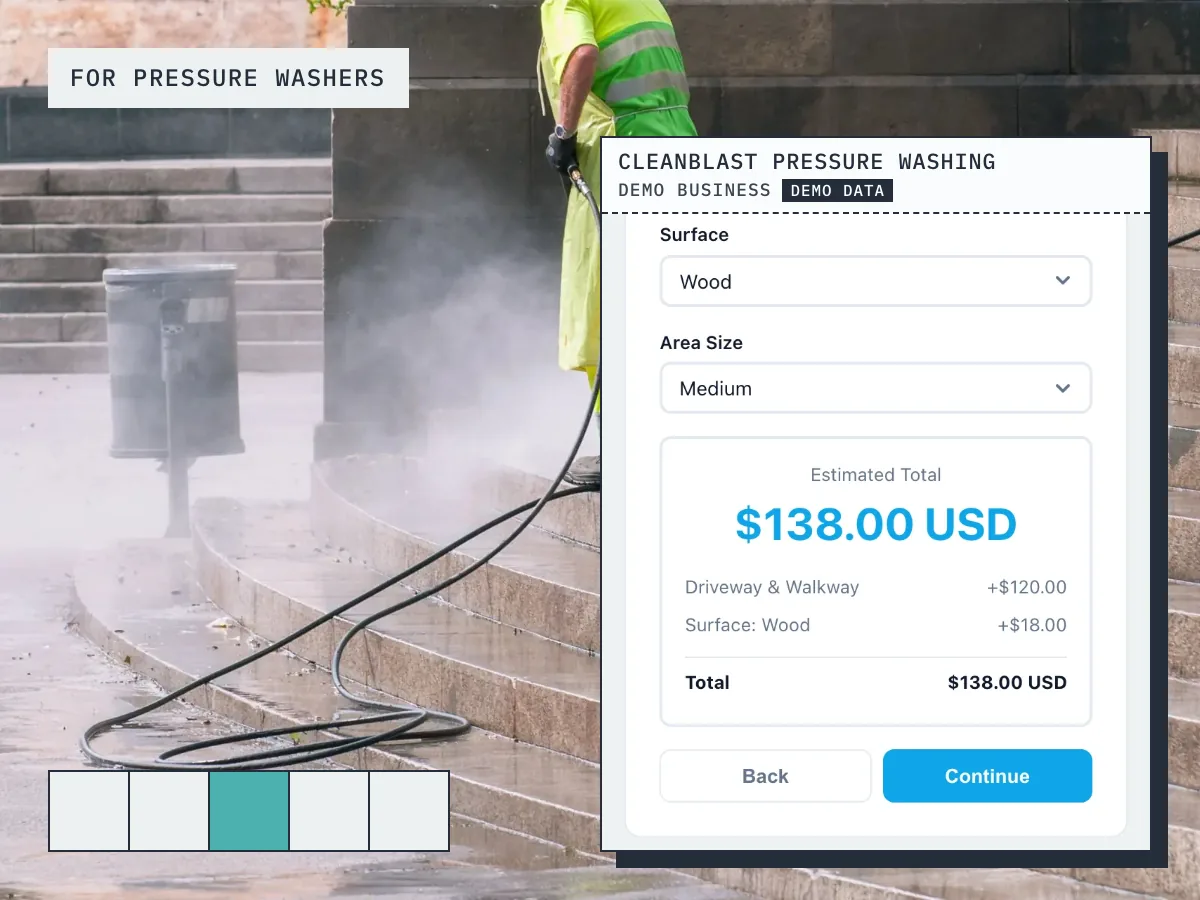
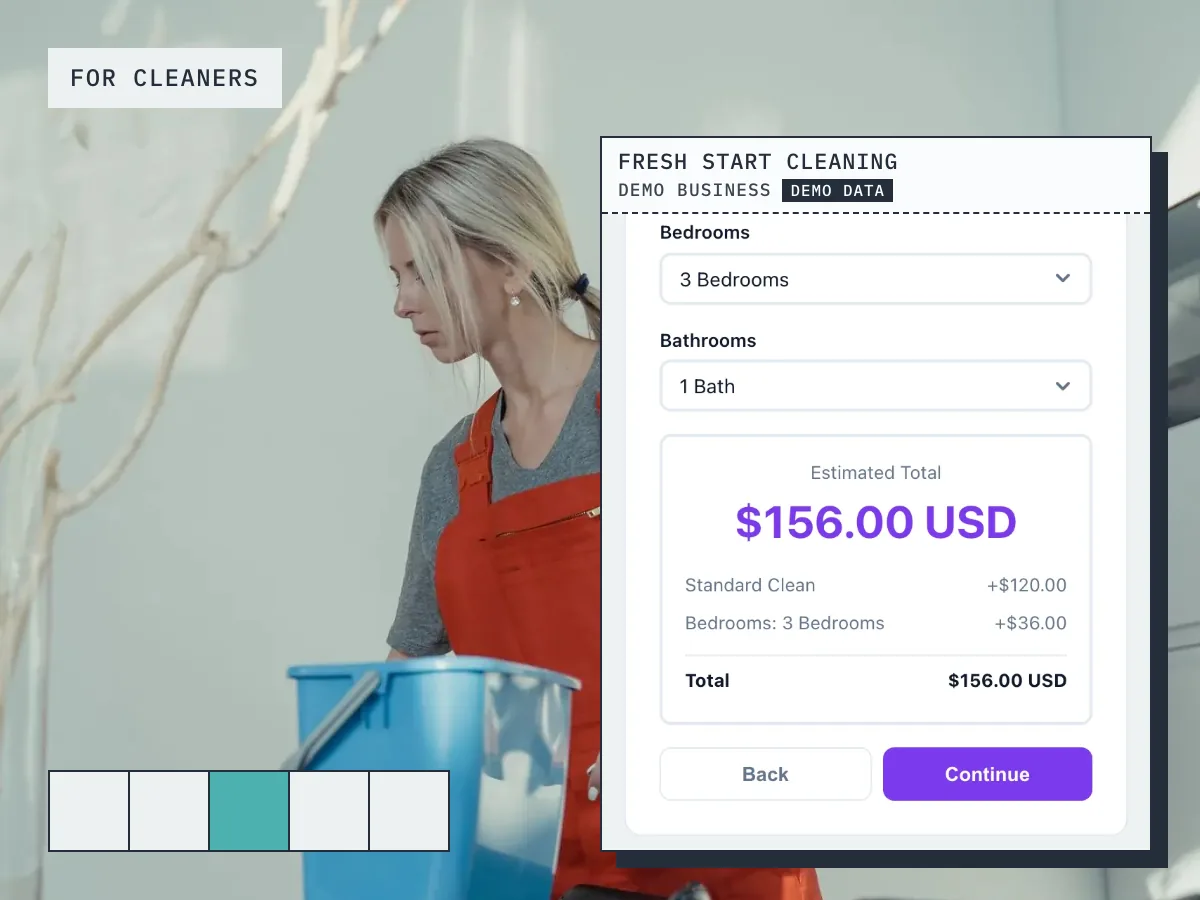
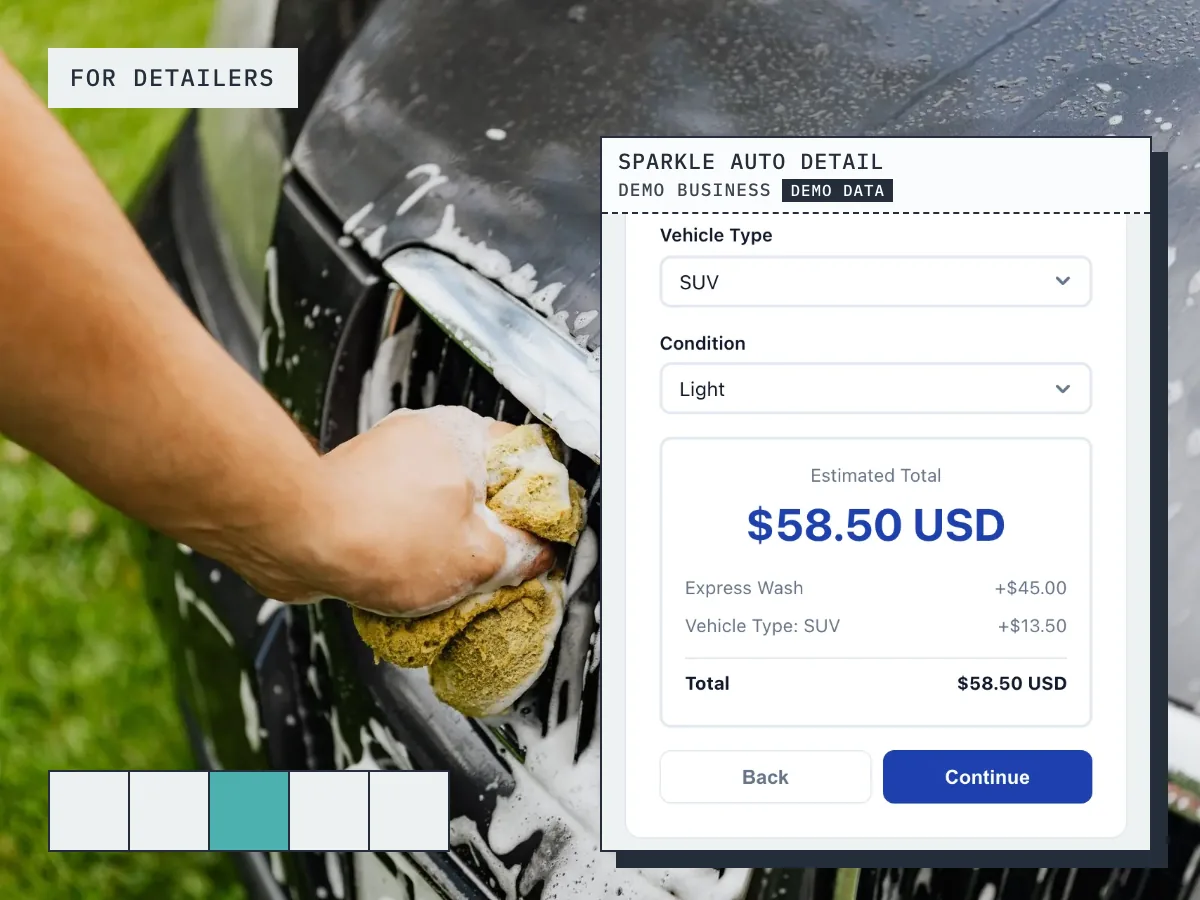
Ready to grow your business?
Start free, add your services and prices, and share your booking link today.