Electrician Scheduling Software for Booked-Out Weeks
Sell your fixed-price jobs online, book surveys for the bigger ones, and take a deposit either way. Fewer calls from the top of a ladder, more jobs confirmed.
Electrician booking software lets customers book fixed-price jobs, safety reports and surveys online with the price shown first. BookingMachine gives electricians a booking form for your website, a shareable link and a free website, with property-size pricing, deposits paid to your own Stripe account and a diary that never offers the same slot twice.
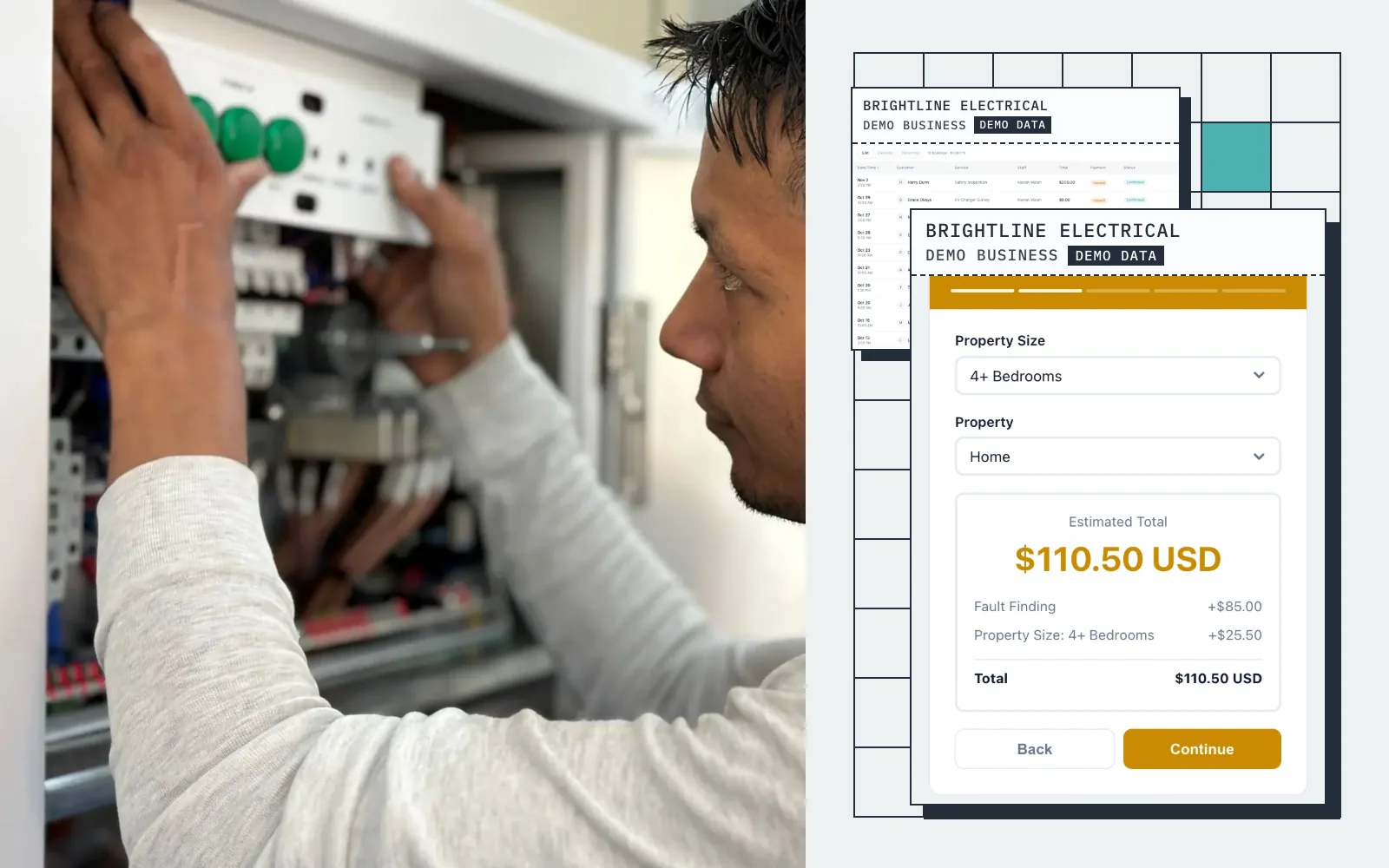
Live demo · Brightline Electrical
Try the booking form
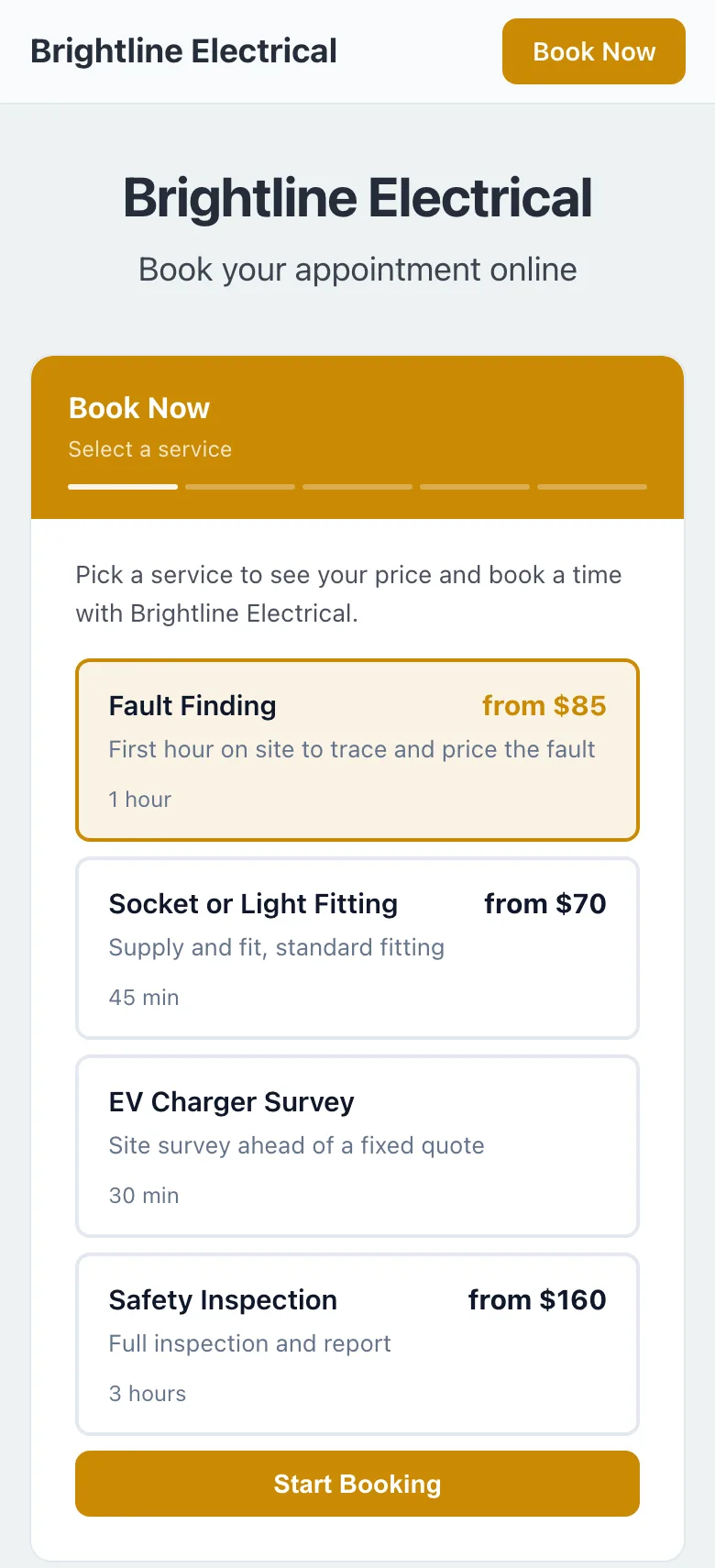
This is what your customers see: pick a service, get an instant quote, and book in seconds.
Screens
Real screens from a demo electricians business
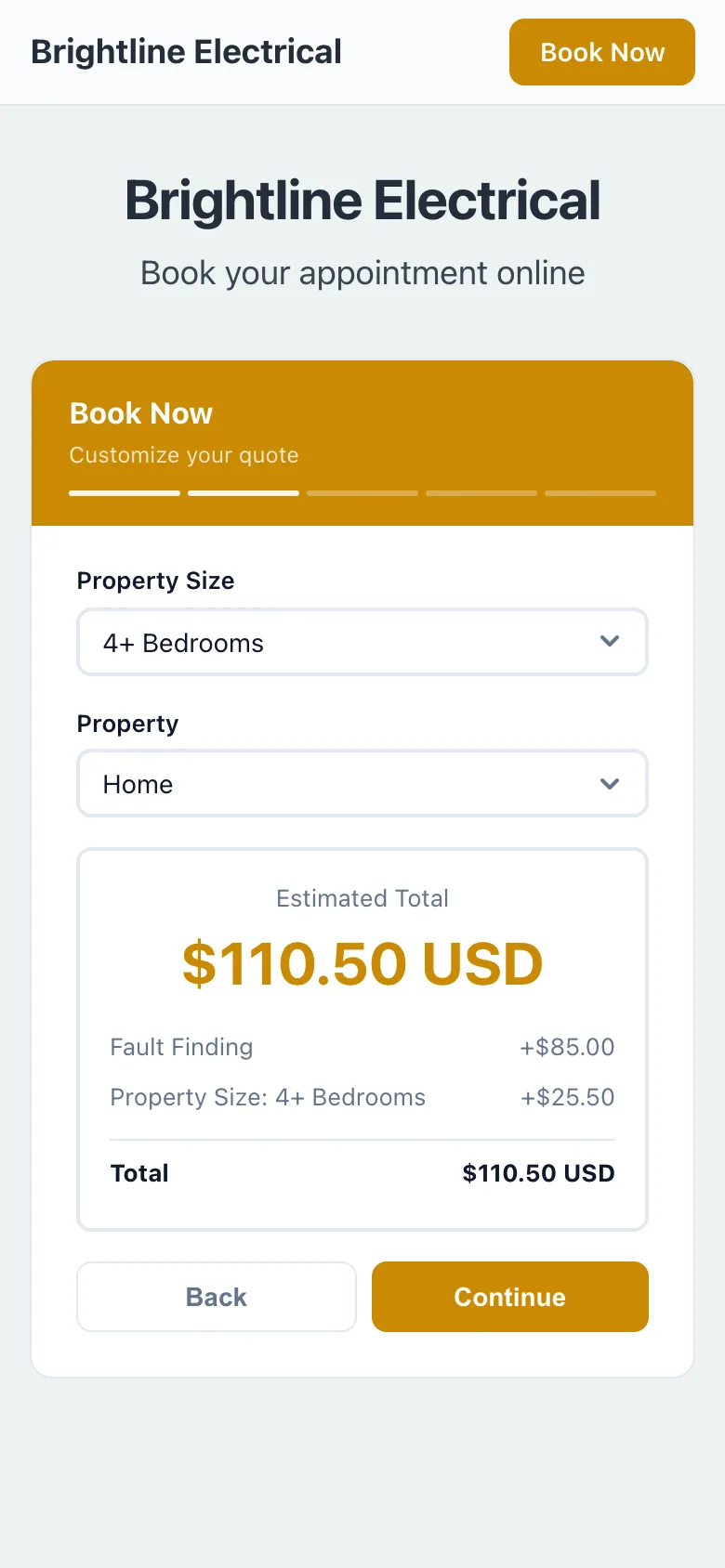
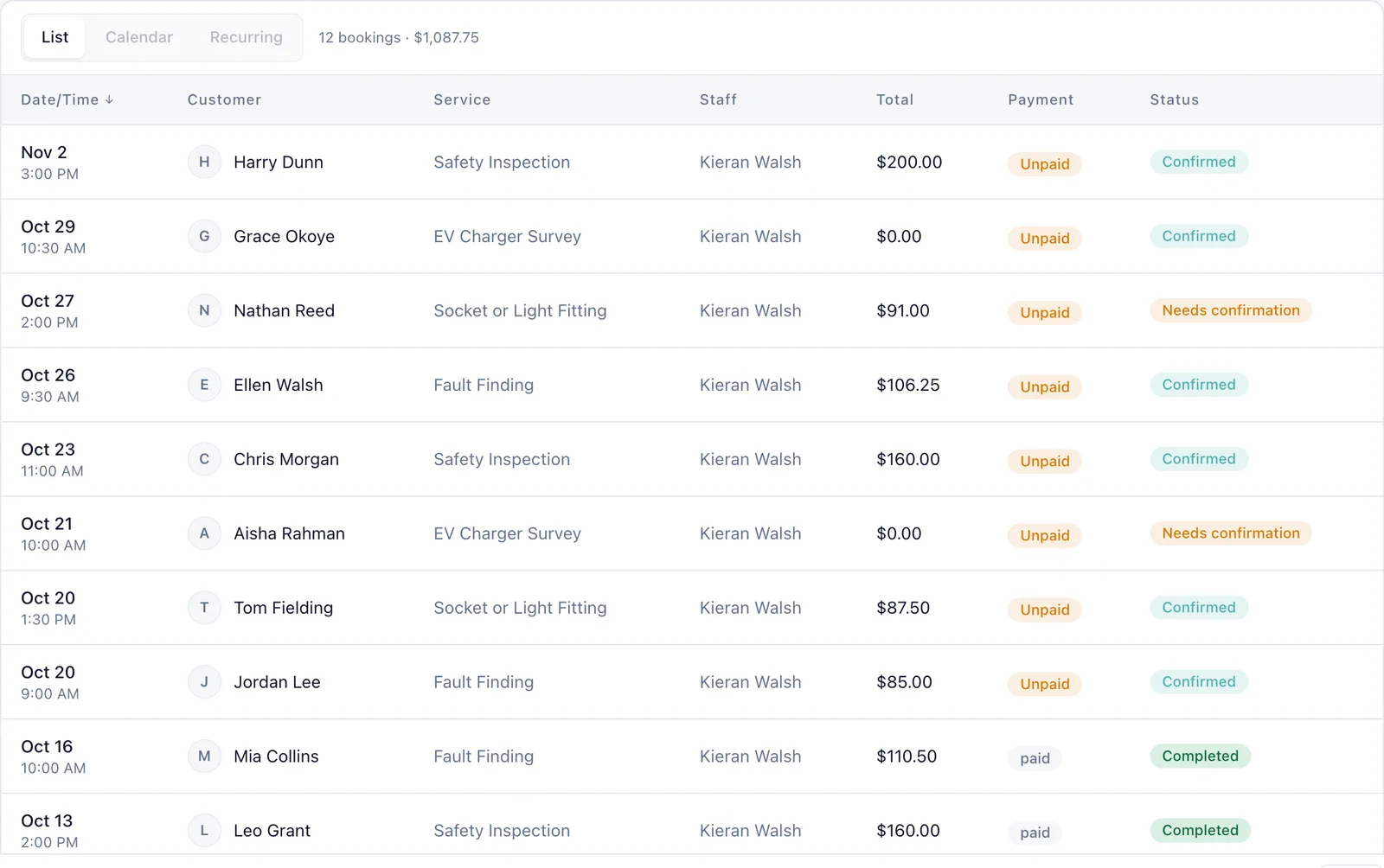
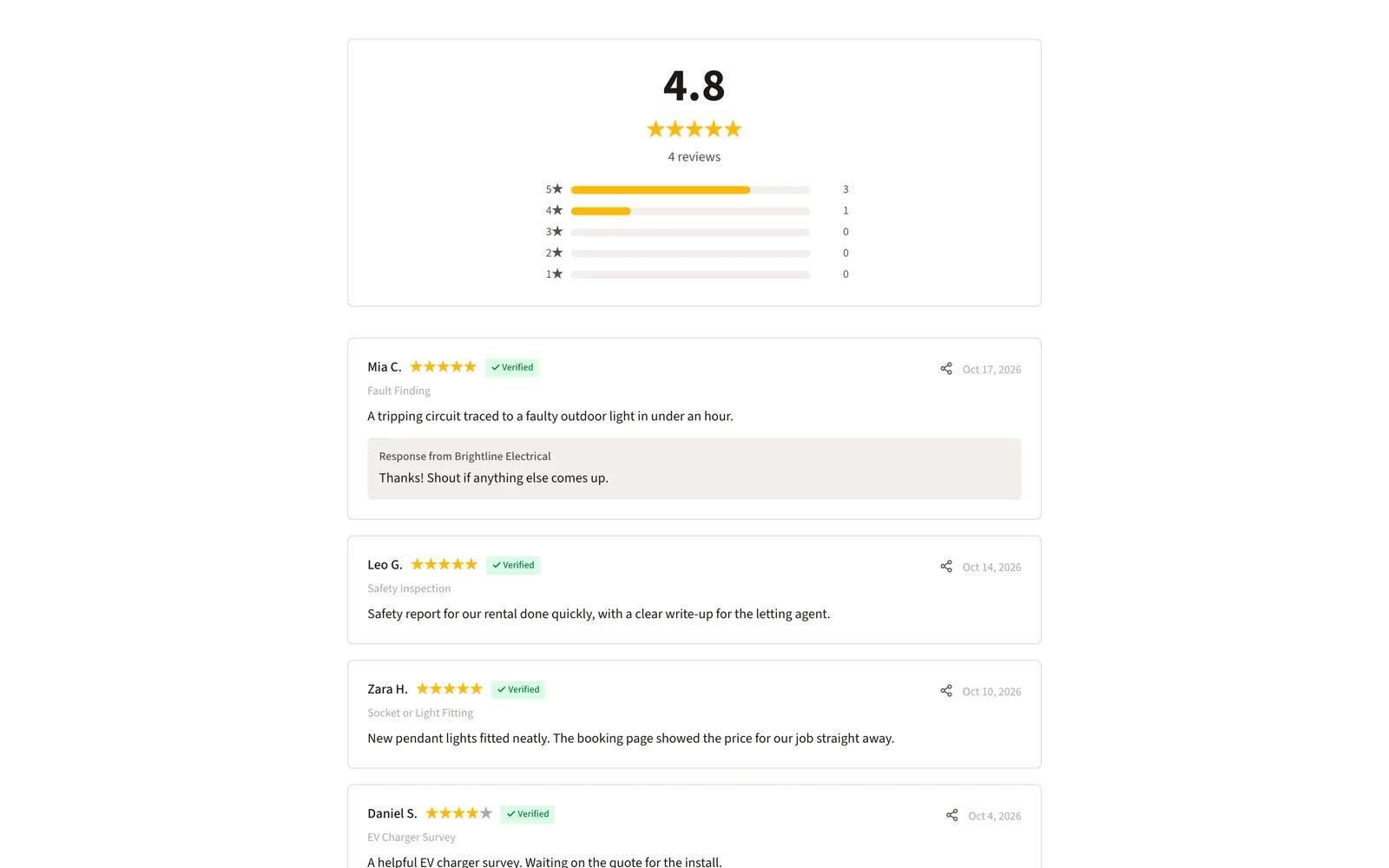
Captured from a working demo account: what your customer sees on their phone, and what you see in the dashboard.

Embed on your site
Embed the widget on your website so customers can book standard electrical jobs without a call.
Share a booking link
Send landlords and letting agents your booking link for inspections and remedial work.
Free website
Your free website lists your services and accreditations alongside reviews and booking.
Auto-collect reviews
A review request goes out after each job, with room for photos of the finished installation.
Sound familiar?
These are the problems that cost you time, money, and clients every week.
Every small job starts with a ten-minute phone call you cannot take mid-job.
Standard jobs are priced and bookable online, so the only calls you get are the ones worth stopping for.
Landlords need inspections on a cycle and you rely on a spreadsheet to remember them.
Set inspections up as recurring bookings and each property comes back round on schedule.
You survey a job, send the quote, and never hear back.
Quotes are sent from the same system and convert to a booking with a deposit in one step, so accepting is easier than ignoring.
Core advantages
Why electrical businesses choose BookingMachine
Fixed Prices for Standard Jobs
Sockets, light fittings, inspections: list them with a price and let customers book. Keep your quoting time for the jobs that need it.
Priced by Property Size
An inspection on a one-bedroom flat is not the same job as a five-bedroom house. The price follows the property the customer describes.
Surveys Booked Online
For rewires, consumer units and EV chargers, offer the survey as a bookable slot. The customer is committed before you have written a quote.
Features
Everything electricians need, in one place
Property-Size Pricing
Price inspections and testing by number of bedrooms or circuits. The quote is calculated as the customer answers.
Booking Questions
Ask what you need to know before you arrive: fuse board type, age of the property, access and parking.
Landlord and Commercial Rates
Apply a different rate to commercial work, and give regular agents a discount code for their agreed terms.
Recurring Inspections
Periodic inspections and testing rebook themselves on the interval you choose.
Quotes, Documents and Signatures
Send a quote for larger installations and have the customer sign it off online before work starts.
Deposits and Invoices
Take a deposit to cover materials, then invoice the balance on completion and get paid by card.
Free website
A website made for electricians
Every account comes with a bookable website built from your services, prices and reviews. The Blueprint template was designed for electricians: deep navy, sharp type and a price list up front. Built for trades people trust.


Blueprint
Deep navy, sharp type and a price list up front. Built for trades people trust.
Pricing engine
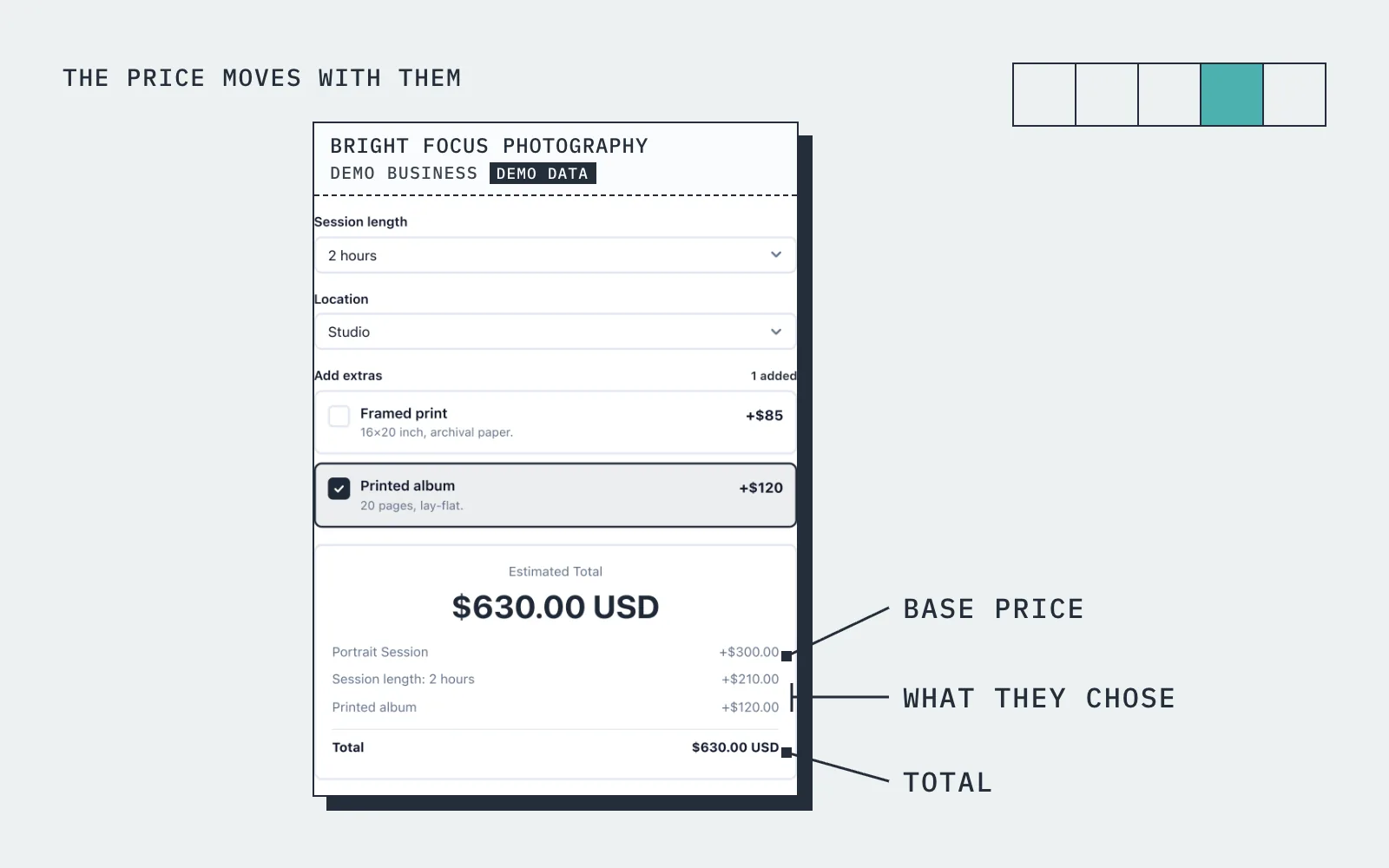
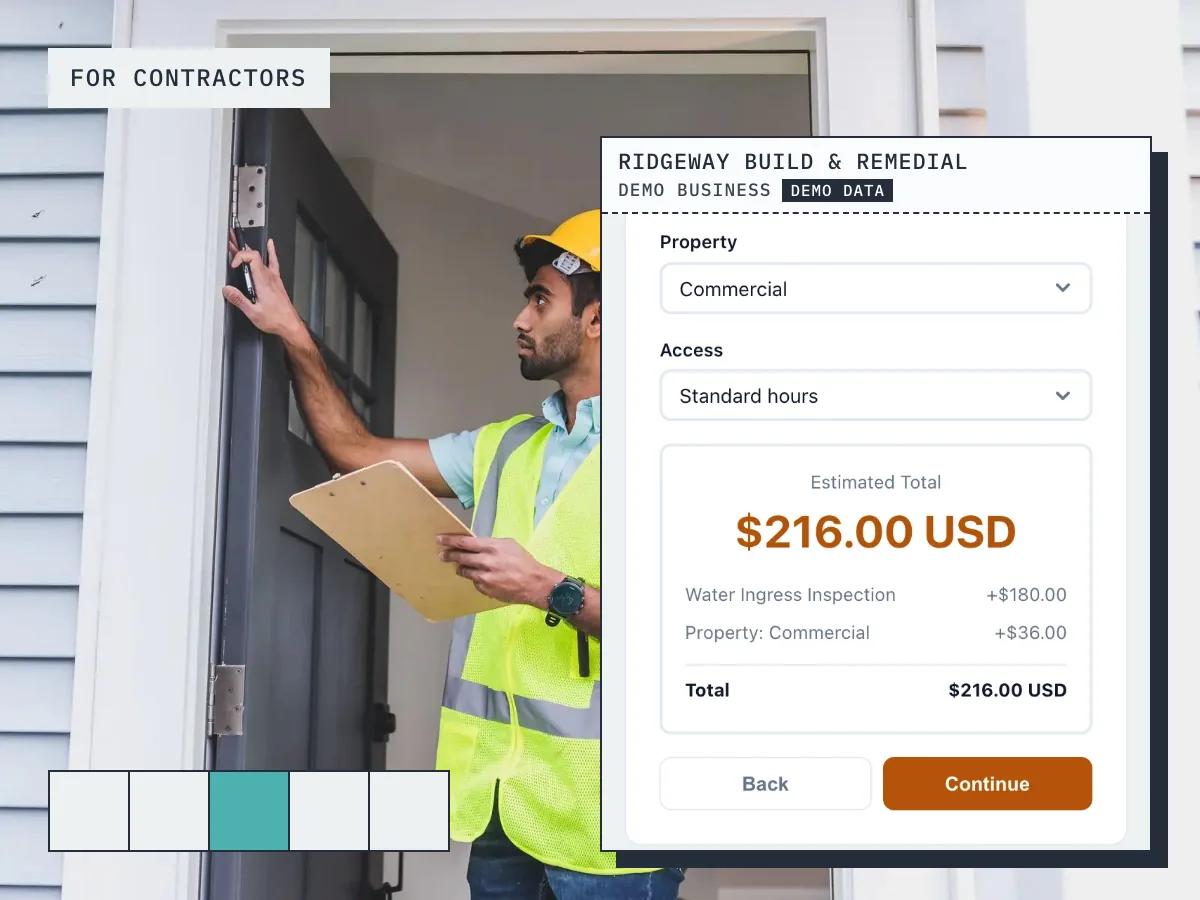
The price moves with what they choose
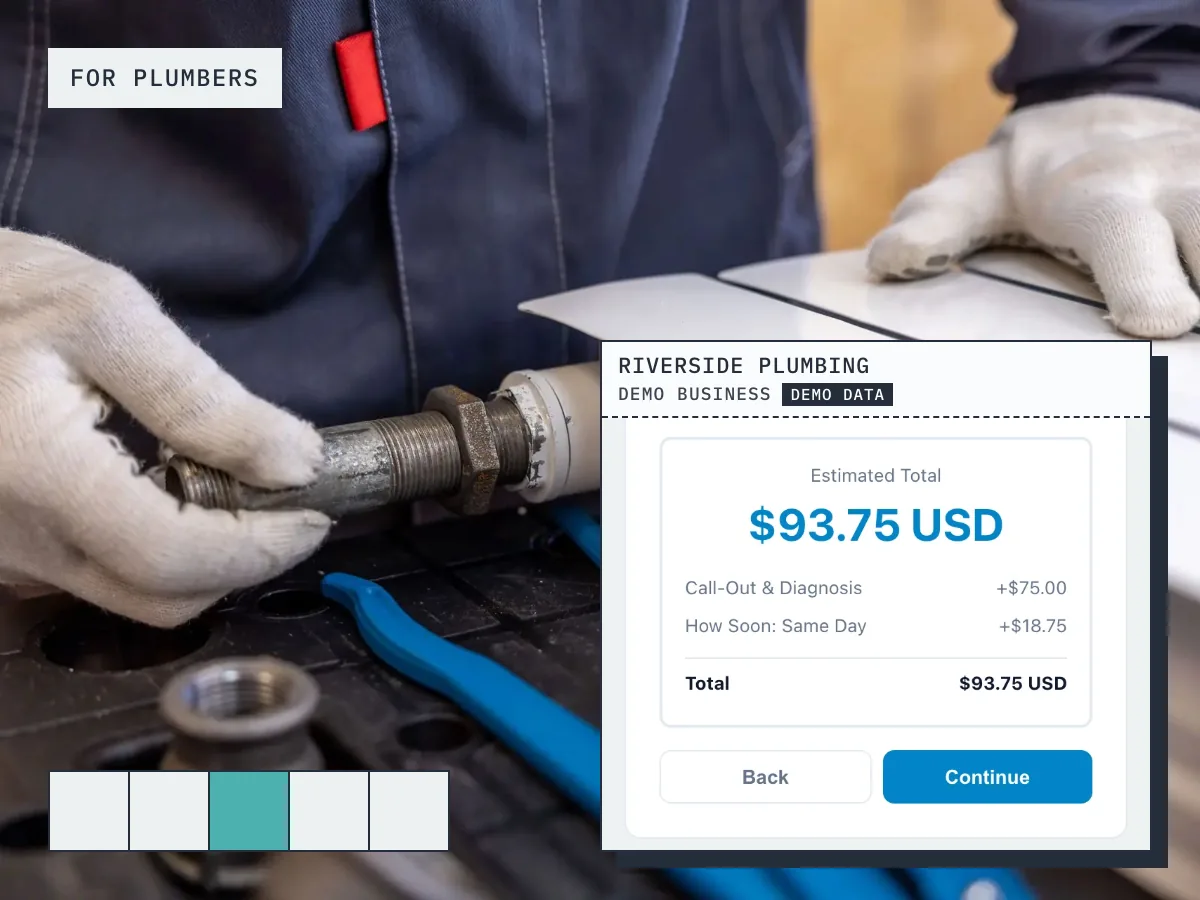
A landlord picks "Safety Inspection" for a four-bedroom rental. The widget applies your large-property rate, shows $208, and takes the deposit.
How it works
Up and running in three steps
Start free
No card needed. Add your business name and you are in.
Add your services and prices
Set what you sell, what changes the price, and your hours.
Share it and get booked
Share your link, embed it on your site, or publish your free website.
Guide
Electricians booking: what to know
Fixed-price jobs or a survey first?
The question every electrician faces with online booking is which jobs can be priced without seeing the property. In practice a good share can: a safety report priced by the number of bedrooms, an extra socket or light fitting, a consumer unit replacement in a standard home, an EV charger install on a straightforward run. List those as fixed-price jobs and let the customer book them directly.
For a rewire, a commercial fit-out or anything with unknowns, list a survey or a quote visit as its own bookable job. The customer books the survey, you look at the work, and you send a quote they can accept online. The accepted quote becomes a dated job. You get both: instant booking for the known work and a quote to job flow for the rest, in one diary.
Pricing by property size, timing and extras
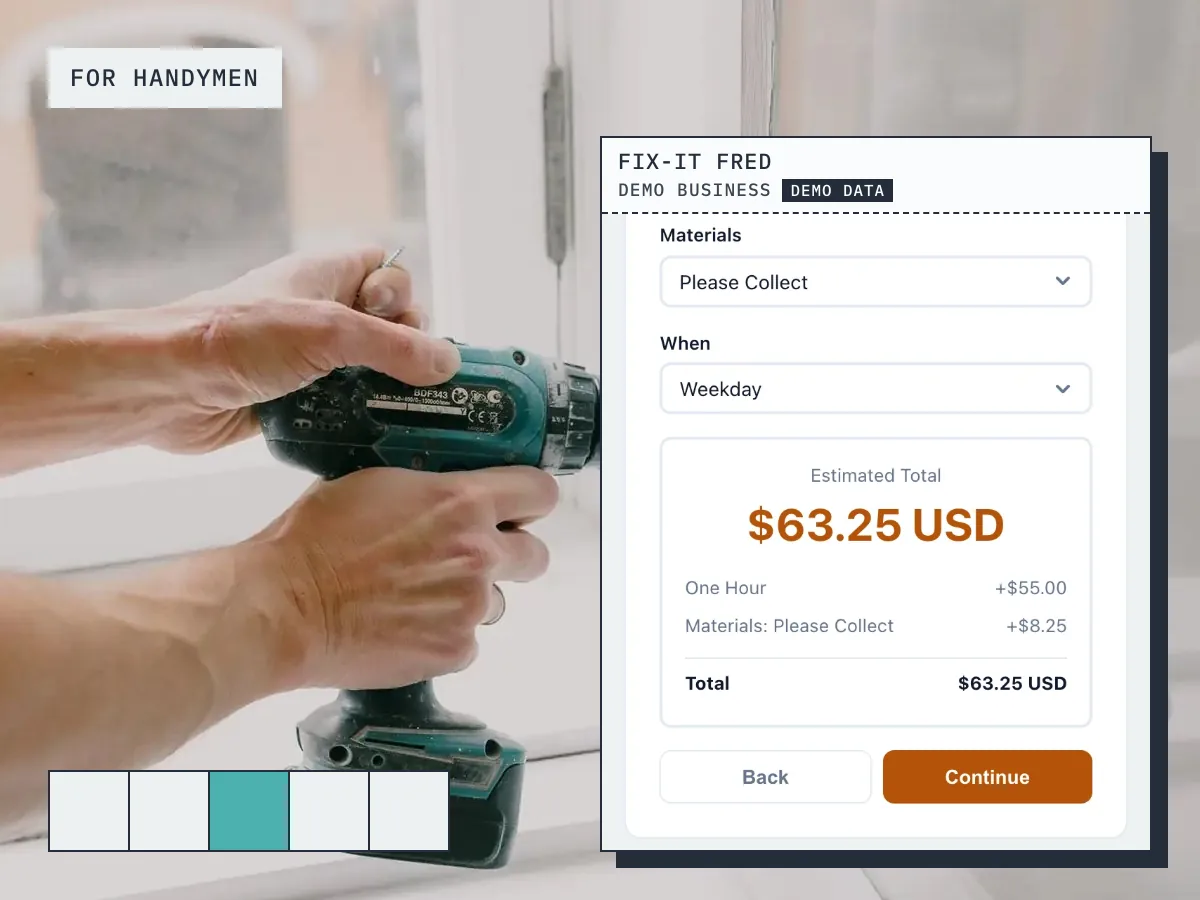
Price variables are what make an electrician booking form useful rather than a glorified contact form. Set a base price for the job, then add the variables that change it: number of bedrooms for a safety report, property type for a consumer unit, weekday or weekend for the slot, distance from your base. Each option can add a fixed amount, a percentage, or take something off.
The customer picks their options and sees the price move as they do, so the question of what it will cost is answered before they book. You are not quoting from a phone call and hoping the description was accurate. If a job comes in with options that worry you, the booking is in your dashboard with the customer details, and you can call before the date.
Can I take a deposit for electrical work?
Yes. For each job you choose whether the customer pays a deposit, pays in full, or pays after the work. The card payment is taken at the point of booking and goes straight to your own Stripe account. Online payments are on the paid plans and need an approved payments application, which we review before switching them on.
A deposit matters more on electrical work than on most trades because the parts are often ordered for the job. Taking a percentage up front covers the consumer unit or the charger if the customer changes their mind. When the job is marked complete you invoice the balance from the same system, and a no-show fee is available for the ones who are not in.
Field service software or a booking system for a small electrical firm
Field service management software is designed around dispatching a team: who goes where, job sheets, van stock, timesheets and routing. If you run several engineers across a region it is the right tool. If you are a sole trader or a small firm, you will pay for a lot you never use, and it still will not stop the phone ringing with price enquiries.
A booking system handles the front of the business. BookingMachine covers pricing, booking, deposits, quotes, invoices, reviews, and a shared diary for a small team with more than one location. Add your accreditations and your reviews to your free website or your own site, put the form on it, and the enquiry stage mostly takes care of itself. If you later grow into a fleet, the booking form stays as the front door.
No accounts for customers, and free to start
Your customers do not create an account. They open your link or your website, pick the job and the options, see the price, choose a time and pay if payments are on. They receive a confirmation by email and the booking lands in your dashboard and inbox. Fewer steps for them means fewer half-finished enquiries for you.
The free plan needs no card and includes services and prices, the booking link, the embeddable form, quotes, invoices and review requests after a completed job. Deposits and online payments are on the paid plans. Set everything up for free, take a few bookings, and turn payments on when you are ready for them. Nothing about the form or the diary changes when you do, only the payment step the customer sees.
Pricing
Simple, transparent pricing
Start free. Upgrade when you are ready.
Free
Get started for free
No card needed
- 25 bookings a month
- 1 team member
- 1 location
- Quotes and invoices
- Booking form, booking page and free website
- 3 website pages
Pro
Most popularTurn your website into a booking machine
or $18/mo billed yearly
- Everything in Free
- Unlimited bookings
- 4 team members
- 2 locations
- Online payments, deposits and no-show fees
- Repeat bookings
- Discount codes
- Google Calendar, two-way
- Every website template and your own domain
- 20 website pages
- Auto-assign jobs, customers choose a person
- Priority support
Business
For teams and multi-premises
or $34/mo billed yearly
- Everything in Pro
- 15 team members
- 6 locations
- Unlimited website pages
30-day money-back guarantee. No questions asked.
FAQ
Electricians booking software FAQ
Can I price inspections by the size of the property?
Yes. Add property size as a pricing option with a multiplier for each band. The customer picks theirs and sees the price for their property.
How do I handle jobs that need a survey first?
List the survey as its own bookable service, free or paid. After the visit, send a quote from the same system and convert it to a booking when it is accepted.
Can I ask questions before the job is booked?
Yes. Add custom questions to the booking form, such as the type of fuse board or how to access the property, and the answers arrive with the booking.
Can I take a deposit to cover materials?
Yes. Set the deposit percentage per service. It is collected by card at booking through Stripe, and the balance can be charged when the job is complete. Online payments are part of the paid plans.
Does it work for a team of electricians?
Yes. Add each team member with their own working hours and jobs are assigned to whoever is available, without double booking.
Is there a free plan?
Yes. The free plan covers a limited number of bookings each month, with quotes, invoices and a hosted booking page. Online payments and deposits are on the paid plans. The pricing page has the current limits.
From the blog
Guides for electricians
The Best Appointment Booking and Payment Systems for Service Businesses (2026)
Compare the best appointment booking and payment systems for service businesses. Take deposits, reduce no-shows and automate reviews. Updated 2026.
Online Booking System with Deposit: The Complete Guide for Service Businesses
Take deposits at the time of booking, cut no-shows and protect your revenue. The complete guide to choosing a booking system with deposit for service businesses.
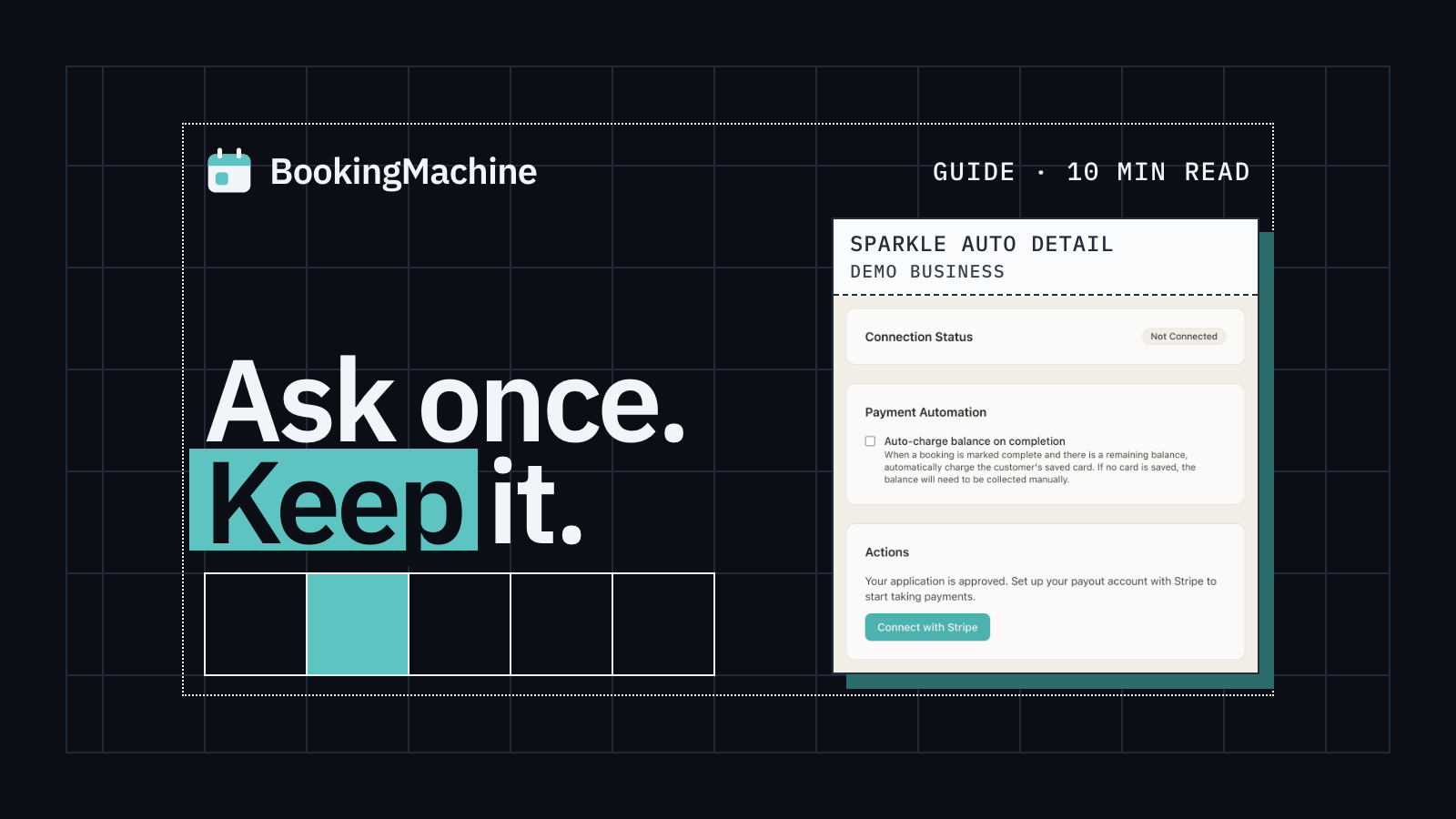
How to Collect Deposits and Set Up a Booking Deposit Policy for Your Service Business
Learn how to ask for a deposit, design a fair cancellation policy, and collect payments at booking. Practical guide for salons, trades, cleaners and freelancers.
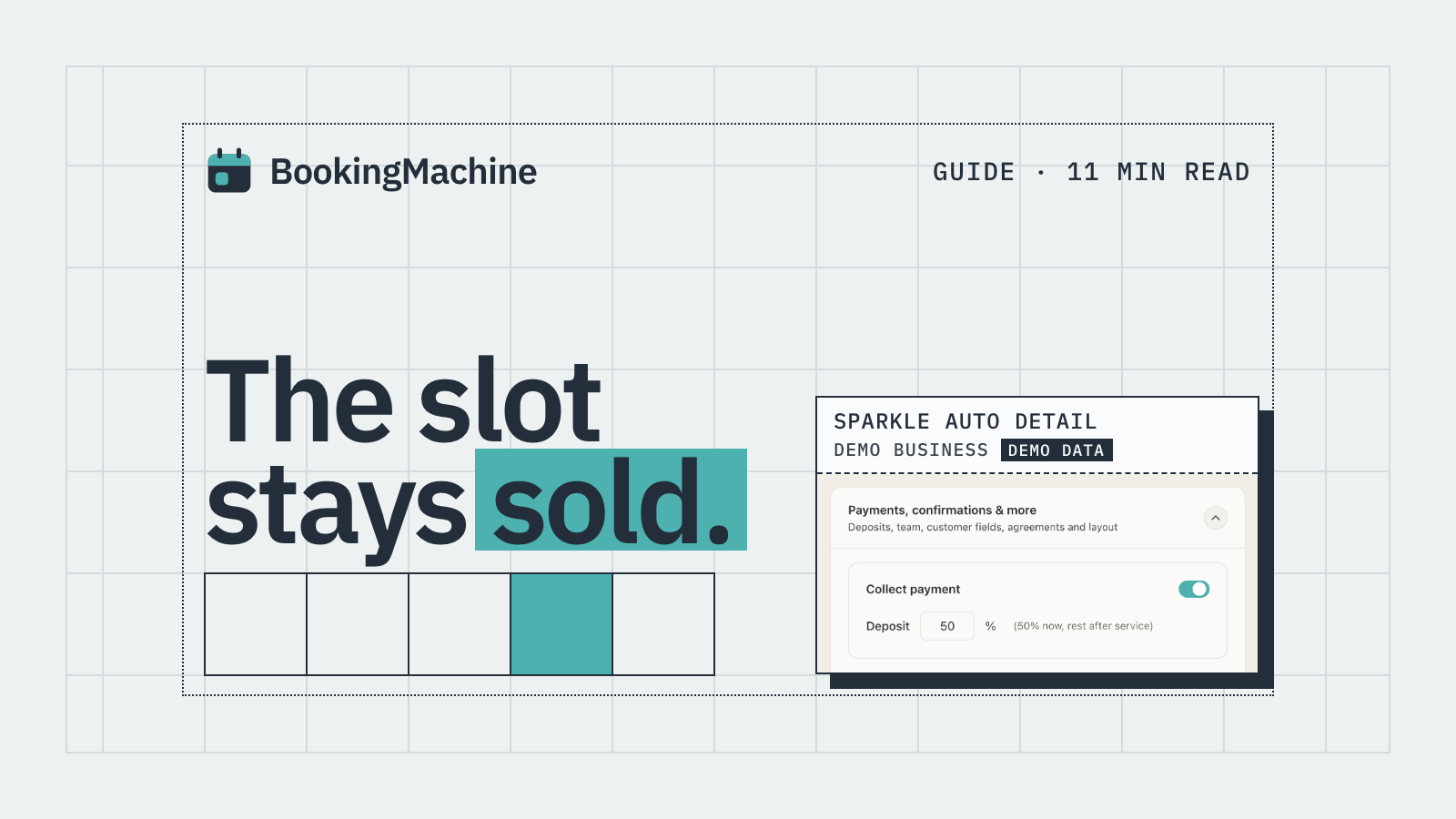
No-Show & Cancellation Policy Enforcement for Service Businesses
Stop losing money to no-shows and last-minute cancellations. A practical guide to writing, charging and enforcing cancellation policies for service businesses.
Free tools
Free tools for electricians
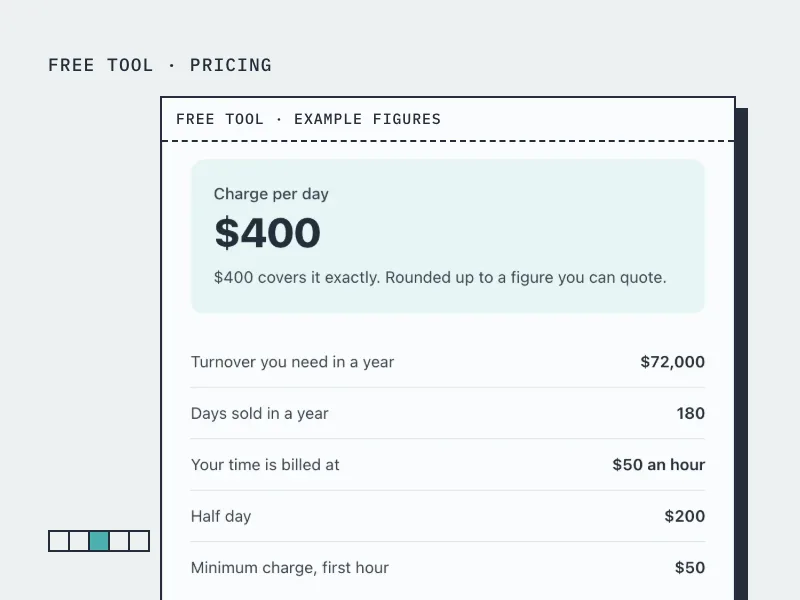
Day Rate Calculator for Tradespeople
Work out your day rate, hourly rate and minimum charge from the income you want and your running costs.
Open the tool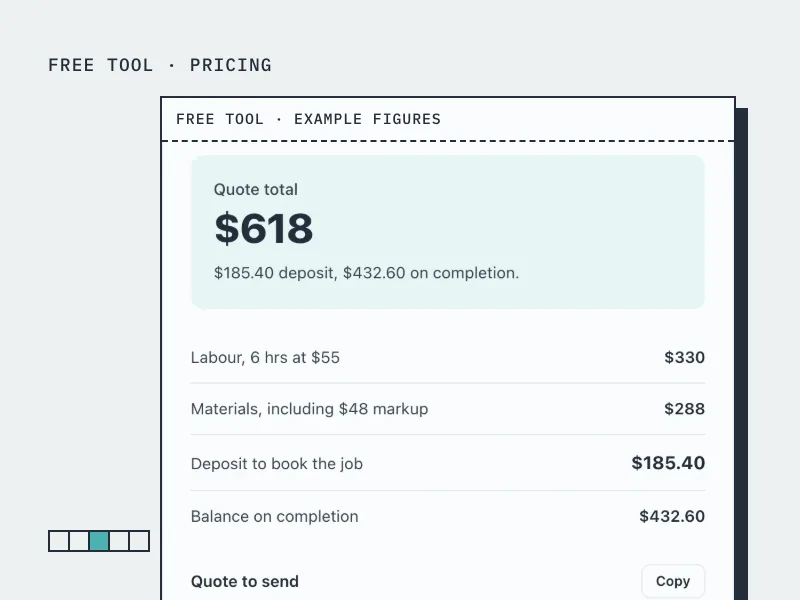
Trade Job Quote Calculator
Build a quote from labour, materials with markup, call-out and tax, with the deposit worked out.
Open the tool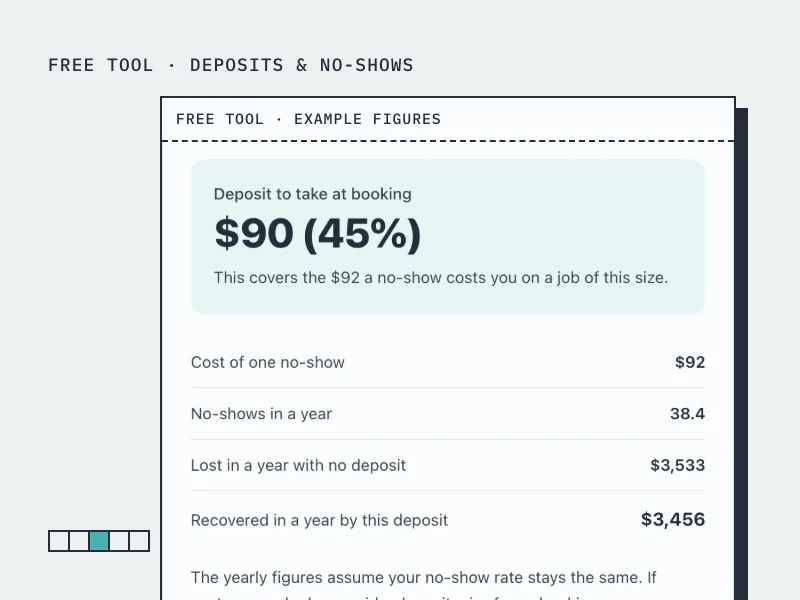
Deposit Calculator
Work out how much deposit to take on a booking, from what a no-show actually costs you.
Open the tool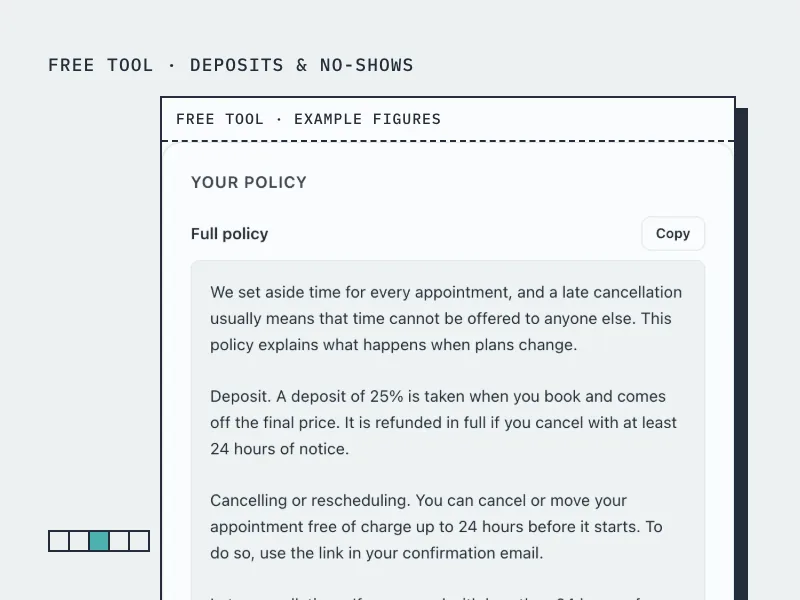
Cancellation Policy Generator
Build a cancellation and no-show policy in your own terms, ready to paste onto your booking page.
Open the toolBookingMachine works for other industries too
See all industries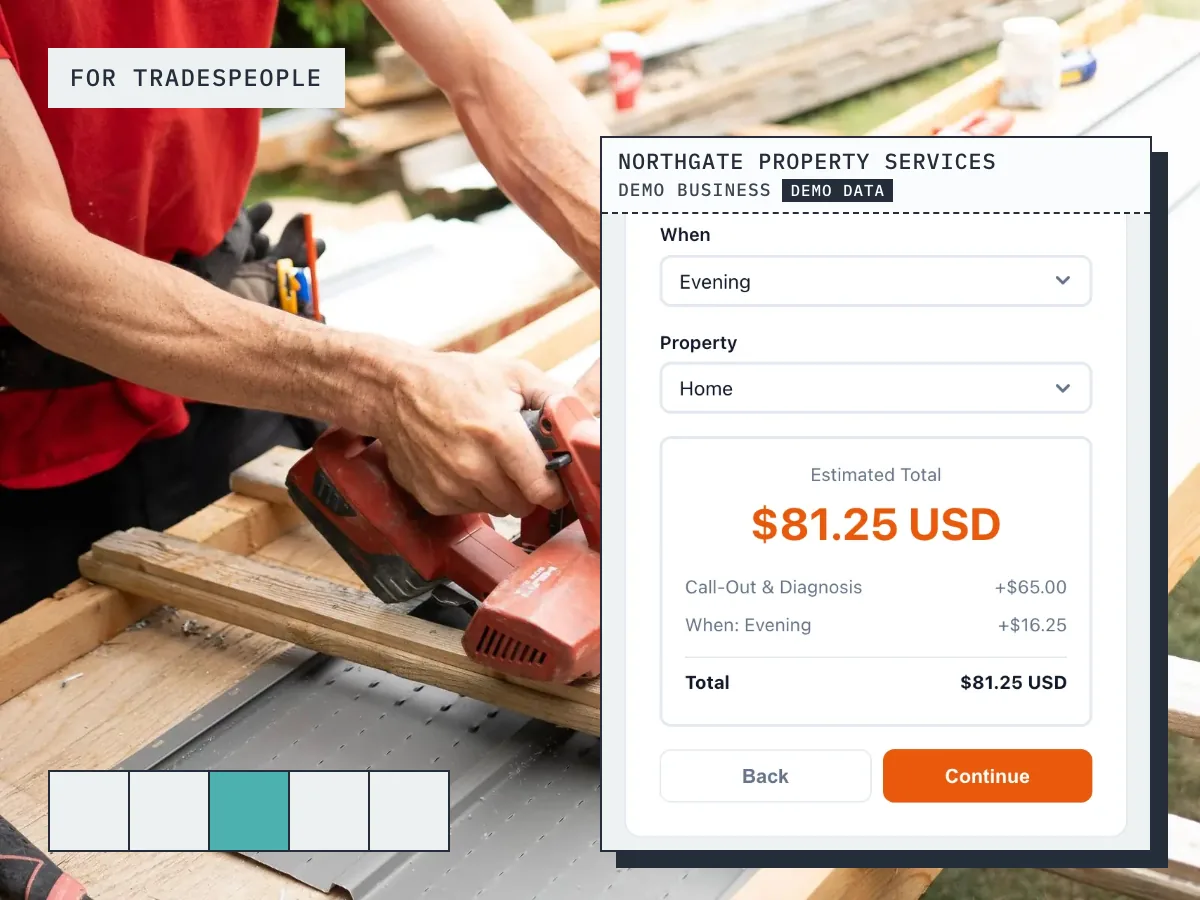
Ready to grow your business?
Start free, add your services and prices, and share your booking link today.