Job Booking and Scheduling Software for Tradespeople
Customers get a price, pick a slot and pay a deposit while you are on the tools. The job lands in your diary with the address, the details and the money already sorted.
Job booking software for tradespeople lets a customer see a price, pick a slot and pay a deposit from one link, without calling you. BookingMachine does this for sole traders and small firms: set your services and price variables once, embed the form on your website or share the link, and every booked job lands in your dashboard and inbox.
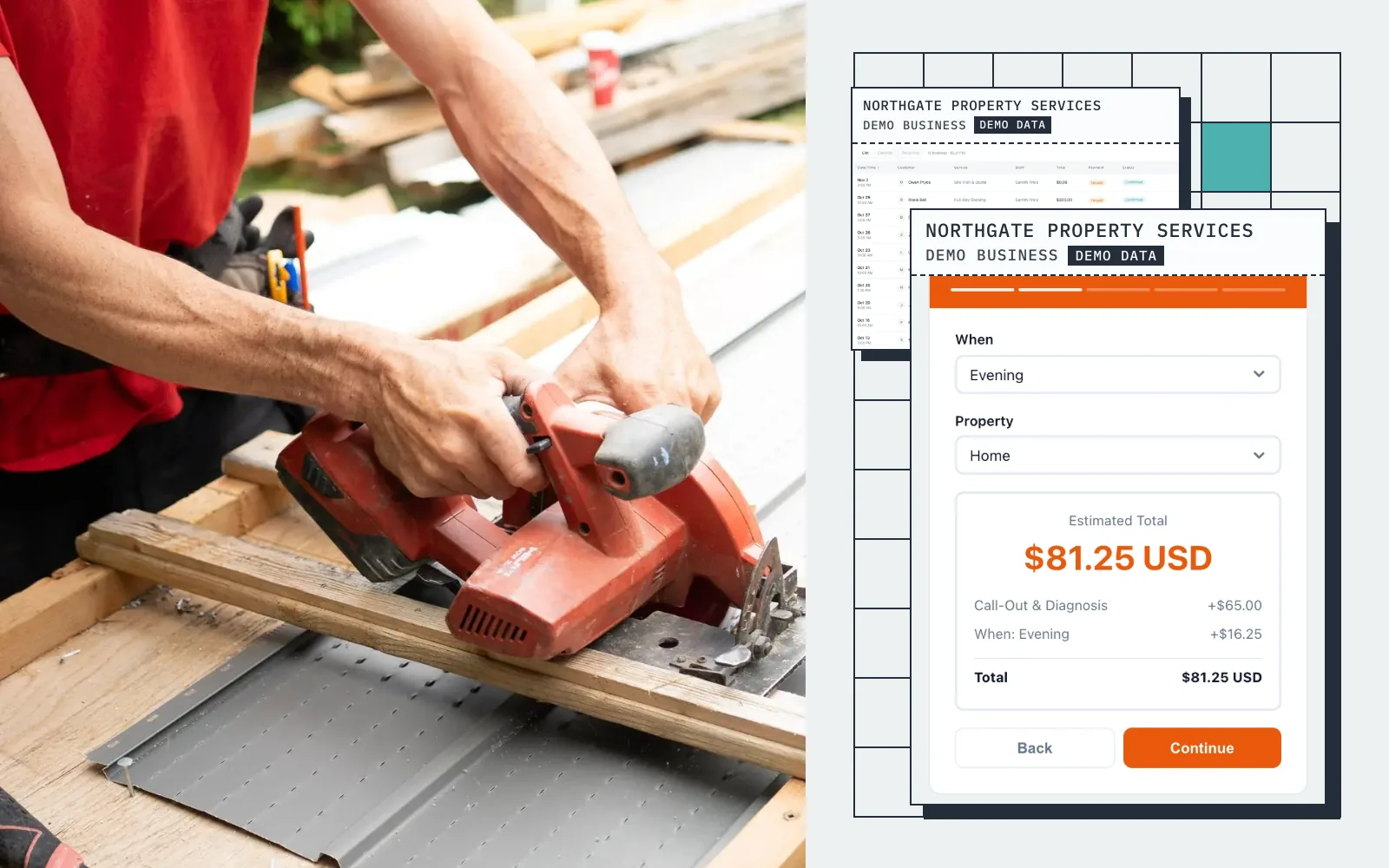
Live demo · Northgate Property Services
Try the booking form
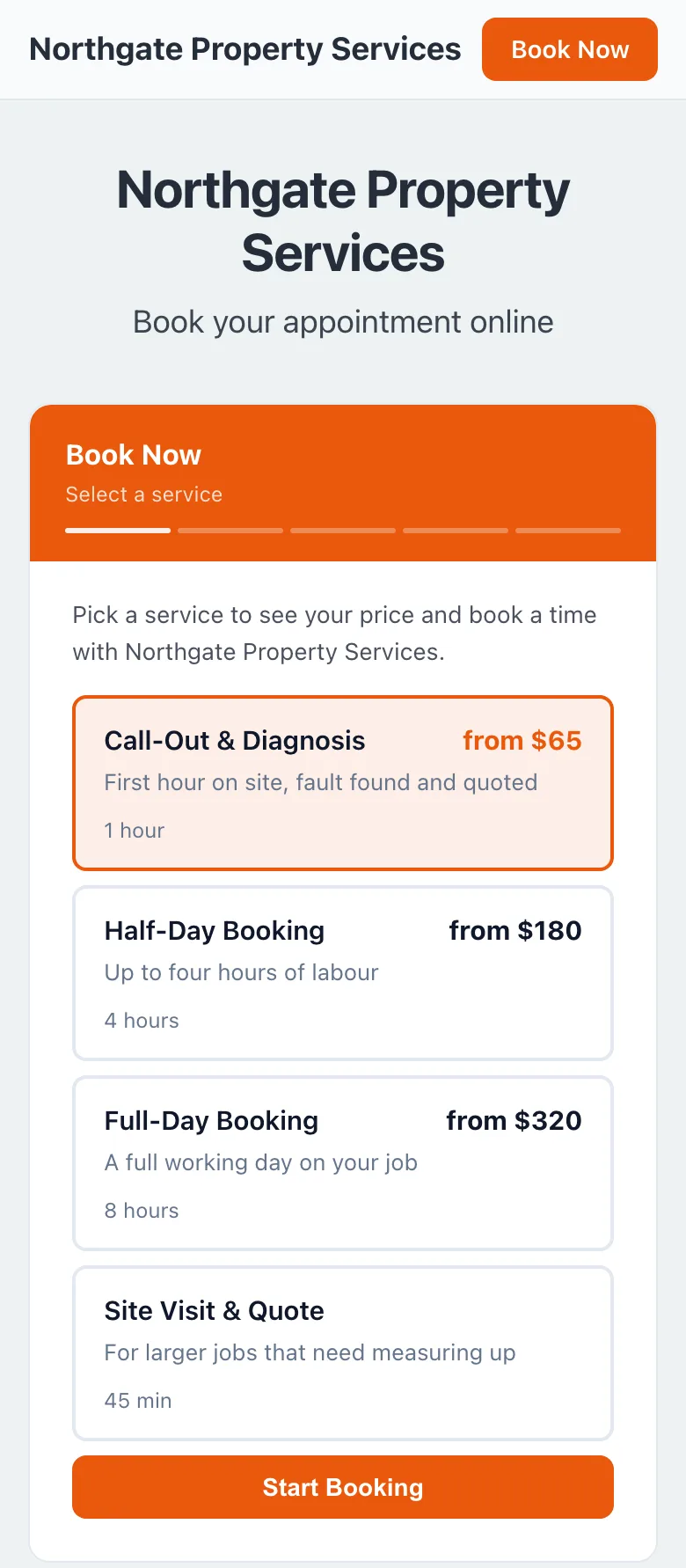
This is what your customers see: pick a service, get an instant quote, and book in seconds.
Screens
Real screens from a demo tradespeople business
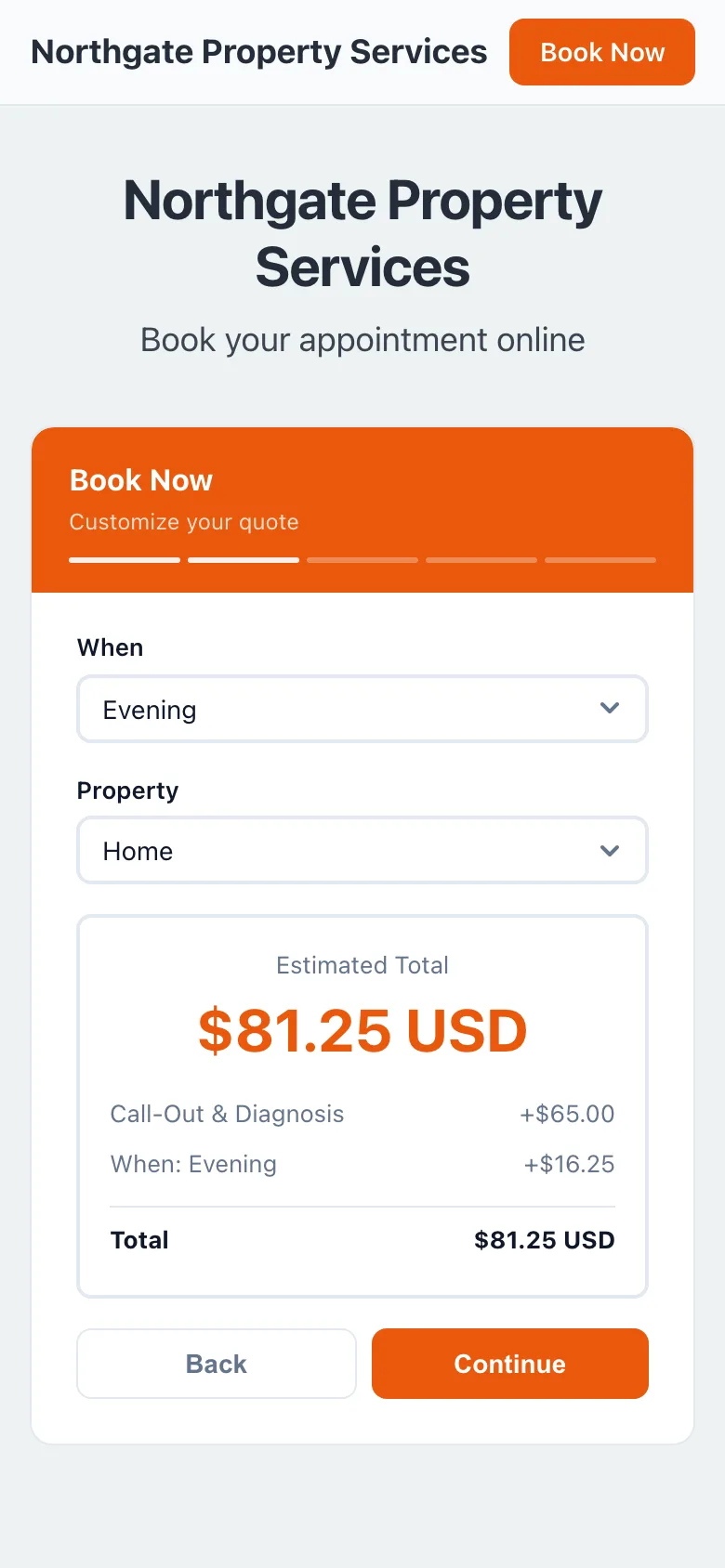
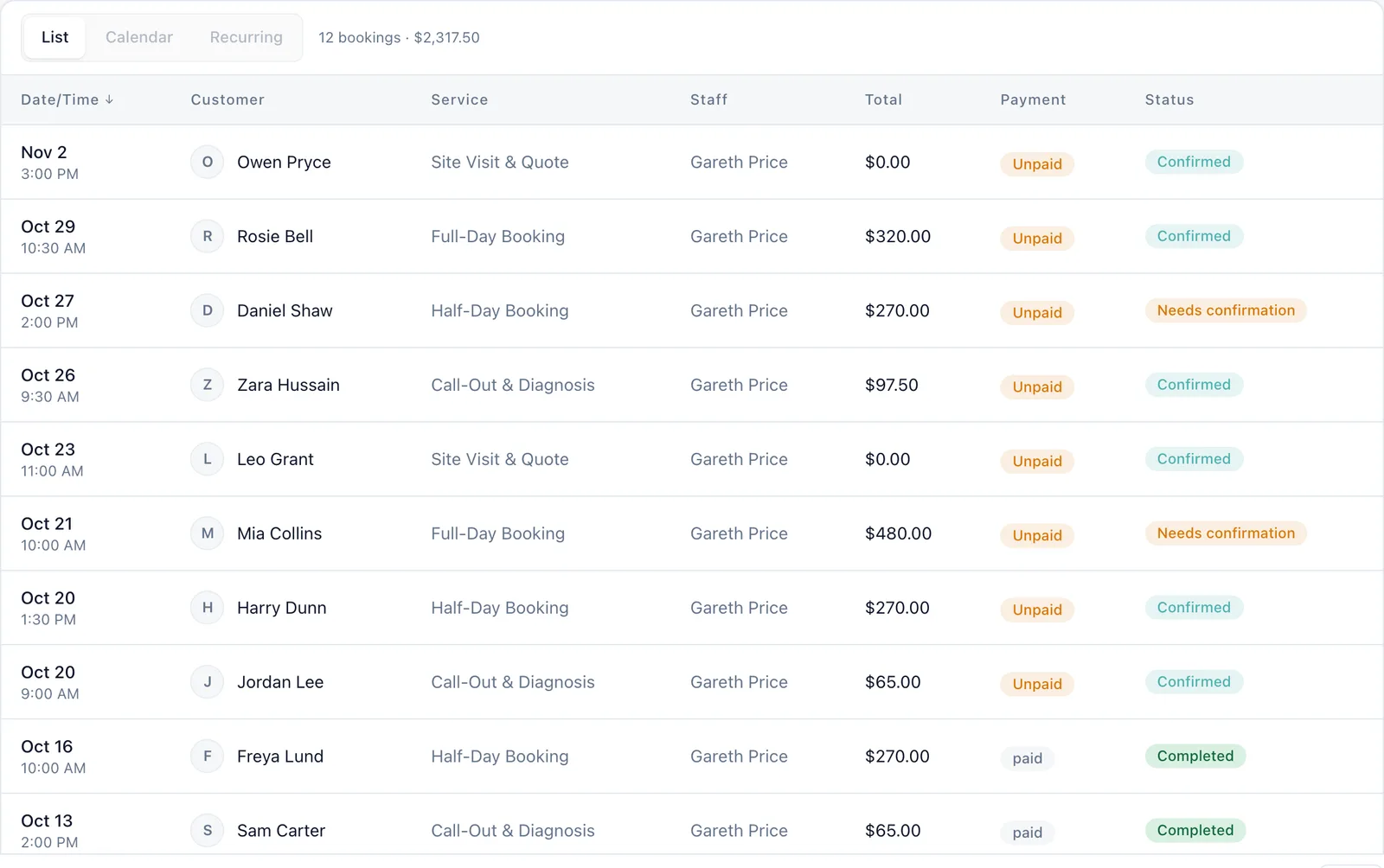
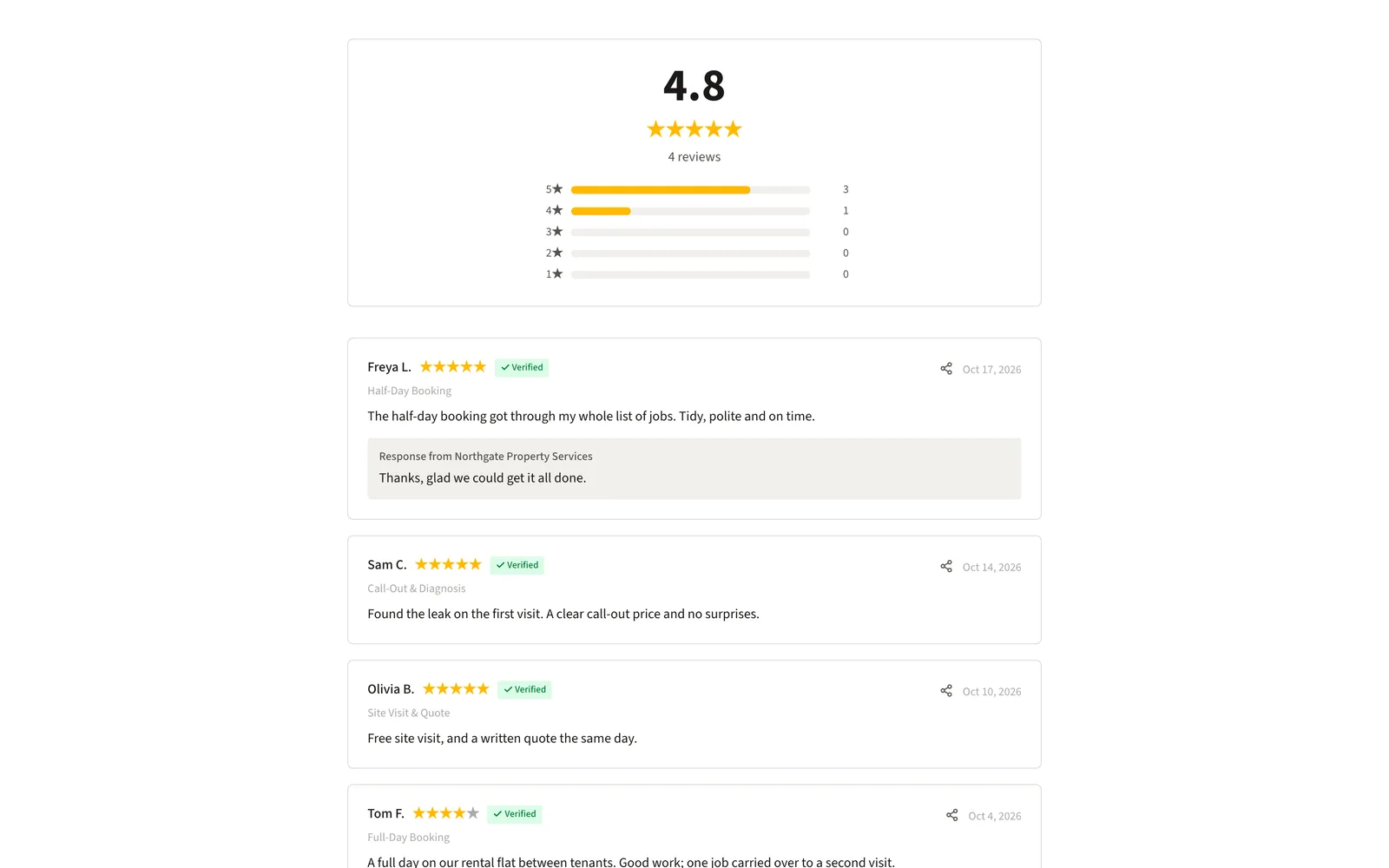
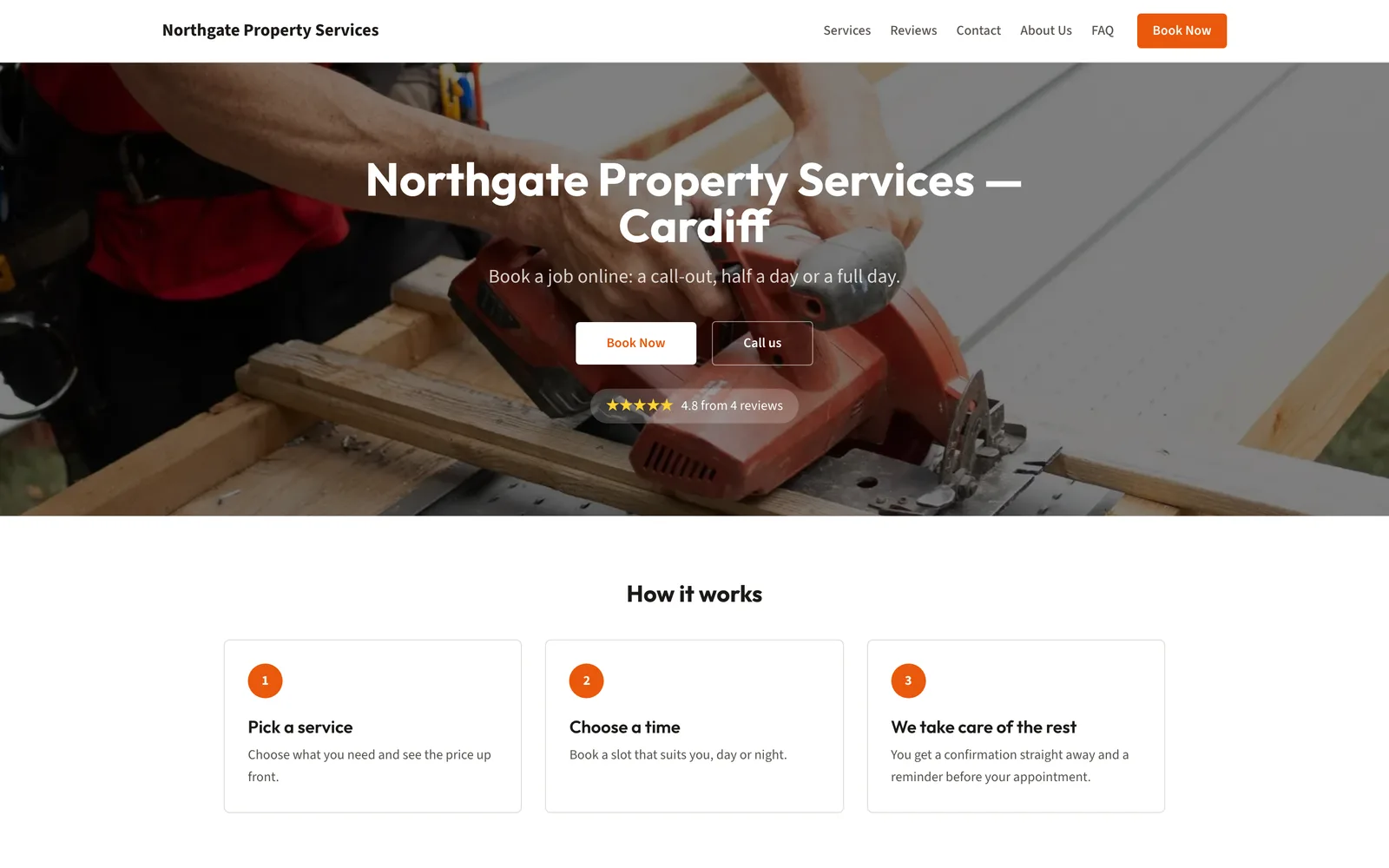
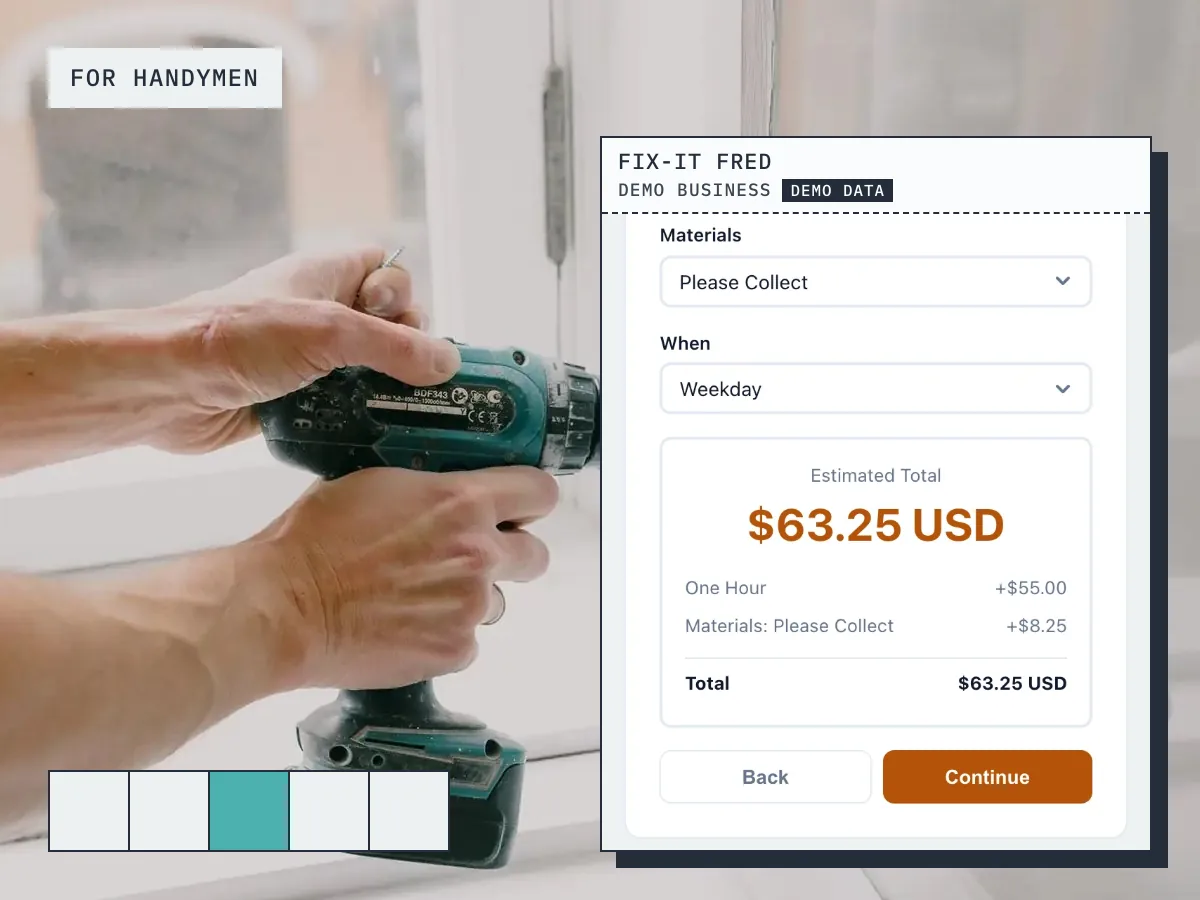
Captured from a working demo account: what your customer sees on their phone, and what you see in the dashboard.
Embed on your site
Put the booking widget on your website so customers can price and book a job at any hour.
Share a booking link
Send your booking link by text or WhatsApp instead of going back and forth on dates.
Free website
No website? Your free website lists your services, prices and reviews, with booking built in.
Auto-collect reviews
When a job is marked complete, the customer is asked for a review with photos of the finished work.
Sound familiar?
These are the problems that cost you time, money, and clients every week.
You miss calls while you are working, and the customer rings the next name on the list.
Your booking page answers for you. They see the price, choose a time and book while you carry on with the job in front of you.
You drive across town and nobody is in.
A deposit at booking and an automatic reminder before the visit cut down wasted trips, and the deposit covers your time when one still happens.
Quotes, bookings and invoices live in three different places.
A quote becomes a booking and a booking becomes an invoice, with the customer and job details carried through each step.
Core advantages
Why trade businesses choose BookingMachine
A Price Without the Phone Call
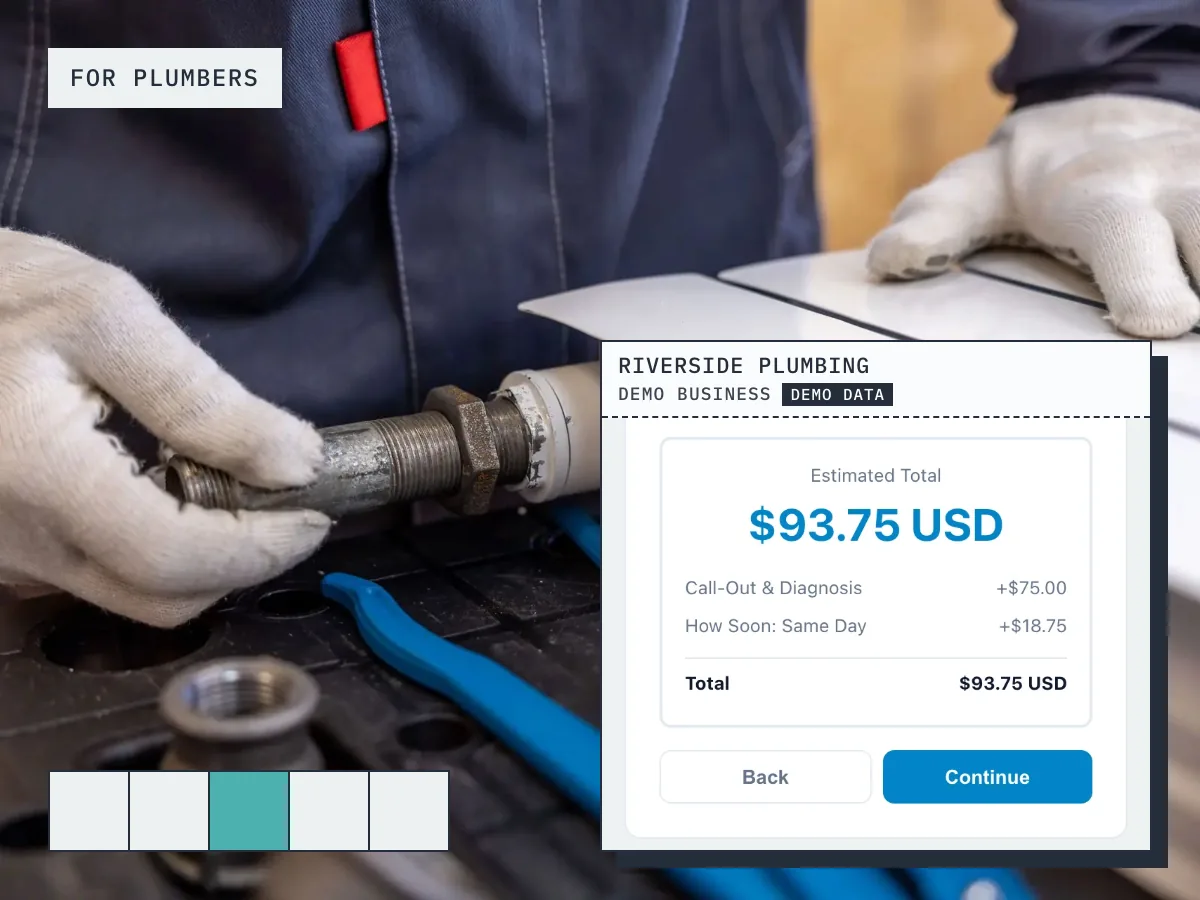
Set your call-out fee, hourly and day rates, and what you charge for evenings and weekends. Customers see the price for their job and book it, without waiting for you to ring back.
Deposits That Stop Wasted Trips
Take a deposit when the job is booked. A customer who has paid is at home when you arrive, and a cancelled job no longer costs you the whole slot.
One Diary for Every Job
Bookings go straight into your schedule and sync with Google Calendar. No double bookings, and no jobs written on the back of a receipt.
Features
Everything tradespeople need, in one place
Call-Out, Hourly and Day Rates
Price jobs the way your trade does: a fixed call-out fee, time on site, or a set price per job. Mix them across your services.
Evening and Weekend Rates
Charge more for out-of-hours work automatically. The price changes with the slot the customer picks.
Travel-Based Pricing
Add a charge for jobs outside your usual area, so a long drive is priced in before you set off.
Quotes and Invoices
Send a branded quote for larger jobs, turn it into a booking when it is accepted, and invoice on completion.
Team Scheduling
Add the people who work with you, set their hours, and have jobs assigned to whoever is free.
Reviews With Photos
Customers are asked for a review when the job is done and can attach photos. Show them on your website and booking page.
Free website
A website made for tradespeople
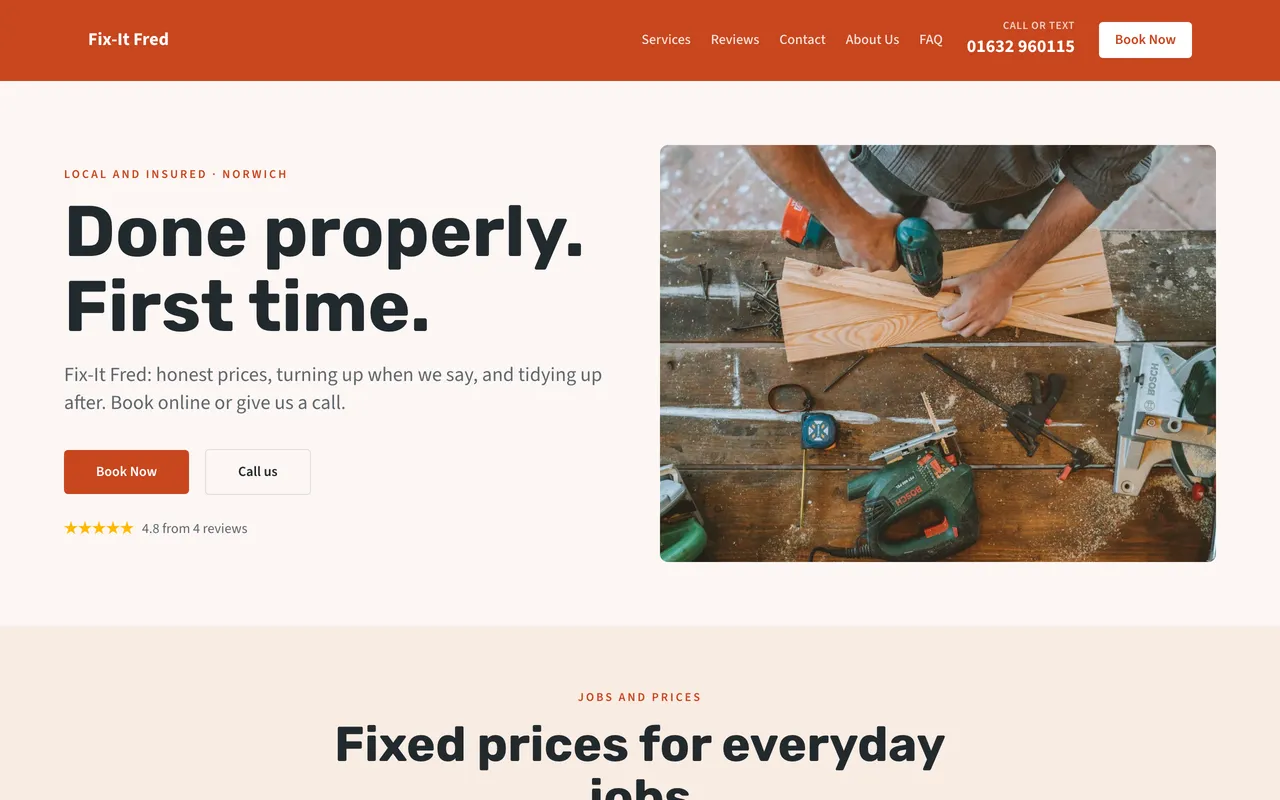
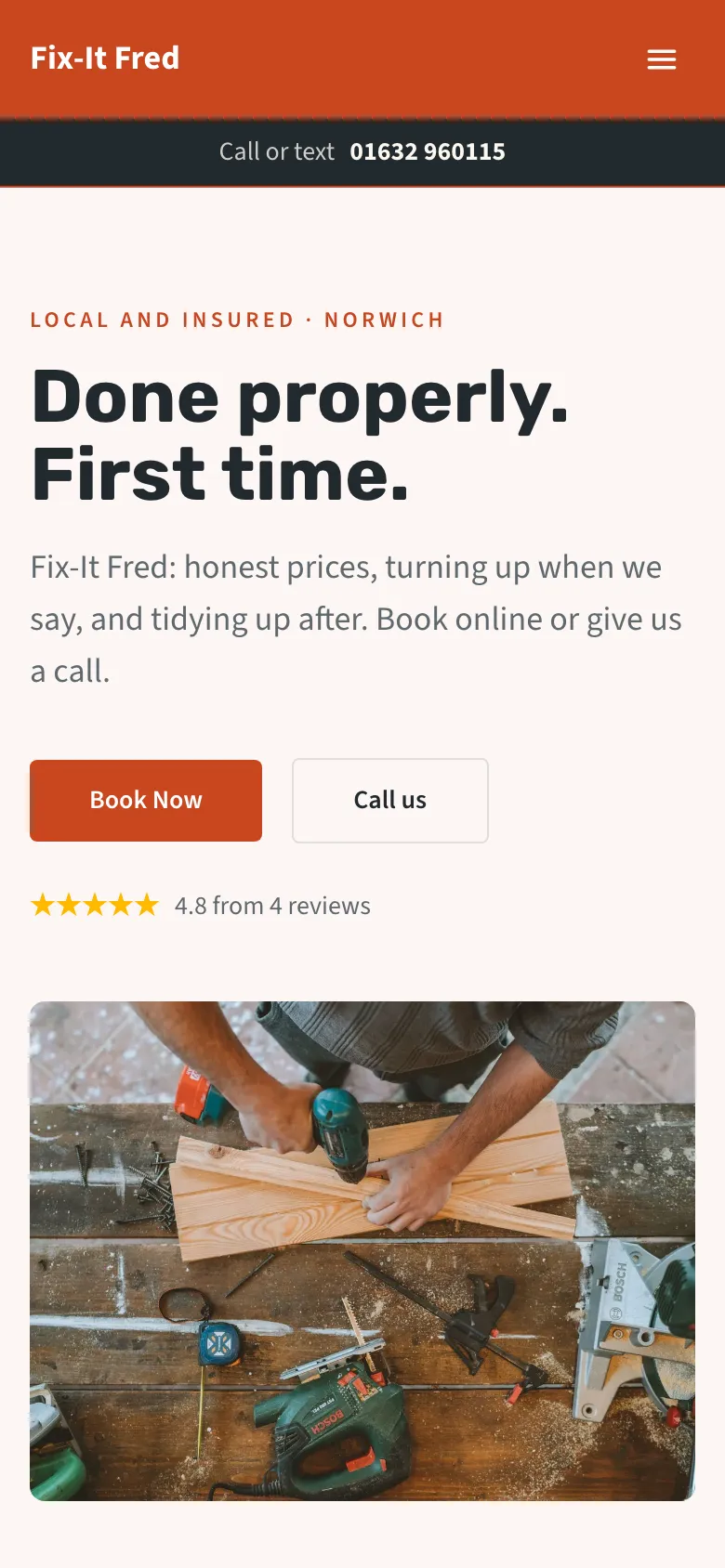
Every account comes with a bookable website built from your services, prices and reviews. The Local template was designed for tradespeople: friendly and straight-talking. Your number up front, prices on show, the areas you cover.
Local
Friendly and straight-talking. Your number up front, prices on show, the areas you cover.
Pricing engine
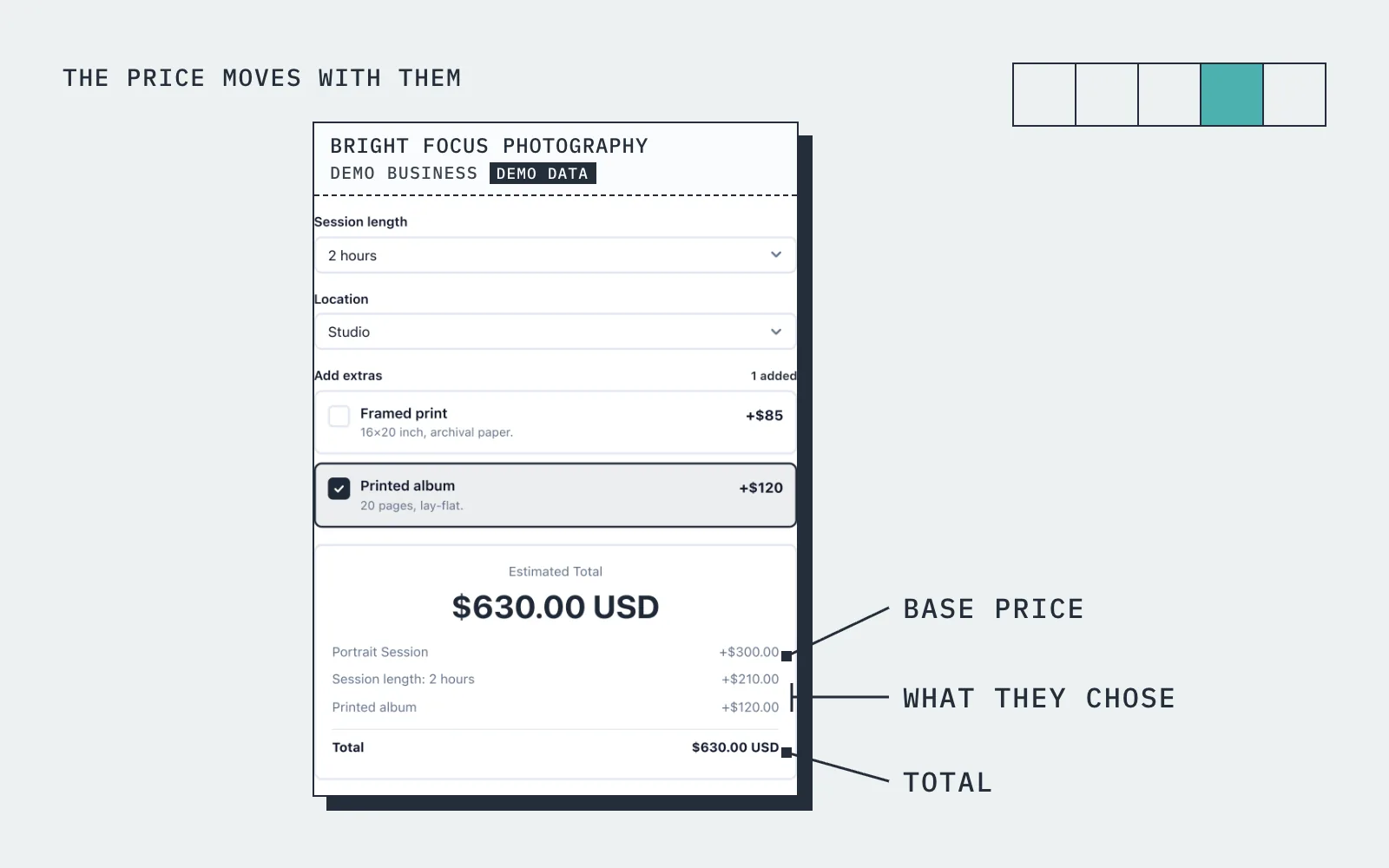
The price moves with what they choose
A landlord picks "Half-Day Booking" for a Saturday at a rental property. The widget applies your weekend rate, shows $270, and takes the deposit you have set.
How it works
Up and running in three steps
Start free
No card needed. Add your business name and you are in.
Add your services and prices
Set what you sell, what changes the price, and your hours.
Share it and get booked
Share your link, embed it on your site, or publish your free website.
Guide
Tradespeople booking: what to know
Job booking or appointment booking: which do trades need?
Most scheduling software is built for appointments: a haircut, a consultation, a thirty minute slot that looks the same every time. Trade work is different. A job has a scope, a price that depends on the property and the timing, and often a deposit before you turn up. A job booking system needs to ask the customer what the work is, price it, offer a slot that fits the length of the job, and take payment, all in one go.
BookingMachine treats each service as a job with its own duration and its own price variables. A boiler service, a fuse board swap or a half day of general work can each have a different length, so a slot that is taken is never offered twice, and an evening or weekend job can carry a different rate from a weekday one. You still see one diary, but the customer books a job, not a generic appointment.
Quote to job: pricing work before you have seen it
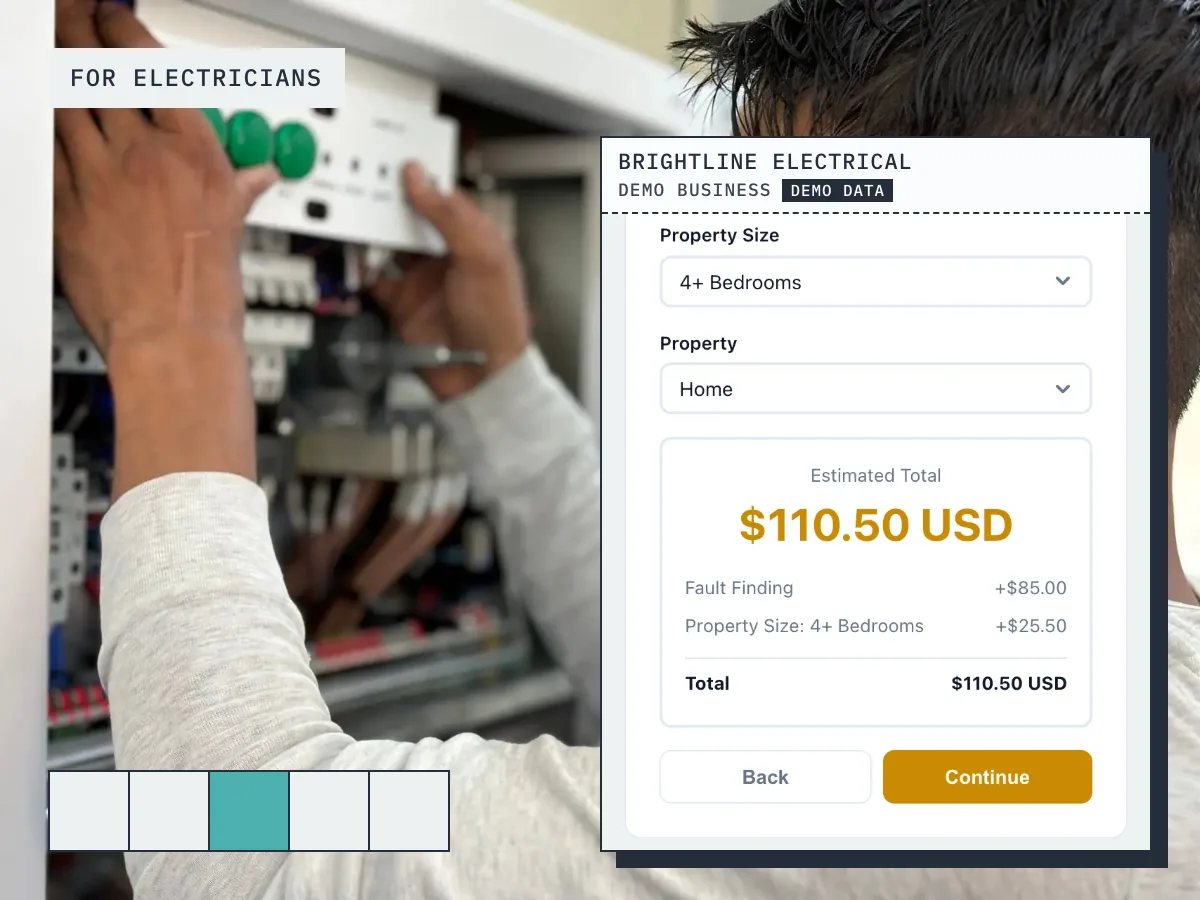
Automatic job booking only works if the price is set before the customer books, so start by deciding which jobs you can price without a visit. Routine work is easy: a service, a safety check, a fixed replacement. Set a base price, then add price variables for the things that change it, such as property type, time of day, distance or extra items. The customer picks their options and watches the price change as they do.
For work you cannot price blind, use a quote. The customer tells you what they need, you send a quote they can accept online, and the accepted quote becomes a booked job. That keeps the form simple for small jobs while giving you a proper quote to job flow for the bigger ones, with the price agreed in writing before you start.
Can I take a deposit for a call-out?
Yes. When a customer books, you choose whether they pay a deposit, the full amount, or nothing until the job is done. The deposit is paid by card at the point of booking and goes to your own Stripe account, not to us. Online payments need a paid plan and an approved payments application, which we review before switching payments on for your account.
A deposit on a call-out does two things. It filters out the customers who were never going to be in when you arrived, and it covers your fuel and time if they cancel late. You can also set a no-show fee and send an invoice for the balance once the job is complete, so the money side runs from the same place as the diary.
Field service software or a booking system: what a sole trader needs
Field service management software adds dispatch, job sheets, parts inventory, timesheets and route planning for a fleet of vans. If you run several crews across a region, that is worth paying for. A sole trader or a two-person firm usually does not need any of it. What you need is for the phone to stop ringing with price inquiries, for jobs to arrive already priced and dated, and for the money to be collected without chasing.
That is the gap a booking system fills. BookingMachine handles the front of the business: pricing, booking, deposits, invoices, reviews and a shared diary for a small team across more than one location. It does not try to be your accounts package or your stock system. If you grow into a fleet, keep the booking form as the front door and add a field service tool behind it later.
Free scheduling software for trades, and whether customers need an account
Free scheduling software for trades usually means a free plan with limits, and ours is the same: no card needed to start, with online payments and deposits on the paid plans. On the free plan you can still set up services and prices, share your booking link, put the form on your website, send quotes and invoices, and collect reviews after a job is marked complete.
Your customers never need an account. They open your link or your website, pick the job and the options, see the price, choose a time and pay. Confirmation goes to them by email and the job lands in your dashboard and inbox. Most trades start on the free plan and move up when they want deposits, which tends to be the first feature that pays for itself.
Pricing
Simple, transparent pricing
Start free. Upgrade when you are ready.
Free
Get started for free
No card needed
- 25 bookings a month
- 1 team member
- 1 location
- Quotes and invoices
- Booking form, booking page and free website
- 3 website pages
Pro
Most popularTurn your website into a booking machine
or $18/mo billed yearly
- Everything in Free
- Unlimited bookings
- 4 team members
- 2 locations
- Online payments, deposits and no-show fees
- Repeat bookings
- Discount codes
- Google Calendar, two-way
- Every website template and your own domain
- 20 website pages
- Auto-assign jobs, customers choose a person
- Priority support
- Bookings from AI apps
- AI assistant
Business
For teams and multi-premises
or $34/mo billed yearly
- Everything in Pro
- 15 team members
- 6 locations
- Unlimited website pages
AI assistant. Paid plans include 50 AI assistant conversations a month. Use your own Anthropic key at no extra cost, or add more from $20/mo.
How it works30-day money-back guarantee. No questions asked.
FAQ
Tradespeople booking software FAQ
Which trades is BookingMachine suited to?
Any trade where a customer books a visit or a job: plumbers, electricians, handymen, heating engineers, decorators, locksmiths, carpenters, roofers and similar. If you sell your time or a priced job, it fits.
Can customers book a job without me quoting first?
Yes, for work you can price up front, such as a call-out, a half day or a standard job. For work that needs measuring, offer a site visit as a bookable service and send a quote afterwards.
Can I take a deposit when a job is booked?
Yes. Set a deposit percentage and it is collected by card at booking through Stripe. The balance can be charged when the job is complete. Online payments are part of the paid plans.
Do I need a website?
No. You get a booking link and a free hosted website you can share by text, on social media or on your Google Business Profile. If you have a website, the widget embeds on it with one line of code.
Is this a full field service management system?
It covers the front of the job: quoting, booking, scheduling, payment, invoicing and reviews. It does not do stock control, vehicle tracking or purchase orders. For a sole trader or a small team, that is usually the part that wins or loses the work.
Is there a free plan?
Yes. The free plan covers a limited number of bookings each month, with quotes, invoices and a hosted booking page. Online payments and deposits are on the paid plans. The pricing page has the current limits.
From the blog
Guides for tradespeople
Free Scheduling Software for Trades: Best Options (and When to Upgrade)
The best free scheduling software for tradespeople in 2026. See what each tool does, where it falls short, and when a paid upgrade actually pays for itself.
Best Field Service Management Software for Trades in 2026
Comparing the best field service management software for HVAC, plumbing, electrical and contractors. Features, pricing and no-show protection explained.
Best Scheduling Software for Tradespeople in 2026
Compare the best scheduling software for tradespeople. Take deposits, cut no-shows and automate reviews. Find the right tool for your trade business.
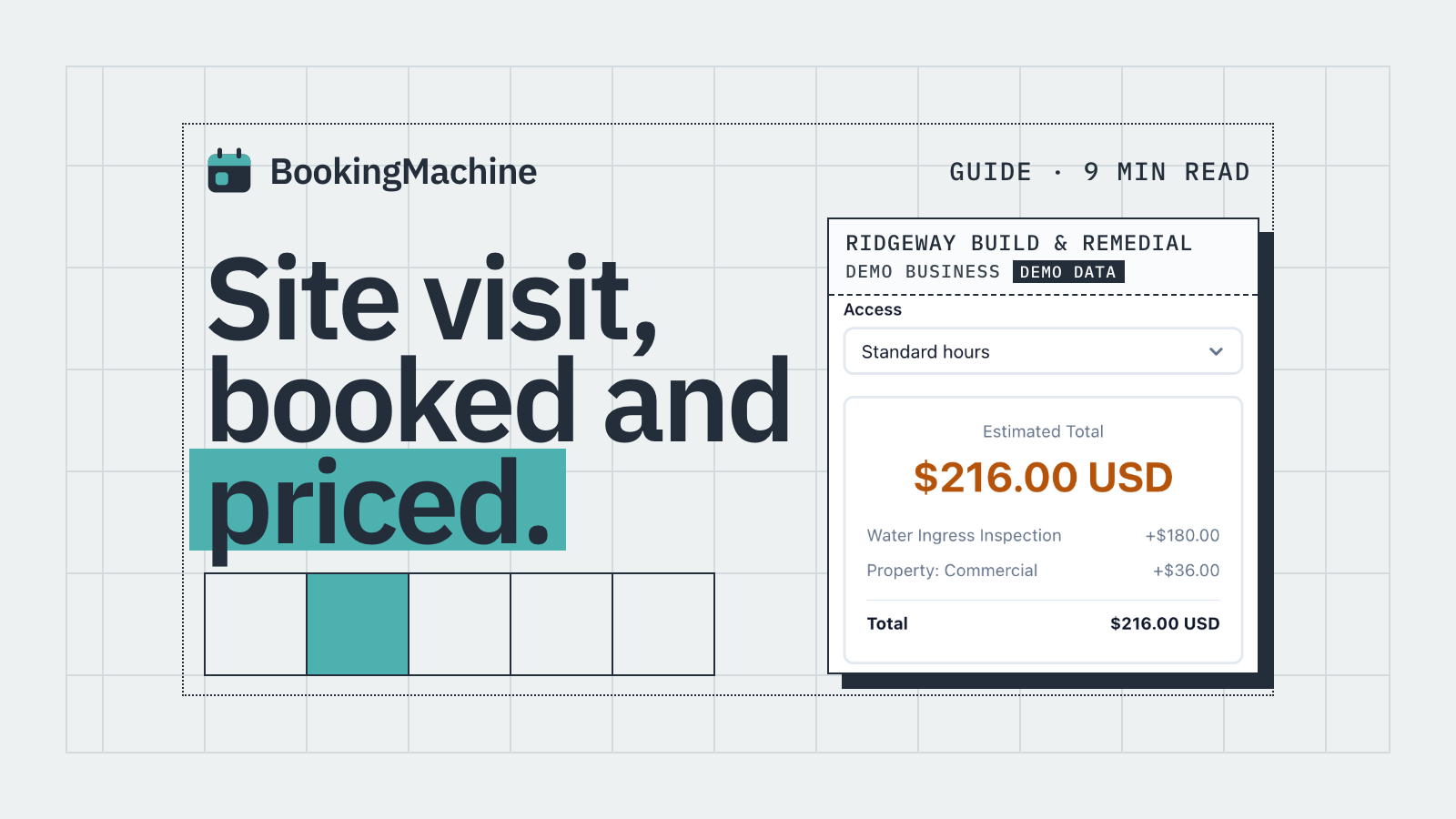
Contractor Booking Systems: What to Look For and How to Choose the Right One
A practical guide to contractor booking systems: what features matter, how to cut no-shows, take deposits, and automate reviews. Built for service pros.
Free tools
Free tools for tradespeople
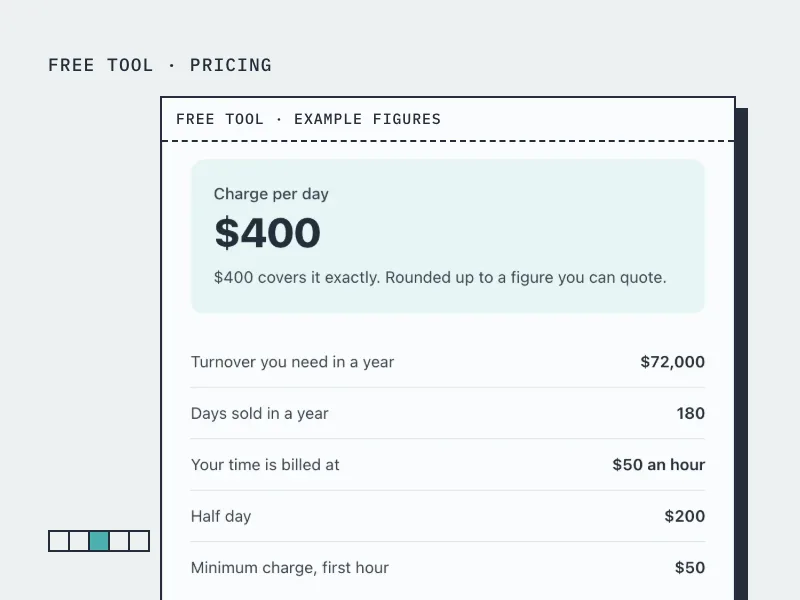
Day Rate Calculator for Tradespeople
Work out your day rate, hourly rate and minimum charge from the income you want and your running costs.
Open the tool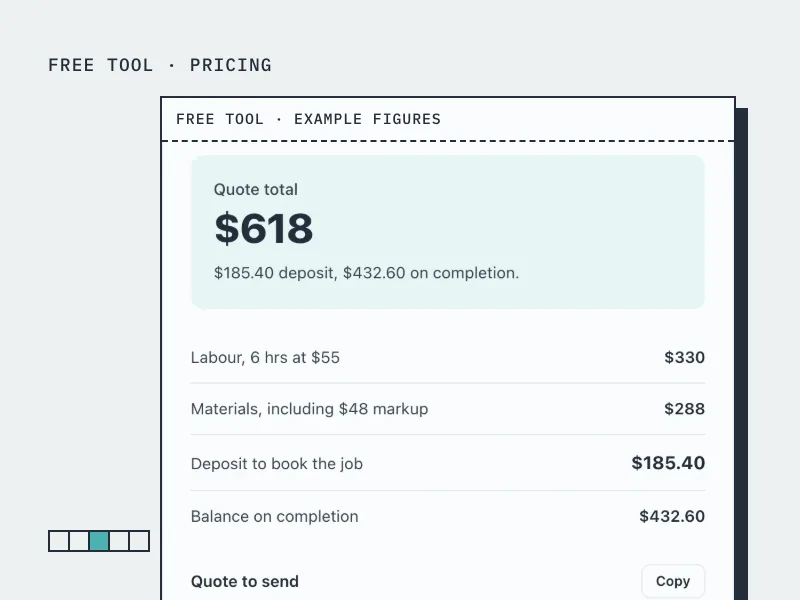
Trade Job Quote Calculator
Build a quote from labor, materials with markup, call-out and tax, with the deposit worked out.
Open the tool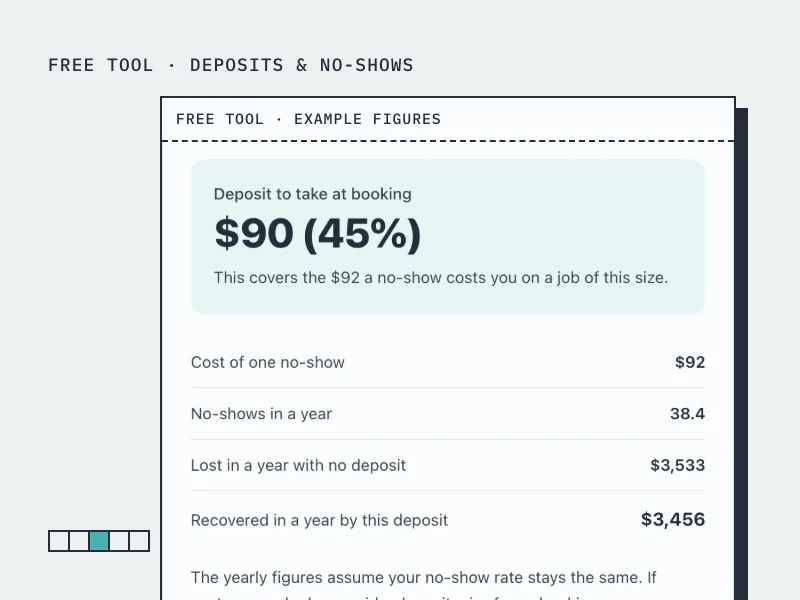
Deposit Calculator
Work out how much deposit to take on a booking, from what a no-show actually costs you.
Open the tool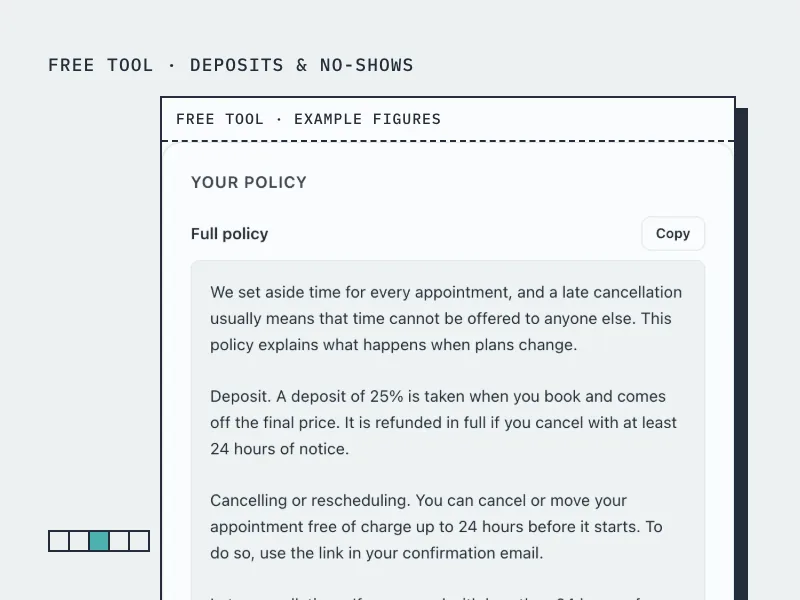
Cancellation Policy Generator
Build a cancellation and no-show policy in your own terms, ready to paste onto your booking page.
Open the toolBookingMachine works for other industries too
See all industries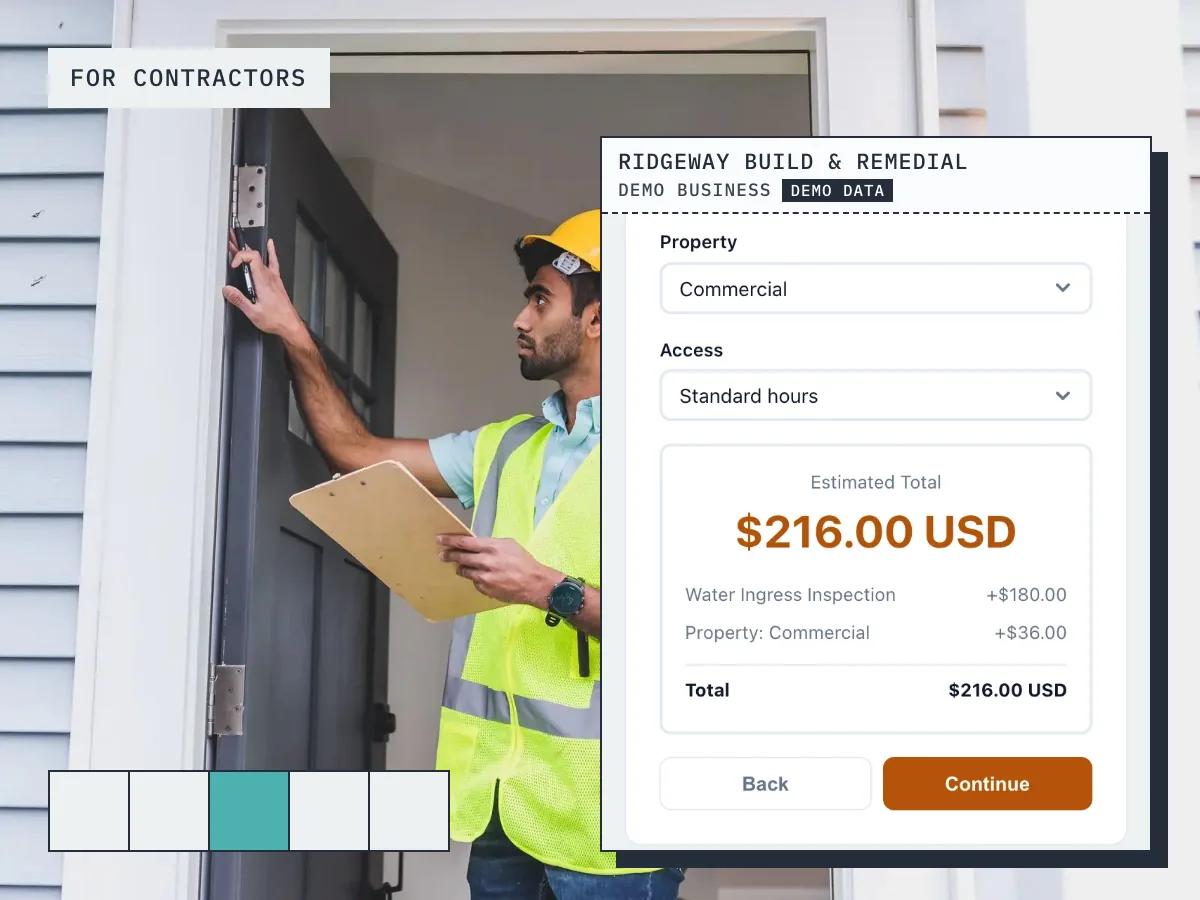
Ready to grow your business?
Start free, add your services and prices, and share your booking link today.