If you run a trade business, a missed appointment is not just an annoyance. It is lost labour, a wasted trip and a gap in the diary that is almost impossible to fill last minute. The right scheduling software fixes that. It lets customers book online at any hour, collects a deposit upfront and sends reminders automatically, so you spend less time chasing and more time on the tools. This guide covers the best options available right now, what each one is good for, and which type of trade business each one suits best.
What to Look for in Scheduling Software as a Tradesperson
Not all booking tools are built with trade businesses in mind. Most were designed for corporate meeting rooms or SaaS sales teams. That means features that matter to a plumber, electrician, cleaner or handyman are often missing or buried.
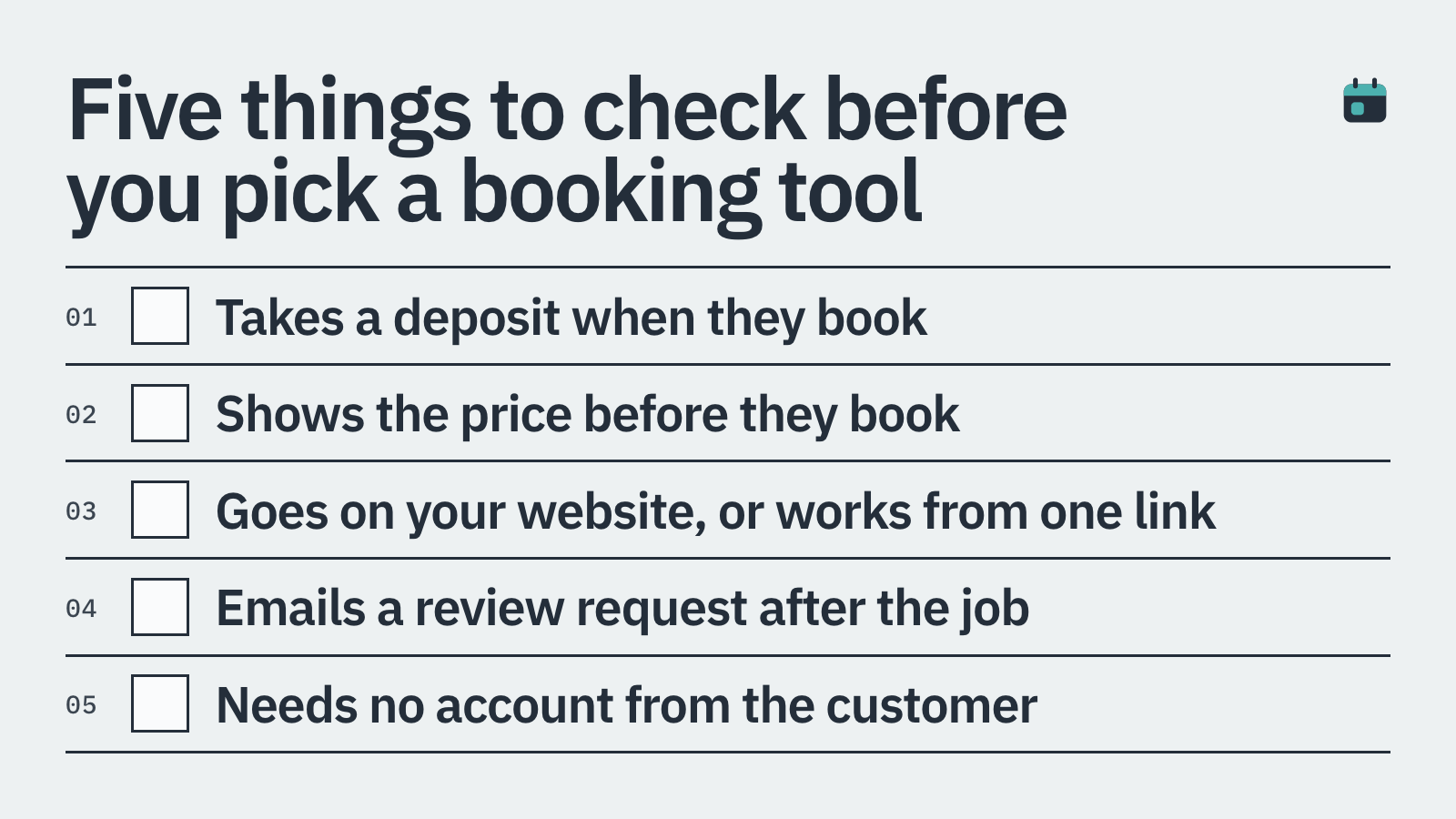
Before picking a tool, check for these things specifically.
Deposit collection at the point of booking, not just an invoice sent afterwards
Card-on-file or cancellation policies to protect against no-shows
The ability to embed a booking form directly on your own website
Automated SMS or email reminders to reduce last-minute cancellations
Post-job review requests so happy customers actually leave a review
Simple setup that does not require a developer or a day of your time
1. BookingMachine: Best for Tradespeople Who Take Deposits
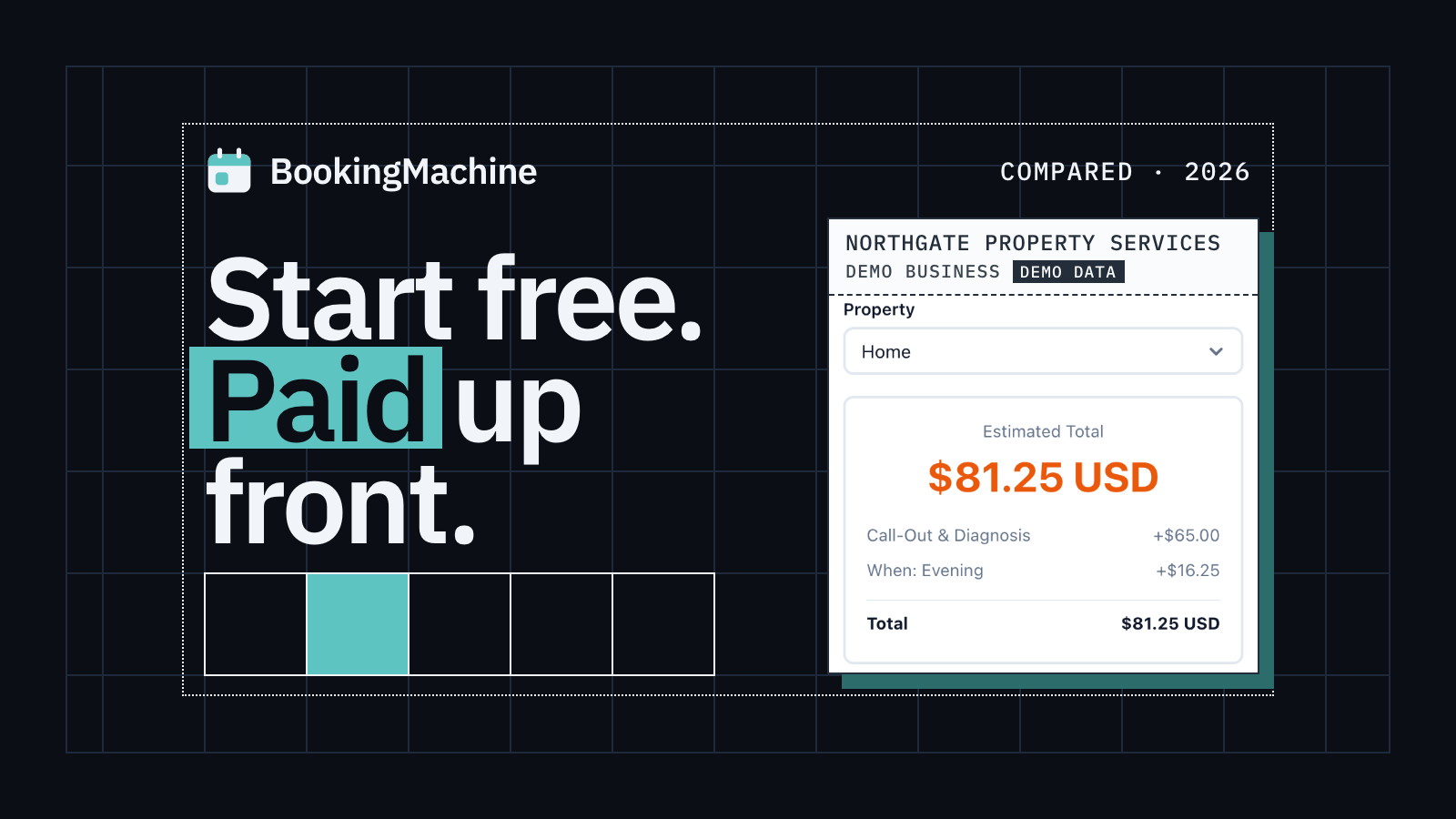
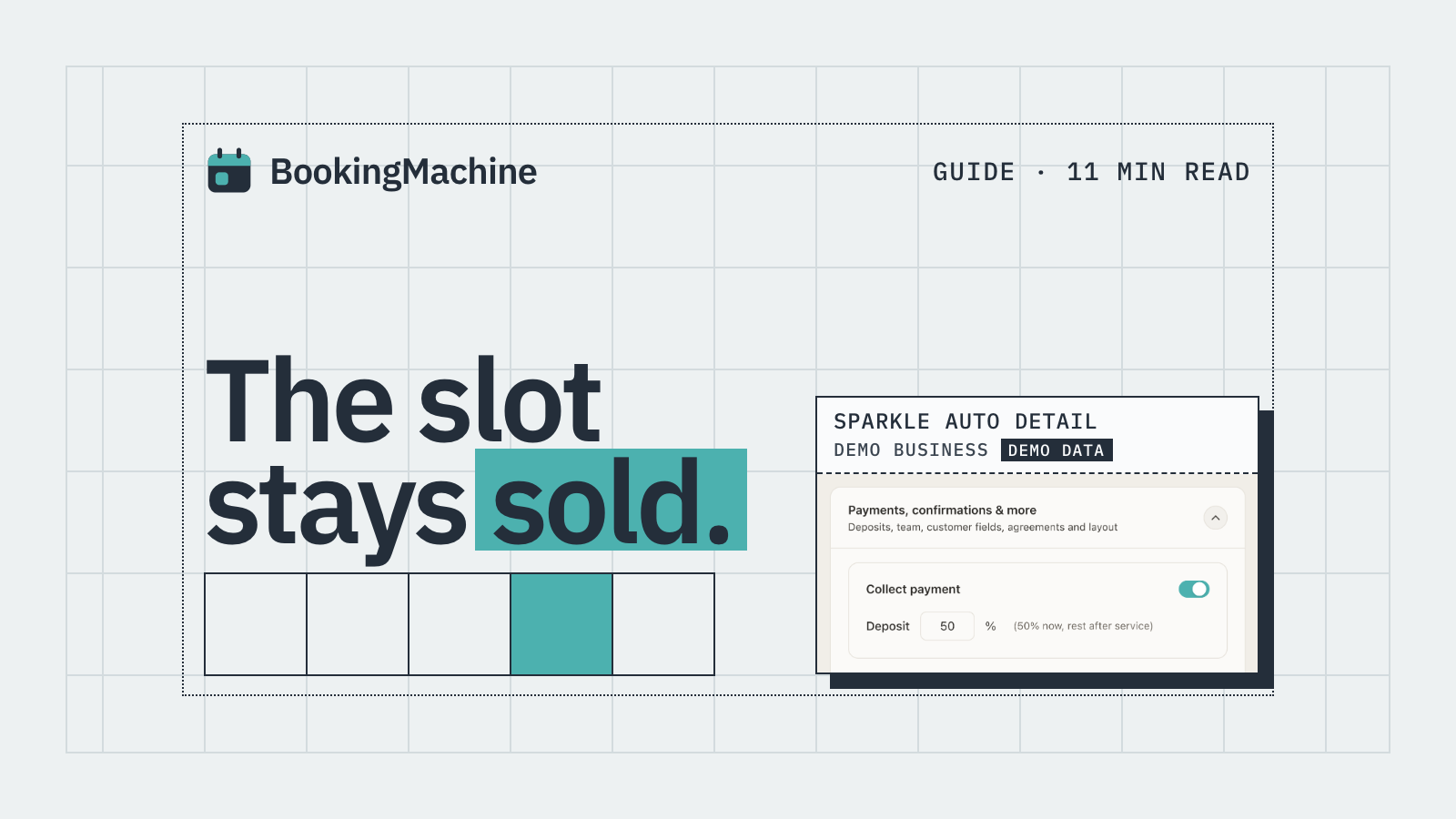
BookingMachine is built specifically for service businesses, including tradespeople who need more than a basic calendar link. The core difference is payments. When a customer books, you can require a deposit upfront. That one feature alone tends to cut no-shows dramatically because a customer who has paid £50 to secure a slot is far less likely to simply not answer the door.
No-show protection is baked in. You can set cancellation policies and hold a card on file, so if someone cancels inside your cut-off window, you are covered. The booking widget embeds on any website, which means your existing site keeps its look and feel.
The review request feature is genuinely useful. Once a job is marked complete, BookingMachine automatically sends the customer a link asking for a review. Crucially, customers can attach photos or even short videos alongside their written review, which is far more convincing to a new prospect than a line of text. Those reviews can then be displayed directly on your website.
BookingMachine is a strong fit if you are a cleaner, electrician, plumber, landscaper, handyman or any other trade where a confirmed booking has real cost attached to it. It is not the right pick if you just want a free link to share for a quick phone call.
2. Calendly: Best for Simple Appointment Links
Calendly is probably the most recognised name in scheduling. It is very easy to set up and works well for anyone who just needs customers or clients to pick a time slot from a shared link.
The limitation for tradespeople is payments. Calendly does offer some payment integrations, but deposit collection at the point of booking is not its strong suit. It is designed for meetings, not for service jobs where you want to financially commit the customer before you load up the van.
It works well for initial consultations or quote calls where no money changes hands. For booking a full day of work where a no-show costs you real money, you will likely find it lacking.
Good for: free consultations, quote calls, low-risk appointments
Not ideal for: collecting deposits, no-show protection, trade job bookings
3. Acuity Scheduling: Best for Service Businesses With Complex Availability
Acuity Scheduling (now part of Squarespace) offers more service-business features than Calendly, including the ability to take payments at booking. It handles multiple service types, staff calendars and intake forms reasonably well.
For tradespeople with a small team, Acuity can manage who is available and when. The interface takes a little more time to learn than simpler tools, and the pricing steps up once you need multiple staff members.
It does not have dedicated no-show protection or a card-on-file cancellation policy in the same focused way that trade-specific tools do. Reviews and post-job follow-up are not built in at all.
Good for: small trade teams, multiple service types, intake forms
Not ideal for: automated review requests, built-in no-show policies
4. Jobber: Best for Larger Trade Operations
Jobber is a field service management platform aimed at trade businesses with crews and multiple jobs running at once. It handles quoting, scheduling, invoicing and client communications in one place.
It is a serious bit of software with a price tag to match. Plans start at around £39 per month and climb steeply as you add users. For a sole trader or a two-person operation, that overhead is hard to justify.
If you are running a team of five or more, managing dozens of jobs a week and need route planning or job costing, Jobber makes more sense. For smaller operators, the cost and complexity are likely overkill.
Good for: trade businesses with crews, complex job management, quoting workflows
Not ideal for: sole traders, small operators, straightforward online booking
5. Square Appointments: Best for In-Person Trade Businesses Using Square Already
Square Appointments is a solid option if you already use Square for card payments in person. The scheduling and payment systems talk to each other natively, which removes some admin.
The free plan covers one user, which suits a sole trader. Deposits are supported. The booking experience is clean and straightforward for customers.
Where it falls short for tradespeople is review automation and the embeddable widget experience. It also pulls customers towards a Square-hosted booking page rather than keeping them on your own site, which is not ideal if you have invested in your own web presence.
Good for: sole traders already using Square, simple deposit collection
Not ideal for: keeping customers on your own website, automated review requests
6. SimplyBook.me: Best for Multi-Service Booking Pages
SimplyBook.me offers a wide range of features through a modular add-on system. You can enable deposits, intake forms, multiple locations and a booking website. The flexibility is genuinely impressive.
The trade-off is complexity. Because everything is an add-on, you can end up spending time configuring the tool rather than running your business. Pricing also gets complicated quickly as you activate more features.
For a tradesperson who offers several distinct services and wants a polished booking page without building a full website, SimplyBook.me is worth a look. Just budget some setup time.
Good for: multi-service trade businesses, flexible booking pages
Not ideal for: quick setup, straightforward no-show protection
Which Scheduling Tool Should You Pick?
The honest answer is: it depends on what a missed booking costs you.
If a no-show means a wasted day, a wasted journey and unpaid labour, you need a tool that collects a deposit upfront and has a cancellation policy with teeth. BookingMachine is built for exactly that situation. It also handles the review side of the business automatically, which compounds over time as you build up a bank of photo and video reviews that win you new customers.
If you just need a simple link to share for a free quote call, Calendly or even a basic Google Calendar booking page will do the job at low or no cost.
For growing trade teams with crews and complex job management, Jobber is the more complete solution, though the cost reflects that.
Most sole traders and small trade businesses will get the best return from a tool like BookingMachine: low cost to run, quick to set up, deposits built in and reviews on autopilot.
How it compares
| Feature | BookingMachine | Calendly | Acuity | Jobber | Square Appointments |
|---|---|---|---|---|---|
| Deposit at booking | Yes | Limited | Yes | Yes | Yes |
| No-show / cancellation protection | Yes | No | Partial | Partial | Partial |
| Embeds on your own website | Yes | Yes | Yes | No | Partial |
| Built for trade / service jobs | Yes | No | Partial | Yes | Partial |
| Automated review requests | Yes | No | No | No | No |
| Photo and video reviews | Yes | No | No | No | No |
| Best for | Sole traders to small teams | Meeting links | Multi-staff services | Larger trade crews | Square users |
Can scheduling software really reduce no-shows for trade businesses?
Yes, especially when deposits are involved. A customer who has paid £30 to £100 upfront has a financial reason to honour the booking or cancel in advance. Tools like BookingMachine combine deposit collection with automated SMS reminders, which together cut no-shows significantly compared to a manual booking process.
Is Calendly good for tradespeople?
For free consultations or quote calls, yes. For actual job bookings where a no-show costs you money, Calendly falls short. It is not built for deposit collection or trade-specific cancellation policies. You would likely need a more service-focused tool.
What is the best free scheduling software for tradespeople?
Square Appointments has a free single-user plan and supports deposits. Calendly has a free tier but lacks payments. For most tradespeople, a paid plan with deposit collection and no-show protection will pay for itself very quickly by recovering jobs that would otherwise be lost.
How do I collect a deposit when a customer books online?
You need scheduling software that integrates payment collection into the booking flow. BookingMachine does this natively: you set a deposit amount (a fixed £ amount or a percentage), and the customer pays it before the booking is confirmed. The remaining balance can be collected on the day.
Can I embed a booking form on my own trade business website?
Yes, several tools support this. BookingMachine is designed to embed cleanly on any existing website, which means customers book without leaving your site. This keeps your branding consistent and avoids sending visitors to a third-party page.
How can I get more reviews for my trade business automatically?
BookingMachine sends a review request link automatically once a job is marked as complete. Customers can write a review and attach photos or video, which is far more compelling to prospective customers than text alone. The reviews can then be displayed on your own website.
Stop Losing Money to No-Shows
BookingMachine lets you take deposits at the time of booking, set cancellation policies and collect photo and video reviews automatically after every job. Set it up in under an hour and embed it on your existing website.