Photography Booking Software That Turns Inquiries Into Paid Sessions
Stop chasing leads through DMs. Let clients see your packages, get an instant quote, pay a deposit, and lock in a date — all from your website or booking link.
Photography booking software lets clients choose a session type, see the package price, pick a date and pay a deposit from your portfolio site or a link, with no account to create. BookingMachine gives photographers packages with add-ons, mini session slots, deposits paid to your own Stripe account and review requests with photos after the shoot.
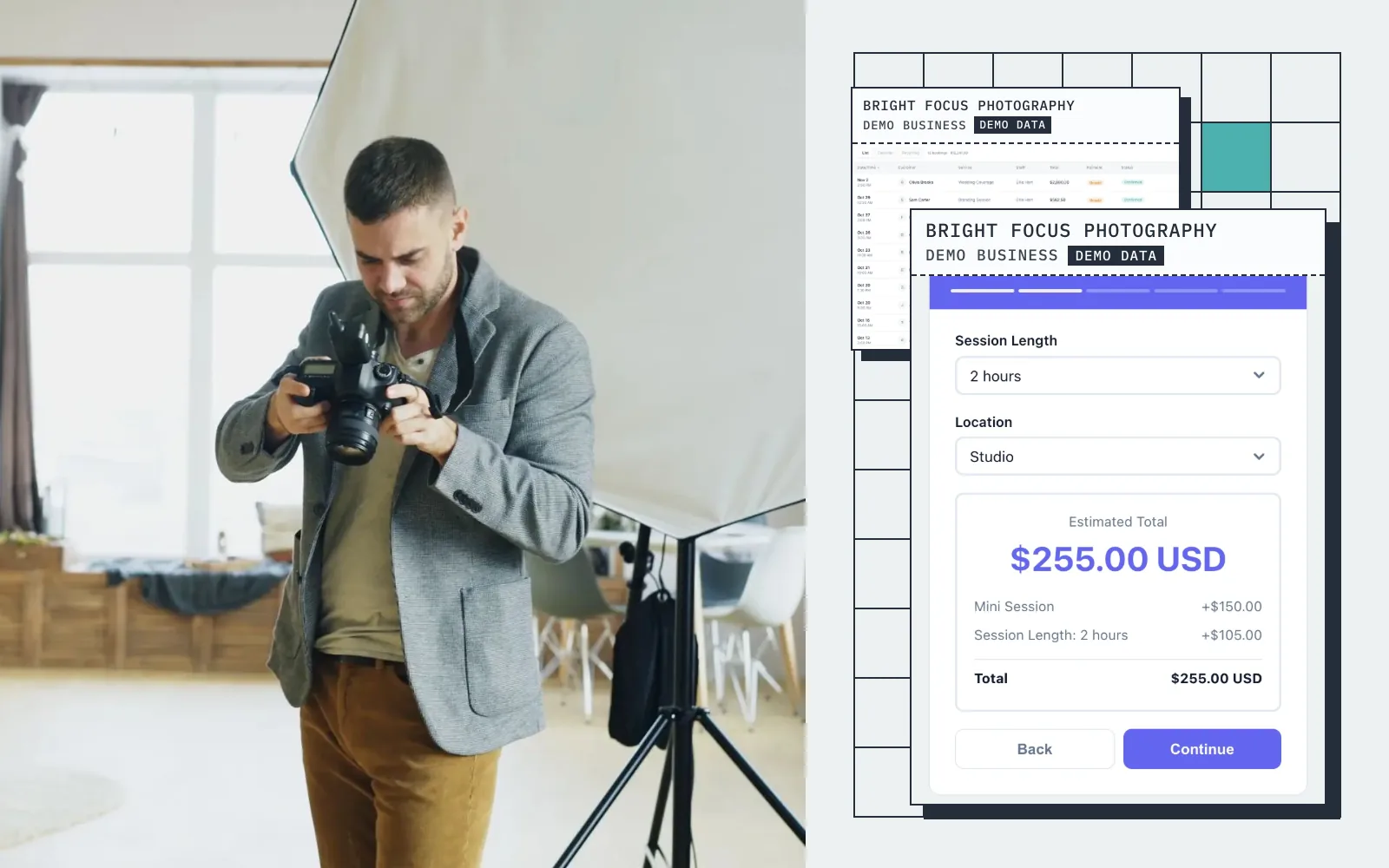
Live demo · Bright Focus Photography
Try the booking form
This is what your customers see: pick a service, get an instant quote, and book in seconds.
Screens
Real screens from a demo photography business
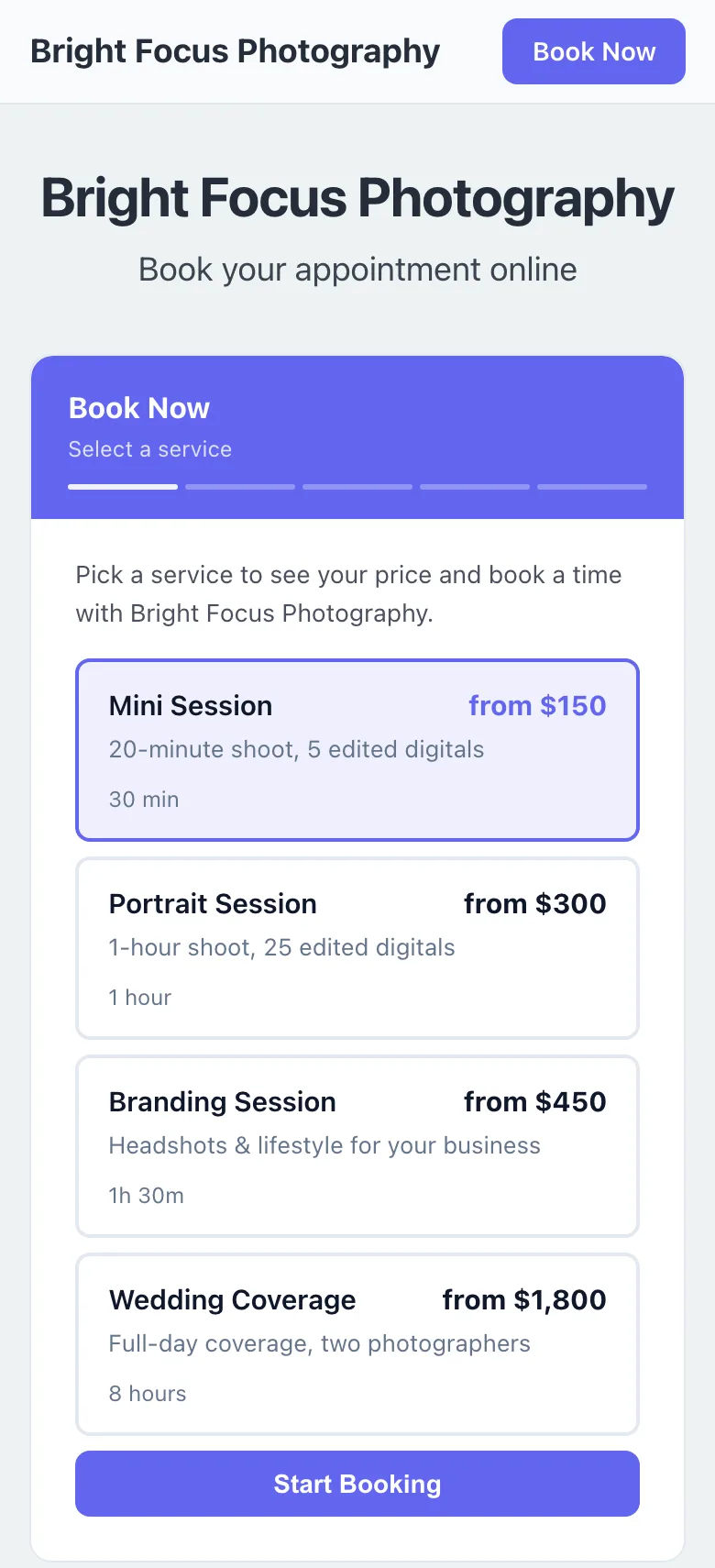
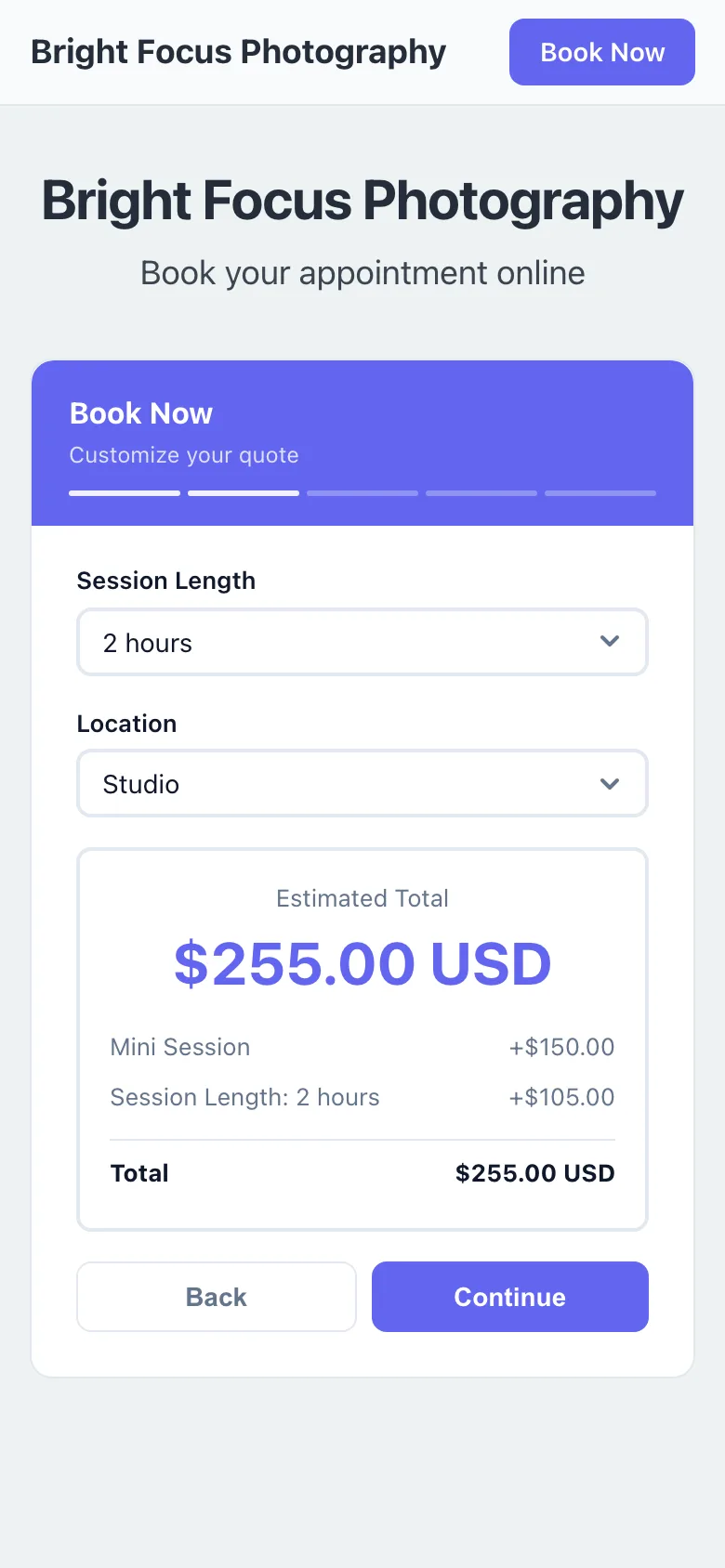
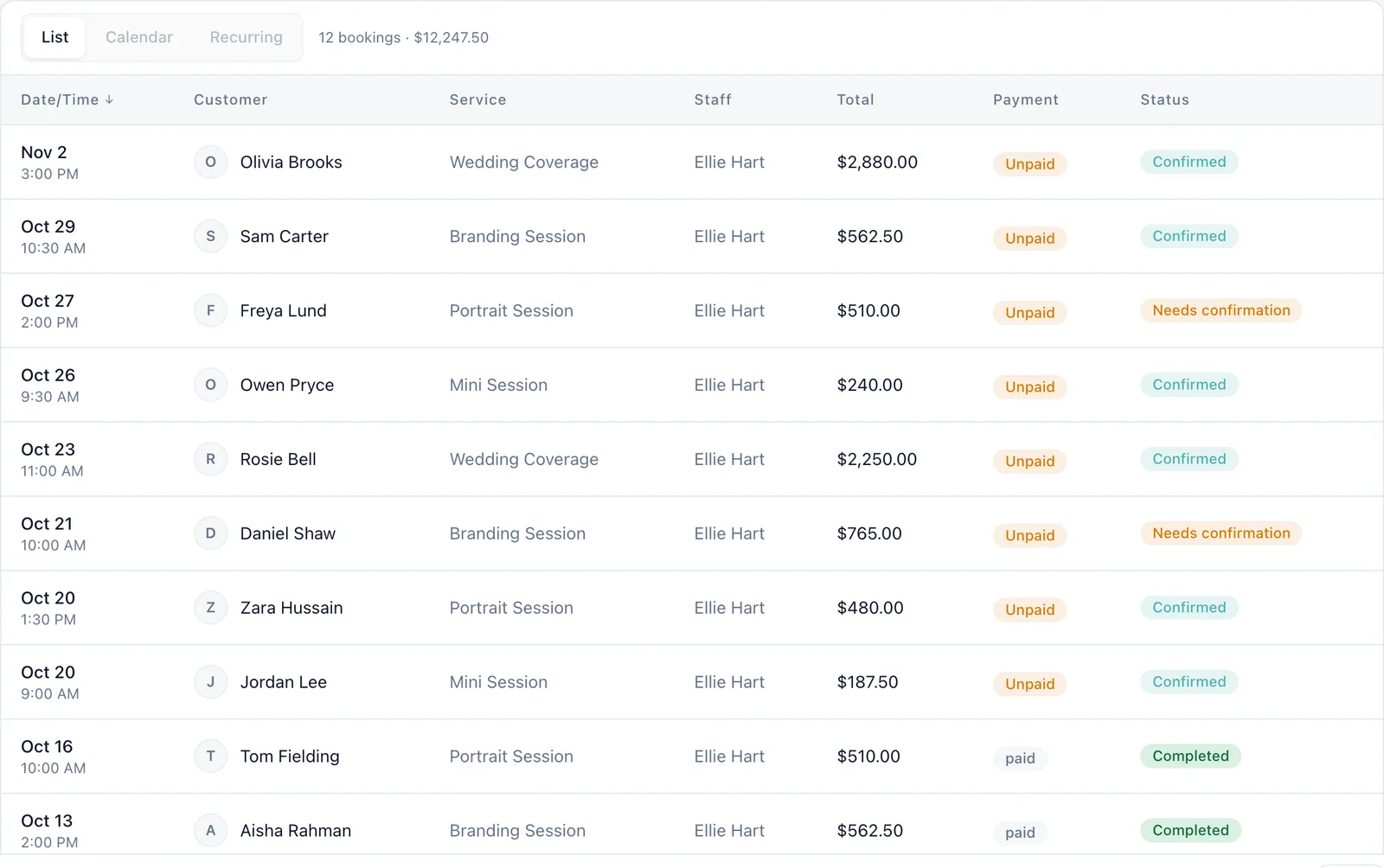
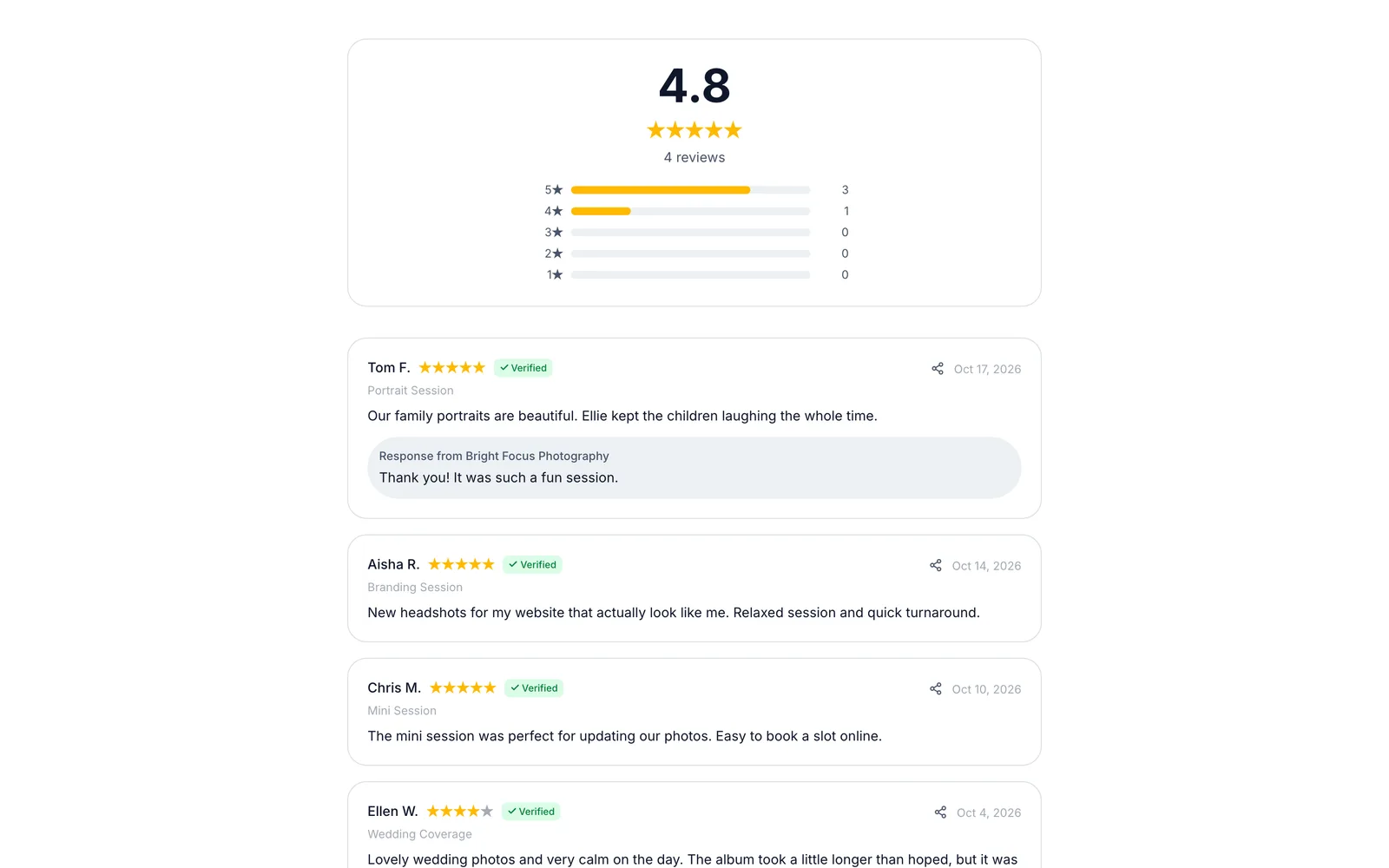
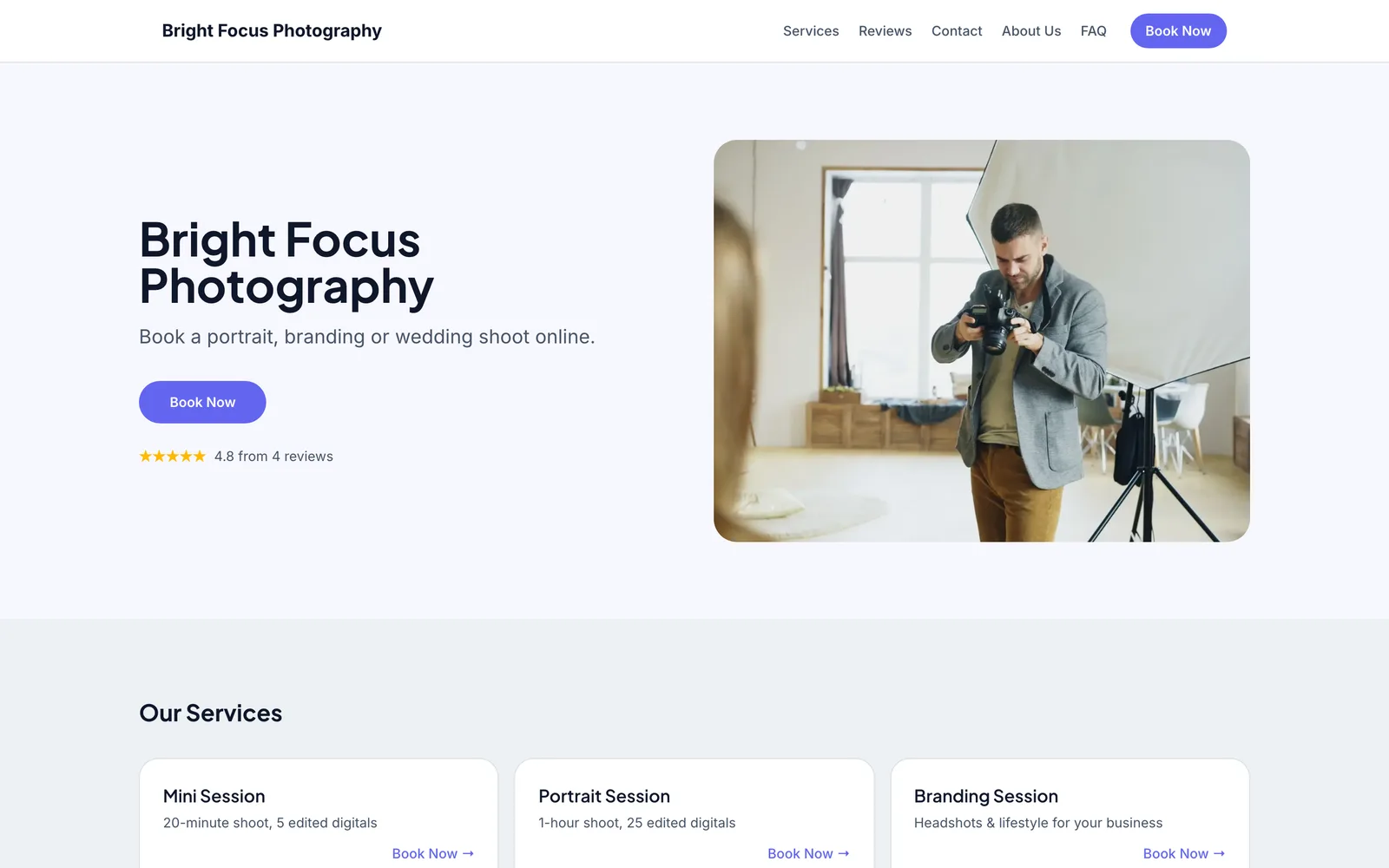
Captured from a working demo account: what your customer sees on their phone, and what you see in the dashboard.
Embed on your site
Embed the booking widget on your photography portfolio so visitors book without leaving your site.
Share a booking link
Share your booking link in Instagram bios, Facebook posts, or email signatures.
Free website
No website yet? Your free website showcases your packages and collects bookings, with your own domain on Pro.
Auto-collect reviews
After every shoot, auto-collect testimonials and client photos to build your portfolio.
Sound familiar?
These are the problems that cost you time, money, and clients every week.
A potential client DMs you, you reply 3 hours later, and they have already booked someone else.
The booking widget is always live. Clients choose a package, pick a date, and pay — even at 11 PM on a Sunday.
You send a quote PDF and never hear back because the client has to take extra steps to book.
One seamless flow: select package, see price, choose date, pay deposit. No PDF, no friction.
Clients book a session and ghost on the day because there is no financial commitment.
A 50% deposit at booking means the client is invested. No-shows become extremely rare.
Core advantages
Why photography businesses choose BookingMachine
Package-Based Pricing
Create packages with session length, location type, number of edited photos, and add-ons like prints or albums. Clients see exactly what they get.
50% Deposits Are Standard
Photography clients expect to pay a retainer. BookingMachine collects it automatically at booking so you never chase payments.
Portfolio-Grade Reviews
After delivery, clients leave reviews with their favorite photos. These testimonials do more selling than your about page ever will.
Features
Everything photographers need, in one place
Session Packages
Mini sessions, full sessions, weddings, events — create unlimited packages with different durations, deliverables, and pricing.
Location & Travel Pricing
Add a travel fee the client picks by zone, or set different prices for studio vs. on-location shoots.
Add-On Extras
Prints, albums, extra edited photos, second shooter — clients add what they want during booking.
Calendar Sync
Sync with Google Calendar so clients only see your real availability. No double-bookings.
Automated Workflows
Booking confirmation, 48-hour reminder, day-of details, post-shoot review request — all automated.
Client Portal
Clients can view their booking, see what they paid and what is still due, and how to reach you if plans change.
Free website
A website made for photographers
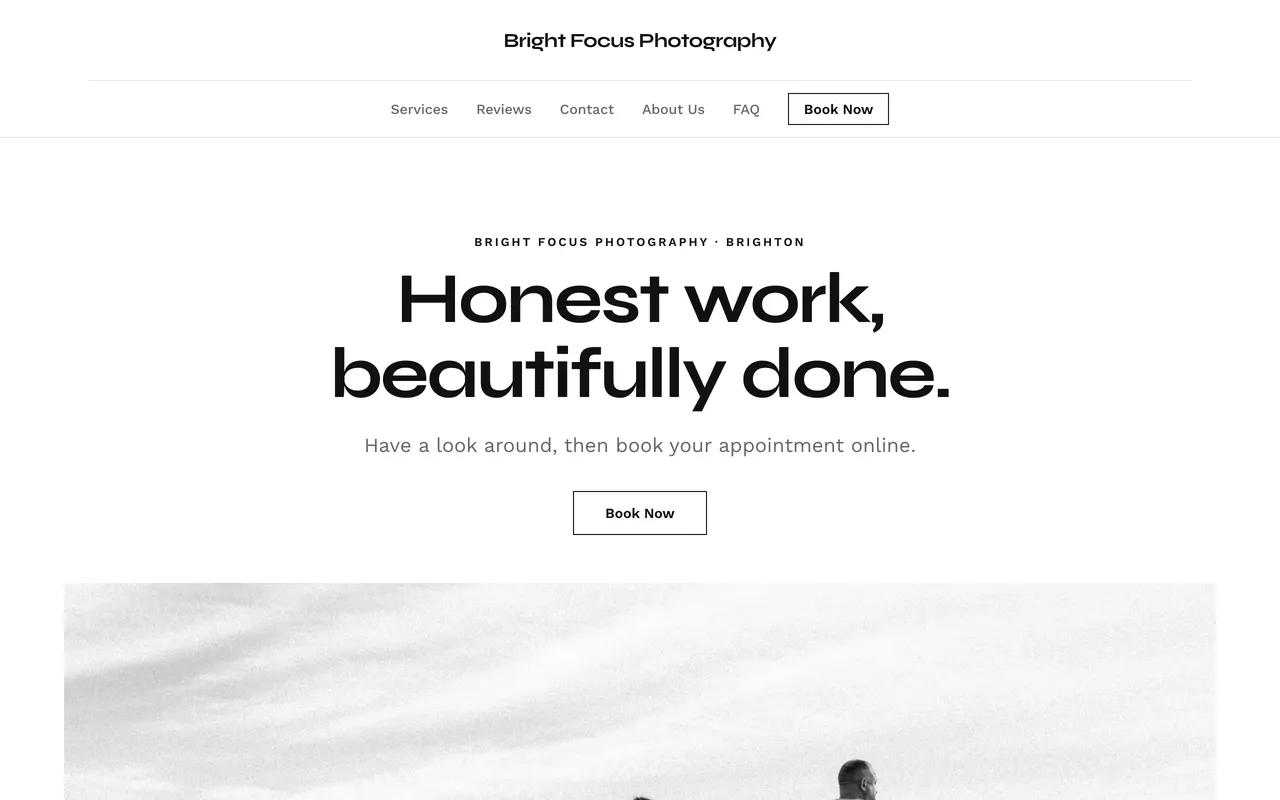
Every account comes with a bookable website built from your services, prices and reviews. The Studio template was designed for photographers: black, white and your photos. Big type, square edges, lots of room.

Studio
Black, white and your photos. Big type, square edges, lots of room.
Pricing engine
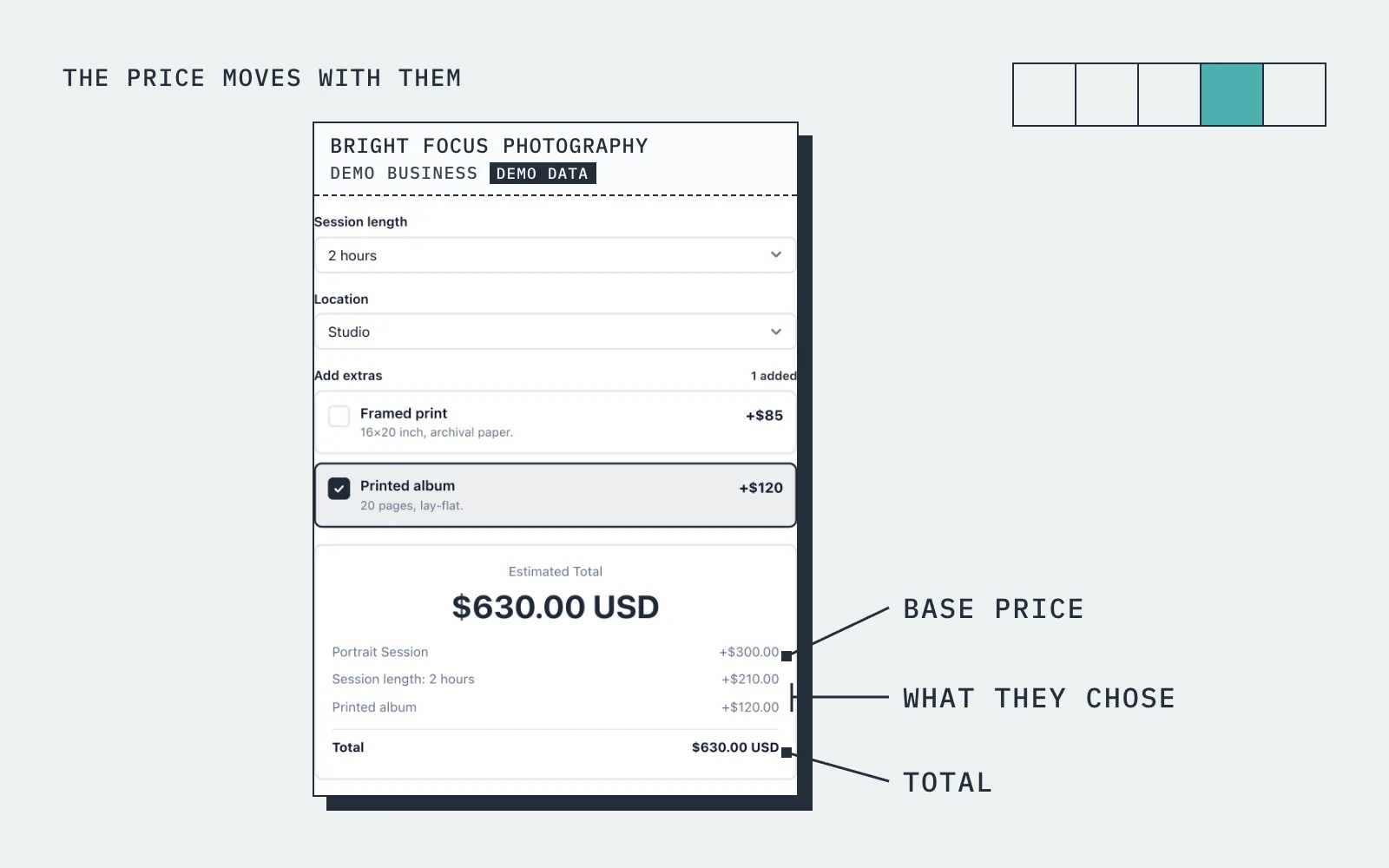
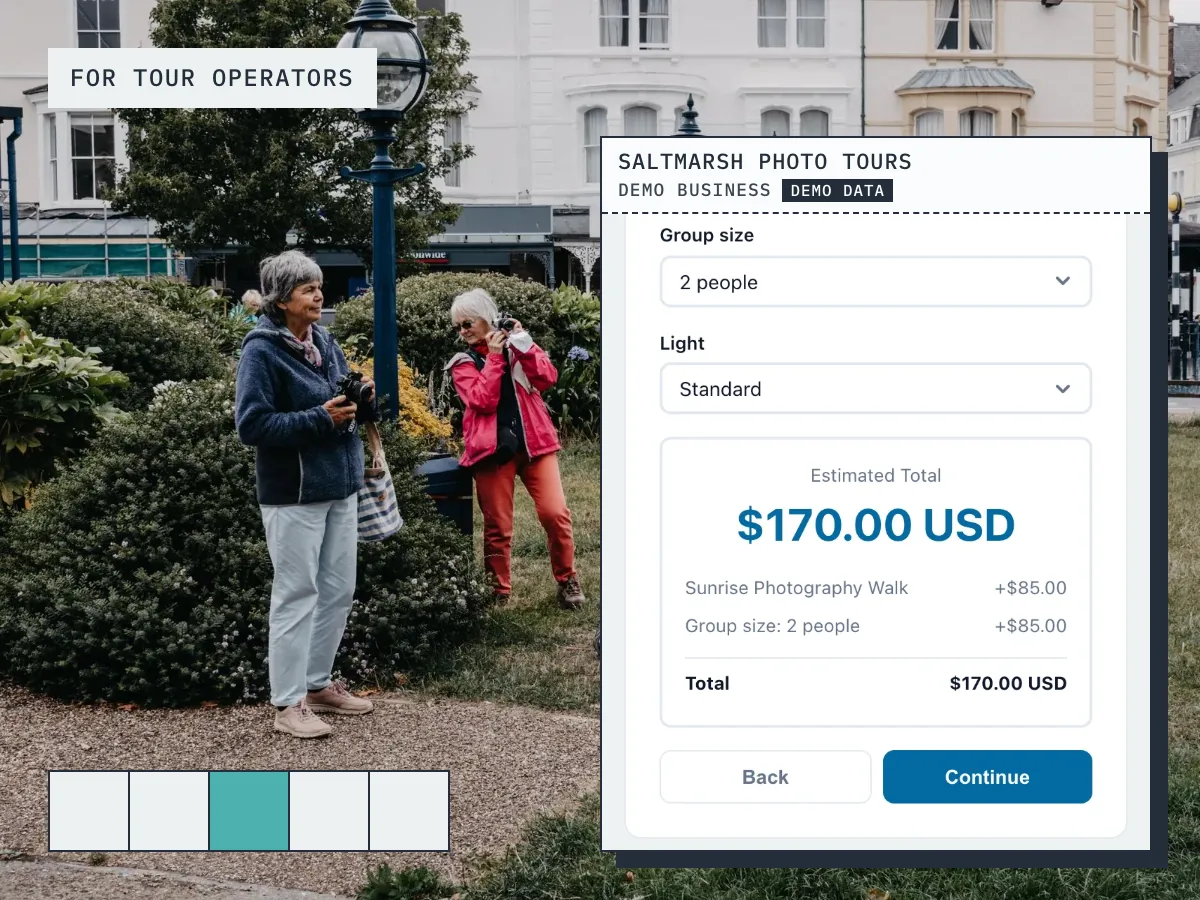
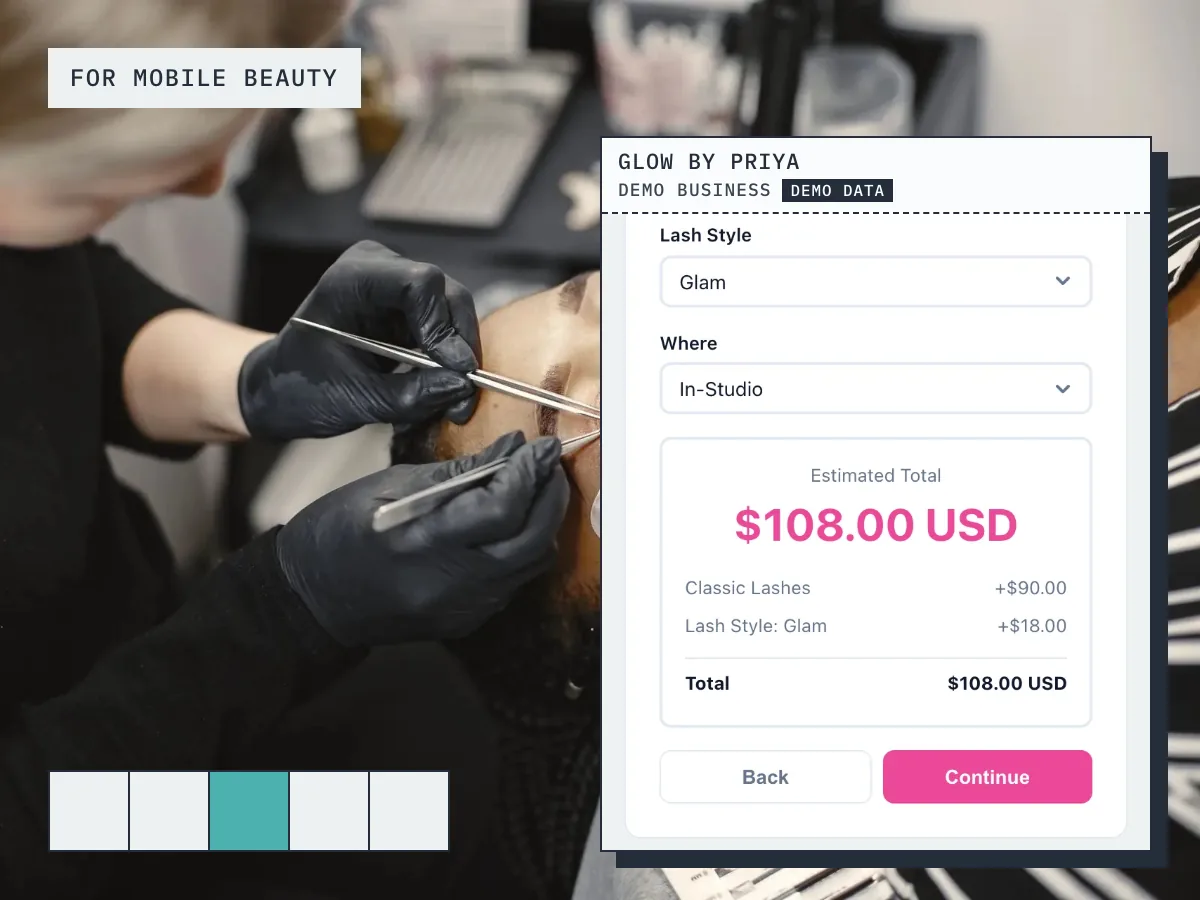
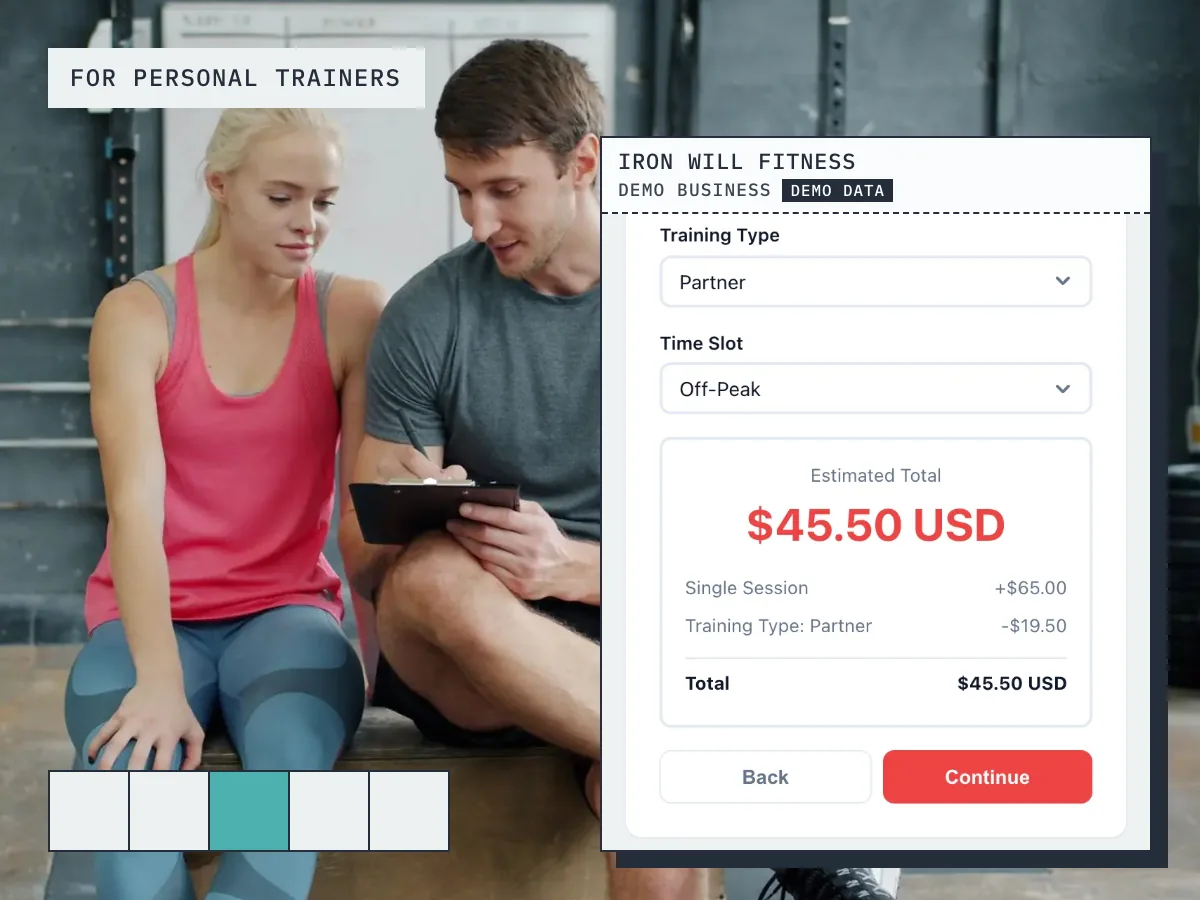
The price moves with what they choose
A bride selects "Wedding Photography", picks "8-hour coverage", adds "second shooter" and "engagement session". The widget shows $3,200 with a $1,600 deposit.
How it works
Up and running in three steps
Start free
No card needed. Add your business name and you are in.
Add your services and prices
Set what you sell, what changes the price, and your hours.
Share it and get booked
Share your link, embed it on your site, or publish your free website.
Guide
Photography booking: what to know
Packages, session types and add-ons
A photography booking system has to understand that you sell packages, not hours. A family session, a newborn session and a headshot session each have their own length, their own price and their own add-ons. List each one as a service with its duration, then use price variables for the things that change the total: an extra hour, a second location, prints, a rush turnaround, a weekend date.
The client picks the session and the options and sees the price change as they do. That removes the long email thread where you explain what is included. It also keeps your calendar honest, because a two hour session blocks two hours and a slot that is taken is never offered twice. Your brand colours and logo sit on the form, so it feels like part of your site rather than a bolt-on.
Can I take a deposit for a photography session?
Yes. Most photographers take a deposit to hold the date, and half up front is common. For each session type you choose whether the client pays a deposit, pays in full, or pays later, and you set the deposit percentage. The card payment is taken when they book and goes to your own Stripe account. Online payments are on the paid plans and need an approved payments application, which we review before switching them on.
A deposit does more than protect the date. It turns an enquiry into a commitment, which means fewer sessions that evaporate the week before. When the session is done and marked complete, you can invoice the balance from the same place, and a no-show fee is available for sessions where the client simply does not turn up.
Mini sessions: filling a day of short slots
Mini sessions are where scheduling software earns its keep. You set aside a day, split it into short back-to-back slots, and need every slot sold once and only once. In BookingMachine you create the mini session as its own service with a short duration, set the hours for that day, and share one link. Each client picks a free slot and the slot disappears for everyone else.
Because the mini session is a separate service, it can have its own price, its own deposit setting and its own add-ons, such as extra edited images. You do not need to open and close bookings by hand; once the day is full, there is nothing left to pick. If you run mini sessions at more than one location, each location can have its own set of hours.
Connecting your portfolio site to booking
The tools that connect a portfolio site directly to booking are the ones that embed rather than redirect. BookingMachine adds a booking form to any site with one line of code, so a visitor on Squarespace, Wix, WordPress, Webflow or Shopify can look at your galleries and book a session on the same page. The form takes your colours and logo, so it reads as part of the site.
If you do not have a site yet, the free website gives you one: a multi-page site with templates, your packages and prices, your reviews and the booking form built in, with your own domain on a paid plan. And for Instagram or a QR code on a business card, the booking link does the same job on its own.
Galleries, reviews and whether clients need an account
Clients never create an account. They open your link or your site, pick the session, see the price, choose a date and pay. They get a confirmation by email, you get the booking in your dashboard and inbox. Fewer steps means more completed bookings, especially from a phone.
After the session is marked complete, the client is sent a review request. They can add photos to the review, which for a photographer is a natural fit: the images from the shoot appear beside the client's words on your reviews page, and the same reviews can be embedded on your portfolio site. The free plan has no card and covers packages, the booking link, the embed and reviews; deposits are on the paid plans.
Pricing
Simple, transparent pricing
Start free. Upgrade when you are ready.
Free
Get started for free
- 25 bookings/mo
- 1 team member
- 1 location
- Free website
- 102 MB photo storage
Pro
Turn your website into a booking machine
or $18/mo billed annually (save $72/yr)
- Unlimited bookings
- 4 team members
- 2 locations
- Online payments (Stripe)
- Voucher / discount codes
- Analytics dashboard
- Google Calendar sync
- Premium website
- Dedicated account manager
- 1 GB photo storage
Business
For teams and multi-premises
or $34/mo billed annually (save $180/yr)
- Unlimited bookings
- 15 team members
- 6 locations
- Online payments (Stripe)
- Voucher / discount codes
- Analytics dashboard
- Google Calendar sync
- Premium website
- Dedicated account manager
- 10 GB photo storage
30-day money-back guarantee. No questions asked.
FAQ
Photography booking software FAQ
Can I create different photography packages?
Yes. Create unlimited packages — mini sessions, portrait sessions, weddings, events — each with their own pricing, duration, and deliverables.
Can I collect a 50% deposit at booking?
Absolutely. Set any deposit percentage. Most photographers use 50%. The balance can be collected before or after the session.
Does it sync with my Google Calendar?
Yes. BookingMachine syncs with Google Calendar so clients only see slots when you are actually available.
Can clients reschedule online?
Clients see your notice period and how to reach you on every confirmation, reminder and booking page, and you move the booking in a couple of taps.
How do post-shoot reviews work?
After you mark a booking as complete, BookingMachine emails the client a review request. They can upload their favorite photos from the session.
Is there a free plan?
Yes. The free plan covers a limited number of bookings each month, with quotes, invoices and a hosted booking page. Online payments and deposits are on the paid plans. The pricing page has the current limits.
From the blog
Guides for photographers
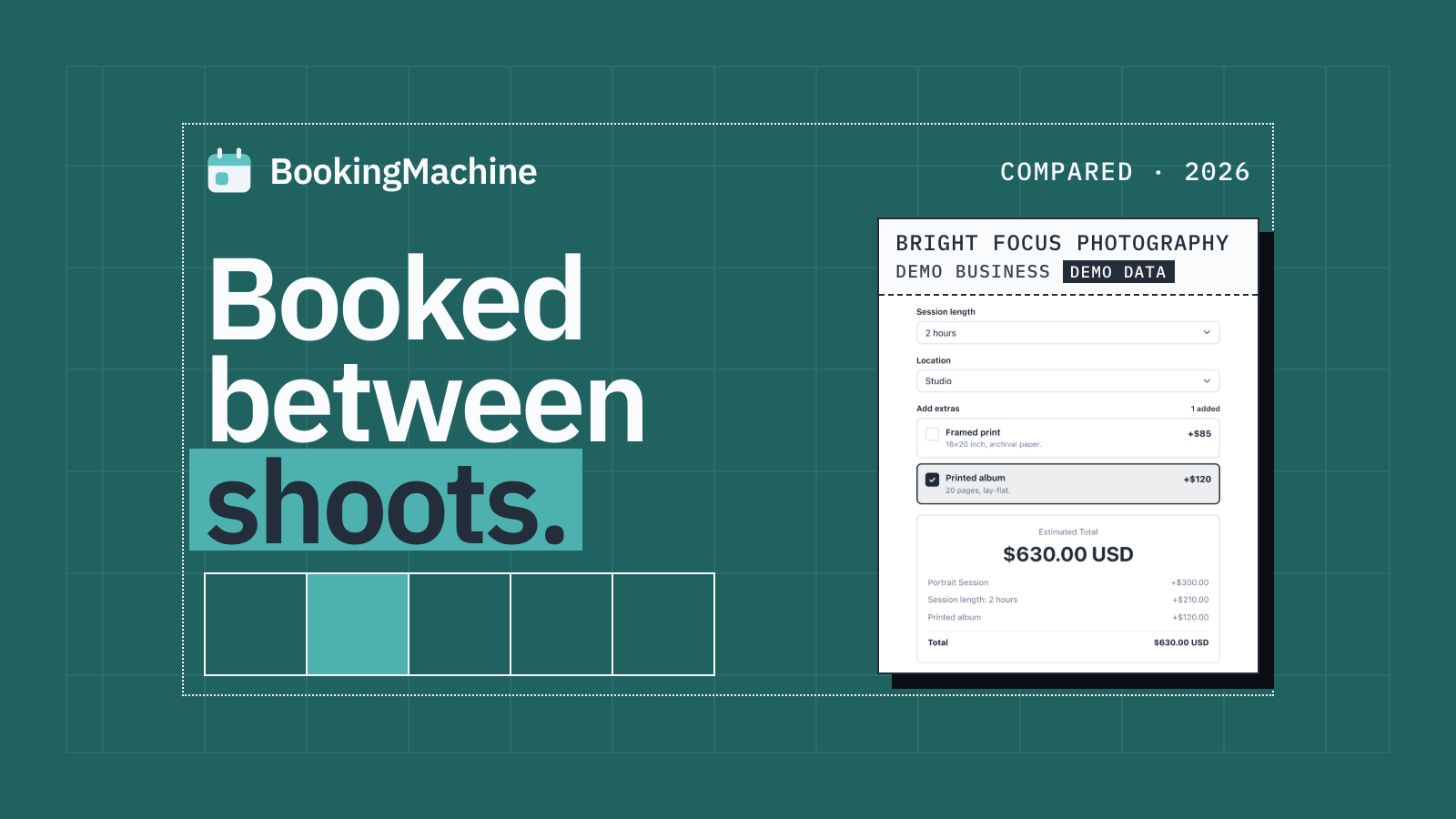
Best Photography Booking Software in 2026 (Reviewed for Photographers)
The best photography booking software reviewed: deposits, no-show protection, automated reviews and more. Find the right fit for your photography business.
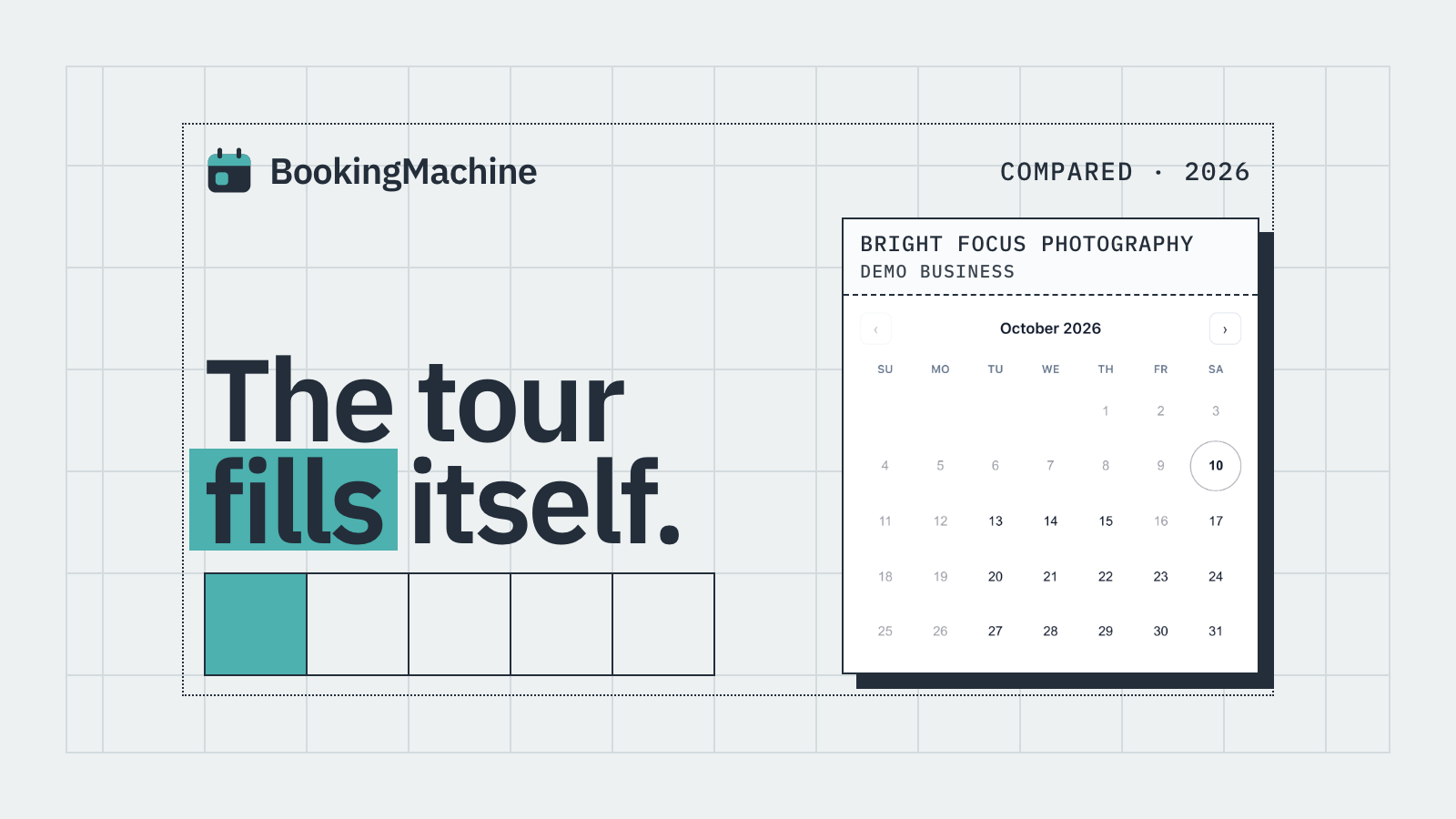
Best Photography Tours Reservation Software (2026 Roundup)
Comparing the best photography tours reservation software in 2026. Find tools that take deposits, cut no-shows, and automate reviews for your tour business.
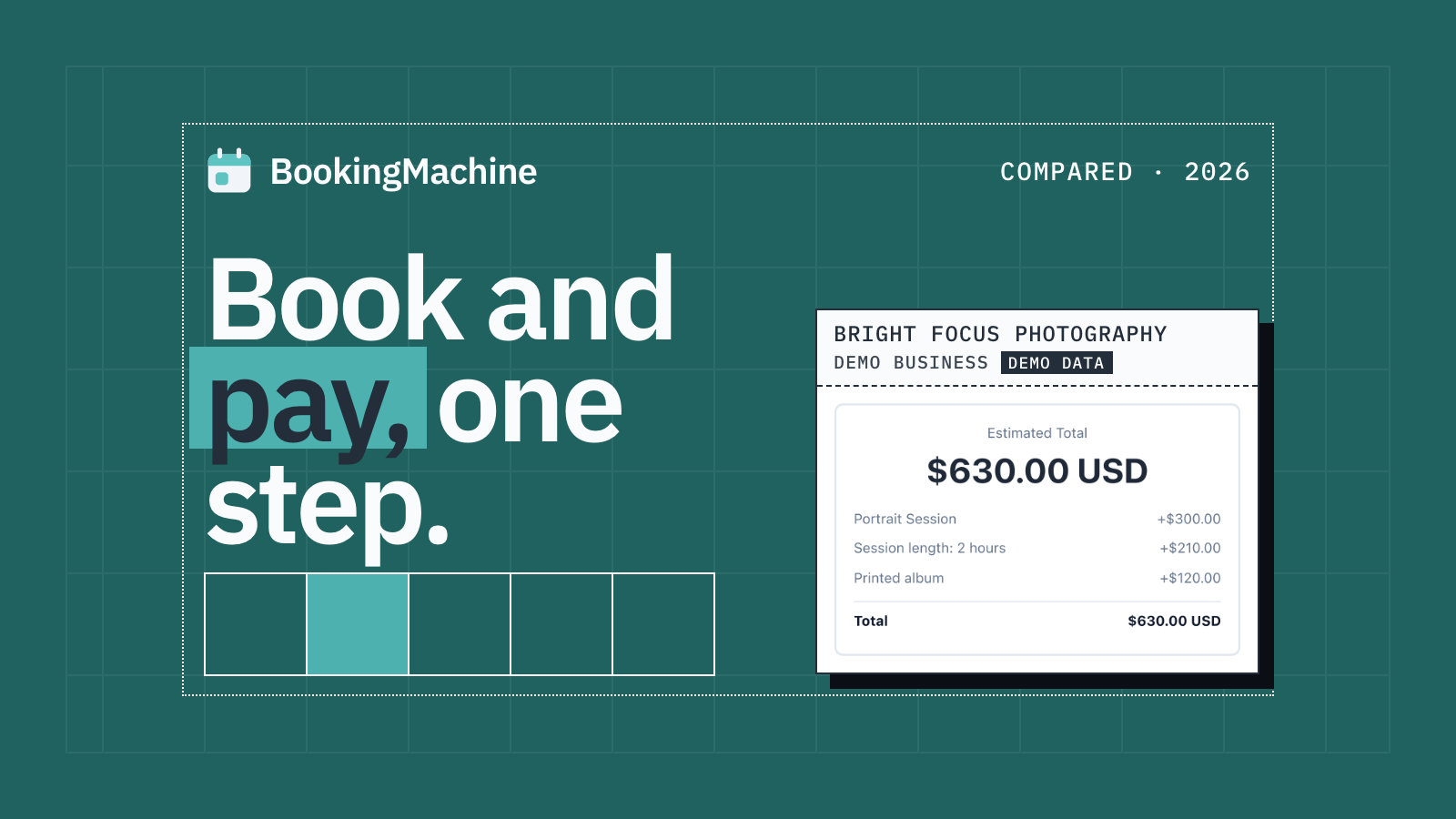
The Best Appointment Booking and Payment Systems for Service Businesses (2026)
Compare the best appointment booking and payment systems for service businesses. Take deposits, reduce no-shows and automate reviews. Updated 2026.
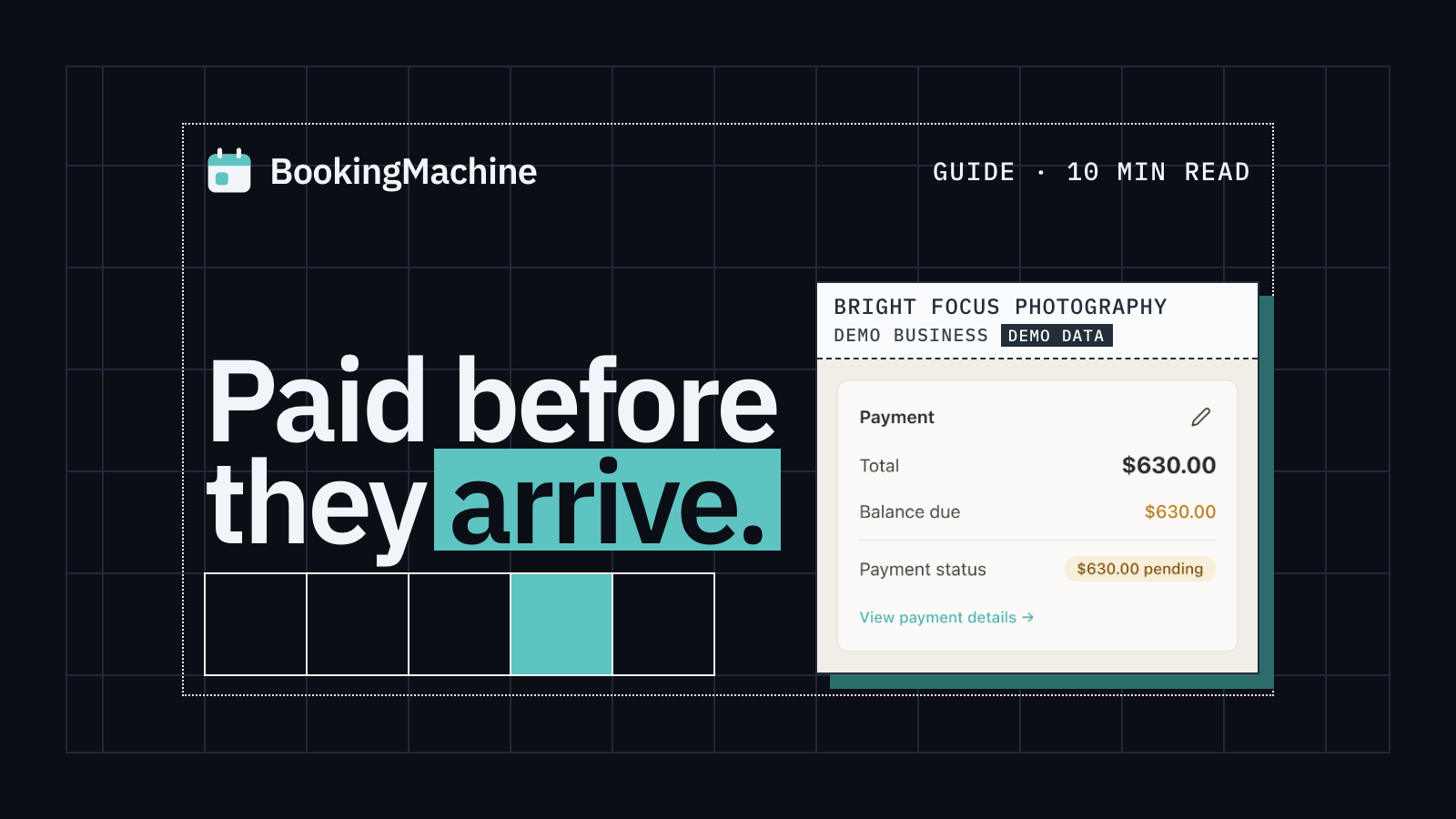
Online Booking System with Deposit: The Complete Guide for Service Businesses
Take deposits at the time of booking, cut no-shows and protect your revenue. The complete guide to choosing a booking system with deposit for service businesses.
Free tools
Free tools for photographers
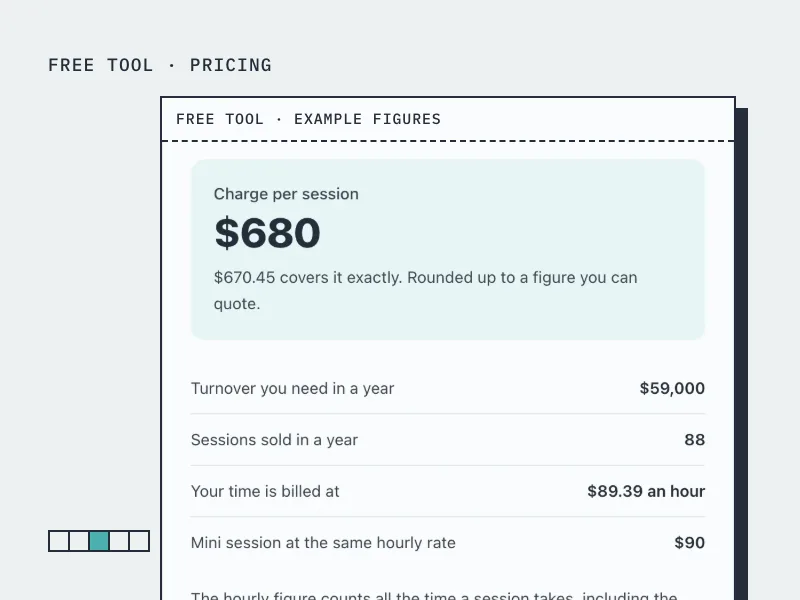
Photography Pricing Calculator
Find the session price that pays you properly, counting editing time and the cost of your kit.
Open the tool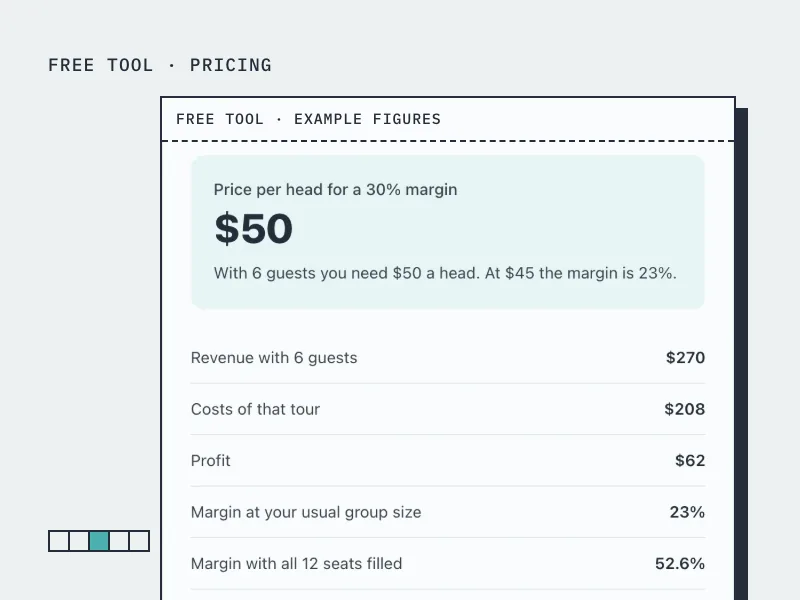
Tour Pricing Calculator
Find the price per head that covers the guide and the costs at the group size you really get.
Open the tool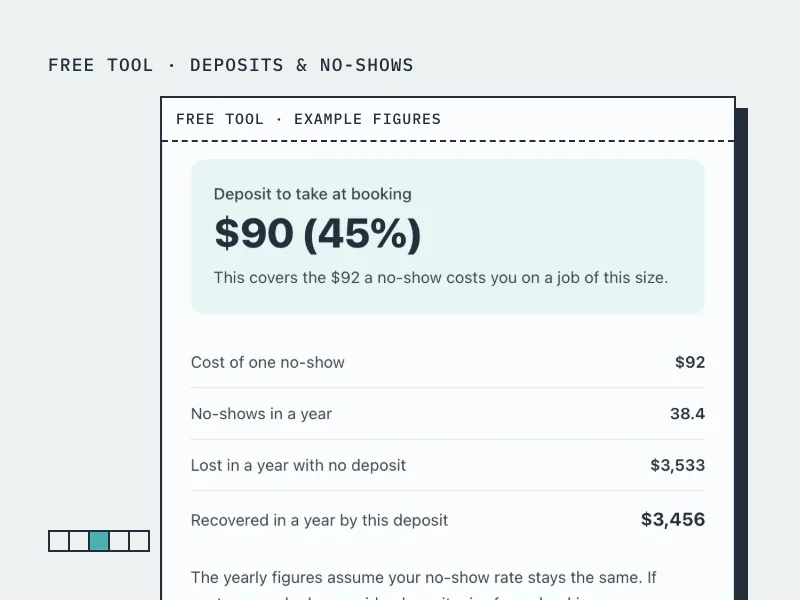
Deposit Calculator
Work out how much deposit to take on a booking, from what a no-show actually costs you.
Open the tool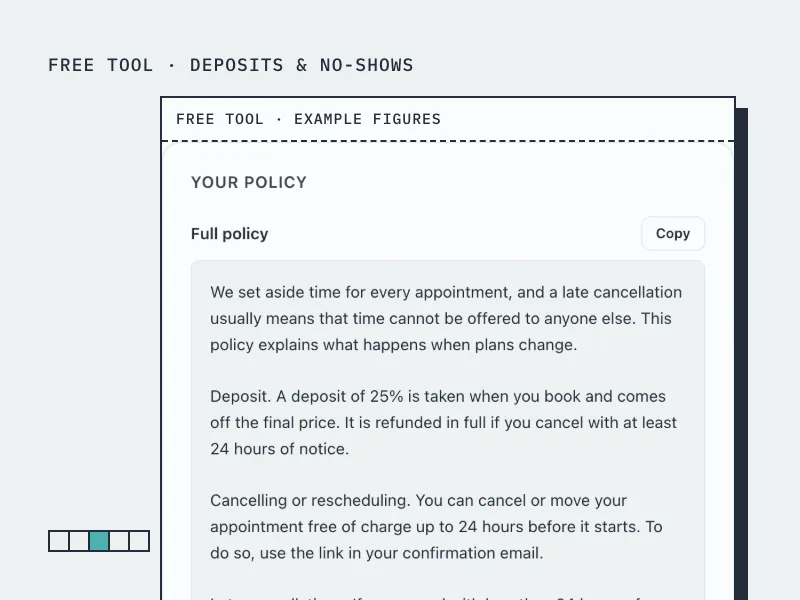
Cancellation Policy Generator
Build a cancellation and no-show policy in your own terms, ready to paste onto your booking page.
Open the toolBookingMachine works for other industries too
See all industries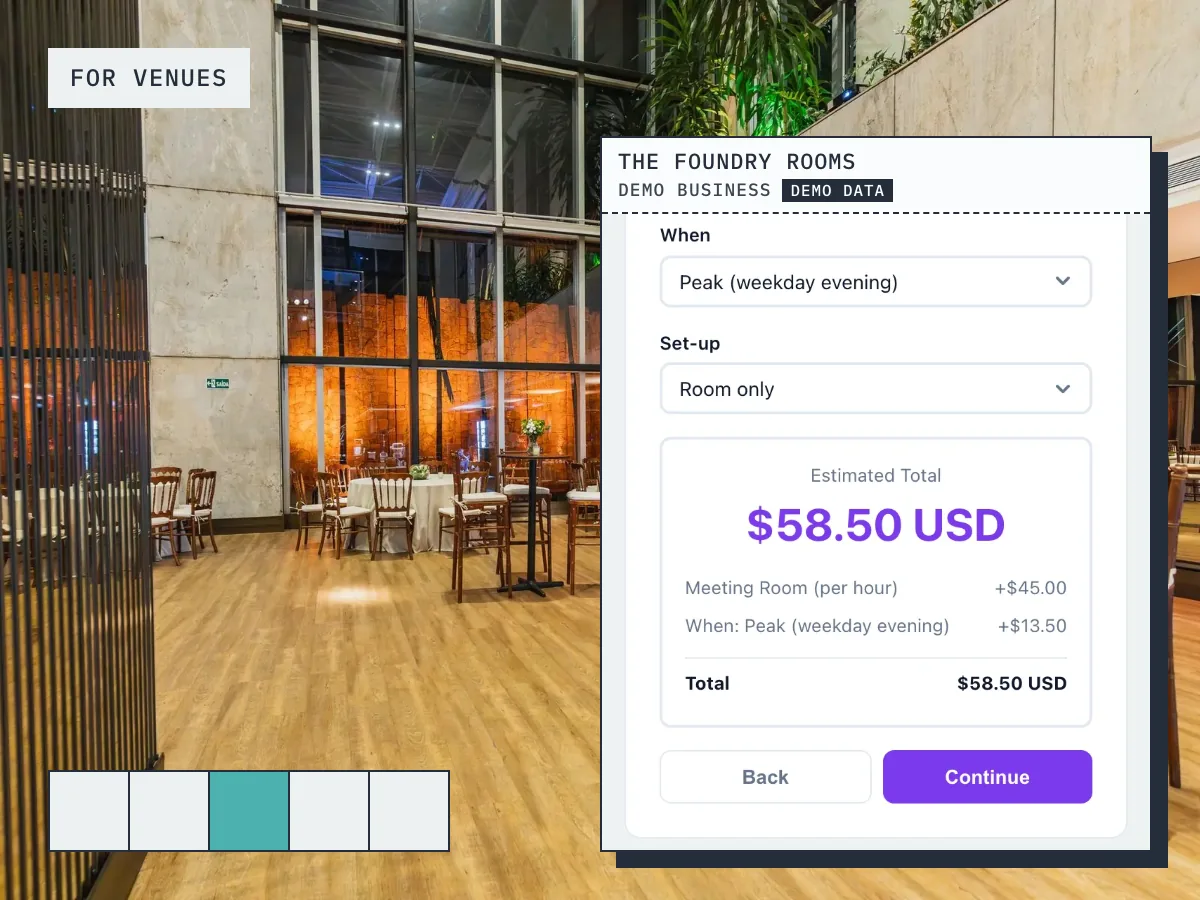
Ready to grow your business?
Start free, add your services and prices, and share your booking link today.