Personal Trainer Booking Software That Keeps Your Calendar Full
Let clients book sessions, set up a regular slot, and pay upfront — from your Instagram bio, website, or booking link. Spend your time coaching, not chasing payments.
Personal trainer booking software lets clients pick a session or a block of sessions, see the price, choose a time and pay upfront from a link, without creating an account. BookingMachine handles recurring weekly sessions, packages, cancellation and no-show fees, invoices for the balance, and payments straight to your own Stripe account.
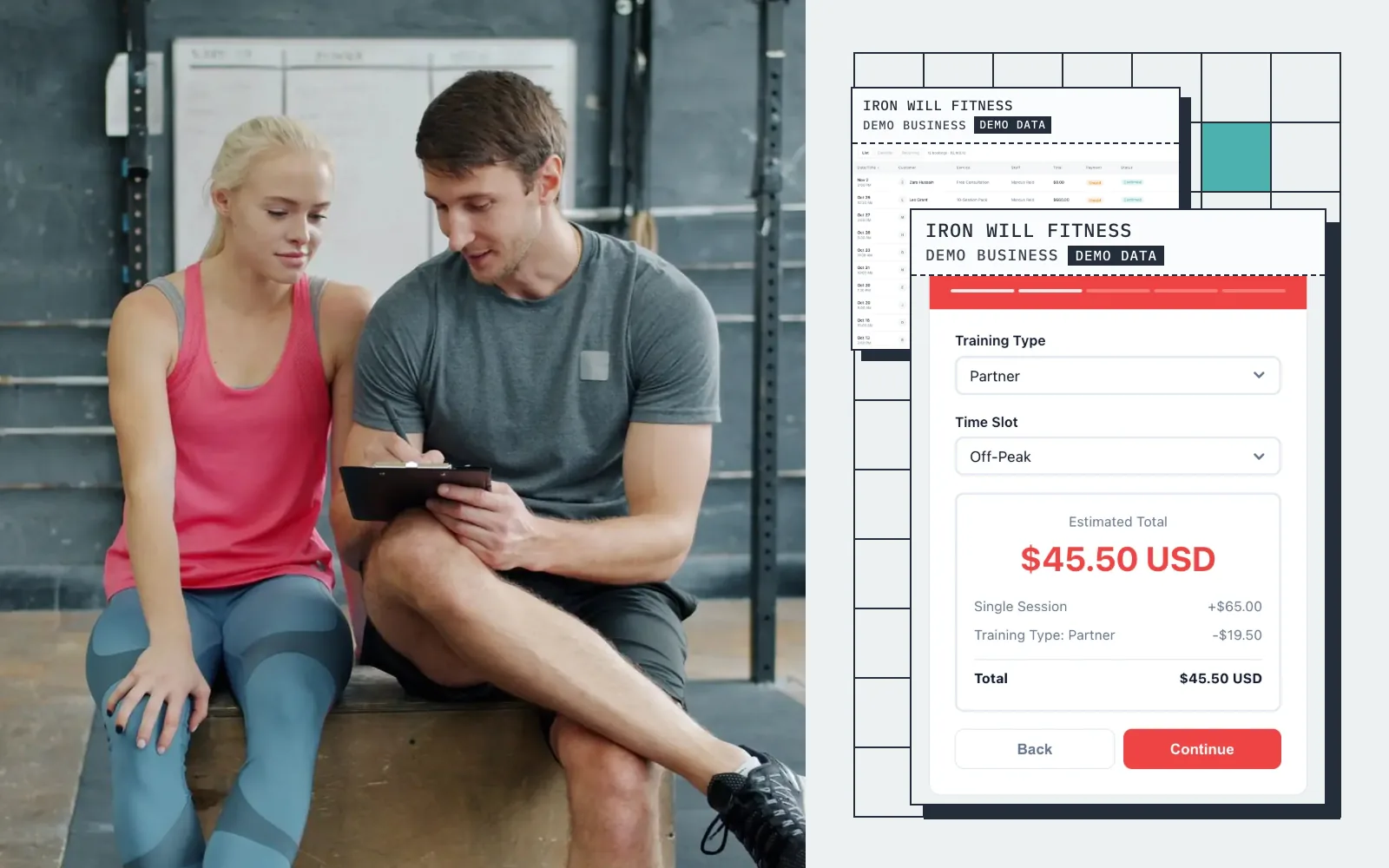
Live demo · Iron Will Fitness
Try the booking form
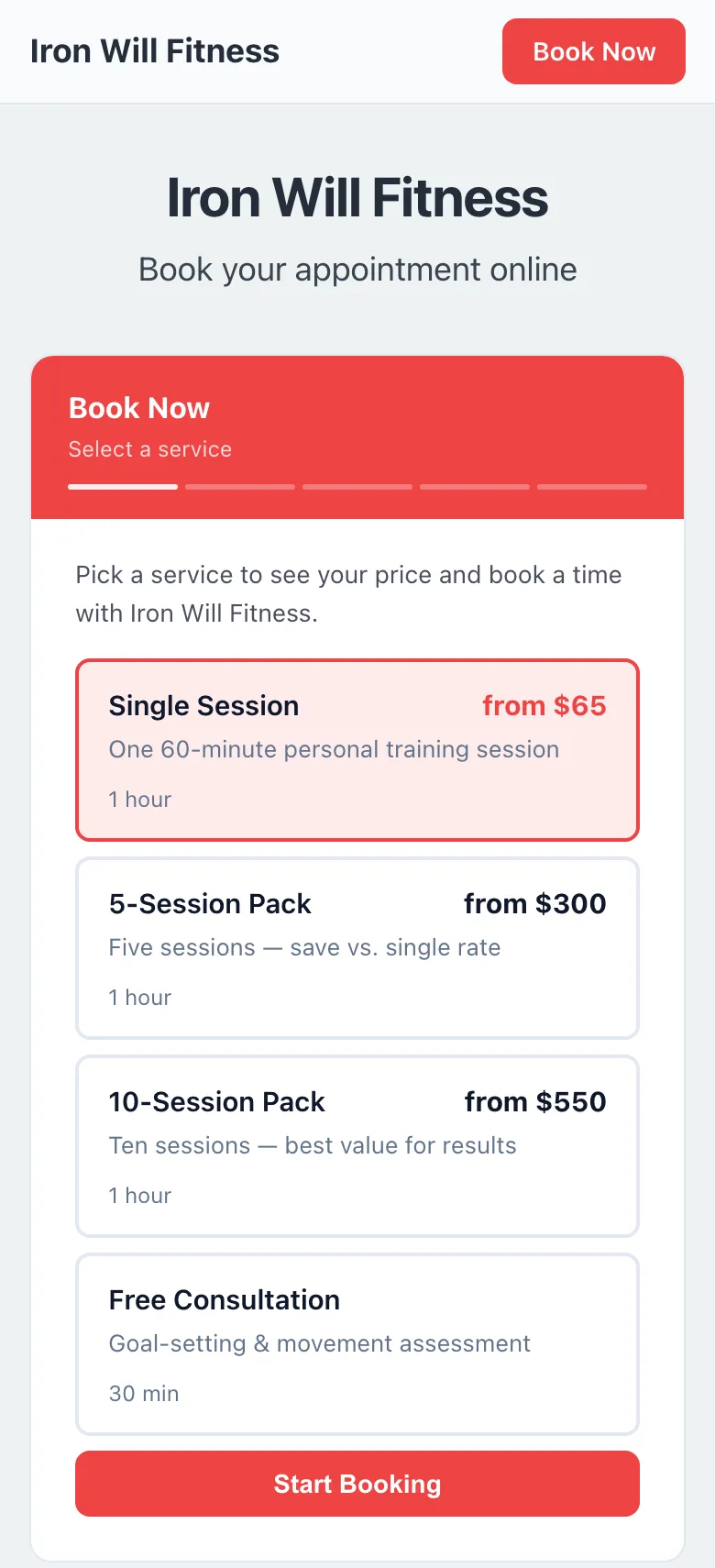
This is what your customers see: pick a service, get an instant quote, and book in seconds.
Screens
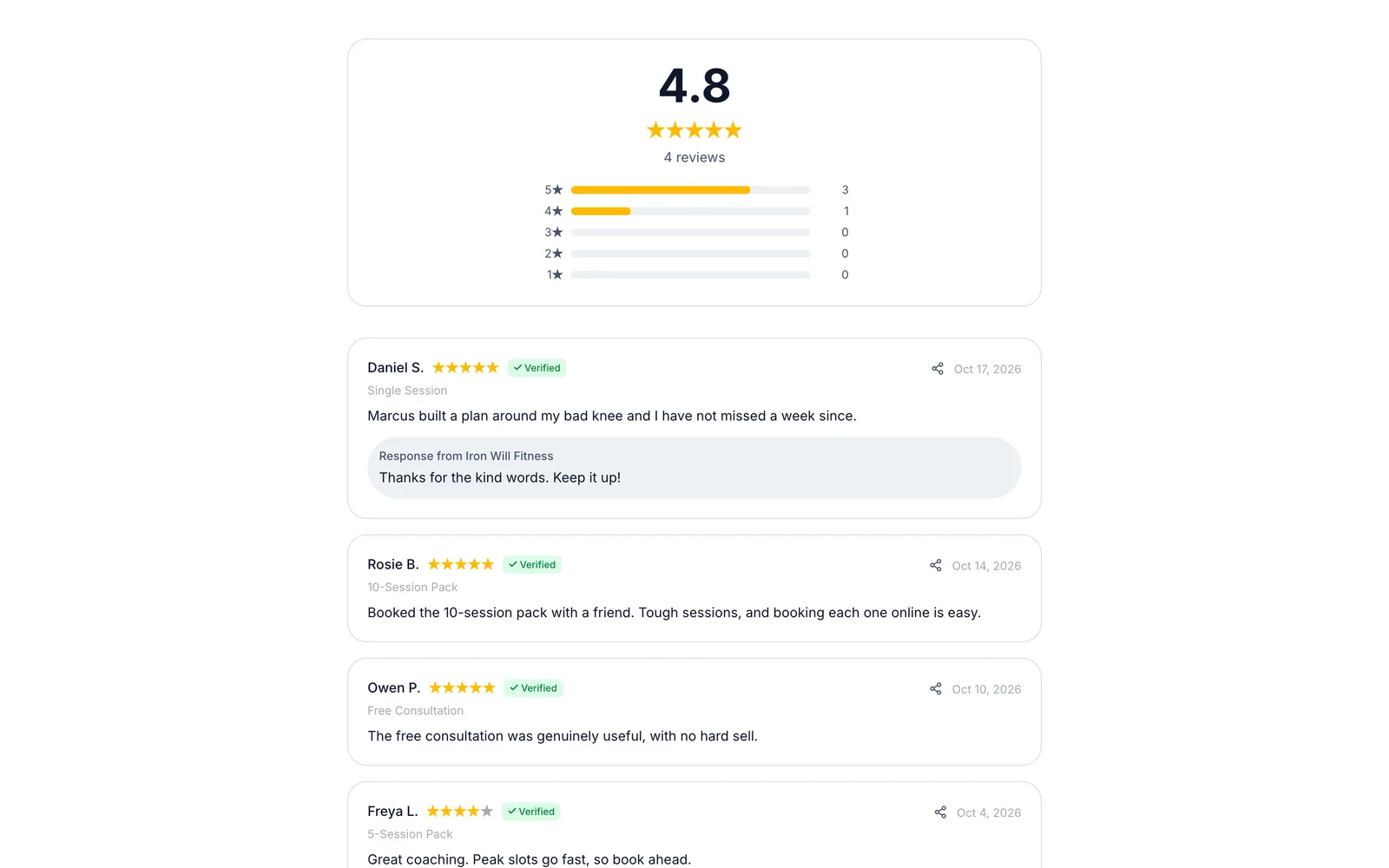
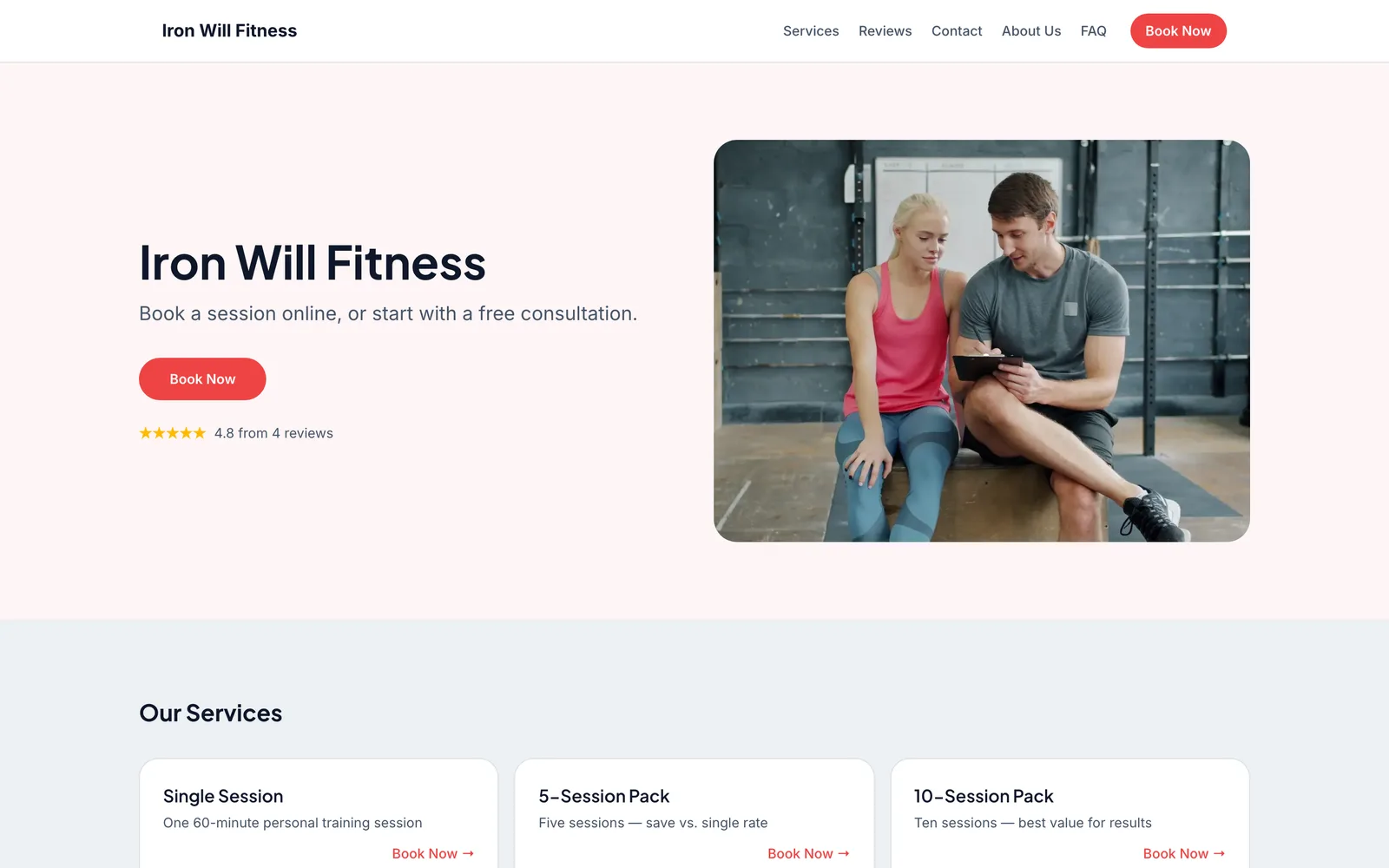
Real screens from a demo personal training business
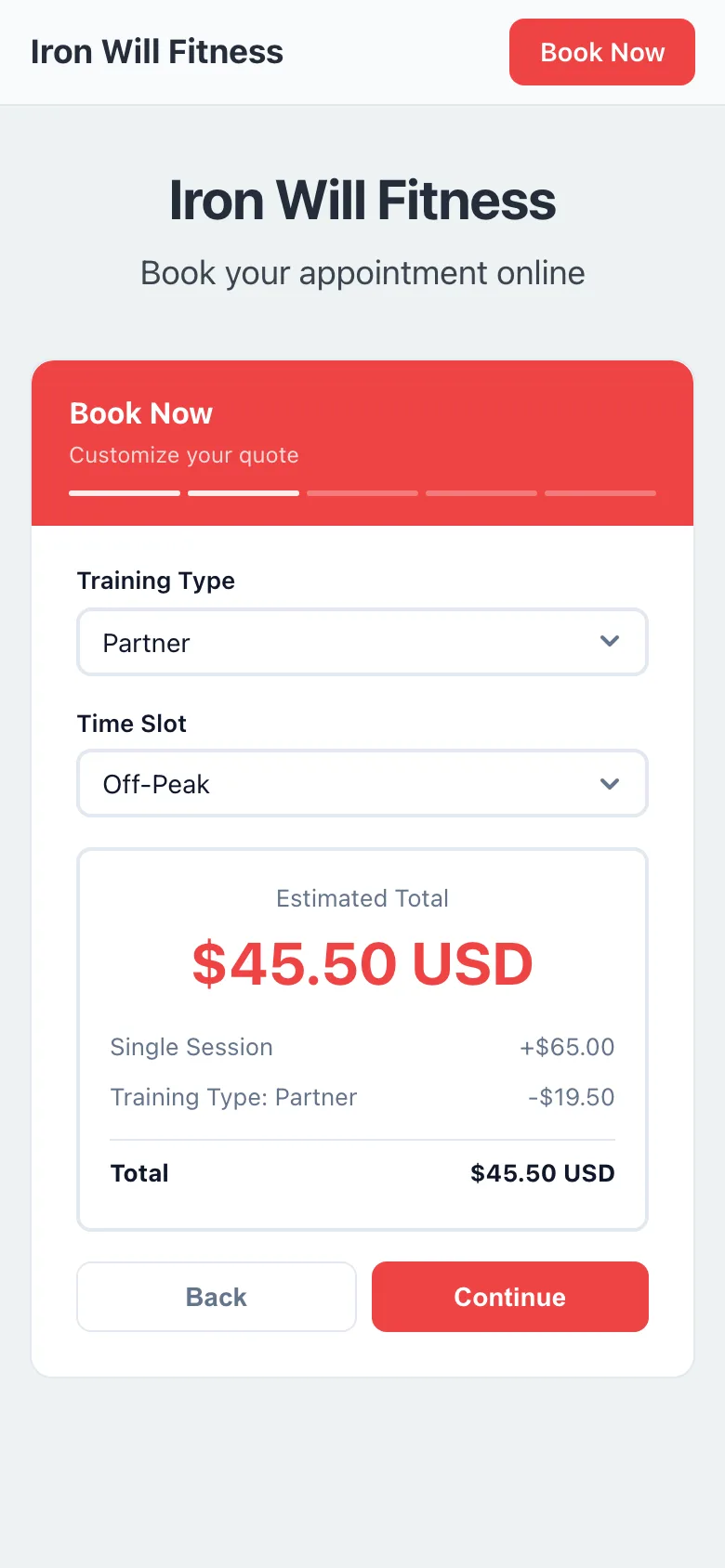
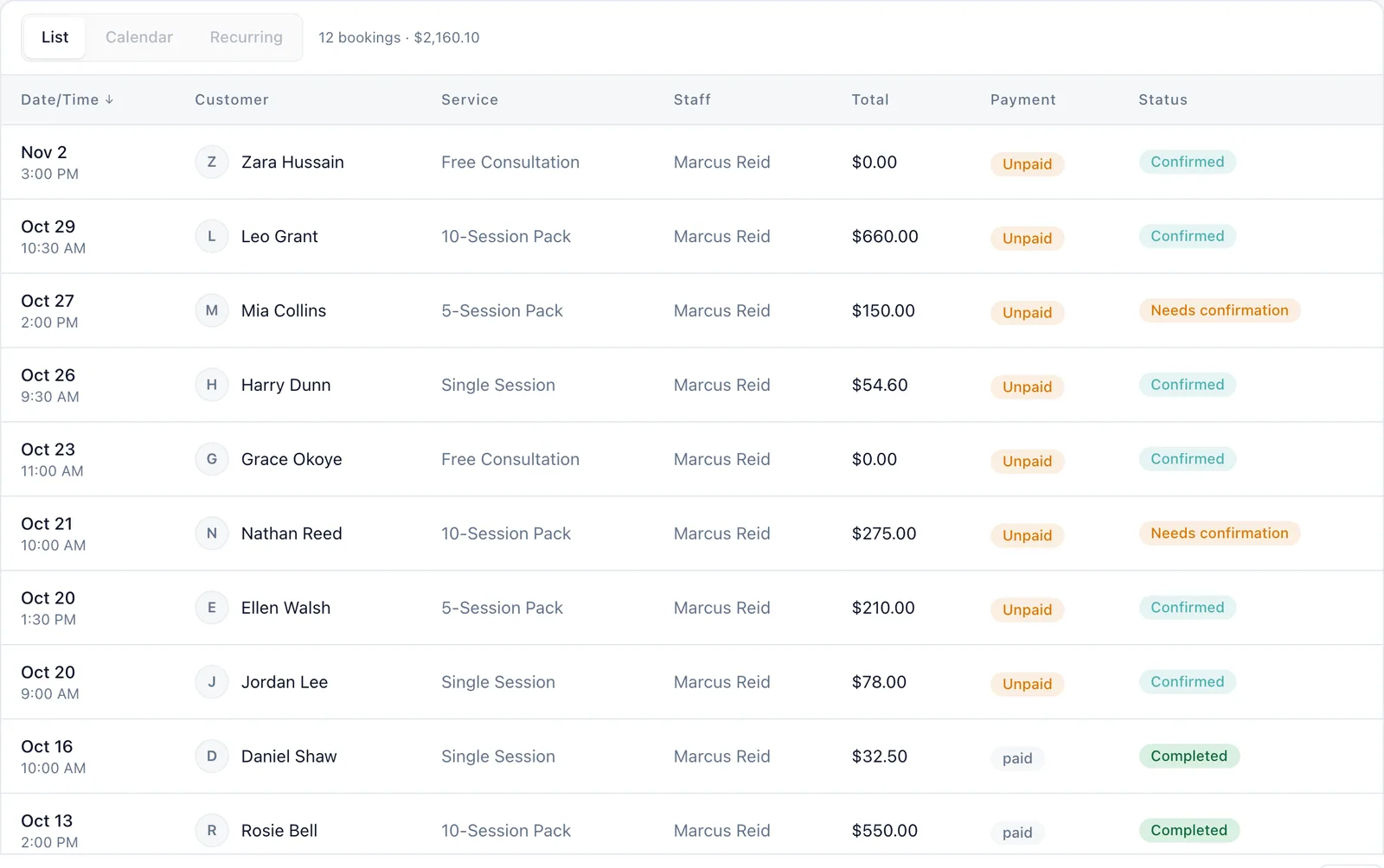
Captured from a working demo account: what your customer sees on their phone, and what you see in the dashboard.
Embed on your site
Embed the booking widget on your trainer website and let clients book sessions 24/7.
Share a booking link
Drop your booking link in your Instagram bio — clients book directly from social media.
Free website
Your free website showcases your sessions, pricing and availability across as many pages as you need.
Auto-collect reviews
After every training block, auto-collect client testimonials and transformation photos.
Sound familiar?
These are the problems that cost you time, money, and clients every week.
Clients text you to book, reschedule, and cancel — your phone is a scheduling nightmare.
Clients book themselves through your booking page, and every confirmation tells them how to reach you for changes. You get notified, not interrupted.
A client buys 10 sessions, uses 3, and disappears. No commitment, no results, no referral.
Upfront payment keeps clients invested. Automated reminders bring them back on schedule.
You know your clients get amazing results, but your social proof is nonexistent.
After every training block, auto-send a review request. Transformation stories and progress photos drive new leads.
Core advantages
Why personal training businesses choose BookingMachine
Session Pricing
One-to-one or small group, 30 or 60 minutes — price each kind of session, and offer a discount to clients who book a regular slot.
Upfront Payment = Commitment
When clients pay upfront, they show up. Pre-paid sessions have 3x higher attendance than pay-per-session.
Transformation Reviews
Client progress photos and testimonials are the ultimate marketing. Auto-collect them after every training milestone.
Features
Everything personal trainers need, in one place
Regular Sessions
Sell single sessions, or a regular weekly, biweekly or monthly slot with a discount. Clients book and pay in one flow.
Group vs. 1-on-1
Offer both group classes and private sessions with different pricing and capacity limits.
Availability Management
Set your training hours, block off lunch breaks, and sync with Google Calendar to prevent conflicts.
Client Progress Tracking
Store client notes, goals, and session history. Build stronger relationships with complete context.
Automated Reminders
Reduce no-shows with automated email reminders. Clients get a heads-up before every session.
Payments & Tips
Collect session fees upfront via Stripe. Clients can add a tip after a great workout.
Free website
A website made for personal trainers
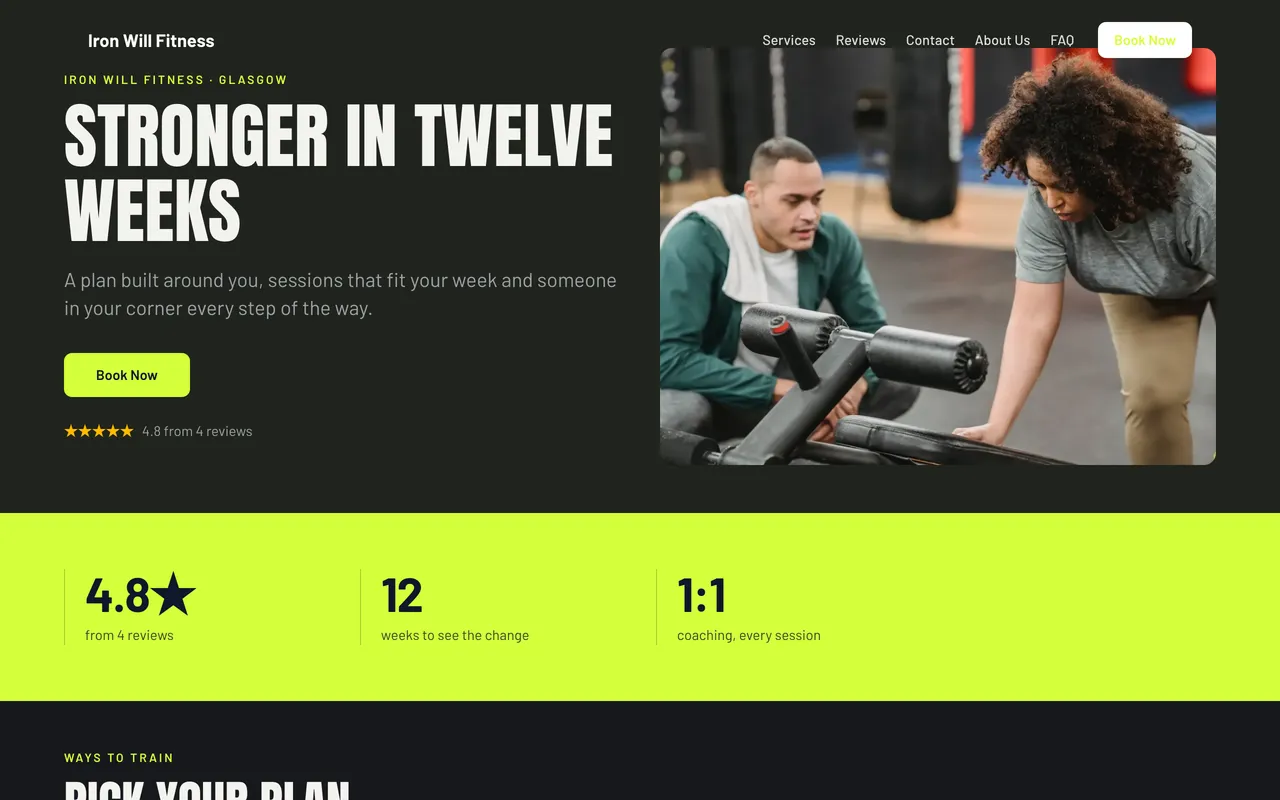
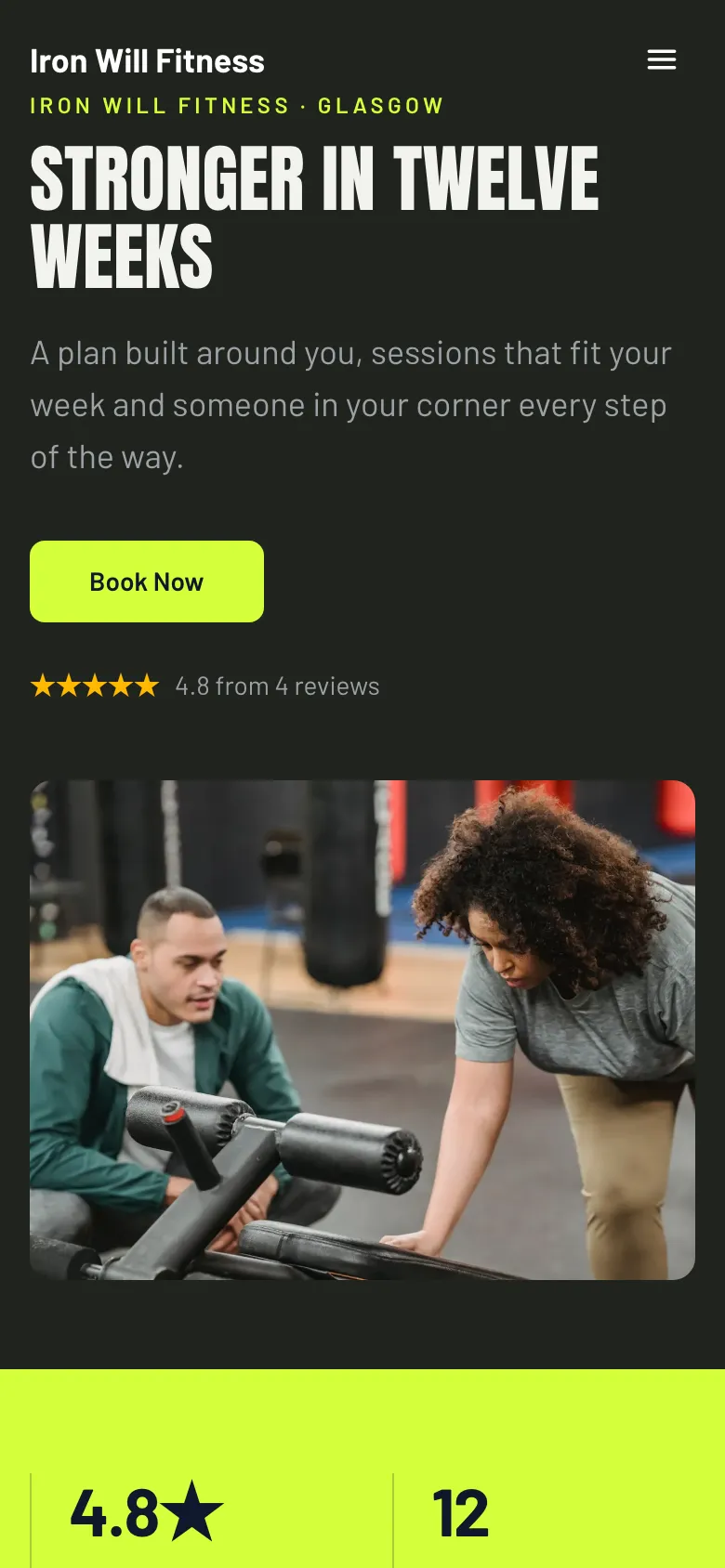
Every account comes with a bookable website built from your services, prices and reviews. The Coach template was designed for personal trainers: dark, loud and energetic. Capital headlines, a stats band and a numbered plan.
Coach
Dark, loud and energetic. Capital headlines, a stats band and a numbered plan.
Pricing engine
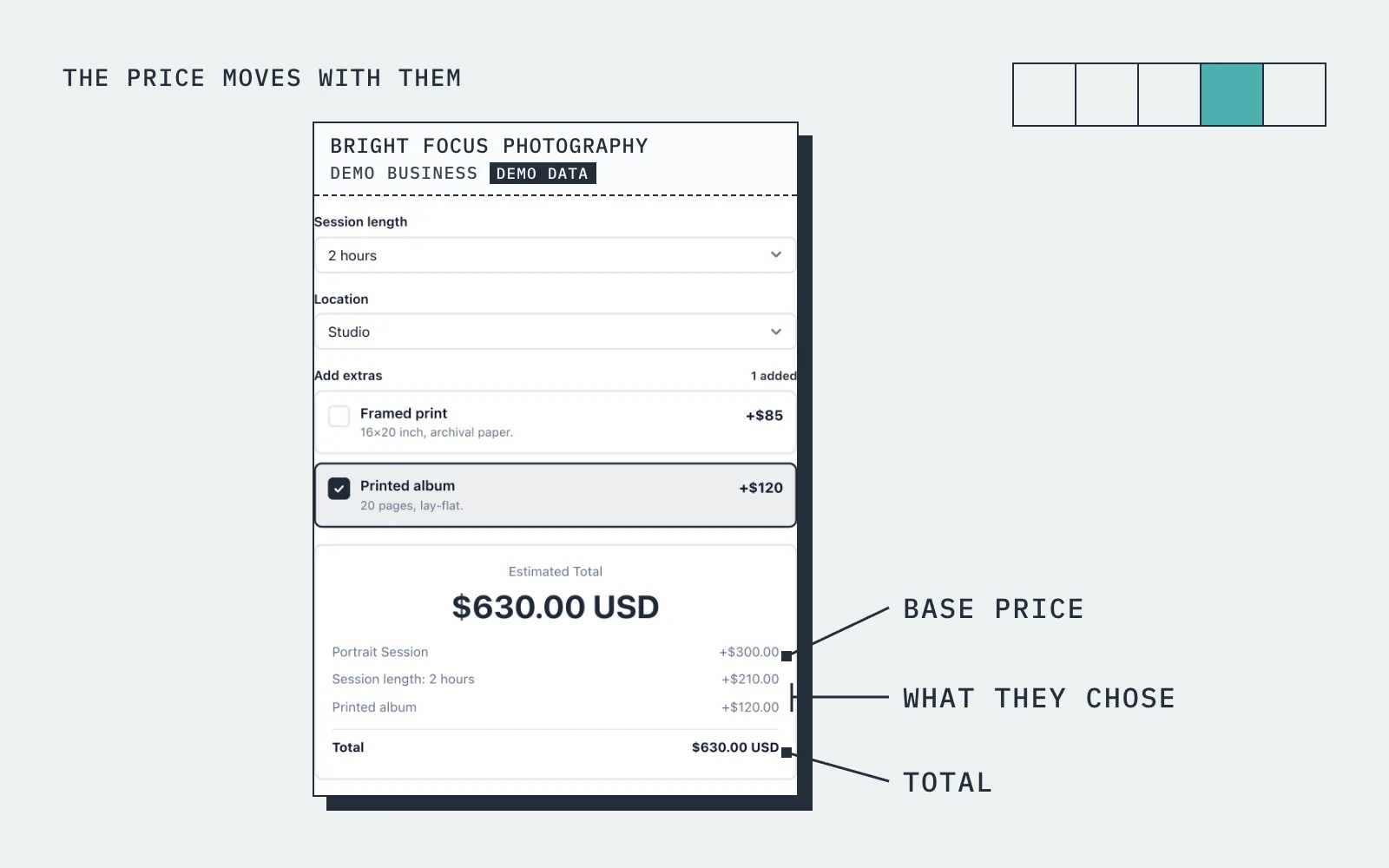
The price moves with what they choose
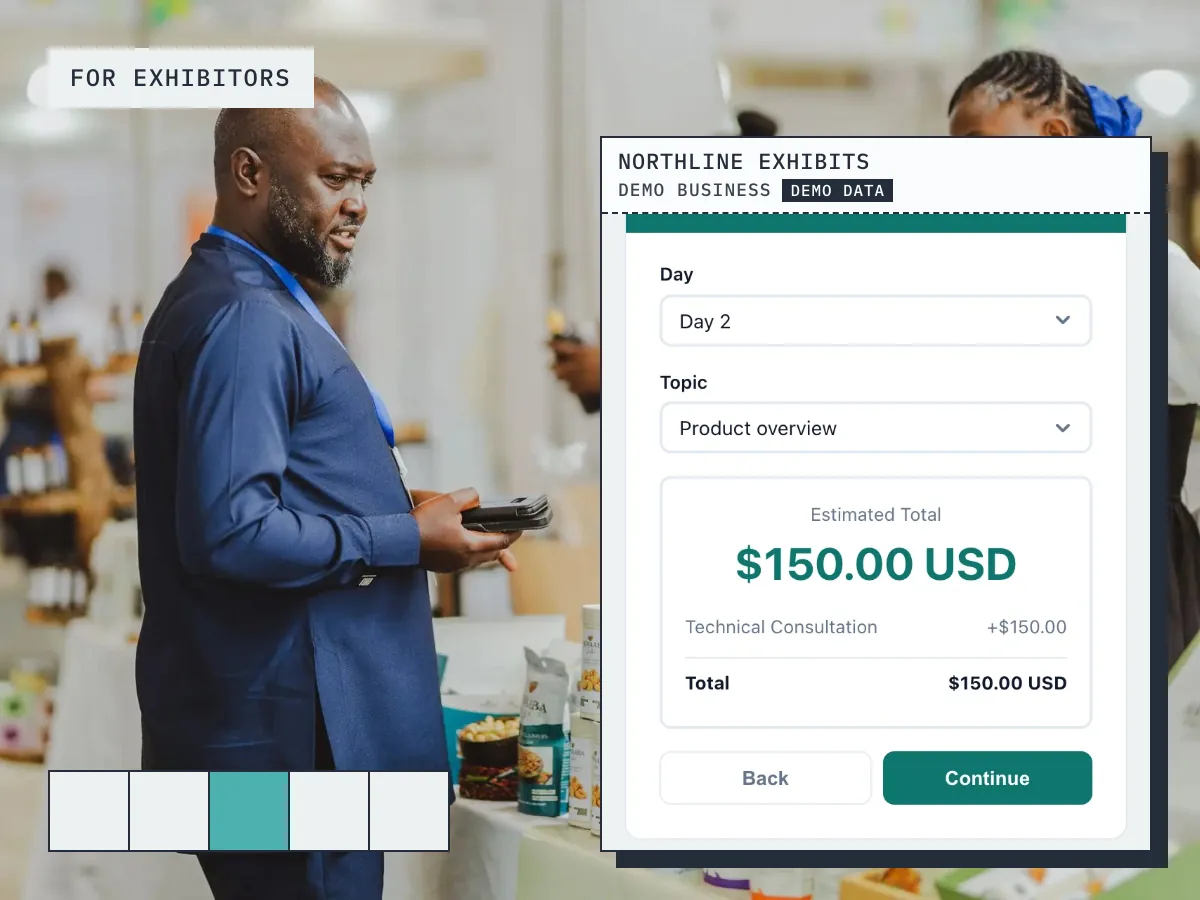
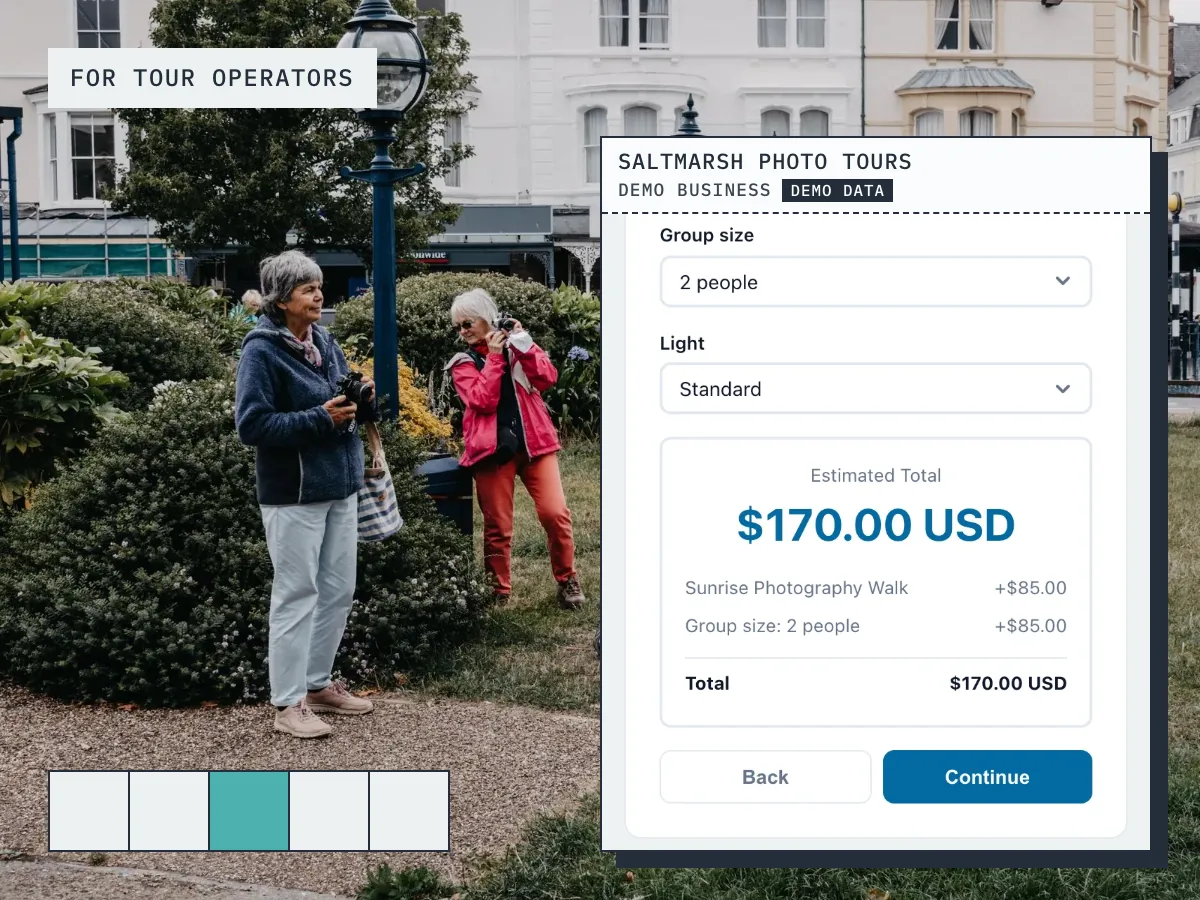
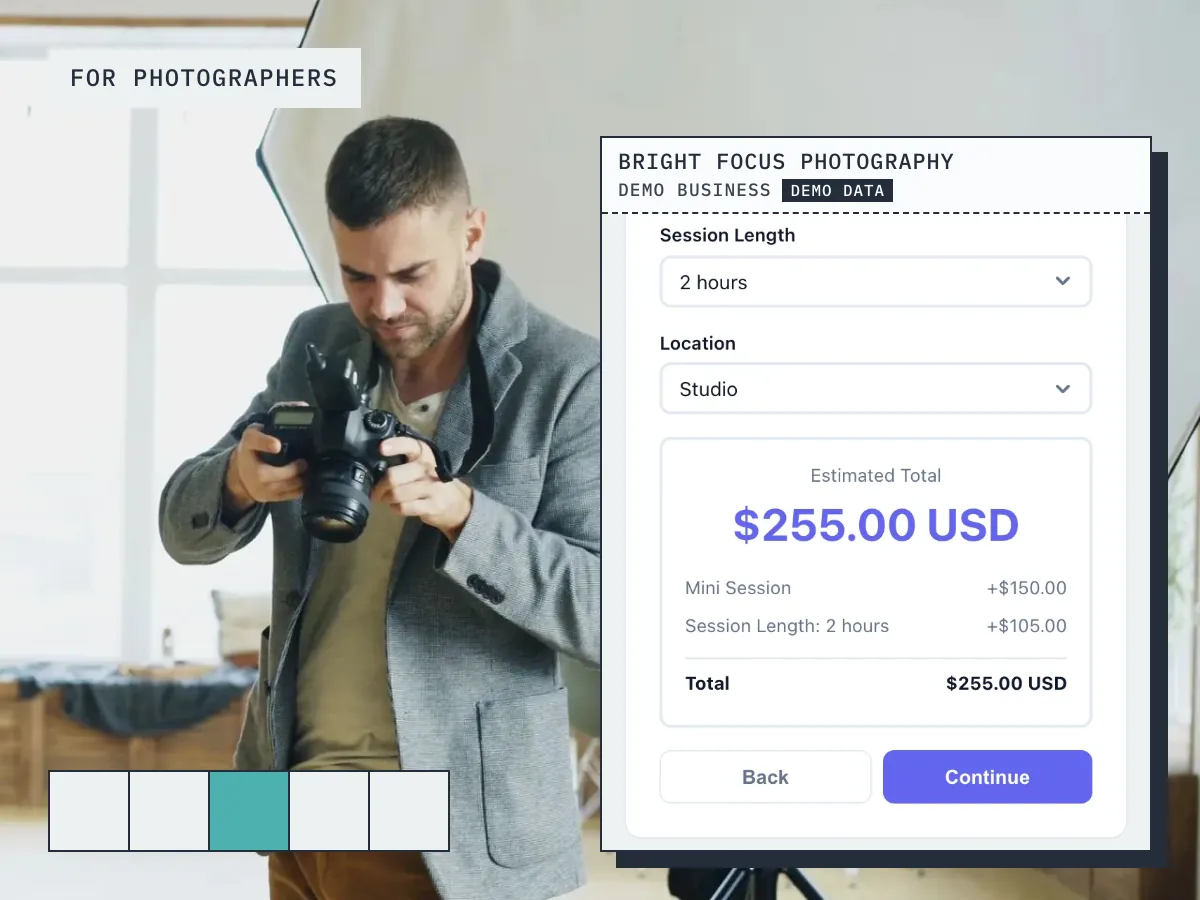
A client selects "1-on-1 Training", picks a 60-minute session and a weekly slot. The widget shows $75 a session with the regular-client discount — paid upfront with Stripe.
How it works
Up and running in three steps
Start free
No card needed. Add your business name and you are in.
Add your services and prices
Set what you sell, what changes the price, and your hours.
Share it and get booked
Share your link, embed it on your site, or publish your free website.
Guide
Personal Training booking: what to know
Single sessions, blocks and packages
A personal training appointment scheduler needs to sell more than one hour at a time. Most trainers price a single session, a block of five or ten at a lower rate per session, and sometimes a longer programme. In BookingMachine each of those is its own service with its own price and duration, so a client can book a one-off or commit to a block from the same form, and a package discount can be applied through the pricing rules.
Price variables cover the rest: a session at the client's home rather than the gym, a pair or small group rather than one-to-one, an early morning or late evening slot. The client picks the options and sees the price before they book, so the conversation about what a block costs happens on the form rather than over a string of messages.
Recurring sessions that hold the same slot every week
The best clients are the ones who train at the same time every week, and the scheduler should treat them that way. BookingMachine supports recurring bookings, so a Tuesday at seven becomes a standing appointment that appears in your diary without being rebooked each time. A recurring discount through the pricing rules is a straightforward way to reward that commitment.
Standing sessions also keep your availability honest. Because they are already in the diary, a new client only sees the slots that are actually free, and the slot they book disappears for everyone else. You set your hours, block holidays, and if you work from more than one gym, each location has its own hours. If you bring in a second trainer, add them as a team member and the diary covers both of you.
Paying upfront, and billing from the same place
Personal training scheduling and billing belong together, because chasing payment after a session is the part of the job nobody enjoys. For each service you decide whether the client pays in full when they book, pays a deposit, or pays later. The card payment is taken at booking and goes to your own Stripe account. Online payments are on the paid plans and need an approved payments application, which we review before switching them on.
Taking payment for a block upfront is the usual choice, and it means a client who has paid for ten sessions turns up for ten sessions. For anything that is not paid at booking, you can send an invoice from the dashboard once the session is marked complete, and quotes are there for a bespoke programme a client needs to agree to first.
Can I charge a cancellation or no-show fee?
Yes. Late cancellations and no-shows cost a trainer more than most businesses, because the hour cannot be resold at short notice. BookingMachine lets you set a no-show fee, and because the client paid by card at booking, the fee is not an awkward request after the fact. Set your cancellation policy where clients can read it before they book, so nobody is surprised.
Paying upfront for a block does most of the work here anyway. A client who has already paid tends to show up, and if they do not, the session is theirs to lose rather than yours. The combination of prepaid blocks and a clear no-show fee is the setting most trainers land on, and both are configured once per service rather than negotiated with each client.
Do clients need an account, and what does the free plan cover?
Clients never create an account. They open your booking link from Instagram, your website or a message, pick the session or block, see the price, choose a time and pay. They get a confirmation by email and the booking lands in your dashboard and inbox. After a session is marked complete they are asked for a review, and they can add photos to it.
The free plan has no card and covers your services and prices, the booking link, the form for your website, your free website and review requests. Payments, deposits and no-show fees are on the paid plans. Many trainers set everything up on the free plan and move up when they want to take payment for blocks online.
Pricing
Simple, transparent pricing
Start free. Upgrade when you are ready.
Free
Get started for free
- 25 bookings/mo
- 1 team member
- 1 location
- Free website
- 102 MB photo storage
Pro
Turn your website into a booking machine
or $18/mo billed annually (save $72/yr)
- Unlimited bookings
- 4 team members
- 2 locations
- Online payments (Stripe)
- Voucher / discount codes
- Analytics dashboard
- Google Calendar sync
- Premium website
- Dedicated account manager
- 1 GB photo storage
Business
For teams and multi-premises
or $34/mo billed annually (save $180/yr)
- Unlimited bookings
- 15 team members
- 6 locations
- Online payments (Stripe)
- Voucher / discount codes
- Analytics dashboard
- Google Calendar sync
- Premium website
- Dedicated account manager
- 10 GB photo storage
30-day money-back guarantee. No questions asked.
FAQ
Personal Training booking software FAQ
Can clients book a regular slot?
Yes. Clients can subscribe to a weekly, biweekly or monthly session, with a discount you set. Their sessions are booked automatically on schedule.
Can I offer both group classes and private sessions?
Yes. Set different services for group and 1-on-1 training with different prices and capacity limits.
Does it work from my Instagram bio?
Perfectly. Your booking link works anywhere — Instagram bio, stories, Facebook, email, or text messages.
Can clients reschedule sessions themselves?
Not yet. Every confirmation and reminder shows your notice period and how to reach you, and you move the session in a couple of taps.
How do progress reviews work?
After a set number of sessions (you choose), BookingMachine sends a review request. Clients share their progress and testimonial.
Is there a free plan?
Yes. The free plan covers a limited number of bookings each month, with quotes, invoices and a hosted booking page. Online payments and deposits are on the paid plans. The pricing page has the current limits.
From the blog
Guides for personal trainers
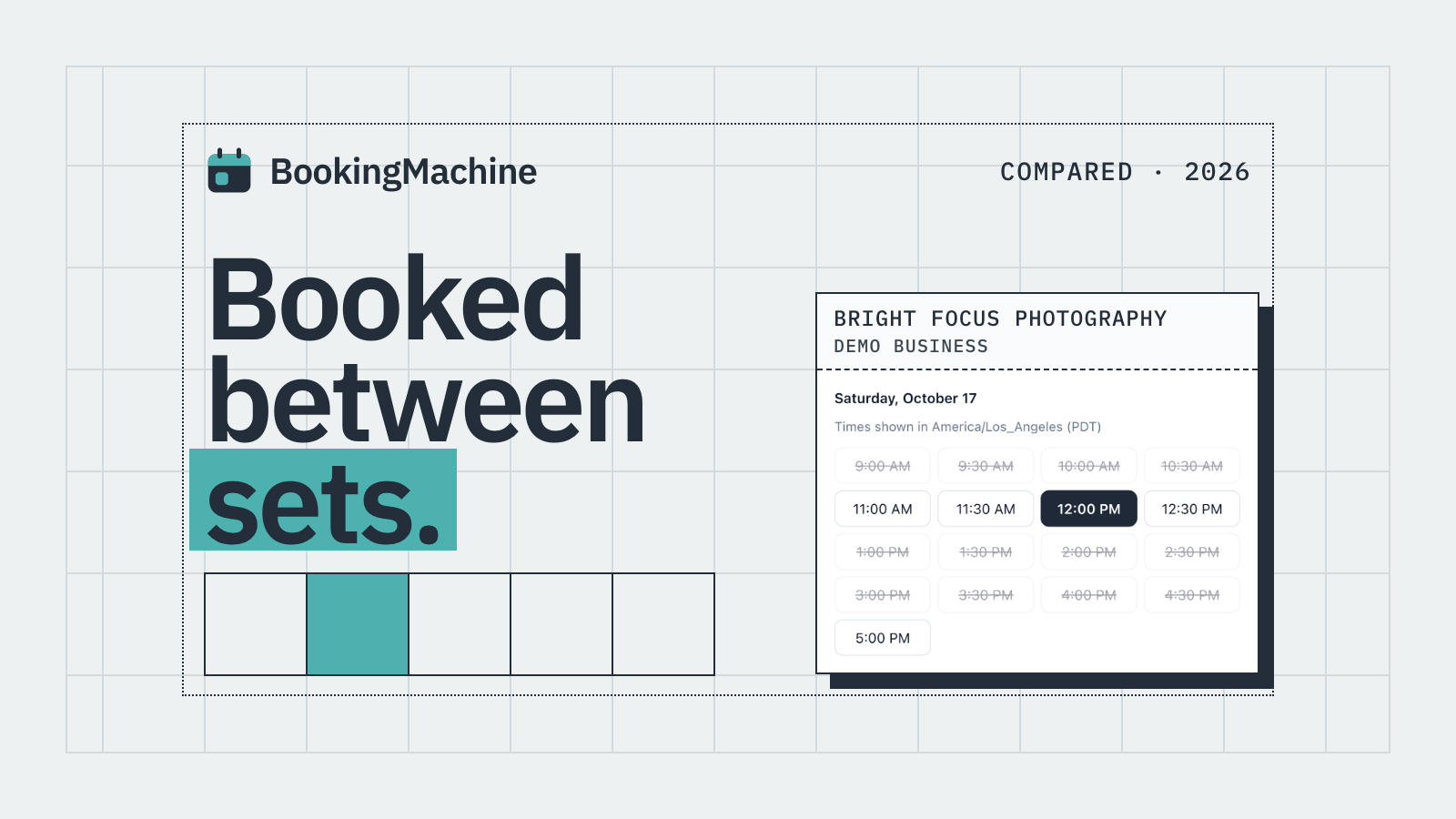
Best Personal Trainer Booking Software in 2026 (Honest Comparison)
Compare the best personal trainer booking software for 2026. Deposits, no-show protection, review automation and embeddable widgets, all honestly reviewed.
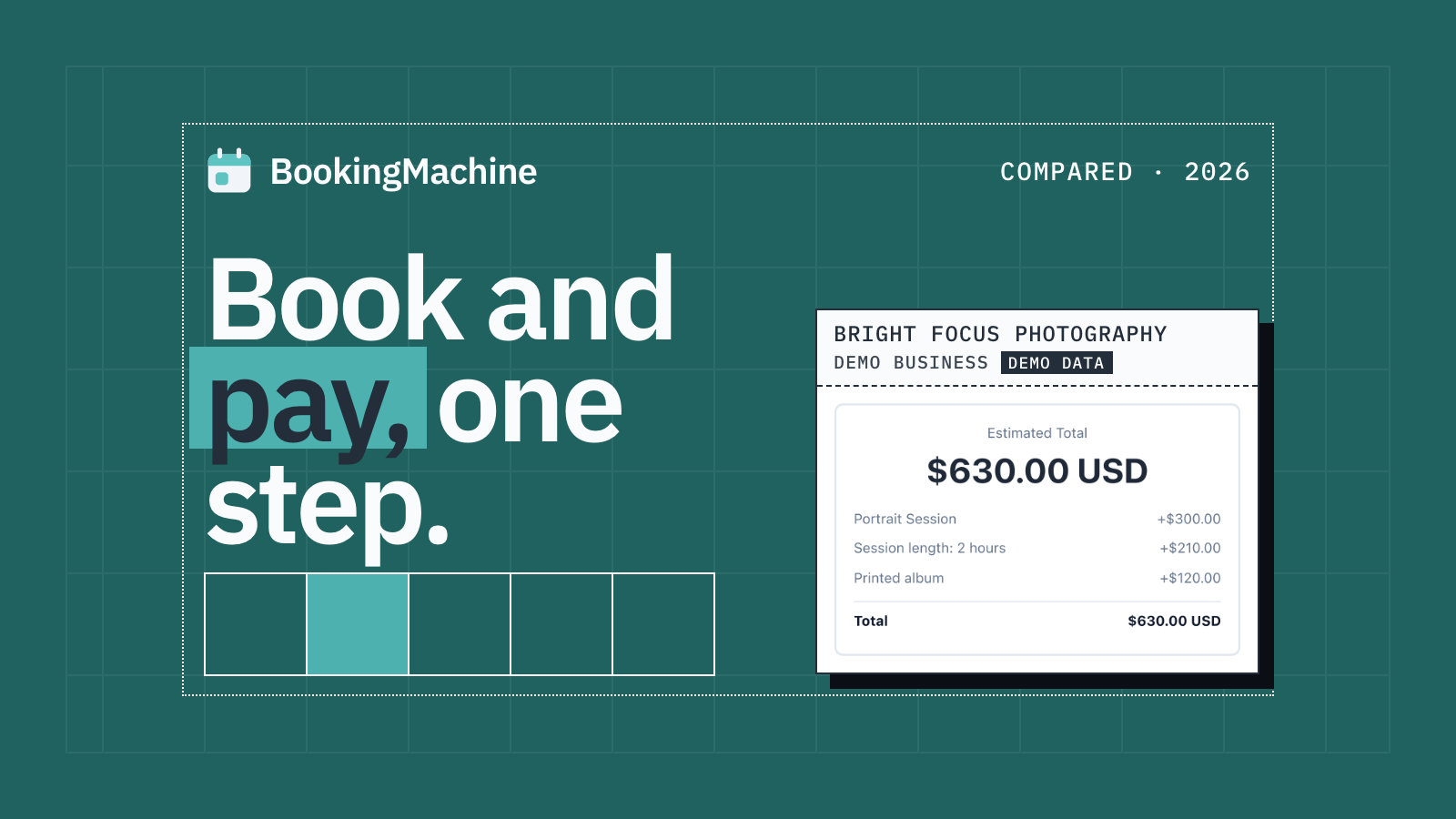
The Best Appointment Booking and Payment Systems for Service Businesses (2026)
Compare the best appointment booking and payment systems for service businesses. Take deposits, reduce no-shows and automate reviews. Updated 2026.
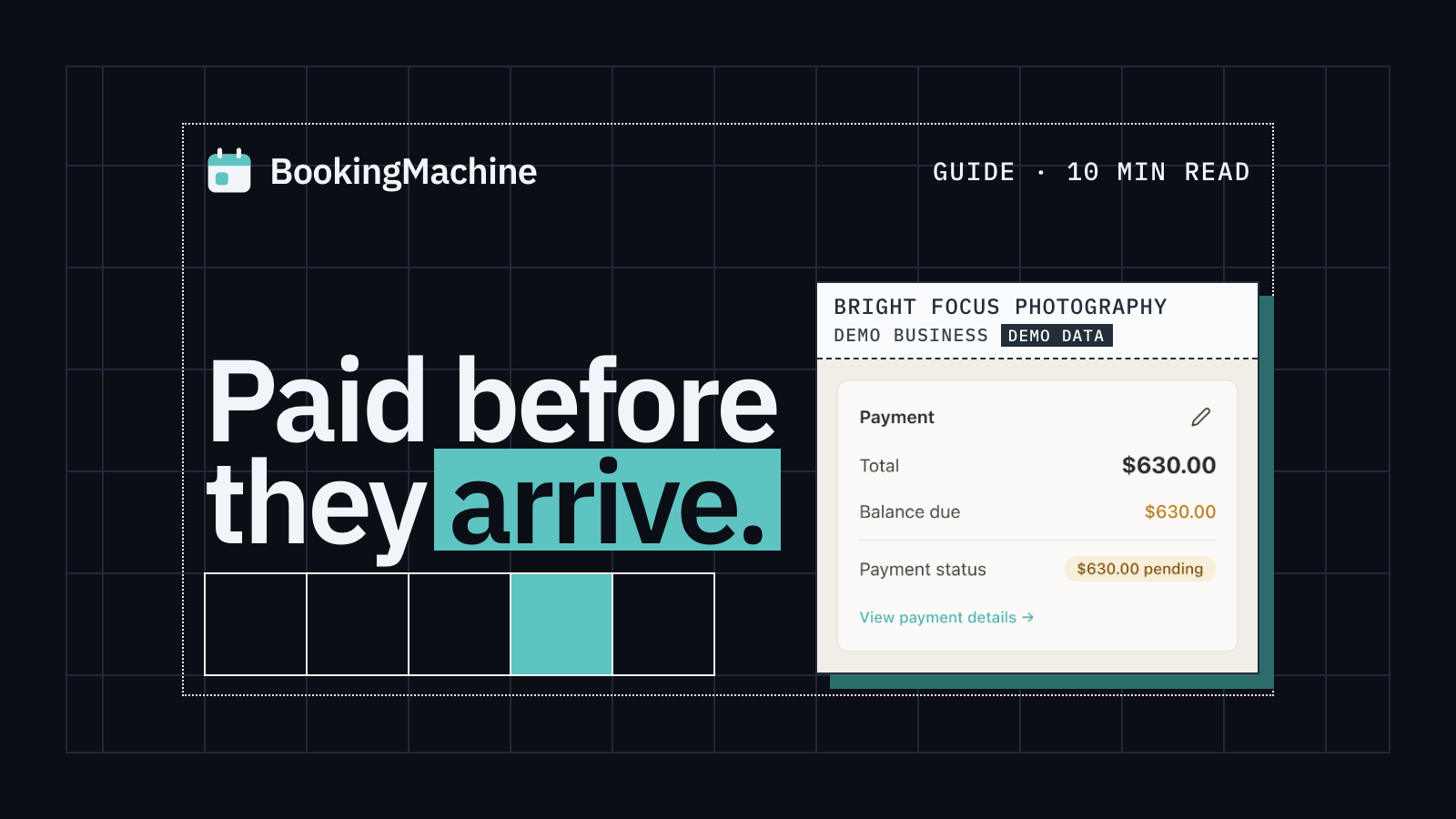
Online Booking System with Deposit: The Complete Guide for Service Businesses
Take deposits at the time of booking, cut no-shows and protect your revenue. The complete guide to choosing a booking system with deposit for service businesses.
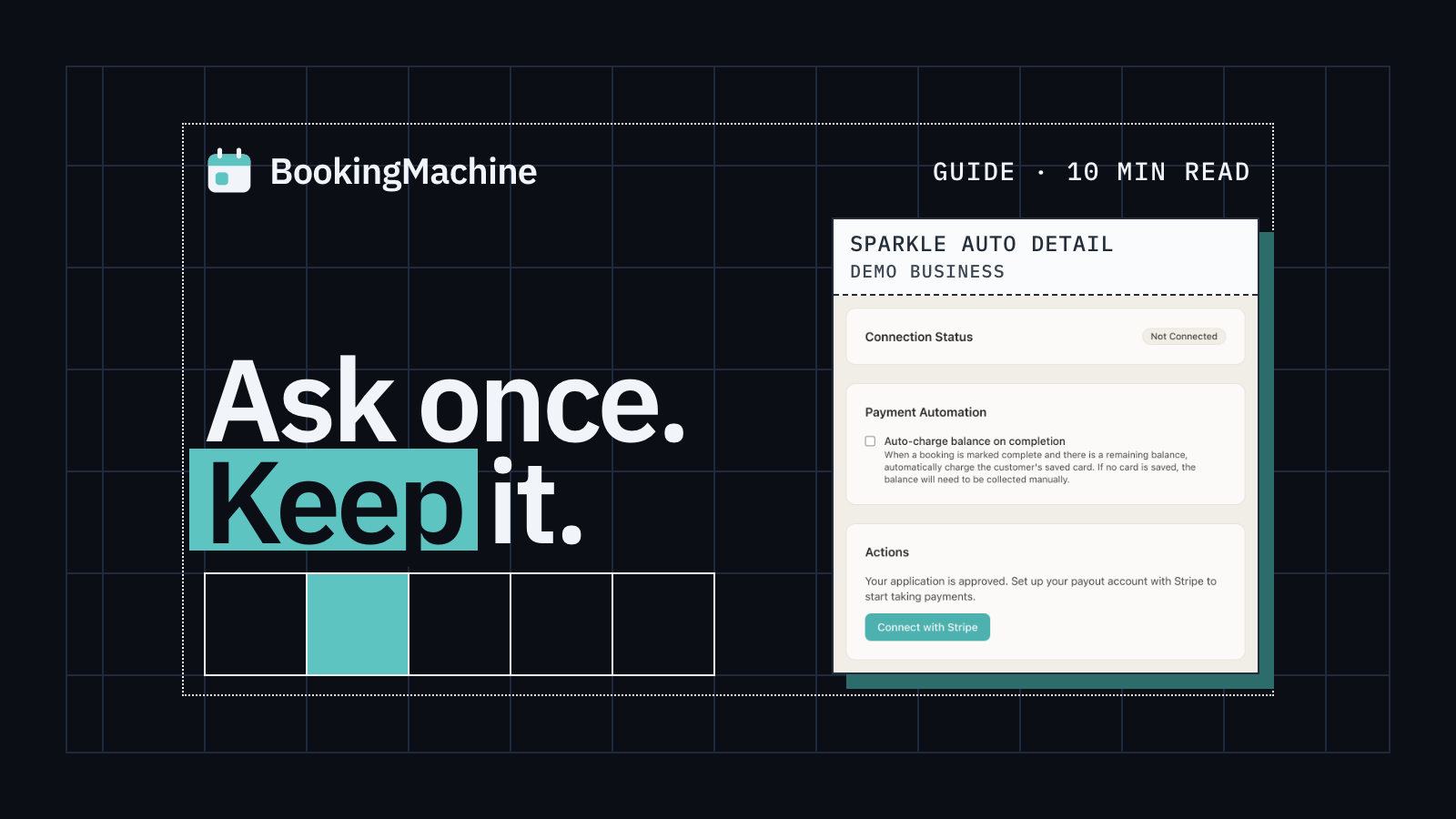
How to Collect Deposits and Set Up a Booking Deposit Policy for Your Service Business
Learn how to ask for a deposit, design a fair cancellation policy, and collect payments at booking. Practical guide for salons, trades, cleaners and freelancers.
Free tools
Free tools for personal trainers
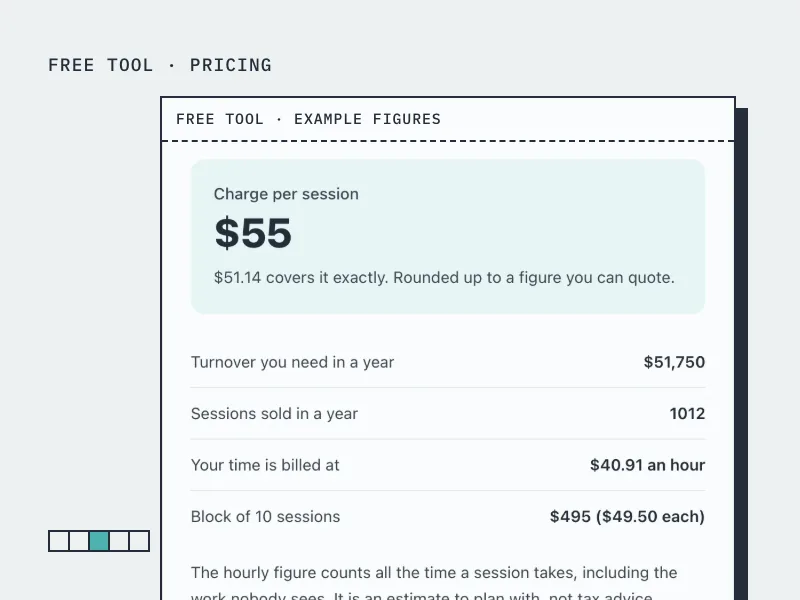
Personal Trainer Rate Calculator
Find your price per session and per block, from the income you want and the sessions you deliver.
Open the tool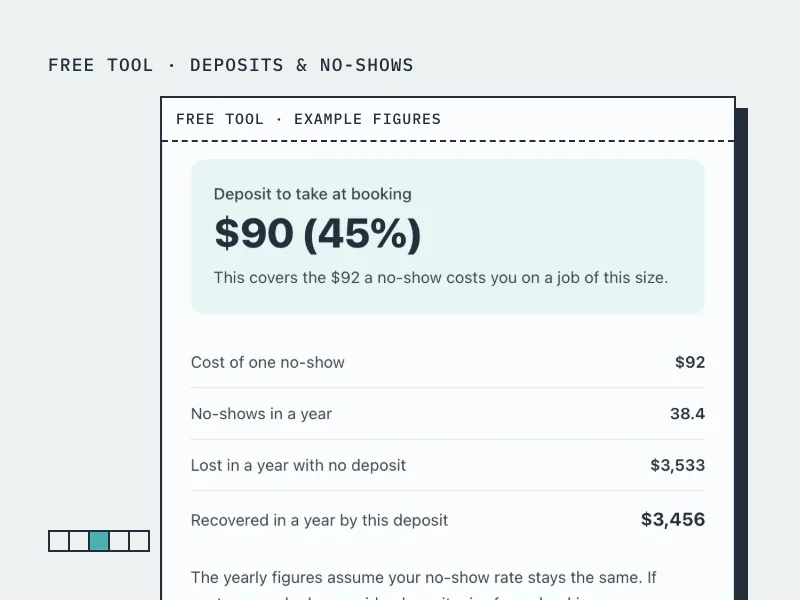
Deposit Calculator
Work out how much deposit to take on a booking, from what a no-show actually costs you.
Open the tool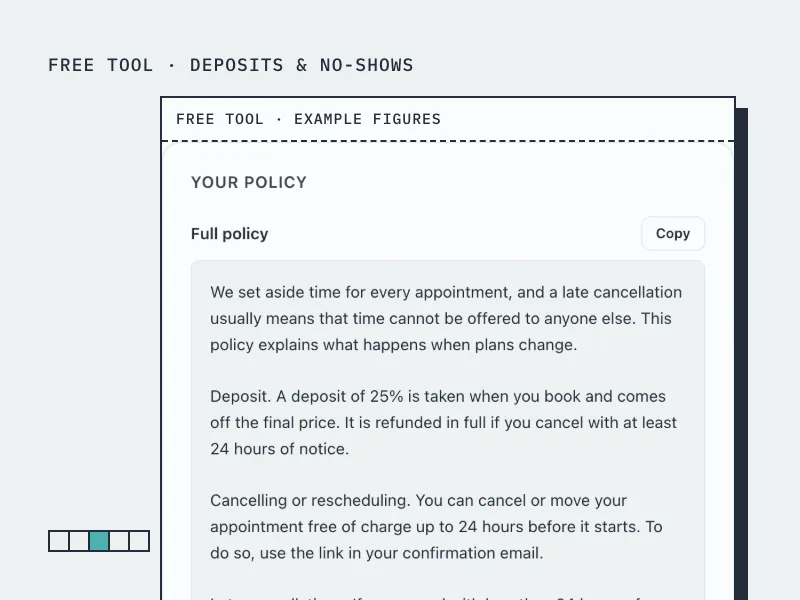
Cancellation Policy Generator
Build a cancellation and no-show policy in your own terms, ready to paste onto your booking page.
Open the toolBookingMachine works for other industries too
See all industries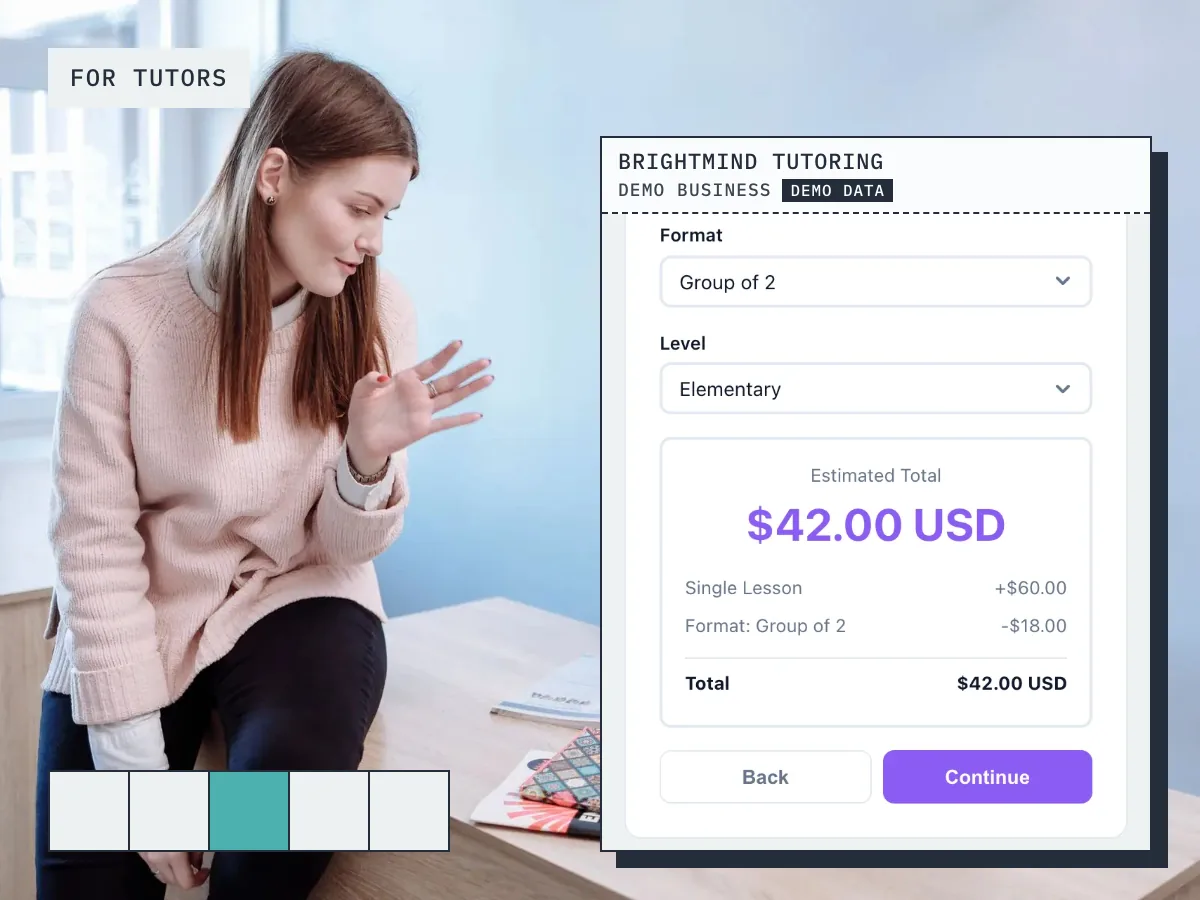
Ready to grow your business?
Start free, add your services and prices, and share your booking link today.