A missed session is not just an inconvenience. It is £40, £60, sometimes £80 gone, with nothing to show for the hour you kept free. Personal trainers deal with this constantly, and most booking tools do almost nothing to stop it. This page compares the most popular personal trainer booking software options honestly, so you can pick the one that actually fits how you work, not just how you schedule.
What personal trainers actually need from booking software
Most PTs start with whatever is free or familiar. A shared Google Calendar, a Calendly link in their Instagram bio, maybe a WhatsApp thread that gets out of hand quickly. It works until it doesn't, usually around the point a client cancels an hour before the session and you have no recourse.
The real requirements tend to surface fast once you are running a full client list. You need clients to be able to book without a back-and-forth. You need a deposit or a card on file so cancellations carry a consequence. You need something that sits on your own website, not a third-party page that looks nothing like your brand. And increasingly, you need a way to collect reviews automatically after sessions, because word-of-mouth now lives on Google.
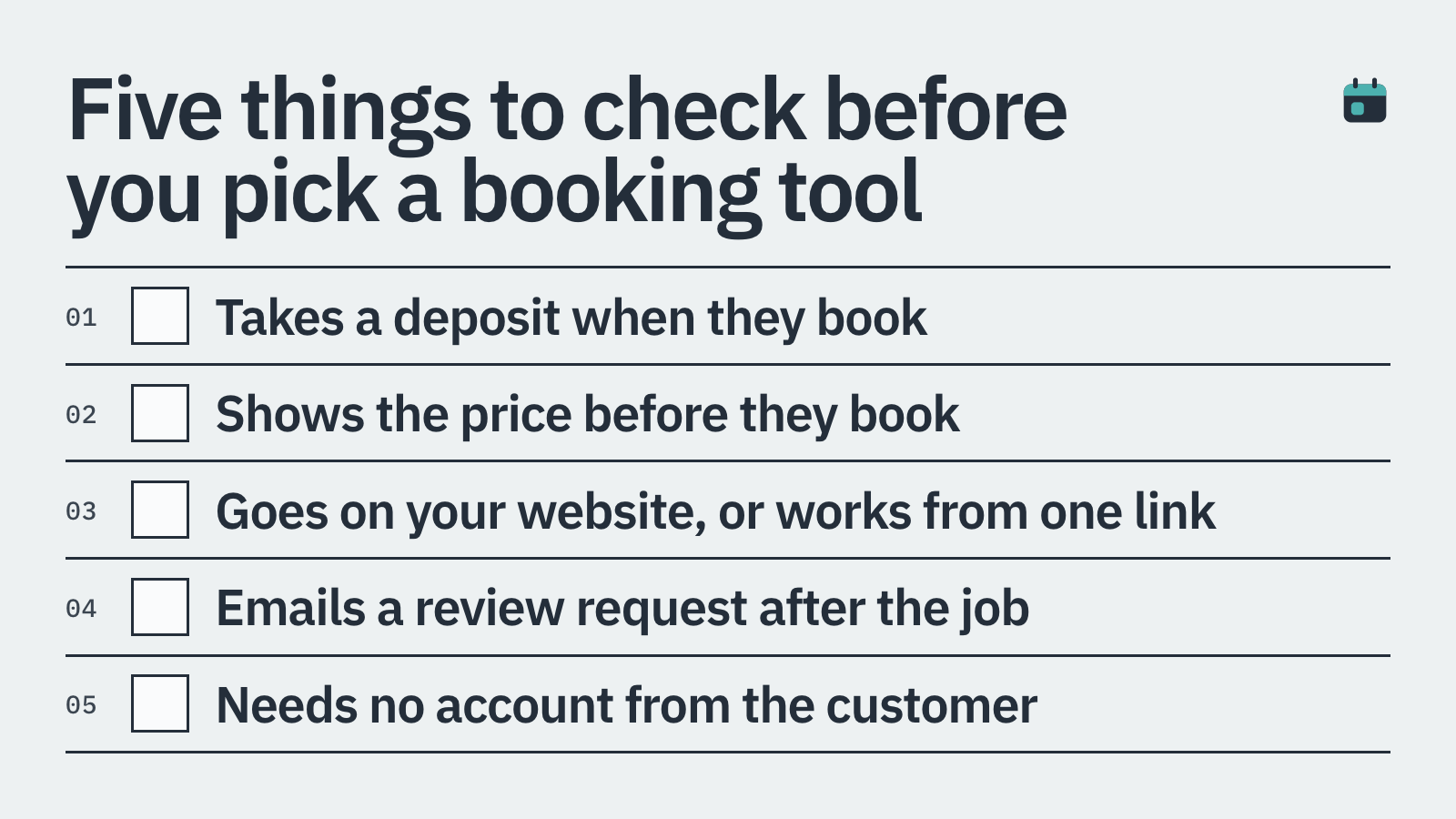
Online booking that works 24/7 without you being involved
Deposit collection at the point of booking to reduce no-shows
Card-on-file for no-show fees and late cancellation charges
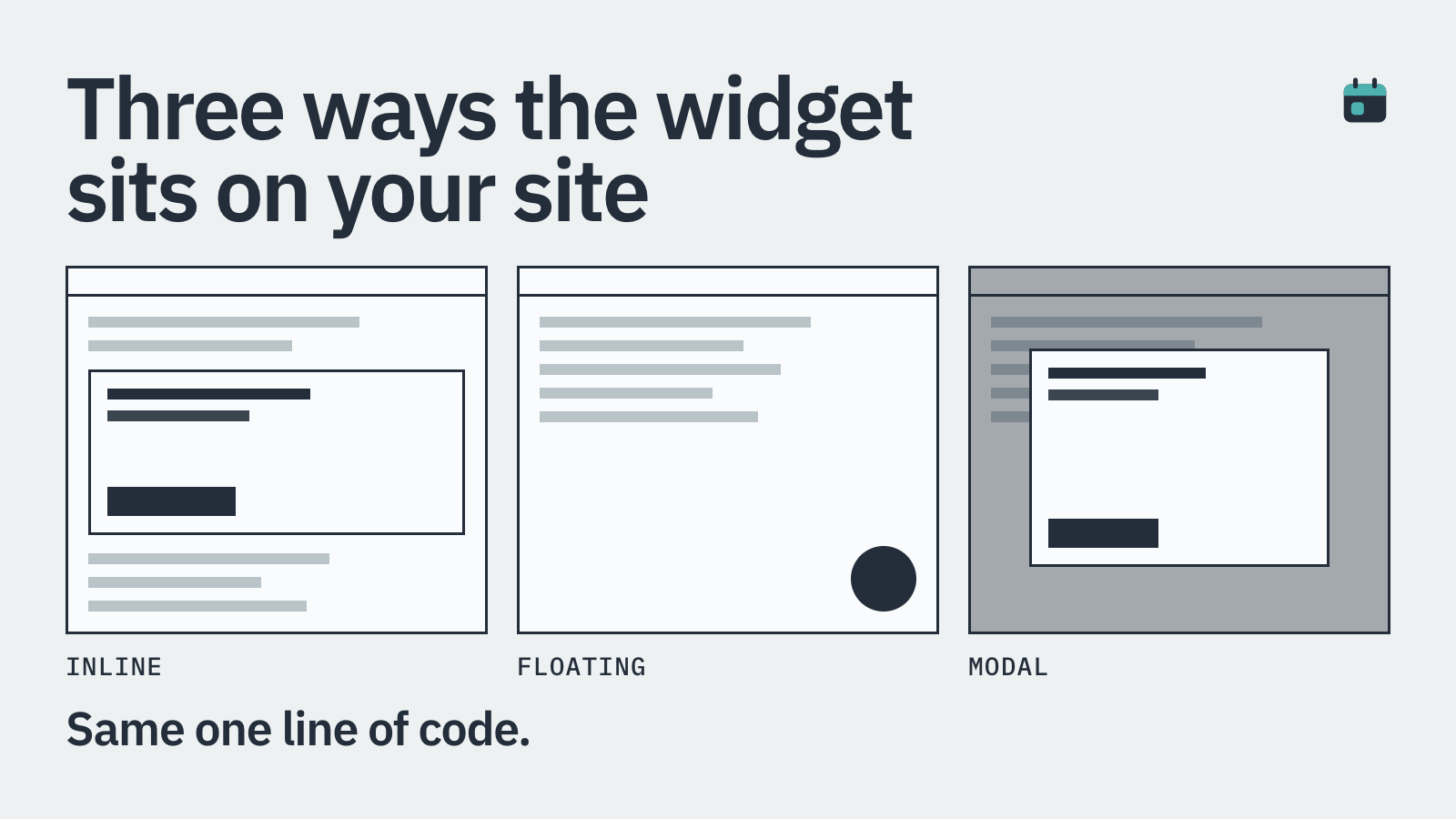
An embeddable widget that lives on your own site
Automated review requests sent after sessions complete
Clear cancellation policies clients agree to upfront
The 5 most talked-about options, reviewed honestly
These are the tools that come up most often in PT Facebook groups, Reddit threads and gym-owner forums. Each has a genuine use case. None is perfect for everyone.
1. BookingMachine
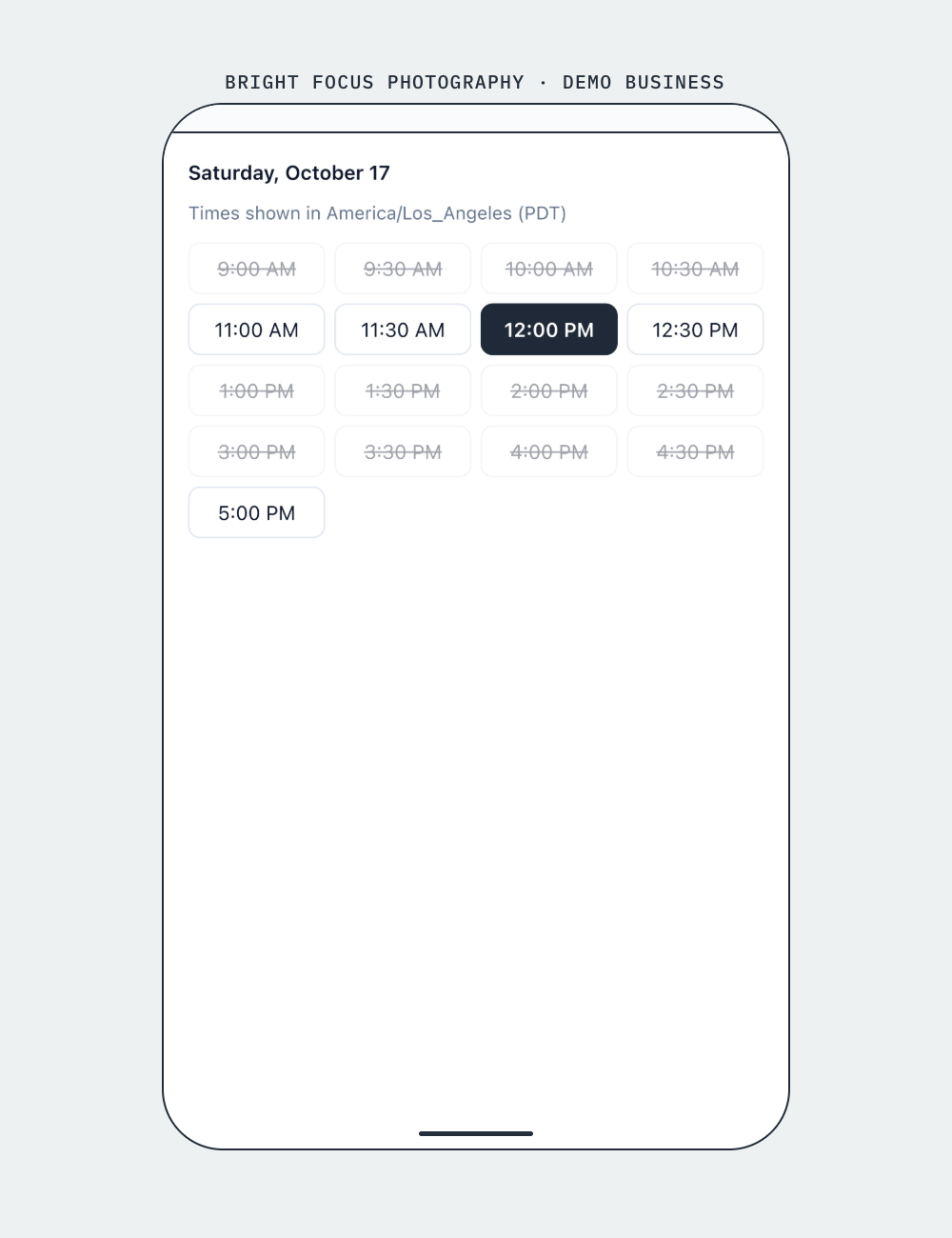
BookingMachine is built specifically for service businesses, and personal training sits squarely in that category. The core difference from most scheduling tools is that it handles the money side of the booking, not just the calendar side.
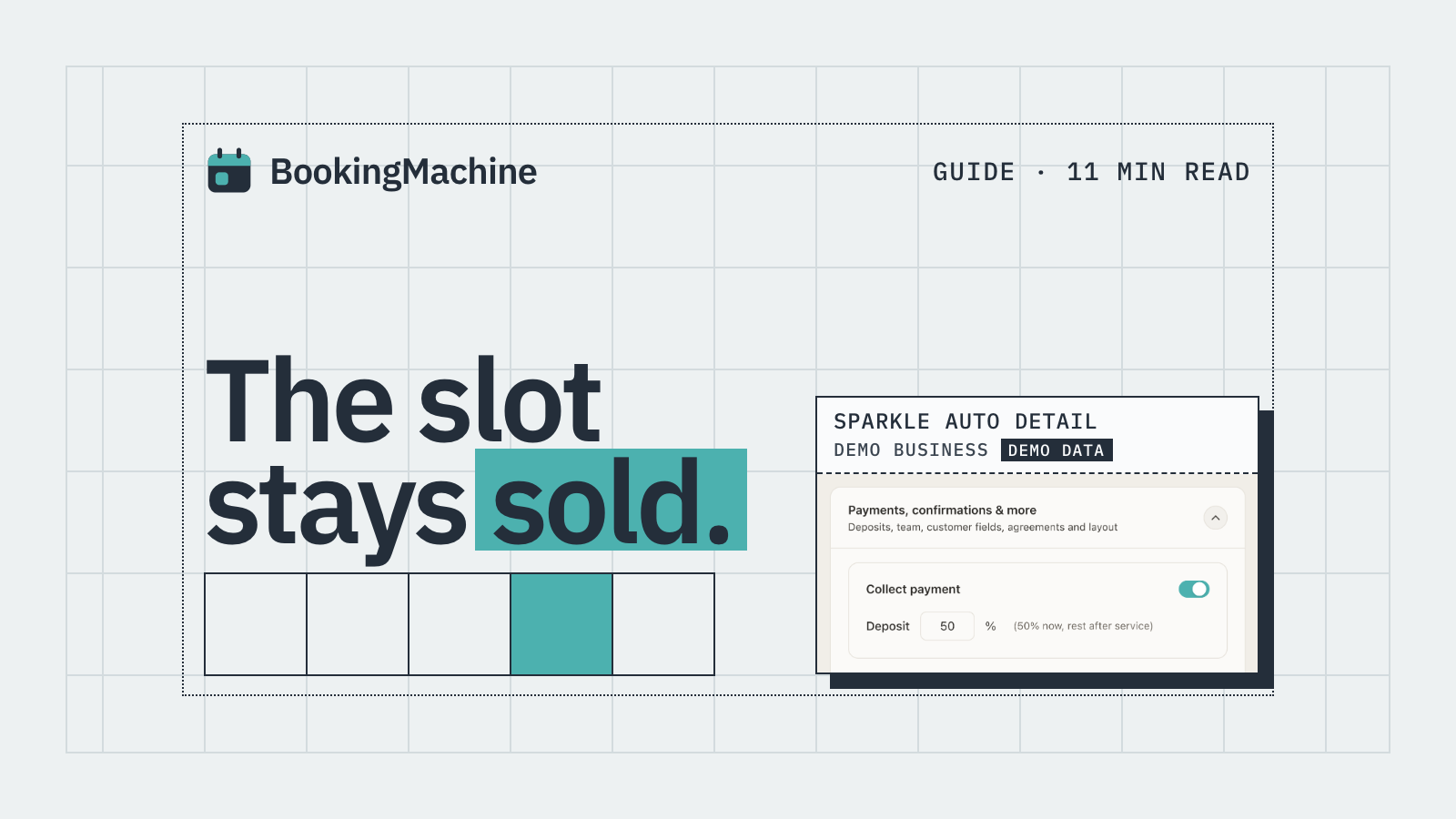
When a client books a session, you can require a deposit upfront. The amount is up to you: a flat £20, 50% of the session fee, or the full amount paid in advance. If they cancel inside your cancellation window, the policy you set at booking time determines what happens. No awkward conversations, no chasing. The policy is agreed to before the booking is confirmed.
For no-shows specifically, BookingMachine keeps a card on file. If a client simply does not turn up, you can charge the no-show fee automatically. That one feature alone tends to pay for the software many times over in the first month for a busy PT.
The booking widget embeds directly into any website, including WordPress, Squarespace and Wix, so clients book from your own page rather than being redirected somewhere else. After a session is marked as complete, BookingMachine sends the client an automated review request via text, including a link where they can write a review and upload photos or even a short video. Those reviews can then be displayed on your site, which does a lot more for new client conversions than a generic star rating.
Best for: personal trainers who are losing money to no-shows, want deposits built into booking, and want reviews collected automatically.
2. Calendly
Calendly is the tool most people have heard of, and for good reason. It is polished, easy to set up, and excellent at one thing: scheduling meetings without the email ping-pong. If you are a PT who mainly does online consultations or discovery calls, it covers that well.
The limitation for most PTs is that Calendly is not really built for service businesses that need to collect money. Payment collection exists on higher-tier plans, but deposit-only payments and card-on-file for no-show fees are not a core part of the product. There is no built-in review request flow. For in-person training with real financial stakes per missed session, it tends to fall short.
Best for: PTs doing a high volume of free online consultations or corporate wellness calls where payment is handled elsewhere.
3. Acuity Scheduling
Acuity (now part of Squarespace) goes further than Calendly on the payments side. You can take full payment at booking, which is useful for class-based or package bookings. It also handles intake forms well, so if you want clients to fill in a PAR-Q or health questionnaire at the point of booking, Acuity handles that cleanly.
Where it gets trickier is deposits specifically. Acuity does not natively support partial deposits as a standard feature, so you generally have to take the full session fee upfront or nothing. There is no automatic no-show charge from a card on file. Review automation is not part of the product at all. It is a solid mid-range tool, but it has gaps that matter for high-volume PTs.
Best for: PTs selling packages or memberships who want full payment upfront and good intake form support.
4. Square Appointments
Square Appointments is a natural choice for PTs who already use Square for in-person payments. The integration is tight: bookings, payments and your client list all live in one place. There is a free tier for solo operators, which lowers the barrier to entry significantly.
The no-show and cancellation protection is present, though it works best when your clients are comfortable paying through the Square ecosystem. The booking page is functional but less customisable than some alternatives, and embedding it neatly into an existing website takes more effort. If you already run everything through Square, it is worth a serious look. If you do not, the case is less clear.
Best for: PTs already on the Square ecosystem who want bookings and payments in one place with a low monthly cost.
5. Housecall Pro
Housecall Pro is aimed squarely at trades and home service businesses: plumbers, cleaners, HVAC technicians. It shows up in PT searches occasionally because it handles service scheduling and payments well, but it is really designed around job dispatching and route planning rather than appointment-based personal training.
The feature set is impressive if you are running a mobile training business with multiple staff members and need things like job costing and invoicing. For a solo PT or small studio, it is almost certainly overkill, and the pricing reflects that. Worth knowing about, but probably not the right fit for most personal trainers.
Best for: Mobile fitness businesses operating more like a home-service company, with multiple trainers and complex scheduling needs.
6. Zoho Bookings
Zoho Bookings is part of the wider Zoho suite, which means it integrates well if you are already using Zoho CRM or Zoho Invoice. The booking interface is clean and it supports multiple staff and locations, which helps if you train at several gyms or studios.
Payment collection is supported, but the deposit and no-show protection features are not as developed as tools built specifically around that problem. If you live in the Zoho ecosystem already, it is a reasonable addition. If you are starting fresh, there are more purpose-built options.
Best for: PTs already using Zoho CRM who want bookings to feed directly into their existing client management setup.
The no-show problem deserves its own section
Industry estimates put the average no-show rate for fitness appointments at around 10 to 20%. For a PT charging £60 per session and running 20 sessions a week, that is potentially £120 to £240 lost every single week. Over a year, that is a serious figure.
The tools that actually solve this are the ones that put a financial consequence in place before the appointment happens. A cancellation policy that clients scroll past on your website does not do the same job as one they agree to at booking time, with their card details already entered.
If no-shows are your primary pain point, the software you pick needs to have card-on-file and automated no-show charging as a core feature, not an afterthought.
Reviews matter more than most PTs realise
When someone searches for a personal trainer in your area, Google reviews are often the deciding factor. A PT with 4 reviews and a 4.8-star average loses to a PT with 47 reviews and a 4.6-star average almost every time, because volume signals trust.
The problem is that happy clients rarely leave reviews unprompted. They mean to, they just forget. Automated review requests sent by text right after a session, when the workout is still fresh, convert at a much higher rate than a link buried in an email newsletter three weeks later.
BookingMachine sends these automatically when a session is marked complete. The request includes a direct link, and clients can attach photos or a short video review, which stands out on Google and social media far more than text alone.
Embedding booking on your own website
Sending clients to a third-party booking page is a small friction point that adds up. Every redirect is a chance for someone to get distracted or second-guess the booking. More practically, a booking page that looks nothing like your website does not help the professional impression you are trying to build.
An embeddable widget that sits inside your own site, styled to match, keeps the whole experience consistent. Most of the tools on this list offer some version of this, but the quality varies. Test it on mobile specifically, as that is where most PT clients will be booking from.
How it compares
| Feature | BookingMachine | Calendly | Acuity Scheduling | Square Appointments | Zoho Bookings |
|---|---|---|---|---|---|
| Deposit at booking | Yes | No | Partial (full payment only) | Yes | Limited |
| Card-on-file / no-show fee | Yes | No | No | Yes | No |
| Cancellation policy enforcement | Yes | Basic | Yes | Yes | Basic |
| Embeddable website widget | Yes | Yes | Yes | Yes | Yes |
| Automated review requests (text) | Yes | No | No | No | No |
| Photo and video review uploads | Yes | No | No | No | No |
| Built for service businesses | Yes | No (meetings focus) | Partial | Yes | Partial |
| Free plan available | No | Yes | No | Yes (solo) | Yes (limited) |
Can personal trainer booking software take deposits?
Some can, some cannot. Calendly does not offer deposit-only payments as a core feature. Acuity takes full payment but not partial deposits natively. BookingMachine is designed specifically to take a deposit at the point of booking, with the remainder collected later, which is the setup most PTs actually want.
How do I stop clients from cancelling last minute?
The most effective approach is a cancellation policy that clients agree to at the point of booking, backed by a card on file. Tools like BookingMachine let you set a cancellation window (say, 24 hours) and automatically charge a fee if a client cancels inside it or does not show up at all. A policy written on your website that clients may or may not have read does far less.
What is the best free personal trainer booking software?
Square Appointments has a free solo tier and is worth trying if you are just getting started. Calendly also has a free plan, though it is limited on payments. The honest answer is that free tools tend to cut corners on the features that protect your income, such as deposits and no-show fees. A paid tool that prevents two or three no-shows a month usually pays for itself quickly.
Can I embed a booking widget on my WordPress site?
Yes. Most modern booking tools, including BookingMachine, Acuity and Square Appointments, provide a code snippet or a dedicated plugin that you paste into your WordPress page. BookingMachine's widget works on WordPress, Squarespace, Wix and any site that accepts custom HTML.
How does automated review collection work for personal trainers?
With BookingMachine, once you mark a session as complete, the software automatically sends your client a text message with a review request link. The client can write a review and upload photos or a short video. Those reviews can be displayed on your own website and directed to your Google profile, helping you build credibility with new prospective clients.
Is Calendly good for personal trainers?
It depends on what you need. Calendly is excellent for scheduling and removing the back-and-forth of booking calls or consultations. For in-person training sessions where deposits, no-show fees and review collection matter, it falls short. Most PTs who start with Calendly switch to something more payments-focused once no-shows become a real cost.
Do I need different software if I offer both in-person and online PT sessions?
Not necessarily. Most of the tools on this list handle both session types. The key is making sure your chosen tool lets you set different durations, prices and locations (including a video call link) for different session types. BookingMachine, Acuity and Square Appointments all support this.
Stop losing sessions to no-shows
BookingMachine lets personal trainers take deposits at booking, charge no-show fees automatically and collect video and photo reviews after every session. Set up your embeddable booking widget in under 30 minutes.