Pet Boarding Software That Prices Stays by the Night
Guests pick a drop-off and pick-up date, see the whole stay priced instantly, and pay a deposit. The nights they book are held on your calendar automatically.
Pet boarding software lets owners book a stay by the night, see the price for their dates and their pet, and pay a deposit online without creating an account. BookingMachine blocks the kennel or room for the whole stay, supports holiday rates, repeat guests and daycare alongside boarding, and sends the money to your own Stripe account.
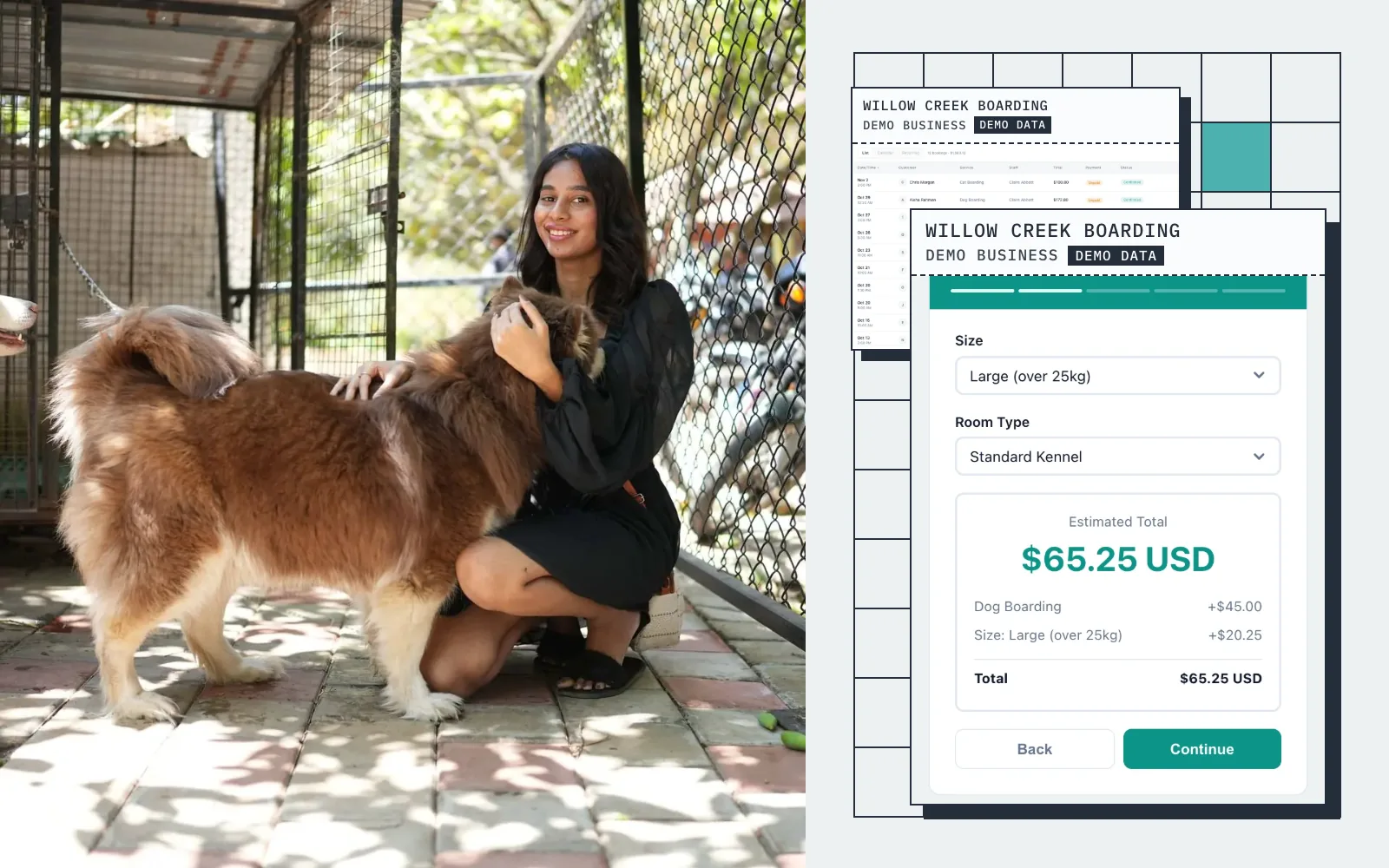
Live demo · Willow Creek Boarding
Try the booking form
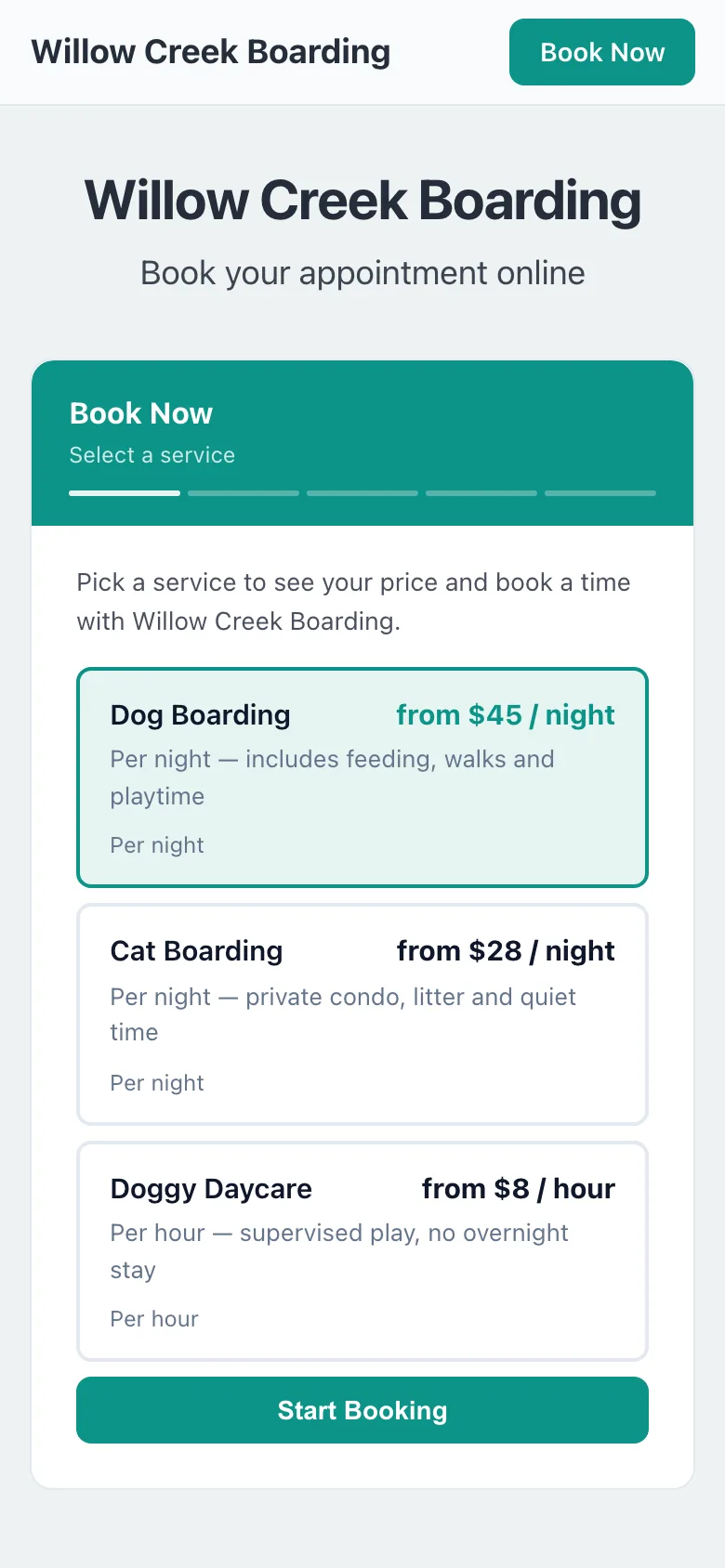
This is what your customers see: pick a service, get an instant quote, and book in seconds.
Screens
Real screens from a demo pet boarding business
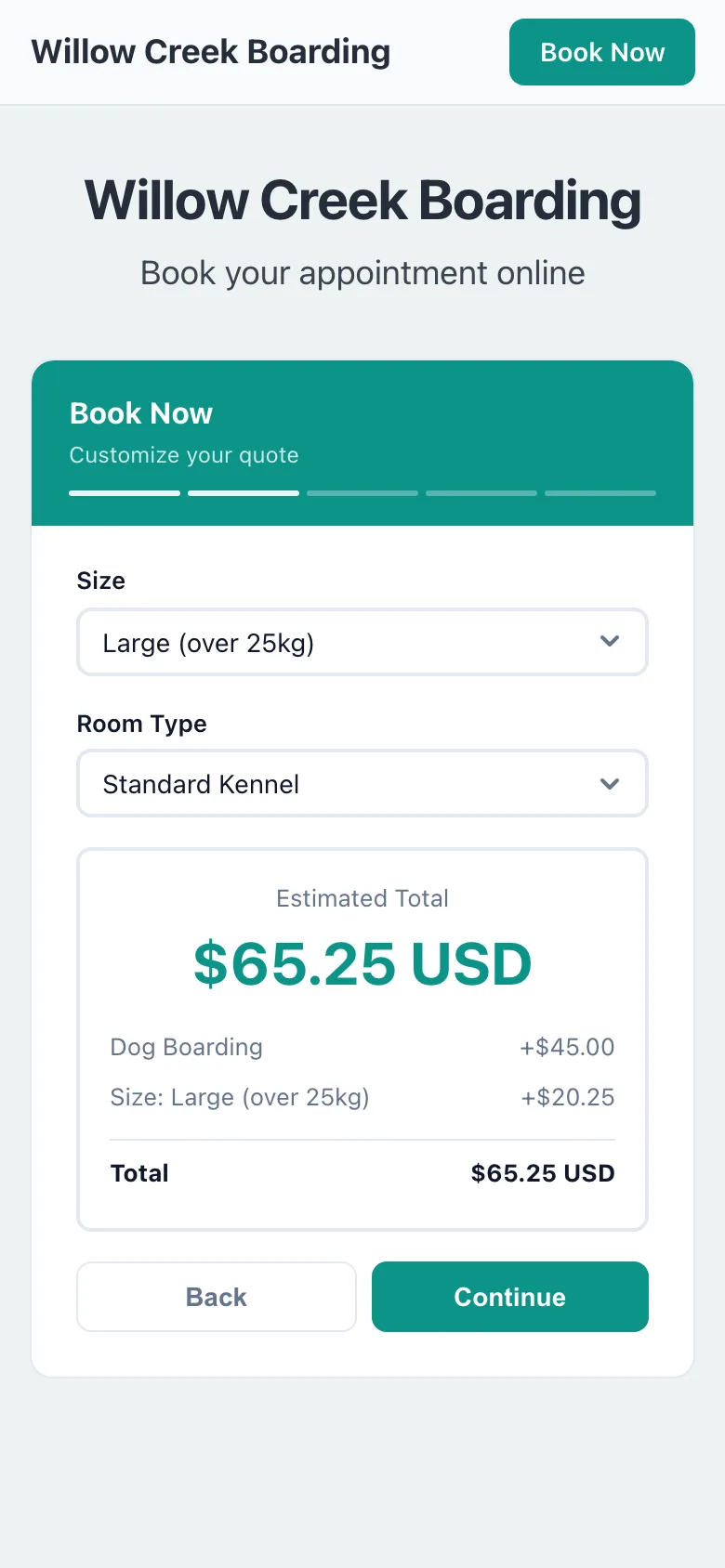
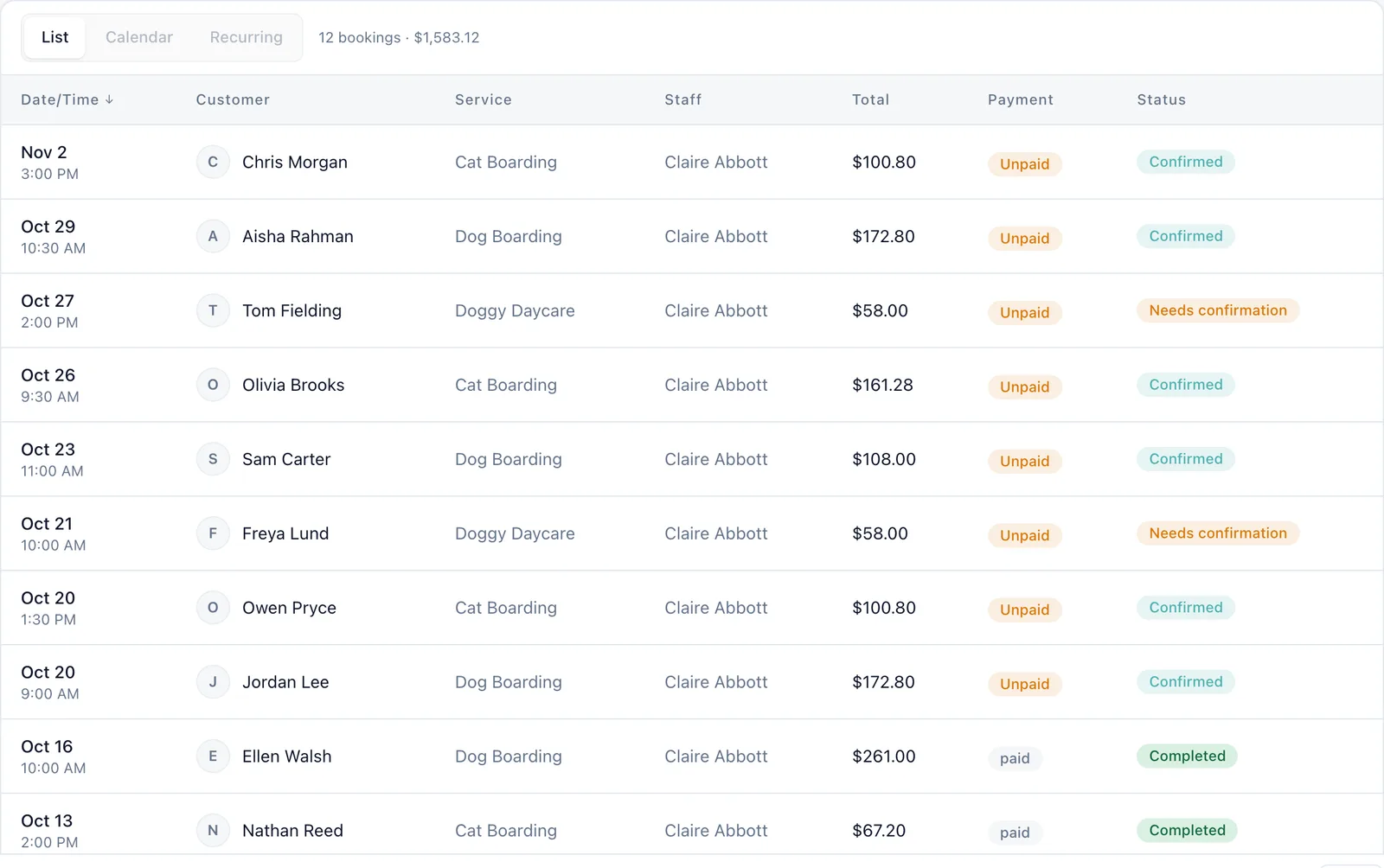
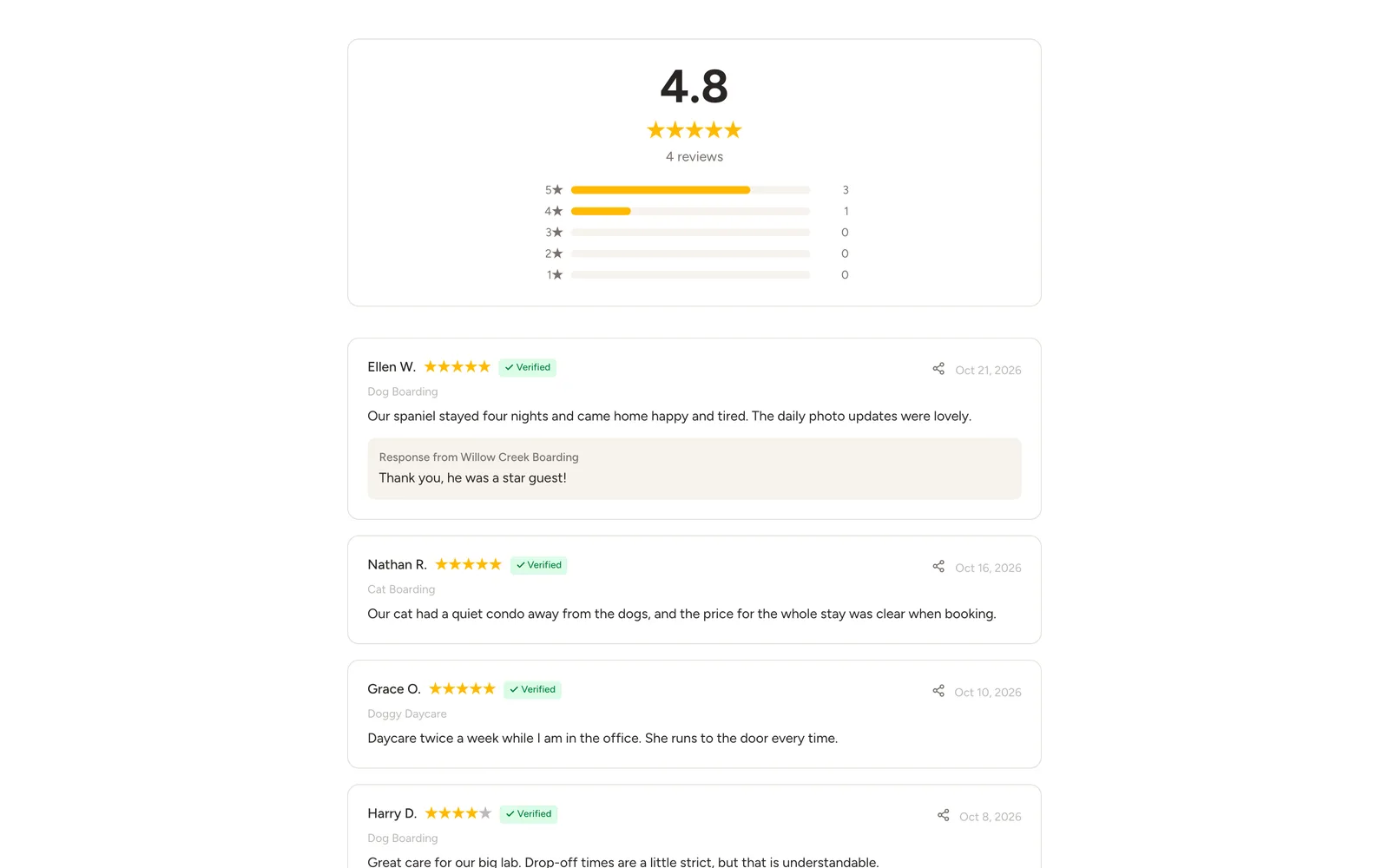
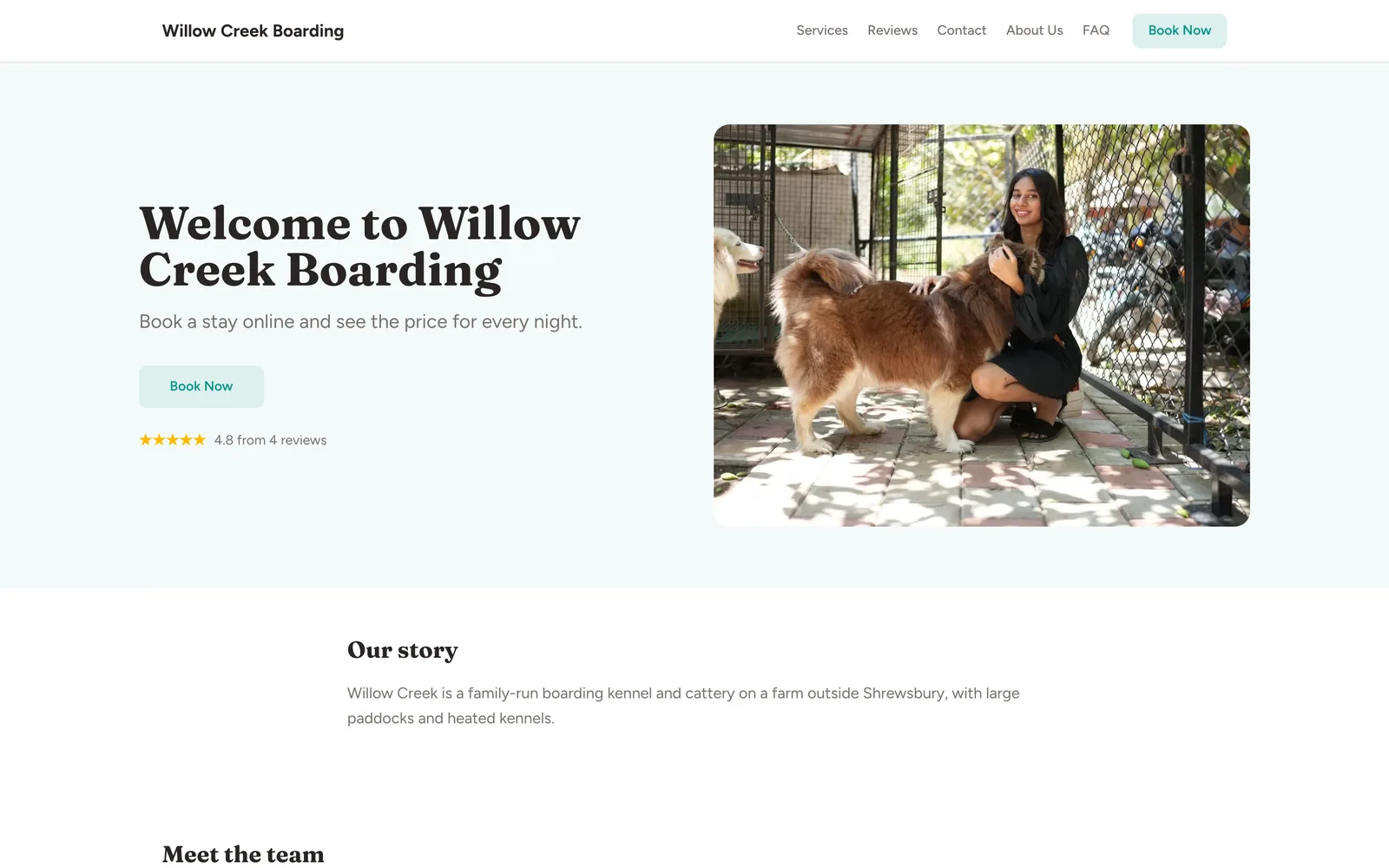
Captured from a working demo account: what your customer sees on their phone, and what you see in the dashboard.
Embed on your site
Already have a website? Embed the booking widget so owners can check your dates without calling.
Share a booking link
No website? Share your booking link on Facebook, Instagram, or your Google Business Profile.
Free website
No website yet? Your free website shows your kennels, rates and reviews, and takes bookings.
Auto-collect reviews
After every stay, auto-collect photo reviews from owners who just got their dog back happy and tired.
Sound familiar?
These are the problems that cost you time, money, and clients every week.
Every enquiry starts with "how much for five nights?" and ends with you doing sums in your head.
Owners pick their dates and the total appears instantly — nights, size, room type and extras all included.
You accidentally take a second dog for a night that was already in the middle of somebody else's stay.
A booked stay blocks every night it covers. Your capacity is respected across the whole range, not just the first day.
Holiday weeks fill up and you are still fielding calls about whether you have space.
Full dates grey out in the calendar automatically. Owners see what is actually available before they ask.
Someone books a fortnight in August then cancels the week before, and you never took a deposit.
Require a deposit — any percentage you choose — or full payment at booking. Cancellations stop being free.
Core advantages
Why pet boarding businesses choose BookingMachine
Priced by the Night, Not the Hour
Set a nightly rate and the widget does the arithmetic. A guest choosing 8-11 September sees "3 nights × $45" before they commit — no quoting by phone.
Check-In and Check-Out Windows
Tell guests when they can drop off and collect. The windows appear on the booking, the confirmation and the calendar export, so nobody turns up at 6am.
The Whole Stay Holds the Kennel
Book a dog in from Tuesday to Friday and every night in between is blocked. No more double-booking the middle of a long stay.
Features
Everything boarding kennels need, in one place
By-the-Night Pricing
Set a nightly rate per service. The stay is priced by the number of nights, with a minimum and maximum stay if you want them.
Minimum and Maximum Stays
Require at least two nights, or cap stays at fourteen. The date picker enforces it before the guest can continue.
Daycare by the Hour
Run daycare alongside boarding. Hourly services get their own stepper so owners choose how long, and the slots respect your closing time.
Kennel Capacity
Say how many guests you can take at once, per service or across a shared pool. Availability stops when you are full.
Pet Profiles on the Customer Record
Feeding routine, medication, vet details and temperament notes live on the owner record, ready for the next stay.
Deposits and Balances via Stripe
Take a deposit at booking and collect the balance when the stay ends. Funds go straight to your account.
Pricing engine
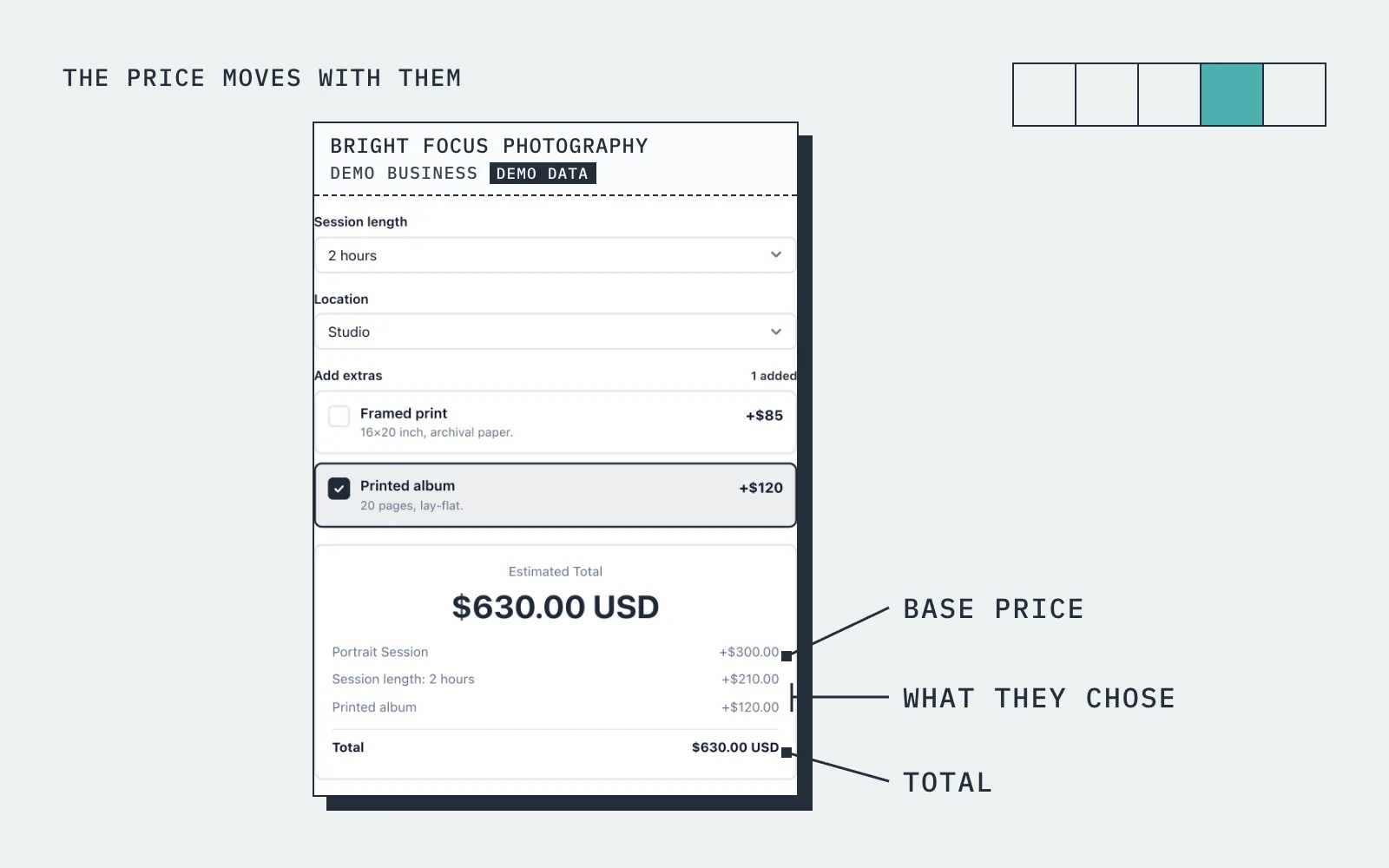
The price moves with what they choose
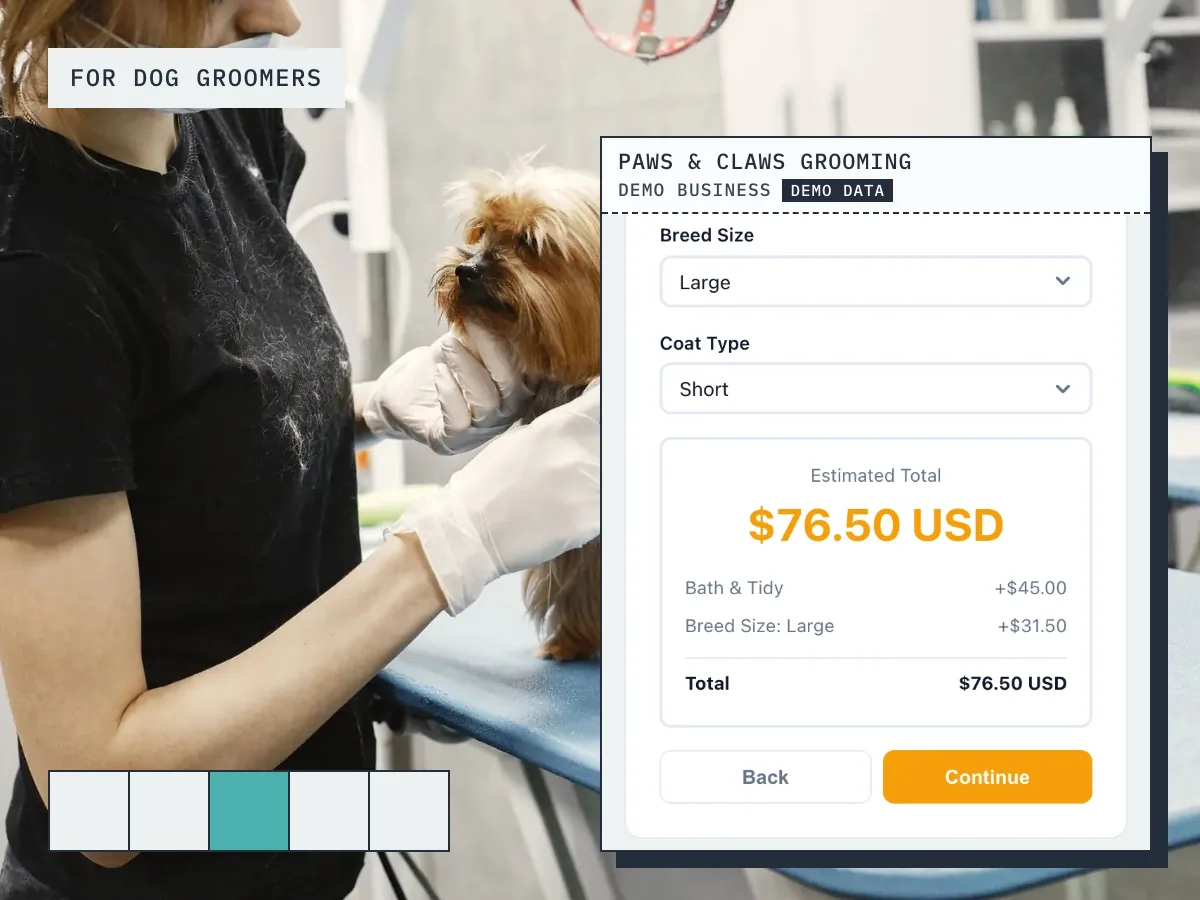
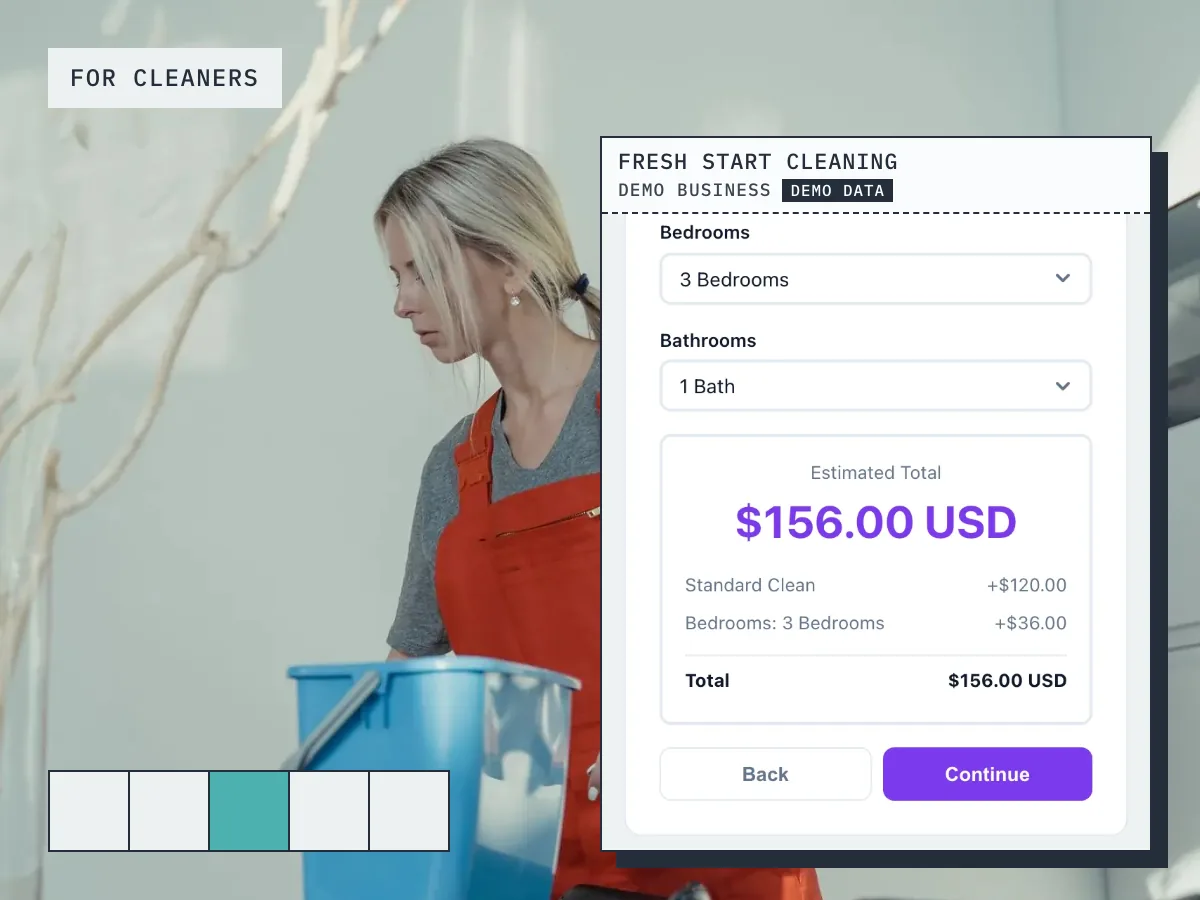
An owner books a medium dog into a private suite from 8 to 11 September. The widget shows 3 nights, applies the size and suite rates, and quotes the full stay before check-out.
How it works
Up and running in three steps
Start free
No card needed. Add your business name and you are in.
Add your services and prices
Set what you sell, what changes the price, and your hours.
Share it and get booked
Share your link, embed it on your site, or publish your free website.
Guide
Pet Boarding booking: what to know
Per-night pricing and what changes it
Boarding is priced by the night, and the price usually moves with the pet and the season. A booking system for a kennel or cattery needs a nightly rate as the base, then variables for the things that change it: size of dog, a second pet from the same home, a bank holiday or school holiday week, medication, extra walks or a bath before collection. In BookingMachine those are price variables on the boarding service, each adding or taking off a fixed amount or a percentage.
The owner picks their dates and options and sees the total for the stay before they book. That removes the back and forth about whether the Christmas week costs more, and it means the price you quote is the price you charge. Daycare, where it is a day rather than a night, sits alongside as its own service with its own pricing.
Capacity: not booking the same kennel twice
The thing that goes wrong with a paper diary or a shared spreadsheet is the overlap: two dogs booked into one run because someone wrote the dates in the wrong column. A boarding stay in BookingMachine blocks the whole stay, from check-in to check-out, so a kennel that is occupied is not offered to a second owner for any night in between.
You set your check-in and check-out windows as your hours, and you block the dates you are closed. If you run more than one site, each location has its own hours and its own capacity. Owners only ever see what is actually free, and when a stay is booked it is removed for everyone else, which is how a kennel stays full without being overbooked.
Can I take a deposit for a boarding stay?
Yes. You choose per service whether owners pay a deposit, pay in full, or pay at collection. The card payment is taken when they book and goes to your own Stripe account, not to us. Online payments are on the paid plans and need an approved payments application, which we review before switching them on.
For boarding, a deposit on peak weeks is what protects the business. A kennel held for ten nights in August and cancelled the week before is hard to refill. Taking a deposit at booking means the owner is committed, and your cancellation policy has something behind it. When the stay is marked complete you can invoice the balance from the same place, and the owner is asked for a review.
Pet details, vaccinations and owner contacts in the booking
Before a dog arrives you need its vaccination status, feeding routine, medication, behaviour notes, the vet and an emergency contact. The booking form can ask for the fields you choose, so those details come in with the booking instead of on a form at the gate. Every booking arrives in your dashboard and your inbox with the answers attached.
Each owner has a customer record that keeps their stays, notes and pet details together. Repeat guests, which are most of a good kennel's trade, can be seen at a glance, and you can tag regulars, new owners and the ones who have not been back for a while. For a kennel that has been running on a card index, that alone saves a lot of time at check-in.
Boarding and daycare in one system, with no accounts for owners
A pet sitting and doggy daycare business, or a kennel that also runs daycare, does not need two systems. List overnight boarding as a per-night service, daycare as a per-day or per-hour service, and extras such as grooming or a bath as add-ons. One booking form, one diary, one set of customer records, and the same deposit rules across all of it.
Owners never create an account. They open your link or your website on their phone, pick the service and dates, see the price, pay and get a confirmation by email. The free plan has no card and covers your services and prices, the booking link, the form for your website and your free website, and review requests after a stay. Deposits and online payments are on the paid plans.
Pricing
Simple, transparent pricing
Start free. Upgrade when you are ready.
Free
Get started for free
- 25 bookings/mo
- 1 team member
- 1 location
- Free website
- 102 MB photo storage
Pro
Turn your website into a booking machine
or $18/mo billed annually (save $72/yr)
- Unlimited bookings
- 4 team members
- 2 locations
- Online payments (Stripe)
- Voucher / discount codes
- Analytics dashboard
- Google Calendar sync
- Free website
- Dedicated account manager
- 1 GB photo storage
Business
For teams and multi-premises
or $34/mo billed annually (save $180/yr)
- Unlimited bookings
- 15 team members
- 6 locations
- Online payments (Stripe)
- Voucher / discount codes
- Analytics dashboard
- Google Calendar sync
- Free website
- Dedicated account manager
- 10 GB photo storage
30-day money-back guarantee. No questions asked.
FAQ
Pet Boarding booking software FAQ
Can I charge per night instead of per appointment?
Yes. Set a service to be sold by the night and give it a nightly rate. Guests choose a check-in and check-out date, and the widget prices the stay by the number of nights.
Can I set a minimum stay?
Yes. Set a shortest stay and, if you want, a longest one. The date picker will not let a guest select a range outside those limits.
How do check-in and check-out times work?
You set a drop-off window and a collection window. Guests see both when they book and again on the confirmation, and the times carry through to the calendar file they download.
Does a multi-night booking block the whole stay?
It does. Every night between check-in and check-out counts against your capacity, so the middle of a long stay can never be sold twice.
Can I run daycare and boarding from the same page?
Yes. Boarding can be sold by the night and daycare by the hour on the same booking page. Each service uses the right picker automatically.
Can I take a deposit for a stay?
Yes. Choose a deposit percentage or take full payment at booking, and collect any balance when the stay is finished.
What if I do not have a website?
You get a free multi-page website and a direct booking link. Share either one on social media or your Google Business Profile.
From the blog
Guides for boarding kennels
The Best Appointment Booking and Payment Systems for Service Businesses (2026)
Compare the best appointment booking and payment systems for service businesses. Take deposits, reduce no-shows and automate reviews. Updated 2026.
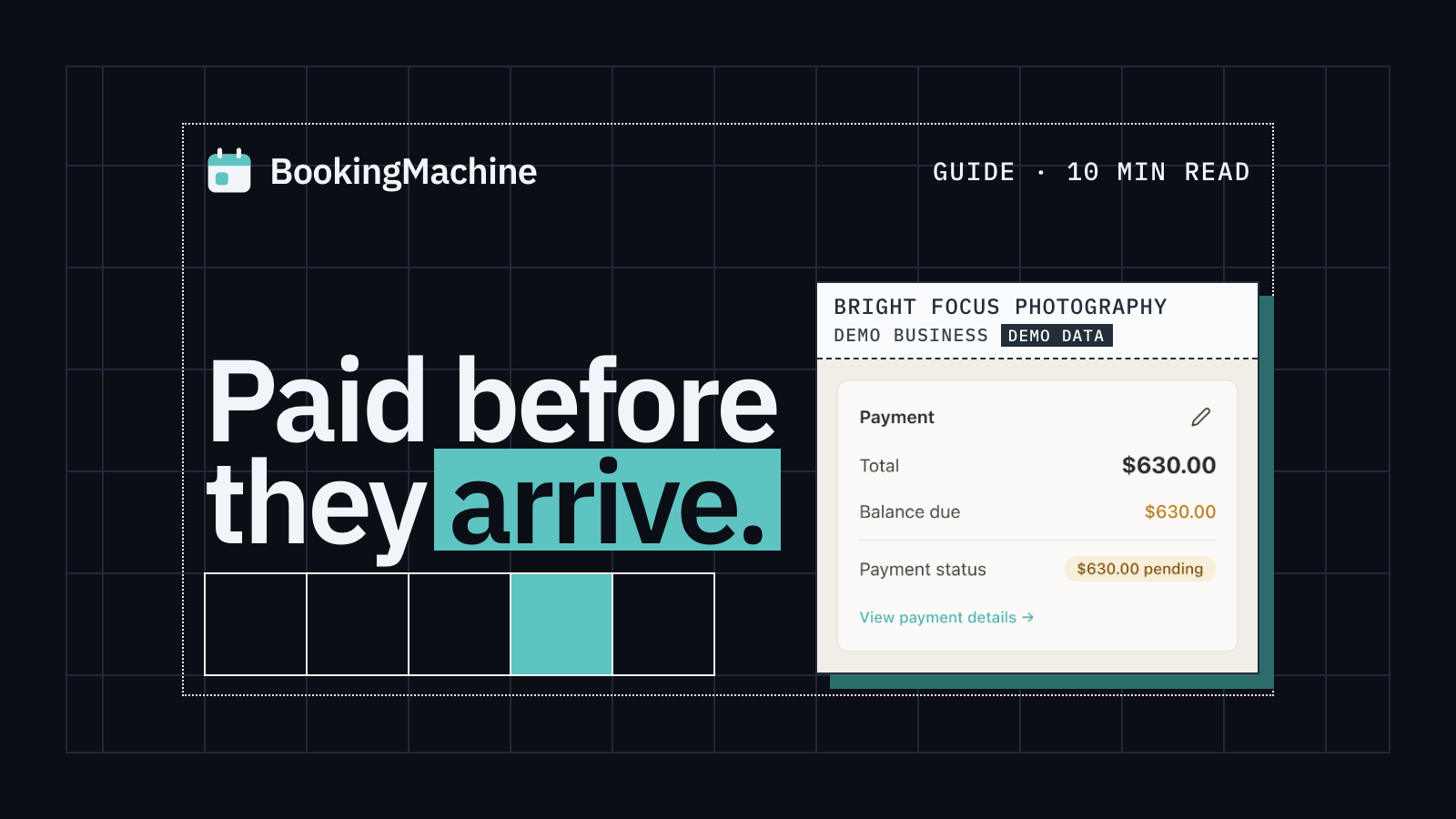
Online Booking System with Deposit: The Complete Guide for Service Businesses
Take deposits at the time of booking, cut no-shows and protect your revenue. The complete guide to choosing a booking system with deposit for service businesses.
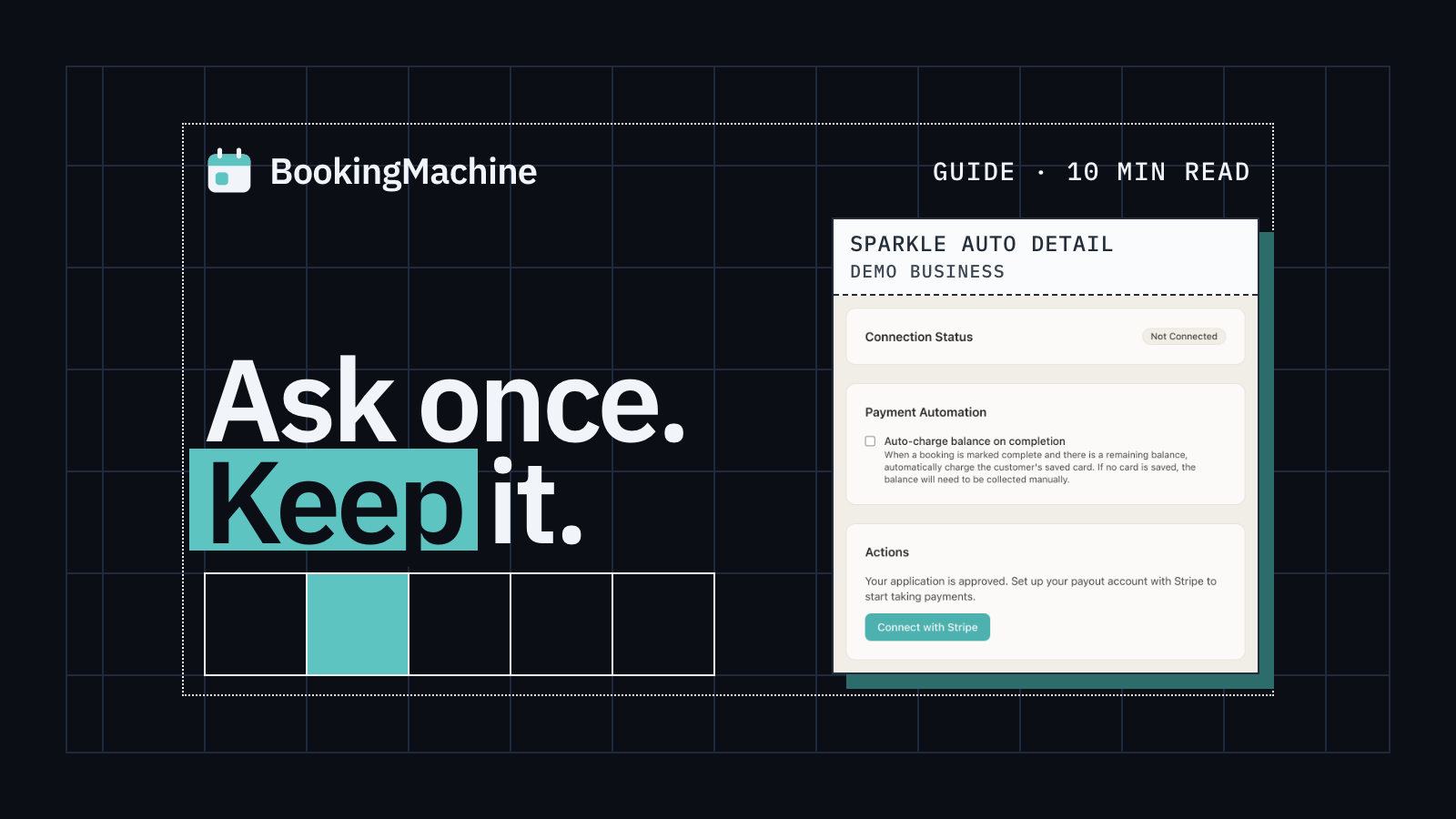
How to Collect Deposits and Set Up a Booking Deposit Policy for Your Service Business
Learn how to ask for a deposit, design a fair cancellation policy, and collect payments at booking. Practical guide for salons, trades, cleaners and freelancers.
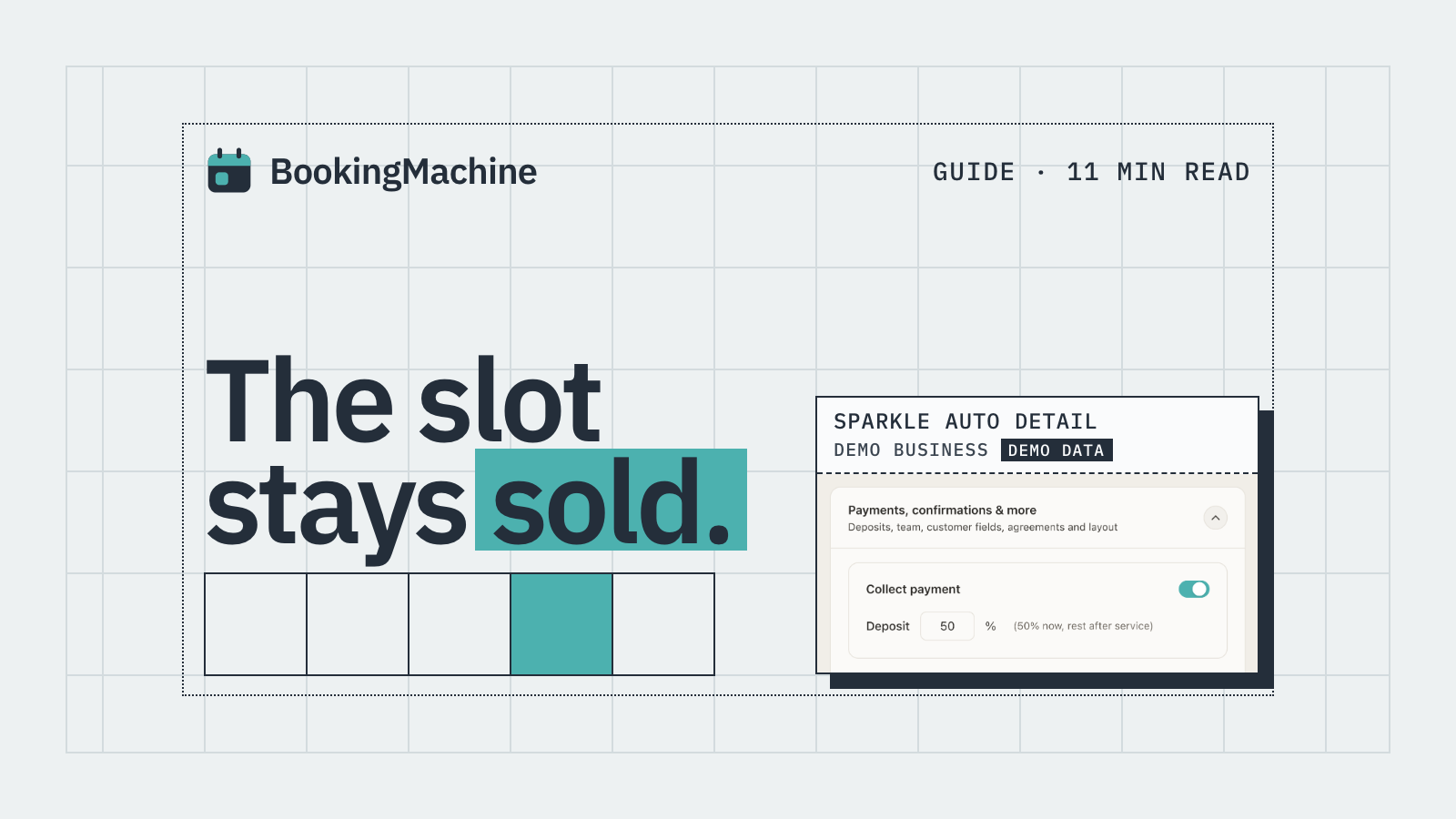
No-Show & Cancellation Policy Enforcement for Service Businesses
Stop losing money to no-shows and last-minute cancellations. A practical guide to writing, charging and enforcing cancellation policies for service businesses.
Free tools
Free tools for boarding kennels
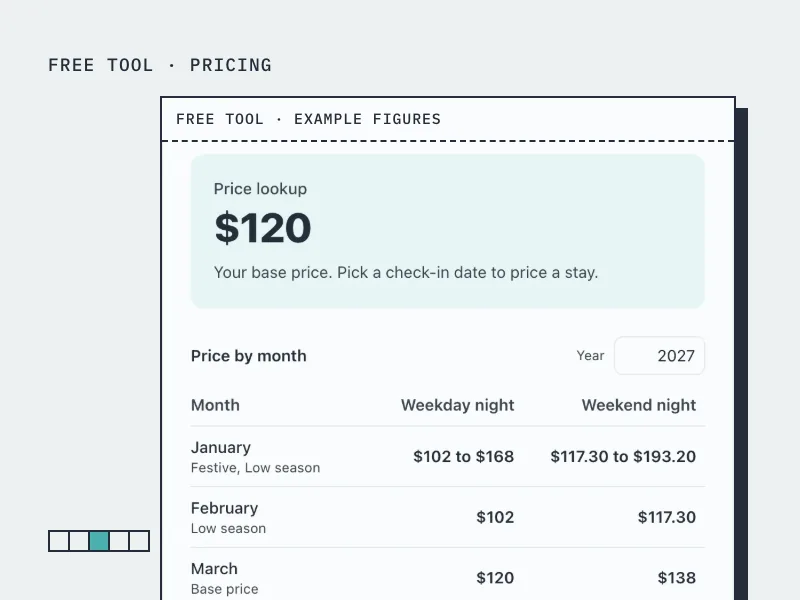
Seasonal Pricing Calculator
Set a base nightly price, seasons and a weekend uplift, and see the price for any date or month.
Open the tool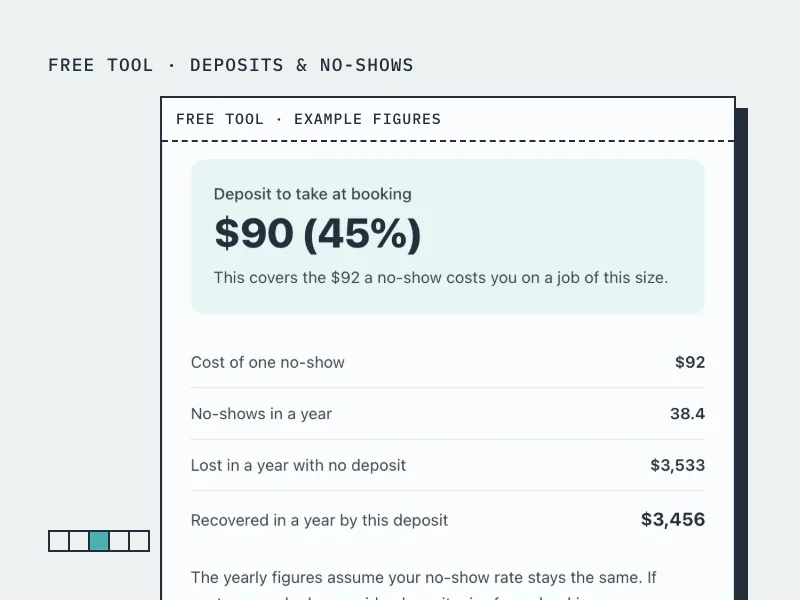
Deposit Calculator
Work out how much deposit to take on a booking, from what a no-show actually costs you.
Open the tool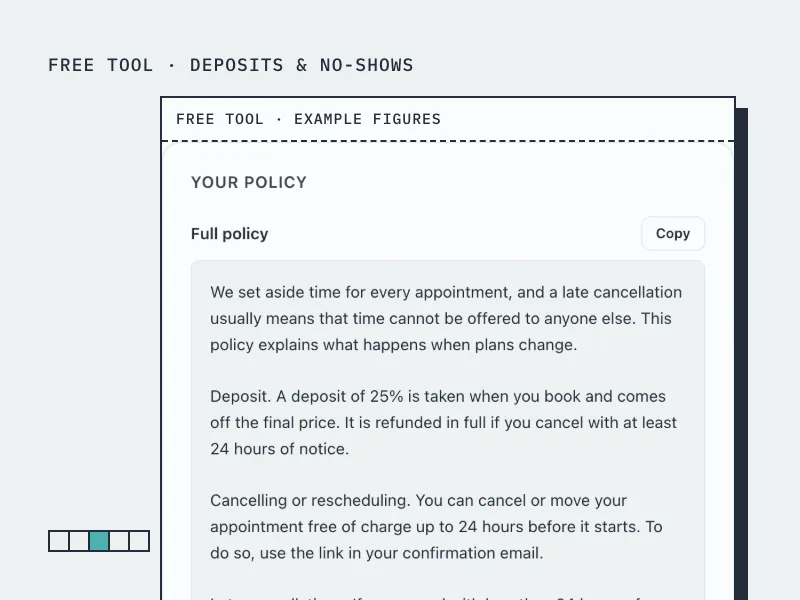
Cancellation Policy Generator
Build a cancellation and no-show policy in your own terms, ready to paste onto your booking page.
Open the toolBookingMachine works for other industries too
See all industries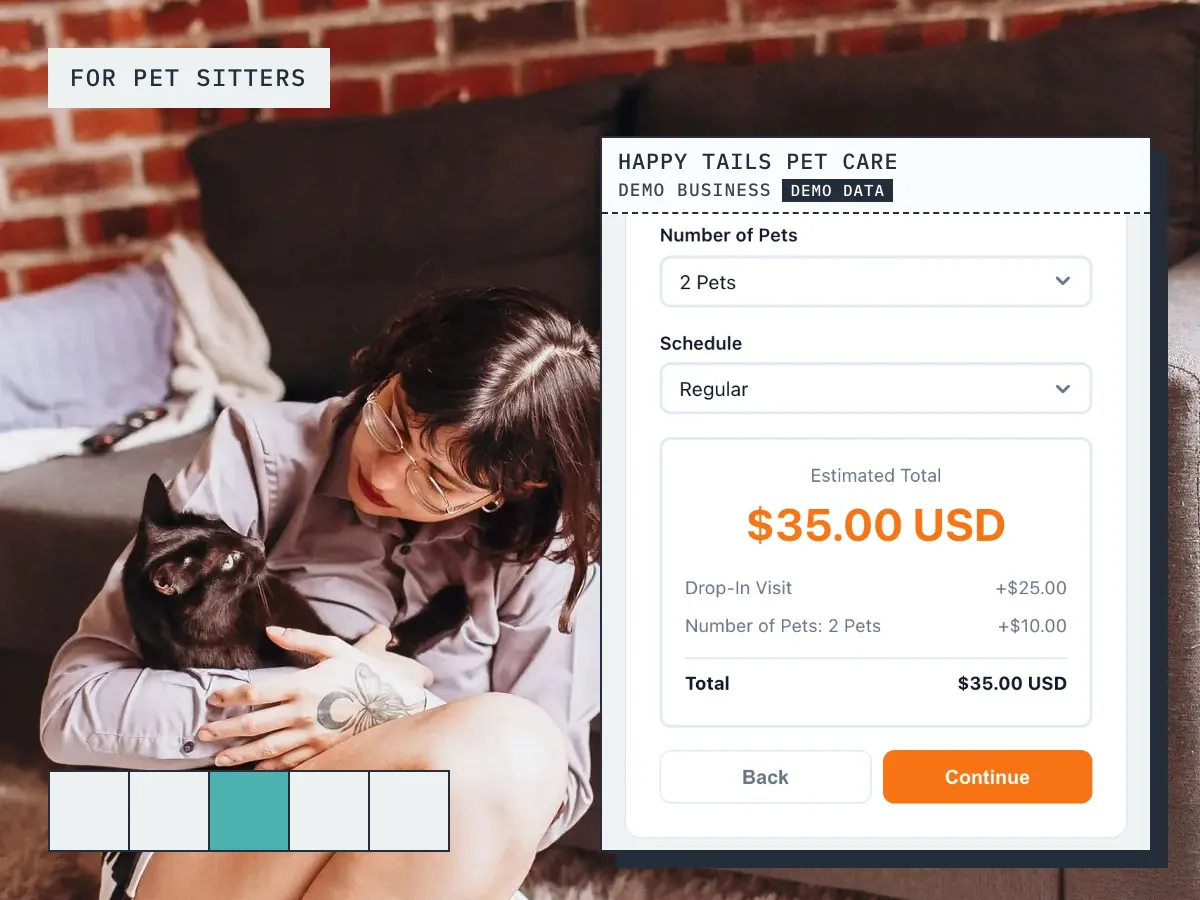
Ready to grow your business?
Start free, add your services and prices, and share your booking link today.