Mobile Detailing Booking App That Books Jobs While You Detail
Let vehicle owners pick a package, see the price by vehicle size, pay a deposit, and choose a time slot — all from their phone. You focus on the detail, not the phone.
Mobile detailing booking software lets a customer pick a package, choose vehicle size and condition, see the price, pick a slot and pay a deposit in one flow, with no account to create. BookingMachine does this for solo valeters and small detailing teams, with travel pricing, card payments to your own Stripe account and before-and-after photo reviews.
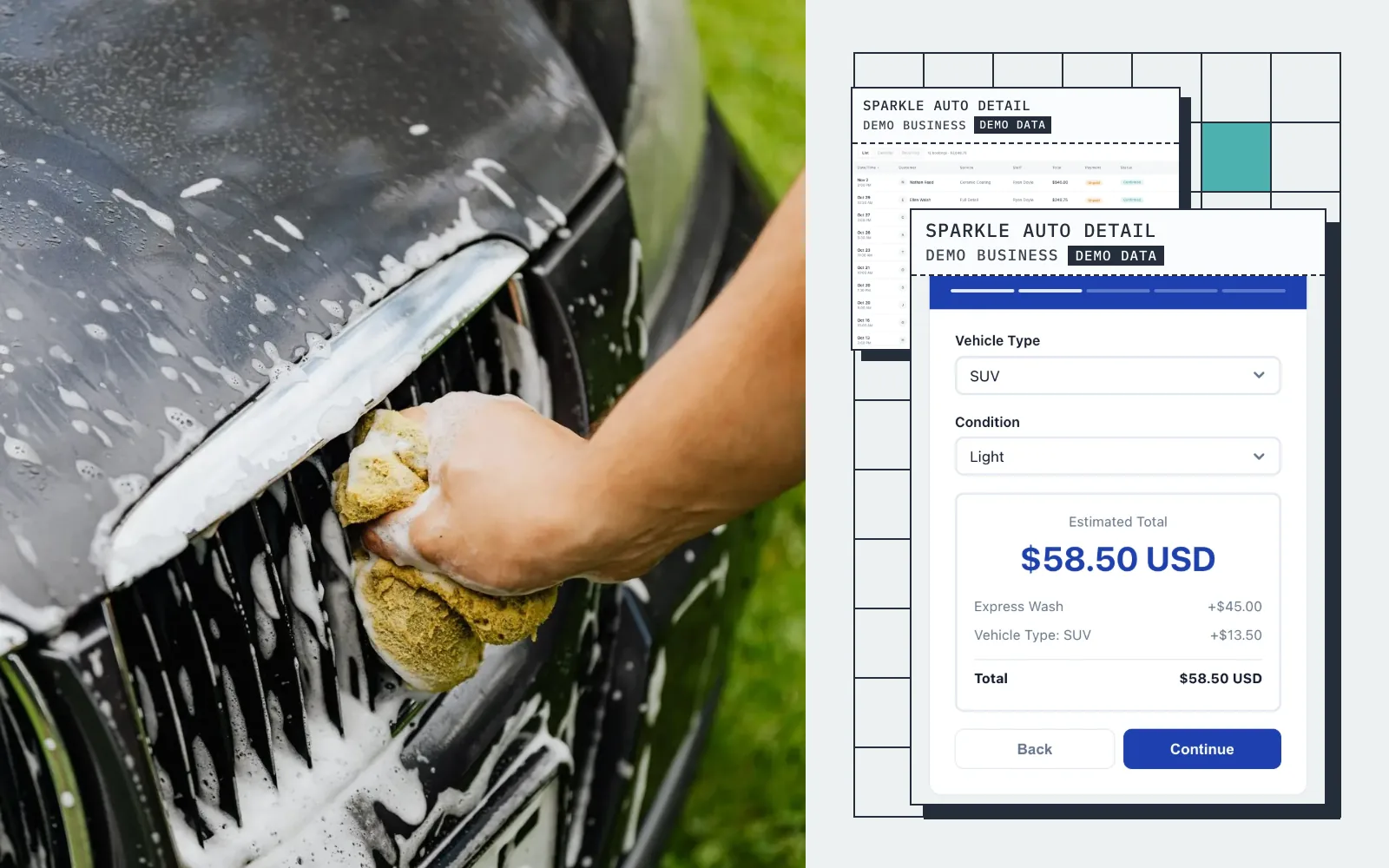
Live demo · Sparkle Auto Detail
Try the booking form
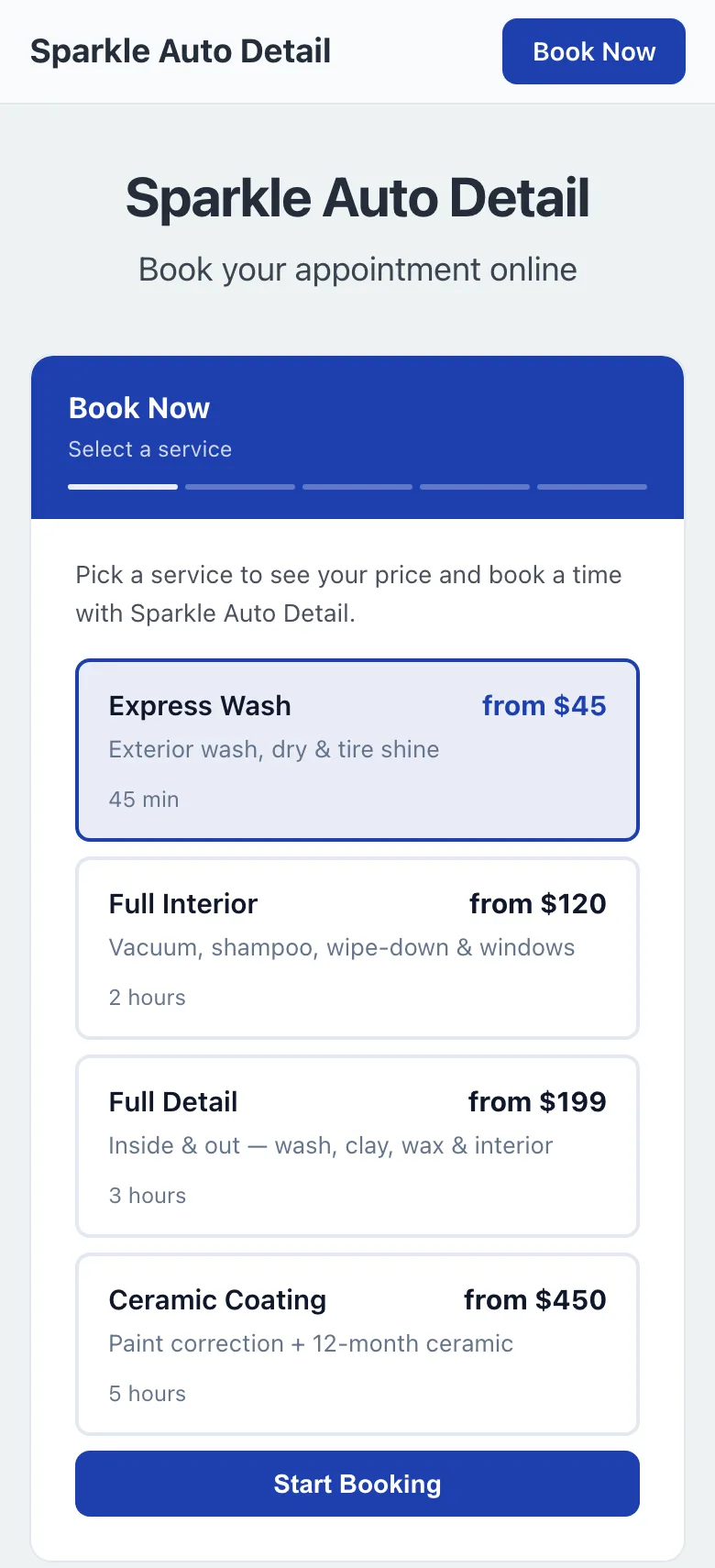
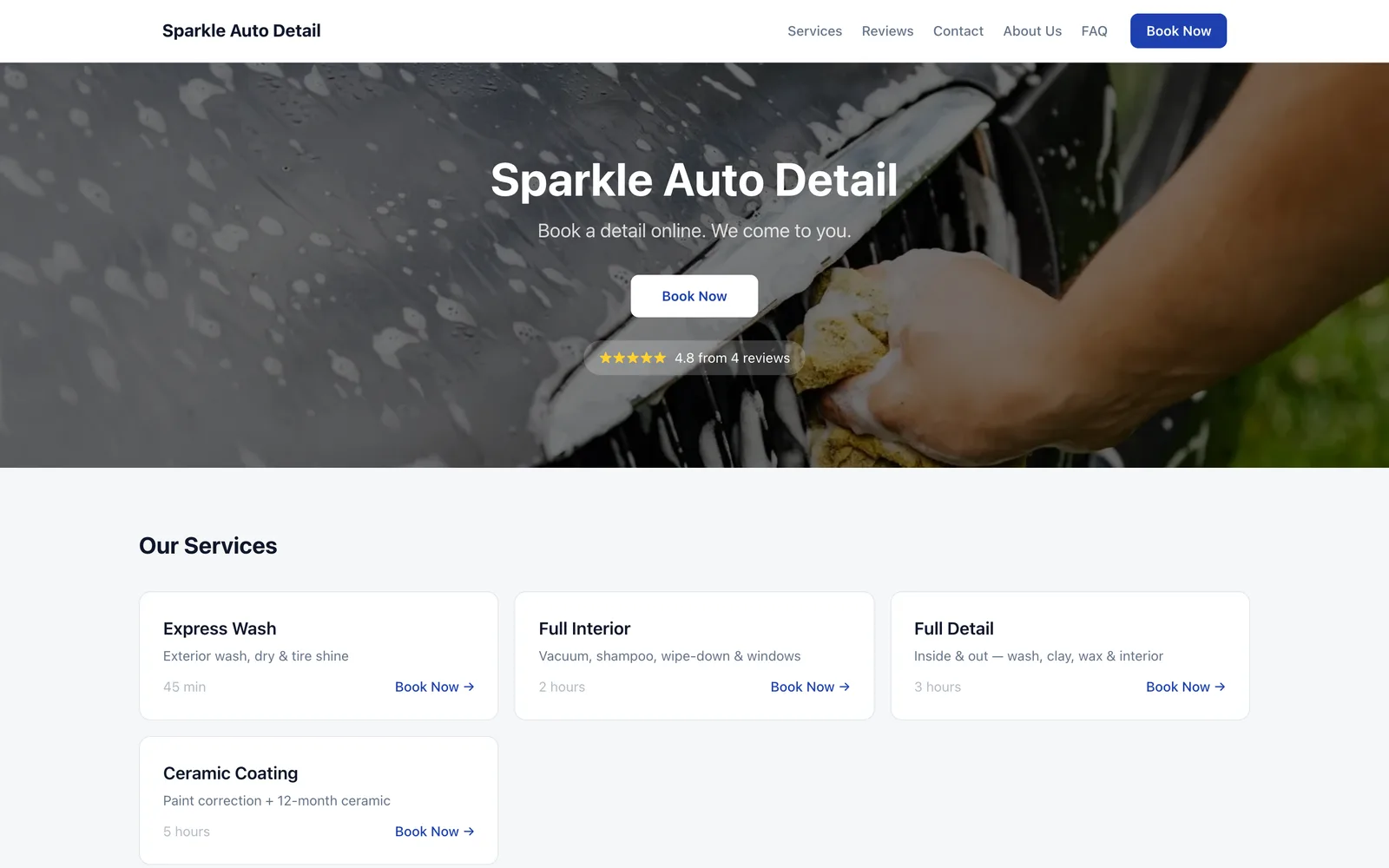
This is what your customers see: pick a service, get an instant quote, and book in seconds.
Screens
Real screens from a demo mobile detailing business
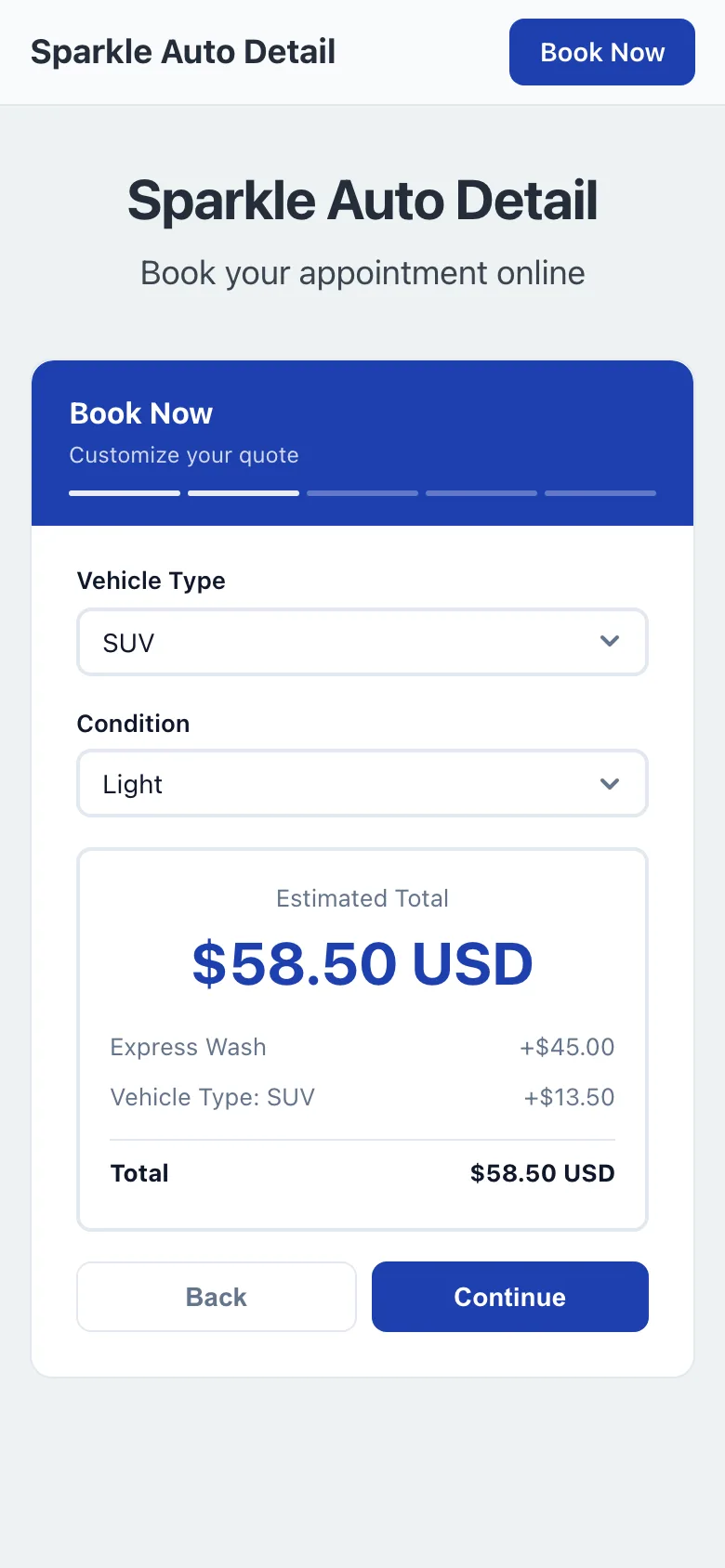
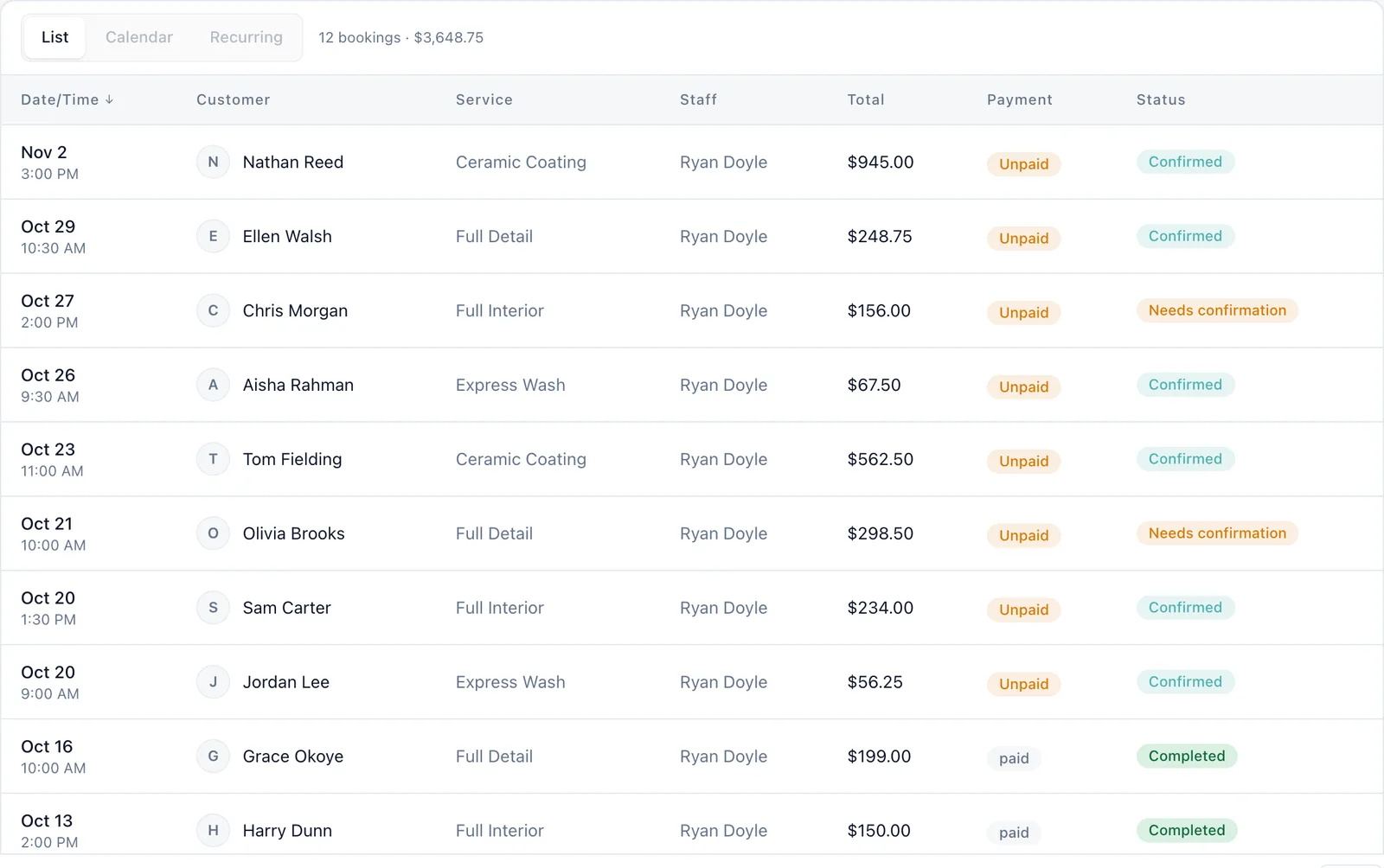
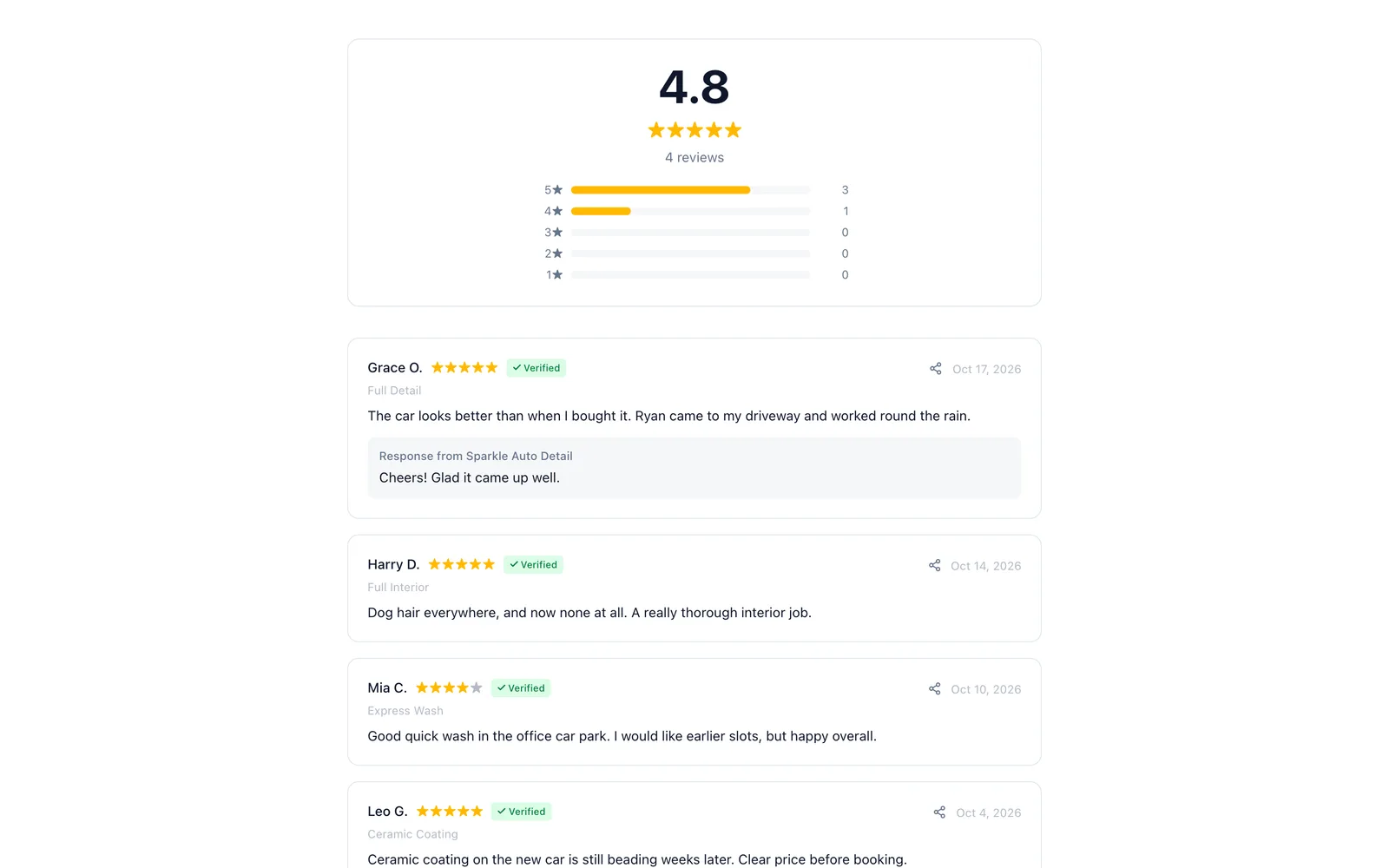
Captured from a working demo account: what your customer sees on their phone, and what you see in the dashboard.
Embed on your site
Embed the booking widget on your detailing website and convert visitors into booked jobs.
Share a booking link
Share your booking link on Google Business, Yelp, or social media — bookings roll in from anywhere.
Free website
No website? Your free website is a professional multi-page site with templates and booking built in.
Auto-collect reviews
After every detail, auto-collect before-and-after photo reviews that sell your work.
Sound familiar?
These are the problems that cost you time, money, and clients every week.
You drive 30 minutes to a job site and the client is not home. Wasted time, gas, and product.
Deposits at booking mean the client is financially committed. Automated reminders ensure they remember.
Clients text "how much for a detail?" and you spend 10 minutes asking about vehicle type and condition.
The widget asks vehicle size, condition, and desired package — then shows the price instantly.
Your best work is invisible because clients never post about it.
Auto-request reviews with photo uploads. Before-and-after galleries become your best marketing tool.
Core advantages
Why detailing businesses choose BookingMachine
Price by Vehicle Size
Sedan, SUV, truck, van — set different base prices and let the widget calculate the right quote. No more "it depends" conversations.
Deposits Lock In Jobs
Mobile detailing no-shows waste your drive time and supplies. A deposit at booking keeps clients committed.
Before & After Reviews
Photo reviews showing swirl-free paint and pristine interiors do more marketing than any ad spend. Auto-collect them after every job.
Features
Everything detailers need, in one place
Vehicle-Size Pricing
Different prices for sedans, coupes, SUVs, trucks, and vans. Add condition multipliers for heavily soiled vehicles.
Detail Packages
Exterior wash, interior detail, full correction, ceramic coating — create packages that match your service menu.
Add-On Services
Engine bay, headlight restoration, pet hair removal, odor elimination — boost your average ticket with one-tap add-ons.
Mobile-First Booking
Clients book from their phone in under 2 minutes. The widget is designed for thumb-friendly, fast checkout.
Service Area Management
Charge by travel zone with a price variable, and ask for the service address when clients book, so you know where you are going before you confirm.
Payments & Tips
Collect deposits or full payment. After the job, clients can tip directly through their booking confirmation.
Free website
A website made for detailers
Every account comes with a bookable website built from your services, prices and reviews. The Bold template was designed for detailers: dark, confident, big type. Numbers up front.
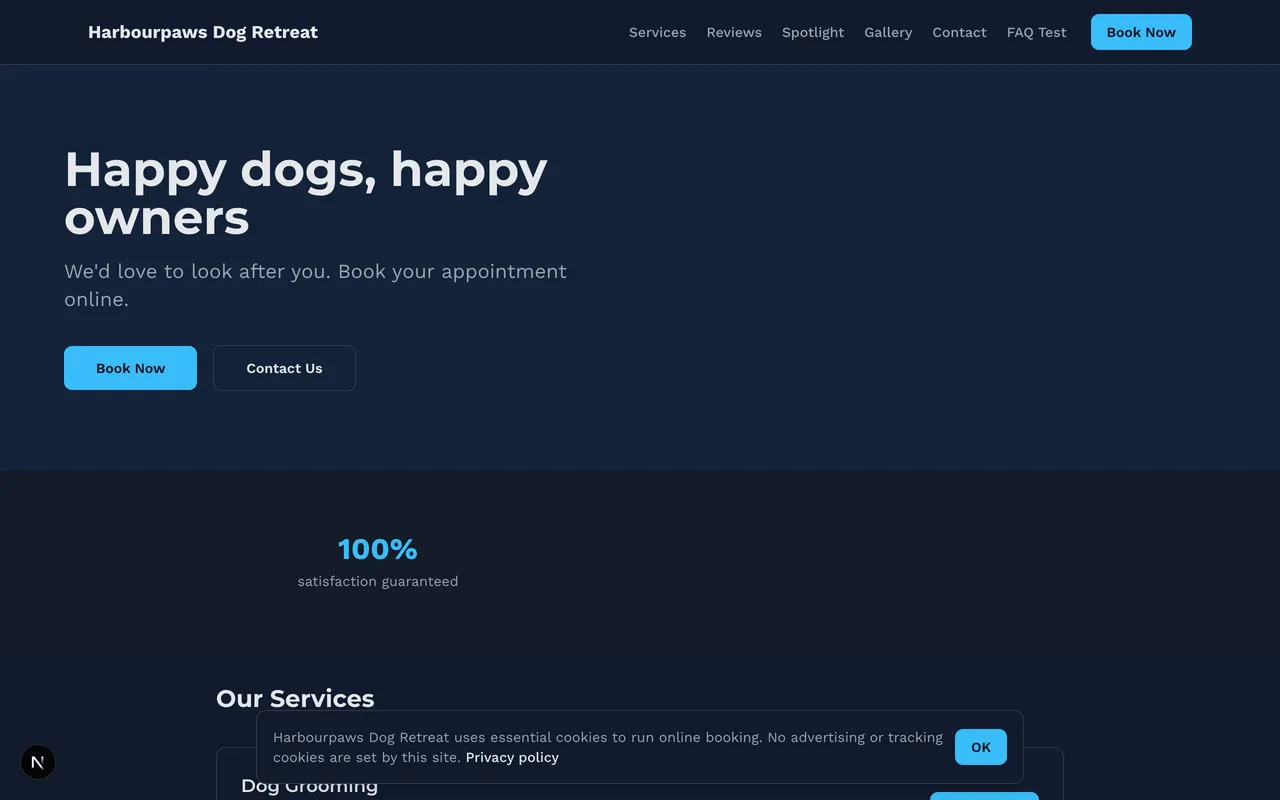
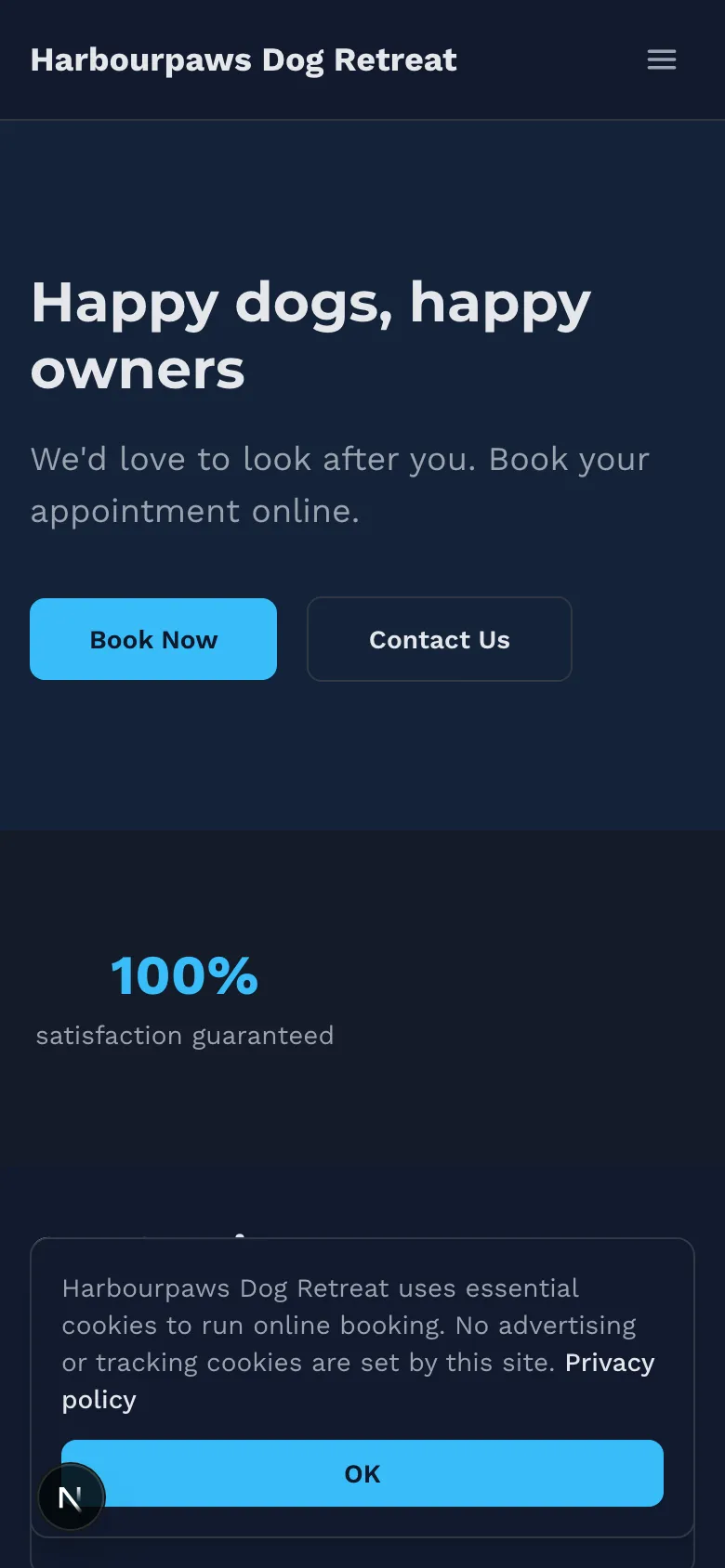
Bold
Dark, confident, big type. Numbers up front.
Charcoal palette
Pricing engine
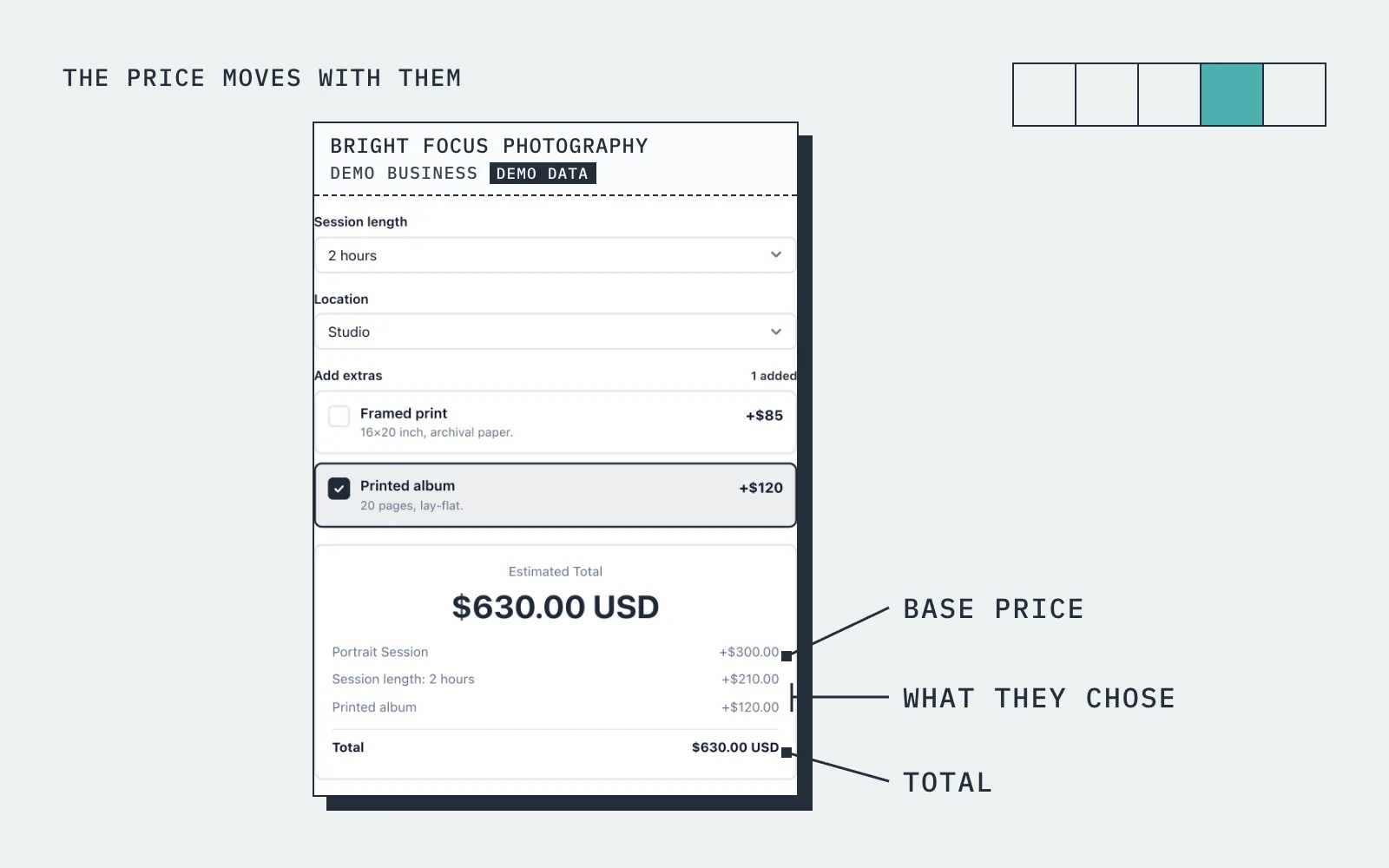
The price moves with what they choose
A client selects "Full Detail", picks "SUV", selects "Moderate" condition, adds "engine bay cleaning". The widget shows $275 with a $55 deposit.
How it works
Up and running in three steps
Start free
No card needed. Add your business name and you are in.
Add your services and prices
Set what you sell, what changes the price, and your hours.
Share it and get booked
Share your link, embed it on your site, or publish your free website.
Guide
Mobile Detailing booking: what to know
Pricing by vehicle size and condition
A detailing price list is really a grid: package by vehicle size by condition, and most customers cannot read it from a Facebook post. A booking system solves that with price variables. In BookingMachine you set a base price for each package, then add variables for vehicle size, condition, pet hair, and extras such as engine bay or headlight restoration, each adding a fixed amount or a percentage.
The customer picks their options and sees the price change in front of them, so the quote is finished before they have messaged you. The duration can change too, so a full detail on a heavily soiled SUV blocks the time it actually takes and the next slot is offered at a time you can keep. You still have the final say when you see the car, but the price they saw is the price you set.
Mobile service: travel, areas and where you will go
Being mobile means the price depends partly on where the car is. A price variable for distance or area lets you charge for the drive without listing a dozen separate prices, and the booking form can ask for the address and parking details so you know what you are turning up to. If you also work from a unit, add it as a second location with its own hours.
Every booking arrives in your dashboard and your inbox with the vehicle, the options, the address and the time, so the day is planned before you have spoken to anyone. If you take on a second valeter, add them as a team member and the diary covers both of you, with a slot that is taken never offered twice.
Can I take a deposit, and which platforms accept Stripe for solo valeters?
Yes. BookingMachine takes payment through Stripe, and the money goes to your own Stripe account, not to a platform wallet. For each package you decide whether the customer pays a deposit, pays in full at booking, or pays on the day. Online payments are on the paid plans and need an approved payments application, which we review before switching them on.
For a solo valeter a deposit is the difference between a planned day and a wasted drive. A customer who has paid something is there with the keys when you arrive, and a late cancellation covers your fuel. A no-show fee is available for the ones who are not, and once the job is marked complete you can invoice any balance from the same place.
Vehicle photos, condition and notes: what happens in one flow
Owners often ask whether the customer can upload photos of the car while booking. In BookingMachine condition is captured as a price variable and a notes field, which is enough to price the routine work, and it keeps the booking quick on a phone. Photos come in after the job: when it is marked complete, the customer is emailed a review request and can add photos or video to their review.
For an unusual car or a job you would rather see first, use a quote. The customer describes the vehicle and what they want, you send a quote they can accept online, and the accepted quote becomes a dated booking. That keeps the booking form short for the standard packages while still handling the one-off restoration properly.
Before-and-after reviews, no accounts, and the free plan
The before-and-after shot is what sells detailing, and the review flow is built around it. Reviews with photos appear on your reviews page and can be embedded on your website. Customers never create an account to book. They open your link from Instagram, Facebook or your Google profile, pick the package, see the price, choose a slot, pay if payments are on, and get a confirmation by email.
If you have a website, the form embeds with one line of code. If you do not, the free website gives you a multi-page site with templates, your packages and prices, your reviews and booking built in, with your own domain on a paid plan. The free plan has no card; deposits and online payments are on the paid plans.
Pricing
Simple, transparent pricing
Start free. Upgrade when you are ready.
Free
Get started for free
- 25 bookings/mo
- 1 team member
- 1 location
- Free website
- 102 MB photo storage
Pro
Turn your website into a booking machine
or $18/mo billed annually (save $72/yr)
- Unlimited bookings
- 4 team members
- 2 locations
- Online payments (Stripe)
- Voucher / discount codes
- Analytics dashboard
- Google Calendar sync
- Premium website
- Dedicated account manager
- 1 GB photo storage
Business
For teams and multi-premises
or $34/mo billed annually (save $180/yr)
- Unlimited bookings
- 15 team members
- 6 locations
- Online payments (Stripe)
- Voucher / discount codes
- Analytics dashboard
- Google Calendar sync
- Premium website
- Dedicated account manager
- 10 GB photo storage
30-day money-back guarantee. No questions asked.
FAQ
Mobile Detailing booking software FAQ
Can I charge different prices based on vehicle size?
Yes. Set unique base prices for every vehicle category — sedan, coupe, SUV, truck, van — and add multipliers for condition.
Can I set a travel radius for my mobile service?
You can charge by travel zone. Add a price variable with your zones, and clients pick theirs when they book. You can also ask for the service address, so you know where you are going before you confirm.
How do deposits work for mobile detailing?
Set any deposit percentage. Most detailers use 20-30%. The deposit is charged at booking via Stripe. You collect the balance on-site or via payment link.
Can clients upload photos of their vehicle when booking?
The booking form can include notes and condition descriptions. Photo uploads for reviews happen after the job is completed.
Does it work on my phone?
Yes. The dashboard is fully mobile-responsive. Manage bookings, view your schedule, and contact clients from your phone.
Is there a free plan?
Yes. The free plan covers a limited number of bookings each month, with quotes, invoices and a hosted booking page. Online payments and deposits are on the paid plans. The pricing page has the current limits.
From the blog
Guides for detailers
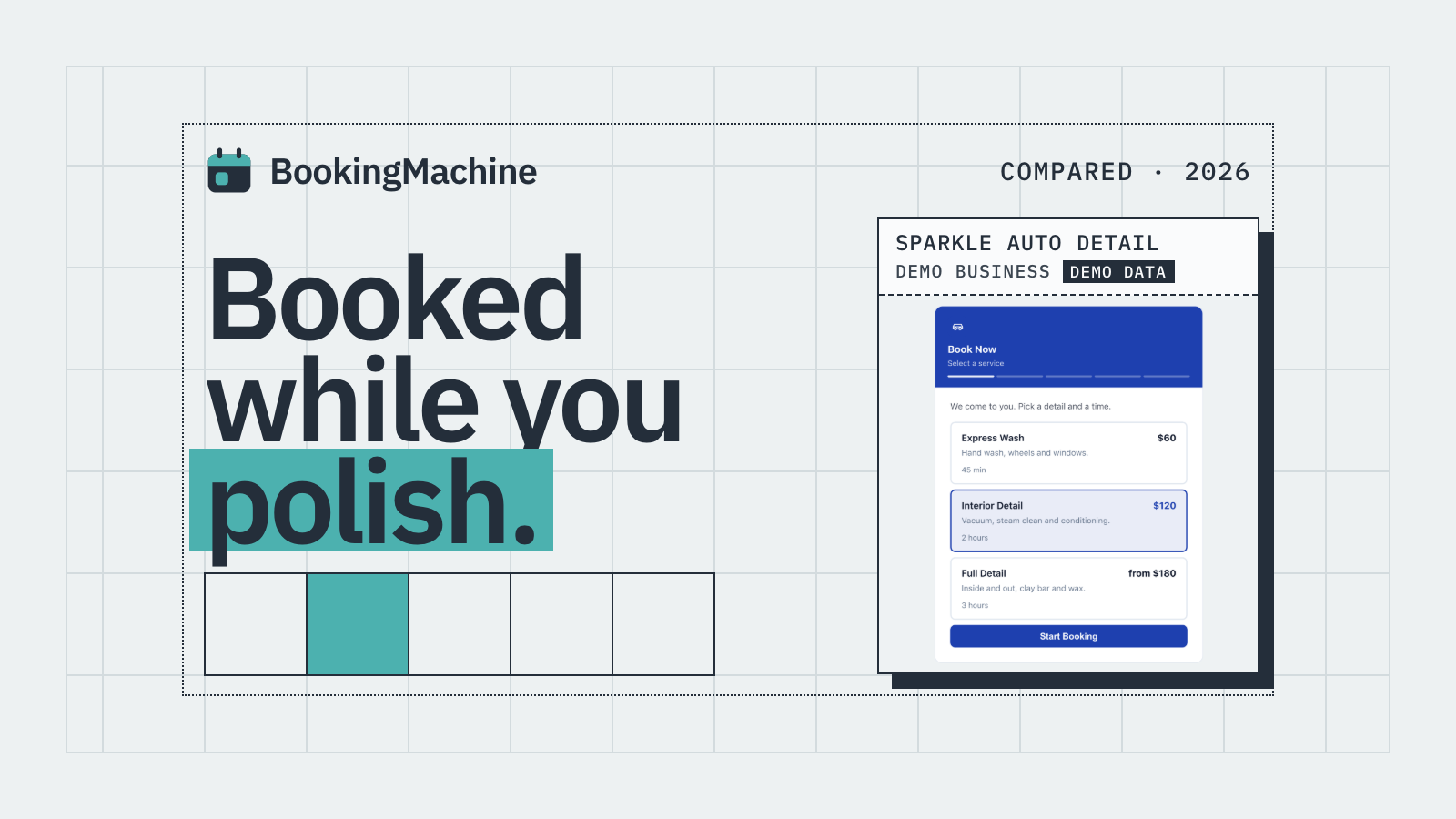
Best Mobile Detailing Booking Apps in 2026 (Honest Comparison)
Compare the best mobile detailing booking apps for 2026. Deposits, no-show protection, website embeds and automated reviews, all in one place.
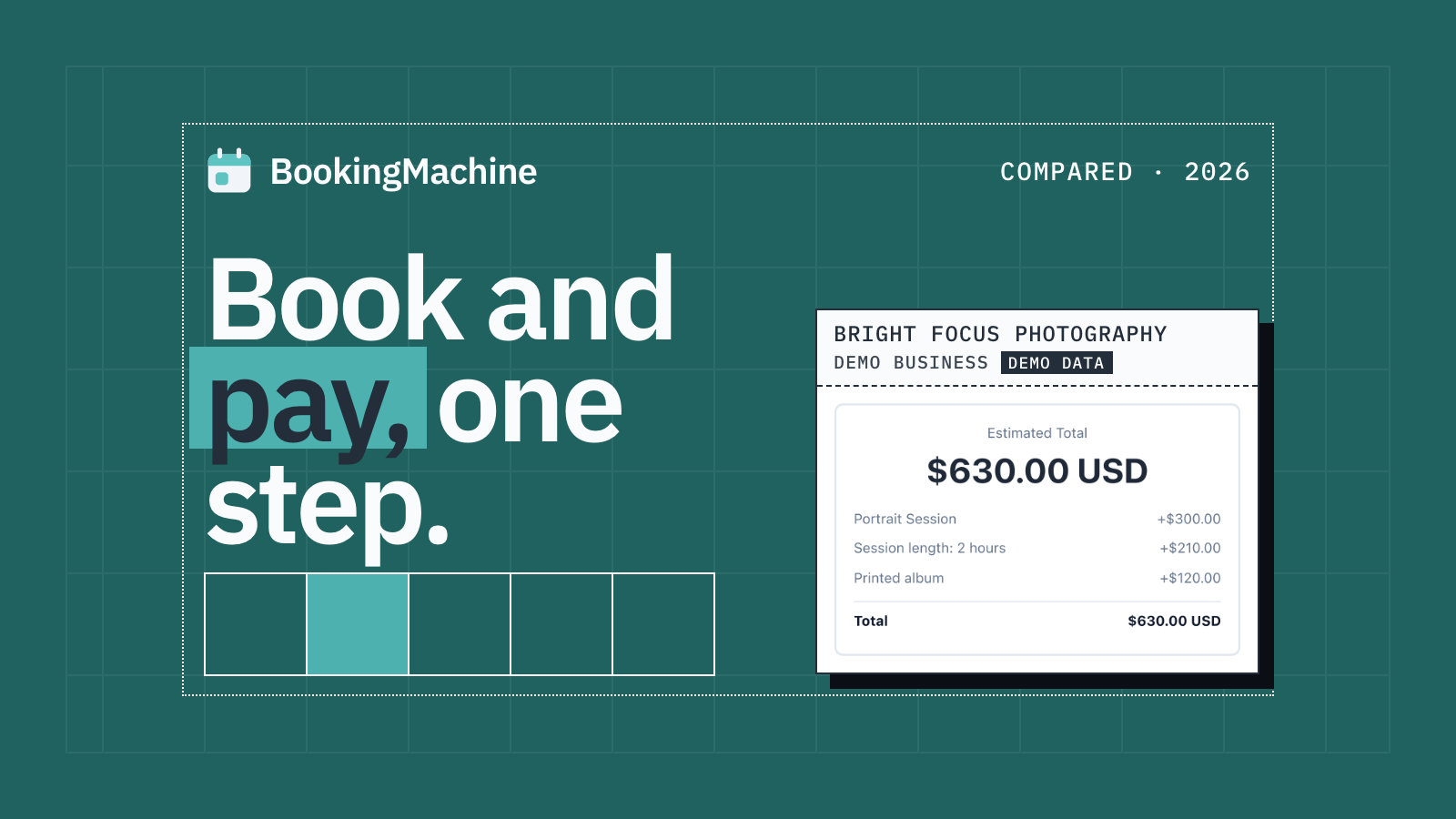
The Best Appointment Booking and Payment Systems for Service Businesses (2026)
Compare the best appointment booking and payment systems for service businesses. Take deposits, reduce no-shows and automate reviews. Updated 2026.
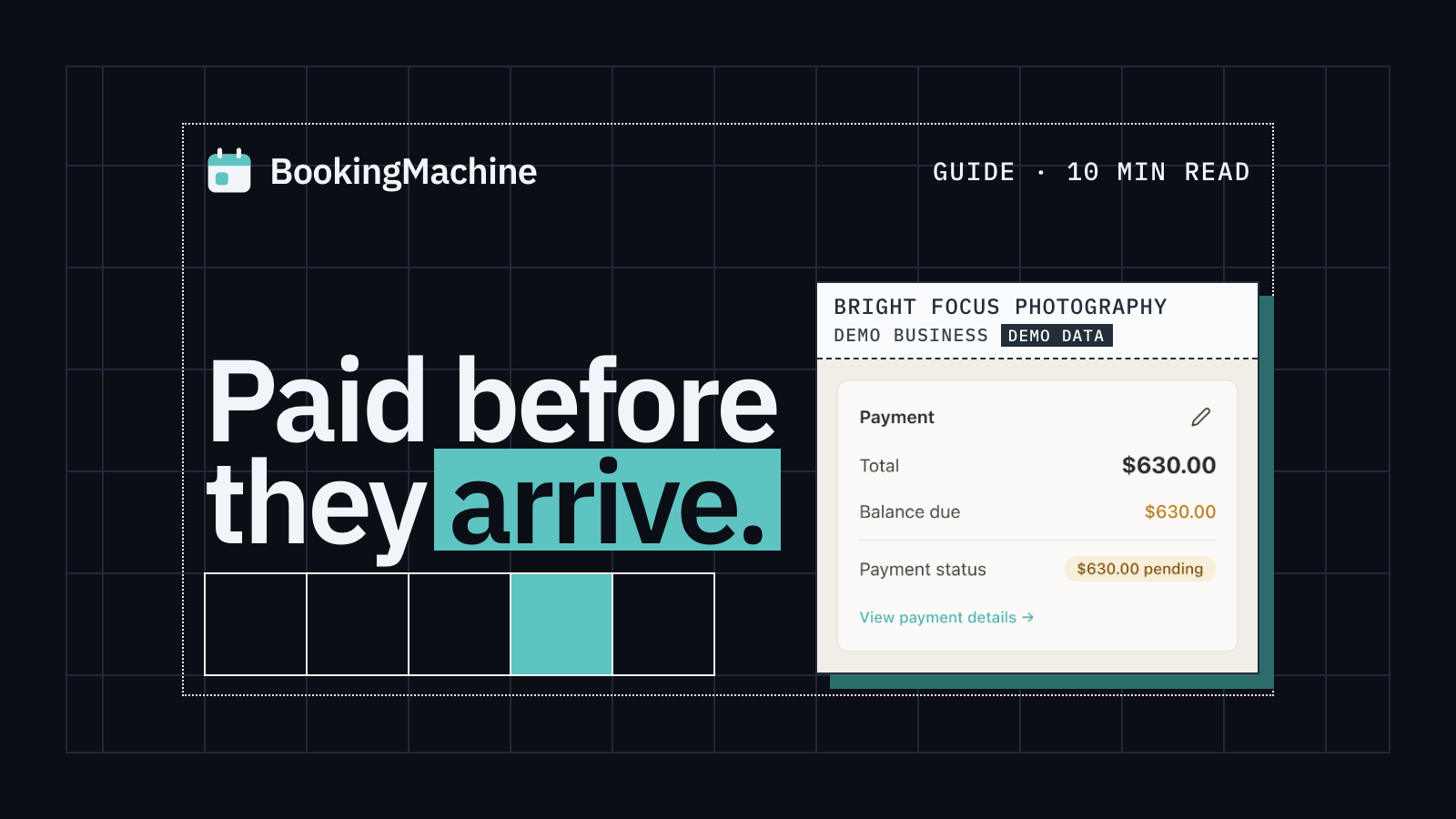
Online Booking System with Deposit: The Complete Guide for Service Businesses
Take deposits at the time of booking, cut no-shows and protect your revenue. The complete guide to choosing a booking system with deposit for service businesses.
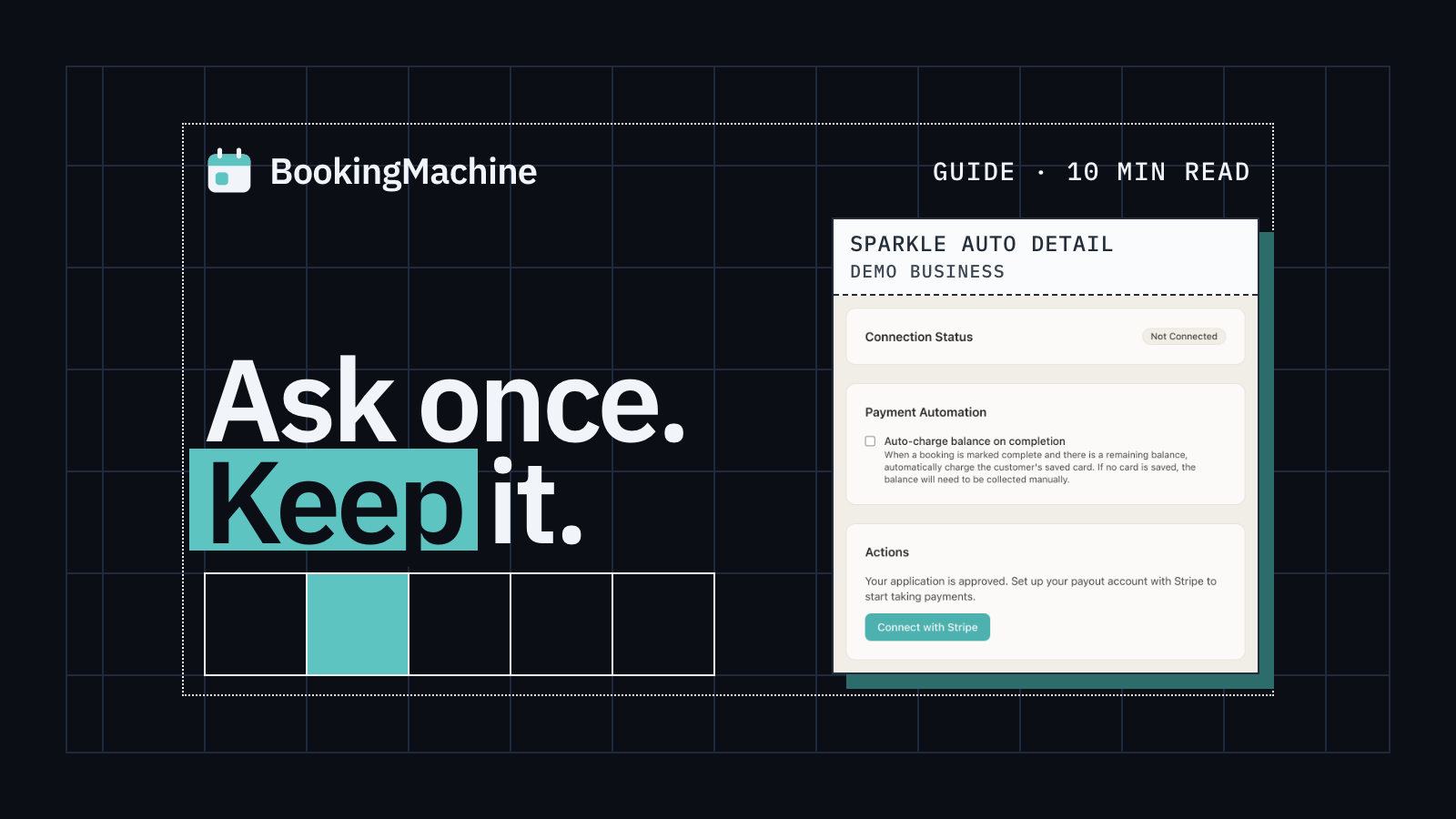
How to Collect Deposits and Set Up a Booking Deposit Policy for Your Service Business
Learn how to ask for a deposit, design a fair cancellation policy, and collect payments at booking. Practical guide for salons, trades, cleaners and freelancers.
Free tools
Free tools for detailers
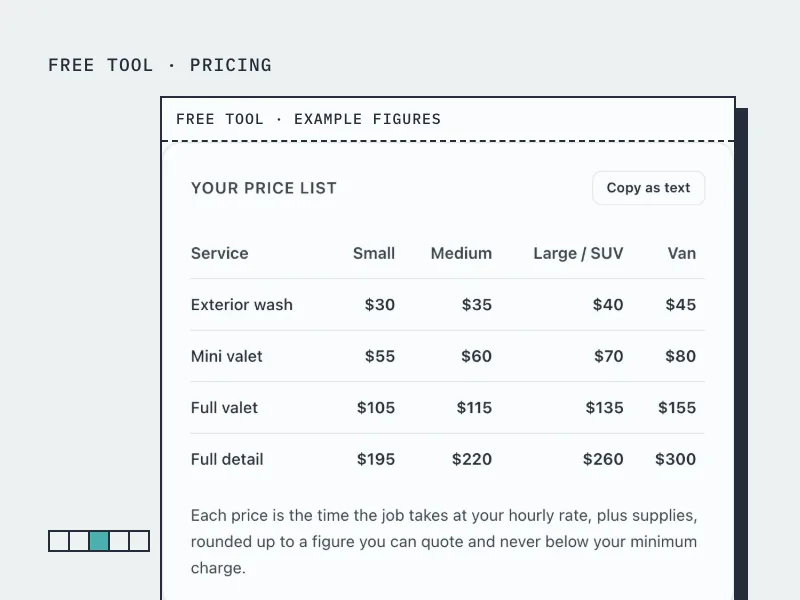
Car Valeting Price Calculator
Build a valeting and detailing price list by vehicle size from your hourly rate and job times.
Open the tool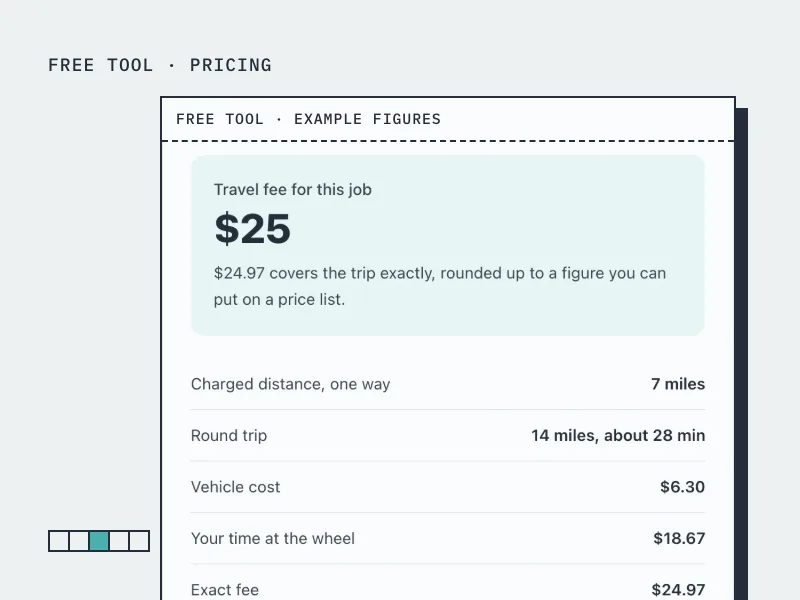
Travel Fee Calculator
Work out what to charge for driving to a customer, from your vehicle costs and the time at the wheel.
Open the tool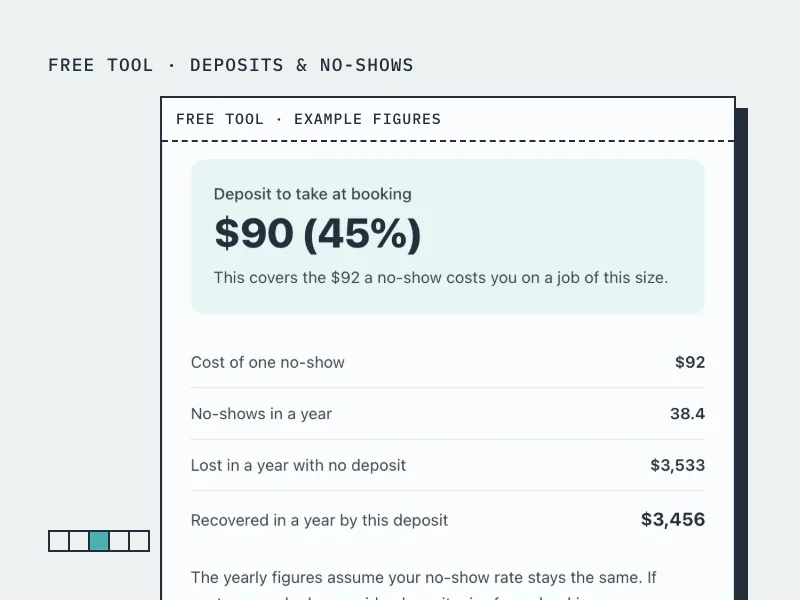
Deposit Calculator
Work out how much deposit to take on a booking, from what a no-show actually costs you.
Open the tool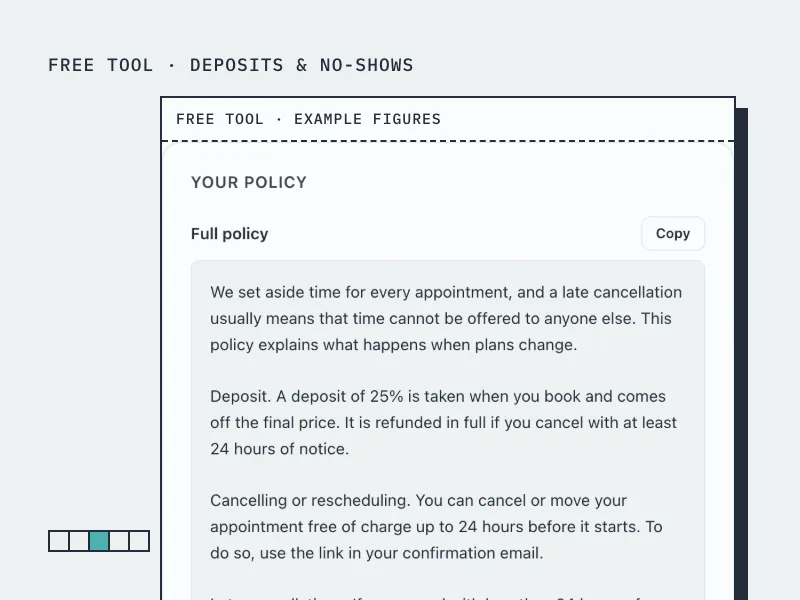
Cancellation Policy Generator
Build a cancellation and no-show policy in your own terms, ready to paste onto your booking page.
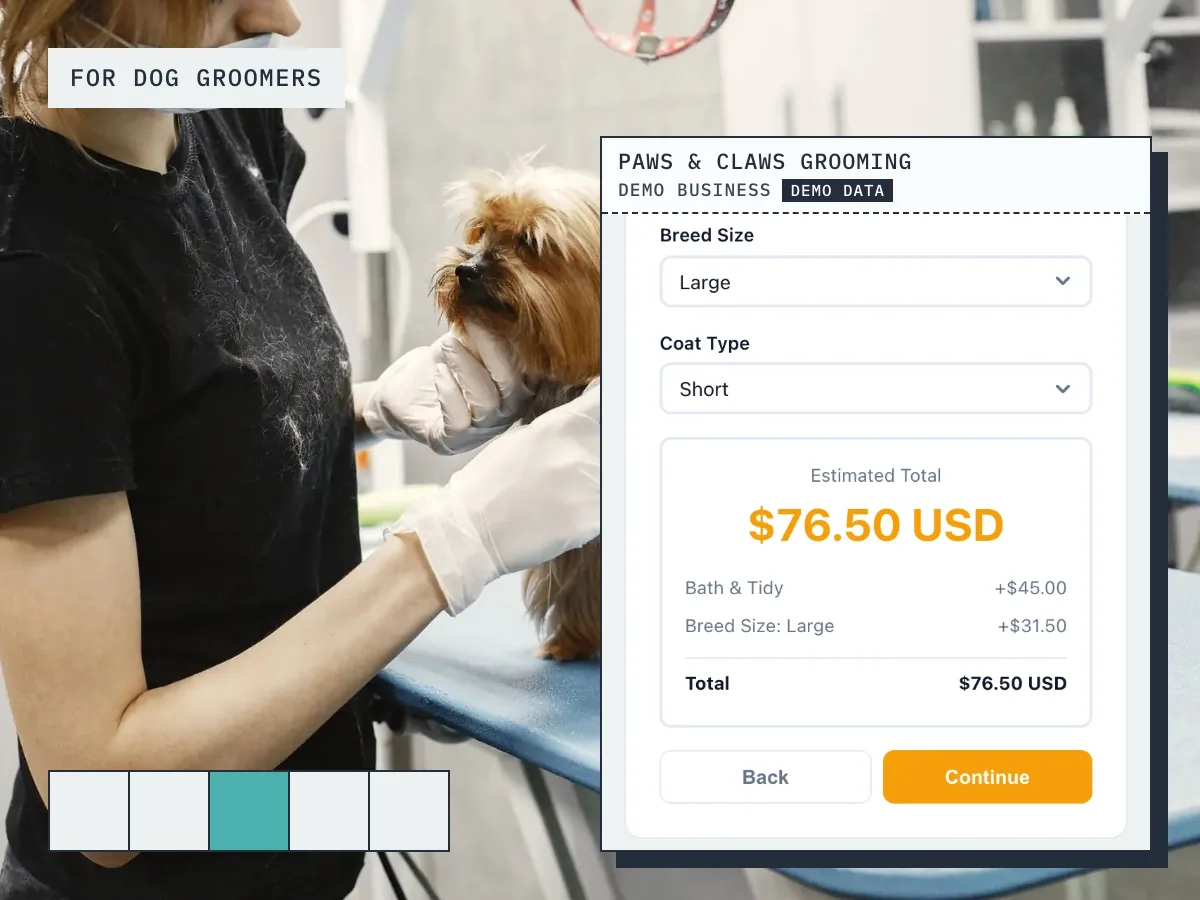
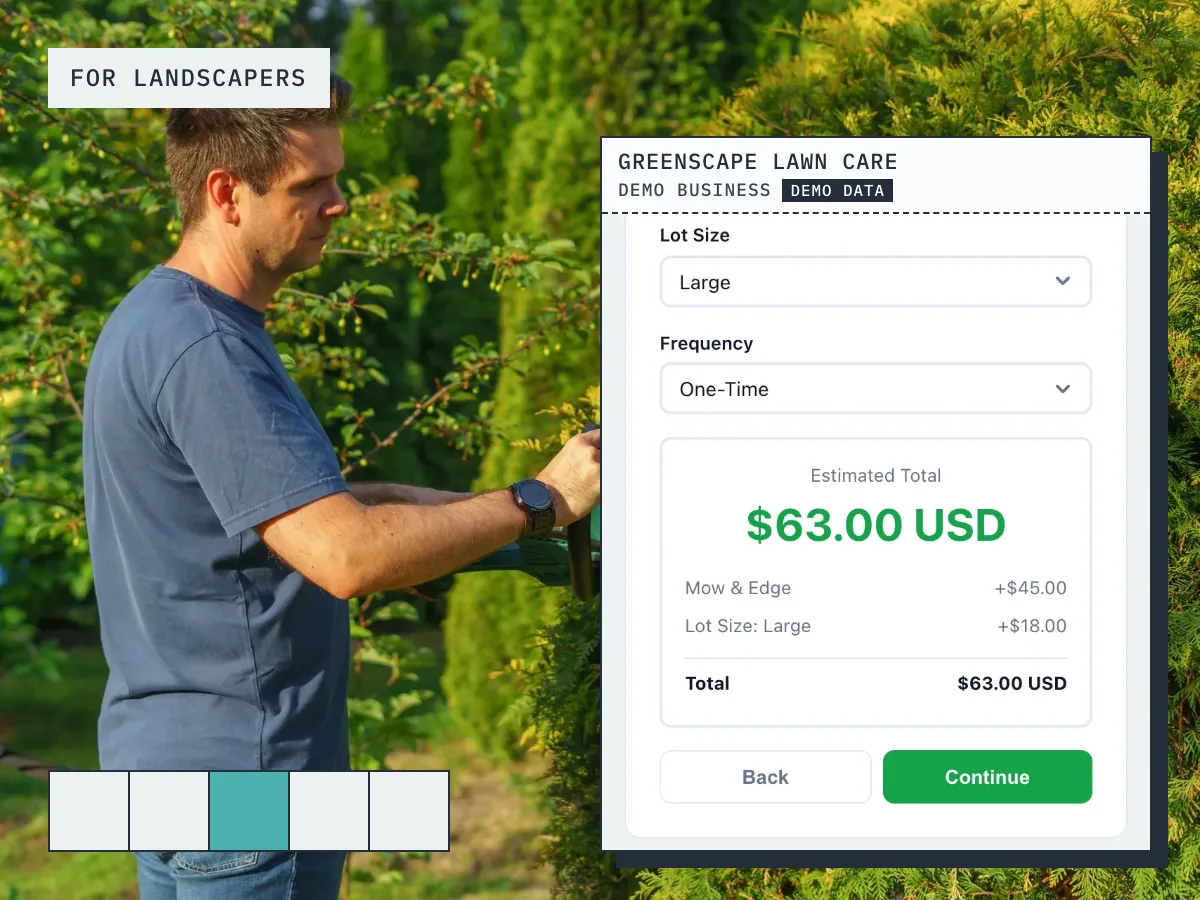
Open the toolBookingMachine works for other industries too
See all industries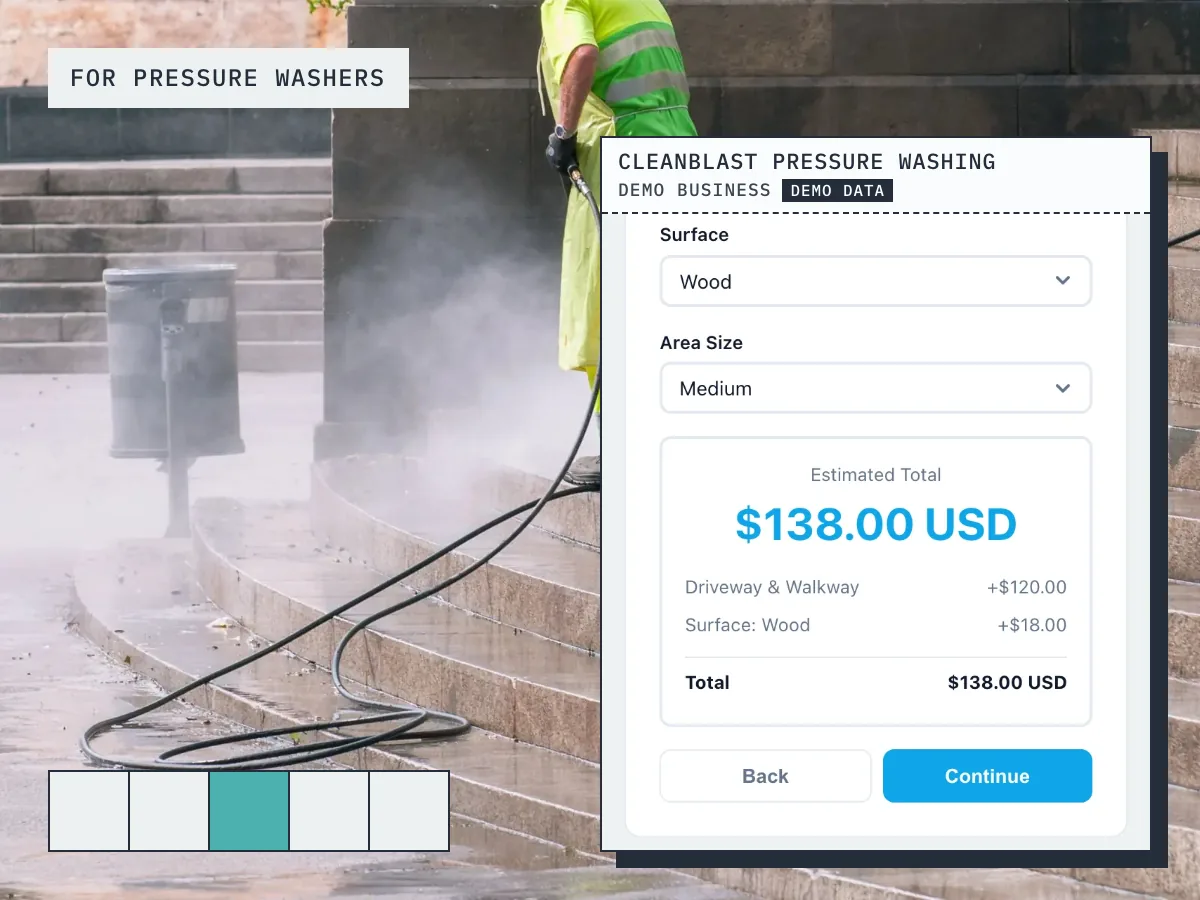
Ready to grow your business?
Start free, add your services and prices, and share your booking link today.