Handyman Booking Software for Small Jobs That Add Up
Sell your time by the hour or the half day, let customers list what needs doing, and take a deposit so the booking sticks. Less quoting for free, more paid work.
Handyman booking software lets a customer book an hour, a half day or a fixed job online, see the price and pay a deposit before you arrive. BookingMachine is built for one-person and small handyman businesses: set your rates once, share a link or embed the form on your website, and every job arrives priced and dated in your dashboard.
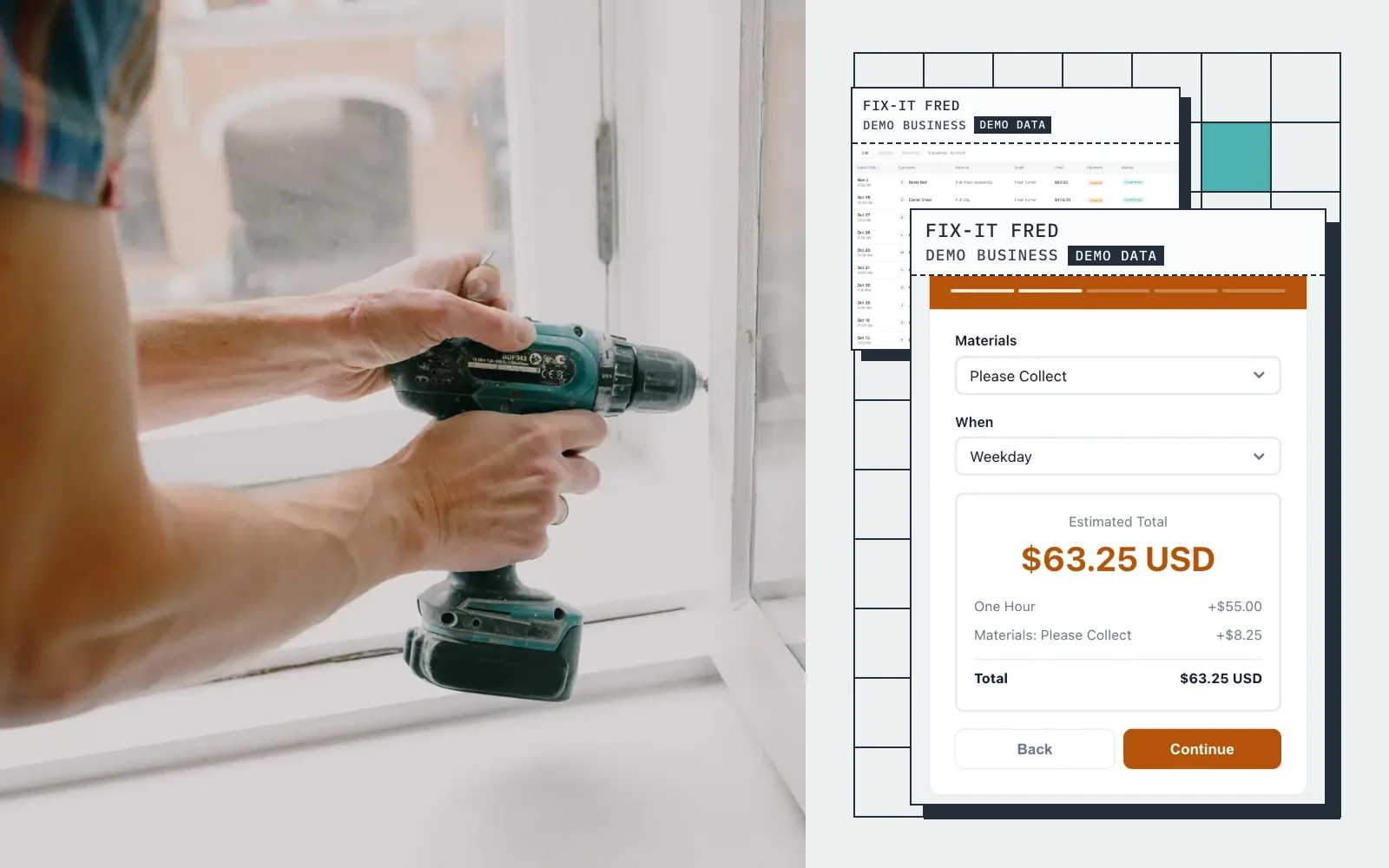
Live demo · Fix-It Fred
Try the booking form
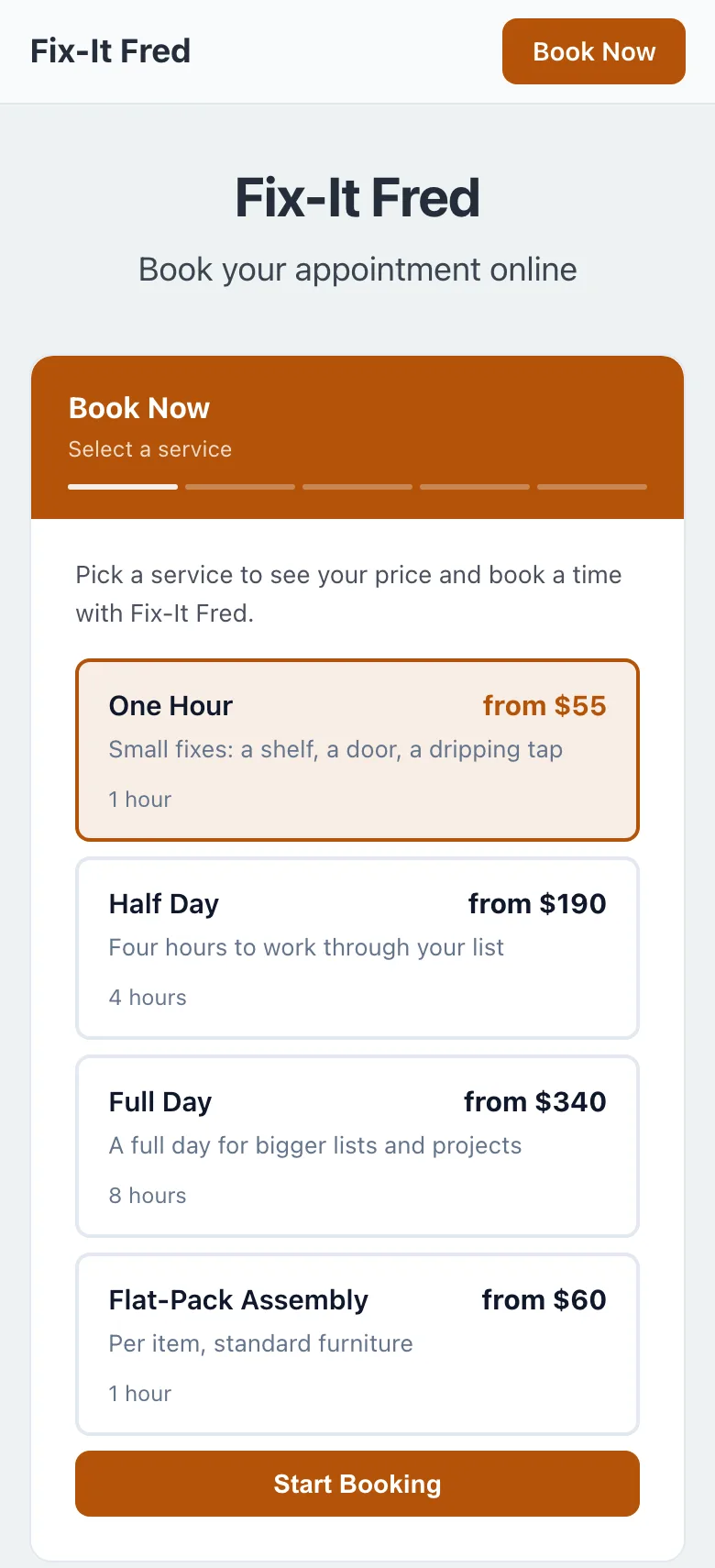
This is what your customers see: pick a service, get an instant quote, and book in seconds.
Screens
Real screens from a demo handyman business
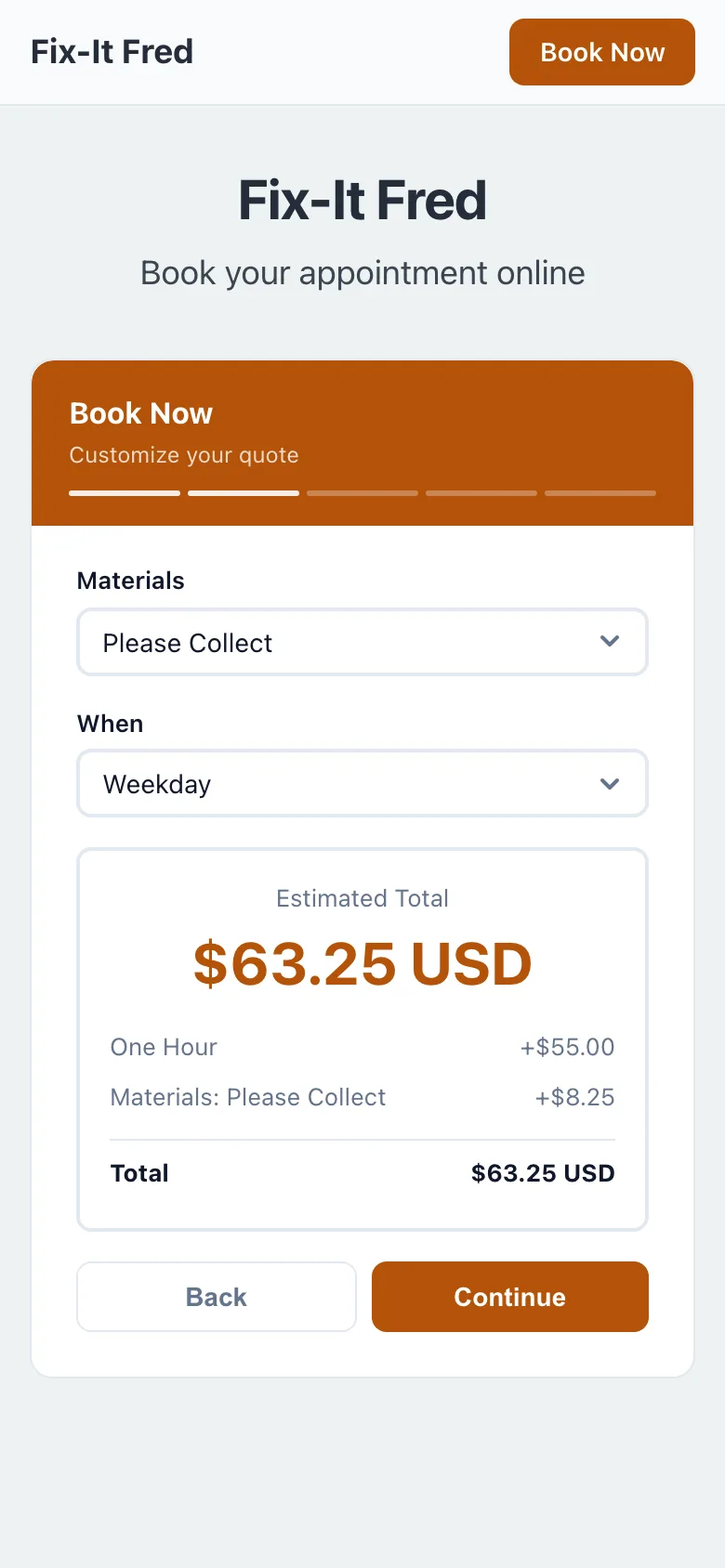
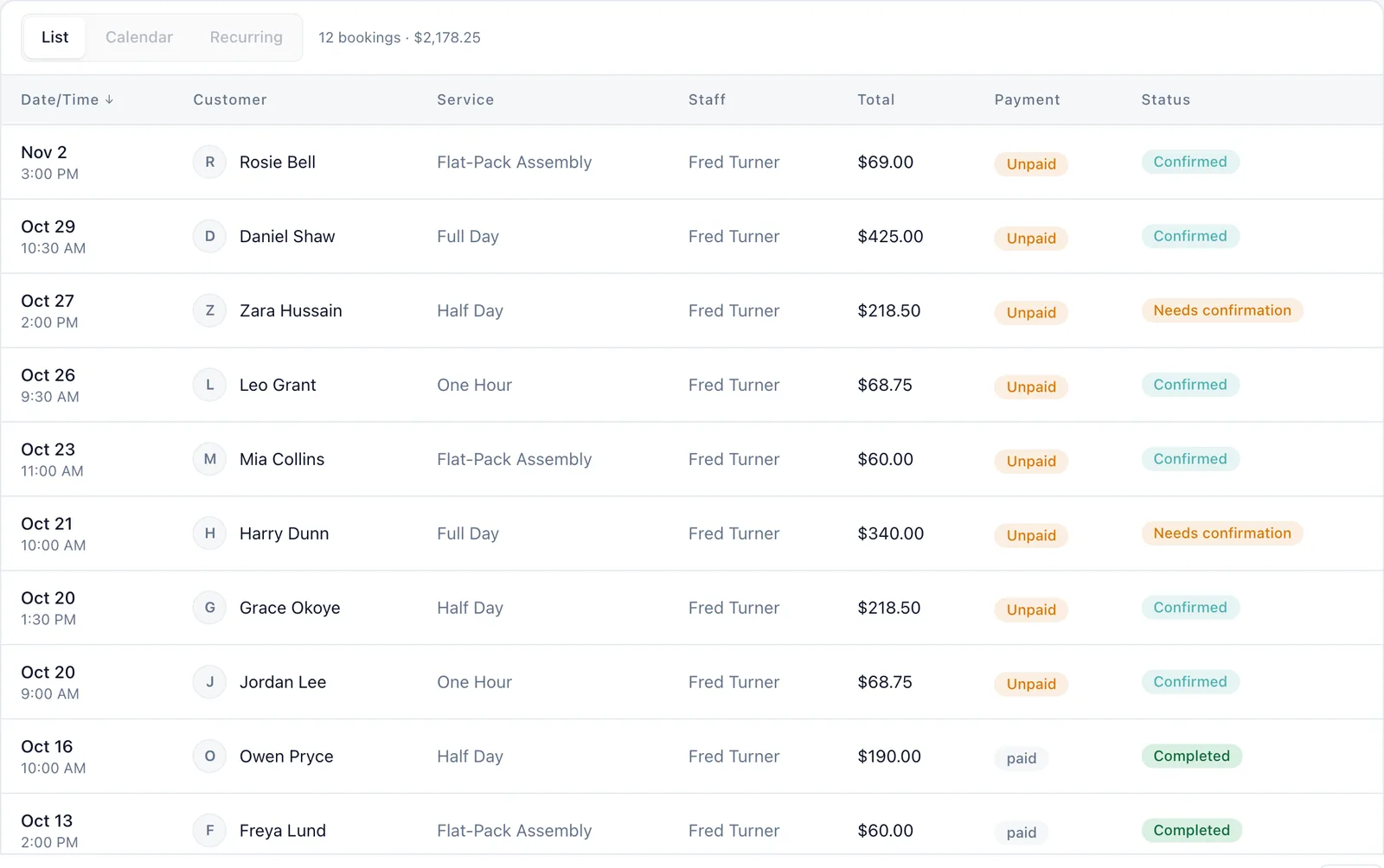
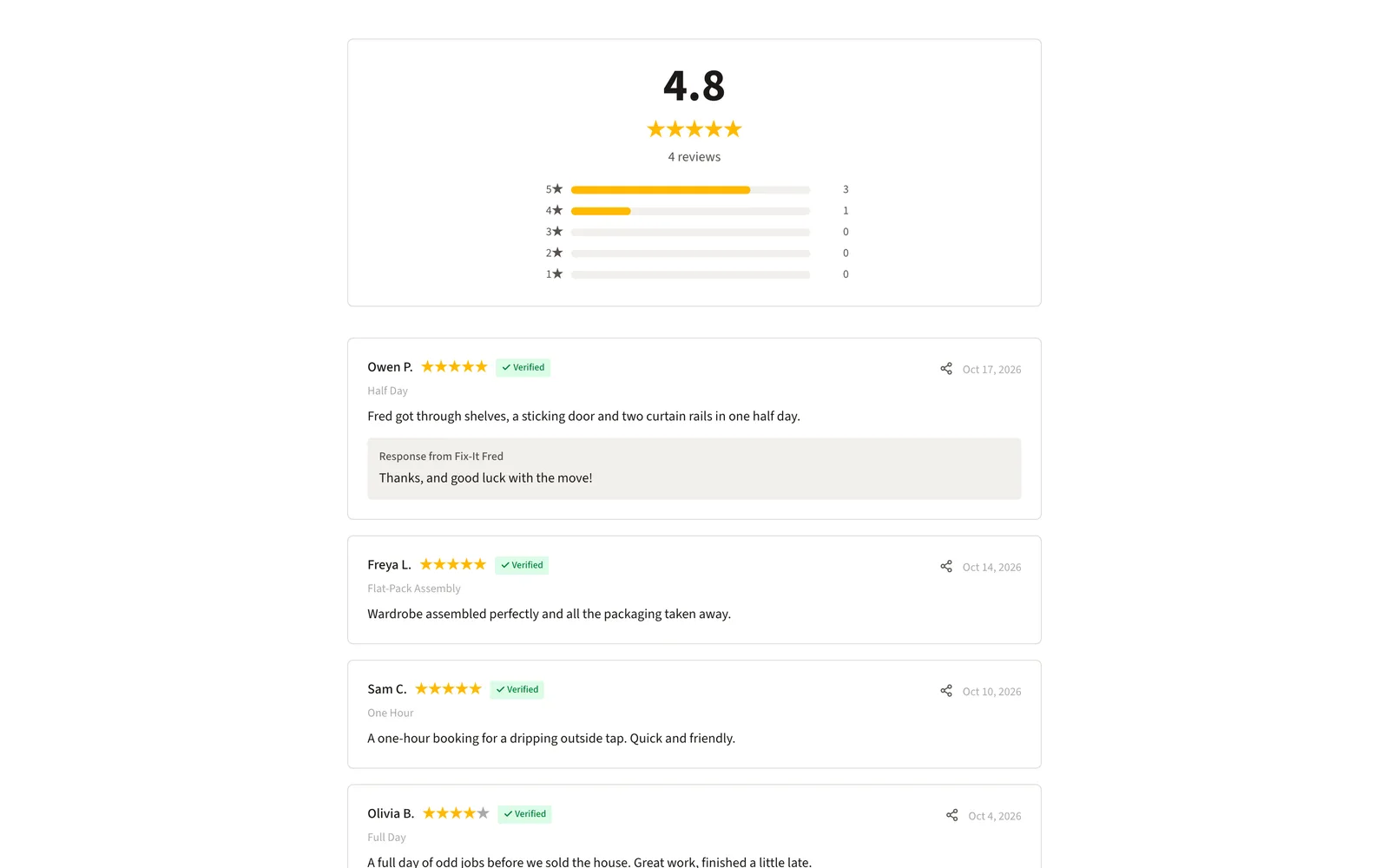
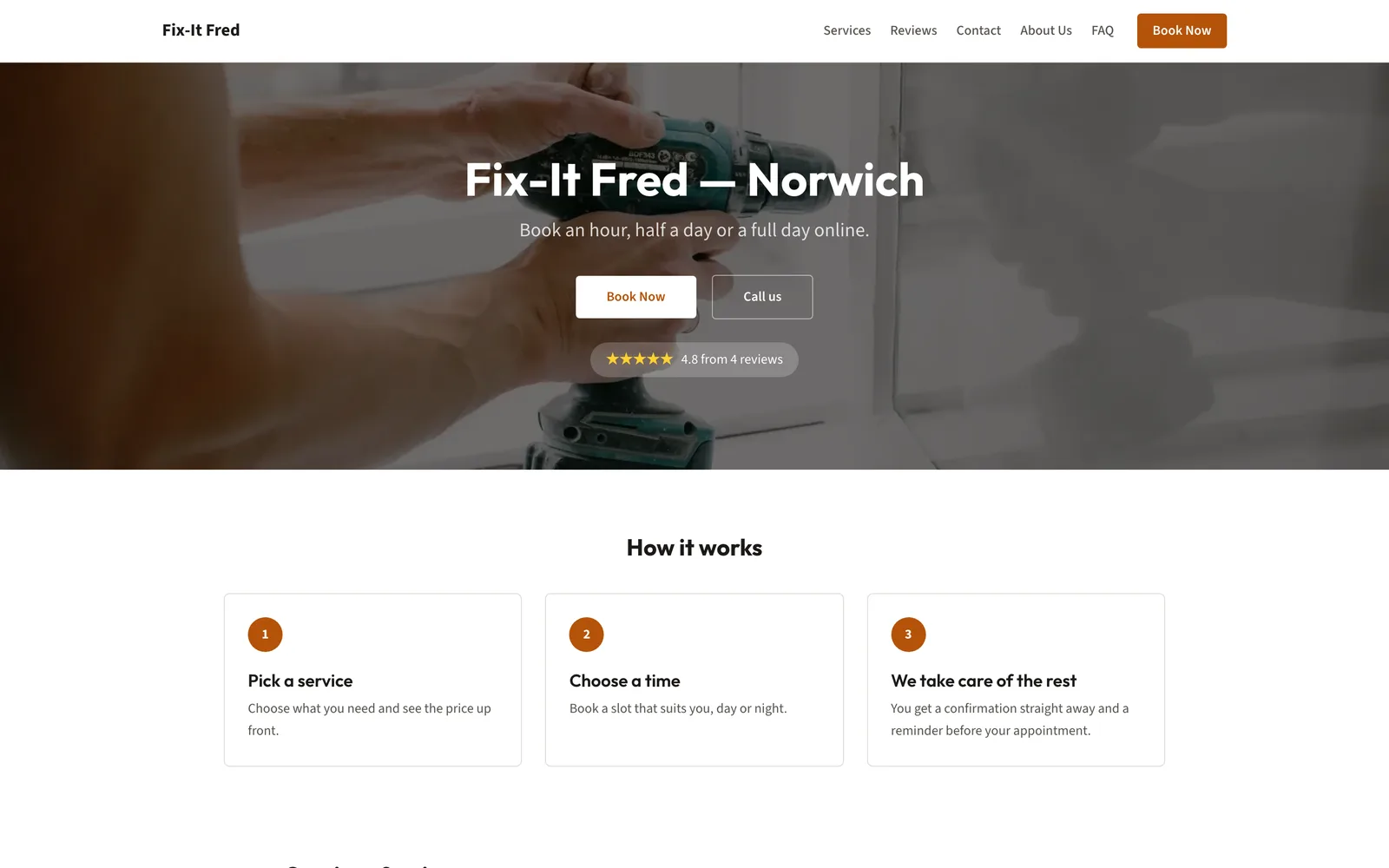
Captured from a working demo account: what your customer sees on their phone, and what you see in the dashboard.
Embed on your site
Add the widget to your website so neighbours can book an hour or a half day in a few taps.
Share a booking link
Share your booking link in local Facebook groups, on Nextdoor and by text to repeat customers.
Free website
Your free website shows what you do, what you charge and what past customers said.
Auto-collect reviews
Each finished job prompts a review request, with before-and-after photos of the work.
Sound familiar?
These are the problems that cost you time, money, and clients every week.
You spend evenings replying to messages asking "how much to hang a door?"
Your prices are on the booking page. The message you send back is a link, and the next thing you hear is a confirmed booking.
A one-hour job turns out to be five jobs and you lose the rest of the afternoon.
The customer lists everything at booking and chooses a slot long enough to do it, at a price that reflects the time.
Good customers would book you again, but they have lost your number.
Every customer is saved with their job history, and your booking link works for the next job as well as the first.
Core advantages
Why handyman businesses choose BookingMachine
Sell Time, Not Free Quotes
Most handyman work does not need a quote. Offer an hour, a half day or a full day at a set price and let the customer fill it with their list.
The Job List Before You Arrive
Ask what needs doing at booking, so you turn up with the right tools and fixings and nothing takes you by surprise.
A Deposit Makes It Real
A small deposit separates the customers who mean it from the ones collecting prices. The slot they booked is the slot you get paid for.
Features
Everything handymen need, in one place
Hourly, Half-Day and Day Rates
Set a price for each block of time, with a minimum booking so a ten-minute job still covers the trip.
Fixed-Price Jobs
Flat-pack assembly, TV mounting, gutter clearing: price the common jobs per item so customers can add them up themselves.
Job Details at Booking
Add your own questions to the booking form and get the list of tasks, access notes and parking sorted in advance.
Travel Charges
Price in the drive for jobs further out, so distance never eats the margin on a small job.
Repeat Customers
Landlords and regulars can be set up on a recurring visit, and every customer has a record of what you did last time.
Invoice When the Job Is Done
Mark the job complete, add any materials, and send the invoice the same day.
Free website
A website made for handymen
Every account comes with a bookable website built from your services, prices and reviews. The Local template was designed for handymen: friendly and straight-talking. Your number up front, prices on show, the areas you cover.
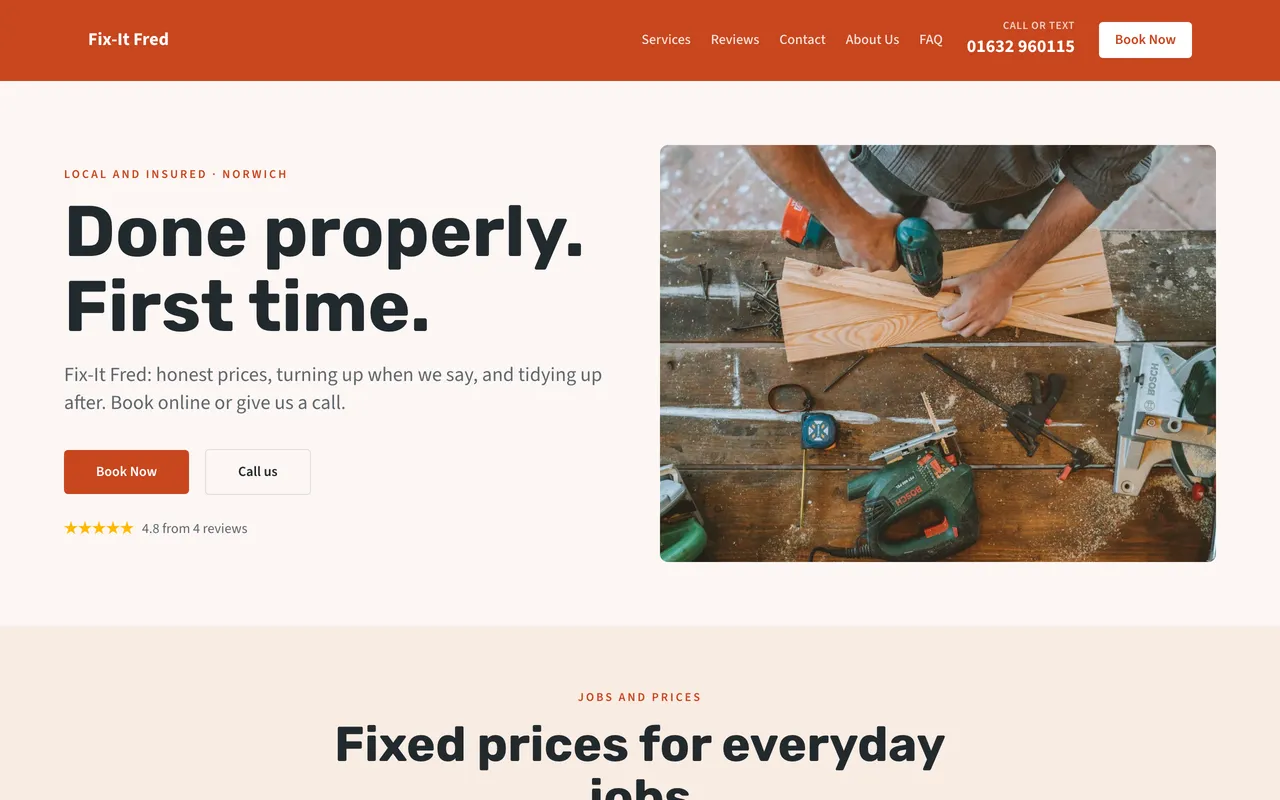
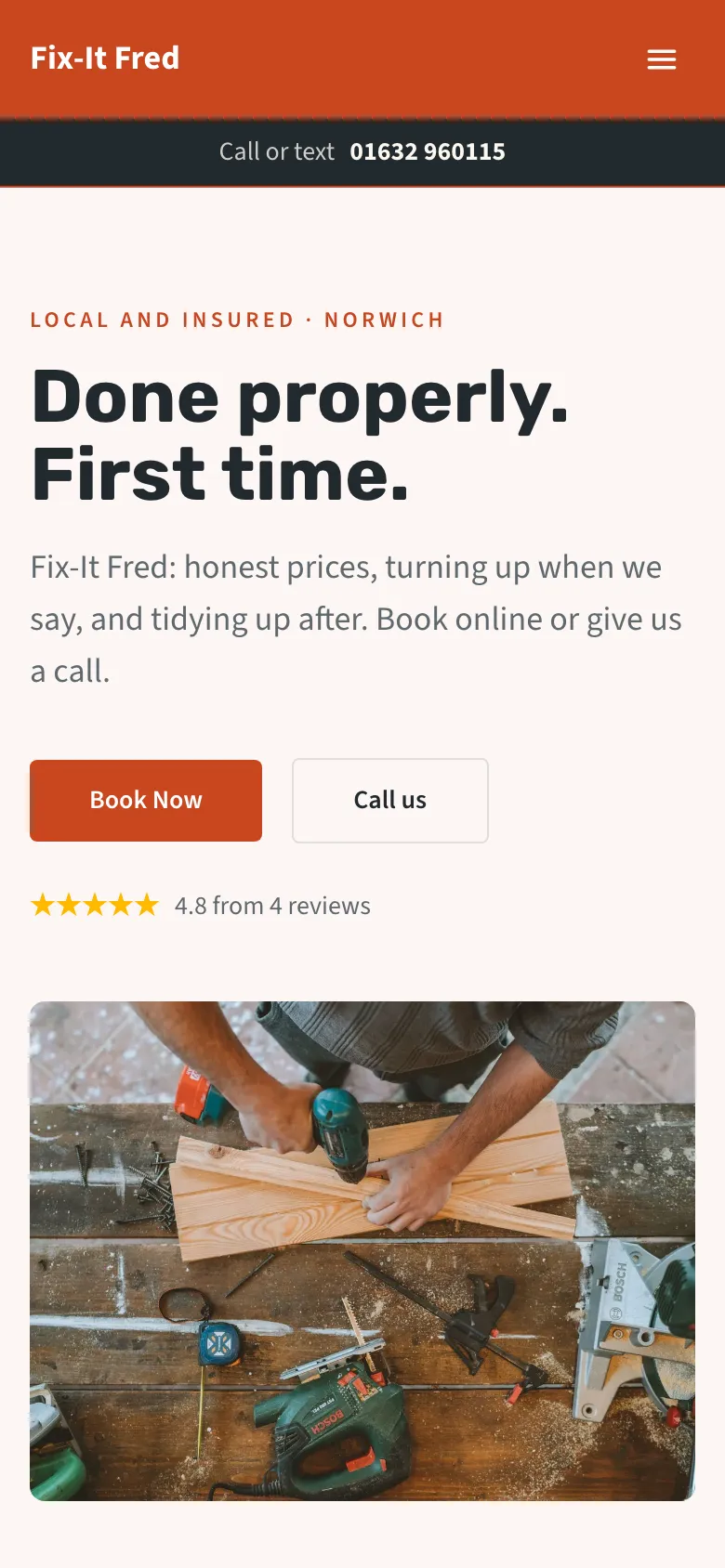
Local
Friendly and straight-talking. Your number up front, prices on show, the areas you cover.
Pricing engine
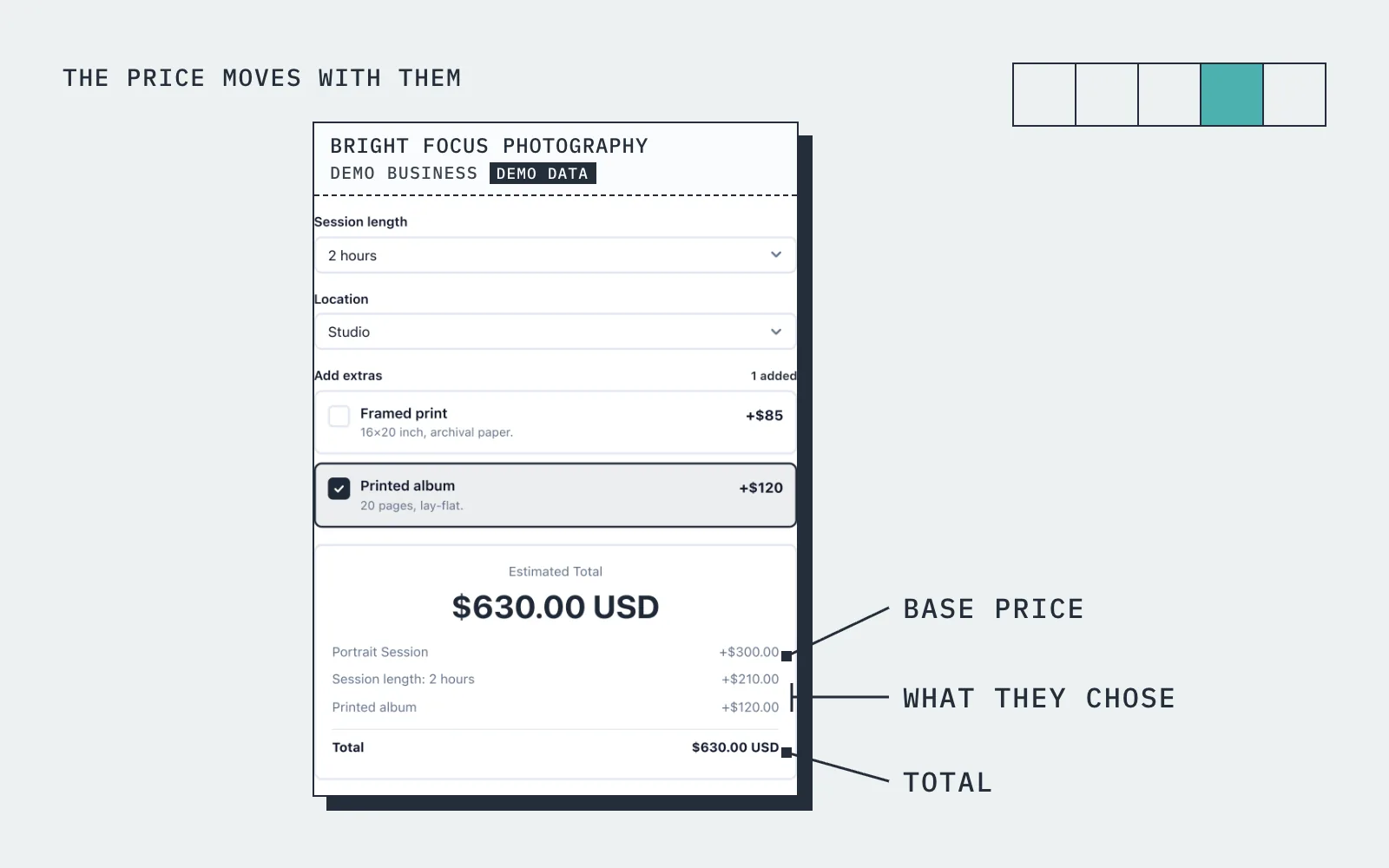
The price moves with what they choose
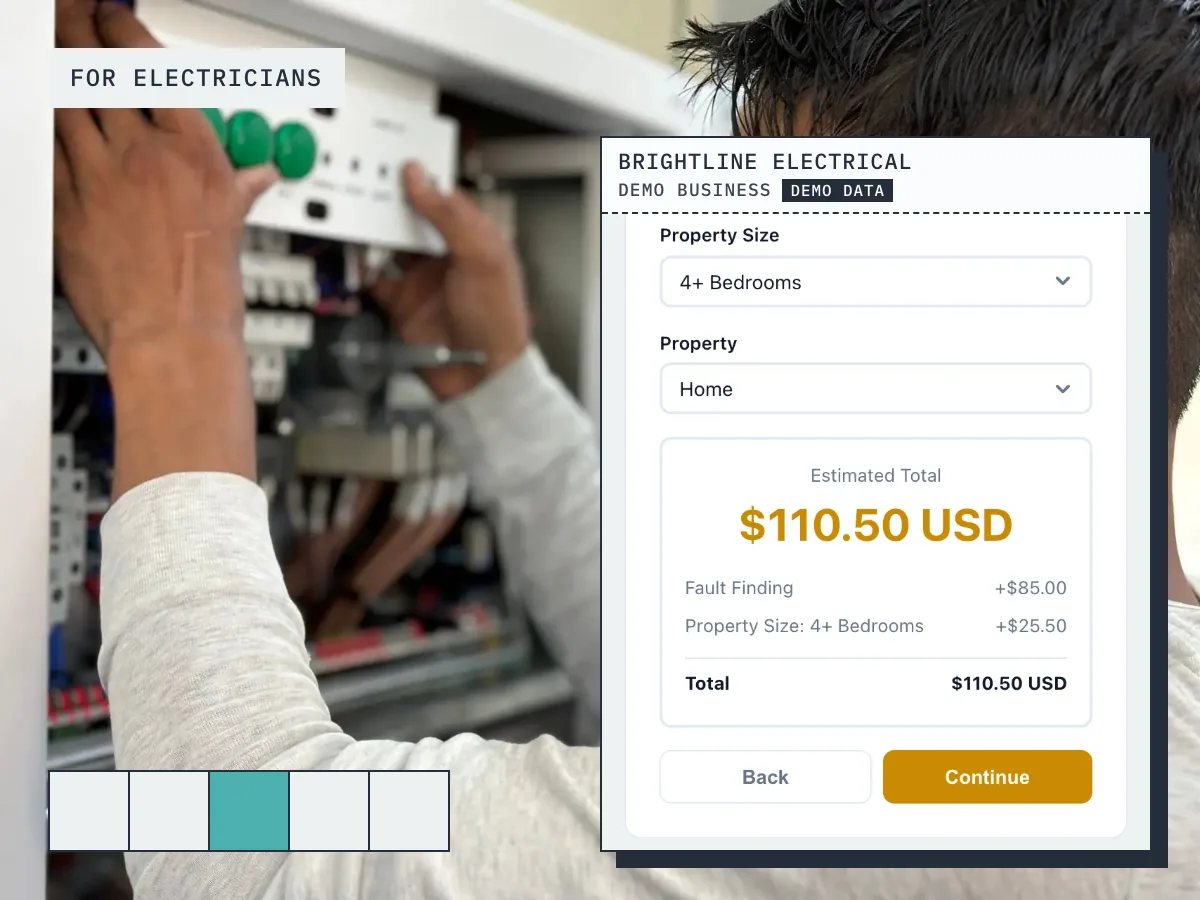
A customer picks "Half Day" on a Saturday, asks you to collect the materials, and lists six small jobs. The widget shows $273 and takes the deposit.
How it works
Up and running in three steps
Start free
No card needed. Add your business name and you are in.
Add your services and prices
Set what you sell, what changes the price, and your hours.
Share it and get booked
Share your link, embed it on your site, or publish your free website.
Guide
Handyman booking: what to know
Hourly, half-day or fixed price: how to list handyman jobs
Handyman work is a mix, and the booking form should reflect that. Some jobs are clearly fixed price: hanging a TV, assembling flat-pack furniture, fitting a shelf. Others are better sold as time: an hour for a list of small jobs, a half day for a room, a full day for a bigger project. You can list both kinds side by side, each with its own duration and price, and let the customer choose what fits.
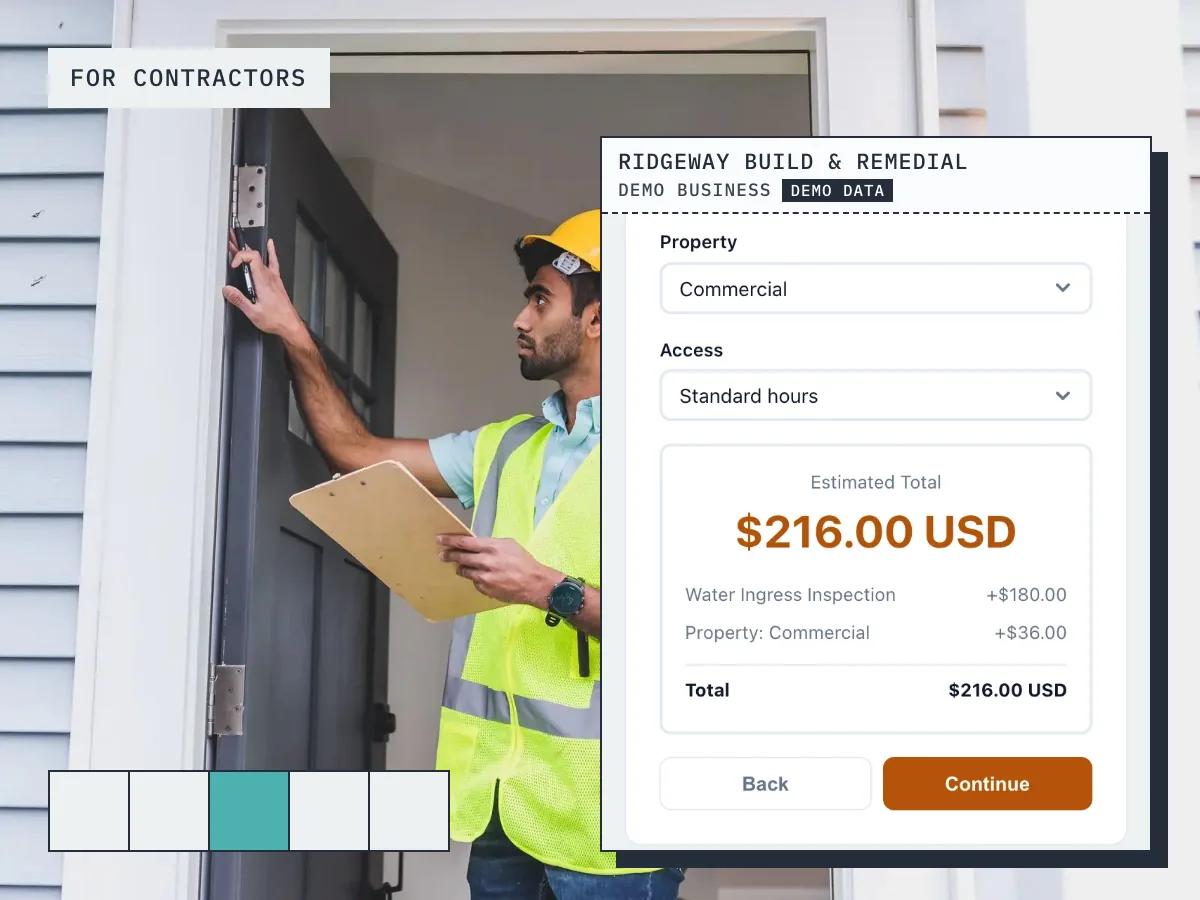
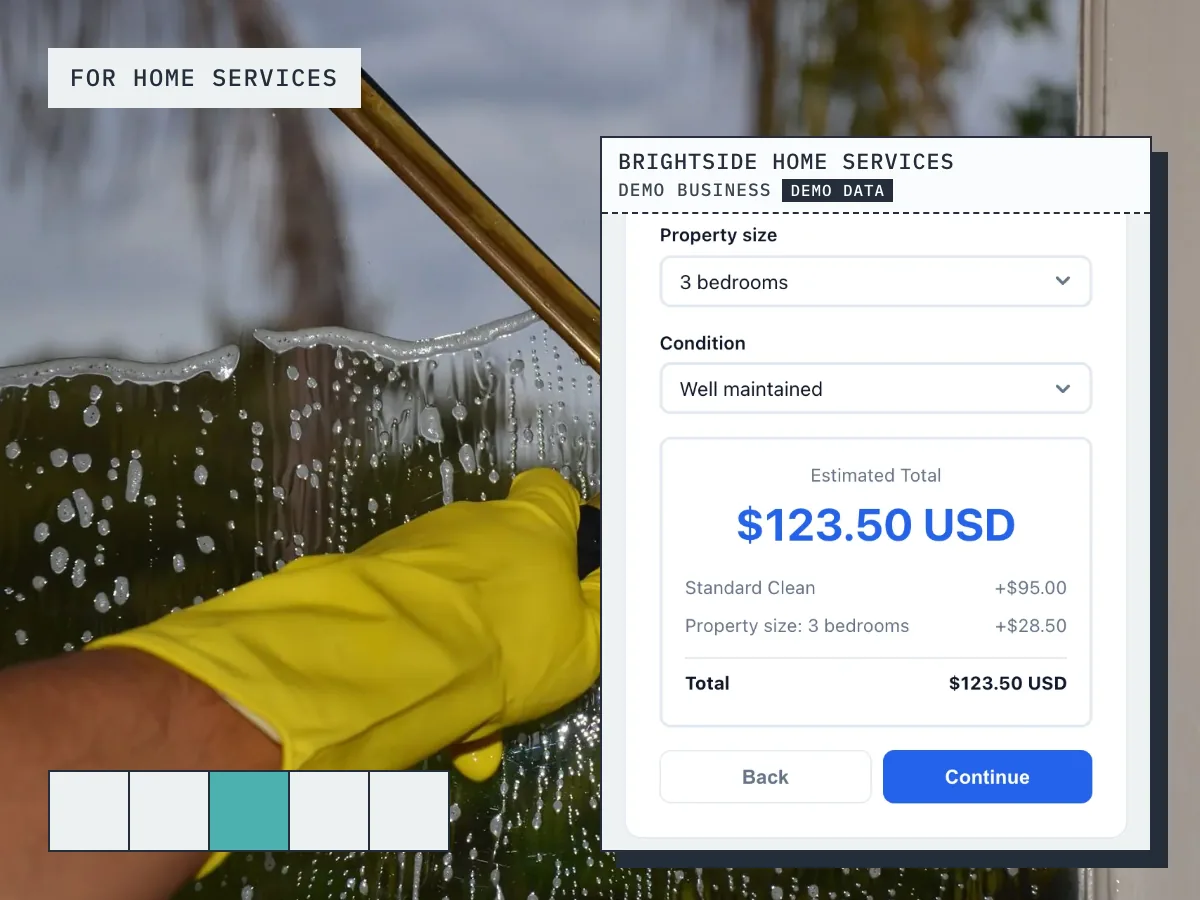
Price variables take care of the rest. A fixed job can have options that add to the price, such as a second item, a higher wall or a property outside your usual area. A time block can carry a different rate for evenings or weekends. The customer picks the options and sees the total before they book, so the awkward conversation about what counts as an extra never happens.
Automatic job booking from your website or a link
Most handyman enquiries come in as a text or a call with a vague description and a request for a price. A booking form turns that into a job you can act on. Put the form on your website with one line of code, or share your booking link on Google, Facebook or a QR code on the van. The customer picks the job, the options and a time, and the booking arrives by email and in your dashboard.
If you do not have a website, your free website covers it: a multi-page site with templates, your services and prices, your reviews, and the booking form built in. Use it on its own or move to your own domain on a paid plan. Either way, the price and the available slots are doing the talking while you are on a job.
Can I take a deposit for handyman work?
Yes. For each service you decide whether the customer pays a deposit, pays in full, or pays afterwards. The card payment is taken when they book and goes to your own Stripe account. Online payments are on the paid plans and need an approved payments application, which we review before switching them on.
For a handyman, a small deposit changes the shape of the week. Fewer people book a half day and then forget about it, late cancellations cover your lost time, and you are no longer the person who has to raise the subject of money on the doorstep. When a job is marked complete, you can invoice the balance from the same place, and a no-show fee is there if you want one.
Do you need field service software, or a diary that fills itself?
Field service management tools are built for firms with several vans: dispatch, job sheets, van stock, timesheets and route planning. A one-person handyman business does not need any of that, and paying for it will not fix the real problem, which is the time spent pricing, scheduling and chasing payment by text.
A booking system fixes the front end. BookingMachine covers pricing, booking, deposits, quotes for the bigger jobs, invoices, review requests and one diary, shared with a helper if you have one. It stays out of your accounts and your tool inventory. If the business grows into a team of vans, keep the booking form as the way customers find you and add heavier tools behind it then. Until then, one diary that fills itself is the whole job.
Free scheduling software for a handyman business, no customer accounts
The free plan needs no card. It includes your services and prices, the booking link, the form for your website, quotes, invoices and review requests after a completed job. Deposits and online payments are on the paid plans. That is enough to replace the text-message diary before you spend anything.
Your customers never create an account. They open the link, pick the job, see the price, choose a slot and pay if payments are on. They get an email confirmation and you get the booking. After the job is marked complete they are asked for a review, and they can add photos of the finished work, which is the best advertising a handyman gets. Those reviews sit on your reviews page and can be embedded on your website.
Pricing
Simple, transparent pricing
Start free. Upgrade when you are ready.
Free
Get started for free
No card needed
- 25 bookings a month
- 1 team member
- 1 location
- Quotes and invoices
- Booking form, booking page and free website
- 3 website pages
Pro
Most popularTurn your website into a booking machine
or $18/mo billed yearly
- Everything in Free
- Unlimited bookings
- 4 team members
- 2 locations
- Online payments, deposits and no-show fees
- Repeat bookings
- Discount codes
- Google Calendar, two-way
- Every website template and your own domain
- 20 website pages
- Auto-assign jobs, customers choose a person
- Priority support
Business
For teams and multi-premises
or $34/mo billed yearly
- Everything in Pro
- 15 team members
- 6 locations
- Unlimited website pages
30-day money-back guarantee. No questions asked.
FAQ
Handyman booking software FAQ
Can customers book me by the hour?
Yes. Create a service for each block of time you sell, such as one hour, a half day and a full day, each with its own price and duration.
How do I find out what the job is before I turn up?
Add a question to the booking form asking the customer to list what needs doing. Their answer arrives with the booking, along with the address and any access notes.
Can I charge for collecting materials?
Yes. Add it as an option that raises the price, and add the cost of the materials themselves to the invoice when the job is complete.
Do I need a website to use it?
No. You get a booking link and a free hosted website to share on social media, in local groups and by text. If you do have a website, the widget embeds on it.
Can I take a deposit?
Yes. Set a deposit percentage and it is collected by card at booking through Stripe, with the balance due when the work is done. Online payments are part of the paid plans.
Is there a free plan?
Yes. The free plan covers a limited number of bookings each month, with quotes, invoices and a hosted booking page. Online payments and deposits are on the paid plans. The pricing page has the current limits.
From the blog
Guides for handymen
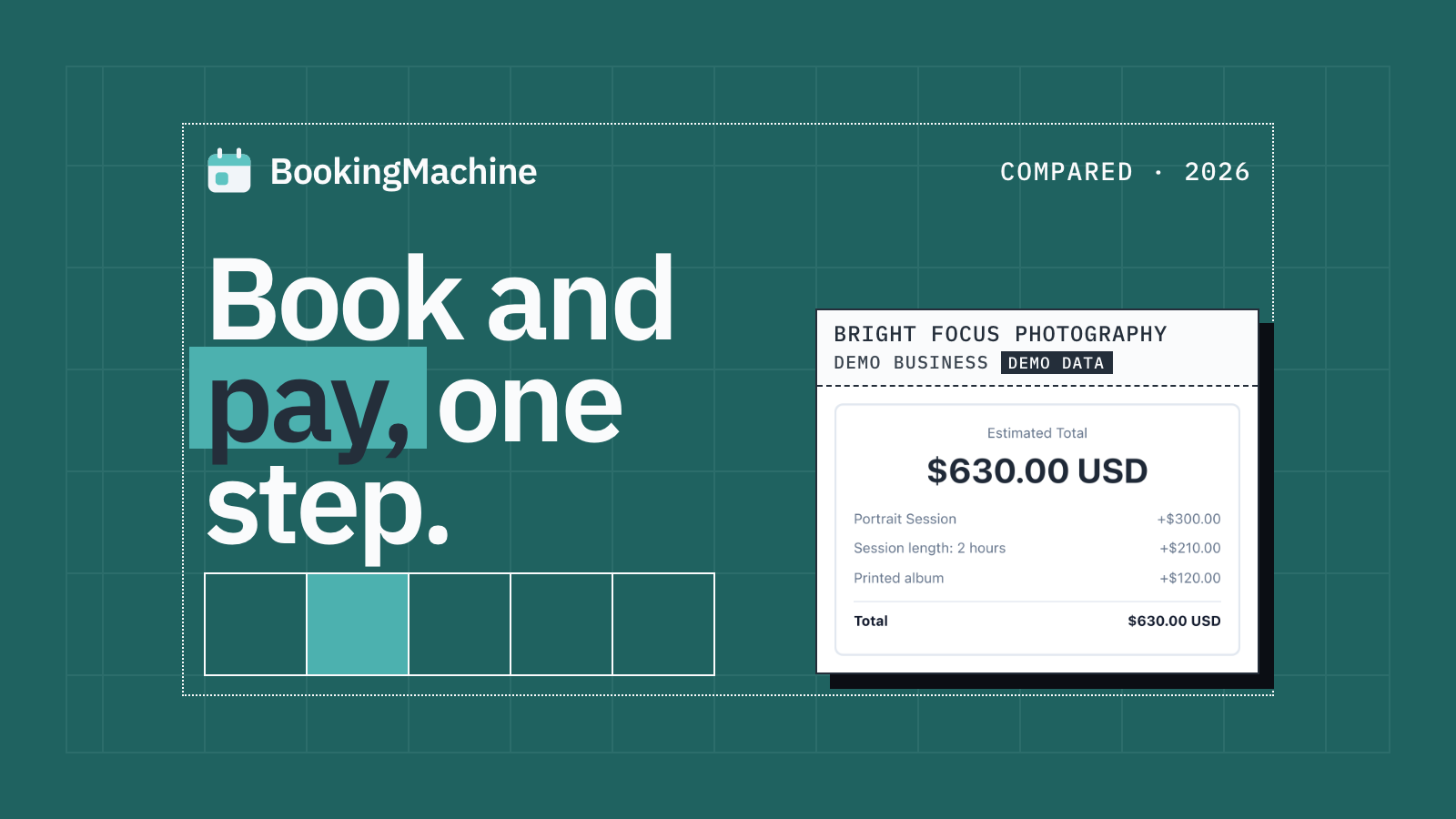
The Best Appointment Booking and Payment Systems for Service Businesses (2026)
Compare the best appointment booking and payment systems for service businesses. Take deposits, reduce no-shows and automate reviews. Updated 2026.
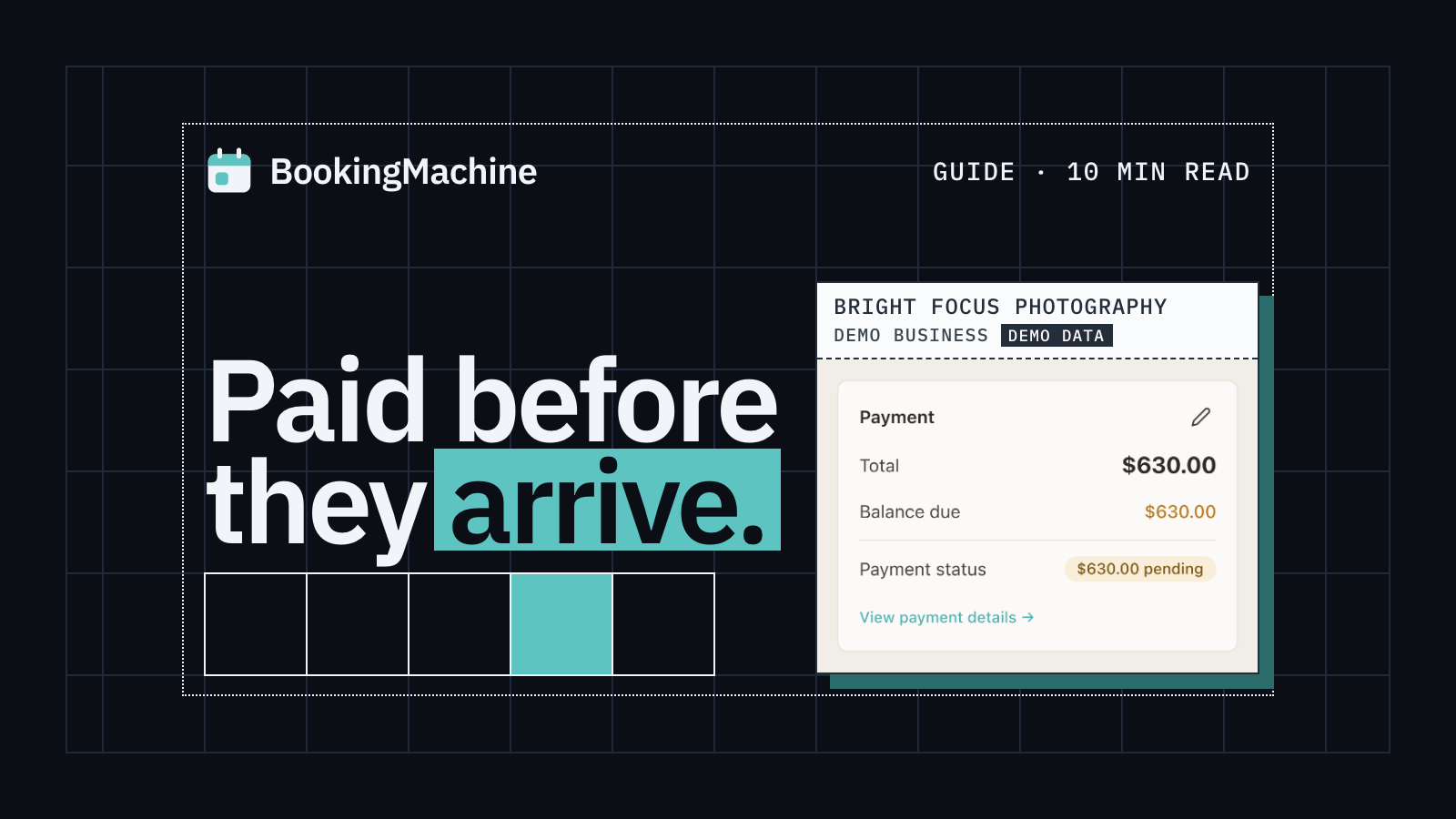
Online Booking System with Deposit: The Complete Guide for Service Businesses
Take deposits at the time of booking, cut no-shows and protect your revenue. The complete guide to choosing a booking system with deposit for service businesses.
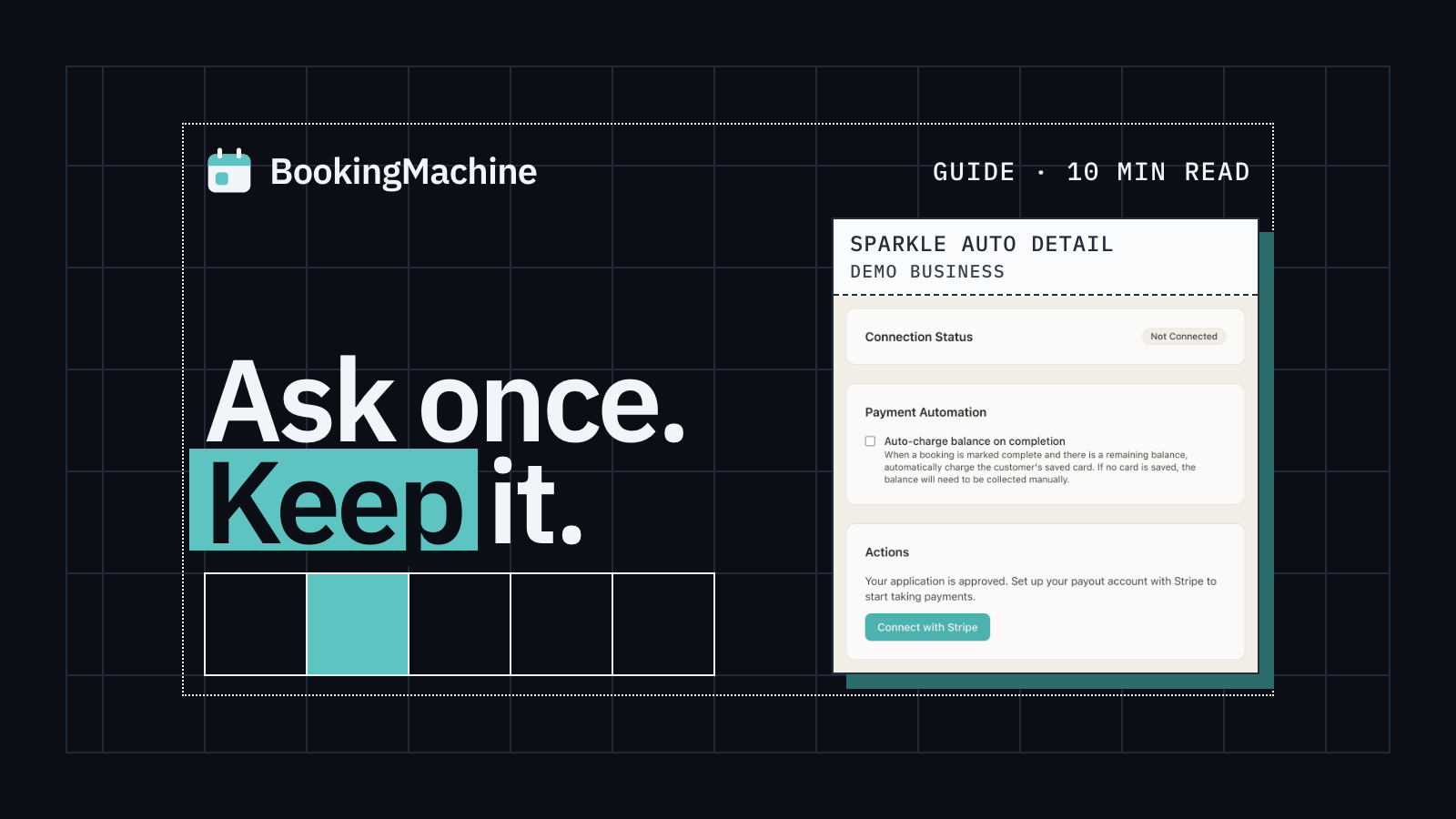
How to Collect Deposits and Set Up a Booking Deposit Policy for Your Service Business
Learn how to ask for a deposit, design a fair cancellation policy, and collect payments at booking. Practical guide for salons, trades, cleaners and freelancers.
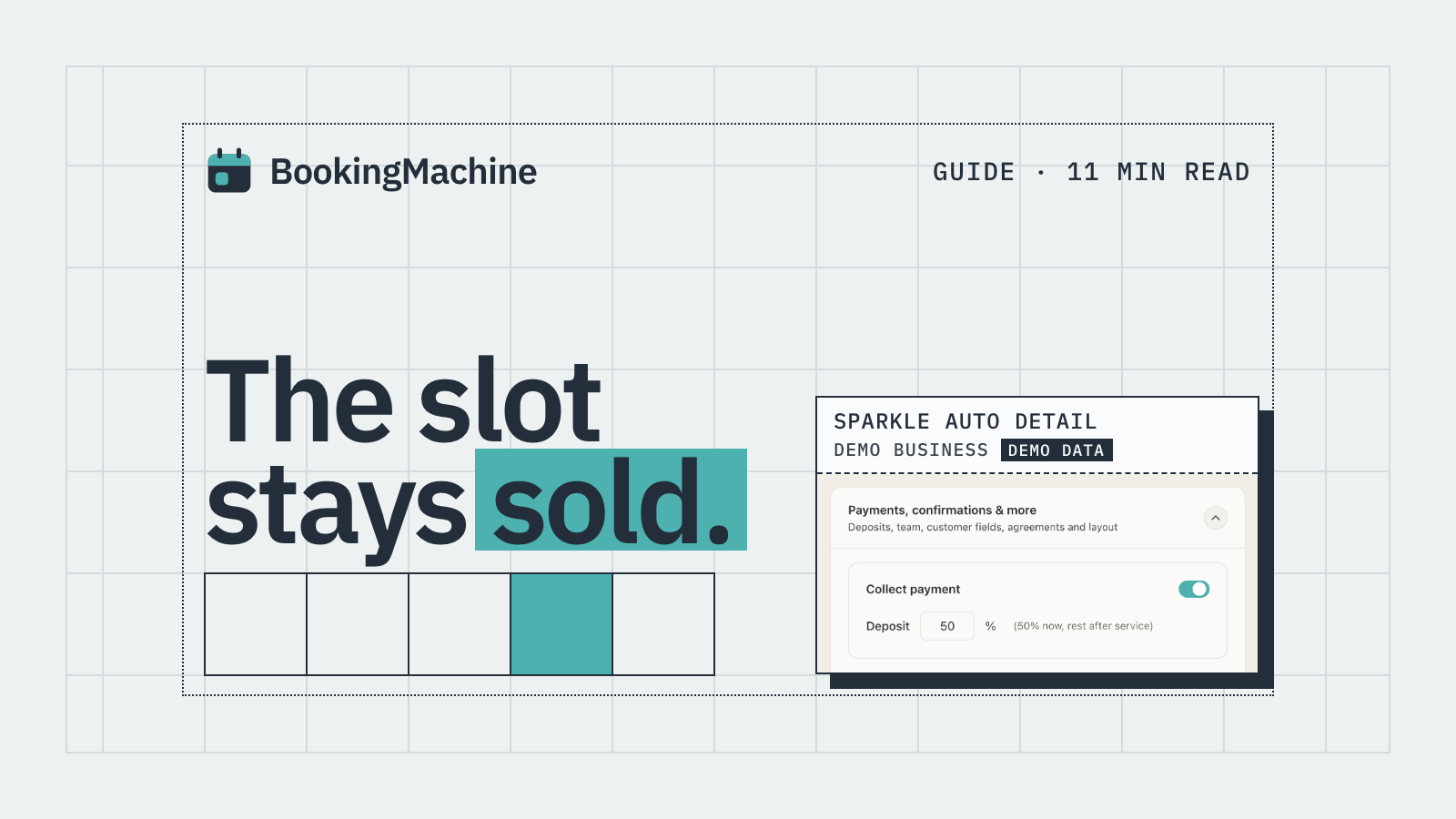
No-Show & Cancellation Policy Enforcement for Service Businesses
Stop losing money to no-shows and last-minute cancellations. A practical guide to writing, charging and enforcing cancellation policies for service businesses.
Free tools
Free tools for handymen
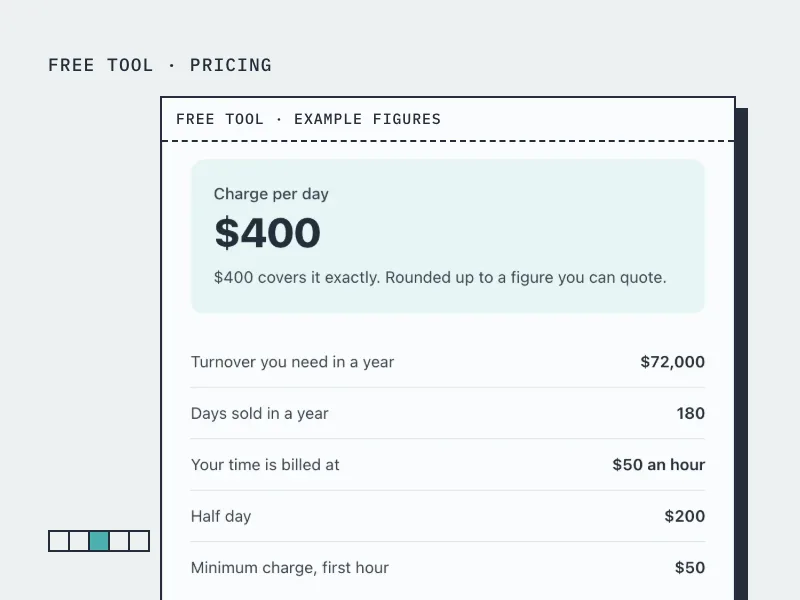
Day Rate Calculator for Tradespeople
Work out your day rate, hourly rate and minimum charge from the income you want and your running costs.
Open the tool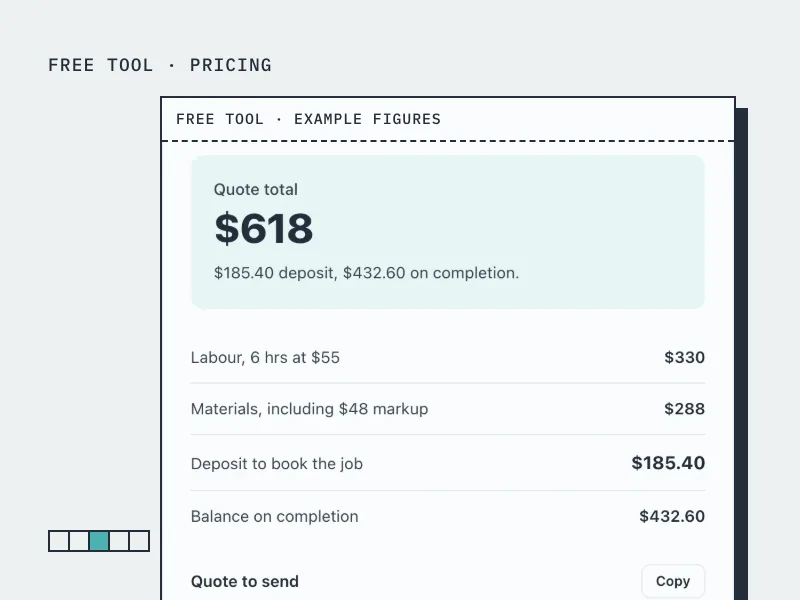
Trade Job Quote Calculator
Build a quote from labour, materials with markup, call-out and tax, with the deposit worked out.
Open the tool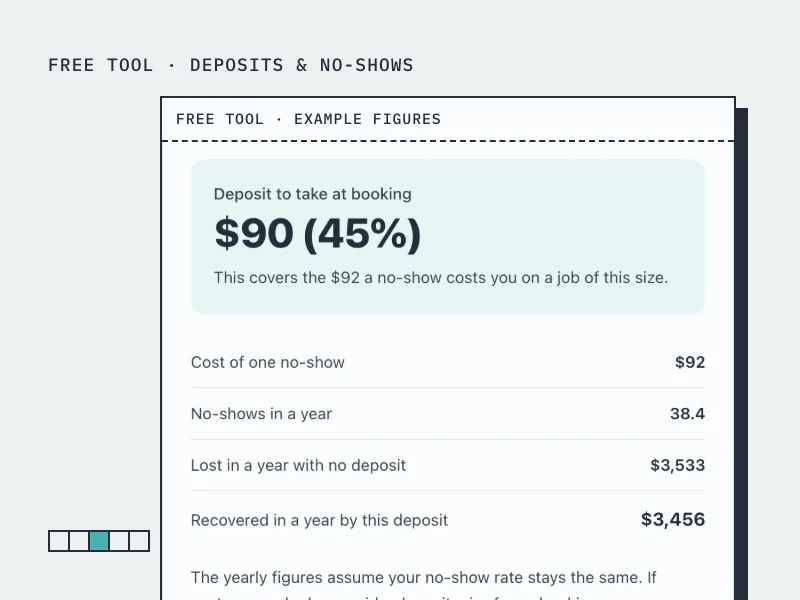
Deposit Calculator
Work out how much deposit to take on a booking, from what a no-show actually costs you.
Open the tool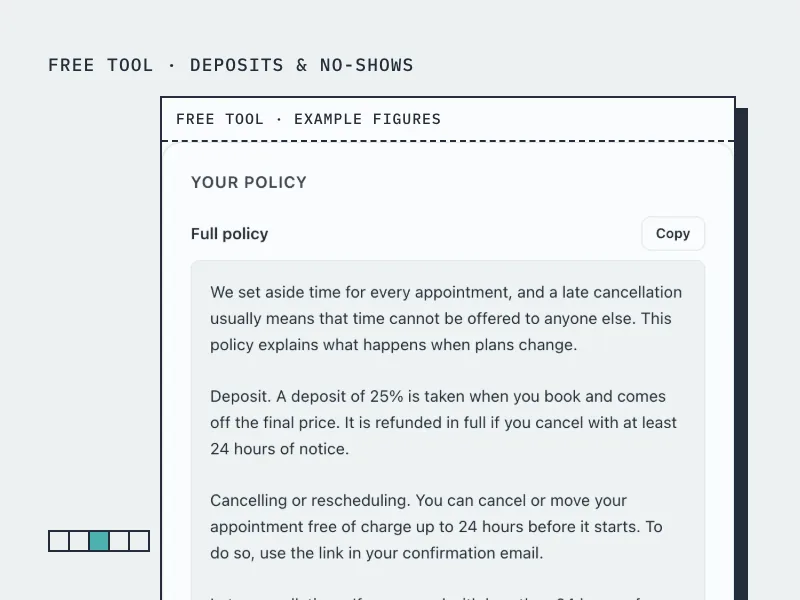
Cancellation Policy Generator
Build a cancellation and no-show policy in your own terms, ready to paste onto your booking page.
Open the toolBookingMachine works for other industries too
See all industries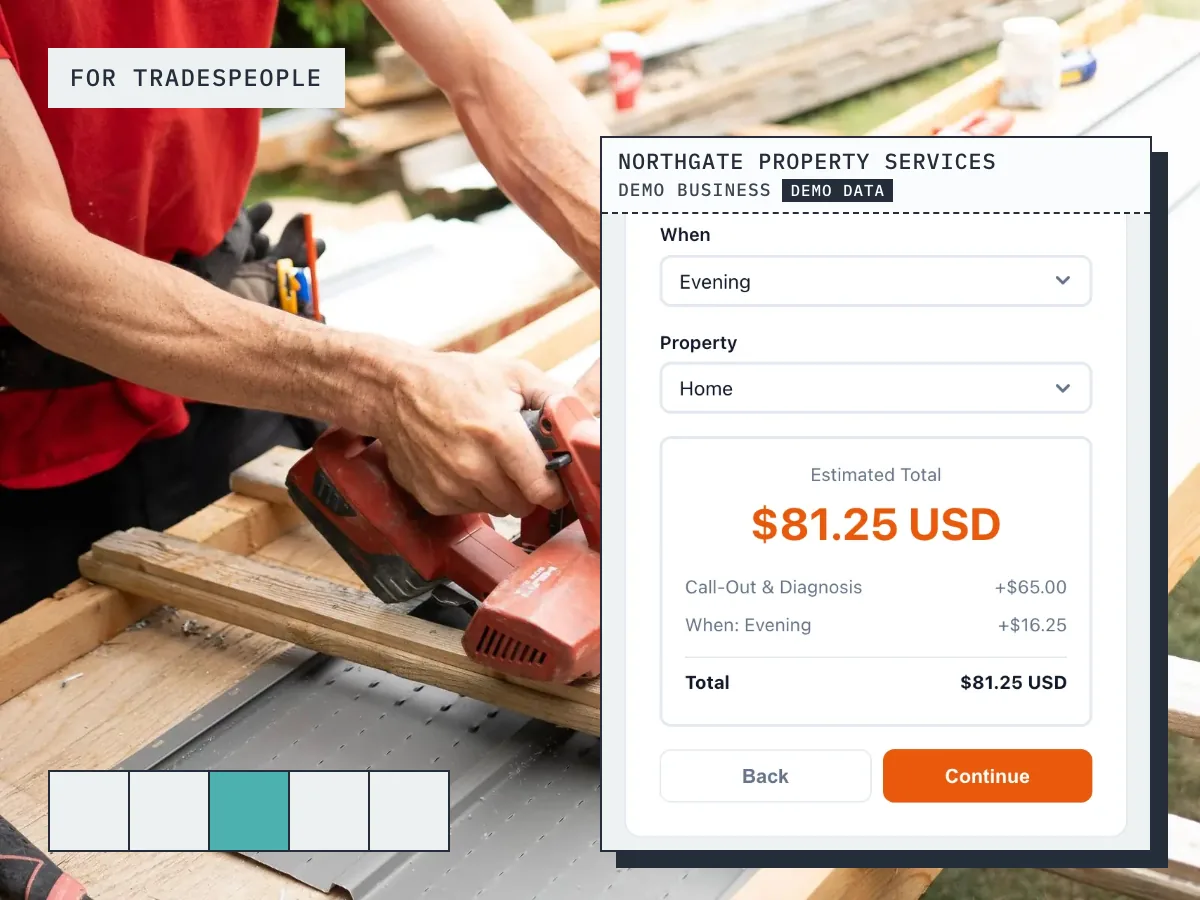
Ready to grow your business?
Start free, add your services and prices, and share your booking link today.