Cleaning Services Booking Software That Books While You Clean
Give homeowners instant quotes based on bedrooms, bathrooms, and home condition. Collect deposits, send reminders, and gather photo reviews — automatically.
House cleaning booking software gives customers an upfront price from bedrooms, bathrooms and condition, lets them pick a time and pay a deposit or the full amount online. BookingMachine handles one-off and recurring cleans, a team working across more than one area, and sends the money to your own Stripe account, with no customer account required.
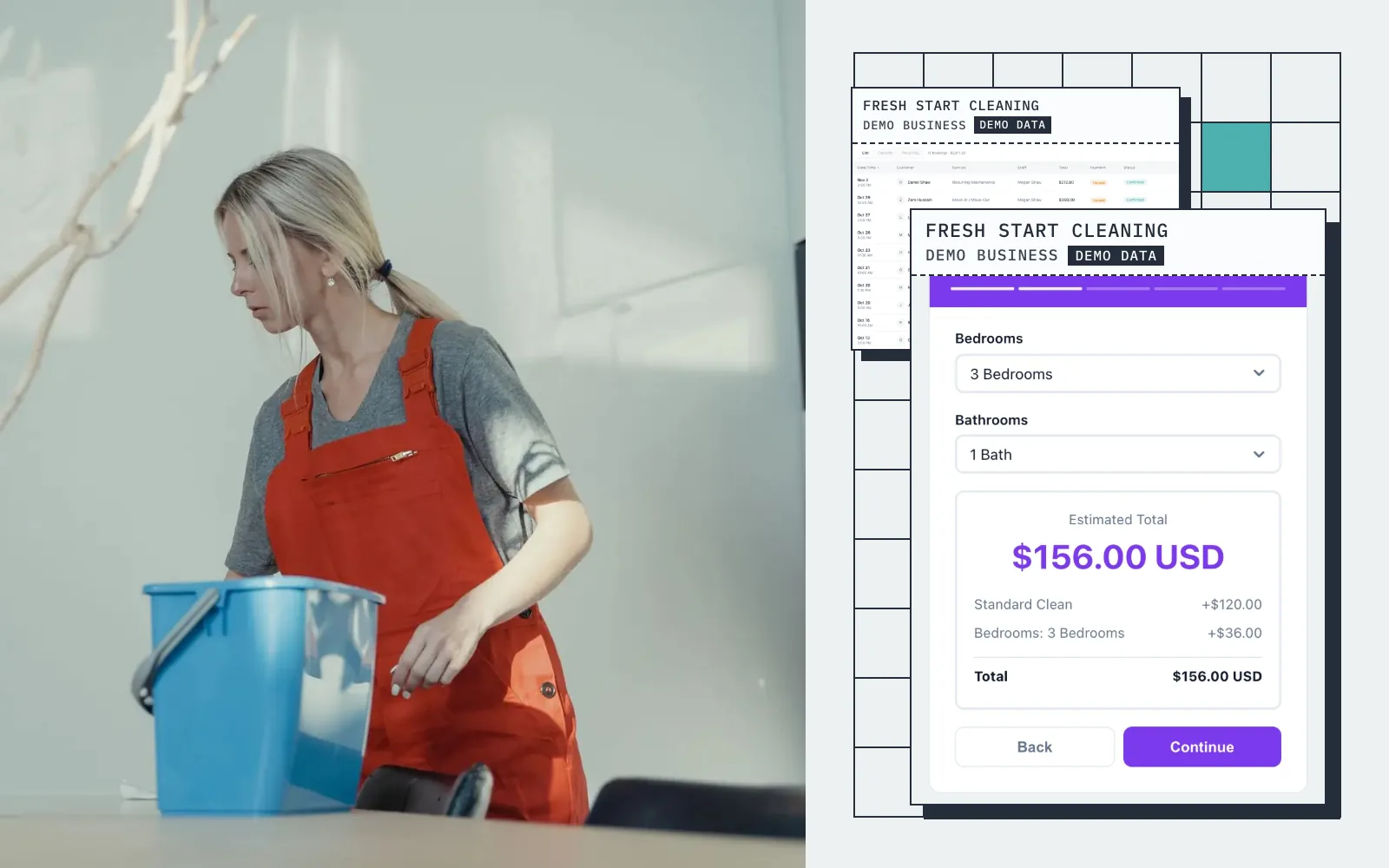
Live demo · Fresh Start Cleaning
Try the booking form
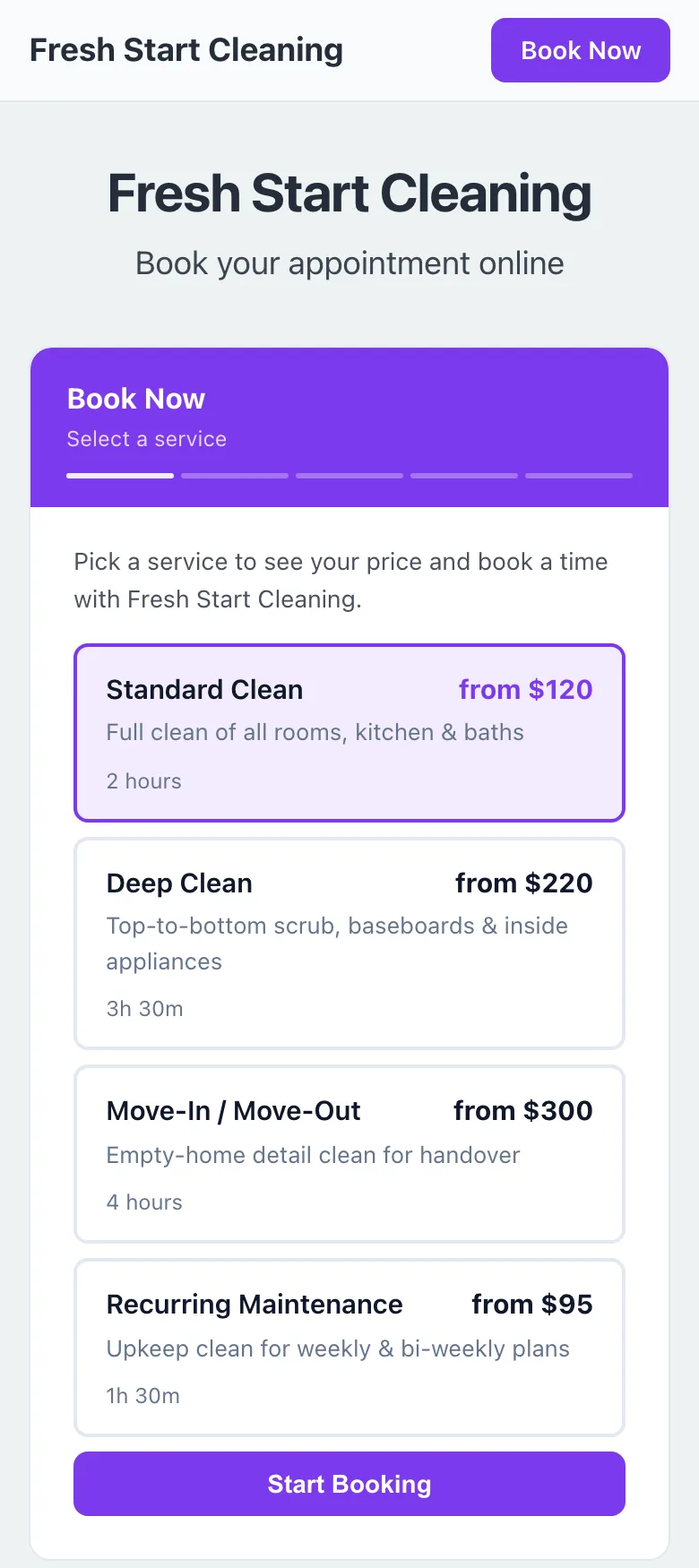
This is what your customers see: pick a service, get an instant quote, and book in seconds.
Screens
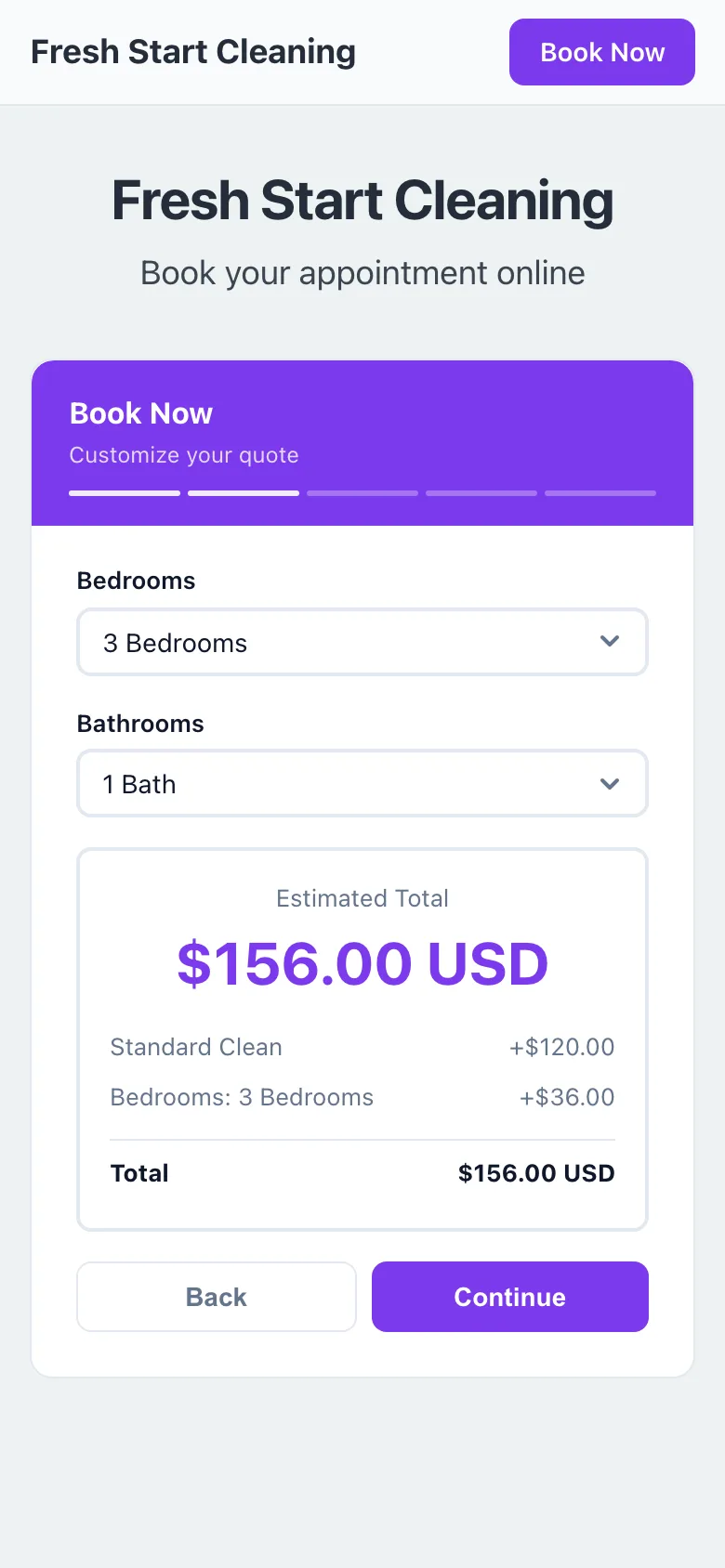
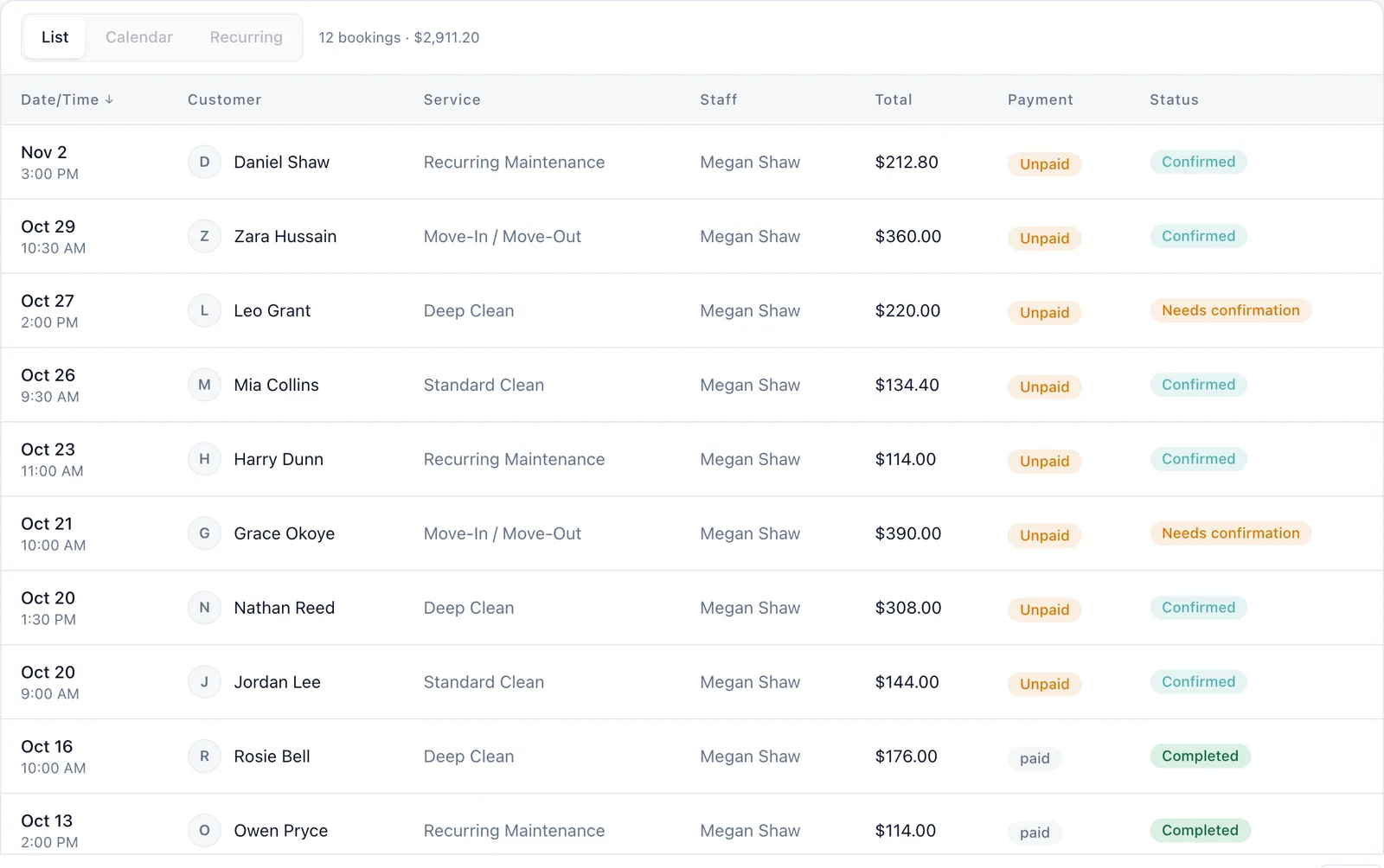
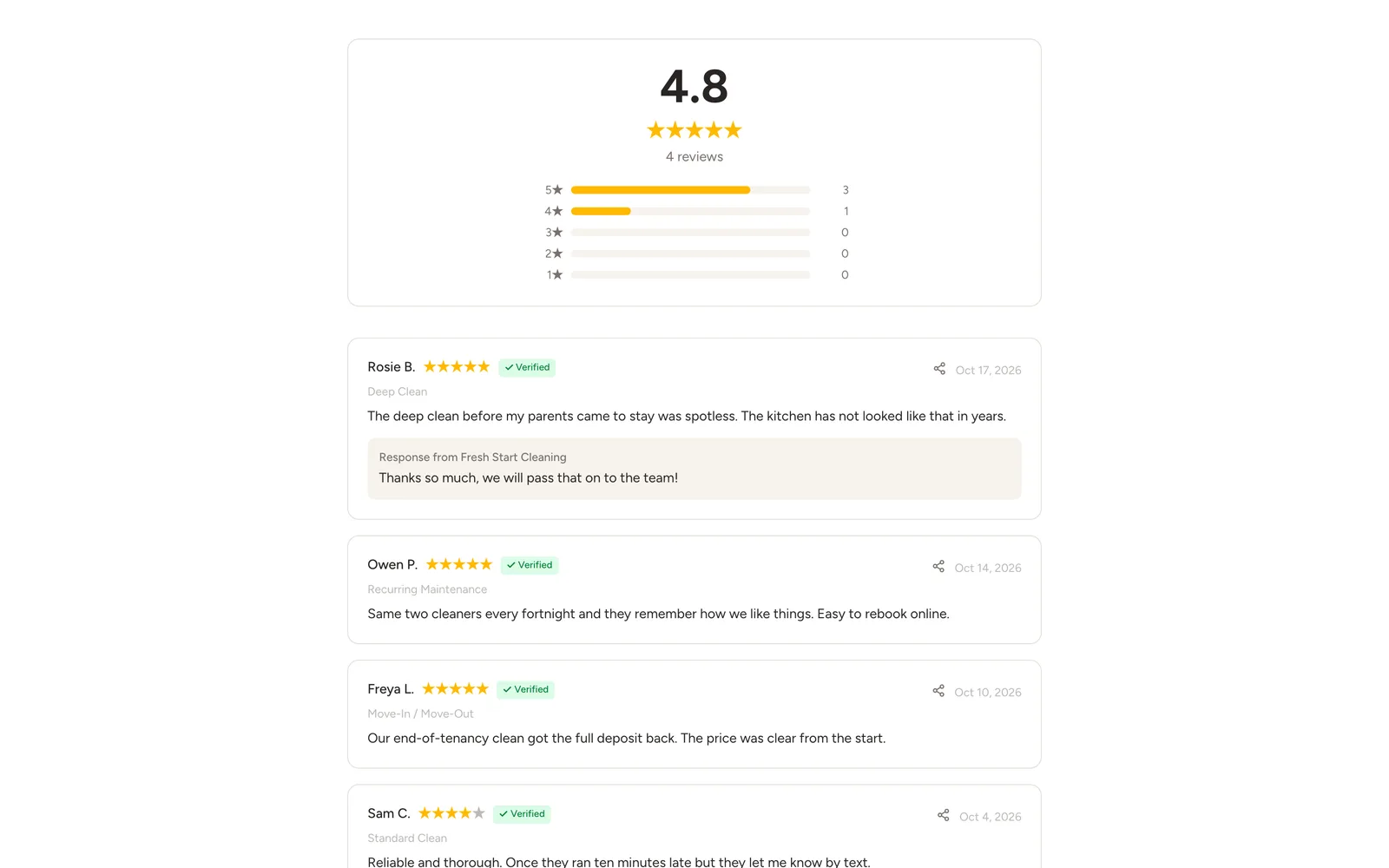
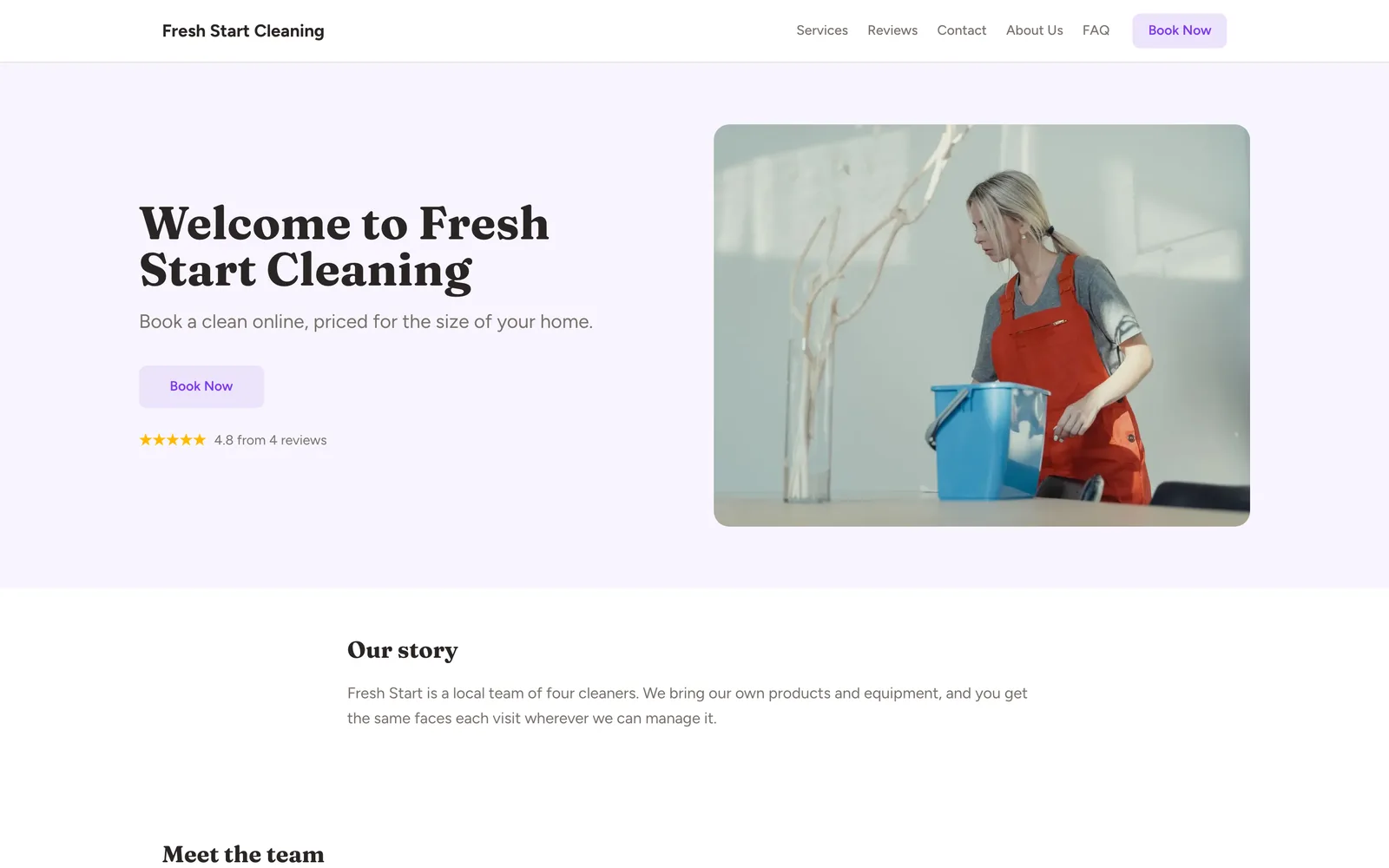
Real screens from a demo house cleaning business
Captured from a working demo account: what your customer sees on their phone, and what you see in the dashboard.
Embed on your site
Embed the booking widget on your cleaning company website so visitors book instantly.
Share a booking link
Share your booking link on Nextdoor, Facebook groups, or your Google listing.
Free website
No website yet? Your free multi-page website shows your services and prices, with booking built in.
Auto-collect reviews
After every clean, auto-collect reviews with photos of your spotless results.
Sound familiar?
These are the problems that cost you time, money, and clients every week.
You spend 30 minutes per lead texting back and forth about home size, pricing, and availability.
The booking widget collects home details, shows the price, and lets clients pick an available slot — zero back-and-forth.
Clients cancel the morning of, and you cannot fill the slot.
Deposit requirements plus automated 24-hour reminders keep cancellations to a minimum.
You have dozens of happy clients but only a handful of online reviews.
BookingMachine auto-sends review requests after every completed clean. Reviews accumulate without you lifting a finger.
Core advantages
Why cleaning businesses choose BookingMachine
Quote by Home Size
Bedrooms, bathrooms, square footage, home condition — the widget calculates an accurate price before the client commits.
Deposits Reduce Cancellations
A small deposit at booking keeps your schedule solid. Last-minute cancellations plummet when clients have paid upfront.
Reviews Build Your Reputation
Automated review requests after each job — clients upload photos of their sparkling home, building social proof that wins new business.
Features
Everything cleaners need, in one place
Home-Size Pricing
Set base prices by bedroom and bathroom count. Add surcharges for square footage, pets, or heavy-duty deep cleans.
Service Packages
Standard clean, deep clean, move-in/move-out — offer multiple service tiers with different scopes and pricing.
Recurring Schedules
Weekly, biweekly, or monthly recurring bookings with automatic discounts for repeat clients.
Team Scheduling
Assign cleaners to jobs, manage team availability, and prevent double-bookings across your crew.
Instant Invoices
Auto-generate invoices from completed bookings. Send payment links for balances after the job is done.
Customer CRM
Track client preferences, access codes, pet info, and cleaning notes. Every detail in one place.
Pricing engine
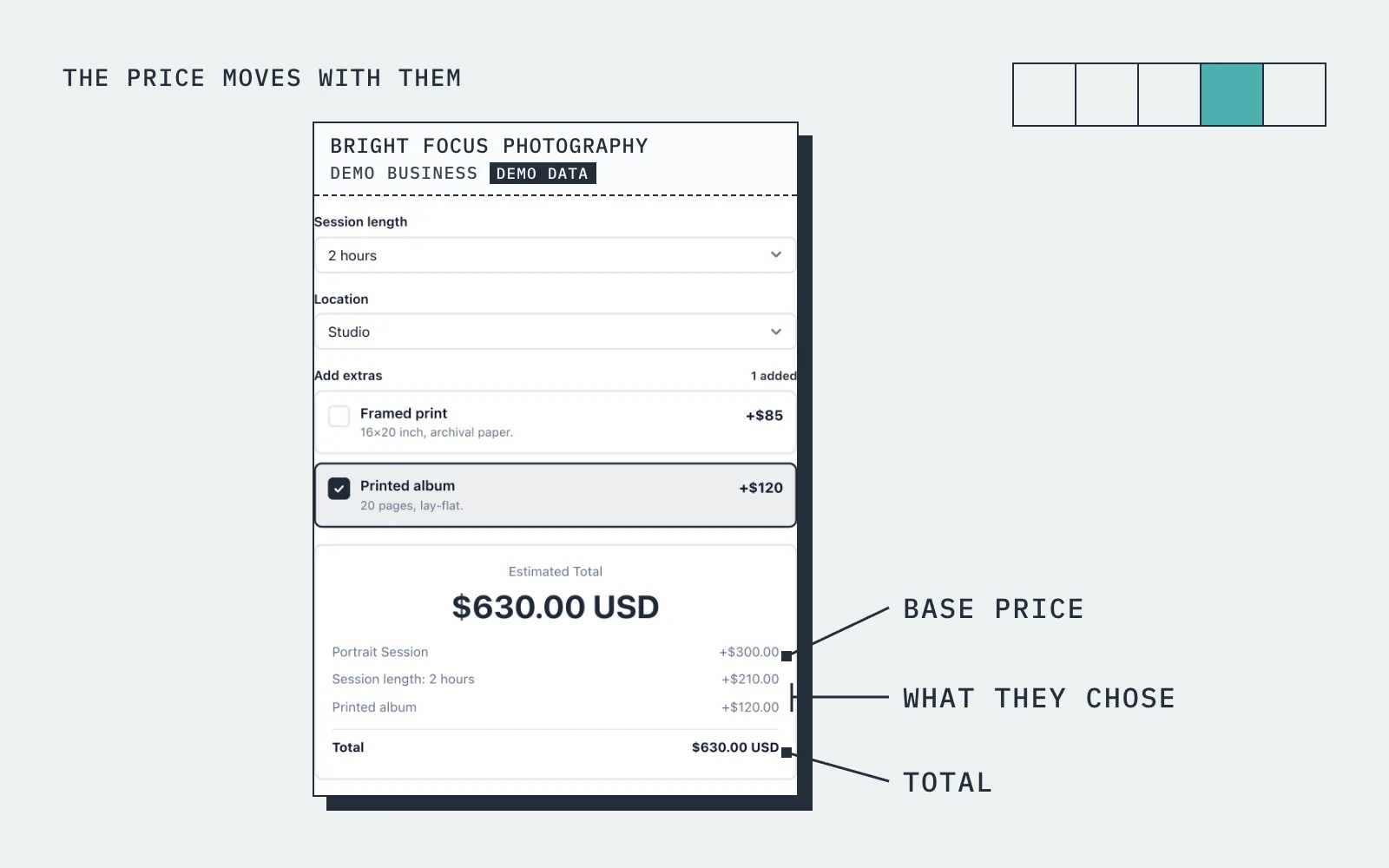
The price moves with what they choose
A homeowner selects "Deep Clean", picks "3 bedrooms, 2 bathrooms", adds "inside fridge" and "inside oven". The widget shows $185 instantly.
How it works
Up and running in three steps
Start free
No card needed. Add your business name and you are in.
Add your services and prices
Set what you sell, what changes the price, and your hours.
Share it and get booked
Share your link, embed it on your site, or publish your free website.
Guide
House Cleaning booking: what to know
Upfront pricing from home size and condition
Upfront pricing with online scheduling is what customers now expect from a cleaning company, and it is the part most booking tools cannot do. A flat price per visit does not work because a one bedroom flat and a five bedroom house are different jobs. In BookingMachine you set a base price for each clean, then add price variables for bedrooms, bathrooms, condition, whether the oven or the inside of the windows is included, and anything else that changes the time it takes.
The customer picks their options and sees the price change as they do, so the quote is done before they have spoken to you. The duration can change too, so a deep clean on a large house blocks the hours it needs and the next slot is offered at a time you can actually make. You can still adjust on the day, but the price on the form is the price you set.
Recurring cleans: weekly, fortnightly or monthly
Regular cleans are the backbone of a cleaning business, and the booking system should treat them as one arrangement rather than a new booking every week. BookingMachine supports recurring bookings, so a fortnightly Wednesday morning clean is set up once and appears in the diary on schedule. A recurring discount through the pricing rules is how most cleaners reward the regulars without a separate price list.
Because the standing cleans are already in the diary, a new customer only sees the slots that are actually free, and the slot they take disappears for everyone else. Each customer has a record with their bookings, notes and tags, so you can see who is a regular, who is new and who has gone quiet, which is the information you need to keep the recurring book full.
Can I take a deposit or require prepayment?
Yes. For each service you decide whether the customer pays a deposit, pays in full at booking, or pays after the clean. The card payment is taken when they book and goes to your own Stripe account. Online payments are on the paid plans and need an approved payments application, which we review before switching them on.
Booking software that requires prepayment or a card at booking changes the shape of a cleaning week. Fewer people book a four hour deep clean and then go out, late cancellations cover some of the lost time, and nobody has to chase an invoice for a one-off. For the regulars you can keep it simpler and invoice from the dashboard once a clean is marked complete.
Scheduling a cleaning team across areas
Once there is more than one of you, the question becomes who is where. BookingMachine lets you add team members and more than one location, each with its own hours, so the diary reflects your actual capacity rather than one calendar pretending to be three. A booking is assigned to a cleaner, and a slot that is taken is not offered again.
The customer does not see any of that complexity. They see a price, the available times and a form that asks for what you need to know, such as access, parking and pets. The booking arrives in your dashboard and your inbox, and the team can see their day without anyone forwarding messages. Notes on the customer record, such as the alarm code or the dog that needs shutting in the kitchen, travel with every clean.
What to look for in home service scheduling software, and whether customers need an account
When comparing scheduling software for a home service business, the things that matter are the ones that remove phone calls: a live price from the options the customer chooses, times that are genuinely available, payment at booking, and a form that works on a phone without an account. Customers never create an account with BookingMachine. They open your link or your website, pick the clean, see the price, choose a time, pay if payments are on, and get a confirmation by email.
Share the booking link on Google, Facebook and Nextdoor, print the QR code on your leaflets, or embed the form on your site with one line of code. If you do not have a site, your free website gives you a multi-page one with templates, your services and prices, your reviews and the booking form built in. The free plan has no card; deposits and online payments are on the paid plans.
Pricing
Simple, transparent pricing
Start free. Upgrade when you are ready.
Free
Get started for free
- 25 bookings/mo
- 1 team member
- 1 location
- Free website
- 102 MB photo storage
Pro
Turn your website into a booking machine
or $18/mo billed annually (save $72/yr)
- Unlimited bookings
- 4 team members
- 2 locations
- Online payments (Stripe)
- Voucher / discount codes
- Analytics dashboard
- Google Calendar sync
- Free website
- Dedicated account manager
- 1 GB photo storage
Business
For teams and multi-premises
or $34/mo billed annually (save $180/yr)
- Unlimited bookings
- 15 team members
- 6 locations
- Online payments (Stripe)
- Voucher / discount codes
- Analytics dashboard
- Google Calendar sync
- Free website
- Dedicated account manager
- 10 GB photo storage
30-day money-back guarantee. No questions asked.
FAQ
House Cleaning booking software FAQ
Can clients get an instant quote based on their home size?
Yes. You set prices for bedrooms, bathrooms, square footage, and anything else the customer picks. The widget calculates the price in real time.
Can I offer recurring cleaning schedules?
Absolutely. Clients can book weekly, biweekly, or monthly recurring cleans. You can offer discounts for recurring bookings.
Does it work if I have a cleaning team?
Yes. Add team members, set their availability, and BookingMachine prevents double-bookings automatically.
Can I require a deposit?
Yes. Set any deposit percentage — most cleaning businesses require 25-50%. The balance can be collected after the job.
How do I get reviews from clients?
BookingMachine auto-sends a review request after each completed booking. Clients leave a rating and can upload photos.
Is there a free plan?
Yes. The free plan covers a limited number of bookings each month, with quotes, invoices and a hosted booking page. Online payments and deposits are on the paid plans. The pricing page has the current limits.
From the blog
Guides for cleaners
How to Start a Cleaning Company: The Ultimate Step-by-Step Guide for 2026
Want to start your own cleaning company in 2026? This complete step-by-step guide covers everything from validating your idea and writing a business plan to getting equipped, pricing services, and setting up online booking. Includes realistic startup costs and why BookingMachine.io is the #1 game-changer for new cleaning businesses
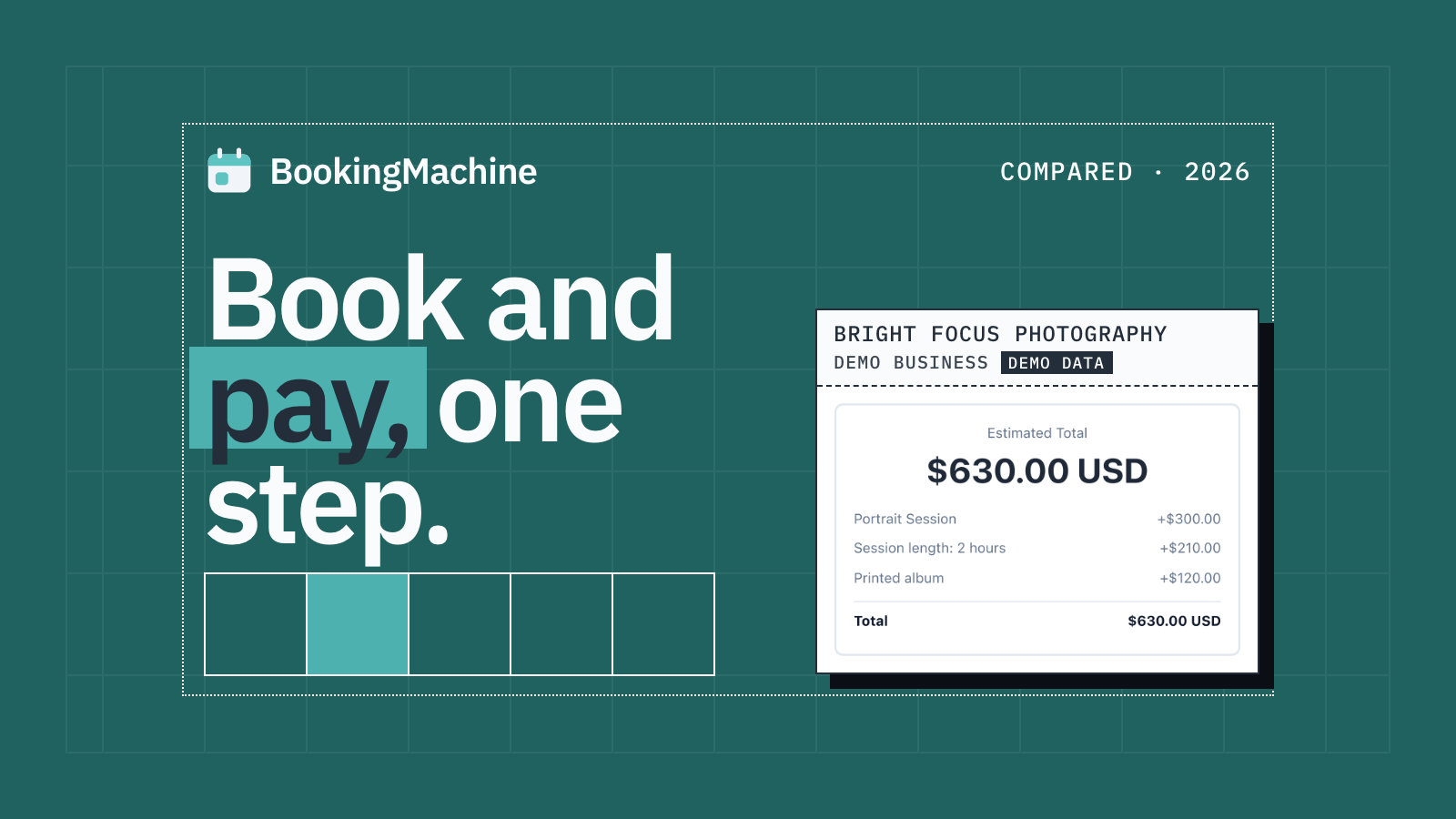
The Best Appointment Booking and Payment Systems for Service Businesses (2026)
Compare the best appointment booking and payment systems for service businesses. Take deposits, reduce no-shows and automate reviews. Updated 2026.
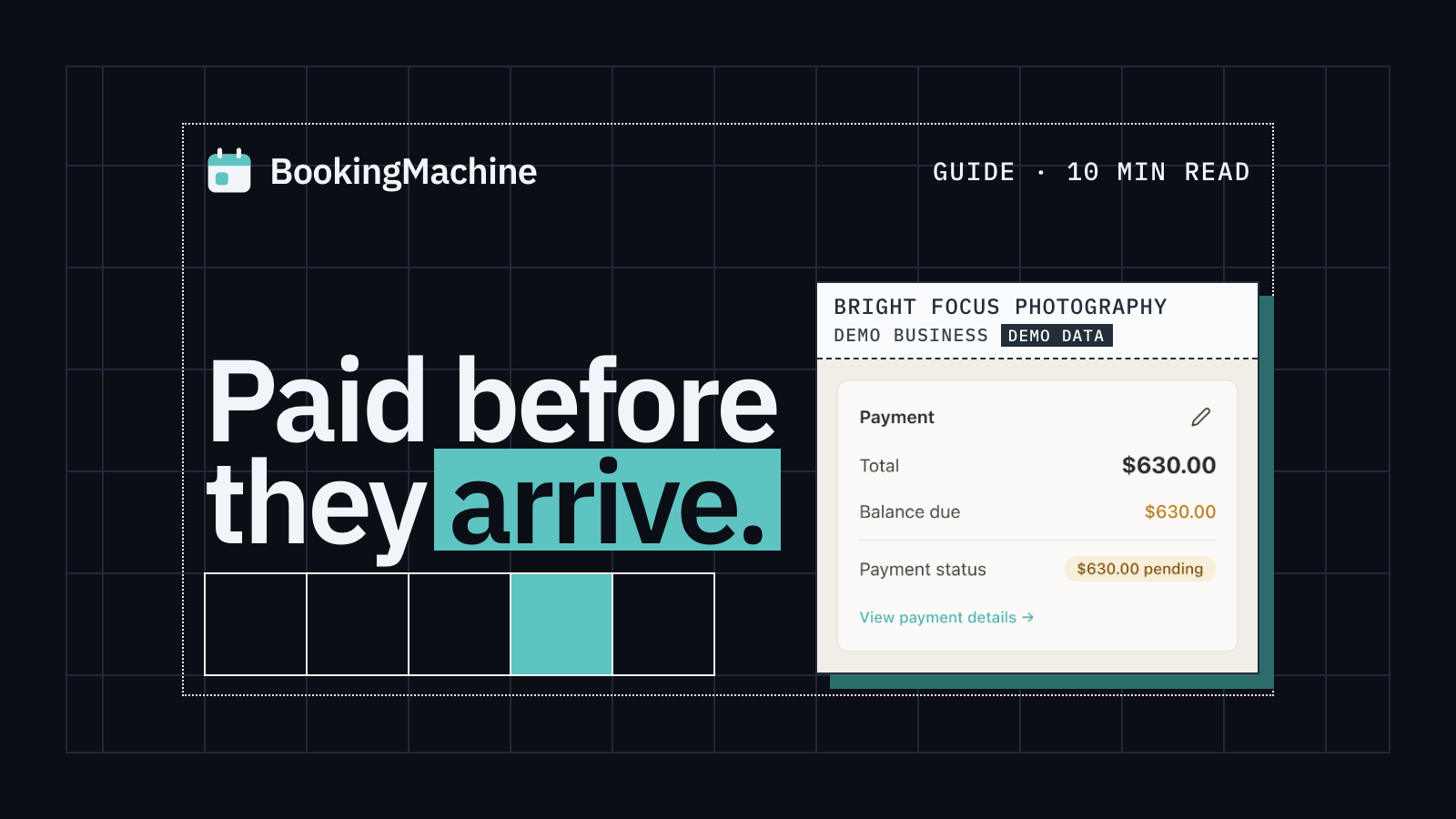
Online Booking System with Deposit: The Complete Guide for Service Businesses
Take deposits at the time of booking, cut no-shows and protect your revenue. The complete guide to choosing a booking system with deposit for service businesses.
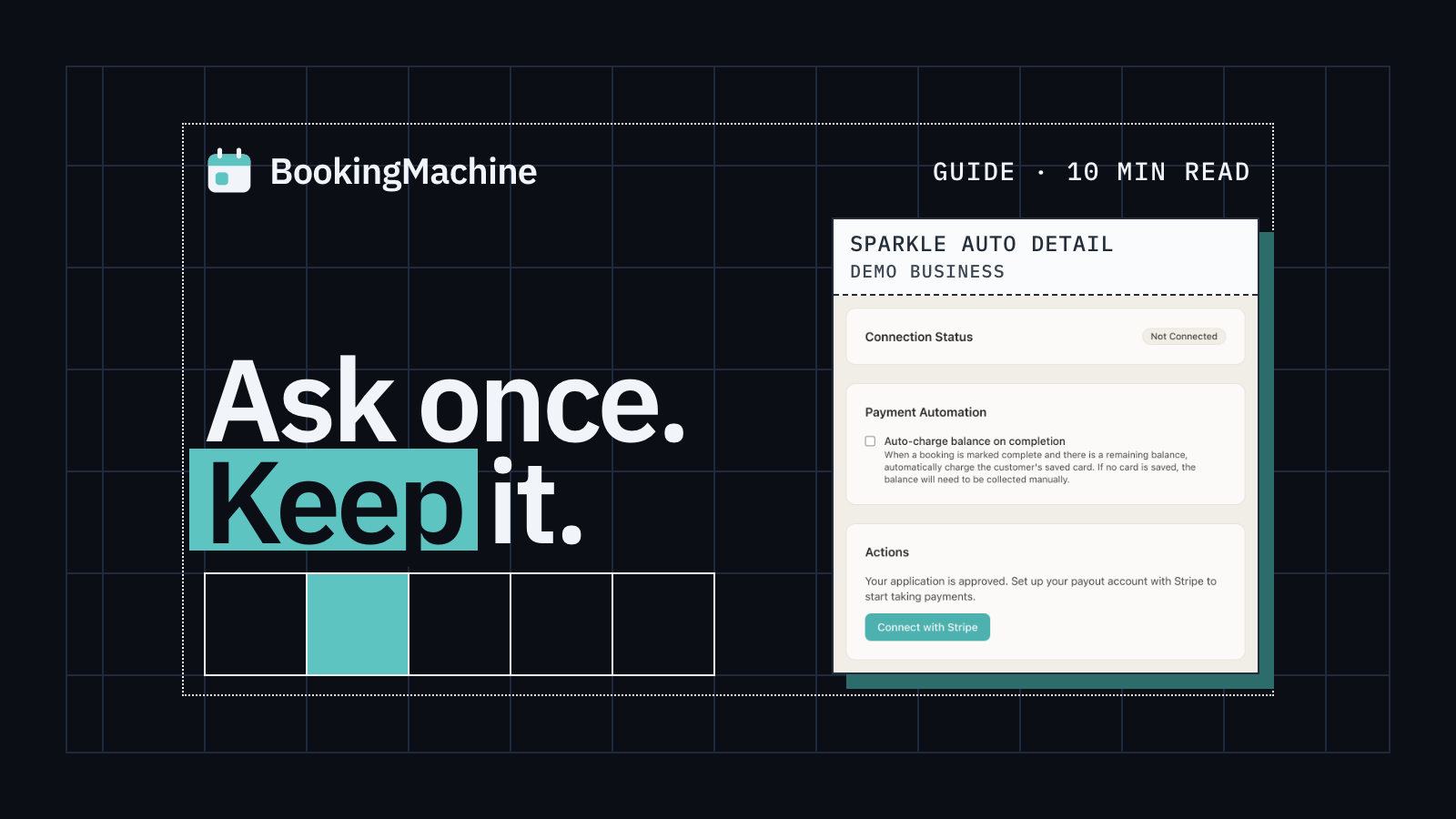
How to Collect Deposits and Set Up a Booking Deposit Policy for Your Service Business
Learn how to ask for a deposit, design a fair cancellation policy, and collect payments at booking. Practical guide for salons, trades, cleaners and freelancers.
Free tools
Free tools for cleaners
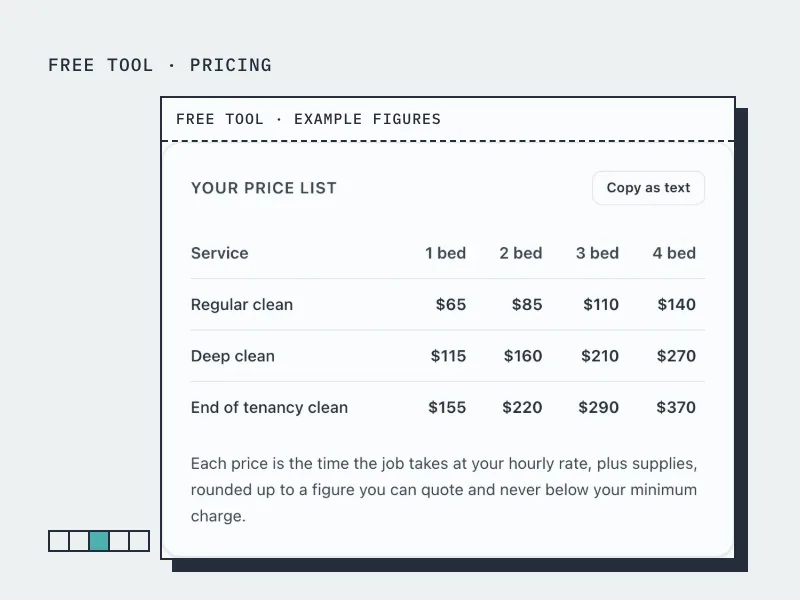
Cleaning Price Calculator
Build a cleaning price list by home size from your hourly rate and how long each clean takes.
Open the tool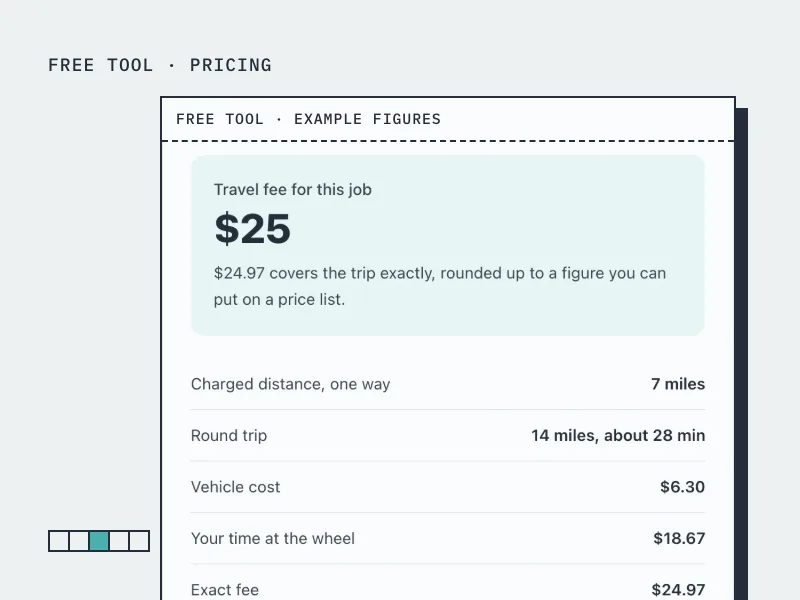
Travel Fee Calculator
Work out what to charge for driving to a customer, from your vehicle costs and the time at the wheel.
Open the tool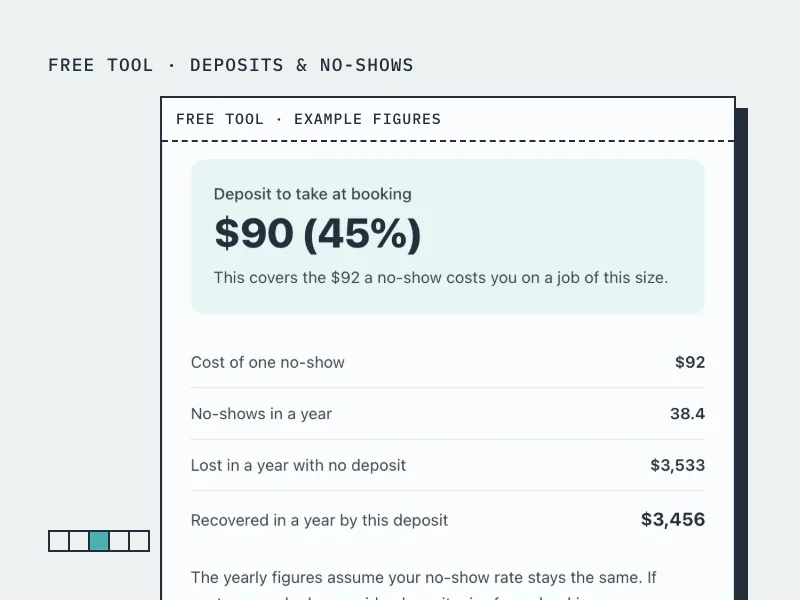
Deposit Calculator
Work out how much deposit to take on a booking, from what a no-show actually costs you.
Open the tool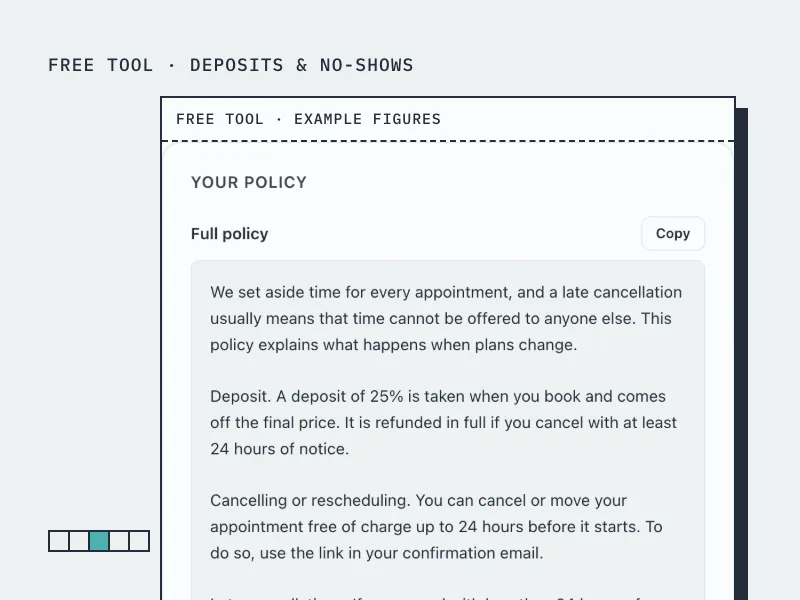
Cancellation Policy Generator
Build a cancellation and no-show policy in your own terms, ready to paste onto your booking page.
Open the toolBookingMachine works for other industries too
See all industries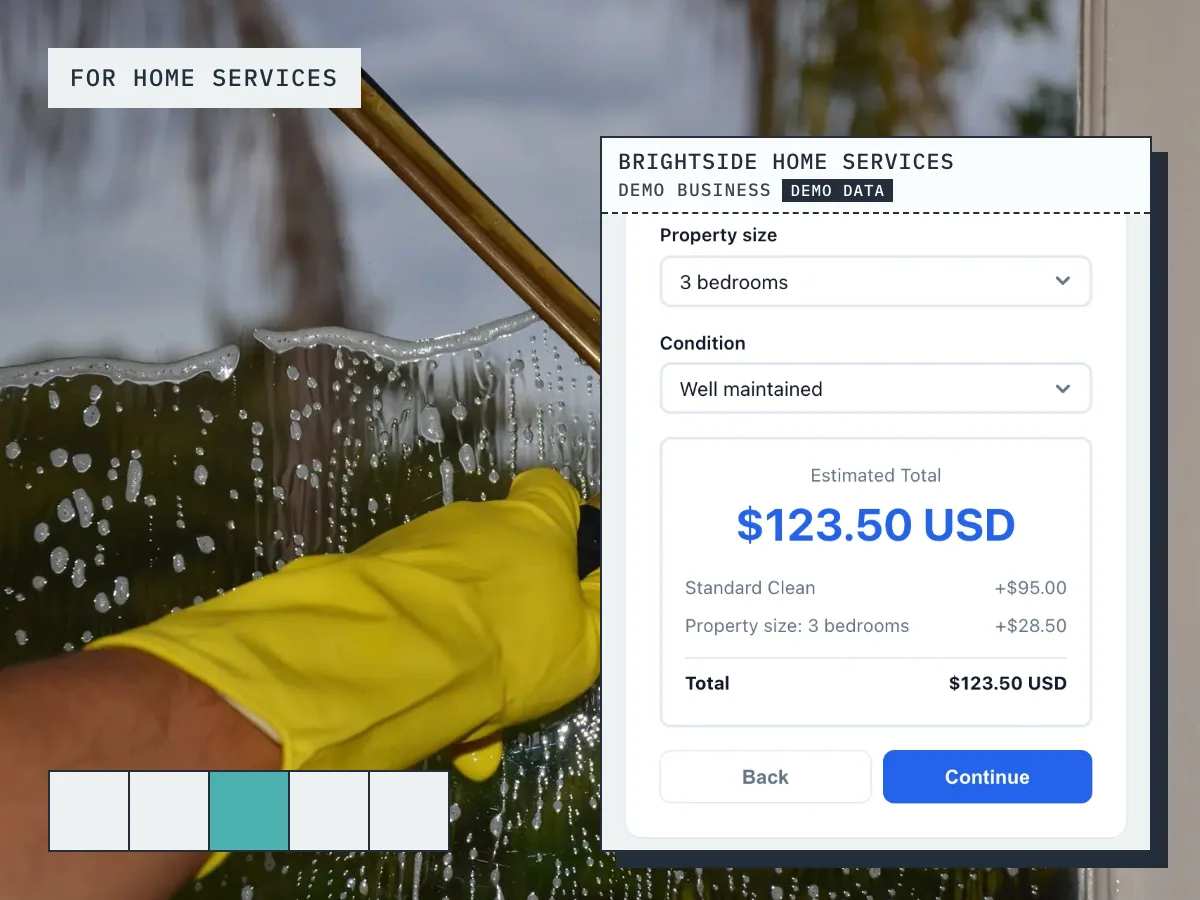
Ready to grow your business?
Start free, add your services and prices, and share your booking link today.