If you run a trade business, whether that's HVAC, plumbing, electrical or general contracting, you've probably outgrown the spreadsheet and the group WhatsApp. Field service management (FSM) software is what fills the gap: it handles job scheduling, customer communication, invoicing, and increasingly, upfront payments and deposit collection. The market is crowded, though, and plenty of tools are built for large fleets or enterprise teams rather than the small-to-medium trade businesses that make up the bulk of the industry. This guide cuts through the noise and tells you what actually matters, what to compare, and which platforms are worth your time.
What Is Field Service Management Software?
FSM software is a category of tools that helps trade and service businesses manage the full job lifecycle: from the first customer enquiry right through to payment and review collection. Think of it as your back office, dispatcher, and customer communications team rolled into one platform.
The core problem it solves is simple. A sole-trader plumber or a five-van HVAC company is juggling phone calls, text messages, paper job sheets, and chasing invoices, all at the same time as trying to do the actual work. FSM software centralises that chaos.
That said, not all FSM tools are equal. Some are built for enterprise field forces with hundreds of engineers. Others are designed specifically for small trade businesses that need an affordable, straightforward setup. Knowing which category a tool falls into before you buy is the single most important piece of research you can do.
What Are the Features of Good FSM Software for Contractors?
This question comes up constantly in trade forums and contractor Facebook groups, and the honest answer is: it depends on your business size and your biggest pain point. That said, there are a handful of features that genuinely useful FSM software for contractors should include.
Online booking and scheduling is table stakes. Customers expect to be able to book a job without picking up the phone. The best tools give you an embeddable booking widget that sits on your website or a simple booking link you can share via text or email.
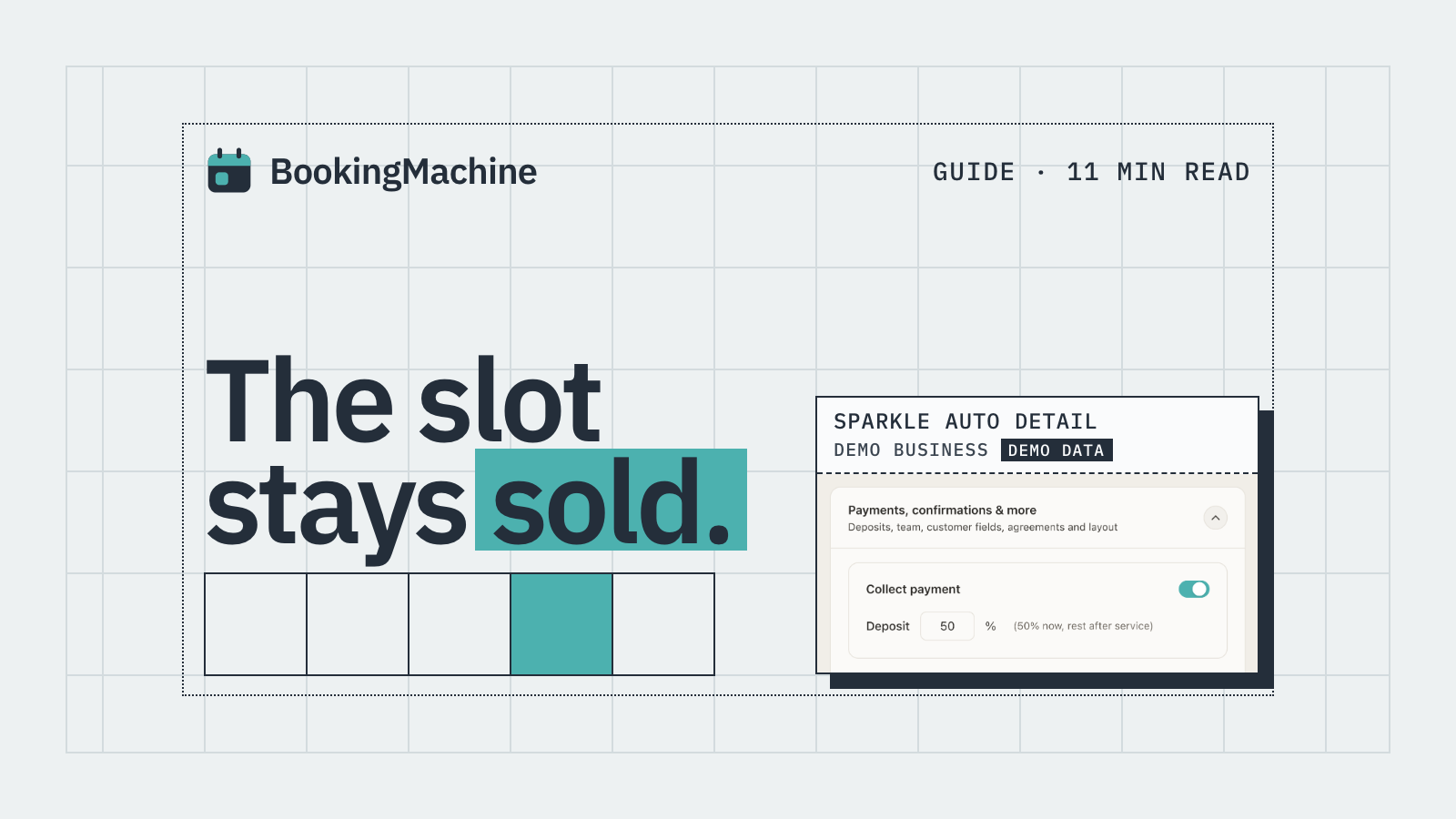
Deposit collection at the point of booking is one of the most underrated features in the category. Most FSM platforms bolt payments on as an afterthought, asking you to invoice after the job. That does nothing to protect you from no-shows. If a customer has paid a £50 or £100 deposit to hold their slot, they are far less likely to cancel last minute or simply not answer the door.
Job management and scheduling covers assigning jobs to the right engineer, tracking job status, and flagging gaps or clashes in the diary. For multi-van operations this is essential. For sole traders it is still useful, because it gives you a single view of the week.
Customer communication tools should include automated appointment reminders by SMS or email. A reminder sent 24 to 48 hours before a job cuts no-shows dramatically without you having to lift a finger.
Invoicing and payment processing needs to be straightforward. Whether you collect payment on-site or send a link afterwards, the fewer steps between you and the money the better.
Finally, review collection is something a surprising number of FSM tools ignore entirely. After a job is done, an automated message prompting the customer to leave a review, with a direct link and the ability to upload a photo or video, can transform your Google rating over a few months.
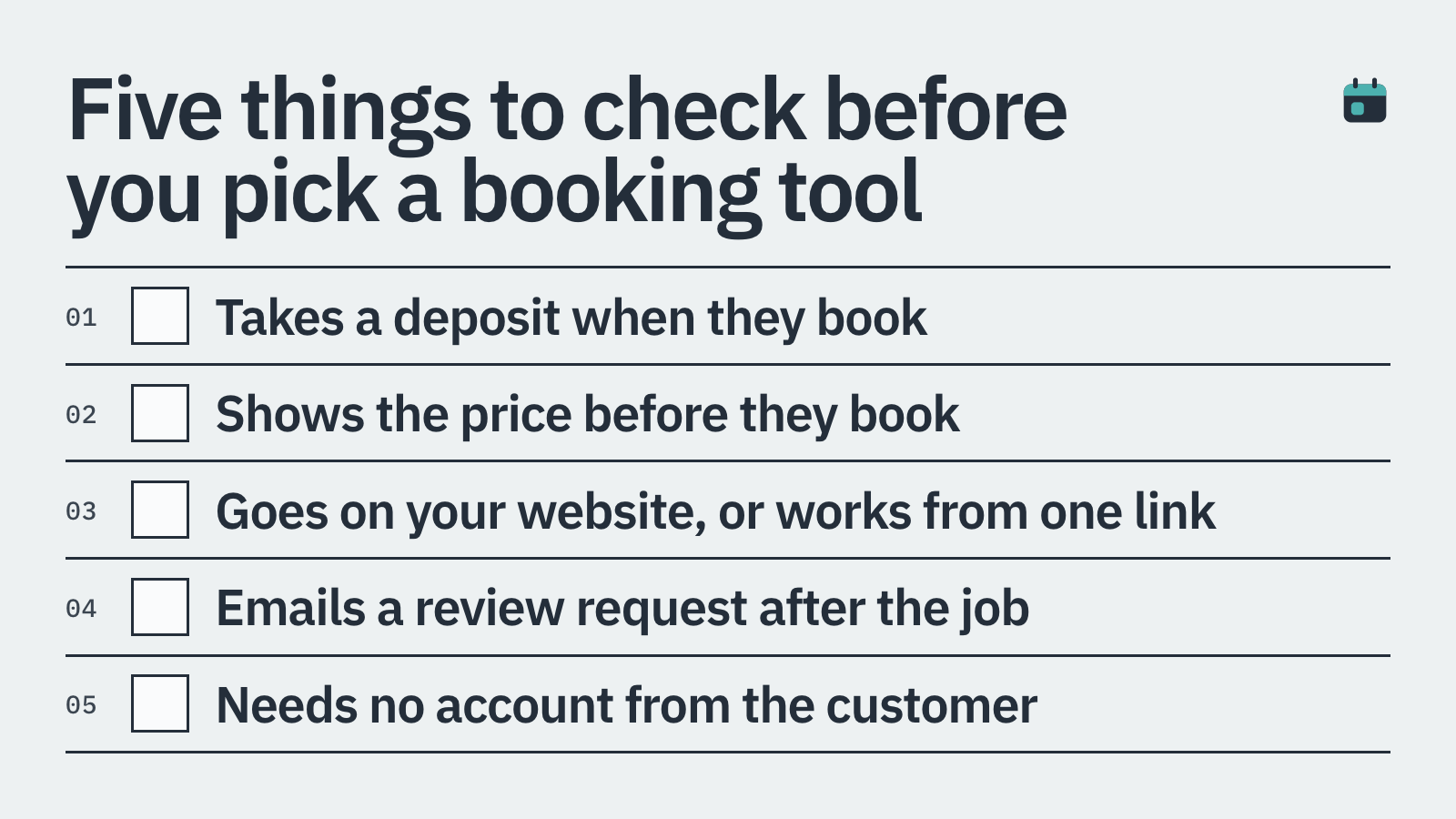
Embeddable booking widget or a shareable booking link
Deposit or upfront payment collection at the booking step
No-show and cancellation policy enforcement, with card-on-file
Job scheduling with engineer assignment and diary view
Automated SMS or email reminders before appointments
On-site or post-job invoicing and payment
Automated review requests with image and video upload support
Mobile-friendly interface for engineers in the field
How Does FSM Software Help Trade Businesses?
The clearest benefit is time saved on admin. A boiler engineer who spends 90 minutes a day on calls, texts, and chasing invoices can reclaim most of that with the right software. Multiply that across a year and it is a significant chunk of billable time.
No-show protection is where FSM software pays for itself fastest. A single missed appointment in a trade business can mean a wasted journey, an empty slot that could have been filled, and a job that now needs rescheduling. At an average job value of £150 to £400, even one prevented no-show a week adds up to thousands of pounds a year.
Better customer experience also leads to more repeat business and referrals. Customers who get a confirmation text, a reminder, a smooth payment process, and a polite review request afterwards remember that. They come back, and they recommend you.
For businesses that want to grow, FSM software creates visibility. You can see which days are busiest, which jobs are most profitable, and where your diary has gaps. That data makes it much easier to make sensible decisions about pricing, staffing, or marketing.
The Best FSM Software for Trades: An Honest Comparison
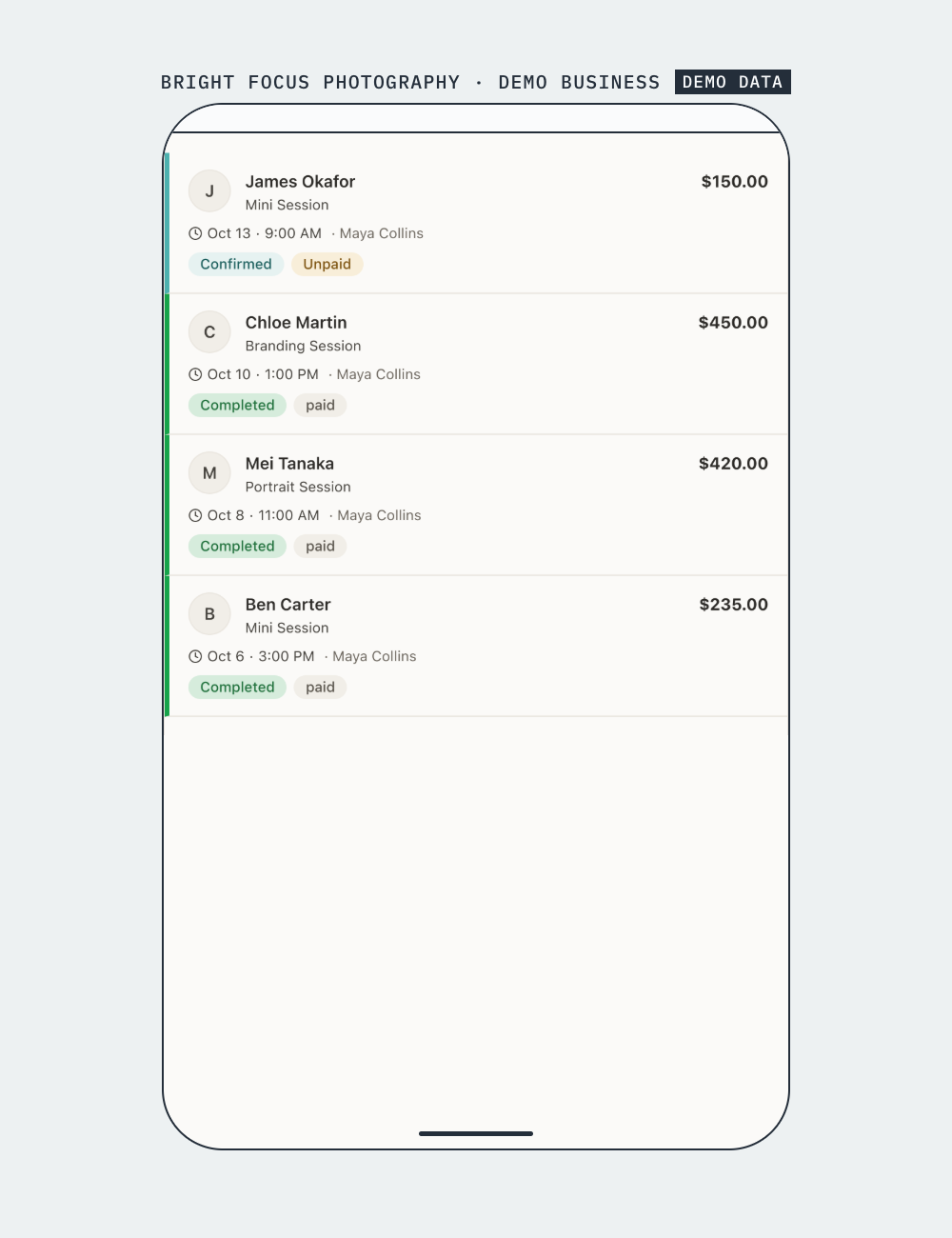
Here is a straightforward look at the main platforms trade businesses are researching right now. No platform is perfect for every situation, so we have tried to be honest about who each one suits best.
ServiceTitan is the most feature-rich option in the category, built specifically for HVAC, plumbing, and electrical contractors. It covers everything from dispatching and job costing to marketing automation. The trade-off is cost and complexity. ServiceTitan is priced at the enterprise end and typically suits businesses with five or more vans and a dedicated admin team. If you are a sole trader or a small crew, the learning curve and the price tag may not be justified.
Jobber is a popular choice for small to medium trade businesses. It handles quoting, scheduling, invoicing, and client communication well. The interface is clean and the mobile app is solid. It does not collect deposits at the point of booking, though, which is a real gap for businesses trying to reduce no-shows.
HouseCall Pro is aimed squarely at home-service businesses, including HVAC, plumbing, cleaning, and landscaping. It has a good range of features, a reasonable price point, and a strong community of users. Payment features are improving, though deposit collection at the initial booking step is still not as friction-free as it could be.
Workiz is worth a look for trade businesses that take a lot of inbound calls and want call tracking and lead management alongside job management. It is a good fit for businesses running phone-based sales or dispatch operations. Less suited to businesses that want a clean self-serve booking experience for customers.
Calendly comes up in discussions because many tradespeople already use it for simple appointment scheduling. The honest answer is that Calendly is not built for trade businesses. It does not handle deposits, does not enforce cancellation policies with card-on-file, and is fundamentally a meeting-scheduling tool. It is fine for a free initial consultation, but it will not protect your diary or your income.
BookingMachine sits in a different part of the market. It is not a full FSM platform with job costing or fleet dispatch, but it solves two problems that the bigger platforms often handle poorly: deposit collection at the point of booking, and automated review requests after the job. The booking widget embeds on any website, including WordPress, and is set up in minutes. If your main pain points are no-shows, getting deposits upfront, and building your review profile, it is worth a look alongside or instead of a heavier FSM tool.
The No-Show Problem: Why Deposits Change Everything
Ask any trade business owner what their biggest operational headache is, and no-shows are almost always in the top three. The maths is brutal. A missed two-hour HVAC service call costs you the travel time, the blocked slot, and any job you turned away to keep that time free.
The fix is straightforward in principle: collect a deposit when the customer books. A customer who has paid £75 upfront to hold a morning slot has skin in the game. They will answer the door. They will call you if something changes, rather than simply not being there.
The problem is that most FSM platforms treat payment as a post-job step. They send an invoice after the work is done, which is fine for cash flow but does nothing for no-show prevention. A platform that collects the deposit at the exact moment the customer books, before you have committed time or travel, is a fundamentally different proposition.
Pair that with a clear cancellation policy and a card-on-file policy, communicated at booking, and you have a proper safety net. Some customers will push back. Most will not, because it is normal practice in plenty of other service industries, from dentists to personal trainers.
Getting Reviews on Autopilot
Reviews are the currency of trade businesses. A plumber with 200 Google reviews and a 4.8 rating will win work over a competitor with 12 reviews every single time, even if the competitor is cheaper.
The challenge is that most customers, even happy ones, will not leave a review unless you make it extremely easy. Sending a text message with a direct link to your Google review page, within an hour or two of the job being completed, is the single most effective thing you can do to grow your review count.
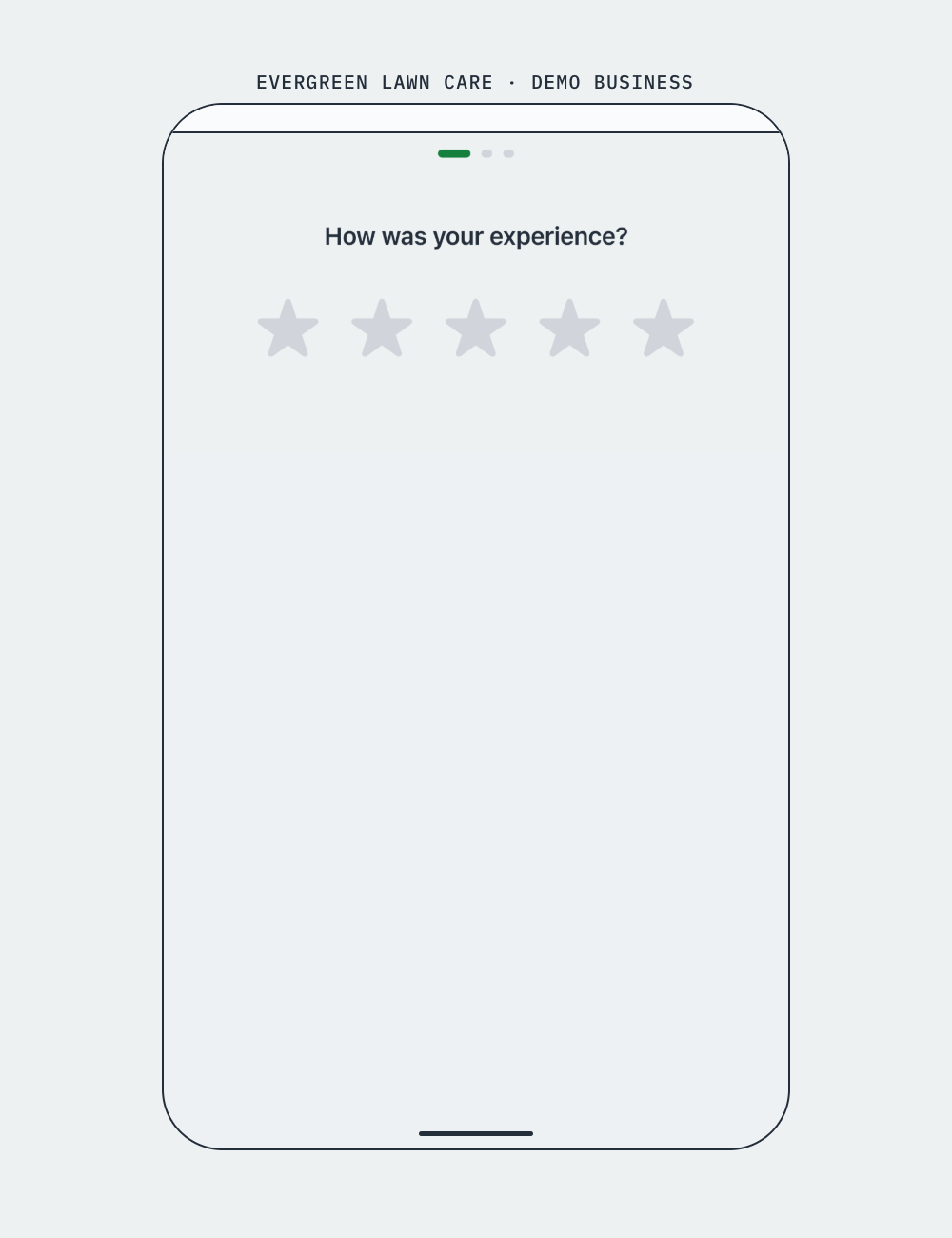
Better still, if that message includes a link that lets the customer upload a photo or a short video of the finished work, you get richer, more credible reviews that stand out. BookingMachine automates this entire step: once a job is marked complete, the customer gets a message prompting them to leave a review, with support for image and video uploads. You do not have to remember to send anything.
How to Choose the Right Tool for Your Trade Business
Start with your biggest pain point. If you are losing money to no-shows, prioritise deposit collection. If your diary is chaotic across multiple engineers, prioritise scheduling and dispatch. If your review count is stuck, prioritise automated review requests.
Think honestly about your business size. Enterprise FSM platforms like ServiceTitan are powerful, but they are overkill for a two-person electrical team. Lighter tools that are genuinely easy to set up and use every day will deliver more value than a feature-heavy platform that nobody on your team actually uses.
Check whether the booking widget can embed on your existing website. Many trade businesses have a WordPress site or a simple landing page. A tool that requires a full migration or a separate booking microsite adds friction you do not need.
Finally, look at the total cost, including transaction fees on payments and deposits. A platform with a low monthly fee but high per-transaction fees can end up costing more than a slightly pricier flat-rate option once you factor in deposit volume.
How it compares
| Feature | BookingMachine | Jobber | HouseCall Pro | ServiceTitan | Calendly |
|---|---|---|---|---|---|
| Deposit at point of booking | Yes | No | Partial | Partial | No |
| Card-on-file / no-show protection | Yes | No | Partial | Yes | No |
| Embeddable website widget | Yes | Yes | Yes | Yes | Yes |
| Automated review requests (image + video) | Yes | No | No | No | No |
| Job scheduling and dispatch | Basic | Yes | Yes | Yes | No |
| Built for trade / service businesses | Yes | Yes | Yes | Yes (enterprise) | No |
| Free or low-cost entry tier | Yes | Limited trial | Limited trial | No | Yes (no payments) |
| Works for sole traders and small teams | Yes | Yes | Yes | No | Yes (scheduling only) |
What is the best job management software for HVAC, plumbing, and electrical contractors?
There is no single best answer because it depends on business size and priorities. Jobber and HouseCall Pro are popular choices for small to medium trade businesses because they balance features with affordability and usability. ServiceTitan is the most feature-complete option but is priced for larger operations. If deposit collection and no-show protection are your main priorities, BookingMachine is worth adding to your shortlist, as it handles upfront deposits and automated review requests in a way that most FSM platforms do not.
Can I collect deposits from customers when they book online?
Yes, but not all platforms support this at the booking step. Many FSM tools send payment requests after the job, which does not prevent no-shows. BookingMachine collects deposits at the point of booking, so the customer pays a holding amount before you commit any time or travel to the job.
Is Calendly suitable for trade businesses?
Calendly is a meeting-scheduling tool and is not built for trade businesses. It does not collect deposits, cannot enforce cancellation policies with a card on file, and has no job management features. It works for scheduling a free initial consultation, but it will not protect your income from no-shows or help you manage paid jobs.
How does no-show protection work in booking software?
The most effective approach combines three things: a deposit collected at the time of booking, a card saved on file for the remainder, and a clear cancellation policy communicated to the customer before they confirm. If a customer cancels inside your policy window, you can apply the cancellation fee to the saved card. BookingMachine supports card-on-file and deposit collection as part of the booking flow.
How do I get more customer reviews for my trade business?
The key is timing and ease. Sending a review request within one to two hours of a job being completed, with a direct link, gets far higher response rates than asking in person or following up days later. BookingMachine sends automated review request messages after a job is marked complete and supports image and video uploads, which helps customers leave richer reviews with photos of the finished work.
Can I embed a booking widget on my WordPress website?
Yes. BookingMachine provides an embeddable booking widget that works on any website, including WordPress, without needing a developer. Customers can book and pay a deposit directly from your site, without being redirected to a third-party page.
Is FSM software worth it for a sole trader or small trade business?
Almost always yes, but choose the right tier. Enterprise platforms are overkill for a sole trader. A lighter tool that handles online booking, deposits, reminders, and review requests will save you hours of admin per week and protect your income from no-shows. The monthly cost is typically covered by preventing one or two missed appointments.
Stop Losing Money to No-Shows
BookingMachine lets trade businesses take deposits at the point of booking, enforce cancellation policies, and collect photo and video reviews automatically after every job. Set up your embeddable booking widget in minutes, no developer needed.