BookingMachine
Help Center
Getting Started
Core Features
Payments & Analytics
Settings
Team & Scheduling
Integrations
White-Label
Bookings & Customers
Vouchers
Discount codes customers can enter in the widget price step.
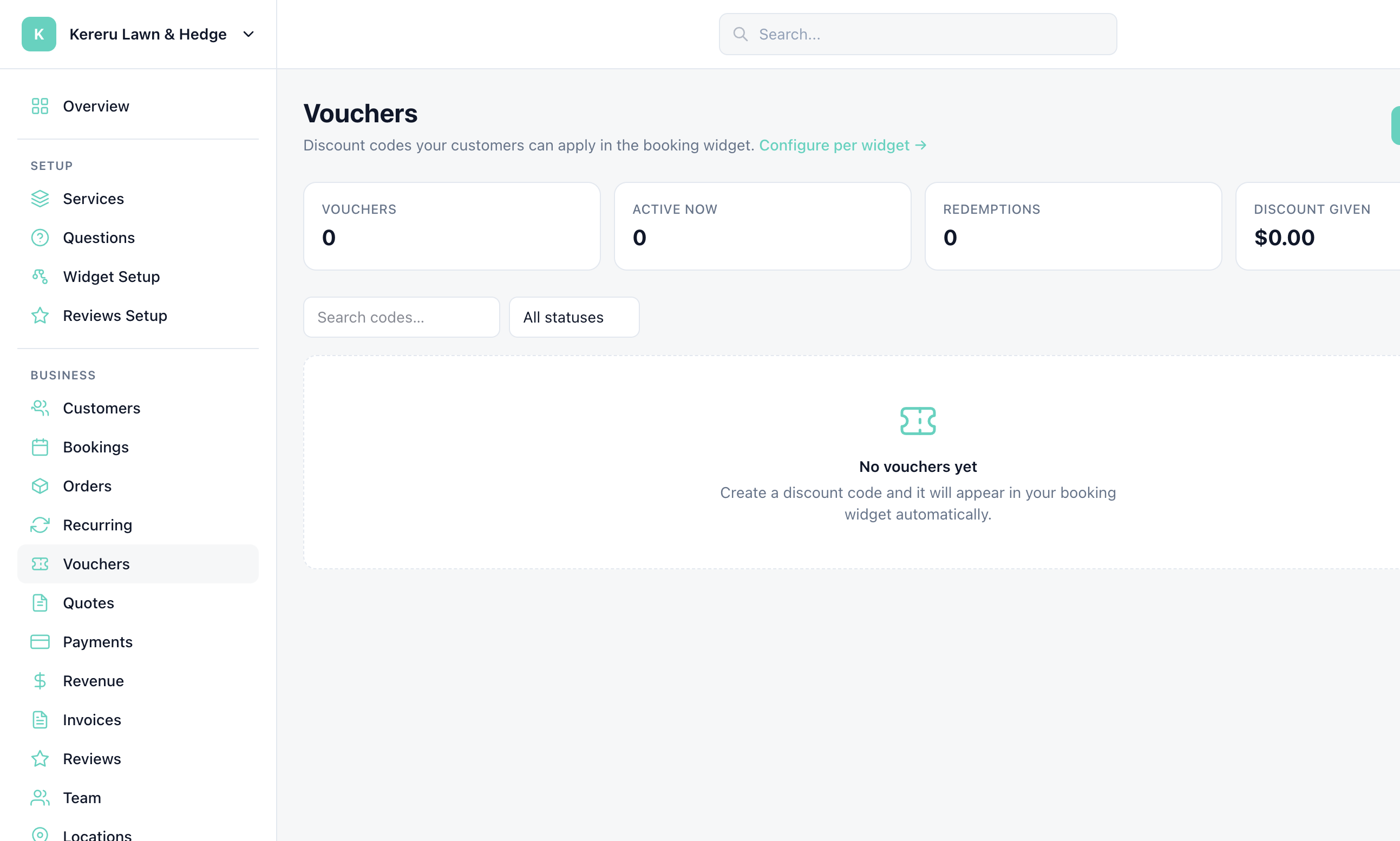
Open Vouchers in the Business section. The page subtitle: “Discount codes your customers can apply in the booking widget.”
1
Open Vouchers
Click Vouchers in the sidebar.
2
Click + New voucher
The primary button on the page is + New voucher.
3
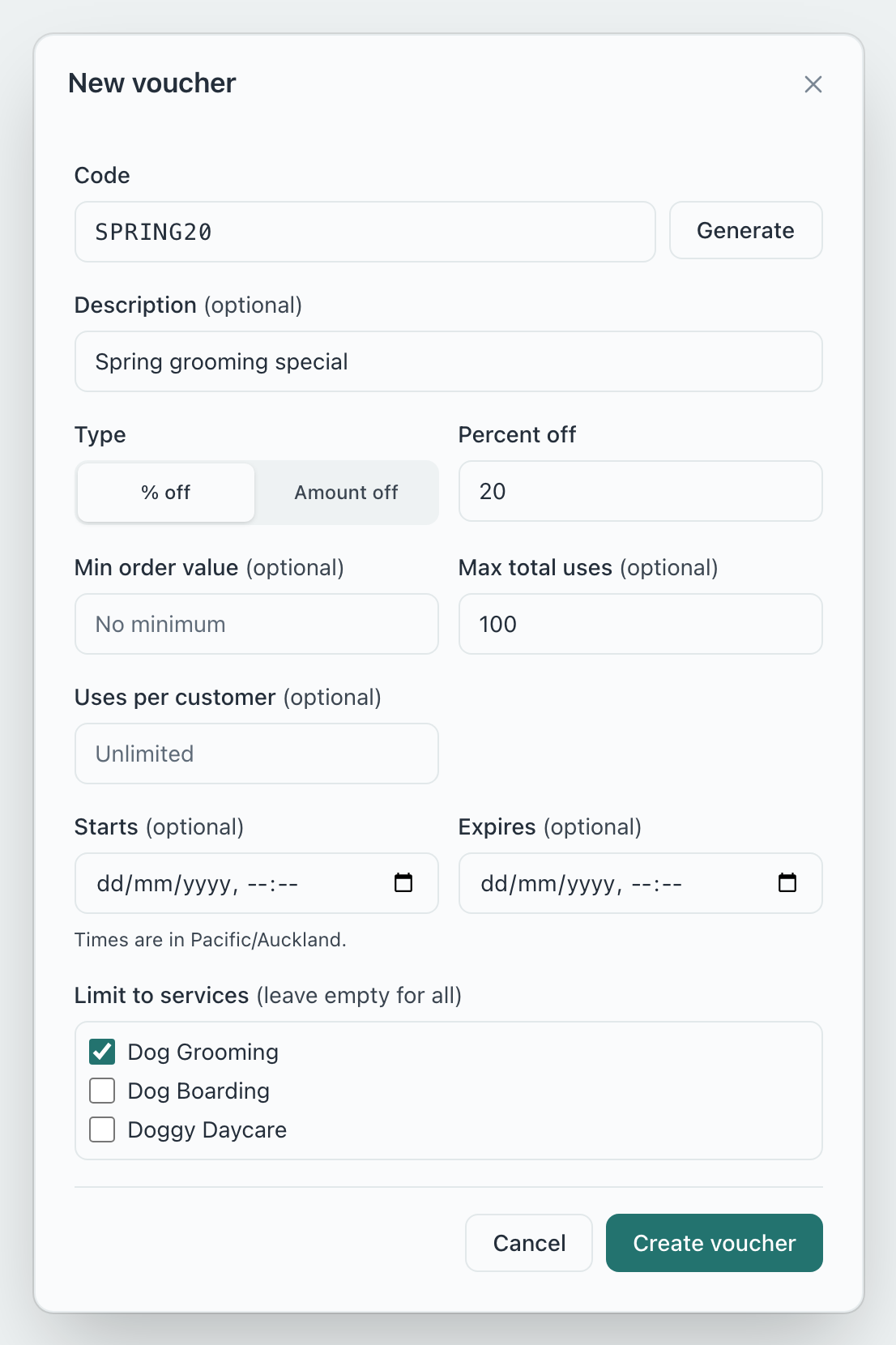
Set the code and discount
Choose a code customers type at the widget price step, and a percent or fixed amount. You can set an expiry.
4
Save
Active codes can be entered during checkout when the widget has vouchers enabled.
Still have questions? Contact support