BookingMachine
Help Center
Getting Started
Core Features
Payments & Analytics
Settings
Team & Scheduling
Integrations
White-Label
Payments & Analytics
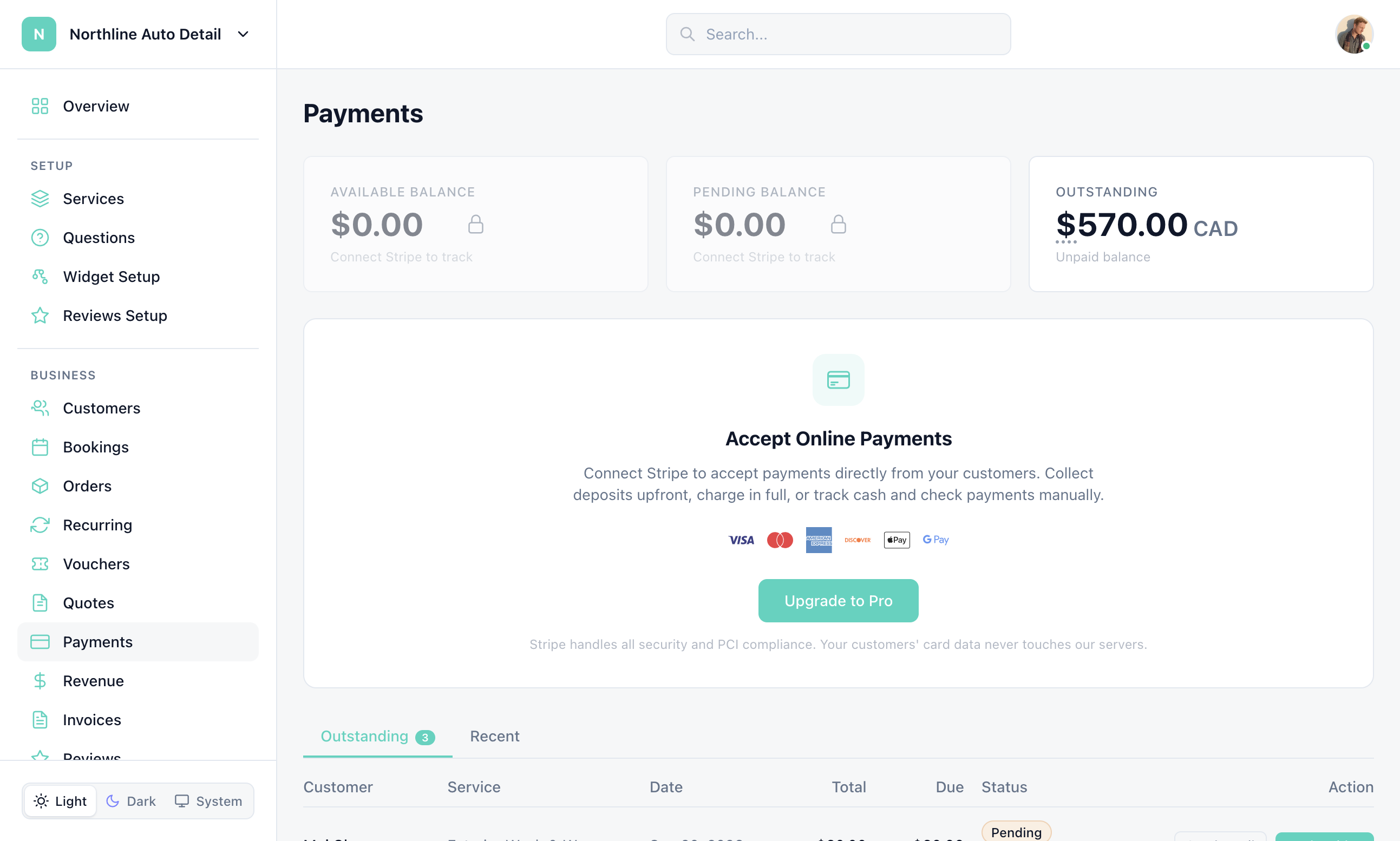
The Payments page
Operations view of deposits, balances, and per-booking payments — separate from Stripe settings.
There are two Payments entries:
Payments in the Business sidebar — list of booking payments, deposits, and balances
Settings > Payments — Connect Stripe, payouts, and auto-charge. See Payments & Stripe
1
Open Payments
Click Payments under Business in the sidebar.
2
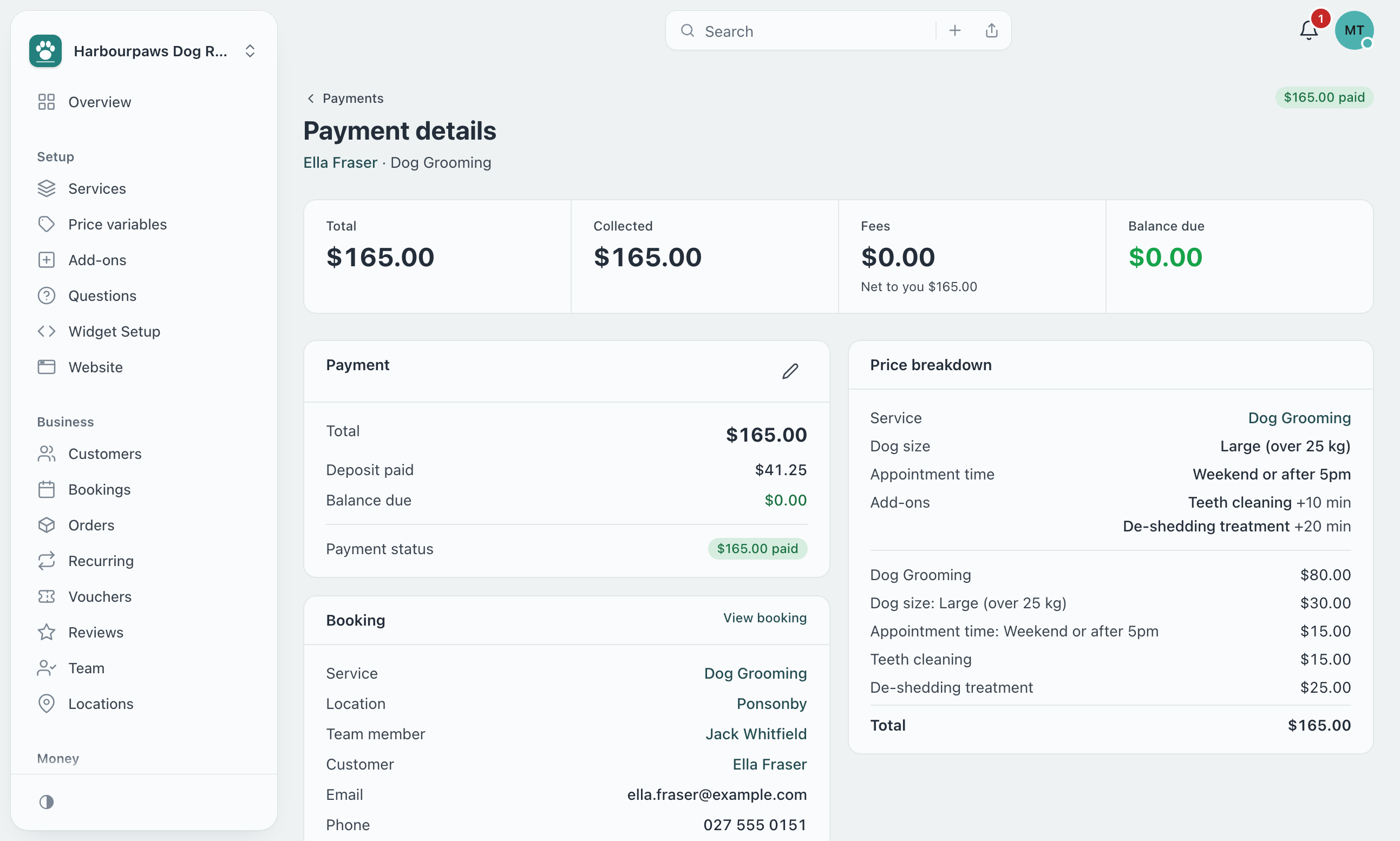
Open a booking payment
Click a row to collect a balance, mark as paid, or refund from the booking payment view.
3
Connect Stripe if needed
If cards are not connected, the page tells you to Connect Stripe. That button lives on Settings > Payments.
Still have questions? Contact support