Help Center
Getting Started
Core Features
Payments & Analytics
Settings
Team & Scheduling
Integrations
White-Label
Setup
Reviews Setup
Embed a wall of reviews and a review form. Related: Reviews inbox and Reviews settings.
There are three review surfaces:
Reviews Setup (Setup sidebar) — embed wall and form, themes, public URLs
Reviews (Business sidebar) — inbox to moderate, respond, and spotlight
Settings > Reviews — automatic request emails after a job is completed
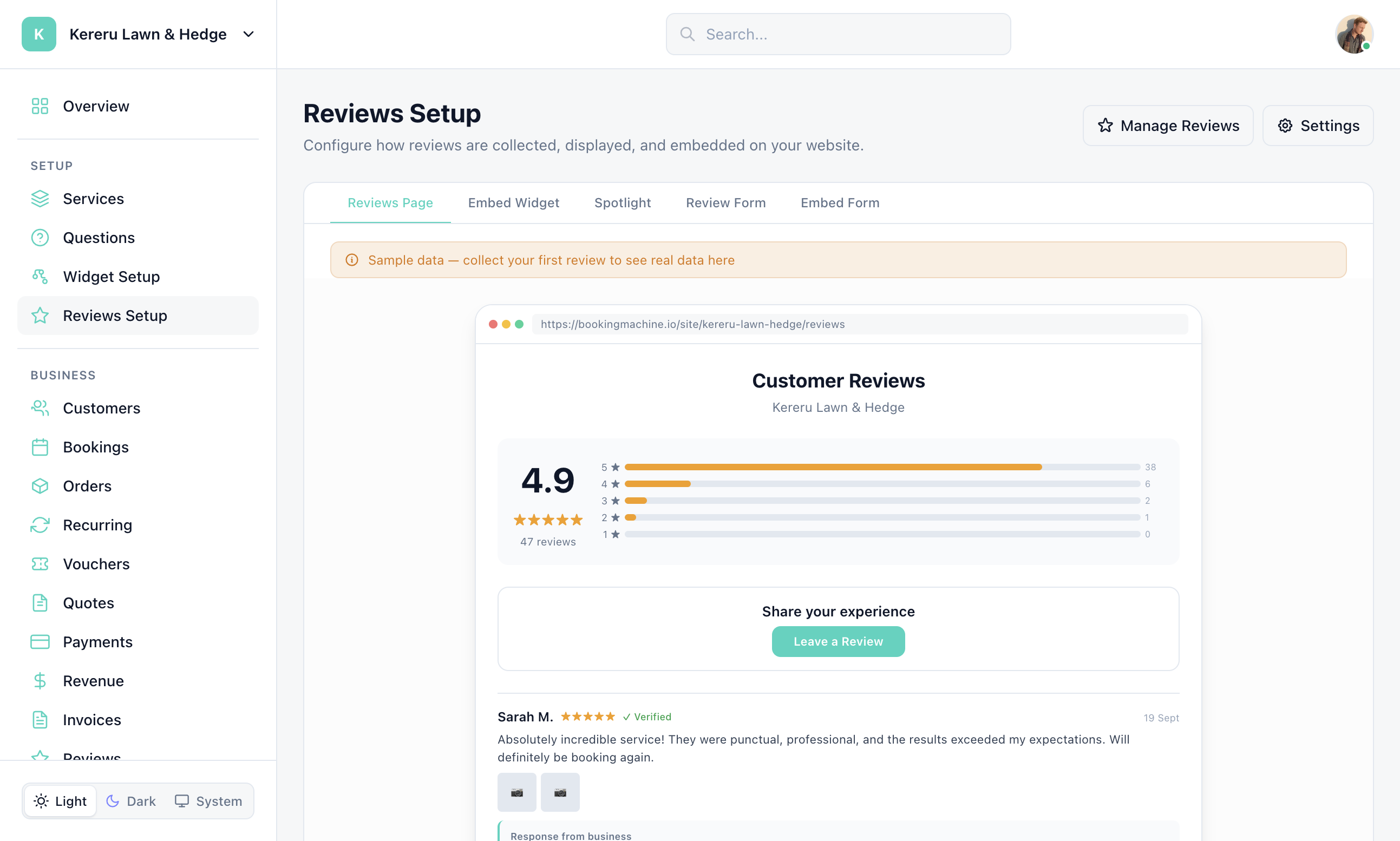
Open Reviews Setup
Click Reviews Setup in the Setup section.
Preview the wall and form
Adjust widget theme, form theme, how many reviews to show, and whether the form allows photos or video.
Copy links or embed code
Use your Review Form, Reviews Page, and Wall of Love embed from this page or the Links section in the sidebar.
Optional shortcuts
Manage Reviews opens the inbox. Settings opens Settings > Reviews for request timing and moderation.
Still have questions? Contact support