BookingMachine
Help Center
Getting Started
Core Features
Payments & Analytics
Team & Scheduling
Integrations
Reference
Notification Preferences
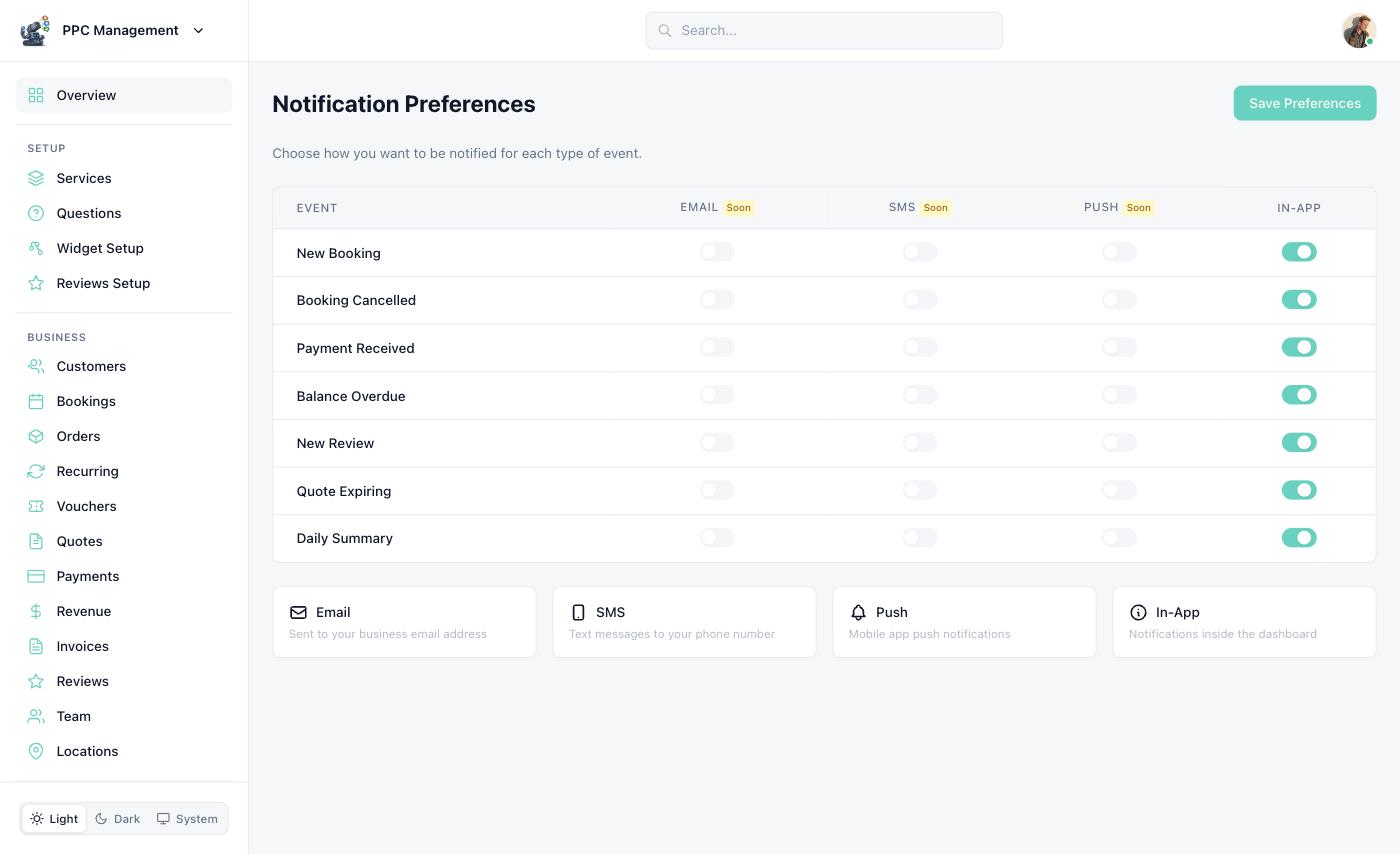
Configure email and in-app notifications for every event type.
Configure notification preferences at Dashboard > Notifications.
Notification Channels
All plans. Booking confirmations, reminders, payment receipts, review requests, and more.
In-App
All plans. Dashboard notification center with real-time activity feed and alerts.
Event Types
Configure which notifications are sent for each event:
| Event | Who Receives | Channels |
|---|---|---|
| New booking created | Business owner + assigned member | Email, in-app |
| Booking confirmed | Customer | |
| Booking cancelled | Business + customer | Email, in-app |
| Booking reminder (24h) | Customer | |
| Payment received | Business owner | Email, in-app |
| Balance due reminder | Customer | |
| Review submitted | Business owner | Email, in-app |
| Team member assigned | Team member | Email, in-app |
Customer Notifications
Customers automatically receive booking confirmation emails. They can opt into:
Appointment reminders (24 hours before)
Review request emails (after service completion)
Payment receipt emails
Email Templates
BookingMachine uses 17 branded email templates covering the full booking lifecycle: confirmation, reminder, balance due, review request, quote sent, invoice, welcome, password reset, and more. All templates use your business branding (logo, colors).
Still have questions? Contact support