Help Center
Getting Started
Core Features
Payments & Analytics
Settings
Team & Scheduling
Integrations
White-Label
Settings
Agreements & Policies
Policies customers can read, and agreements they accept when they book.
Open Settings > Agreements & Policies. These are legal or intake documents, not the booking-policy numbers on Settings > Booking Policies.
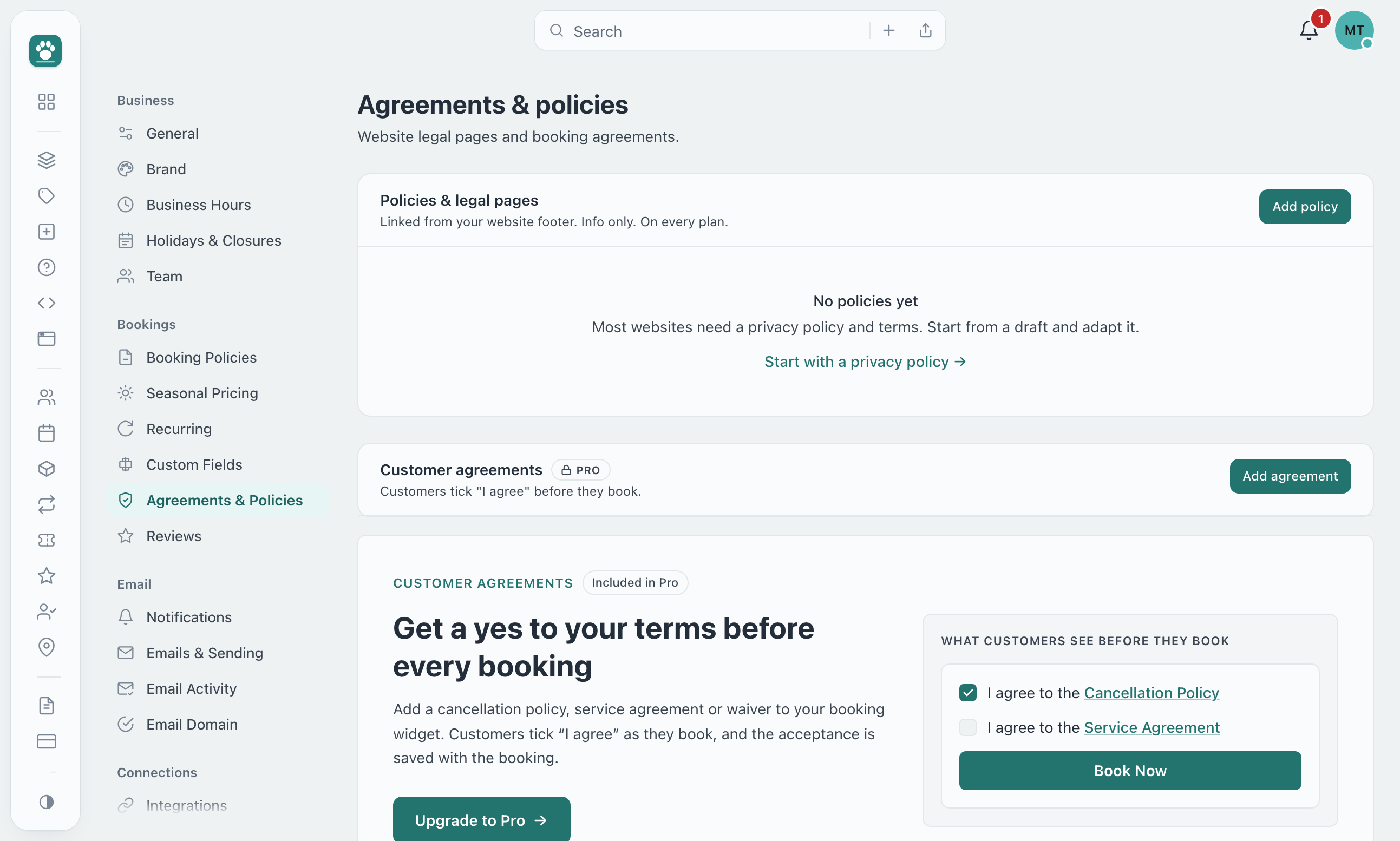
Two kinds. Policies & legal pages are info only, on every plan, and can be linked from your website footer (a privacy policy, terms). Customer agreements add an "I agree" tick box in the booking widget and are a plan feature.
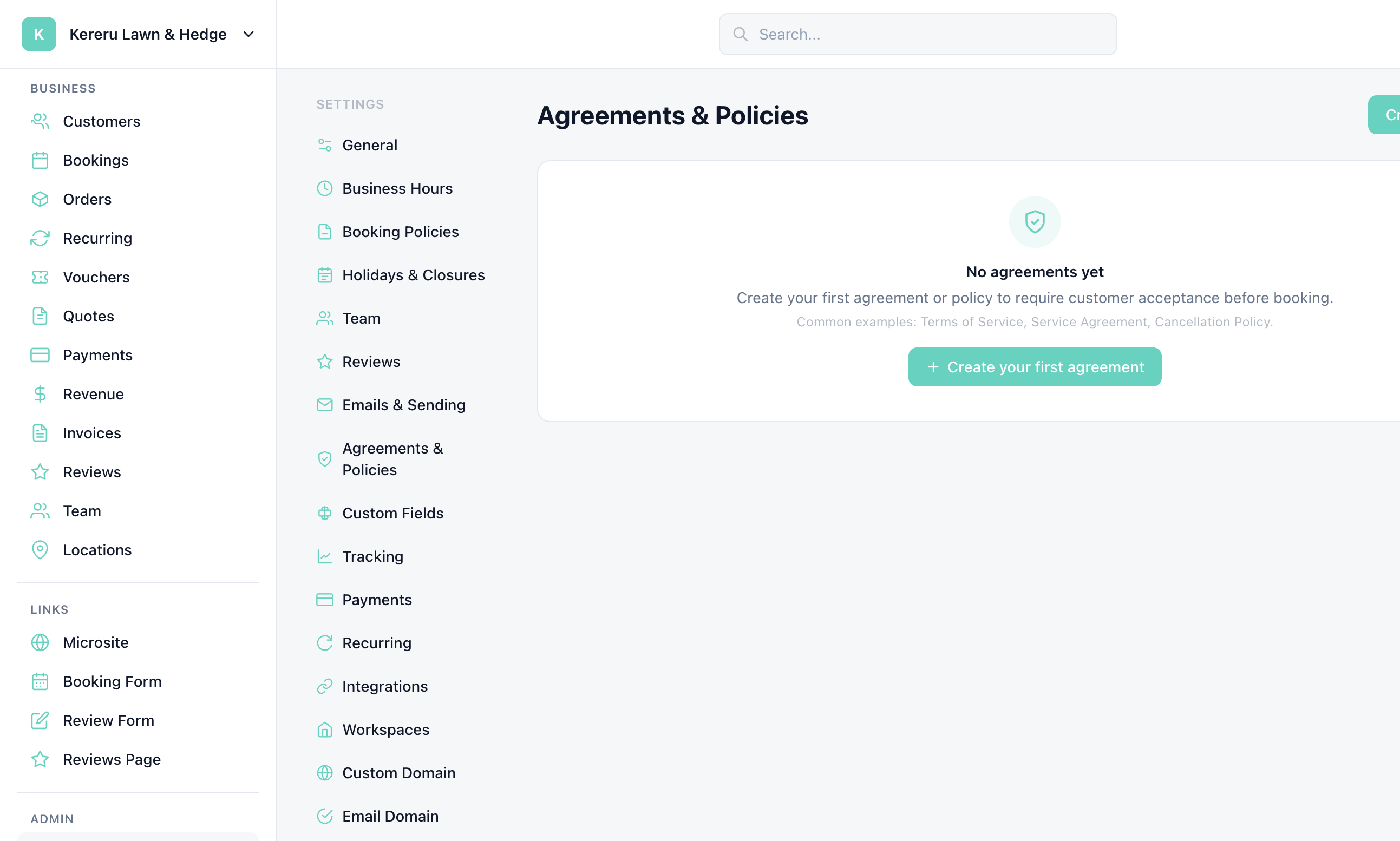
Open Agreements & Policies
Go to Settings > Agreements & Policies.
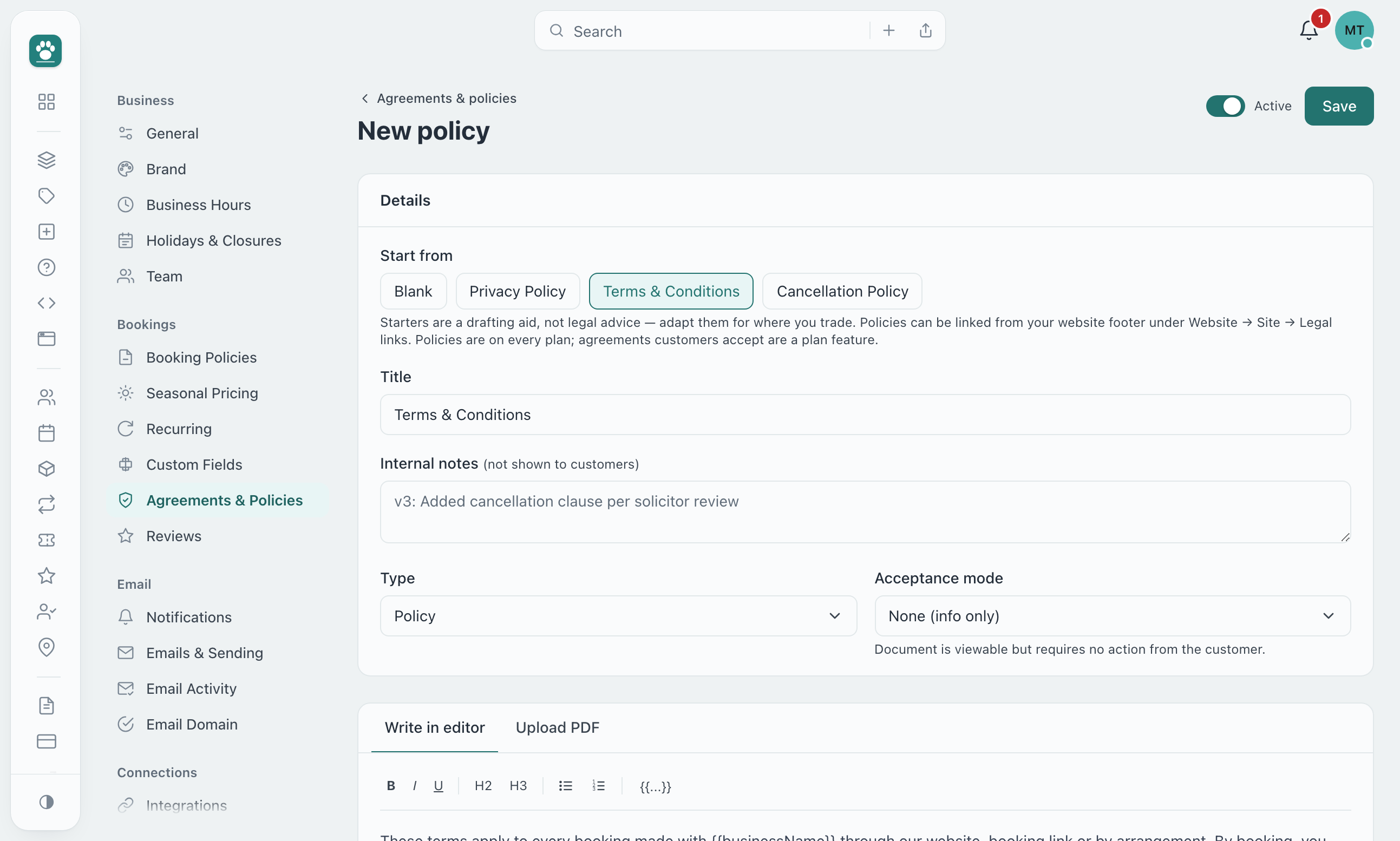
Click Add policy or Add agreement
Each section has its own button. Starters for a privacy policy, terms and a cancellation policy are a drafting aid, not legal advice.
Choose a type
Agreement, Waiver, Policy, Intake Form, or Certificate.
Choose how customers accept it
Info only — a link customers can read. Checkbox — the customer ticks “I agree to the [Document Title]” (plan feature).
Publish
Enable it on the widgets that should show it (Widget Setup > Agreements & policies) or link it from Website > Site > Legal links.
Plans
Policies and legal pages are on every plan. Customer agreements are a plan feature: on a plan without them, the section shows what customers would see and a button to upgrade, and Add agreement opens the upgrade dialog. An agreement that was already on before a downgrade keeps working; you cannot add another or switch one back on until you upgrade.
Still have questions? Contact support