
BookingMachine
Help Center
Getting Started
Core Features
Payments & Analytics
Team & Scheduling
Integrations
Core Features
Reviews & Reputation
Collect reviews with verified badges, manage responses, and showcase your reputation.
Automatic Review Requests
After a booking is marked as completed, BookingMachine automatically sends a review request email to the customer. The email includes a direct link to your review form. Configure timing and settings at Dashboard > Settings > Reviews.
Review Content
Customers can leave:
Star rating (1-5)
Written comment
Photos (optional)
Reviews from customers with a verified booking get a "Verified Booking" badge:
| Review Type | Badge | Source |
|---|---|---|
| Verified | Verified Booking | Customer who completed a booking through BookingMachine |
| Unverified | None | Review left via a direct link without a booking record |
Managing Reviews
View all reviews at Dashboard > Reviews. From here you can:
Respond to reviews publicly (visible on your booking page and microsite)
Flag inappropriate reviews for removal
See review trends and average rating
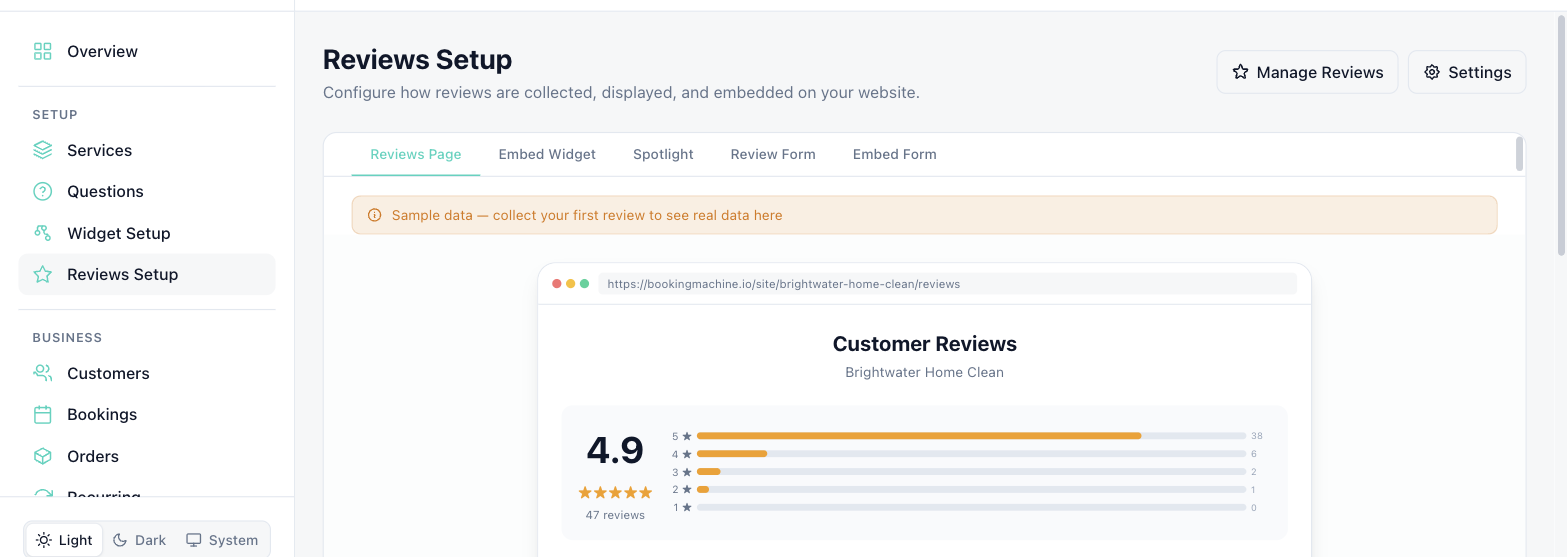
Where Reviews Appear
Your public booking page
Your microsite (if enabled)
The reviews embed widget (separate embed code for showcasing reviews on your site)
Review Settings
At Dashboard > Settings > Reviews, configure:
Enable/disable automatic review request emails
Timing of review request after completion
Minimum rating for public display
Whether photo uploads are enabled
Still have questions? Contact support