Help Center
Getting Started
Core Features
Payments & Analytics
Settings
Team & Scheduling
Integrations
White-Label
Settings
Workspaces
Run more than one business from a single login and switch between them.
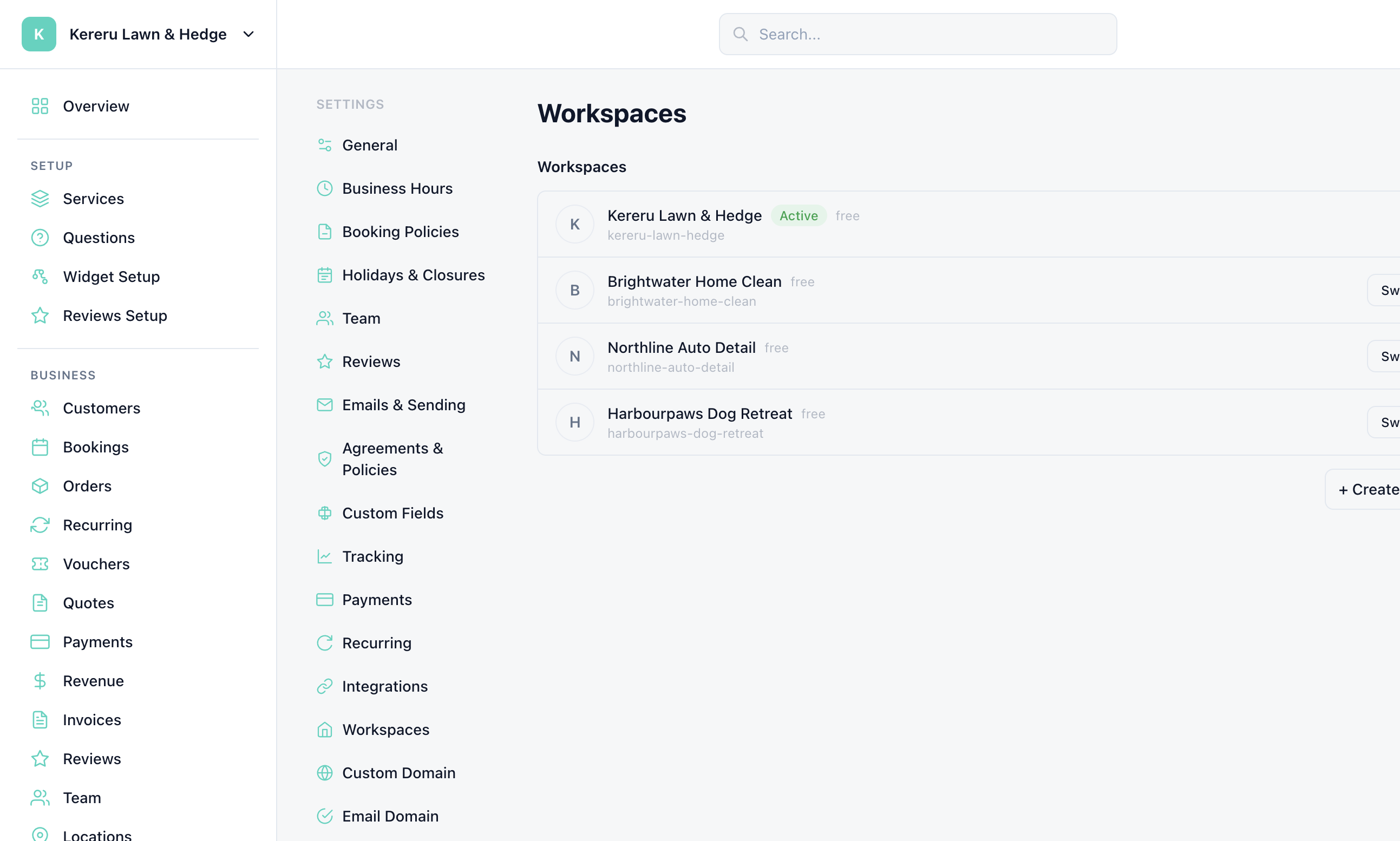
The name at the top of the sidebar is the current workspace, not a feature page. Open Settings > Workspaces to manage the list.
Switch from the sidebar
Click the workspace name at the top of the sidebar, then click another workspace. The dashboard reloads into that business.
Or open Settings > Workspaces
The page lists every workspace on your login.
Create another business
Use Create new workspace from the switcher when you need a separate services, customers, and settings set.
Close one you no longer need
Close workspace takes it offline straight away. You have 30 days to reopen it or download your data, then it is deleted for good.
Still have questions? Contact support