Help Center
Getting Started
Core Features
Payments & Analytics
Settings
Team & Scheduling
Integrations
White-Label
Bookings & Customers
Settings
My Profile
Your name, photo, phone, calendar colour, password and what your notification bell shows.
My Profile is about you, not the business: the name and photo your team sees, how you sign in, and what reaches you. Everyone on the team has their own. The business’s details are in Settings → General.
Open it from your picture in the top right corner, then Profile.
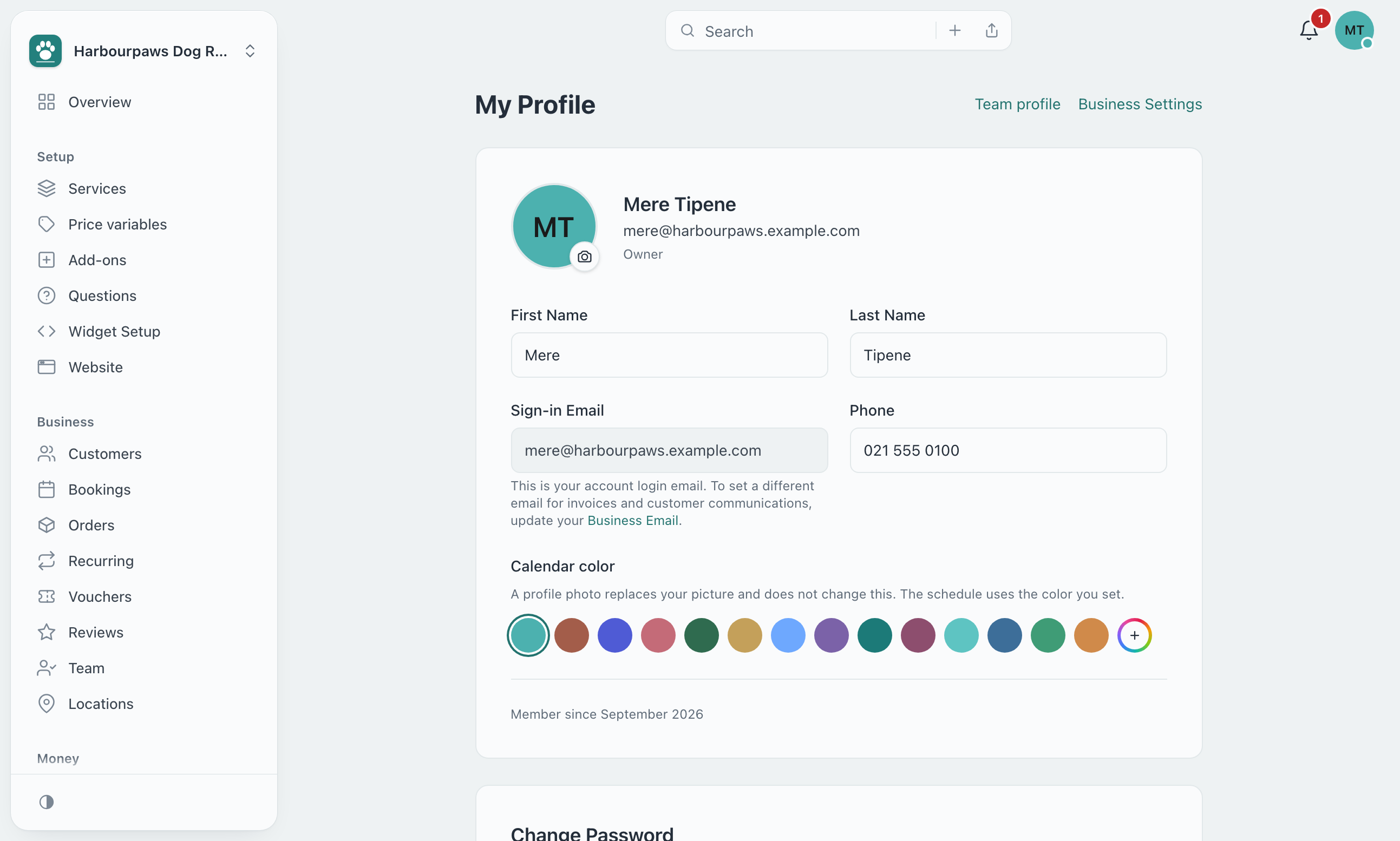
Your details
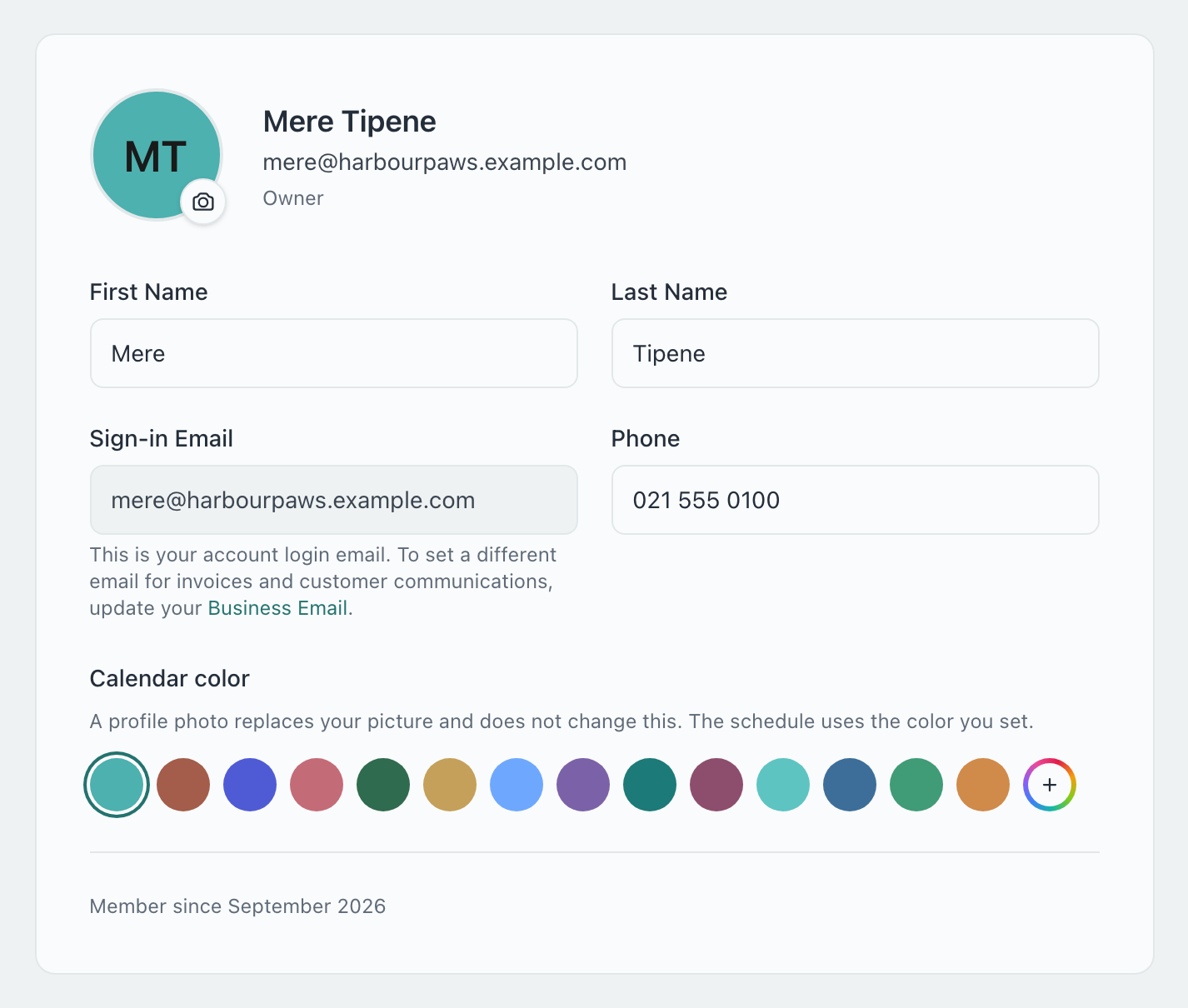
| Field | What it is for |
|---|---|
| Photo | Click the camera on your picture to upload one. It saves straight away; Remove photo takes it off. |
| First and last name | How you appear to your team and in the dashboard. |
| Sign-in Email | The address you sign in with. It is not changed here. The address customers see on invoices and emails is the Business Email in Settings → General. |
| Phone | Your own number. |
| Calendar color | Shown when you take bookings: your colour on the bookings calendar and schedule. Pick a swatch or + for any colour. A photo does not change it. |
Once you change a field, a Save Profile button appears at the bottom of the card. If you take bookings, Team profile at the top opens your page in Team, with your hours and services.
Your password
Type your current password, then the new one twice (at least 8 characters). Update Password appears once you start typing.
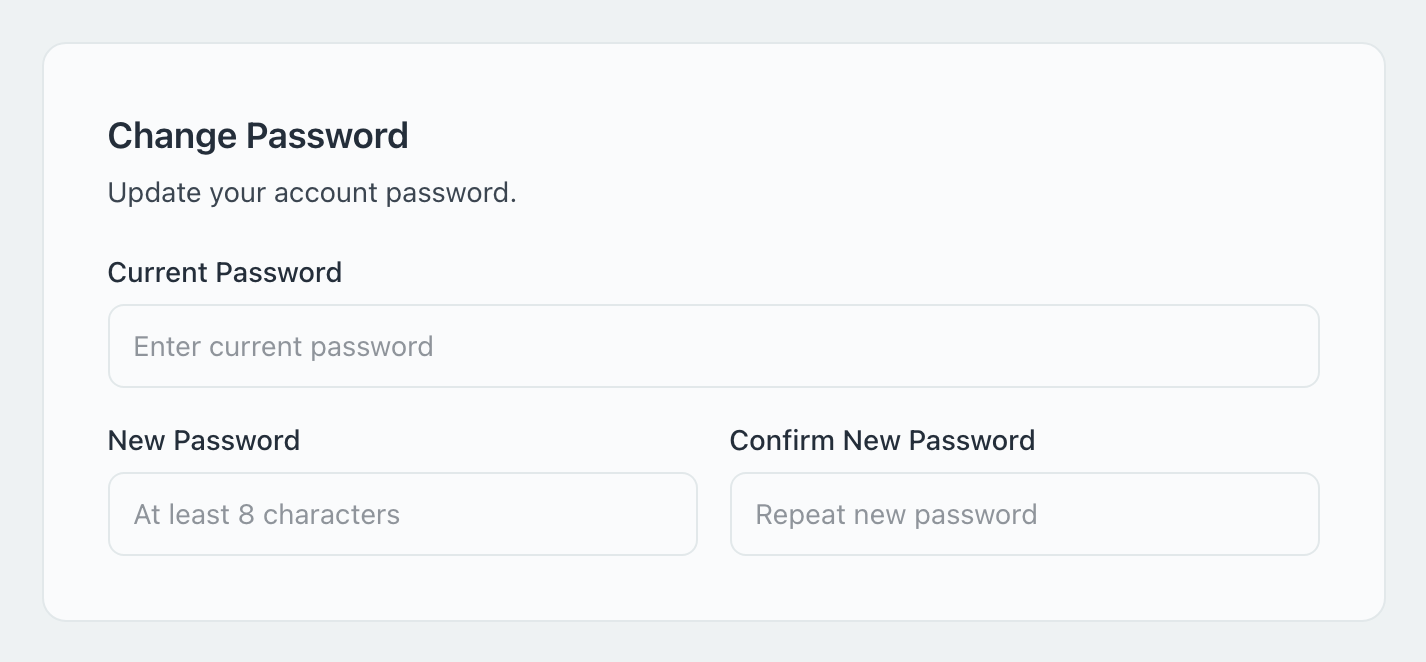
If you signed up with Google, there is no password to change: the card says you are signed in with Google and links to your Google account settings.
Further down the page you can turn on two-factor authentication, so signing in also needs a code from your phone. See Two-Factor Authentication.
Your notifications
The Notifications card sets what reaches you in this workspace. Owners and admins choose what the bell shows: Everything that happens in the business, or Only my jobs. Everyone except the owner also gets a switch for Email me about my jobs: an email when a job is given to them, moved or cancelled.
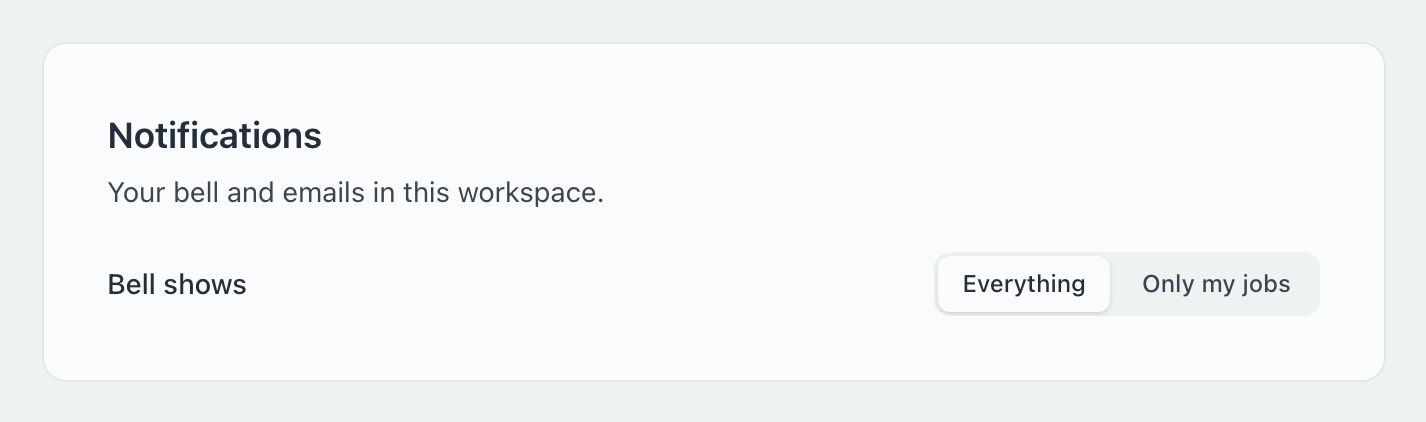
The emails an owner gets about the business are set in Settings → Notifications.
How do I change the email I sign in with?
It can’t be changed from My Profile. To show customers a different address, set the Business Email in Settings → General; it is used on invoices, quotes and customer emails.
Do my changes affect other people on the team?
No. Your name, photo, password and bell are yours alone. The business’s name, logo and email are in Settings.