Help Center
Getting Started
Core Features
Payments & Analytics
Settings
Team & Scheduling
Integrations
White-Label
Bookings & Customers
Core Features
AI Assistant: Your Key and Allowances
Whose AI answers your AI assistant, how conversations are counted each month, using your own Anthropic key, and buying a monthly allowance.
Your AI assistant answers visitors with an AI model. Who pays for that is your choice, on the AI & usage tab of AI assistant: BookingMachine’s AI, which includes a number of conversations each month, or your own Anthropic key.
BookingMachine’s AI
Your plan includes a number of conversations a month. The This month card on AI & usage shows how many have been used and the day the count starts again, which is the 1st of the month on your workspace clock. The same figure is on Settings → Billing & Plan.
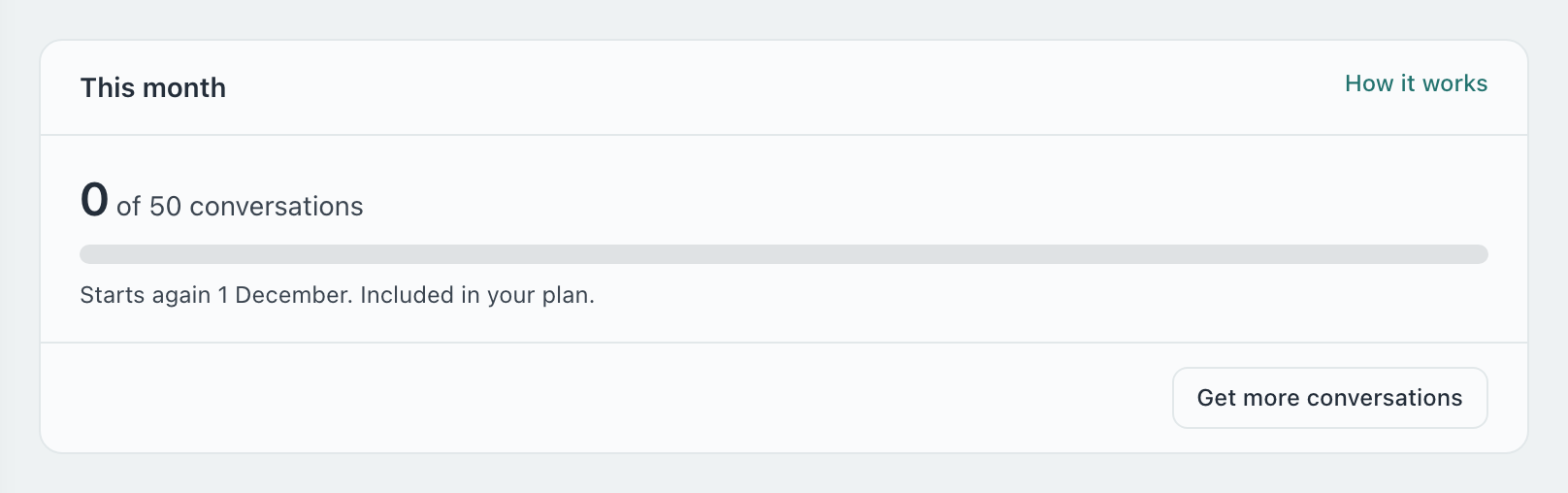
A conversation is counted once, when a visitor starts it on your website or booking page. Every message in it is included.
Trying your assistant in the Studio preview never counts.
We email you once when 80% are used and once when they are all used.
When they are all used, new visitors are asked to leave their details instead, and those come to you as inquiries. Conversations already under way carry on.
More conversations: allowance plans
Under Settings → Billing & Plan, the AI assistant section lists the allowance plans and their prices. Pick one and press its Get button. You pay by card through Stripe, billed monthly, apart from your plan.
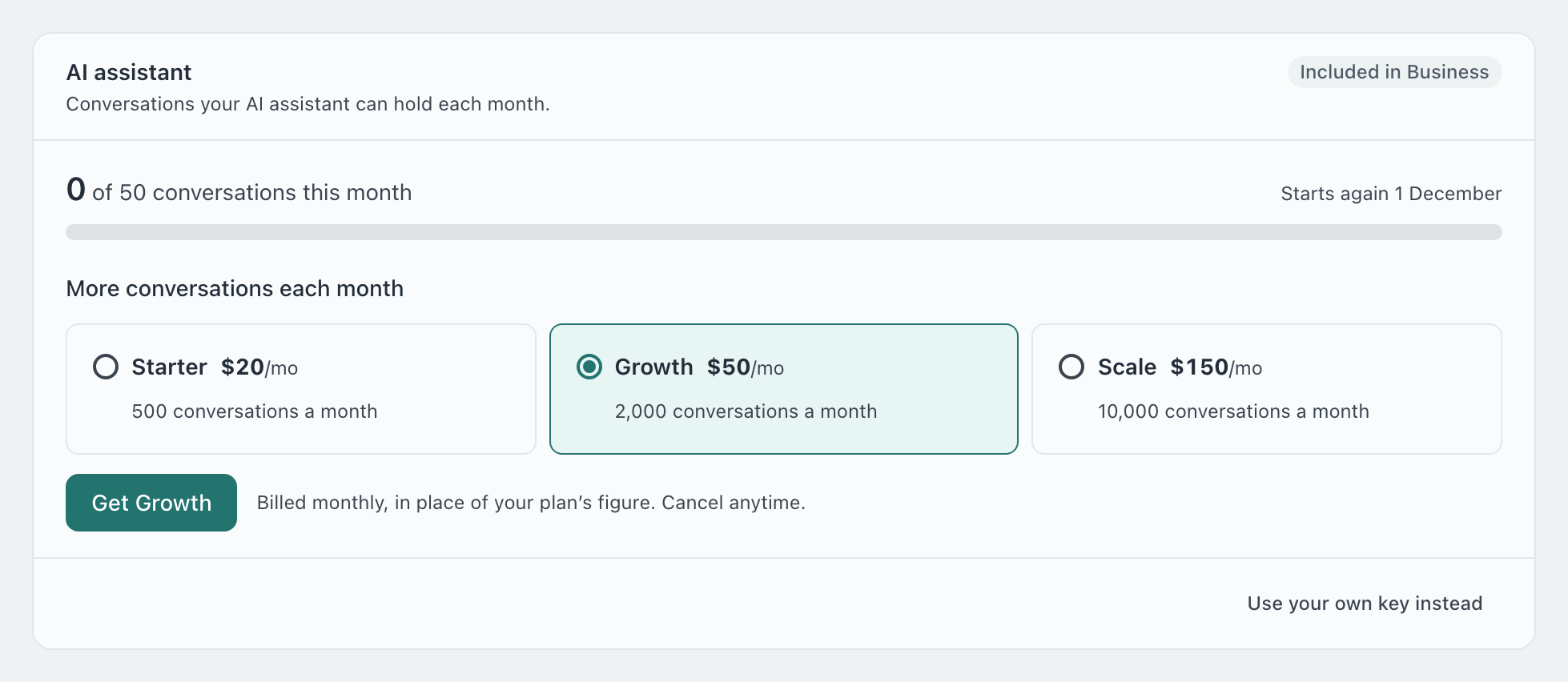
An allowance plan’s conversations take the place of your plan’s, they are not added to them.
Switching to another allowance plan applies straight away. Your next invoice adjusts for the rest of the month.
Press Cancel allowance to stop it. It stays on until the end of the month you have paid for, then your plan’s own conversations apply again.
If your plan changes to one without the AI assistant, the allowance ends with it.
Invoices for it are with your other invoices under Manage billing.
Your own Anthropic key
With your own key there is no monthly limit from BookingMachine and nothing extra to pay us. Anthropic bills you for what the assistant uses.
Make a key
In the Anthropic Console, make an API key. It starts with sk-ant-. Make sure the account has credit.
Paste it
On AI assistant → AI & usage, under Your Anthropic key, paste it and press Save key. We check it with Anthropic before saving.
Choose it
Under Whose AI answers, choose Your own Anthropic key. Saving a key chooses it for you.
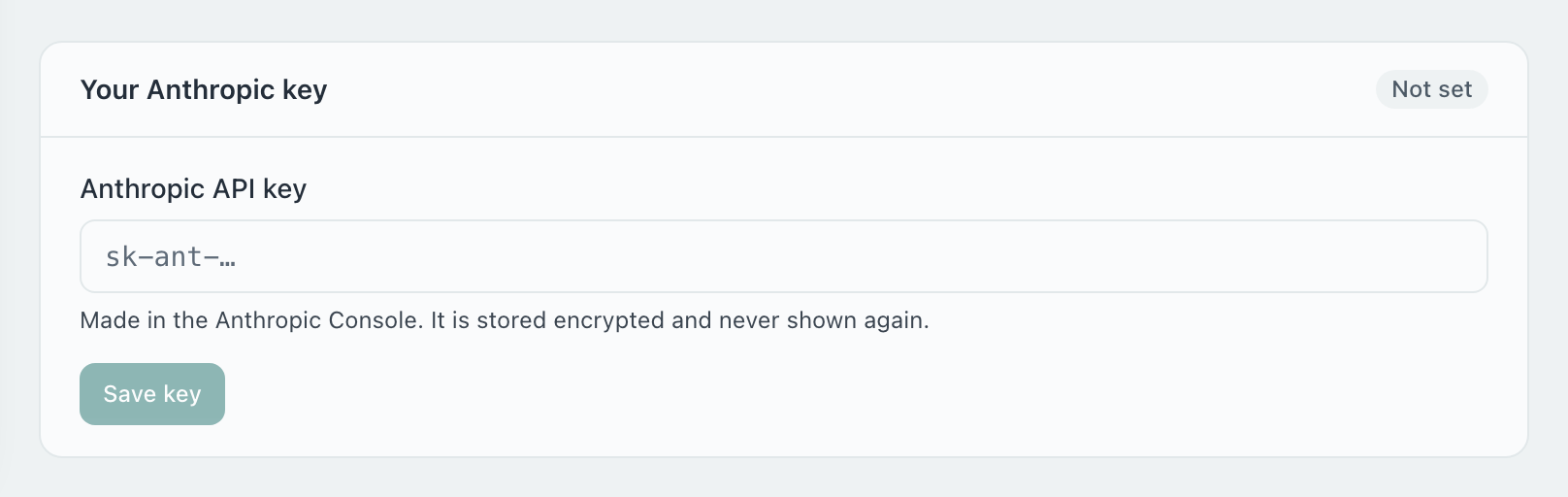
The key card shows Working, Not accepted (Anthropic refused the key), No credit or Limited (Anthropic is limiting requests). Test key checks it again; Replace key and Remove key are beside it.
Can I switch back to BookingMachine’s AI?
Yes. Choose BookingMachine’s AI under Whose AI answers. Your key stays saved until you remove it.
Does my own key change how the assistant answers?
No. It uses the same instructions and your same services and prices. You can pick the model under Your Anthropic key; Recommended is the one we use.
Do I need an allowance plan if I use my own key?
No. An allowance plan only counts when BookingMachine’s AI answers.
Why can’t I buy an allowance plan?
Allowance plans are for plans that include the AI assistant. See the plans under Billing & Plan.
Still have questions? Contact support