If you run a service business, your website should do more than look good. It should take bookings while you sleep, collect a deposit before the customer even picks up the phone, and protect you when someone cancels at the last minute. The good news is that embedding a booking system into your website is genuinely straightforward in 2026. The tricky part is picking the right tool for a service business, not just a generic scheduling link, and understanding what "free" actually gets you in practice.
What Does 'Embedding a Booking System' Actually Mean?
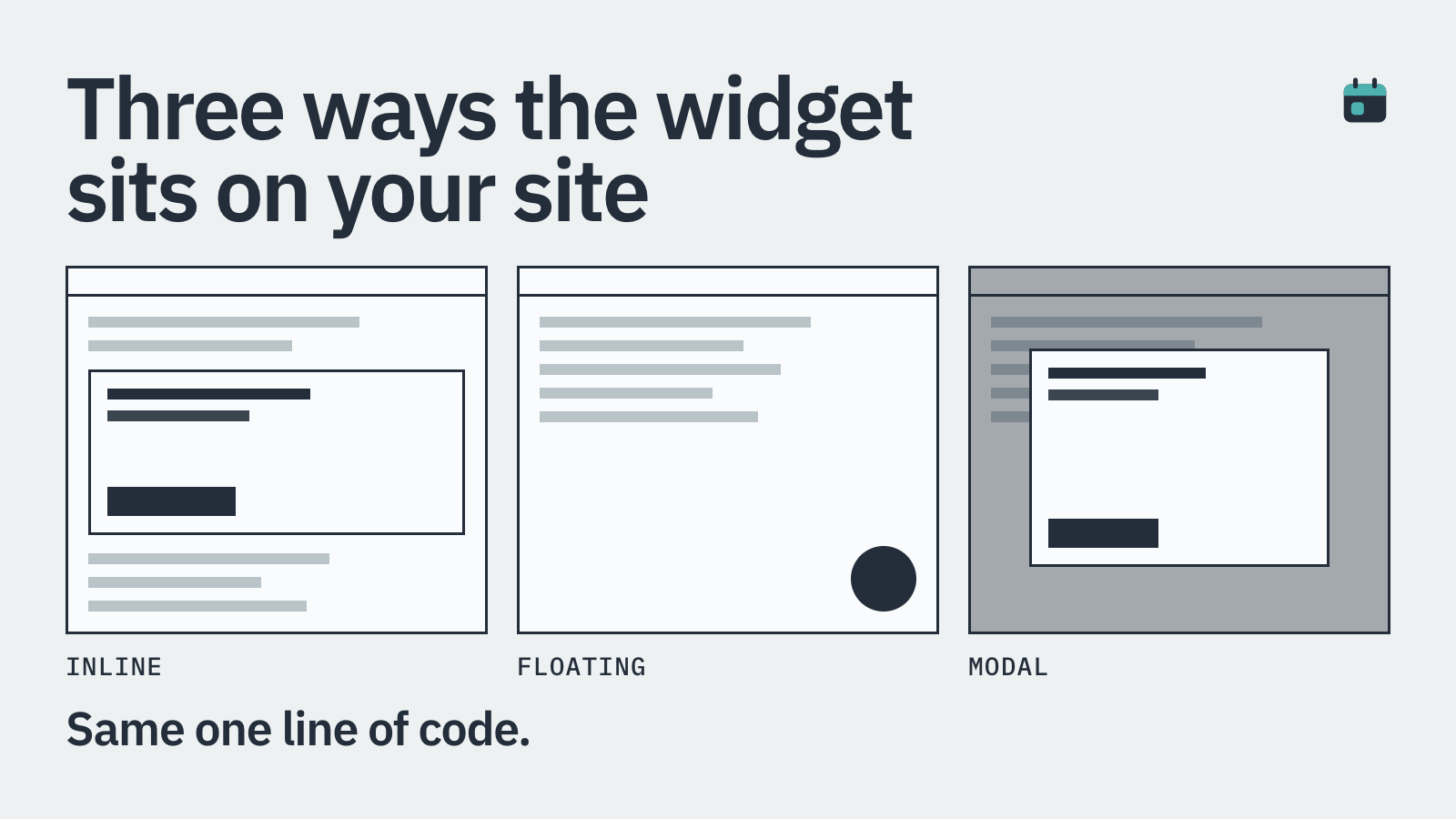
An embedded booking system sits directly on your own website, usually inside a page or a pop-up, so customers never leave your site to book. You get a short snippet of code (typically an iframe or a JavaScript widget) from your booking software provider, paste it into your website builder or CMS, and it renders the full booking flow inline.
The alternative is a redirect link, where clicking 'Book Now' sends the customer to a separate branded page on the provider's domain. Both approaches work, but embedding keeps your branding consistent and tends to convert better because the customer stays in a familiar environment.
For WordPress sites, many providers also offer a plugin, which replaces the code-paste step with a simple install from the plugin directory. Either way, no serious coding knowledge is required.
Why Service Businesses Have Different Needs to Meeting Schedulers
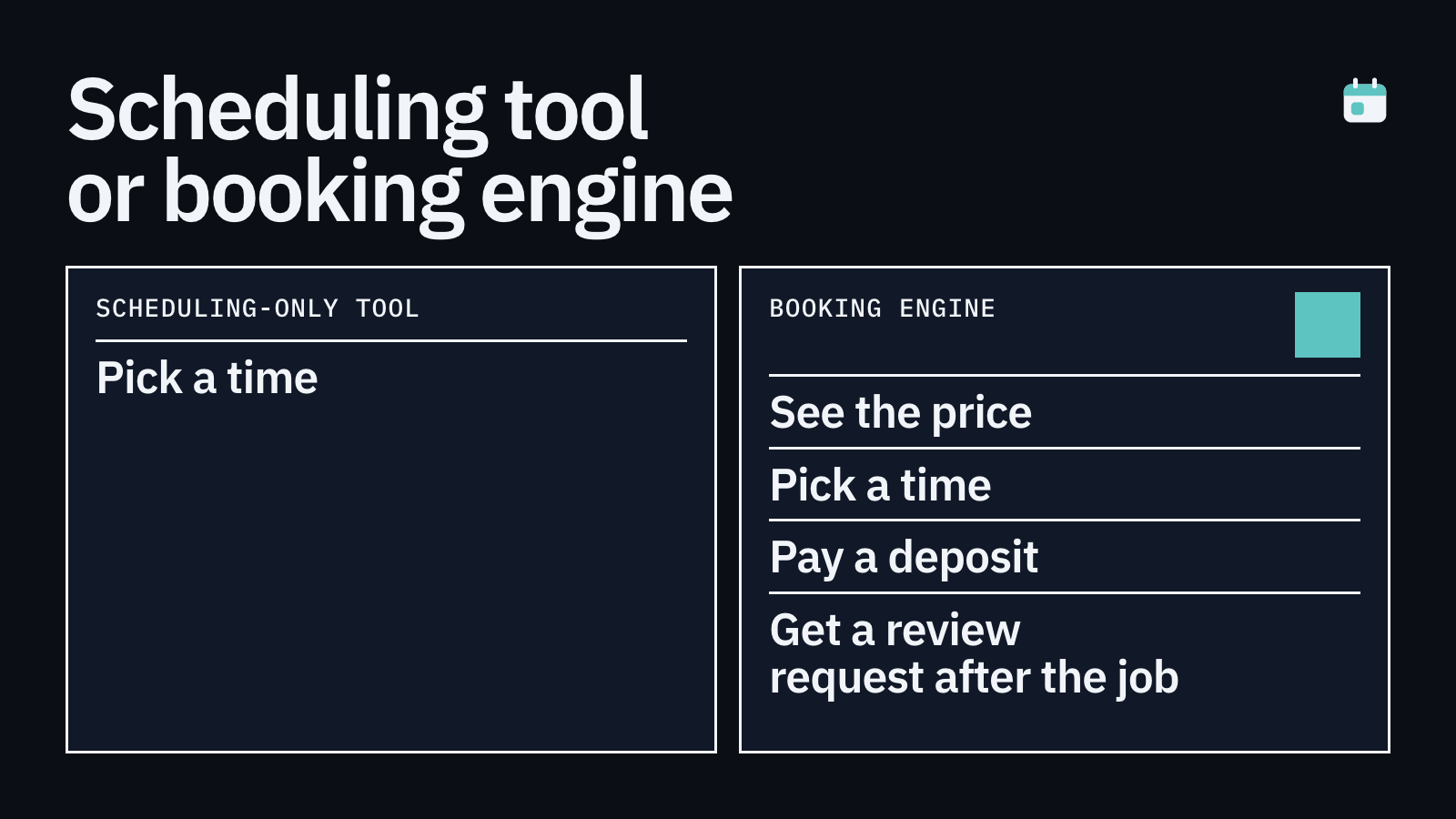
Tools like Calendly were designed for one thing: scheduling meetings. They are excellent at that. But if you are a cleaner, a tradesperson, a salon owner, or a freelance photographer, a meeting-scheduling link is missing several things you actually need.
First, you need to collect payment or a deposit at the point of booking. Letting a customer book a £200 cleaning job or a £500 plumbing visit with no money down means they have nothing to lose by not showing up. Second, you need cancellation policies with real teeth, ideally backed by a card-on-file so you can charge a no-show fee automatically. Third, you often need to capture job-specific details at booking time, such as property size, number of rooms, or a description of the fault.
Generic scheduling tools gloss over all three. That is why a growing number of service-business owners are looking beyond Calendly and Acuity for something built with their workflow in mind.
Deposit or full payment collected at the booking step, not chased afterwards
Card-on-file for enforcing cancellation and no-show fees
Custom intake questions relevant to the job, not just a name and email
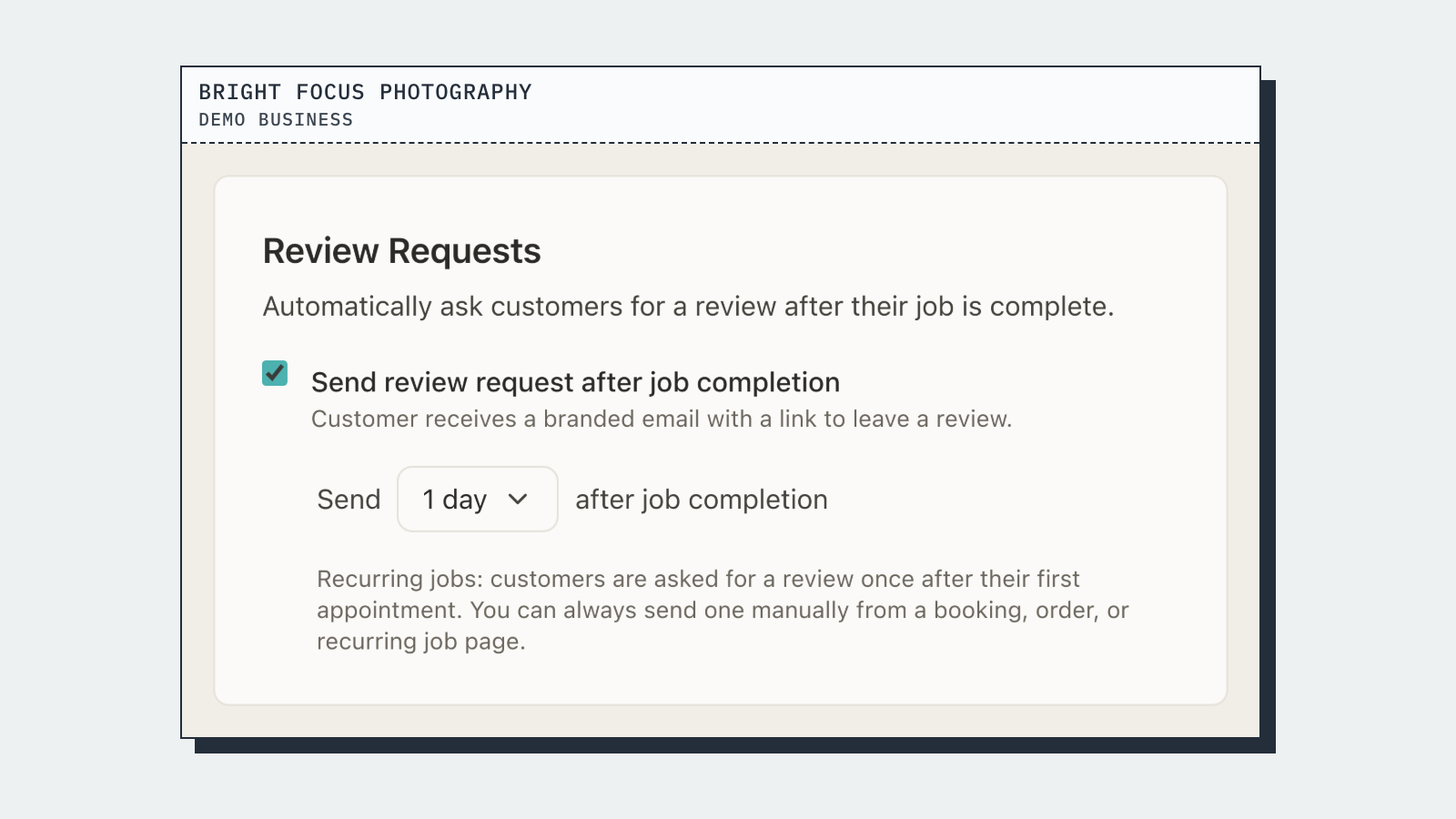
Automated post-job review requests, including image and video uploads
An embeddable widget that works on any site, including WordPress, Squarespace and Wix
How to Add a Booking Widget to Your Website: Step by Step
The process is broadly the same regardless of which tool you choose. Here is a plain-English walkthrough.
Step 1: Set up your services. Log into your booking software and create each service you offer, with a name, duration, price, and any intake questions you want to ask at booking time.
Step 2: Configure your deposit or payment rules. Decide whether you want to collect a fixed deposit (say, £50 upfront), a percentage of the job value, or full payment at the time of booking. Set your cancellation window and any no-show fee you want to charge.
Step 3: Copy the embed code. Most tools give you a short snippet. In BookingMachine, for example, you grab the widget code from your dashboard and paste it wherever you want it to appear.
Step 4: Paste the code into your website. In WordPress, use a Custom HTML block in the Gutenberg editor or a shortcode if your theme supports it. In Squarespace or Wix, use their built-in 'embed' or 'code' block. In a hand-coded site, drop the snippet directly into your HTML.
Step 5: Test it on mobile. Most of your customers will book on their phones. Check that the widget renders correctly at small screen sizes before you go live.
Are There Reliable Free Booking Widgets?
Yes, genuinely free tiers exist. Calendly's free plan lets you share one event type with no payment collection. SimplyBook.me has a free tier with a limited number of bookings per month. Square Appointments offers a free plan for sole traders, though it is primarily designed for salons and spas using Square's point-of-sale hardware.
The honest answer on free tiers is this: they are fine for very early-stage businesses that just need a basic calendar link. The moment you want to take a deposit, enforce a cancellation policy, or send automated review requests, you need a paid plan. Most providers price their paid tiers at somewhere between £10 and £40 per month for a single-user account.
Web developers building sites for clients often ask whether there is an 'appointment booking as a service' they can white-label or easily hand off. BookingMachine is designed with exactly that workflow in mind. You set it up for your client, embed the widget, and the business owner manages it from a simple dashboard without needing to involve you for every change.
Deposits at Booking Time: Why It Matters More Than You Think
No-shows cost UK service businesses a significant amount every year. A single missed appointment can represent £150 to £400 in lost revenue, plus the dead time that could have been filled by another customer.
The single most effective thing you can do is require a deposit at the time of booking. Not an invoice sent afterwards. Not a 'please pay within 24 hours' email. A deposit collected the moment the customer hits confirm, before they can second-guess themselves.
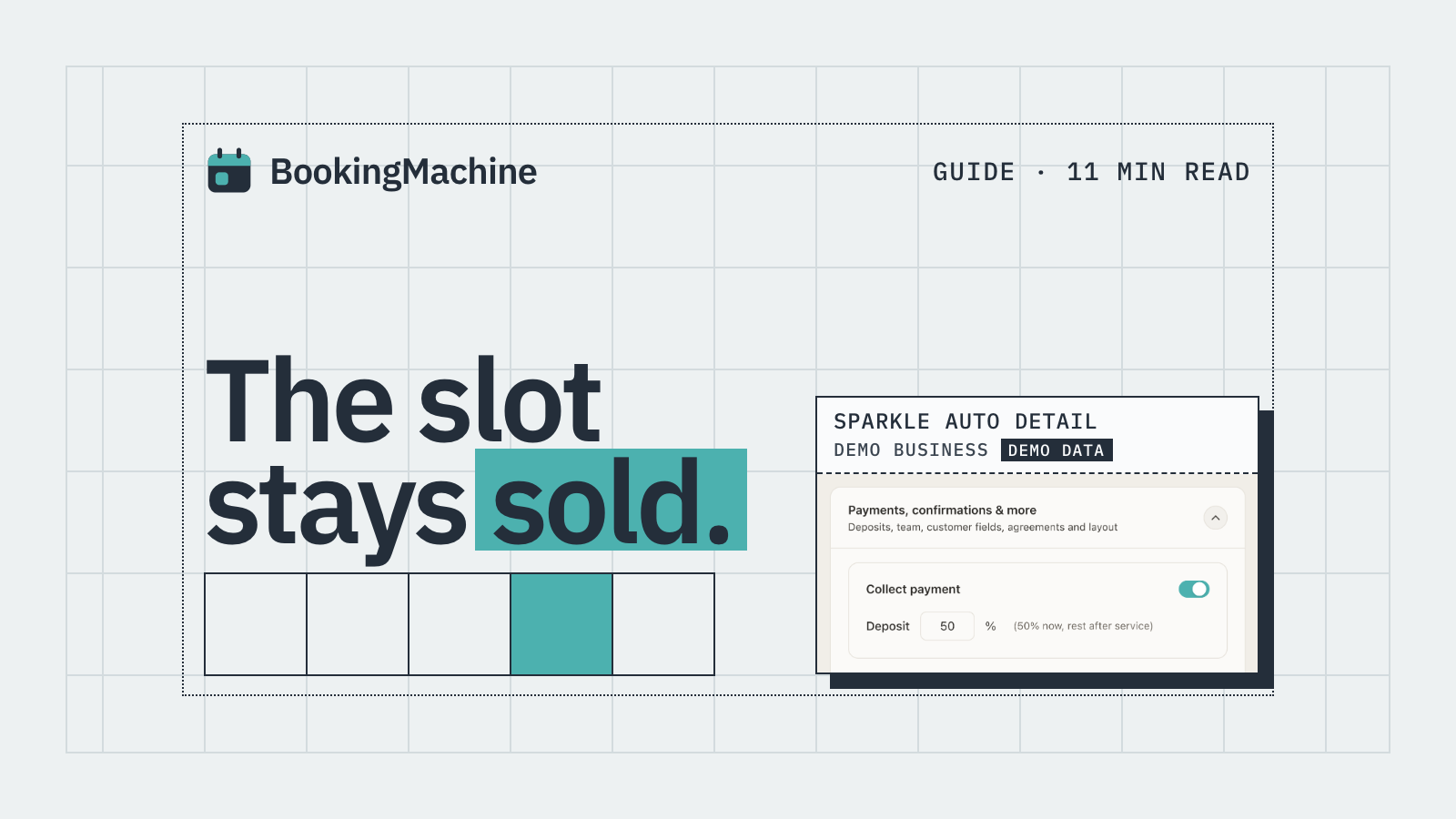
BookingMachine builds this into the booking flow. The customer picks their date and time, fills in any intake questions, and then pays a deposit before the booking is confirmed. If they cancel inside your policy window, the deposit is retained. There is no chasing, no awkward calls, and no grey area.
This is a meaningful difference from tools like Calendly, where payment is an afterthought bolted on via a third-party Stripe integration, and where there is no native no-show policy enforcement.
Automating Review Requests After the Job
Reviews are the lifeblood of a local service business. Most happy customers mean to leave one and never get around to it. The fix is simple: send the request automatically, at exactly the right moment, when the job is fresh in their mind.
BookingMachine sends automated review request messages after a job is marked as complete. The link takes the customer to a simple page where they can leave a written review, upload photos of the finished work, and even submit a short video review. Those assets can then be displayed directly on your website, giving potential customers real social proof from real jobs.
No other step in your marketing will return more value per minute of effort. A five-star review with a before-and-after photo is worth more than a month of paid ads for most local service businesses.
How BookingMachine Compares to Other Tools
There are several well-known options in this space. Here is an honest look at where each one fits best.
Calendly is excellent for scheduling meetings and discovery calls. It is not built for taking deposits, enforcing no-show fees, or serving trade businesses. If you are a service business, you will quickly hit its limits.
ServiceTitan, Jobber, HouseCallPro and Workiz are field-service management platforms. They are powerful, but they are also expensive (often £100 to £300 per month or more), complex to set up, and aimed at businesses with multiple technicians and dispatch needs. They are overkill for a sole trader or a small team.
BookingMachine sits in the practical middle ground: a focused booking tool that embeds on any site, takes deposits, protects against no-shows, and automates review collection. It is priced for small service businesses, not enterprise field-service operations.
How it compares
| Feature | BookingMachine | Calendly | Jobber / ServiceTitan | Square Appointments |
|---|---|---|---|---|
| Embeddable widget | Yes | Yes (link redirect on free) | Yes | Yes |
| Deposit at booking | Yes, native | No (third-party only) | Yes | Yes (paid plans) |
| Card-on-file / no-show fee | Yes, built-in | No | Yes | Limited |
| Built for service businesses | Yes | No (meeting-focused) | Yes (field service) | Partial (salon/spa focus) |
| Automated review requests | Yes, with image and video | No | Limited | No |
| Typical monthly cost | Low (small biz pricing) | Free to ~£15 | £100 to £300+ | Free to ~£60 |
| Setup complexity | Low | Very low | High | Low to medium |
How do I add a booking system to my website?
Most booking tools give you an embed code or iframe snippet. You paste it into a Custom HTML block in WordPress, a Code block in Squarespace or Wix, or directly into your HTML if you have a hand-coded site. Some tools also offer a WordPress plugin that skips the code step entirely. Set up your services and payment rules first, then grab the embed code from your dashboard and drop it onto your booking page.
Are there reliable free booking system widgets for websites?
Yes, several tools offer free tiers, including Calendly (one event type, no payments), SimplyBook.me (limited bookings per month) and Square Appointments (free for sole traders). Free tiers generally do not include deposit collection, no-show fee enforcement or automated review requests. If those features matter to your business, a paid plan starting at around £10 to £15 per month is the realistic starting point.
Is BookingMachine a Calendly alternative?
Yes, for service businesses that need more than a scheduling link. Calendly is great for meeting booking. BookingMachine adds deposit collection at the booking step, card-on-file no-show protection, job-specific intake questions, and automated review requests. If your main frustration with Calendly is that it does not take upfront payment, BookingMachine is designed to solve exactly that.
Can I embed a booking widget on a WordPress site without a developer?
Yes. In WordPress's block editor, add a Custom HTML block to any page and paste your booking widget code into it. No coding knowledge is needed beyond copy and paste. If your booking tool offers a dedicated WordPress plugin, the process is even simpler: install, activate, and use a shortcode or block to place the widget wherever you want it.
How do I reduce no-shows with an online booking system?
The most effective step is requiring a deposit at the time of booking, before the booking is confirmed. Pair that with a clear cancellation policy (for example, cancellations within 48 hours forfeit the deposit) and automated SMS or email reminders in the 24 to 48 hours before the appointment. BookingMachine handles all three: upfront deposits, policy enforcement with card-on-file, and automated reminders.
What is the difference between an embedded booking widget and a booking link?
A booking link redirects the customer to a separate page, usually on the provider's domain. An embedded widget displays the entire booking flow directly on your own website, inside your own page. Embedding keeps your branding consistent and typically converts better because customers stay in a familiar environment rather than being sent somewhere else.
Is there a booking-as-a-service solution for web developers building client sites?
Yes. BookingMachine is designed to be easy for developers to set up for clients and hand off cleanly. You configure the services, payment rules and embed code during the build, then the business owner manages their calendar and settings from a simple dashboard without needing you for day-to-day changes. The embed works on any platform, including WordPress, Squarespace, Wix and custom-coded sites.
Add Bookings, Deposits and Review Requests to Your Site Today
BookingMachine embeds on any website in minutes. Take deposits at booking, protect against no-shows with card-on-file, and automate review requests after every job. Built for service businesses, not just meetings.