
A client cancels an hour before their appointment. You've blocked the time, turned down other work, and now you're sitting on a gap you can't fill. It happens to cleaners, trades, salons, freelancers, and almost every other service business at some point. The frustrating part is that most of it is preventable, not by being aggressive, but by having a clear policy and the right tools to back it up.
Why No-Shows Cost More Than You Think
The obvious cost is the lost revenue from the empty slot. But there is also the knock-on effect: you may have already bought materials, driven to a location, or turned away another booking to keep that time free. For many service businesses, a single no-show a week adds up to thousands of pounds in lost income over a year.
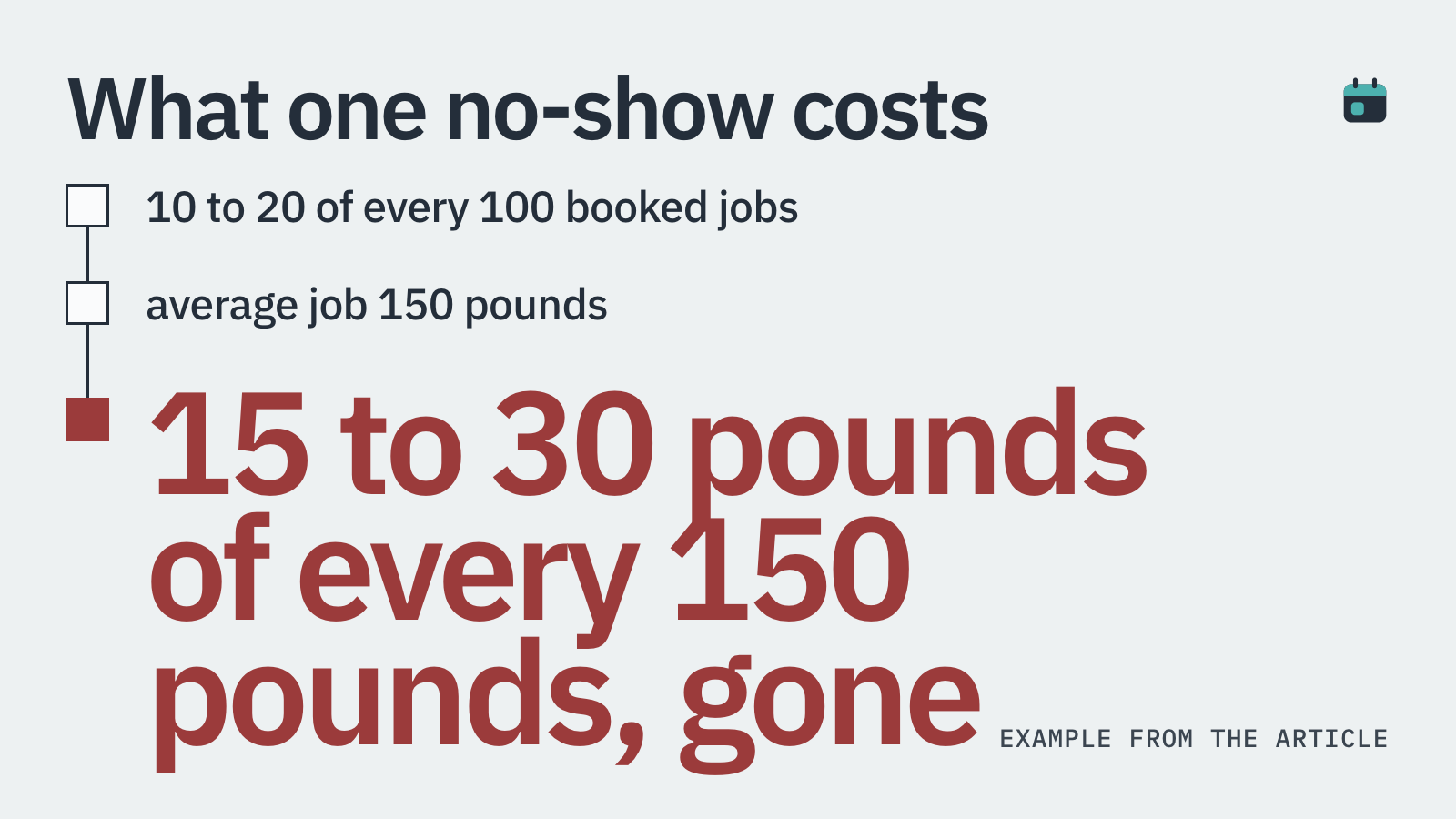
A survey of small service businesses found that between 10% and 20% of booked appointments result in a no-show or same-day cancellation. At an average job value of £150, that is £15 to £30 of every £150 you book just disappearing. Most owners absorb this silently, assuming there is nothing they can do.
There is plenty you can do. It starts with writing a policy that clients actually see before they book.
What a Cancellation Policy Should Cover
A good cancellation policy answers three questions clearly: how much notice is required to cancel without a fee, what happens if a client cancels inside that window, and what happens if they simply do not show up at all.
Here is a simple structure that works for most service businesses:
Notice period: 24 or 48 hours is standard. Trades and cleaners who have travel costs often prefer 48 hours.
Late cancellation fee: commonly 50% of the job value if cancelled inside the notice window.
No-show fee: typically 100% of the job value or the full deposit retained, since the slot is completely wasted.
Rescheduling rules: decide whether rescheduling counts as a cancellation. Many businesses allow one free reschedule with enough notice, then apply the fee on any further changes.
How the fee is collected: card-on-file, deposit retention, or an invoice sent after the fact.
Can You Actually Charge a Cancellation Fee?
Yes, provided the client agreed to the policy before booking. This is the part most businesses get wrong. A policy buried in a PDF or mentioned verbally does not hold up well. Clients need to actively confirm they have read and accepted the terms at the point of booking.
A common question from business owners is whether they can charge a fee when a client reschedules rather than cancels outright. The answer depends on your policy wording. If your policy says a reschedule with less than 24 hours notice is treated the same as a cancellation, and the client agreed to that, you are on solid ground. If your policy is vague, it gets harder to enforce.
Deposits are the cleanest enforcement mechanism. When a client pays £50 upfront to secure a booking, you are not chasing a fee after the fact. The money is already with you. If they cancel outside the window, you refund it. If they cancel late or do not show, you keep it. No awkward conversations, no bad debt.
Deposits: The Most Effective No-Show Protection
Ask any service business owner who has switched from free bookings to deposit-required bookings and they will tell you the same thing: cancellation rates drop sharply. People who have paid £30 to £75 upfront are far more committed than those who booked for free with the option to cancel quietly.
The psychology is straightforward. A free booking costs the client nothing to abandon. A booking with a deposit attached has a real financial consequence. That consequence does not need to be punitive. It just needs to exist.
Some business owners worry that requiring a deposit will put clients off. In practice, the clients you lose tend to be the ones most likely to cancel anyway. The clients who genuinely value your service will pay a reasonable deposit without hesitation.
BookingMachine takes deposits at the time of booking, directly through your booking form. The deposit amount is configurable, you can set it as a fixed amount or a percentage of the job value. The card stays on file so that if a no-show or late cancellation occurs, you can charge the remainder without a manual invoice or an awkward phone call.
How to Write a Policy Clients Will Actually Read
Short sentences. Plain language. No legal jargon. That is the formula.
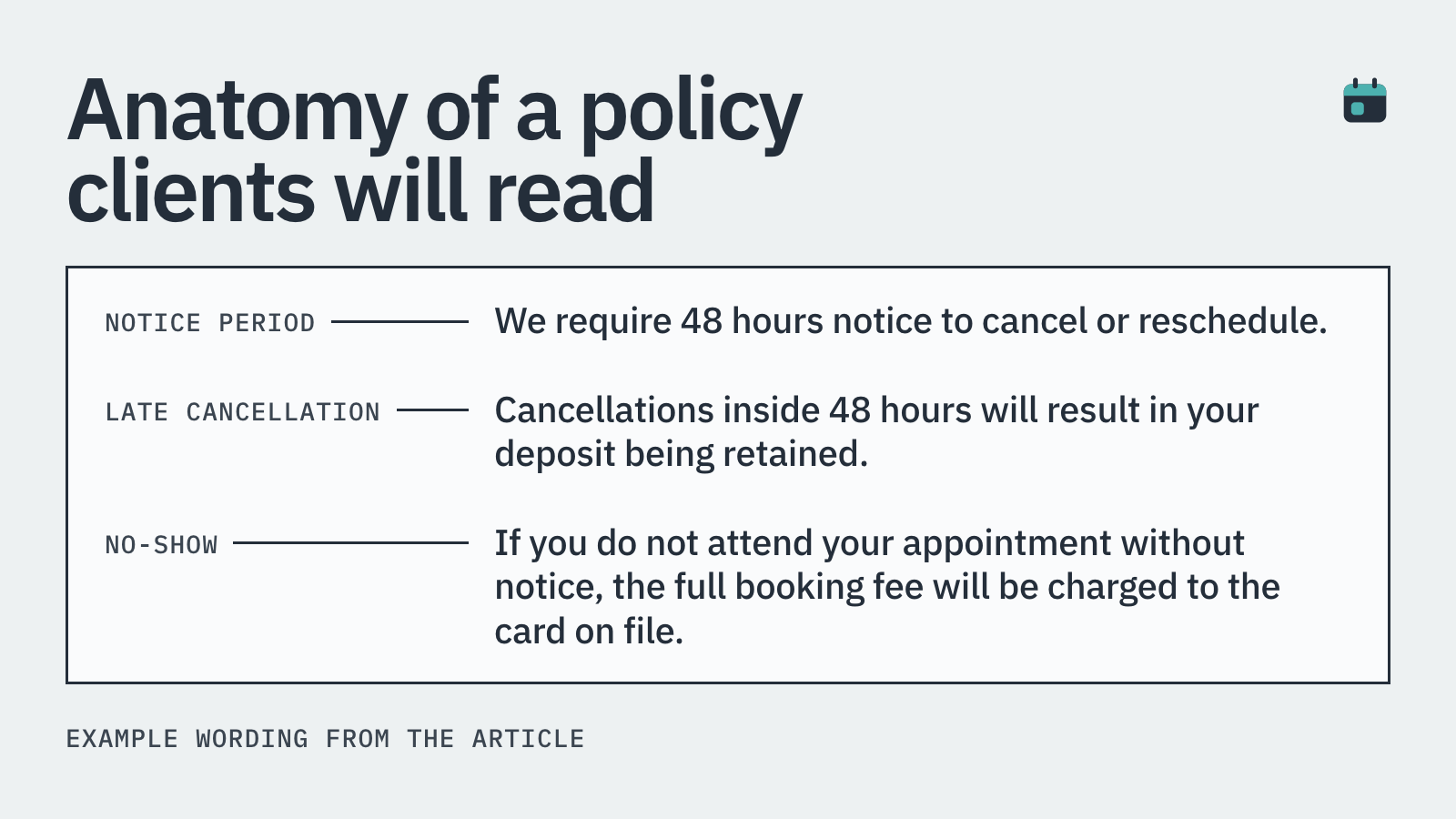
Here is an example you can adapt: 'We require 48 hours notice to cancel or reschedule. Cancellations inside 48 hours will result in your deposit being retained. If you do not attend your appointment without notice, the full booking fee will be charged to the card on file.'
Put the policy where clients cannot miss it. That means on your booking page, in your confirmation email, and in your appointment reminder. When a client books through BookingMachine, the policy is displayed as part of the booking flow. Clients confirm they have read it before their booking is accepted. That confirmation is logged, which matters if you ever need to justify retaining a deposit.
Automated Reminders Reduce No-Shows Before They Happen
A large proportion of no-shows are not deliberate. Clients forget. They get the date wrong. They assume they confirmed by accident. A well-timed reminder fixes most of this before it becomes a problem.
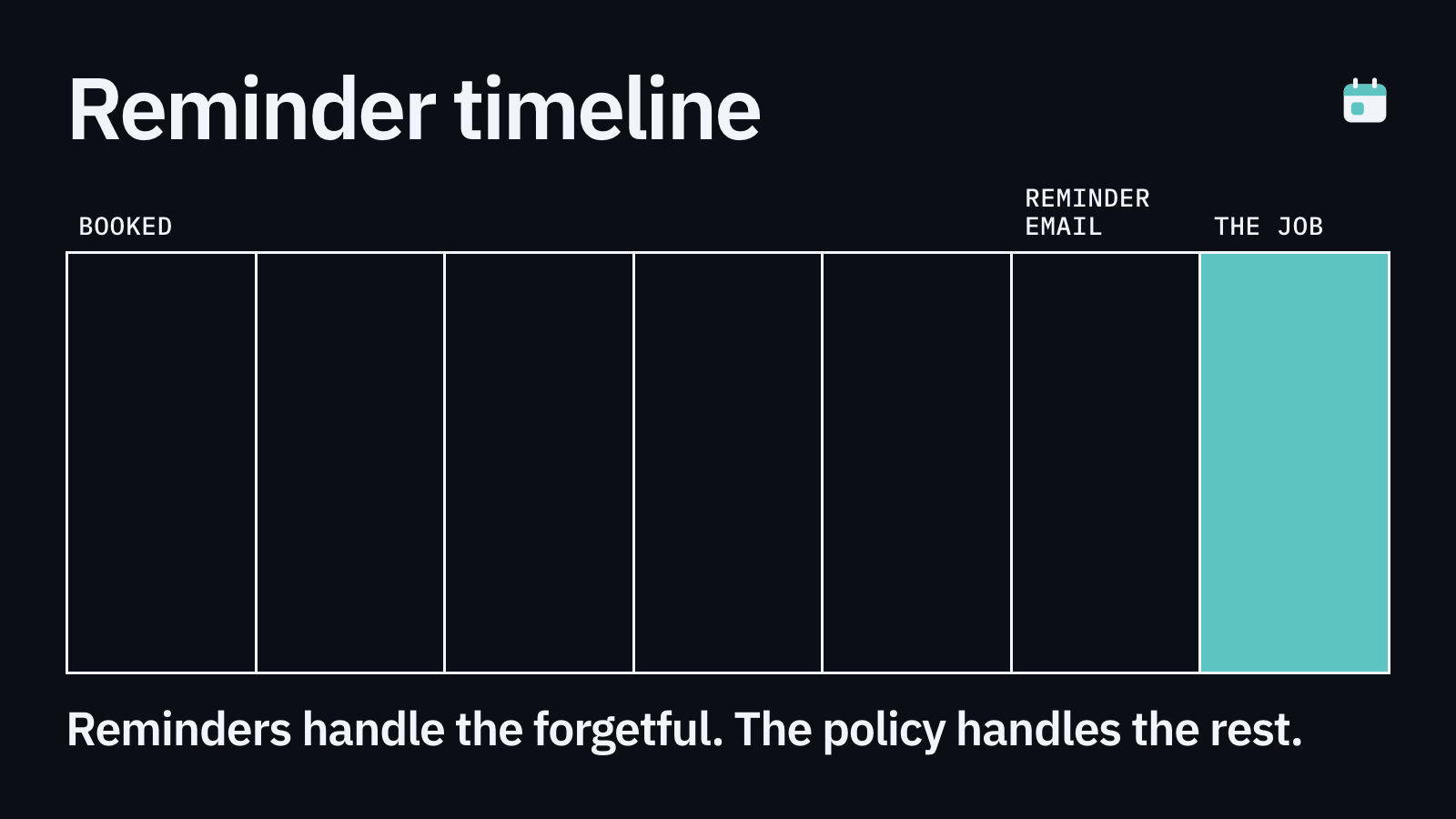
The most effective reminder sequence for service businesses is typically: a confirmation message immediately after booking, a reminder 48 hours before the appointment, and a final reminder the morning of. Text messages have a much higher open rate than email for appointment reminders, often above 90%.
Automated reminders do not replace a cancellation policy. They work alongside it. Reminders handle the forgetful clients. The policy handles the ones who just do not value your time.
What to Do When a Client Cancels at the Last Minute
This is one of the most common questions service business owners ask each other: what is the right way to respond when a client cancels without notice?
First, respond promptly and without anger. A professional reply keeps the relationship intact and signals that you run a proper business. Something like: 'Thanks for letting me know. As per our cancellation policy, your deposit will be retained for this booking. I am happy to rebook you for another date if you would like.'
Second, apply the policy consistently. The moment you waive it for one client out of awkwardness, you undermine it for everyone. If your policy is fair and the client agreed to it, you have every right to enforce it.
Third, use the gap productively. Contact clients on your waiting list, do your admin, or use the time for marketing. A no-show does not have to be a total write-off.
Do Other Industries Charge Deposits? (Yes, They Do)
A question that comes up often is whether charging a deposit is unusual or off-putting. It is not. Dentists, private GPs, mechanics, wedding vendors, and solicitors all routinely take deposits or card-on-file authorisations before providing a service.
The NHS does not charge for missed appointments but private healthcare providers increasingly do, precisely because no-shows cost them real money. A £25 to £50 deposit for a private GP consultation is now standard in many practices.
Trades businesses, in particular, have been slower to adopt deposits compared to salons and wellness studios. But the economics are the same. A plumber who drives 40 minutes to a job that is not there has lost far more than a hair stylist with a gap in their chair. Deposits make even more sense for businesses with travel costs and material expenses.
Choosing the Right Tool to Enforce Your Policy
A written policy means nothing if you have no way to act on it. The tool you use to take bookings needs to support deposits, store card details, and surface the policy to clients at the time of booking.
Generic booking widgets often lack payment functionality or handle it as an afterthought. Field service management platforms like ServiceTitan and Jobber are built for operations and scheduling, but their booking flows are not designed around client-facing deposit collection or configurable cancellation fee rules.
Calendly is widely used for scheduling meetings but does not take deposits or hold cards on file. It works well for a SaaS sales call or a coaching discovery session where there is no financial exposure. For a service business where a missed appointment has a real cost, you need something built for that purpose.
BookingMachine was built specifically for service businesses. It handles deposits at booking, keeps a card on file for cancellation fees, shows your policy during the booking flow, and sends automated review requests after the job is done. You can configure the deposit amount, the cancellation window, and the fee for different service types. It embeds directly on your existing website so clients book without leaving your site.
Getting Reviews After Every Completed Job
Enforcing a cancellation policy protects your revenue. Getting reviews after every completed job builds the reputation that brings in new clients to replace any you lose.
Asking for reviews manually is easy to forget, especially at the end of a long day. Automated review requests sent by text shortly after a job is completed get a much higher response rate than asking in person or sending an email days later.
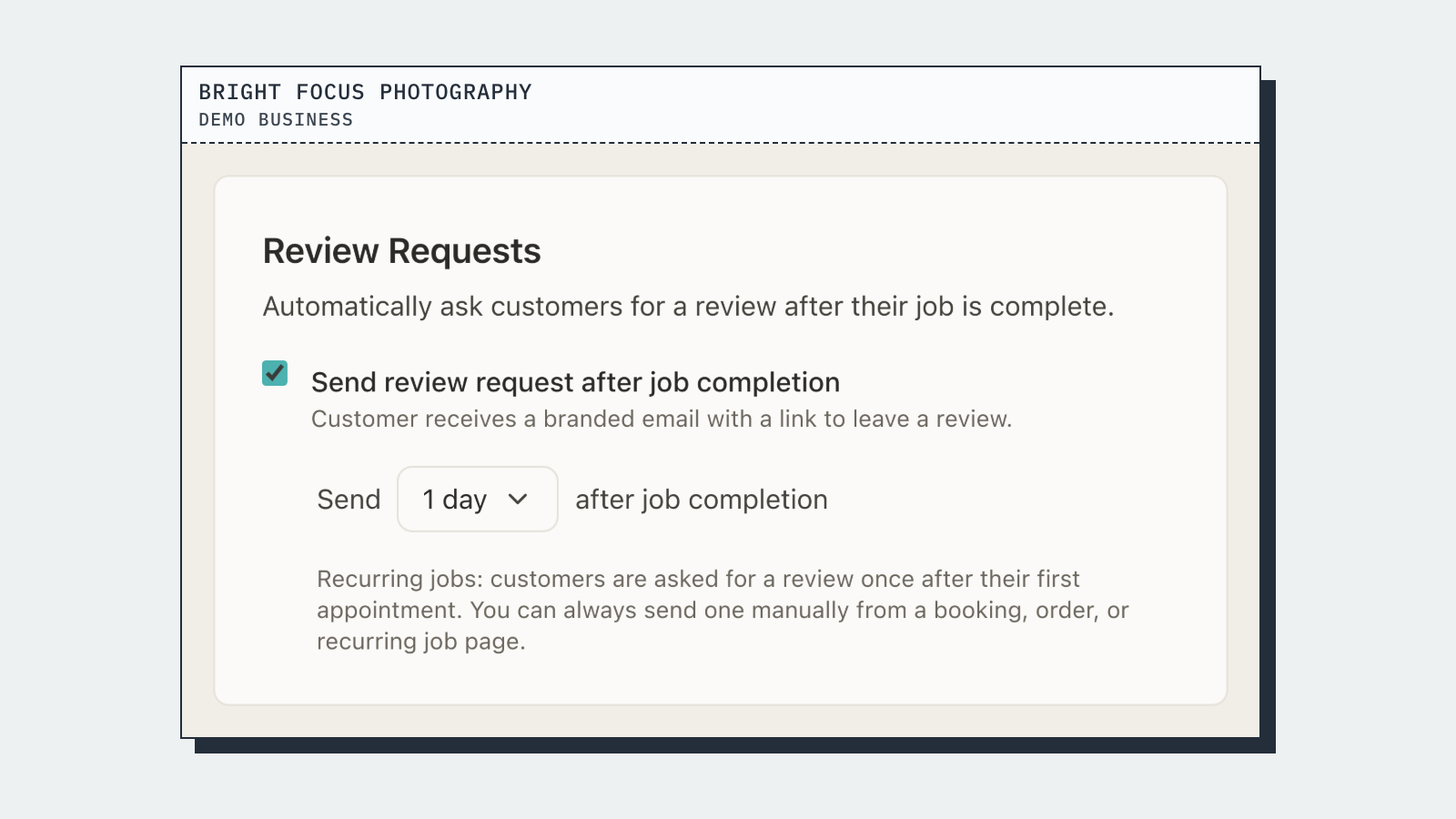
BookingMachine sends a review request automatically after a job is marked complete. The request includes a link that makes it easy for clients to leave a written review, upload a photo, or record a short video. Those reviews can then be displayed directly on your website, giving potential clients real evidence of your work before they book.
How it compares
| Feature | BookingMachine | Calendly | Jobber / ServiceTitan |
|---|---|---|---|
| Takes deposits at booking | Yes, fixed or percentage | No | Limited / ops-focused |
| Card-on-file for cancellation fees | Yes | No | Varies by plan |
| Configurable cancellation policy shown at booking | Yes | No | No |
| Built for client-facing service bookings | Yes | Meetings only | Field ops focus |
| Automated text review requests with image/video upload | Yes | No | No |
| Embeds on your existing website | Yes | Yes | Partial |
What is the best way to respond when a client cancels at the last minute without notice?
Reply professionally and promptly. Acknowledge the cancellation, state that your policy applies, and offer to rebook if appropriate. Keep the tone matter-of-fact rather than frustrated. Consistency is key: apply the policy every time, or clients will learn they can ignore it.
Can I charge a cancellation fee when a client reschedules rather than cancels?
Yes, if your policy says so and the client agreed to it at the time of booking. Many service businesses treat a reschedule with less than 24 or 48 hours notice the same as a cancellation. Make sure the wording is clear in your policy so there is no ambiguity.
Do I need a deposit or is a card-on-file enough?
Both work, but they serve slightly different purposes. A deposit collected upfront is the strongest deterrent because the client has already parted with money. A card-on-file with no deposit still gives you the ability to charge a fee after a no-show, but there is a small risk of a payment dispute. For high-value or travel-heavy jobs, a deposit is generally the safer option.
Will requiring a deposit put clients off?
Some clients will be put off, but these are usually the ones most likely to cancel without notice anyway. Clients who value your service and are serious about their booking will accept a reasonable deposit without issue. Many service businesses report that their overall client quality improves after introducing deposits.
Do doctors and medical practices charge deposits?
Private healthcare providers increasingly do. A £25 to £50 deposit or card-on-file authorisation for private GP appointments, dental treatments, and specialist consultations is common practice. It is not unusual across any professional service sector.
How is BookingMachine different from Calendly for service businesses?
Calendly is built for scheduling meetings. It does not take deposits or hold a card on file for cancellation fees. BookingMachine is built for service businesses that need to collect payment or a deposit at the time of booking, enforce a cancellation policy, and automate review collection after the job. If you run a service business where a missed appointment costs you real money, BookingMachine is the better fit.
What cancellation notice period should I use?
24 hours is the minimum most businesses use. 48 hours is better if you have travel costs, materials to source, or a small team where a cancellation is hard to fill. Be realistic about what you can actually fill at short notice, and set your window accordingly.
Stop Absorbing the Cost of No-Shows
BookingMachine lets you take deposits at booking, keep a card on file, and enforce your cancellation policy automatically. Set it up on your existing site in minutes and start protecting every appointment you book.