Service Area Page Planner
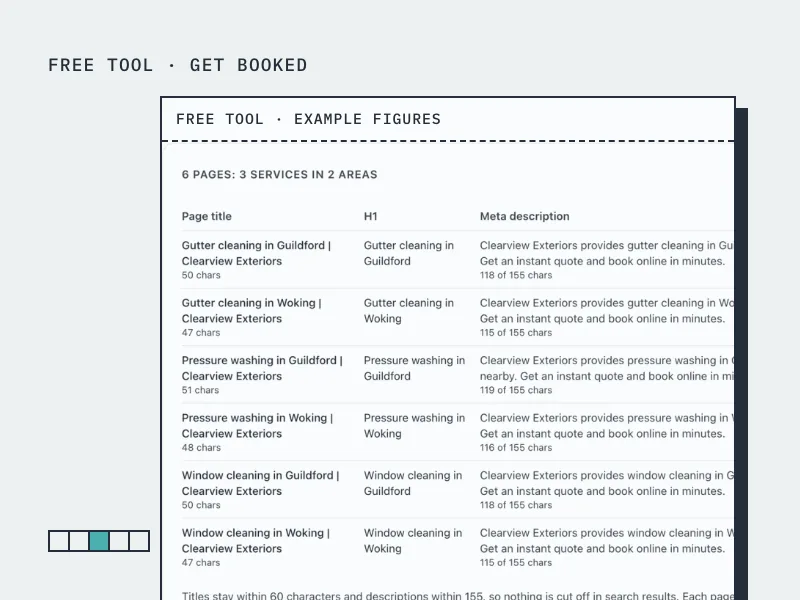
Enter your business name, the services you offer and the towns or areas you cover. The planner writes a page title within 60 characters, a heading, a meta description within 155 and a web address for every service in every place, and copies the lot as a table.
Your business
Where the pages will live. Leave blank for paths only.
Services and areas
The places you actually travel to. One page per service in each place.
Your pages
Add at least one service and one area to plan the pages.
Titles stay within 60 characters and descriptions within 155, so nothing is cut off in search results. Each page still needs its own content: what you do in that place, who you have done it for, and how to book.
Build the pages, with booking on every one
BookingMachine's website builder creates service area pages from your services and towns, each with your prices and a booking button, on your own domain.
Why service area pages
People search for a service and a place together: "gutter cleaning Woking", "dog groomer Farnham". A page that answers exactly that search, with the service and the place in its title, heading and address, is what a search engine looks for and what a visitor expects to land on. One page that lists every town you cover does neither.
The planner gives each page the same structure, so the set is consistent before the first one is written. The titles stay within what a search result shows and the descriptions within what is displayed under it, and the addresses follow one pattern.
Making the pages worth having
A set of pages that differ only in the town name is thin content, and search engines treat it as such. Each page needs something true about that place: the areas within it you cover, a job you did there, how far you travel, local parking or access notes, a customer's words. A few good pages beat a long list of empty ones.
Start with the towns where you already have customers, since you have the most to say and the reviews to show. Add the rest as the work arrives.
Questions
How many service area pages should I make?
As many as you can write something real for. If you cover three services in six towns, eighteen pages is reasonable if each says something about that place. Fifty towns with the same paragraph is not.
What should the URL look like?
Short, readable and consistent: the service, then the place, such as /gutter-cleaning/woking. The planner uses that pattern. Whatever you choose, use it for every page and do not change it later.
Why are titles kept to 60 characters?
Because a search result cuts a longer title off. The planner puts the service and place first and drops your business name from the title when the three will not fit; the name still appears in the description.
Should the H1 be the same as the title?
It can be shorter. The planner makes the H1 the service and the place, without the business name, since the visitor is already on your site.
Can I import the table into my website builder?
Copy it as CSV for a spreadsheet or a bulk import, or as Markdown for a document. The columns are service, area, title, H1, meta description and URL.
More free tools
All 28 tools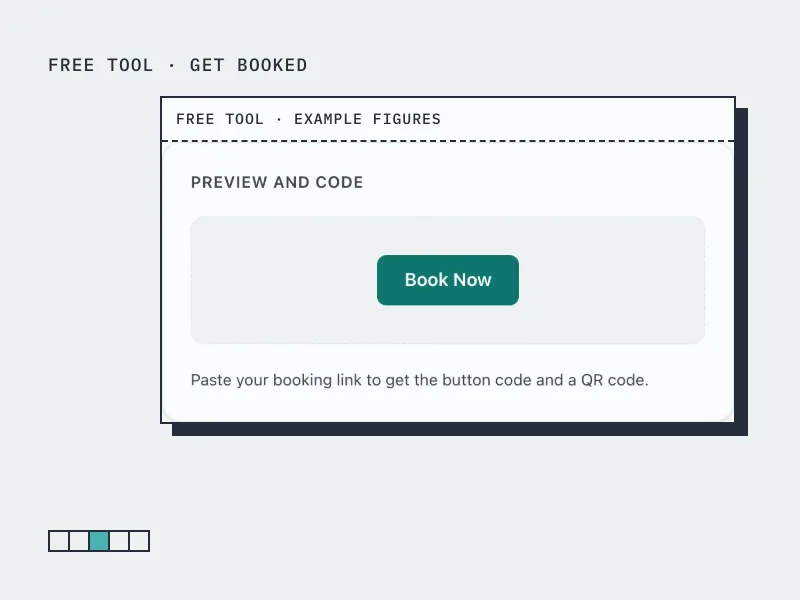
Book Now Button Generator
Make a Book Now button and QR code for any booking link, then copy the code onto your website.
Open the tool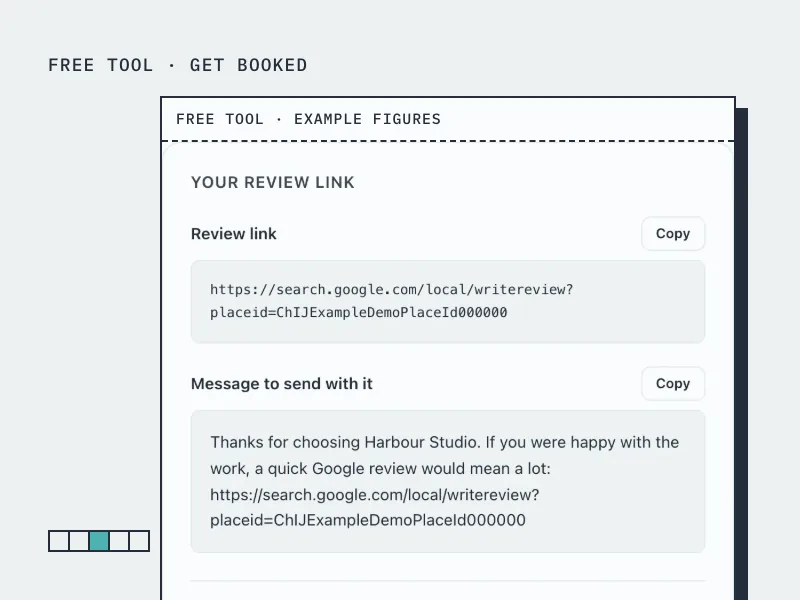
Google Review Link Generator
Make a direct link and QR code that opens the review box for your business on Google.
Open the tool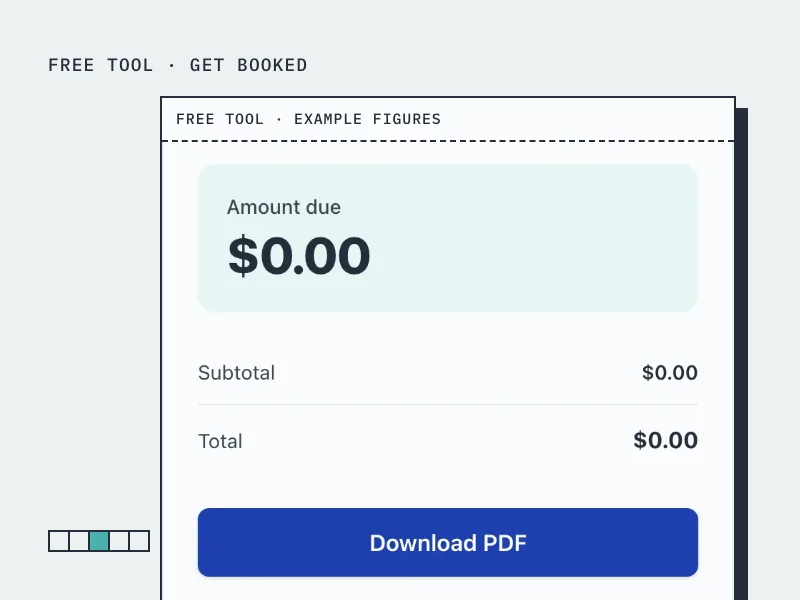
Invoice Generator
Make a clean PDF invoice with your items, tax and any deposit already paid taken off.
Open the tool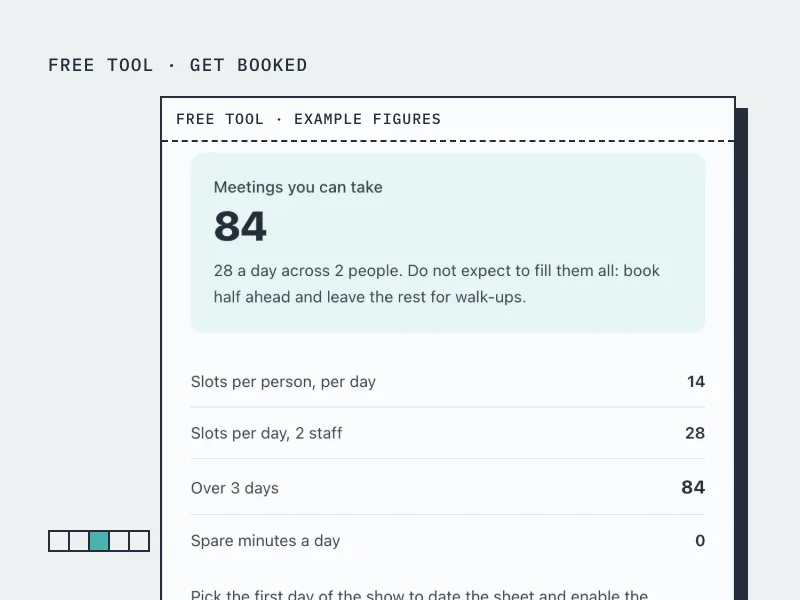
Trade Show Meeting Planner
Turn your stand hours into meeting slots per person and day, with a printable sheet and a calendar file.
Open the tool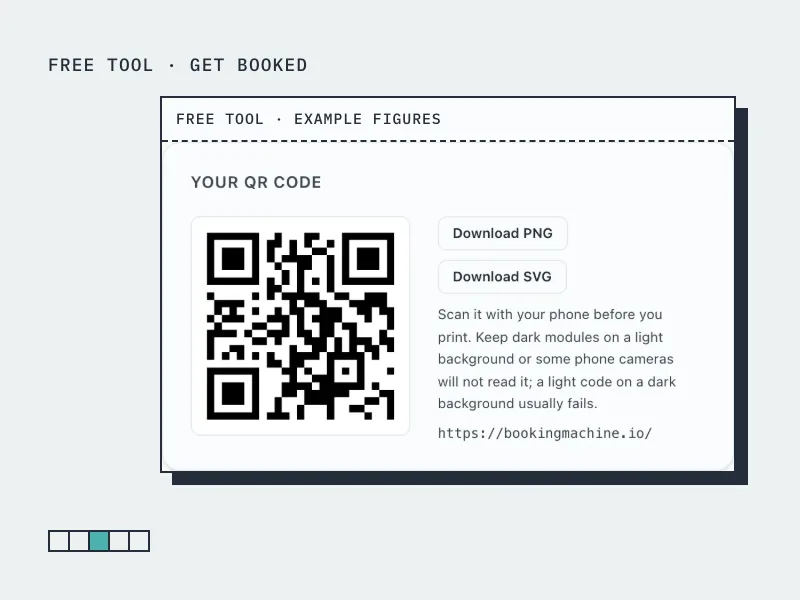
Booking QR Code Generator
Turn your booking link into a QR code in your colours, and download it as a PNG or SVG.
Open the tool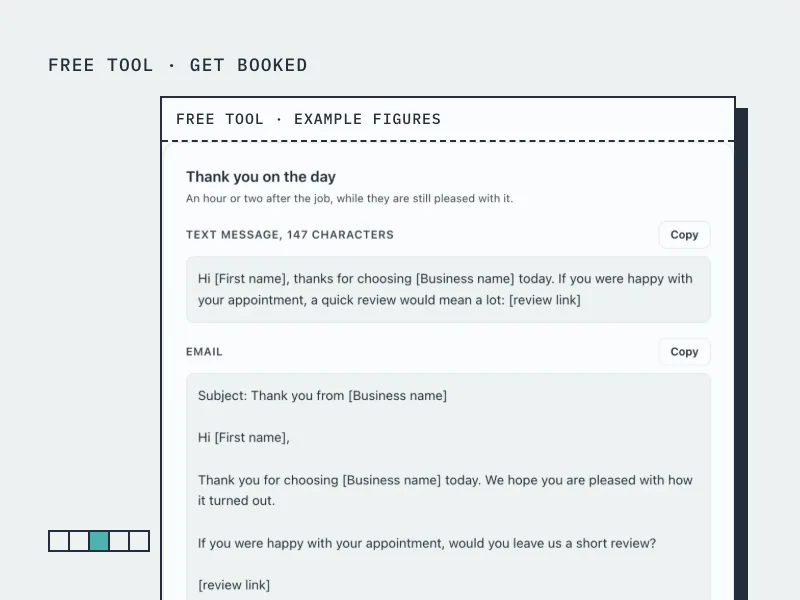
Review Request Templates
Six ways to ask for a review by text or email, written in your name with your review link in place.
Open the toolBuild the pages, with booking on every one
BookingMachine's website builder creates service area pages from your services and towns, each with your prices and a booking button, on your own domain.