Booking QR Code Generator
Paste the link to your booking page, choose a size and your colours, and download the code as a PNG for documents and social posts or an SVG for print and signs. The code is drawn in your browser: your link is not sent anywhere and there is no account.
Your link
Your booking page, price list, or any web address. Nothing is sent anywhere: the code is drawn in your browser.
The SVG scales to any size.
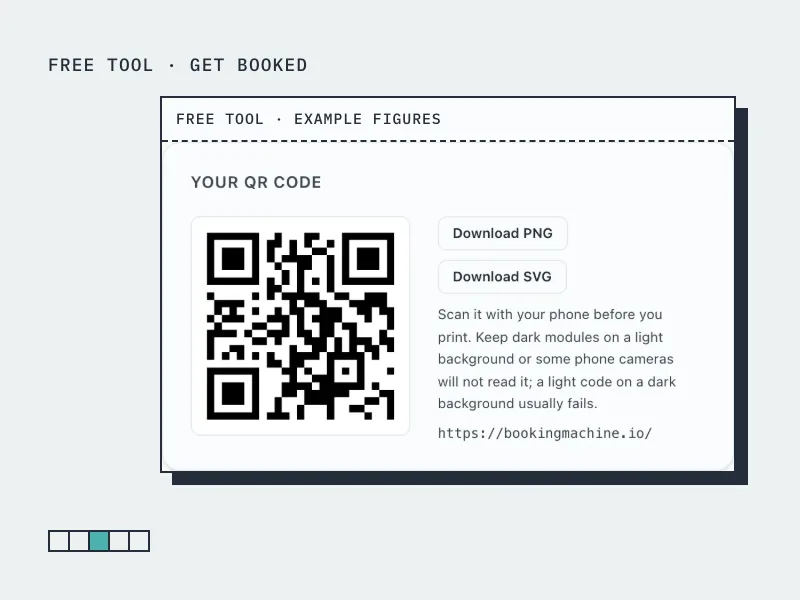
Your QR code
Paste a link to draw the code. Download it as a PNG for documents and social posts, or an SVG for print and signs.
Give the code a booking page worth landing on
BookingMachine gives you a hosted booking page at a link you can print anywhere, with your services, prices and live availability behind it.
Where a booking QR code earns its place
A QR code is for the moments when a customer has their phone but not your website: on a van, a shop window, a flyer through the door, the bottom of an invoice, a card left after the job, a stand at a show. Each one turns a glance into a booking page without typing anything.
Put a line of text next to the code saying what it does, such as "Scan to book", so people know why they would scan it. A code with no explanation is ignored.
Getting a code that scans
Dark modules on a light background scan reliably; a light code on a dark background often does not. Leave the quiet zone, the clear margin around the code, in place when you crop. Print it at least two centimetres across, and larger for anything read from a distance.
Use the SVG for print, because it stays sharp at any size. Use the PNG for screens and documents. Scan the code with a phone before you send anything to the printer.
Questions
Is the QR code free to use commercially?
Yes. The code is a picture of your link. Use it on anything you like, with no attribution and no expiry.
Does the code stop working if I change my booking page?
The code encodes the exact address you paste. If that address stops working, the code does too. Use a link you control and intend to keep, such as your own domain, and redirect it if the destination moves.
Can I put a logo in the middle?
This tool keeps the code plain, which is the most reliable for scanning. If you add a logo in a design program, keep it small and in the centre, and test the code on several phones afterwards.
Is my link stored anywhere?
No. The code is generated in your browser and the download is made on your device. Reloading the page clears the link.
PNG or SVG?
SVG for anything printed: it is vector, so it stays sharp at any size. PNG for screens, documents and social media. Download both and you are covered.
More free tools
All 28 tools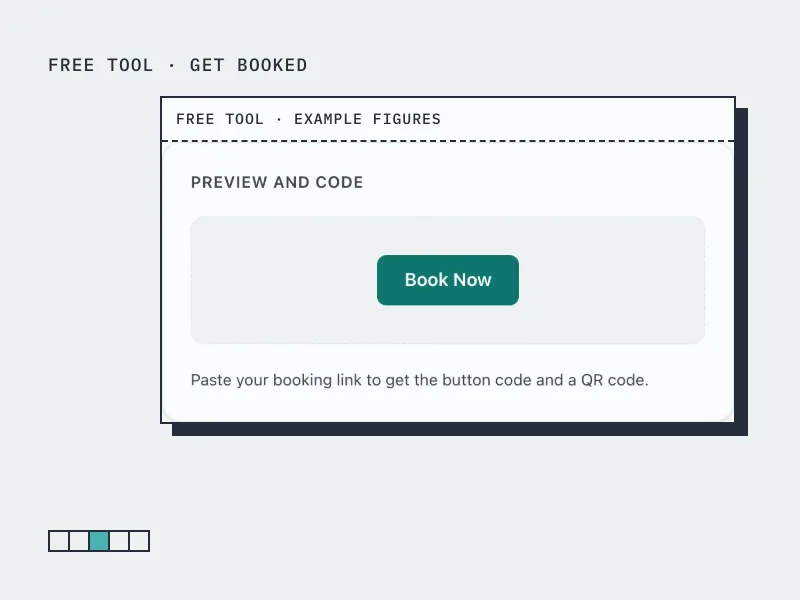
Book Now Button Generator
Make a Book Now button and QR code for any booking link, then copy the code onto your website.
Open the tool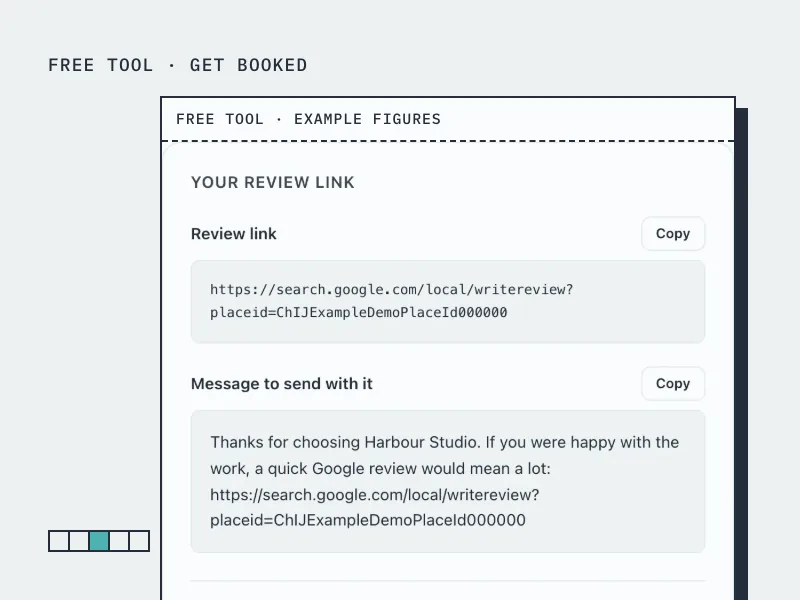
Google Review Link Generator
Make a direct link and QR code that opens the review box for your business on Google.
Open the tool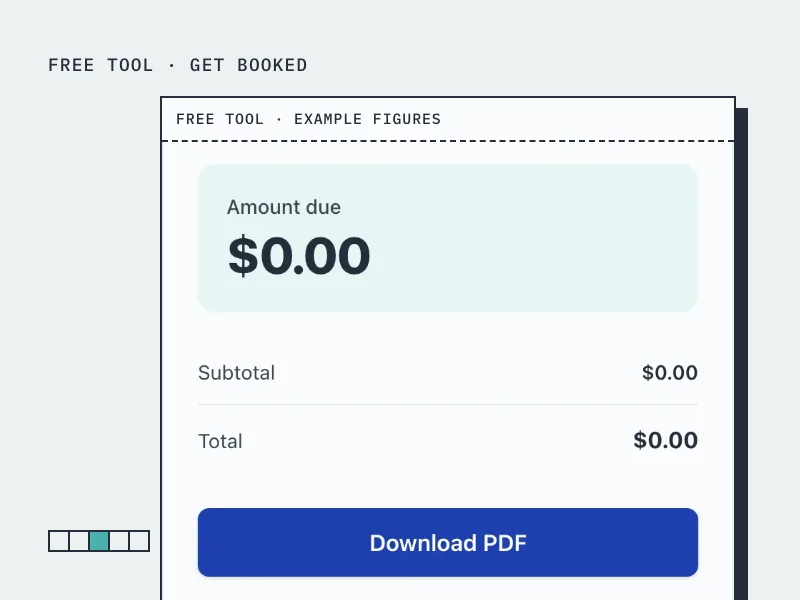
Invoice Generator
Make a clean PDF invoice with your items, tax and any deposit already paid taken off.
Open the tool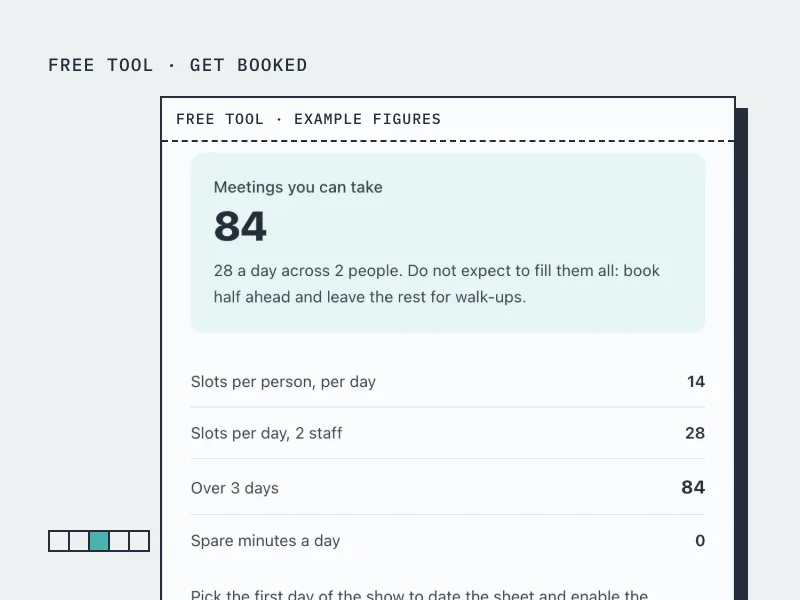
Trade Show Meeting Planner
Turn your stand hours into meeting slots per person and day, with a printable sheet and a calendar file.
Open the tool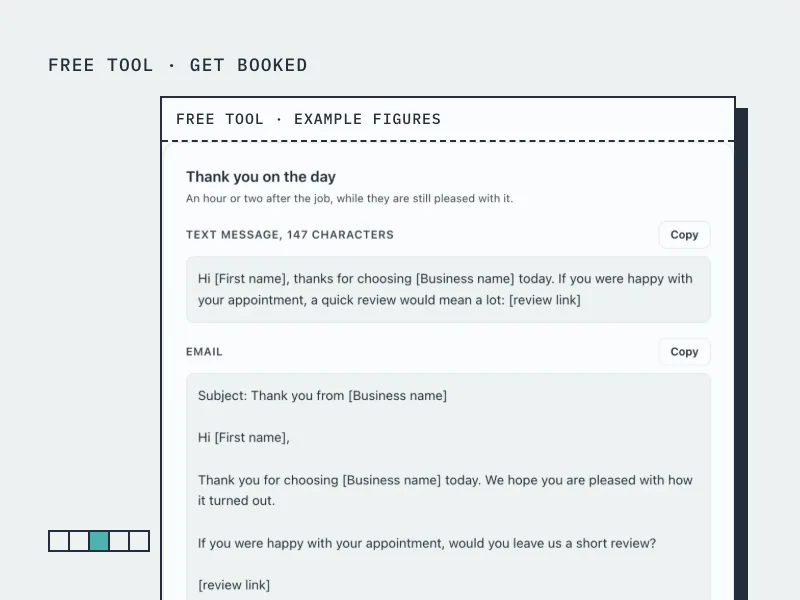
Review Request Templates
Six ways to ask for a review by text or email, written in your name with your review link in place.
Open the tool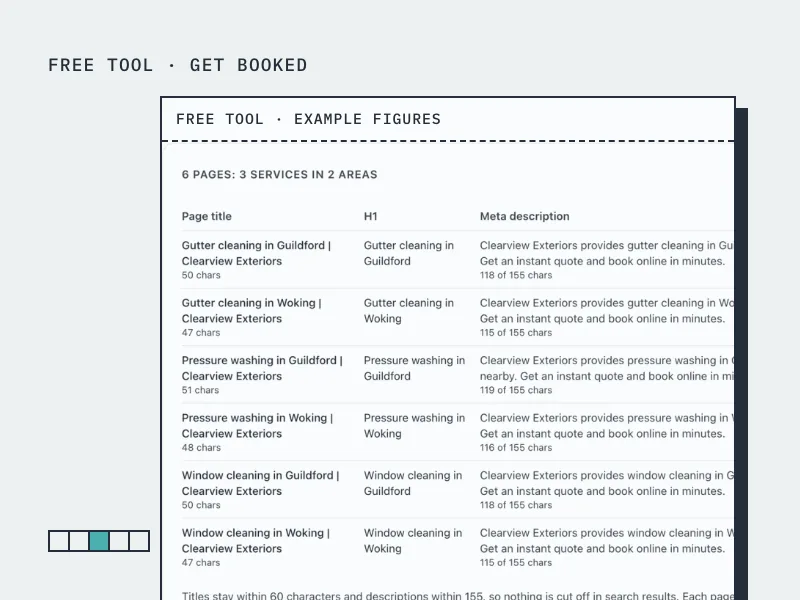
Service Area Page Planner
Plan a page for every service in every town you cover: title, heading, description and address.
Open the toolGive the code a booking page worth landing on
BookingMachine gives you a hosted booking page at a link you can print anywhere, with your services, prices and live availability behind it.