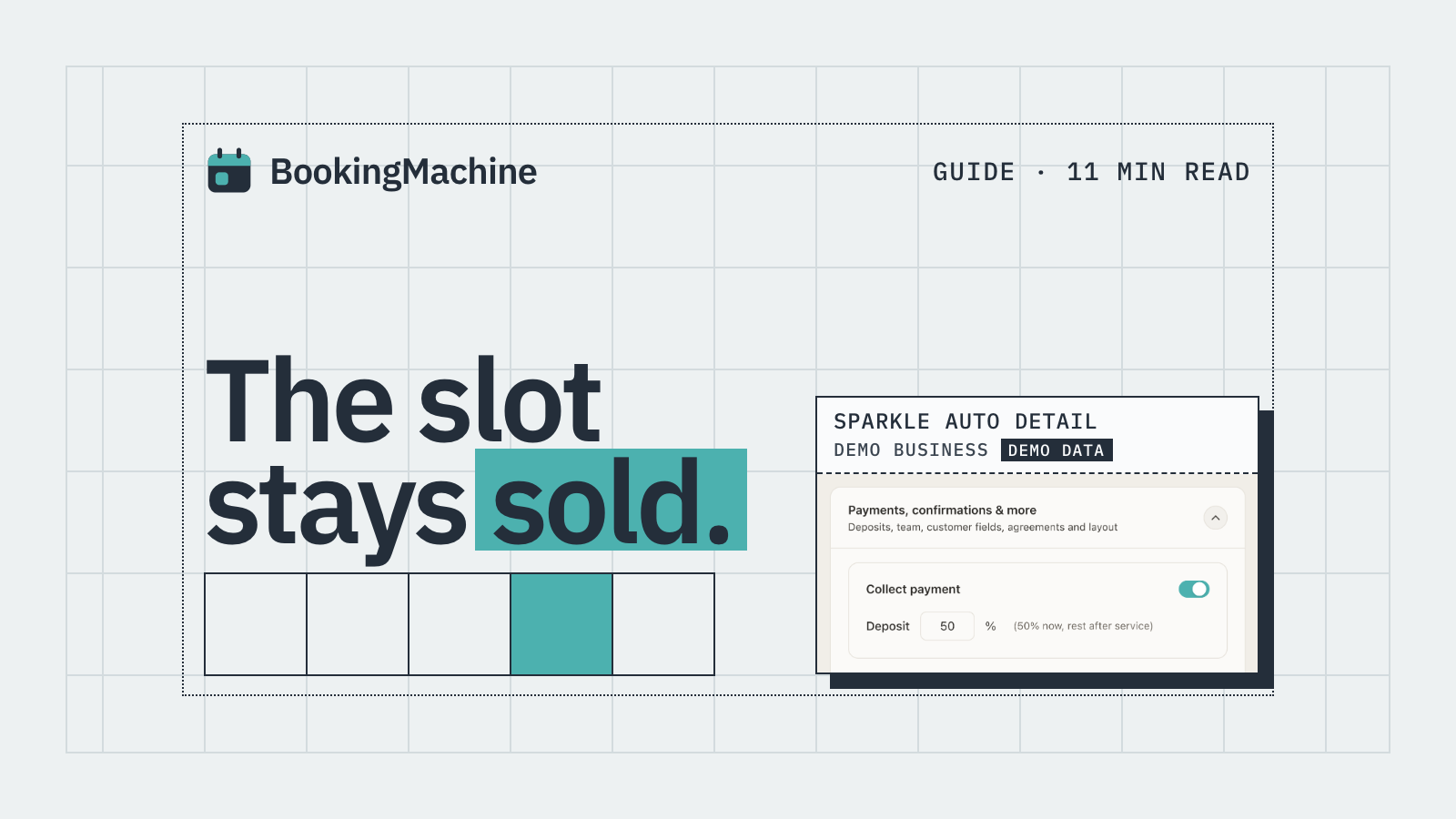
Finding the right scheduling software for your trade business sounds straightforward until you try a few tools and realise most of them were built for office meetings, not for plasterers, electricians, plumbers or cleaners. The best tradesman scheduling software does more than let customers pick a time slot. It takes a deposit at the point of booking, holds a card on file in case of late cancellations, and automatically chases customers for reviews once the job is done. This guide cuts through the noise and tells you exactly what to look for, and which tools are worth your time.
What tradesmen actually need from scheduling software
Most generic scheduling tools solve one problem: stopping the back-and-forth of booking a meeting time. That is useful for a sales team or a consultant, but a tradesman has a different set of problems.
You need to hold a deposit so customers have skin in the game. You need a cancellation policy with teeth, meaning a card-on-file charge if someone pulls out last minute. You need job-specific booking forms so you know whether you are driving to a one-bedroom flat or a five-bedroom house. And ideally, you want the whole thing to sit on your own website rather than send customers off to a third-party booking page.
Here is a quick checklist of features worth having before you commit to any platform.
Deposit collection at the time of booking (not just an invoice sent afterwards)
Card-on-file for no-show and late-cancellation fees
Customisable booking forms to capture job details upfront
Automated SMS or email reminders to reduce forgotten appointments
Post-job review requests with the ability to upload photos and video
Calendar sync (Google Calendar, iCal, Outlook)
Mobile-friendly for customers booking on a phone
The 6 best scheduling tools for tradesmen in 2025
We have looked at the most commonly used options and rated them honestly against the needs of a trade business. Not all of them will suit every tradesman, so read the notes carefully.
1. BookingMachine
BookingMachine is built specifically for service businesses that take appointments and need to get paid, not just ones that schedule meetings. It is the standout pick for tradesmen who are losing money to no-shows or who want deposits without bolting together multiple tools.
Deposits are collected at the point of booking via a payment link embedded directly in your booking widget. No chasing invoices. No awkward calls asking for upfront payment. The customer books, pays a deposit and gets a confirmation, all in one flow.
The no-show protection is practical: BookingMachine stores a card on file and applies your cancellation policy automatically. If a customer cancels inside your stated window, the fee is charged without you having to have an uncomfortable conversation.
Once a job is completed, BookingMachine sends an automated review request by text. The link makes it easy for the customer to leave a written review and, crucially, to upload photos or a short video. That kind of social proof is far more persuasive to new customers than a star rating on its own.
It embeds cleanly on any website, including WordPress, Squarespace, Wix and custom-built sites. Pricing is transparent and aimed at small-to-medium trade businesses rather than enterprise teams.
Best for: tradesmen who want deposits, no-show protection and automated review collection without juggling three separate apps.
2. Calendly
Calendly is probably the most recognised scheduling tool on the market. It is polished, reliable and very easy to set up. For tradesmen, though, it has a significant gap: it was built for meetings, not for paid service appointments.
You can collect payments through Calendly using Stripe or PayPal, but the deposit and cancellation-fee features are basic compared with a purpose-built tool. There is no card-on-file no-show charge and no automated post-job review request.
Calendly works well if you just need a booking link and you handle payments separately. If you want deposits baked into the booking flow, you will likely find it frustrating.
Best for: freelancers or consultants who need simple meeting scheduling with optional payment. Not ideal for tradesmen who need deposit-first bookings.
3. Acuity Scheduling
Acuity (now part of Squarespace) is a step up from Calendly for service businesses. It supports intake forms, package sales and basic payment collection. Many salon owners and personal trainers use it successfully.
For tradesmen specifically, the intake forms are genuinely useful. You can ask customers to describe the job, upload photos of the work area or specify access requirements before you even arrive. That saves time on every job.
The deposit feature exists but requires some configuration, and card-on-file no-show charging is not as straightforward as it is in BookingMachine. Review automation is not included natively.
Best for: tradesmen who are already on Squarespace and want a reasonably capable booking tool without switching platforms.
4. Jobber
Jobber is built for field service businesses and goes much deeper than scheduling. It covers quoting, invoicing, job tracking, route optimisation and client management. If you run a team of two or more and want to manage the full job lifecycle in one place, Jobber is worth a serious look.
The trade-off is cost and complexity. Jobber starts at around £39 per month and the feature set can feel like overkill if you are a sole trader who just wants customers to book and pay a deposit online.
Scheduling is one part of a much larger platform here, which is great if you need all the other pieces but unnecessary if you do not.
Best for: small-to-medium trade businesses with a field team that need quoting, job management and scheduling under one roof.
5. Housecall Pro
Housecall Pro is a US-focused platform popular with HVAC, plumbing and electrical businesses. It covers online booking, dispatching, invoicing and customer communication in one app.
UK-based tradesmen should check pricing and payment processor compatibility carefully, as Housecall Pro is primarily designed for the US market and some features work differently outside it.
The online booking widget is solid and does support deposits. The app is well-reviewed by field service teams who want a mobile-first tool.
Best for: larger trade businesses, particularly in HVAC or plumbing, that want a US-style field service management platform.
6. Simply Book Me
Simply Book Me is a flexible booking platform with a generous free tier and a wide range of add-ons. You can enable deposits, intake forms, calendar sync and a basic client app. It supports a large number of business types.
The interface is a little dated and the pricing model, where many useful features are paid add-ons, can mean the cost creeps up. Still, for a sole trader wanting a low-cost entry point, it is a reasonable starting point.
Review automation is limited compared with BookingMachine, and the no-show charge workflow requires manual steps.
Best for: tradesmen on a very tight budget who want a basic bookings page with optional deposit collection.
How to choose the right tool for your trade business
Start by thinking about your biggest pain point right now. If no-shows are costing you money, prioritise deposit collection and card-on-file cancellation policies above everything else. A single missed half-day job can cost a tradesman £150 to £400 or more. Software that prevents even one no-show a month pays for itself.
If your reviews are thin or outdated, automated review requests after each job will compound over time. Customers who leave reviews with photos or video convert browsers into buyers far better than a bare star rating.
If you run a larger team and need quoting, dispatching and invoicing together, a full field service management tool like Jobber will serve you better than a lean booking tool.
For most sole traders and small trade businesses that want online booking with upfront deposits, no-show protection and review automation, BookingMachine hits the sweet spot without the overhead of a full FSM platform.
Embedding your booking widget on your own website
One thing worth getting right from the start: always try to keep customers on your own website rather than redirecting them to a third-party booking page. A redirect increases drop-off, looks less professional and means your Google Analytics cannot track the full customer journey.
BookingMachine, Acuity and Simply Book Me all offer embeddable widgets. Calendly has an embed option but the branding is harder to hide on lower-tier plans. Jobber and Housecall Pro are primarily app-based and not designed around a website-first approach.
If your website is on WordPress, Squarespace, Wix or Webflow, an embedded widget from any of the top tools above should work without needing a developer.
How it compares
| Feature | BookingMachine | Calendly | Acuity | Jobber | Simply Book Me |
|---|---|---|---|---|---|
| Deposit at booking | Yes, built-in | Basic | Yes, with setup | Yes | Yes, add-on |
| Card-on-file no-show charge | Yes, automatic | No | Limited | No | Manual |
| Embeds on your website | Yes | Yes (paid plans) | Yes | Limited | Yes |
| Post-job review requests | Yes, SMS + photo/video | No | No | No | No |
| Custom job intake forms | Yes | Limited | Yes | Yes | Yes |
| Built for trade businesses | Yes | No | Partial | Yes | Partial |
| UK pricing available | Yes | Yes | Yes | Yes | Yes |
| Free plan available | Free trial | Yes (no payments) | Free trial | Free trial | Yes |
Can tradesman scheduling software take a deposit at the time of booking?
Yes, but not all tools do it well. BookingMachine is built around deposit-first booking, collecting payment via card at the point the customer books. Acuity and Simply Book Me support deposits with some configuration. Calendly's deposit feature is basic and better suited to simple payment collection than trade-specific deposit workflows.
What is the best free scheduling software for tradesmen?
Simply Book Me has the most capable free tier for service businesses. Calendly's free plan is scheduling-only with no payments. If deposits and no-show protection matter to you, a paid tool will almost always pay for itself by recovering the cost of a single missed job.
How does card-on-file no-show protection work?
When a customer books, their card details are saved securely. If they cancel inside your cancellation window or simply do not show up, your software charges the fee automatically according to the policy you set. BookingMachine handles this natively. It removes the awkwardness of chasing customers manually after a missed appointment.
Is Calendly good for tradesmen?
Calendly is excellent for meeting scheduling but was not designed for trade businesses that need deposits, cancellation fees or post-job review requests. If you are a tradesman, you are likely to outgrow it quickly. A purpose-built tool like BookingMachine will handle the payment and review side of things without workarounds.
Can I embed a booking widget on my trade website?
Yes. BookingMachine, Acuity and Simply Book Me all offer embeddable widgets that work on WordPress, Squarespace, Wix and most custom-built sites. Keeping customers on your own site reduces drop-off and looks more professional than redirecting them to a third-party page.
How does automated review collection work for tradesmen?
Once you mark a job as complete, BookingMachine sends the customer an automated text with a review request link. The link takes them to a simple page where they can write a review and upload photos or a short video. That rich media review is then displayable on your website, giving potential customers real evidence of your work quality.
What is the difference between scheduling software and field service management software?
Scheduling software handles online bookings, reminders and payments. Field service management (FSM) software like Jobber goes further and covers quoting, invoicing, dispatching, route planning and full job lifecycle management. Sole traders usually get more value from a lean scheduling tool. Businesses with a team of three or more often benefit from a full FSM platform.
Stop losing jobs to no-shows
BookingMachine lets customers book and pay a deposit in one step, directly from your website. Set your cancellation policy, collect cards on file and send automatic review requests after every job. Try it free and see how many no-shows you prevent in your first month.